




New Trade Zone
Trade Zone is now live
Use the new Trade Zone for auctions and instant-price trades so Pokemon and item offers are easy to find.


Norex
Discord Moderator
-
Joined
-
Last visited
Everything posted by Norex
-
If you dont have access to your current email anymore please make a forum post at the link below and mention your username and the new email you want to use: https://pokemonrevolution.net/forum/forum/221-2fa-email-recover-assistance/
-
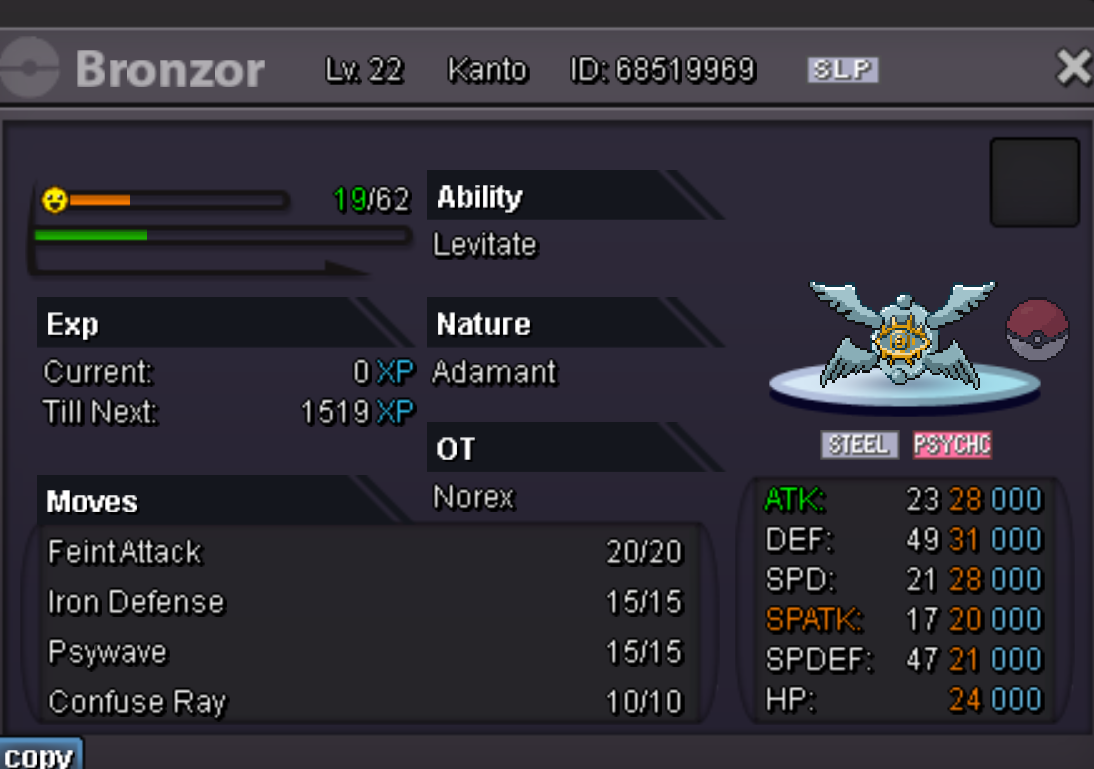
https://pokemonrevolution.net/forum/topic/224434-21-adamant-halloween-bronzor-auction/
-
Duration: 48h after first bid Start offer: 2.5m Min Bid: 100k Insta: None Accepted payments Coin Capsule = 350k Reroll Ticket = 550k Contact Ingame: Norex Discord: norex1234
-
Did you check the top-right door of the Bug Catching Contest Hall?
-
Can you try it again after updating your MAC version?
-
1.1m
-
If you dont have access to your current email anymore please make a forum post at the link below and mention your username and the new email you want to use: https://pokemonrevolution.net/forum/forum/221-2fa-email-recover-assistance/
-
In that case please make a forum post at the link below and mention your username and the new email you want to use: https://pokemonrevolution.net/forum/forum/221-2fa-email-recover-assistance/
-
You will get an answer but it needs time.
-
If you dont have access to your current email anymore please make a forum post at the link below and mention your username and the new email you want to use: https://pokemonrevolution.net/forum/forum/221-2fa-email-recover-assistance/
-
Hey, did you check your spam folder for the email? did you already click on "here", solved the captcha and got the confirmation that the email was sent? did you already check if the email you are checking is the correct one and there are not typos or missing letters/symbols? You can do that on the Dashboard.
-
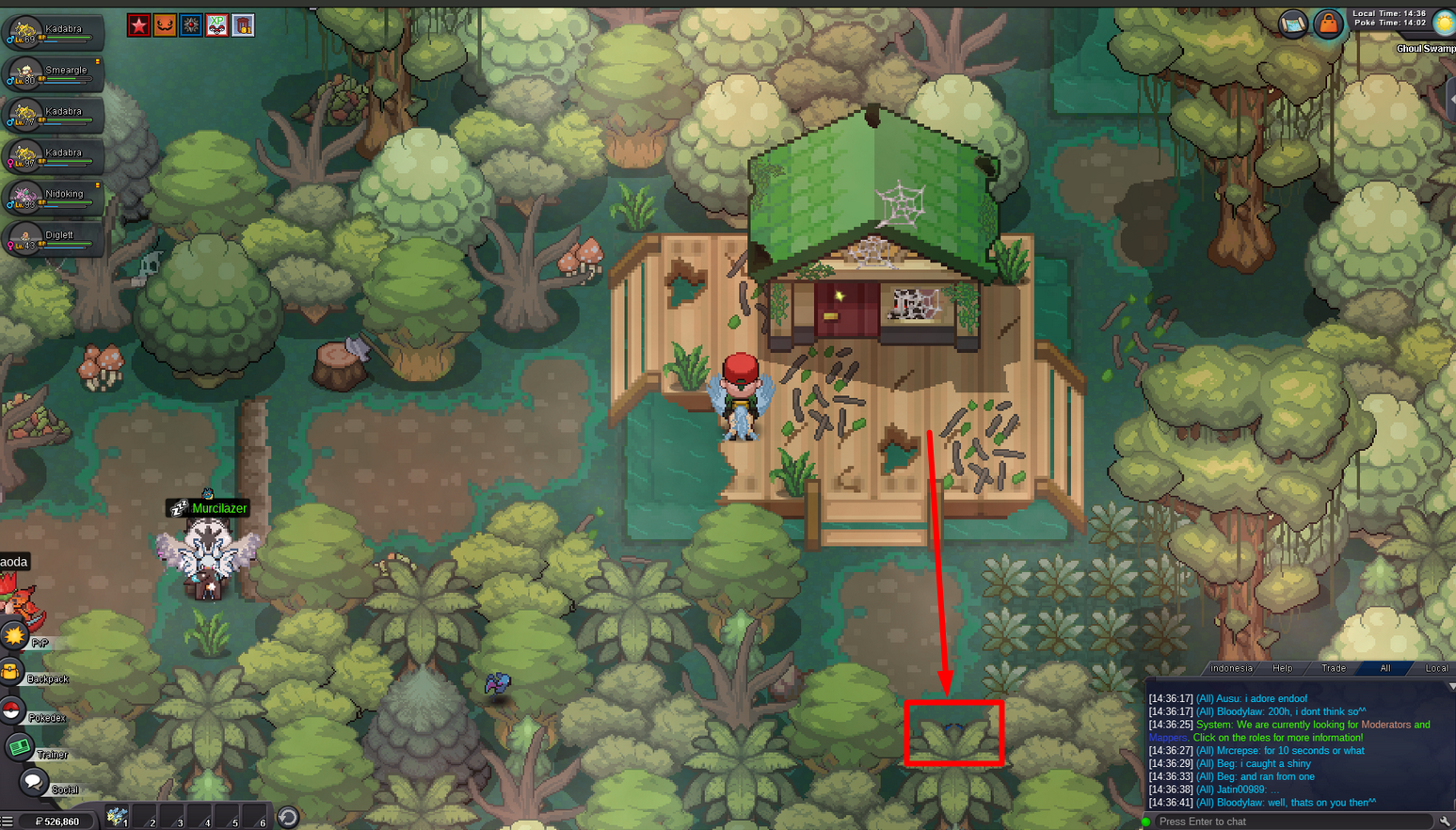
Hey, its not bugged.
-
-1, it doesnt fit for an MMO where leveling-service from other players is a thing, I also think leveling should be an active process and not a passive one.
-
-
-
start 3m
-
As the dialogue indicates you have a move on a pokemon in your party which is not allowed like Destiny Bond, Disable and Baton Pass for example.
-
3m
-
You have to repeat the quest. To do so, go back to the dark realm and for that you need to first defeat the Horon boss north of necropolis in the dark valley, make sure to beat him without one of your pokemon fainting. Then you will be able to re-enter alucards castle where you can access the dark realm again.
-
Its not bugged. You simply missed some spots or didnt check them correctly. The pokeballs can be well hidden below trees etc. so make sure to click around a bit in every location.
-
If you dont have access to your current email anymore please make a forum post at the link below and mention your username and the new email you want to use: https://pokemonrevolution.net/forum/forum/221-2fa-email-recover-assistance/
-
Did you already double-click on "here" to resend the email, solved the captcha and got a confirmation that the email was sent?
-
Hey @Todroc please check if the email shown on the dashboard is exactly the one which you are checking or if it has a typo or a missing letter/symbol for example. You can see it at the "My Account"-tab on the dashboard: https://dashboard.pokemonrevolution.net/dashboard If there is a mistake on the email you dont have access to it anymore please make a forum post at the link below and mention your username and the new email you want to use: https://pokemonrevolution.net/forum/forum/221-2fa-email-recover-assistance/
-
The first one is not a pokemon and the second is not a halloween mount.
-
Thats because shiny halloween-forms do not usually exist.

