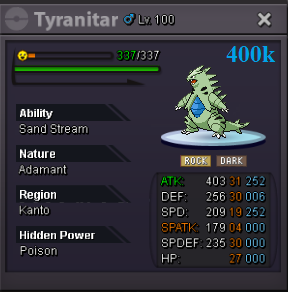
New Trade Zone
Trade Zone is now live
Use the new Trade Zone for auctions and instant-price trades so Pokemon and item offers are easy to find.


Duynghia101
Registered User
-
Joined
-
Last visited
Everything posted by Duynghia101
-
1m1
-
500k
-
inbox me, ingame duynghia101
-
I buy Manetric (hp water)
-
-
3m + ...maybe
-
Trash can't sell bro
-
do u still need service?
-
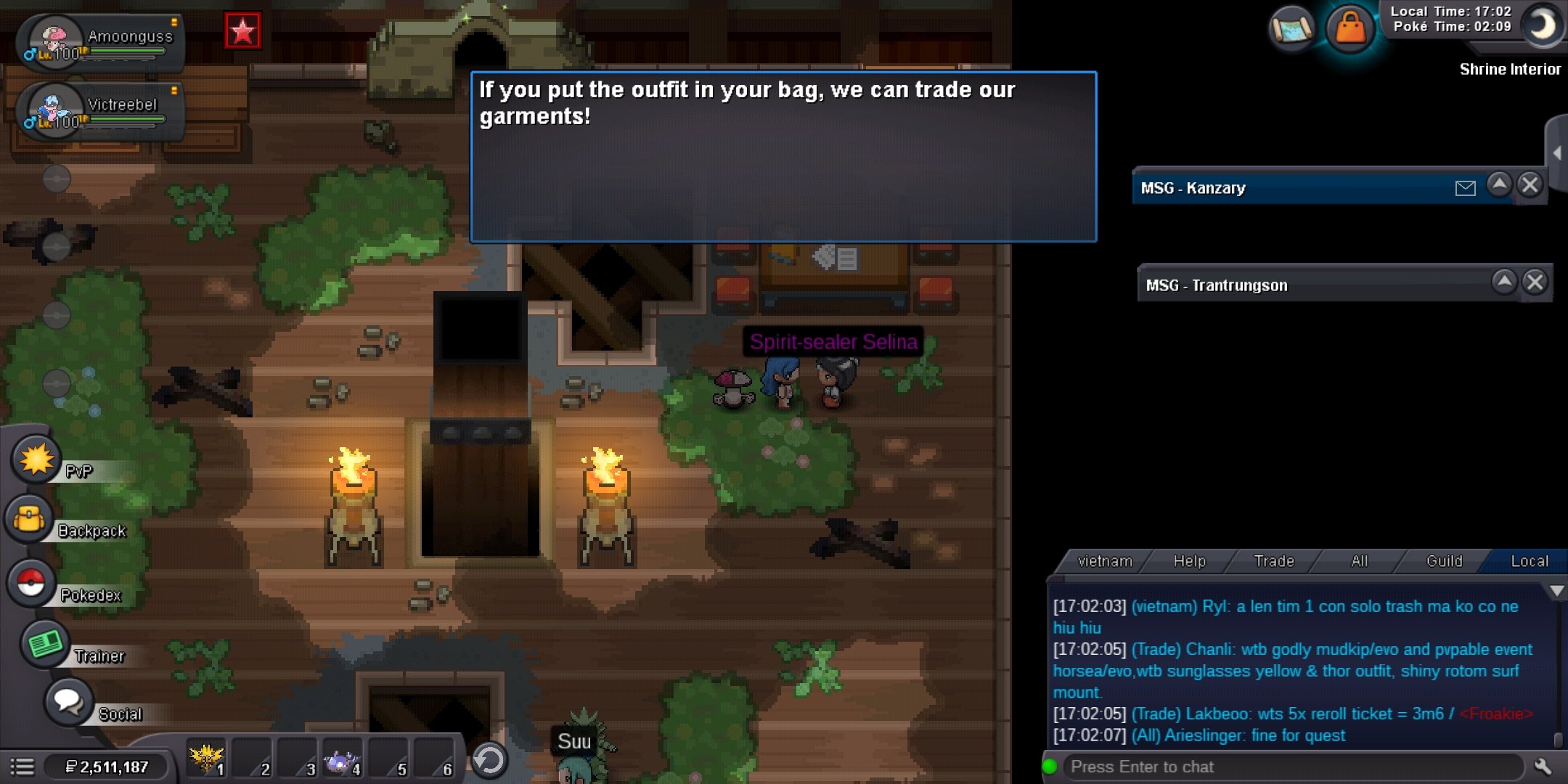
Hi, can anyone help me about this, I won the last level of that quest (so i can trade mega gengar outfit to the shiny one). I just recived that mega gengar outfit today but i can't trade it to shiny, do i need to beat that hell level again? Thank u verymuch! Here is the evidence (i have captured before):
-
-
Hi, can anyone help me about this mega gengar quest? I have completed all 3 level (im try >10 hour with ton of pain) but these are no outfit received?
-
1m2
-
start salamance + swamp
-
You win the auction, i ll pm u ingame, pls let me know when u are online. Thank all
-
5 hours 40 mins left
-
70k ok deal
-
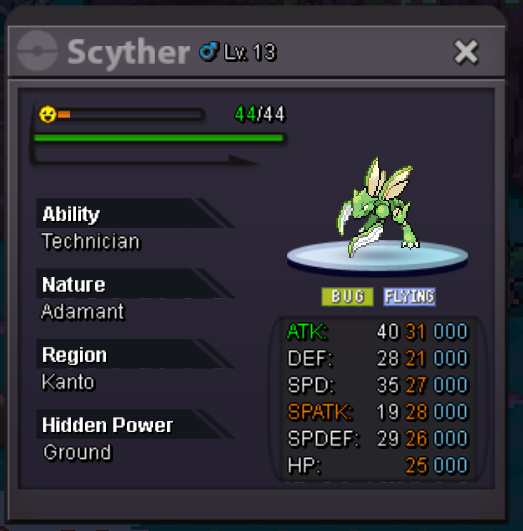
Hi, i wts this scyther Auction 48h from first bid. Min raise 100k No insta I accept cash , iv rr ( 700l) and cc (400k) Thanks
-
bump
-
Hi everyone, I have a Serperior wts Start offer 1m Min bid 300k 48 hours auction from start and I accept cc = 400k, ms 30d = 370k. Goodluck!
-
Yayyyyy :D:
-
wow, congrats all. :D
-
It's normal. since u have 1/16 chance to get the same nature
-
Re: [NPC Request Event] Santa Claus is Coming to Town! <t>NPC Name: duynghia101<br/> Dialogue: Nice to meet you <3<br/> Special Request (If any):</t>
-
Goodbye bro
-
RIP Yellow :Cry: