New Trade Zone
Trade Zone is now live
Use the new Trade Zone for auctions and instant-price trades so Pokemon and item offers are easy to find.


Ajeykrz
Registered User
-
Joined
-
Last visited
Everything posted by Ajeykrz
-
-
-
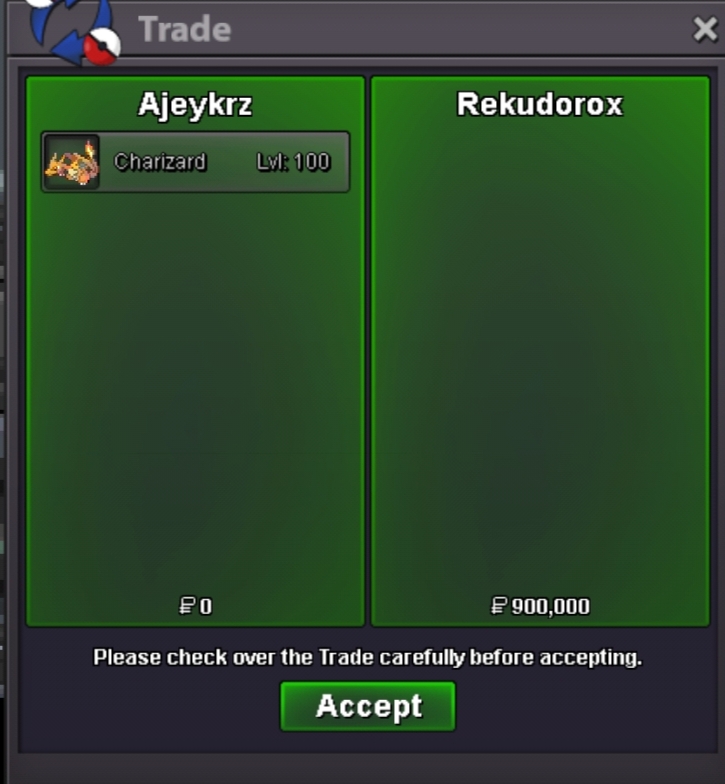
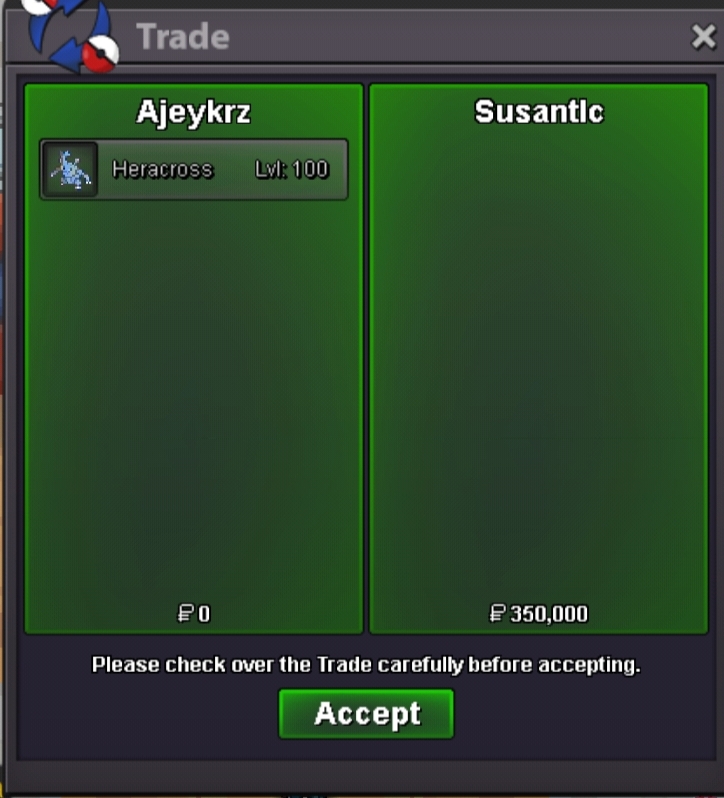
Brave Heracross sold
-
-
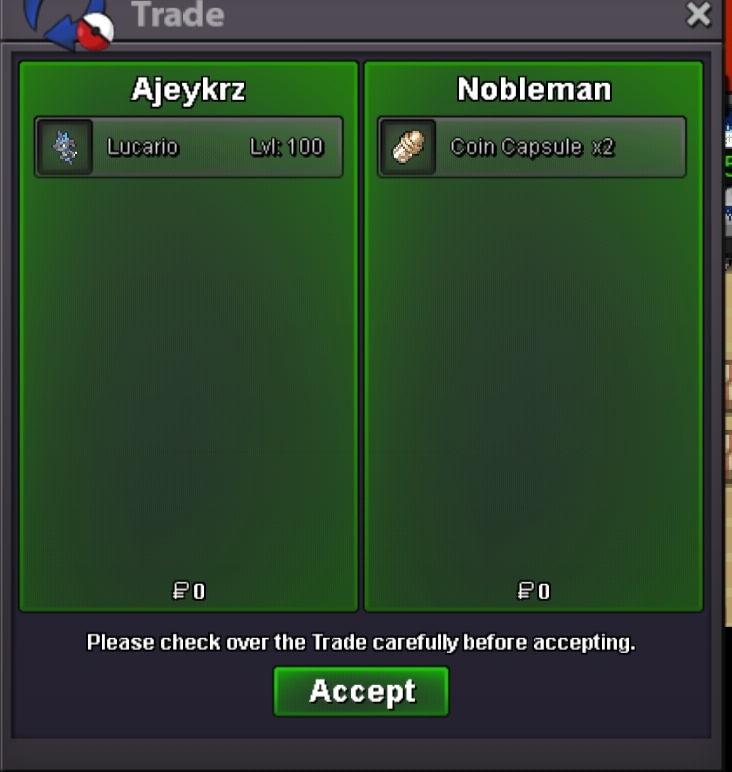
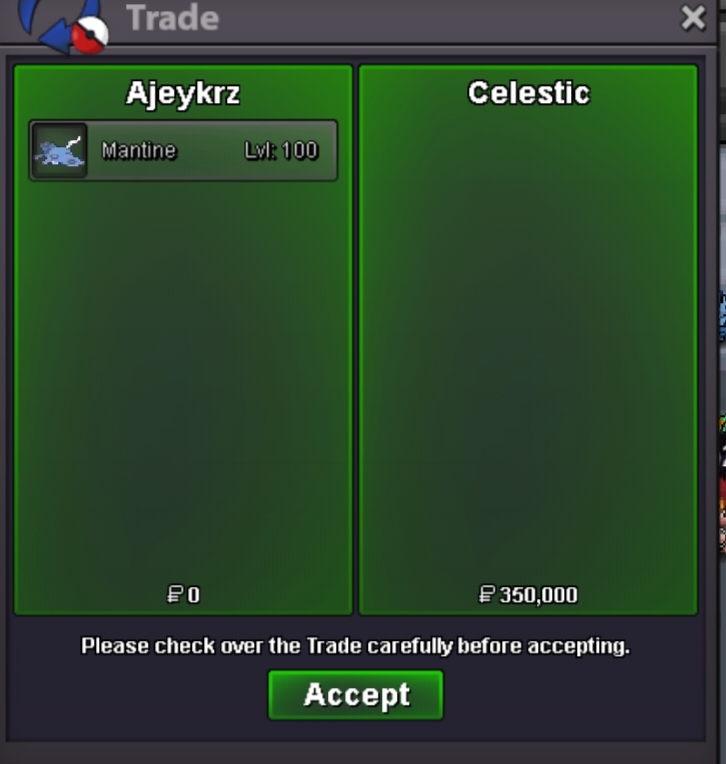
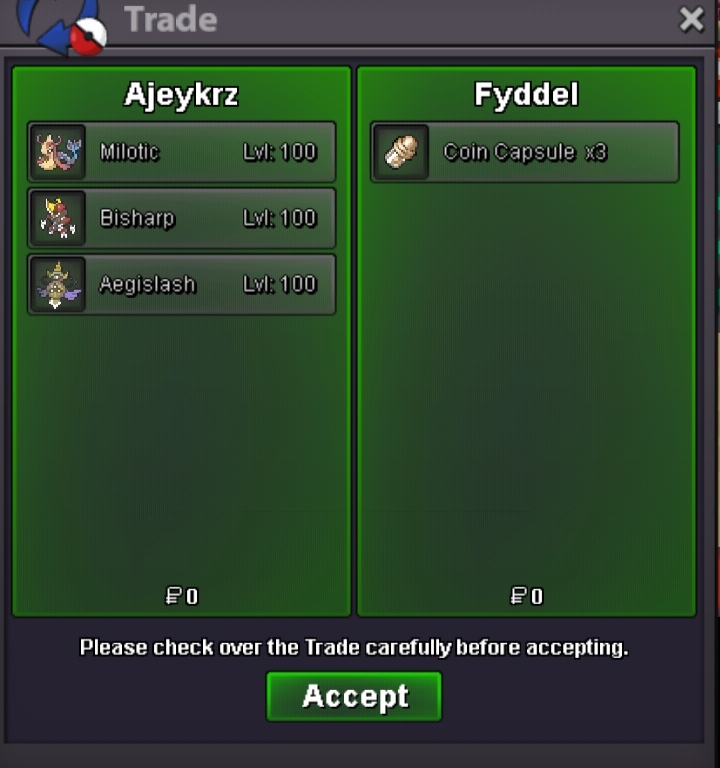
Milotic,Bisharp,Agislash sold
-
-
-
-
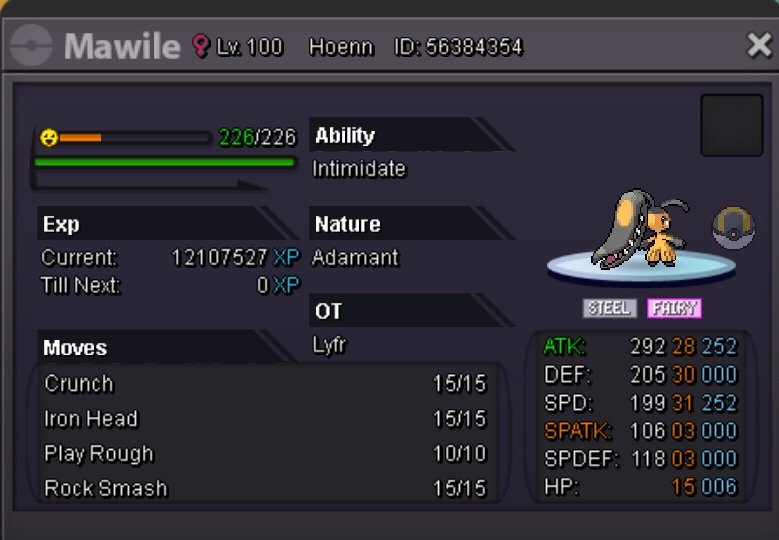
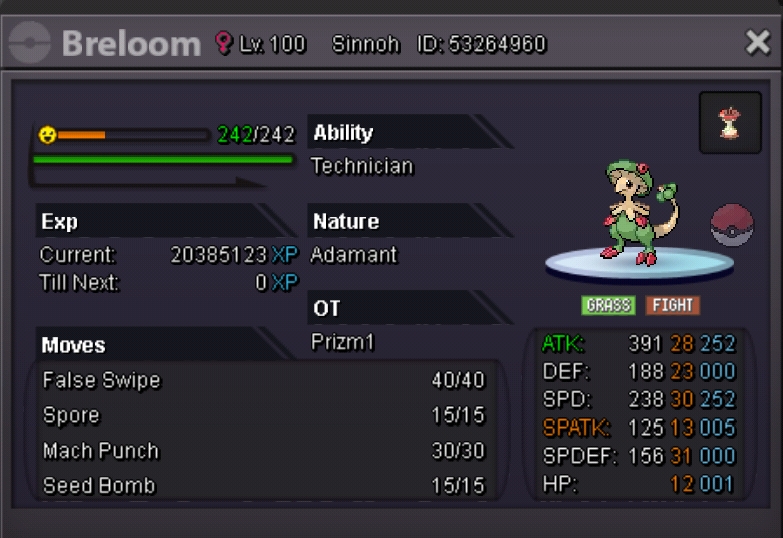
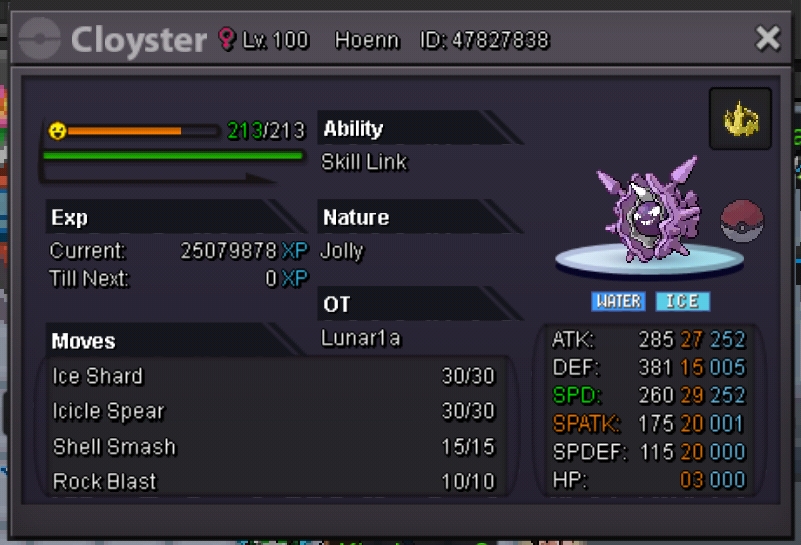
Welcome to my Shop. Accept: Pokedollars > IV Reroll:750k > Nature Reroll:375k > Coin Capsule:400k > Rare Candy:8k [All Pokemons Negotiable] Discord: DAMON#4401 Pro:Ajeykrz 800k -800k-(sold) -350k-(Sold) -300k-(Sold) 300k 400k -250k-(Sold) -200k-(sold) 400k -500k-(Sold) -350k-(Sold) 700k -1.7m-(Sold) -500k-(Sold) 200k 250k(Sold) -300k-(sold) -400k-(sold) -500k-(Sold) -400k-(sold) -550k-(sold) -600k-(sold)



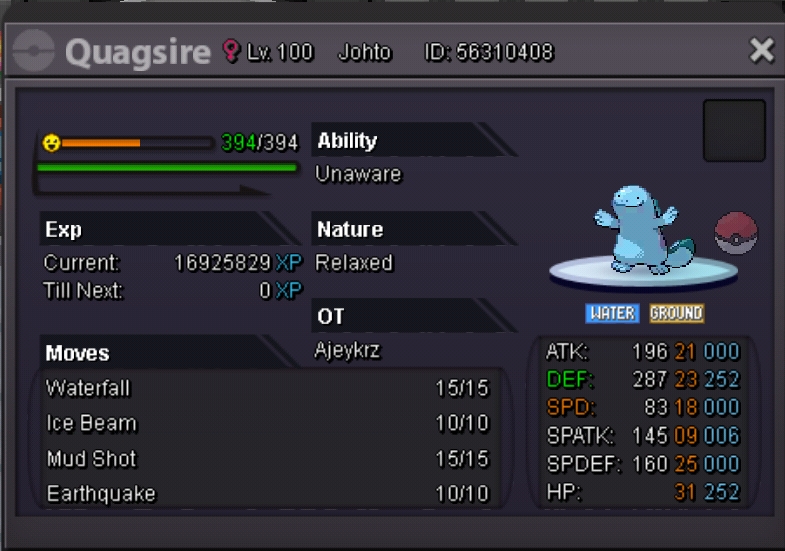

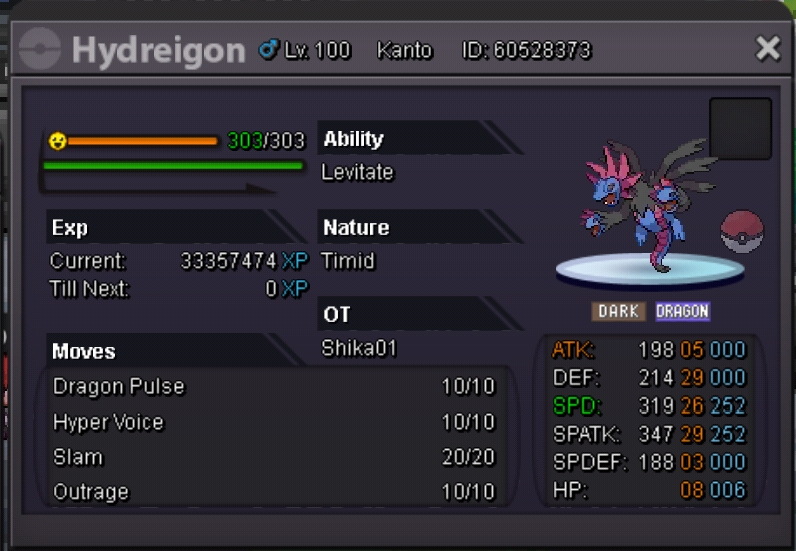
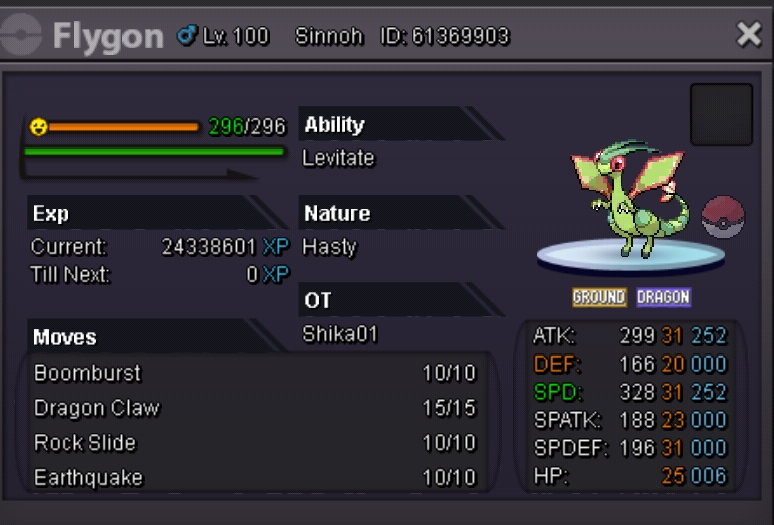


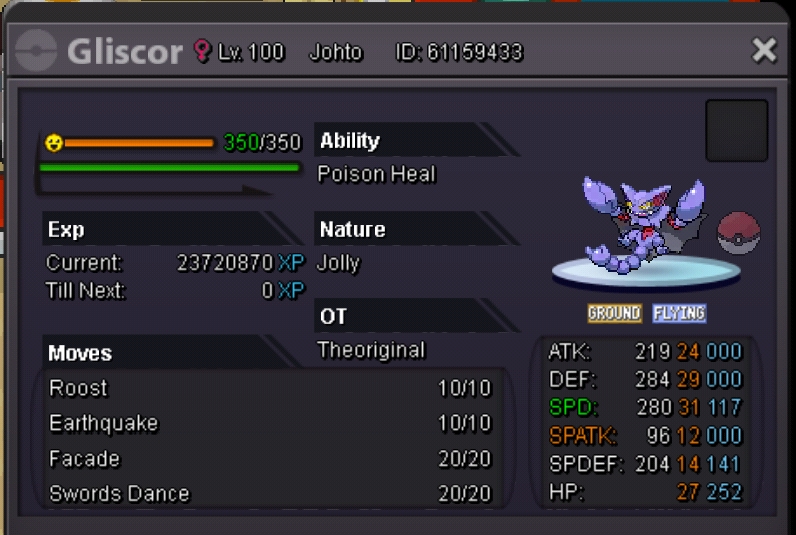

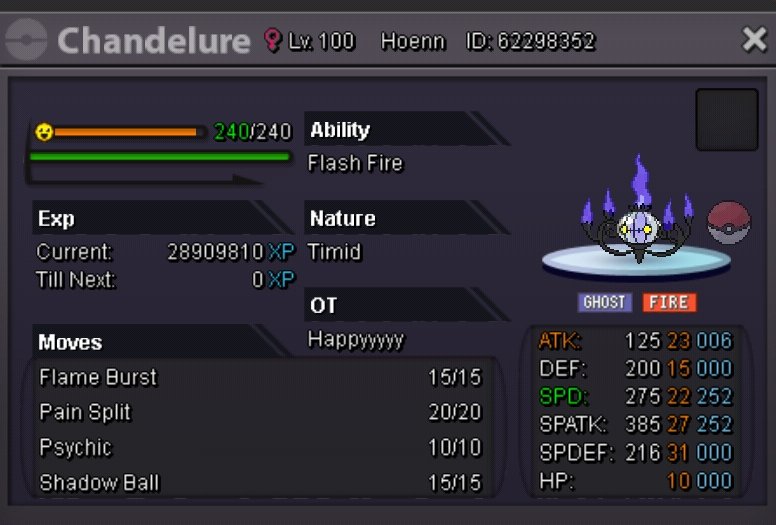


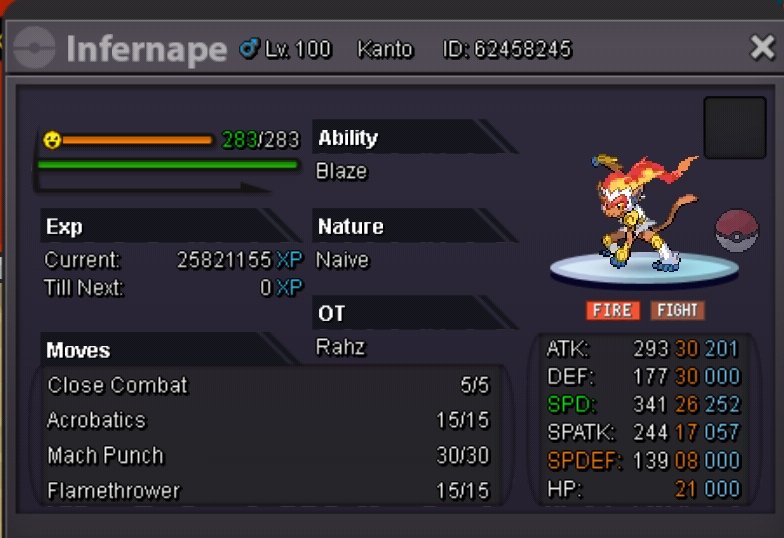
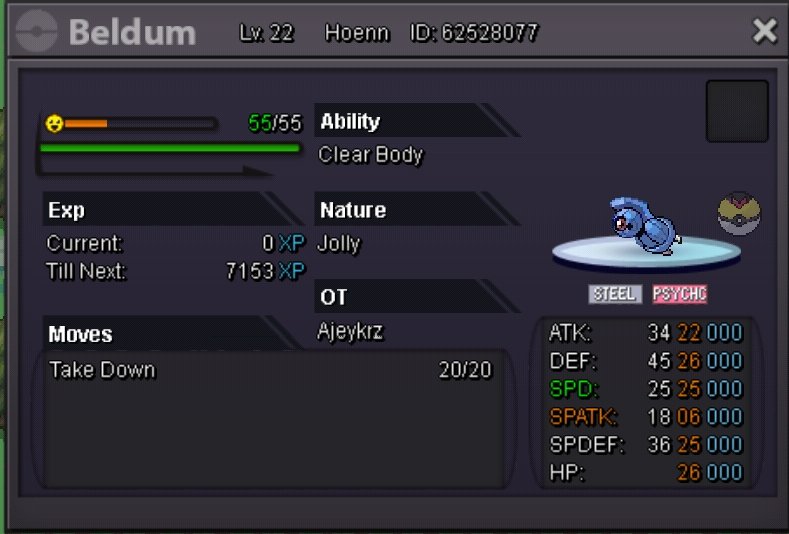


-
Nice lawout 🙂
-
-
Wtb gible #4 31atk one
-
I buy this 2 bulbasaur
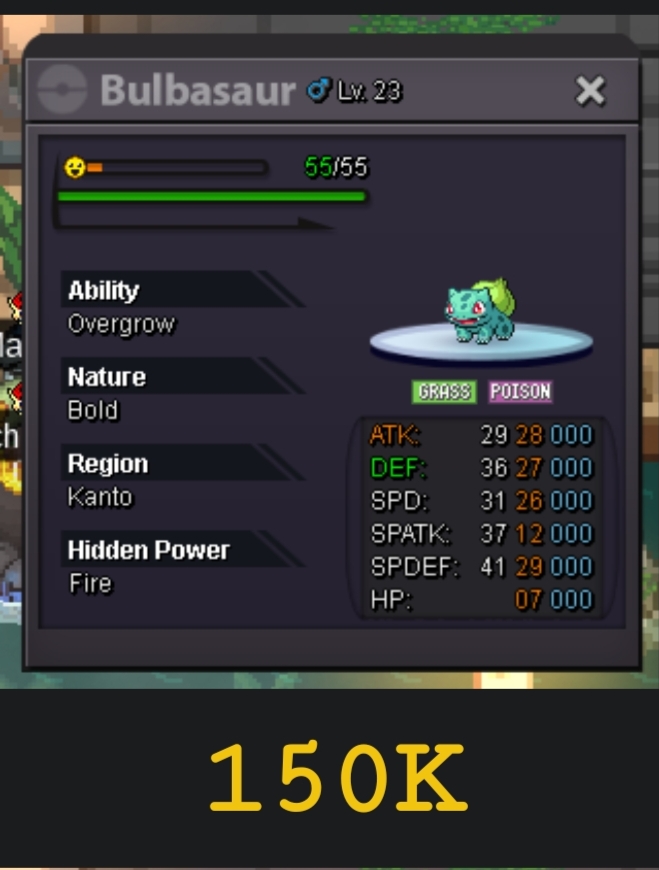
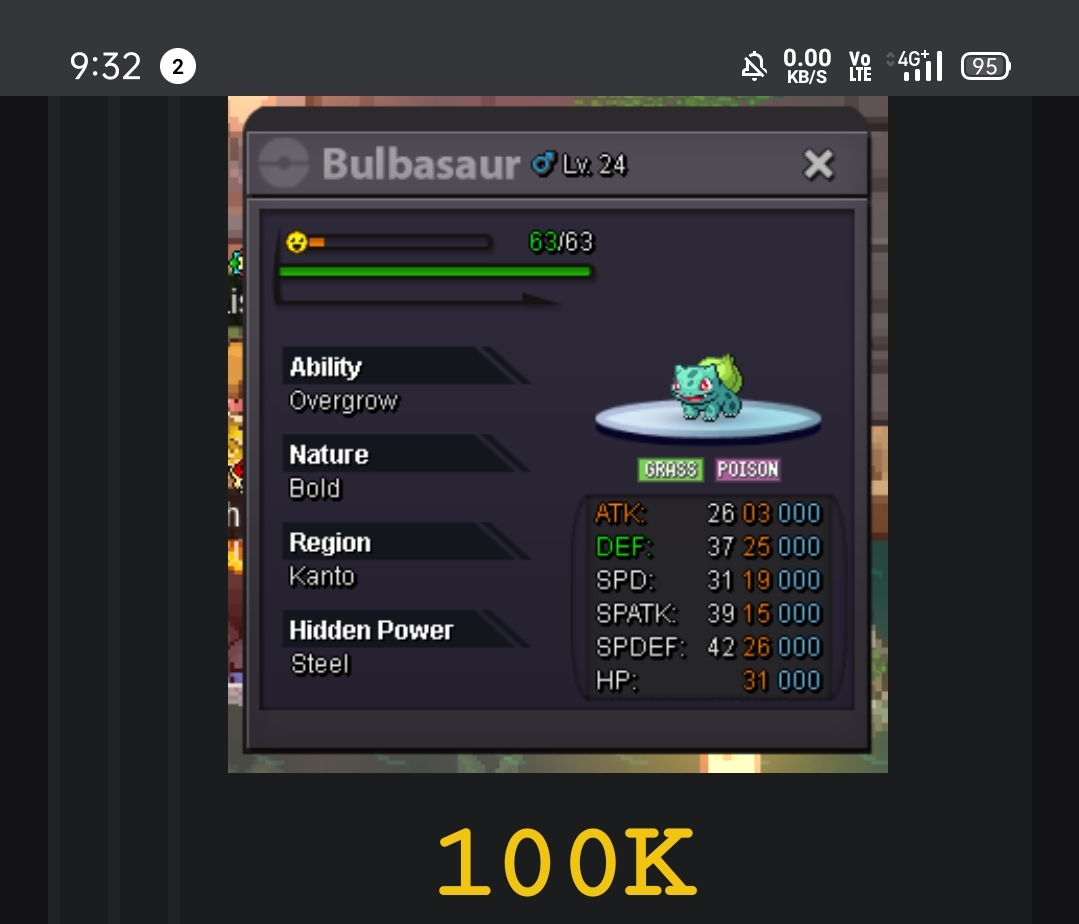
-
Silver Server

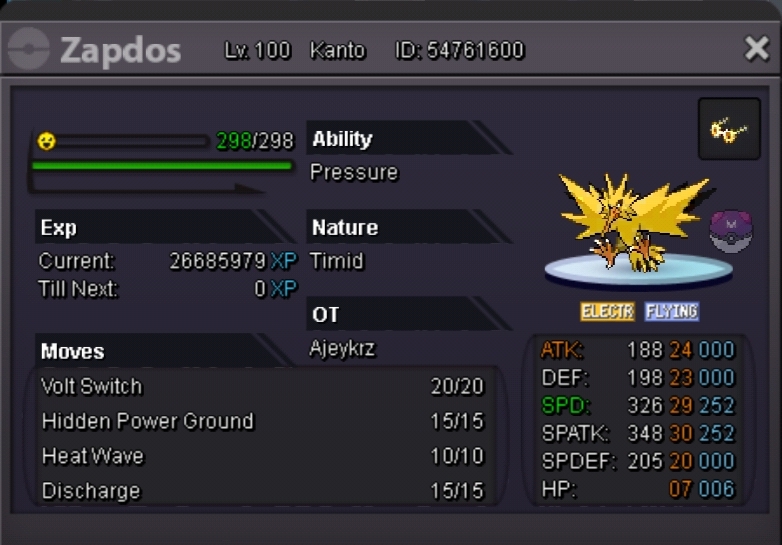
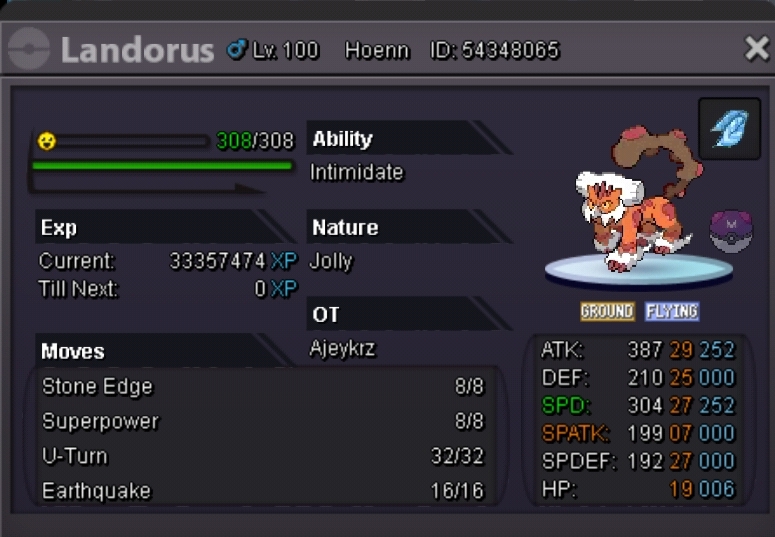
-
Player Name: Ajeykrz Server: Silver Time Zone: GMT +5:30
-
NVM i see you r from gold server
-
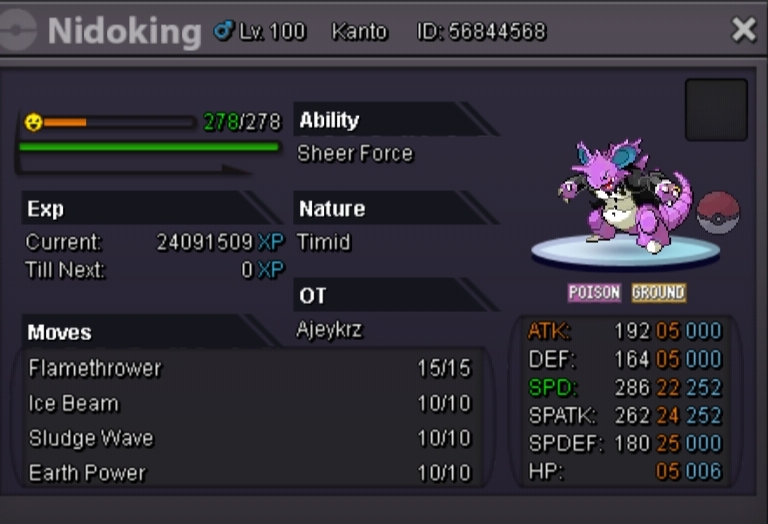
STARTING OFFER-1M MIN RAISE-250K NO INSTA Auction ends 24hr after the first bid. Accept: Cc=400k Nature rr=350k IV rr =700k
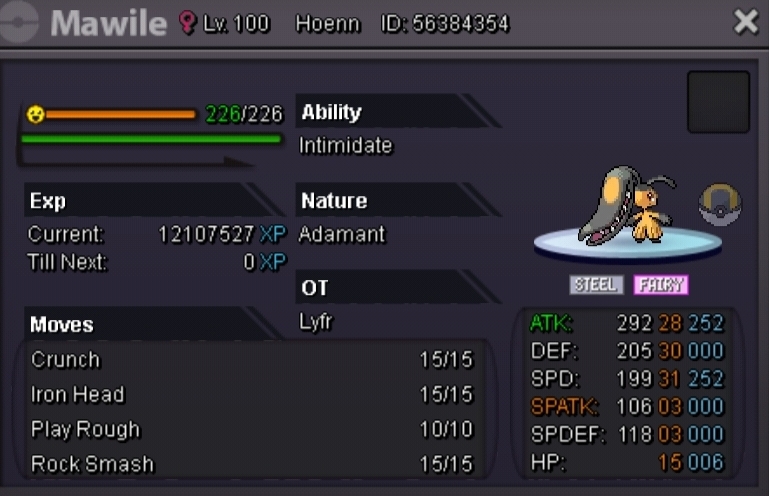
-
S.o 500k Min raise 100k Ends 24hr after first bid
-
BUMP
-
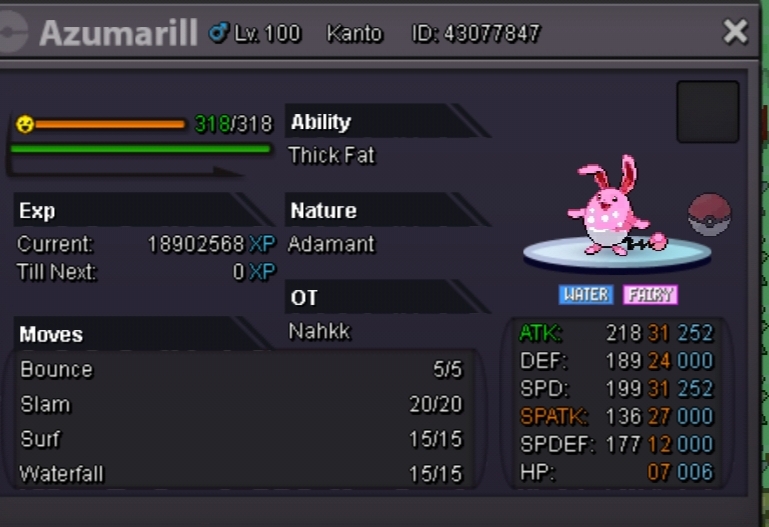
S.o 1m min raise 100k Accept Cc=400k and iv rr 700k and nature rr = 350k Auction ends 24hr after first bid
-
-
-
I know ever month spawn changes in lake cave forst pit last month was unova starters this month should be kalos starters but it didn't change i Activated bms so that i can hunt froakie but i found oshawott.
-
+1
-
+1