




New Trade Zone
Trade Zone is now live
Use the new Trade Zone for auctions and instant-price trades so Pokemon and item offers are easy to find.


Lyn1311
Registered User
-
Joined
-
Last visited
Everything posted by Lyn1311
-
-
+1
-
start clefa
-
+100k
-
Tbf there are lots problem like this happening, in my case i bought shiny smeargle 15-17m(back then speed nature smeargle can be sold 20m+), bannete adamant 3-5m, sharpedo 6-8m, gengar 2-3m, and then some boss team is banned and most of them lost like half their value. But ithink its fine, something is change, 1time it get better and visa versa
-
Hi, i usually play pvp on pc since it easier to check smogon, db, sd etc. Problem is sometime my pc got dc from wifi and when it does, usually it takes times to reconnect. if it takes time to reconnect system auto kick us from server and its instant lost at pvp. My suggestion is we can relogin on other device but not getting insta lost. As we know per turn we have like 2min to make move. i think its enough for player changing device in case got dc (to phone or else). iam aware sometime people rage quit on last move and if it does opponent have to wait 2min but i think its not really problem. my suggestion; when we relogin on ther device there will be team perview feature but it show 'will u continue battle or no?'. its really anoying when we lost rating because dc, but have to wait 10 min to play again is much worse anoying what if people boosting using this feature? like 'hi iam losing againts this guy, can u login on my id and beat this guy'. i think its not hard to track down something like this if its really happen, and besides, if people really want to help for boosting, they will ask friend to come/ using dc share screen or somthing.
-
okay iam transfering server now
-
look like iwon, ill transfer to gold right now if yes @Zoruami

-
-
-
-
-
-
iam online now
-
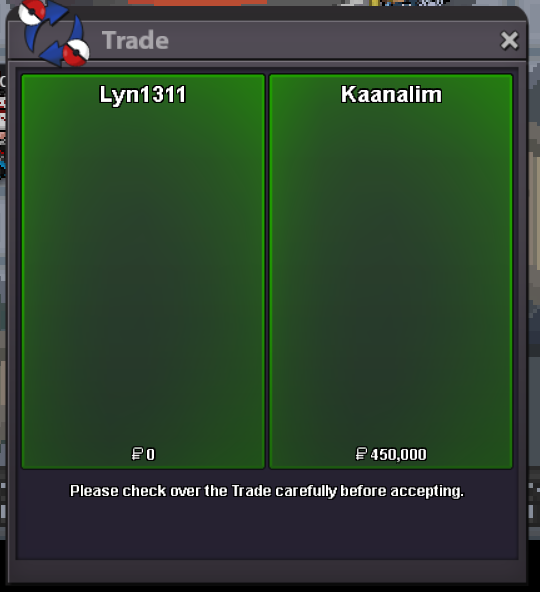
Another quest done! Genesect and masterball, Thnx much, Glhf!
-
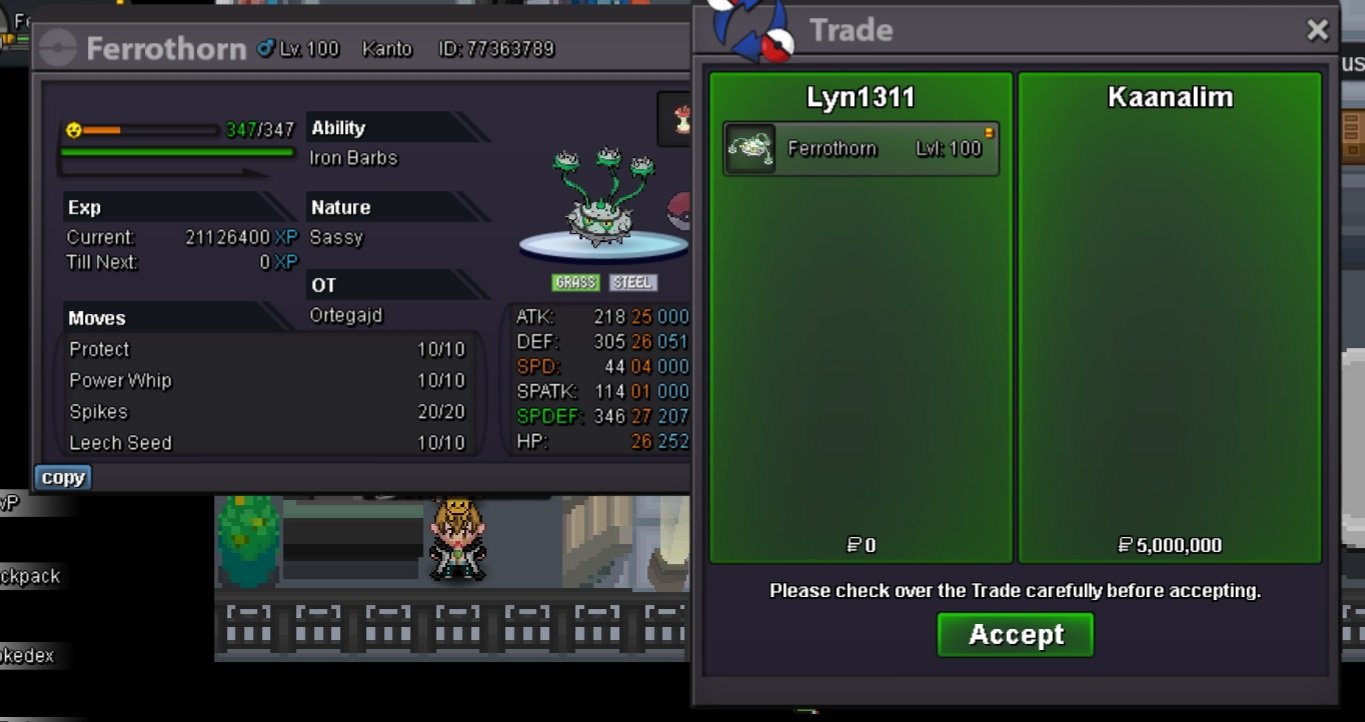
Godly ferro sold ingame
-
kanga 500k
-
-
600k each
-
2.5m
-
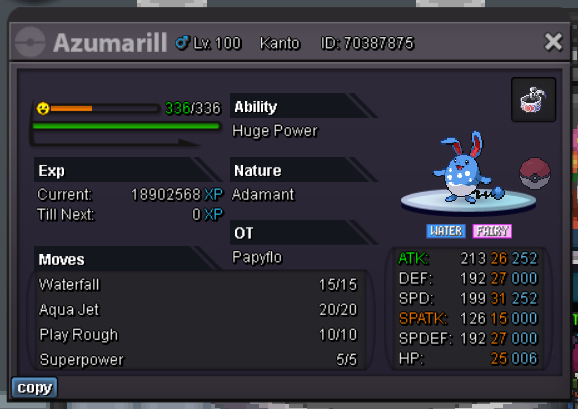
atk only 26 but speed 31, 4m or if anyone interested. iam silver but can transfer to gold anytime
-
Me when people just left after found out about price and not even make an offer
.jpeg.8c5a57e88255ef39816b58cb64209ced.jpeg)
-
+1
-
-

