




New Trade Zone
Trade Zone is now live
Use the new Trade Zone for auctions and instant-price trades so Pokemon and item offers are easy to find.

Uxxelmon
Registered User
-
Joined
-
Last visited
Everything posted by Uxxelmon
-
around 1h left
-
bump around 24h left
-
-
Hello guys, I want to sell this spooky boy: Start: 1m Min bid: 100k Duration: 48 hours after first bid Accept cash, cc (350k) Gl!

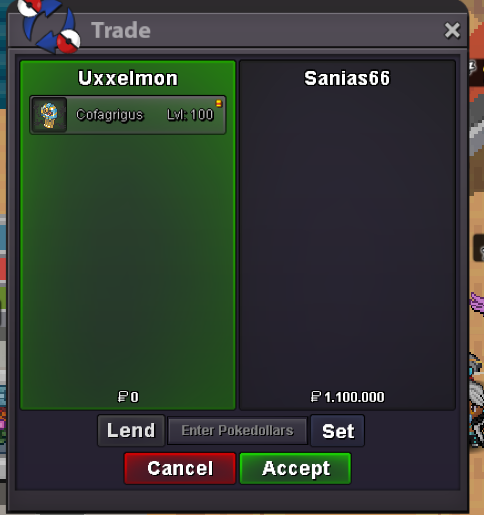
-
did the server crash in that time? Maybe you got a rollback. I did the same thing last year several times and the ralts was still there.
-
-
+1 an announcement on discord would be nice.
-
sure, just let me know when you´re online or dm me on discord.Nice clef, I start 3m🔥Hi, I wanna sell my fresh ot snail so I´m looking for offers. Accept cash and cc (350k). Pls send me your offers as PM or on discord: Fck Off I´m SALTY#3063 Ty!

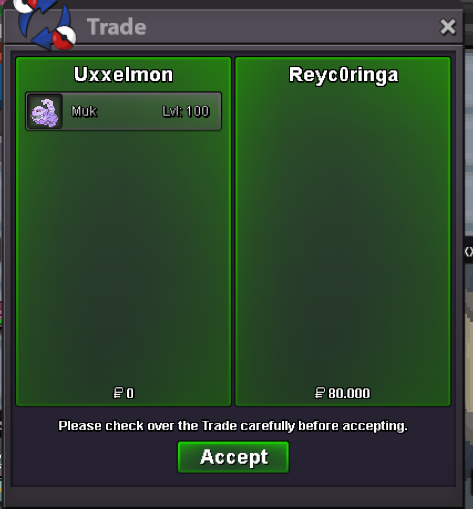
 nice work, will help many people.bumpbumpImage is broken, could u take a new screenshot pls?The restriction on accounts is mainly to protect the economy of pro. Imagine players beeing able to farm money on 10+ accounts... -1big +1Due to technical problems, I´m providing the screenshot of the owner:
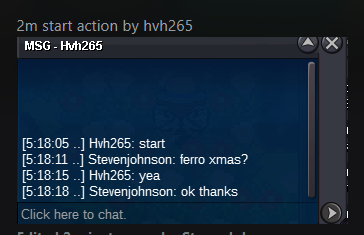 Already got suggested but big +1.+1, not sure if it is technically possible though.

Account
Navigation
Search
Configure browser push notifications
Chrome (Android)
- Tap the lock icon next to the address bar.
- Tap Permissions → Notifications.
- Adjust your preference.
Chrome (Desktop)
- Click the padlock icon in the address bar.
- Select Site settings.
- Find Notifications and adjust your preference.
Safari (iOS 16.4+)
- Ensure the site is installed via Add to Home Screen.
- Open Settings App → Notifications.
- Find your app name and adjust your preference.
Safari (macOS)
- Go to Safari → Preferences.
- Click the Websites tab.
- Select Notifications in the sidebar.
- Find this website and adjust your preference.
Edge (Android)
- Tap the lock icon next to the address bar.
- Tap Permissions.
- Find Notifications and adjust your preference.
Edge (Desktop)
- Click the padlock icon in the address bar.
- Click Permissions for this site.
- Find Notifications and adjust your preference.
Firefox (Android)
- Go to Settings → Site permissions.
- Tap Notifications.
- Find this site in the list and adjust your preference.
Firefox (Desktop)
- Open Firefox Settings.
- Search for Notifications.
- Find this site in the list and adjust your preference.