




New Trade Zone
Trade Zone is now live
Use the new Trade Zone for auctions and instant-price trades so Pokemon and item offers are easy to find.


Dudzx
Registered User
-
Joined
-
Last visited
Everything posted by Dudzx
-
Start
-
Start
-
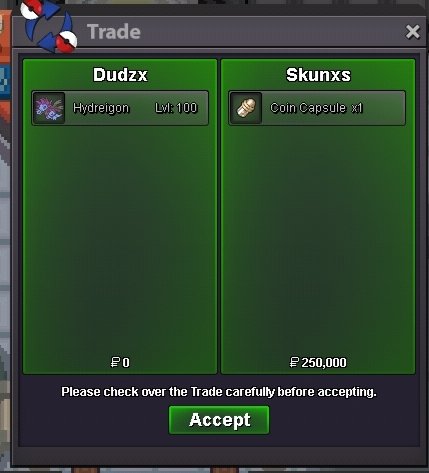
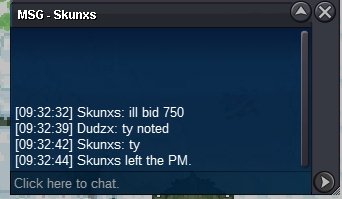
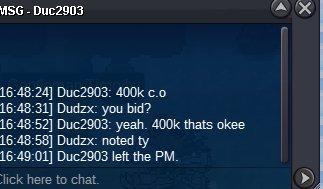
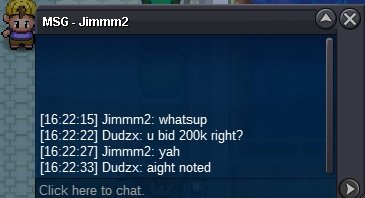
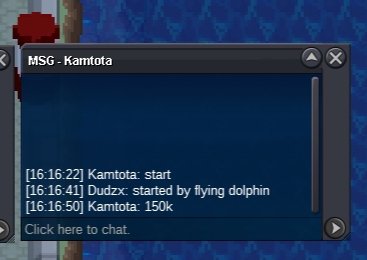
@Skunxs hello you won the auction contact me on discord dudzx07End time 4:16 ist
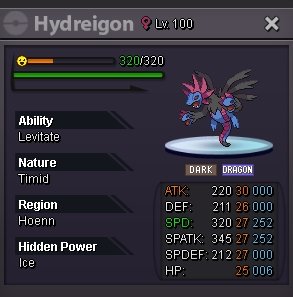
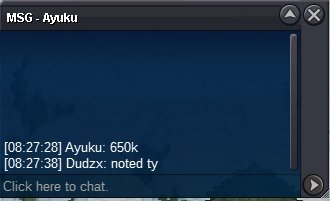
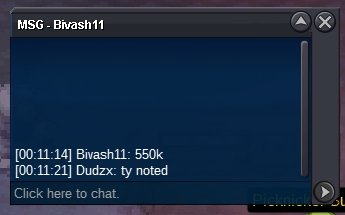
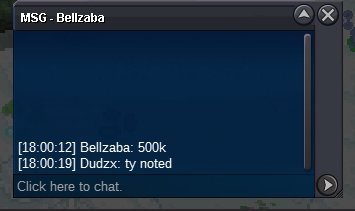
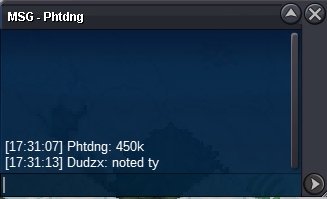
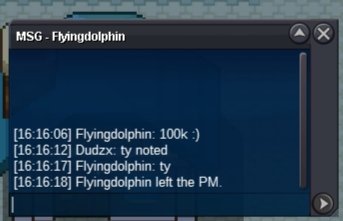 Starting offer-100k Min bid-50k Auction end-24hr after first bid Payment methods• Pokedollars CC-500k IV RR-550K GL!
 I'mma use this as a goodbye post for me too Bye guys..ALL LOVEI agree.. Staff system is completely biased..our guild had almost 10 bans lately mostly for simple reasons.. only sht these guys do are banning someone and not replying to their thread.. if they showed this much interest towards the game update it would've grown much..but they trying to remove the small amount of players they have.. STAFF SYSTEM IS DOPE yea🤣Bro what..no..hell nooFirst of all this post is off topic, second no one knows how to do this expect jogging so he contacted devs and told them how to do this..he is doing this for them to fix igNo, he contacted the devs for this...It's a redirect forum...I clicked on a <larvitar> or smtn ane came here..idk how this is done??+1, where the staffs at.


Account
Navigation
Search
Configure browser push notifications
Chrome (Android)
- Tap the lock icon next to the address bar.
- Tap Permissions → Notifications.
- Adjust your preference.
Chrome (Desktop)
- Click the padlock icon in the address bar.
- Select Site settings.
- Find Notifications and adjust your preference.
Safari (iOS 16.4+)
- Ensure the site is installed via Add to Home Screen.
- Open Settings App → Notifications.
- Find your app name and adjust your preference.
Safari (macOS)
- Go to Safari → Preferences.
- Click the Websites tab.
- Select Notifications in the sidebar.
- Find this website and adjust your preference.
Edge (Android)
- Tap the lock icon next to the address bar.
- Tap Permissions.
- Find Notifications and adjust your preference.
Edge (Desktop)
- Click the padlock icon in the address bar.
- Click Permissions for this site.
- Find Notifications and adjust your preference.
Firefox (Android)
- Go to Settings → Site permissions.
- Tap Notifications.
- Find this site in the list and adjust your preference.
Firefox (Desktop)
- Open Firefox Settings.
- Search for Notifications.
- Find this site in the list and adjust your preference.