




New Trade Zone
Trade Zone is now live
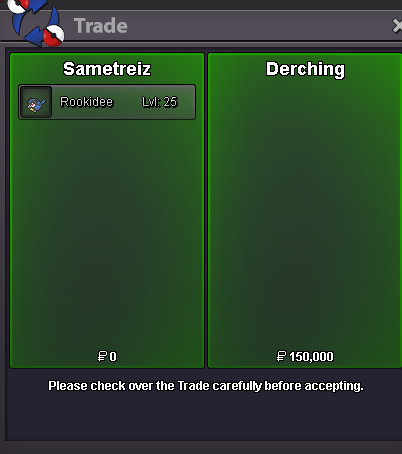
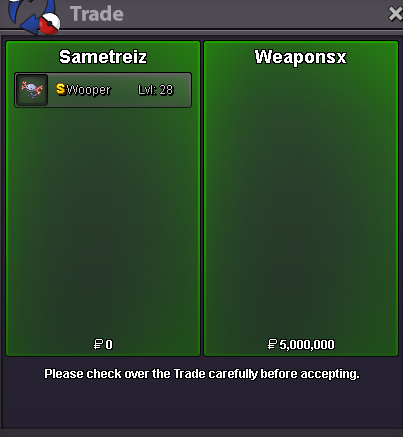
Use the new Trade Zone for auctions and instant-price trades so Pokemon and item offers are easy to find.
All Activity
Past hour
-
Khigia joined the community
-
Rqoixsmg joined the community
-
Should've been done long ago +1
-
Anidea joined the community
-
-
Hxqzqgxn joined the community
-
Today
Ghibran joined the communityIf 1+1 is Fish then good jobScarpio joined the communityHkhmymdd joined the communityIbdfjicp joined the community11/5/2026Fixed a memory leak another user found. Causing the tracker to delay on aspects after reloading the game/client a few times. Textboxes should no longer be cut off on appearance. Hiding your stats will now close the gaps on the table.bump!Ghostoff2 joined the communityWeedledeeznuts joined the community11/4/2026 (8 hrs later)Fixed an issue where all 66 tile sheets were not appearing. Fixed an issue where you could only see all the tiles when expanding. Added in Custom Tiles Upload your own custom tile sheets. Create your own tile sheets. (No trying to figure out how) Added in a warning when selecting layers 5, 6, or 7 that they are not visible outside of the editor/tester, and should not be used with Pokémon revolution online. The game only shows the first 4. After the first warning it will not appear again. Added the ability to detach both side panels.Can you do me a z move quest?Can we at least get more informations about Victorious Chroma mount such as -Will it be released at chroma release (no Suicune, Moltres when mount got released in 2017) -If It will be released in future and if being worked on. Same applies with Mew, Cresselia.I'm missing 3 mb out of my bag I put in a support ticket last week and still haven't received any email I just want to know what happened to them I didn't use them, they just disappeared I received them in a trade from another personYesterday
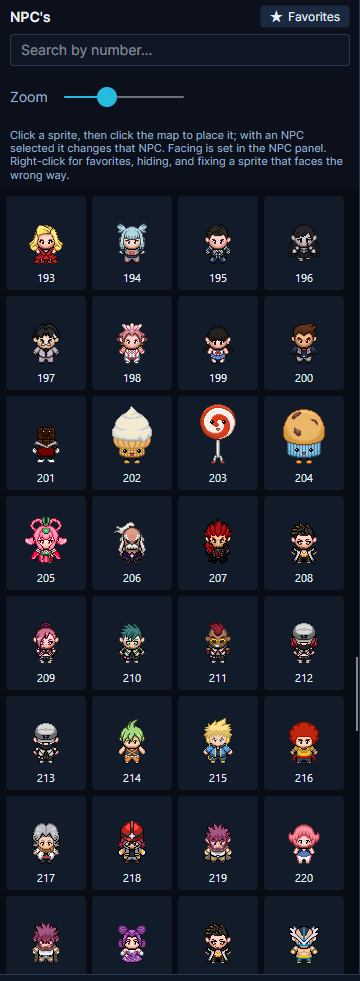
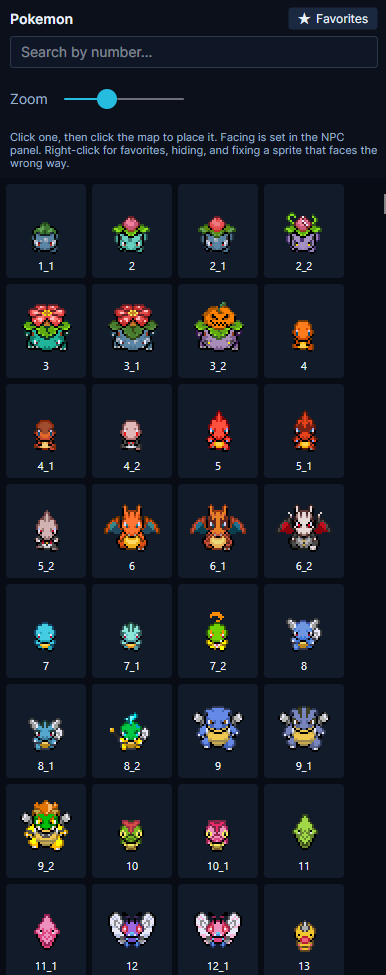
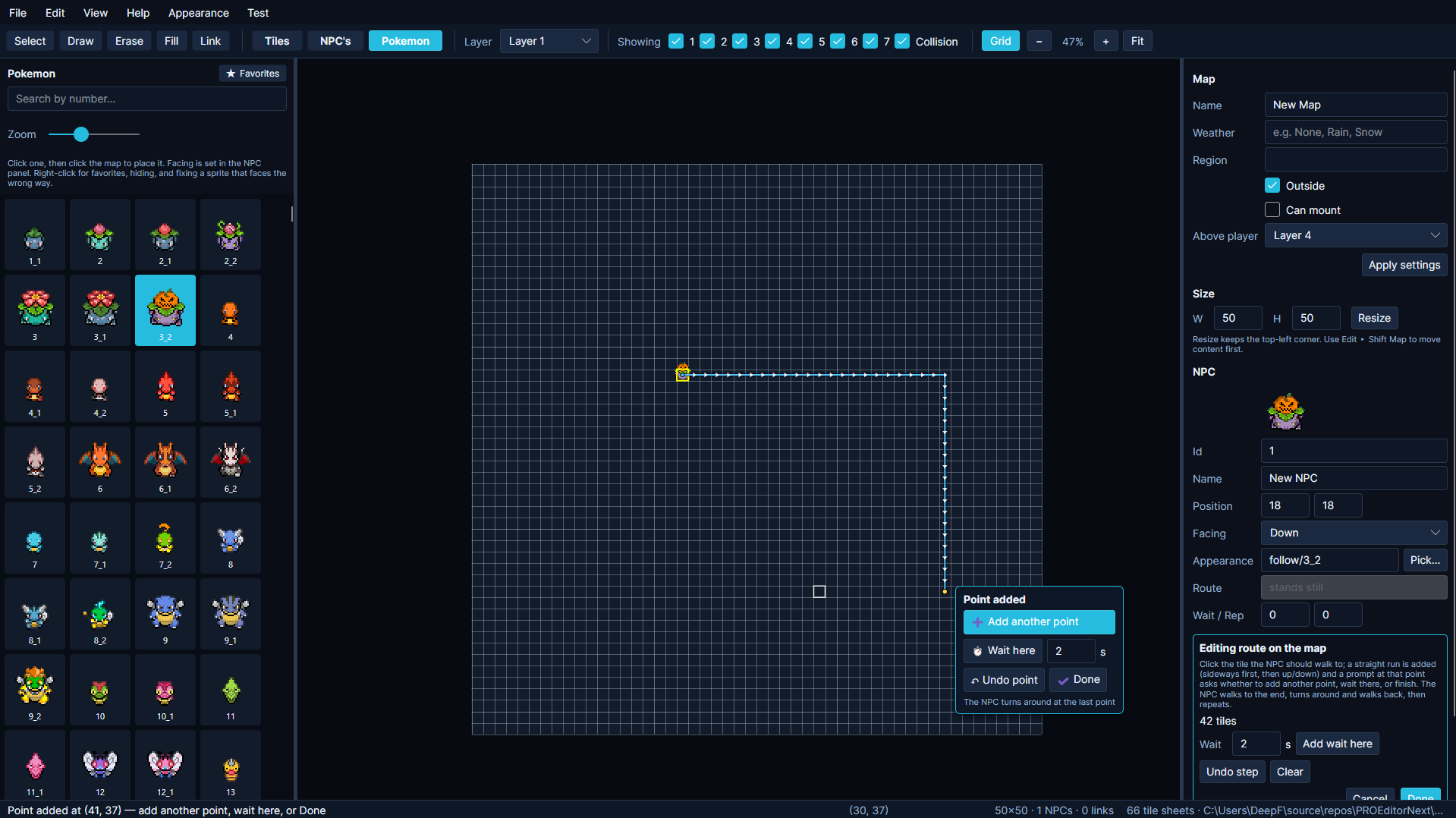
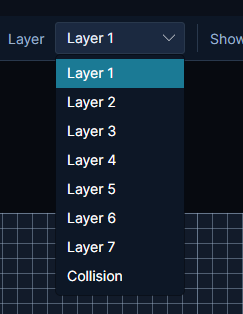
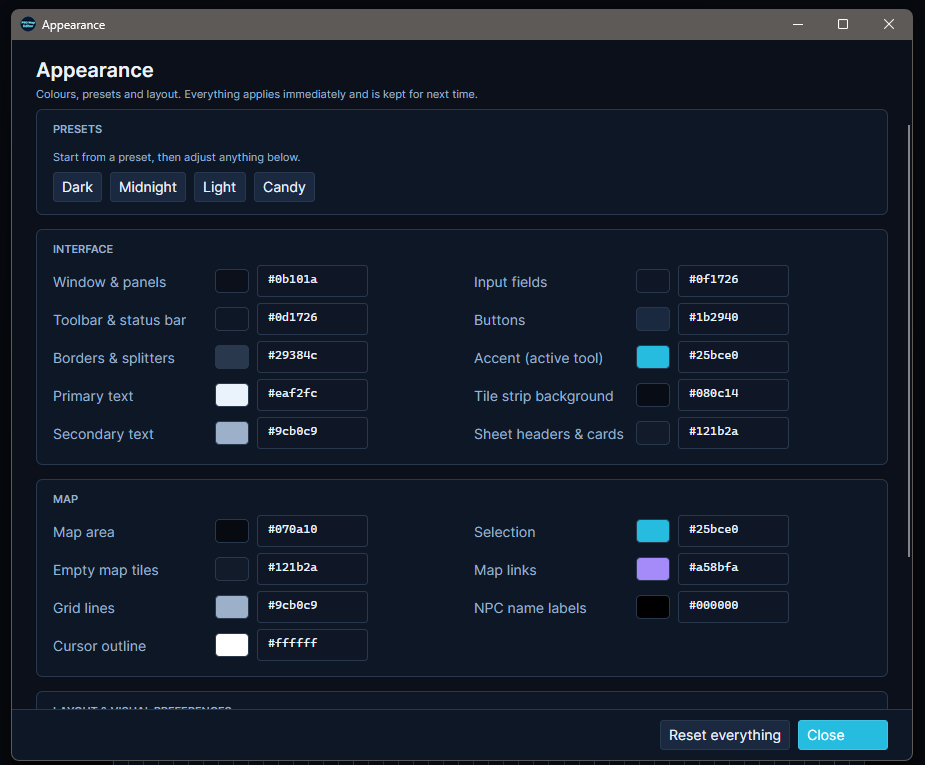
[Tool] PRO Map Editor v1.0.1 | Windows, macOS & LinuxHey everyone! I’ve rebuilt the map editor for Pokémon Revolution Online, and version 1.0 is now available for Windows, macOS, and Linux. The original editor focused on placing tiles. With this version, you can build across seven layers, populate your maps with NPCs and Pokémon, give them walking routes, and explore your own map directly in the editor. Download v1.0Windows https://dl.protrackerdb.com/mapeditor/stable/PROEditor-win-x64.zip macOS Intel Macs https://dl.protrackerdb.com/mapeditor/stable/PROEditor-osx-x64.zip Apple Silicon Macs (M1/M2/M3/M4) https://dl.protrackerdb.com/mapeditor/stable/PROEditor-osx-arm64.zip (Not sure which you have? Apple menu > About This Mac - if it says "Apple M1/M2/M3/M4" use the second link, if it says "Intel" use the first.) Linux Regular PCs (64-bit Intel/AMD - this is almost everyone) https://dl.protrackerdb.com/mapeditor/stable/PROEditor-linux-x64.zip ARM devices (Raspberry Pi 5 and similar) https://dl.protrackerdb.com/mapeditor/stable/PROEditor-linux-arm64.zip (Not sure? Run: uname -m in a terminal - "x86_64" means the first link, "aarch64" means the second.) 📋 Launching WindowsDownload. Extract the Pro Mapper files. Launch Pro Mapper. 📋 Launching Mac OSHow to start it (first time - about a minute): Unzip the download (double-click it). Open Terminal (Cmd+Space, type "terminal", press Enter). Type: cd followed by a space, then drag the unzipped folder into the Terminal window, and press Enter. Run this command: bash macos-start.sh 📋 Launching LinuxHow to start it (first time - a few minutes, it installs what it needs): Extract the zip. Open a terminal in the extracted folder. Run this command: bash linux-start.sh What’s new in 1.0?Seven map layers. The editor now has seven layers, up from four, giving you more room to separate terrain, buildings, and decorative details. You can toggle layers individually to see what you’re working on. NPC and Pokémon sprites. Browse the sprite panels and place characters or Pokémon directly on the map. Movement paths. Click points on the map to create routes for NPCs and Pokémon. You can add pauses along the way, whether you’re setting up a guard patrol or having a Pokémon wander through a village. Favorites. Right-click any tile or multi-tile brush to save it to Favorites so you can grab it again without searching through the sheets. Custom appearance. Start with a preset such as Dark, Midnight, Light, or Candy, then adjust the interface and map colors to your liking. Changes apply immediately and are saved for next time. Test your mapThe Test menu has two options: Walk around your map. Start on a random walkable tile and explore the map yourself. Try entrances, paths, and obstacle edges to see where the player can go. Run the Map Checker. See which mapping rules your map fails and catch details that are easy to miss, such as a missing corner tile on a tree. Before you do a walk test: The first five tile sheets have collision preset. For tiles from the remaining sheets, you decide which ones should block movement. Use Mark blocking, next to Favorites at the top of the Tiles panel, to set up the collision your map needs. Screenshots Feedback and map showcasesIf you make a route, village, or anything else with the editor, I’d love to see it. Feel free to share screenshots in this thread. If you run into a bug, please include your operating system, what you were doing when it happened, and a screenshot or error message if you have one. Suggestions for future versions are welcome too. Happy mapping!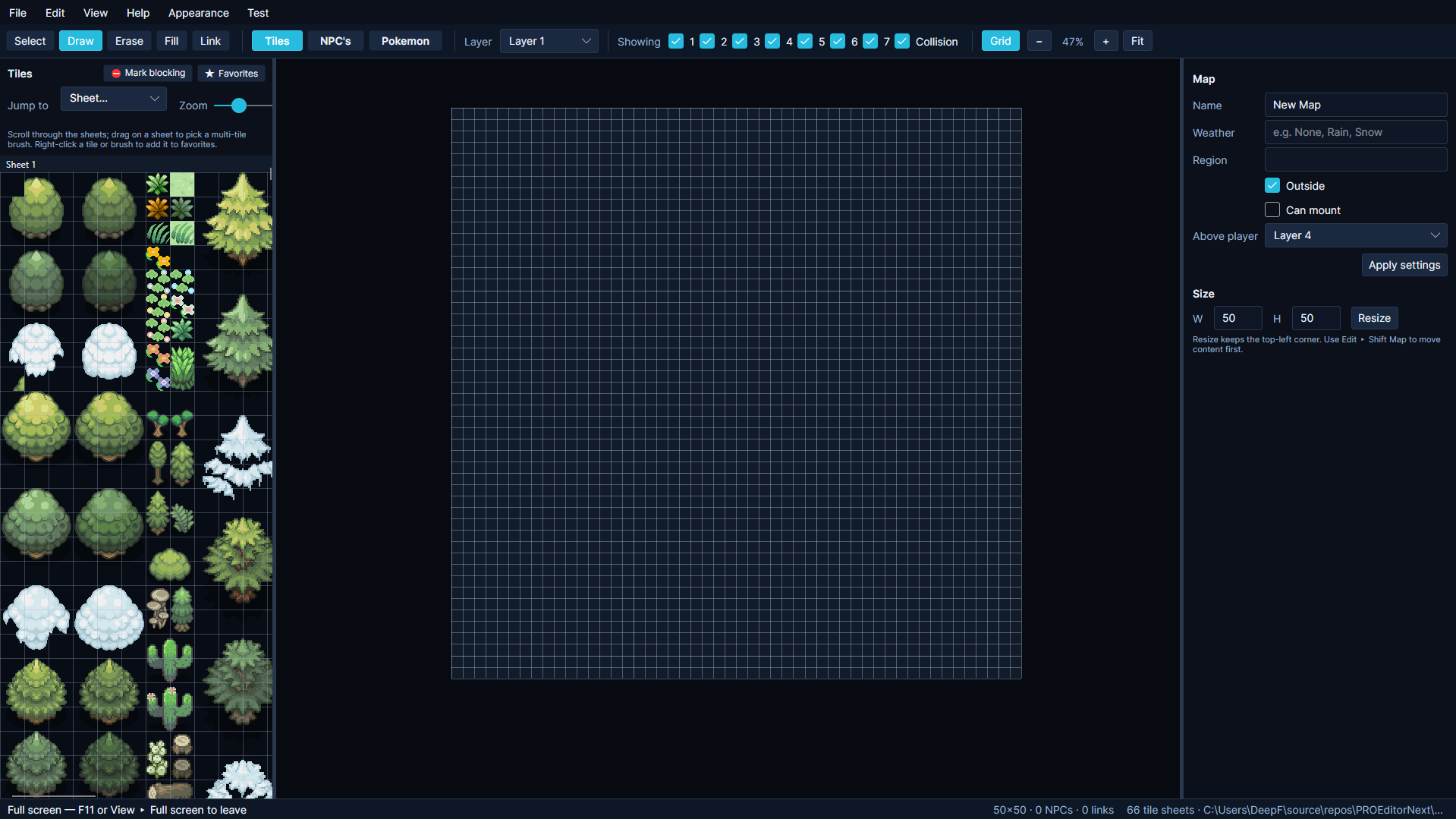
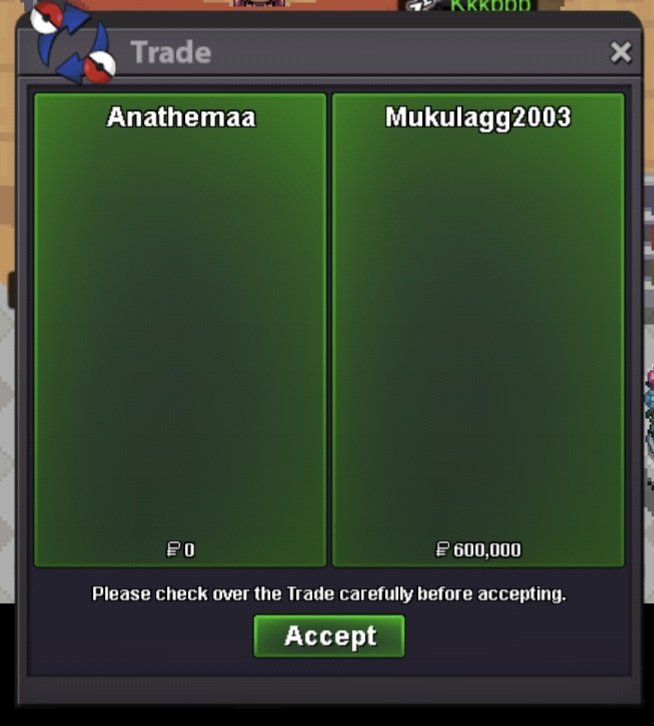
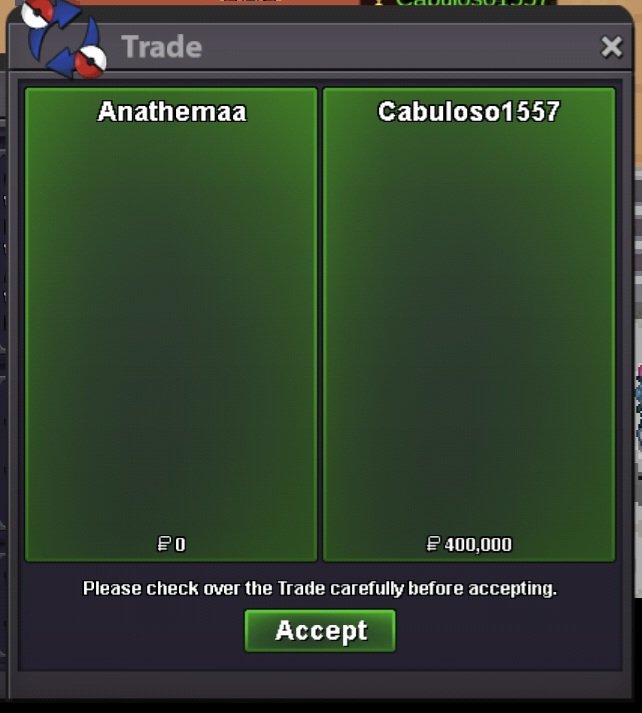
 Hello there , i have missing clodsire . Before couple of days a trade moderator forsed some pokemons to a guy who won my auction. Is it possible to check did he didnt sent it too by mistake ?-1 Legendaries via dungeon is not fun in my opinion and btw Marshadow is banned in PvP.700 hours just started with pvp but have plaiyd on other mmos and im really good at pveHello! I'm very glad I could help! Best of luck with your new legendary! Please remember that you can only choose one legendary, so if you want to obtain the others, you'll need to use Mysterious Tickets. Since everything has been resolved, I'll go ahead and close this thread. Kind regards. Hallowglow.Hi, I am stuck in the Lake Trio quest.This happened a long time ago, right fter I finished the 4th region (Sinnoh). While testing the trade system back then,I accidentally transferred the Adamant Orb (the quest item required to fight/interact with Dialga) to my other account. Now, I don't have the item on my main account and I am completely unable to finish the quest or progress further. Could a Game Master or Support staff please reset this part of my quest or restore the missing Adamant Orb to my account?Please check my trade logs if needed. I know it was a long time ago, but I hope you can verify the transfer of the Adamant Orb between my accounts in your system. Thank you for your help!Few dungeon and hq quest done. Thnx much, Glhf! Because its super anoying and takes time too long, babyxd and darkrai is available no more. Other hw quest is still available! Happy halloween!
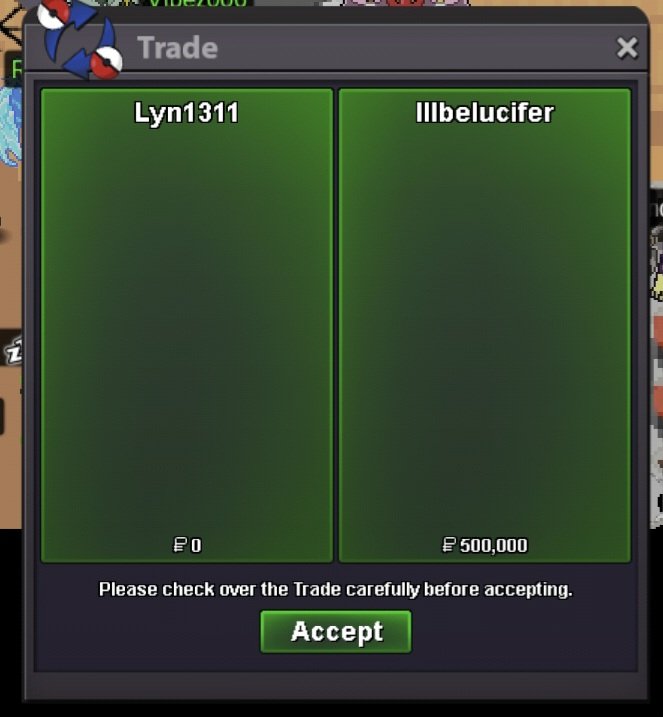
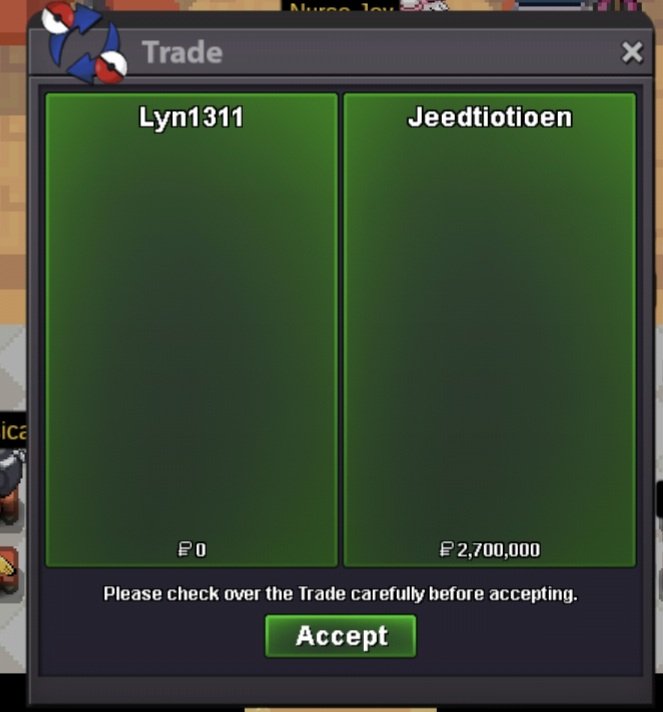
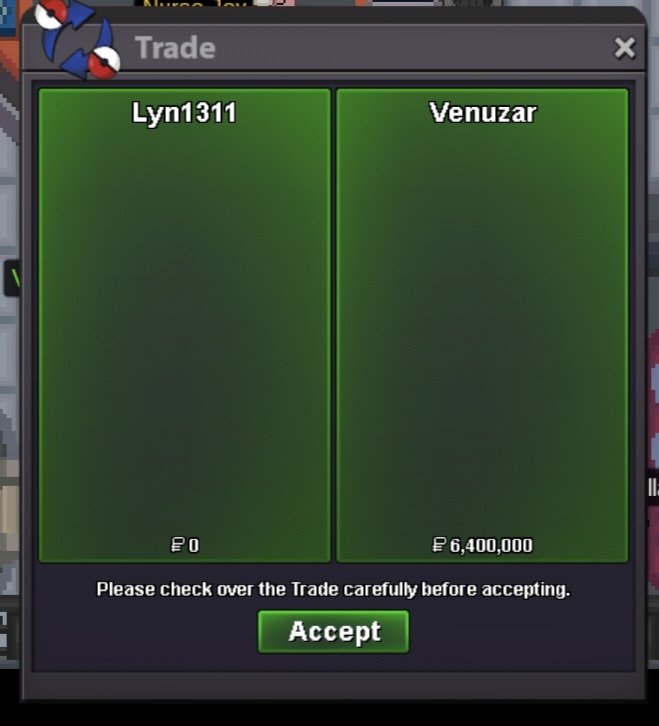 Crow Control guild based in gold and silver also recruit members, we are top 3 in both serversjoin elite emperor's700 hours just started with pvp but have plaiyd it on other mmos, and im really experinced at pve


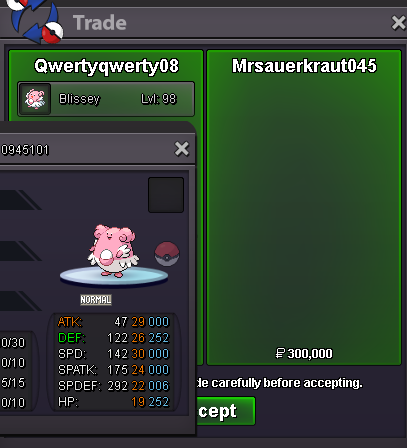




















Account
Navigation
Search
Configure browser push notifications
Chrome (Android)
- Tap the lock icon next to the address bar.
- Tap Permissions → Notifications.
- Adjust your preference.
Chrome (Desktop)
- Click the padlock icon in the address bar.
- Select Site settings.
- Find Notifications and adjust your preference.
Safari (iOS 16.4+)
- Ensure the site is installed via Add to Home Screen.
- Open Settings App → Notifications.
- Find your app name and adjust your preference.
Safari (macOS)
- Go to Safari → Preferences.
- Click the Websites tab.
- Select Notifications in the sidebar.
- Find this website and adjust your preference.
Edge (Android)
- Tap the lock icon next to the address bar.
- Tap Permissions.
- Find Notifications and adjust your preference.
Edge (Desktop)
- Click the padlock icon in the address bar.
- Click Permissions for this site.
- Find Notifications and adjust your preference.
Firefox (Android)
- Go to Settings → Site permissions.
- Tap Notifications.
- Find this site in the list and adjust your preference.
Firefox (Desktop)
- Open Firefox Settings.
- Search for Notifications.
- Find this site in the list and adjust your preference.