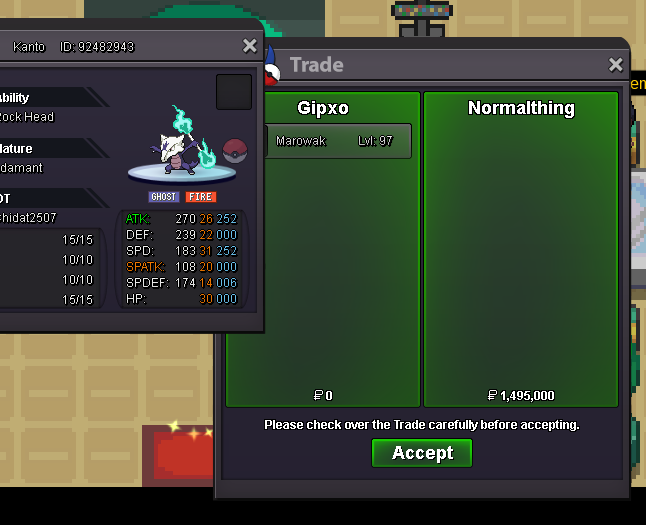
New Trade Zone
Trade Zone is now live
Use the new Trade Zone for auctions and instant-price trades so Pokemon and item offers are easy to find.
All Activity
Past hour
-
Jesussavesbro joined the community
-
+1
-
Leomin joined the community
-
Thiefnight joined the community
-
Kz1 joined the community
-
I would do it differently: make the BMS use game hours instead of real-time hours. Sometimes, because of work, you can't hunt as much as you'd like, and the BMS expires in the meantime. For example, you turn it on for two hours, then log back in the next day, and you still have 70 hours of battery life remaining.
Today
-
Francisco2 joined the community
-
Alyssasilver joined the community
-
Gostfire joined the community
-
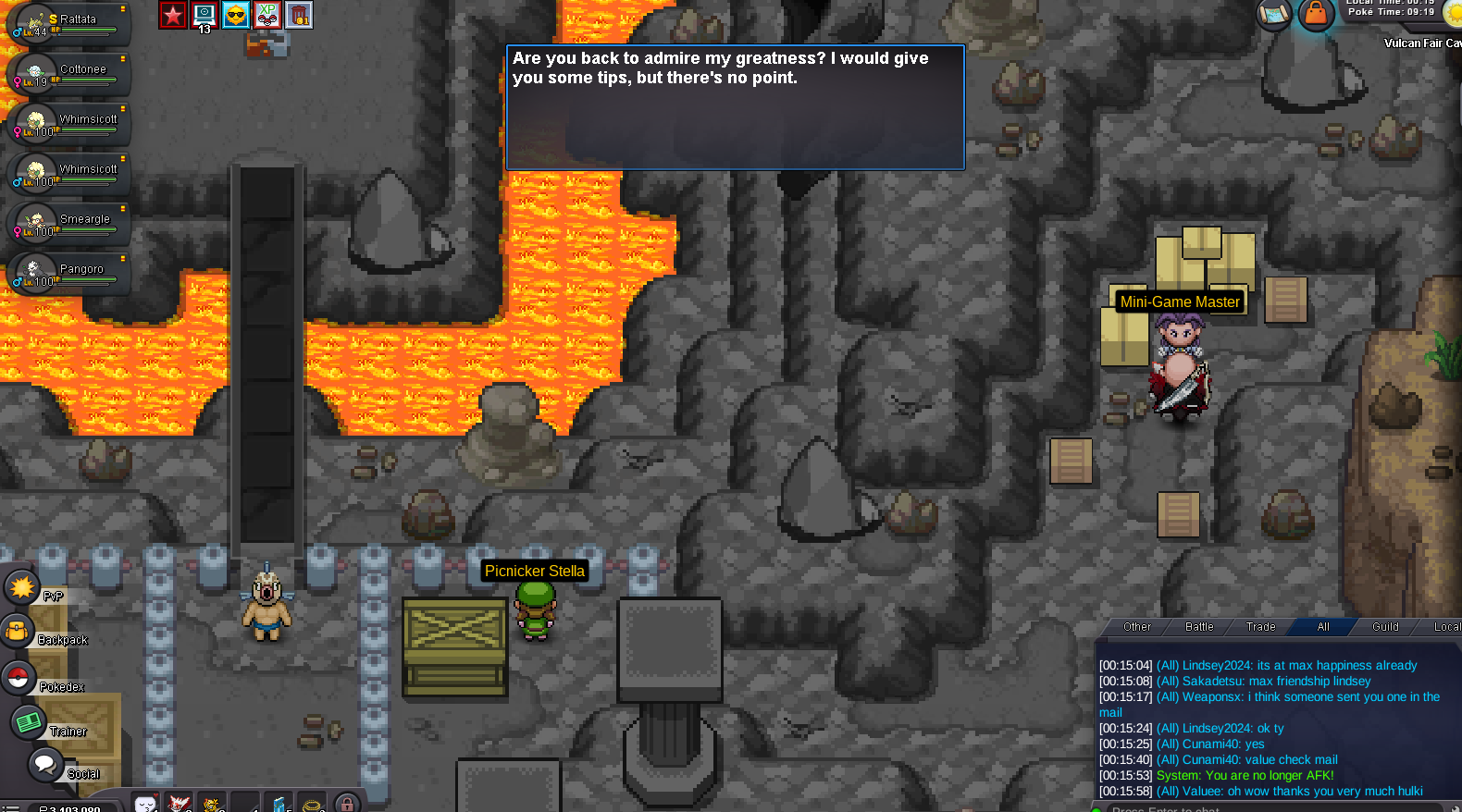
Hello @Rhomaru Apologies for the inconvenience caused. From what I see, you tied many minigame, to be able to proceed into quest, you will have to beat Mini-game Master by 1 point ahead, also be sure to do the minigame in the cave where you are in case you havent (you can see the top score before entering the cave). Once you done with all the mini-games, you should be able to fight this boss. Hope it clears your issue. I wish you a wonderful day and Good Luck for the quest! Take care, Zarachi
-
no ties. must be higher scores.
-
hi . i dunno why i cant fight the boss . im top1 in all mini games is this bug or something? please check thank you .

-
+1 just for his last sentence.don’t need to read more.👾
-
+1
-
+1
-
Dighas joined the community
-
Anubis31 joined the community
-
Mostly +1, as long as it's your own trade log history that you have access to, making so it's on-line rather than off-line record keeping / reference purpose.
-
Jeza1150 joined the community
-
A huge +1
-
is it really abuse if the account you are hunting on isnt even logged into the game to wait for spawn changes? that stuff takes months for new events, and/or spawn changes to happen. you still commit to the hunt. most people hunting have thousands of hours and get through 24 hours within a few days anyways.
-
-
How in the world would you catch a good h.a. Mon within 2 hours when most of the time you need to activate multiple regular bms to catch 1 decent mon? And if you log out to wait then whats the point of even playing the game? Does your spider senses tingle to tell you when you will catch your next good spawn? This argument is not good
-
.
-
+1
-
+1you cannot proceed further to the quest+1bump+1thats fair +1Agree about trade history, +1 from me We need to check this cause i saw some player make alternate account or using his community to raise price or post auction event the pokemon not they have, and then when its sold cheapest than they want, they will leave the account and can make other post again and i hate this when i won auction but not get what i won beacuse the seller never online or ready my message, already report to admin only says wait and wait till the world end still nothing happen I hope one days we have system can register pokemon before sell it in auction and the player wanna bid must have pokedollar or item like CC to doing bid, so the fake bid will gone, no more game of raising price in auction anymore