New Trade Zone
Trade Zone is now live
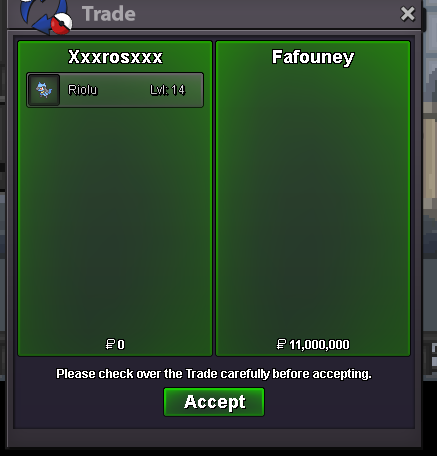
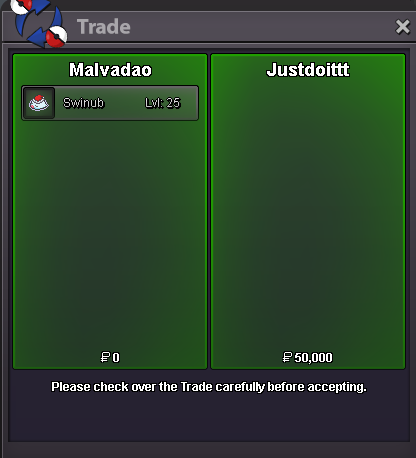
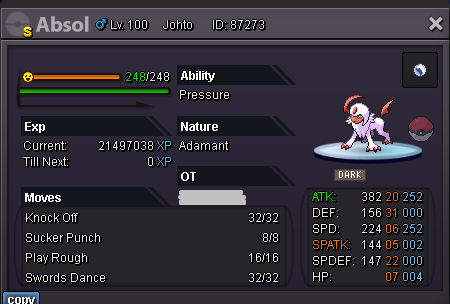
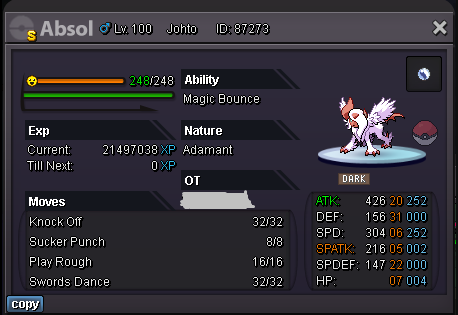
Use the new Trade Zone for auctions and instant-price trades so Pokemon and item offers are easy to find.
Leaderboard
-
Fafouney
Registered User11Points1632Posts -
Shiningshade
Registered User7Points1593Posts -

Magicarpediem
Registered User7Points1446Posts -
I3dontknow32
Registered User5Points909Posts


Popular Content
Showing content with the highest reputation on 12/30/23 in Posts
-
3 points
-
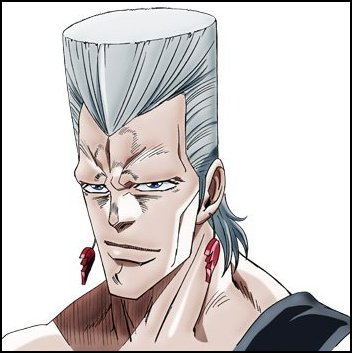
2 pointsSince the artist team is currently strong and motivated, wanted to ask if we could get some more character hairstyles around this time :3 Magic Mirror could use some updates Here are some examples for creativity fuel: (other players are welcome to add hairstyles they want to see added to the game in the comments as well)












 2 points
 -
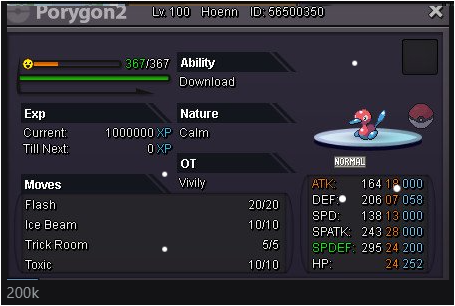
2 pointsStart 100 k Min raise 200 k Accept cc 380 k Rr 500 k 5 days auction after first bid
 2 points
 -
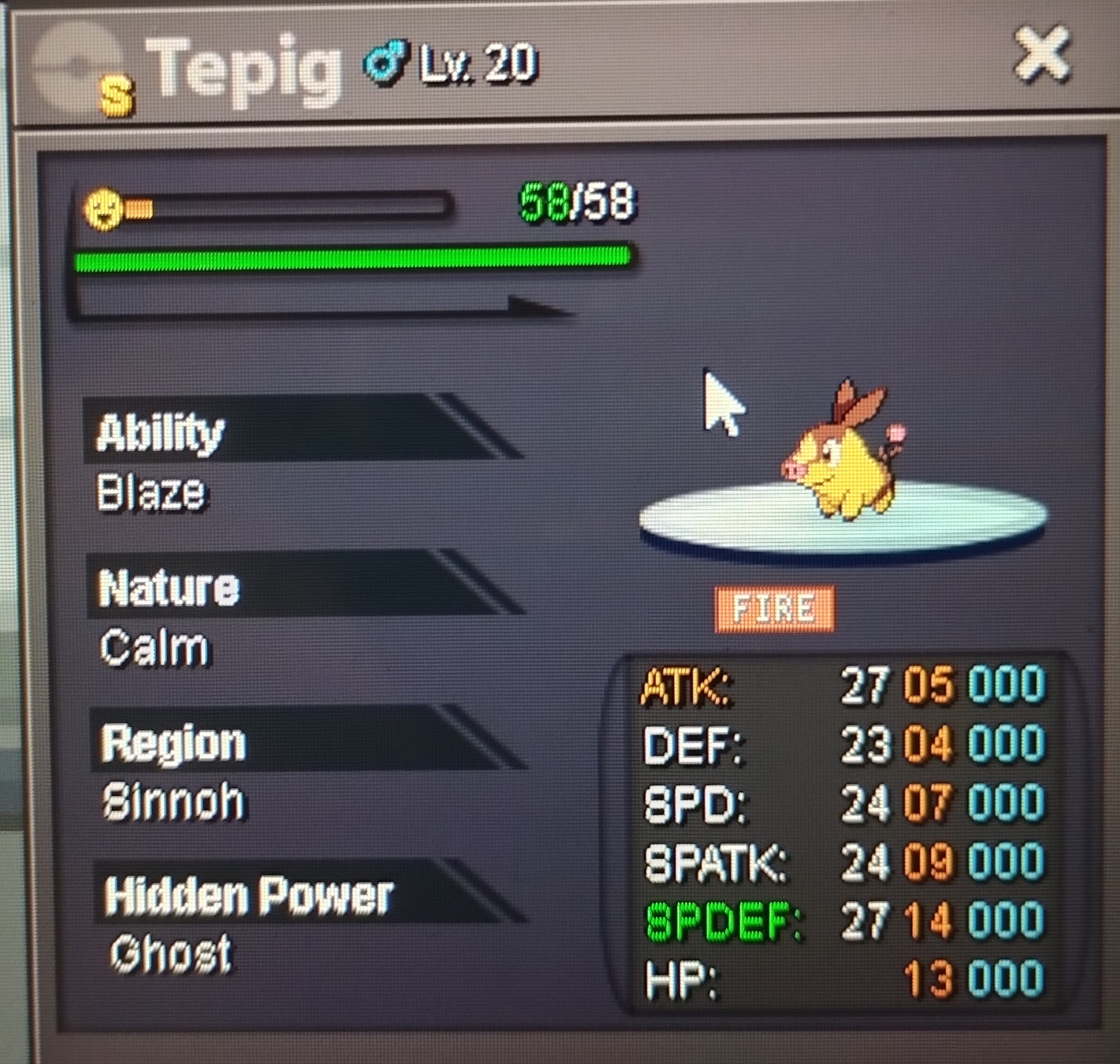
i forgot the ss the first trade hope its ok
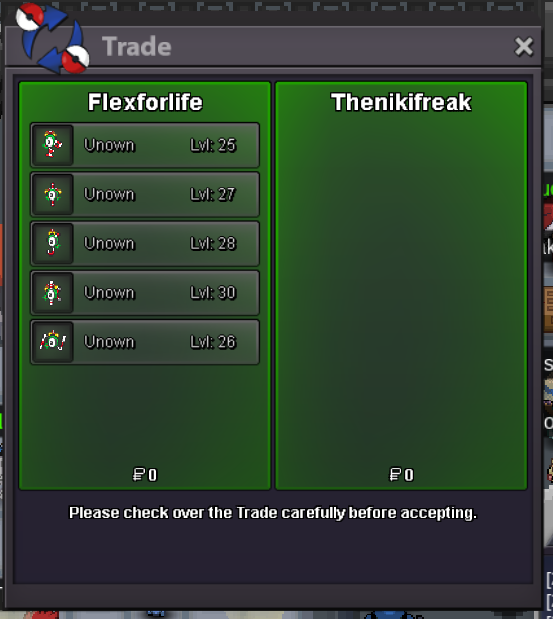
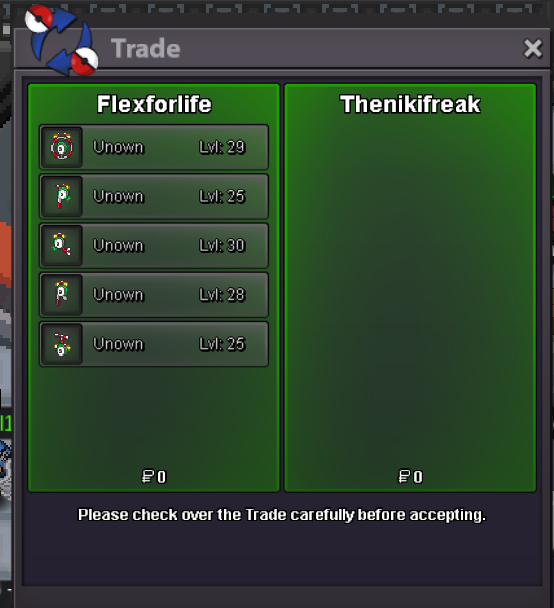
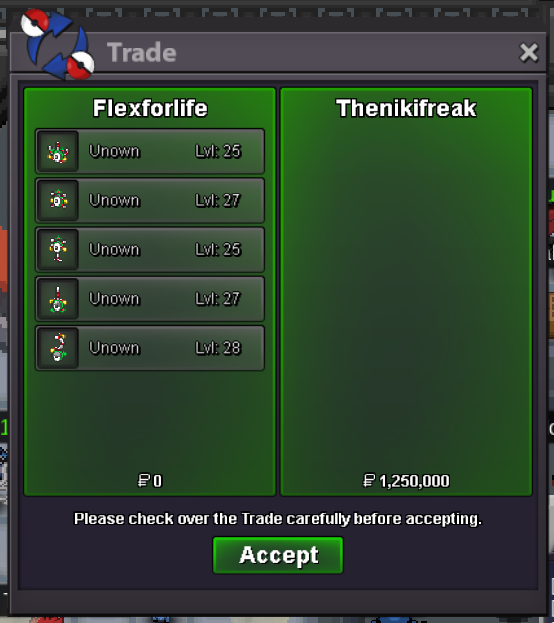
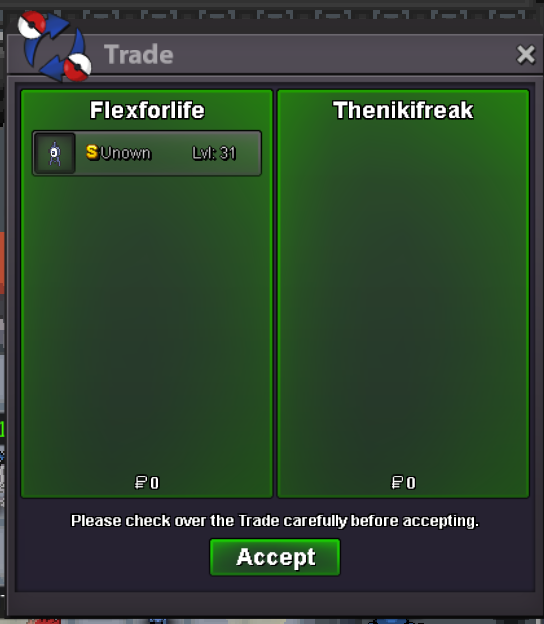 2 points
 -
2 points
-
2 points
-
2 points
-
2 points
-
2 points
-
2 points
-
2 points2 points2 points2 pointsEvocation was a new guild started in 2019 by Cydippe and Tursany. We are A funloving, dysfunctional, but easygoing family of random people. But you're probably sceptical. You're probably going, "Why would I join a guild in which the only pull-factor is the fact that the Guild Leader owns Pikachu slippers?" Well, allow me to not answer your question, and give you these commonly asked questions instead. Who do we recruit? Anyone and literally everyone. I don't care who it is, your Uncle Steve, your dog, your bottle of soda, you are absolutely welcome. Progress, interests in game, power (or lack of it irl), none of it matters in terms of joining the guild. We make the journey together worthwhile. We operate equally on both Gold and Silver servers - Yes, I said BOTH Guild benefits: 1. As all guilds, we have the Standard guild XP benefits from PRO for guild capacity 2. We have an in guild shop (on discord) which caters for both servers 3. We have our own in guild currency on the discord. This currency can be used to purchase item in the guild shop 4. We post all our guild events on Discord 5. Our guild is not solely focussed on PRO and we have a guild on various other games. This includes, but is not limited to, games on Steam, EpicGames, Multiplayers on other platforms. 6. We currently have 4 dedicated Java Minecraft servers with CurseForge Mods that you are welcome to play on How do I join? Easier than square dancing with a card board box. All you have to do is answer the below items and we get back to you. What's your Player name (IGN)? Number of hours played? What's your favourite Pokemon? What country are you from? How old are you? Which server do you play on?
 1 point1 pointC.O. 1m by Metalgreymon Min Bid 100k Insta 2m Ends in 24hrs from start End Time - 2/1/24 5:35pm IST Accept payments - CC (380k) and Pokedollars
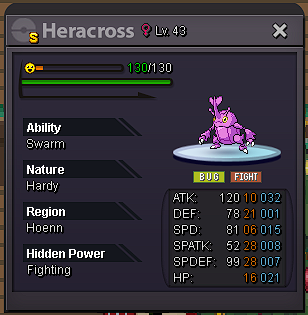 1 point1 pointStart: 1m Min bid: 50k Duration: 24 hours (from first bid) Payment: Pokedollars, Coin Capsules (380k) Reroll Ticket (480k) Insta: N/A Gold Server
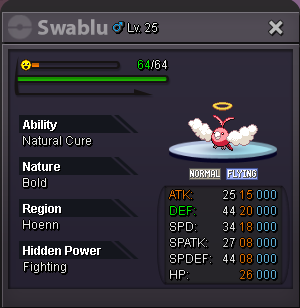 1 point1 pointhp steel s.o 10k each min bid 10k no insta Accept CC=370k and Cash 46 hour auction after first bid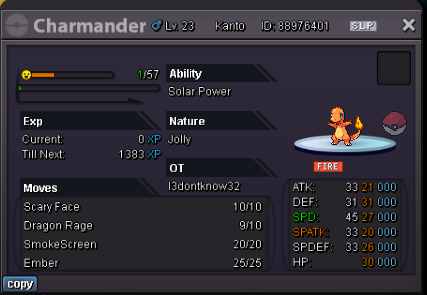
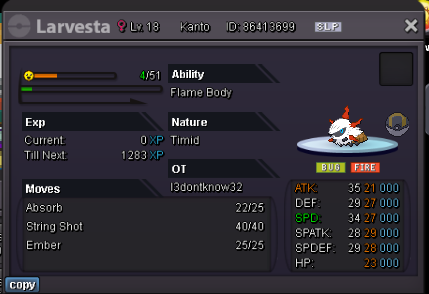
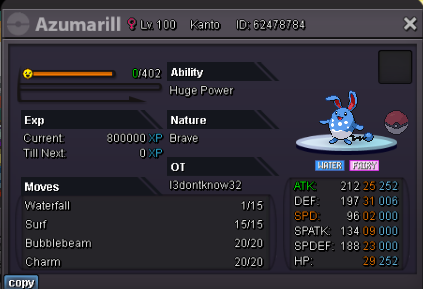
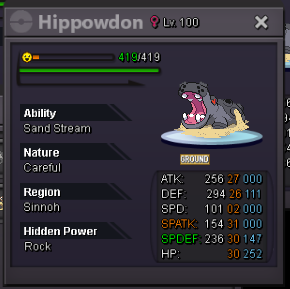 1 pointStart 5m by @Donator min: 200k no insta accept CC: 350k / iv rr: 500k Ends 48 hours after first bid.
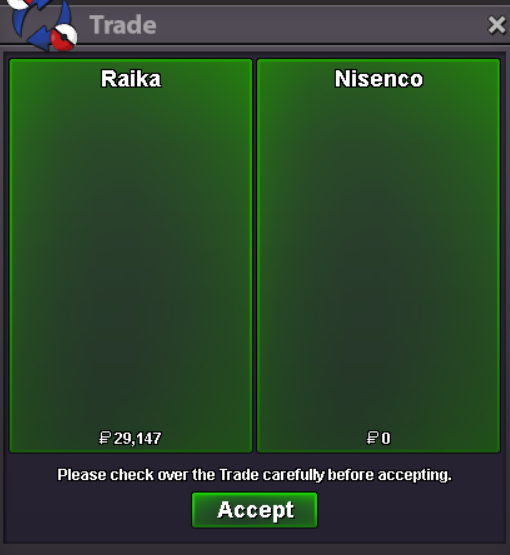
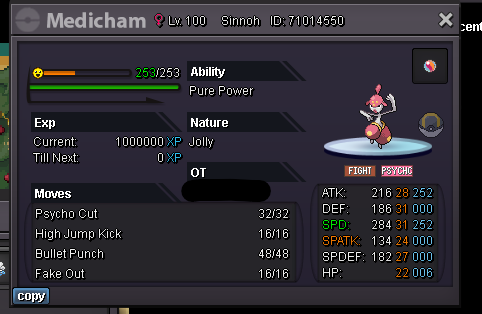 1 point1 point1 point1 point1 point1 point1 point1 point1 point1 point1 point1 point1 point1 pointHello all, @Pokecatcherdave Please make sure you give a clear End Point. You have stated this auction was a 48hrs one, but never mentioned when the ''clock starts ticking.'' Is it after being posted? Is after getting getting the first bid? Is after the S.O. is met? Please make sure you always give this information. Since nothing was mentioned, we will assume the start of this auction when the thread was created. I will be using GMT +0 onwards: Time: 48hours after thread creation [since not specified by the seller, what will prevail will be the time when it was posted] Start: 28/12 1:07PM End: 30/12 1:07PM Winner: @Ayuku with a 550k bid made at 30/12 9:59AM Kind Regards, * Zoruami *1 point1 point1 point1 point1 point1 pointI give money away to random people until Astrella comes out. @Nisenco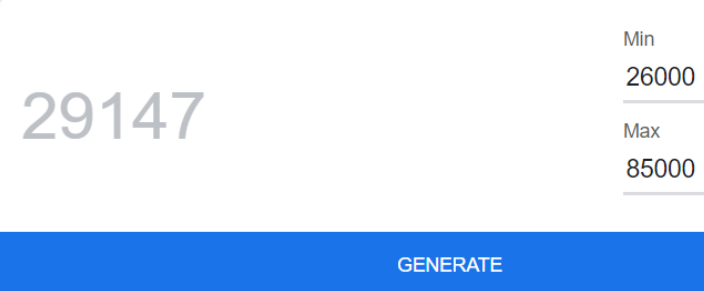
 1 point1 point1 point1 point1 point1 point1 point1 point1 point1 point1 point1 point1 point1 pointHonestly, PRO has hands down the best community ever. Shoutout to the best guild ever: Nabs and my friends Simplexdesigns, Zorkey, Kaempferherz, Unknown0w0 and Wolfbasser to mention a few. However, to put it simply, I’ve been really struggling with my mental health and putting in hours to grind a game, I honestly have not been finding very enjoyable has not helped my situation at home, in school and on the court. It was a really hard decision for me to put an end to this era, but I know that it is a necessity to build a better future for myself. Nonetheless, I will always remember how blessed I was to come across such a beautiful community, grinding with my friends and trolling all chat(Sorry if I annoyed you lel). Bestowing upon you my shiny luck, Hanasaki1 point