New Trade Zone
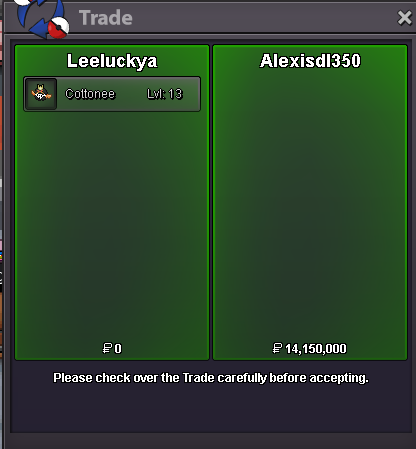
Trade Zone is now live
Use the new Trade Zone for auctions and instant-price trades so Pokemon and item offers are easy to find.
Leaderboard
-
Alexisdl350
Suspended41Points477Posts -
Nyshine
Suspended40Points210Posts -
Jackstermac
Registered User5Points1687Posts -

Babykee
Registered User4Points214Posts




Popular Content
Showing content with the highest reputation on 11/12/24 in all areas
-
3 pointsS.O. 500k Min. bid. 50k No Insta Ends 48h after starting. Starts: 17:50 12/11/24 GMT+1 Ends: 18:00 14/11/24 GMT+1 Accept as payment: CC - 400k IV Reroll - 500k
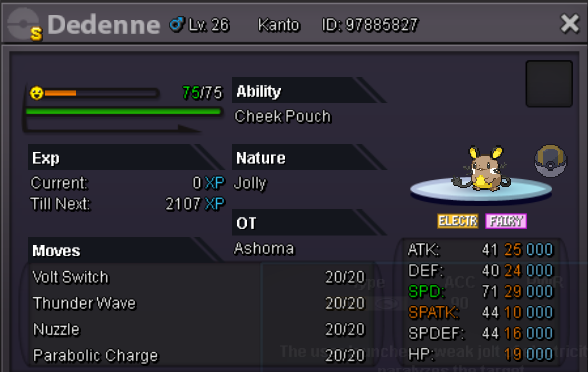 3 points
-
2 pointss.o 100k Min bid 100k Auction ends 72 hrs after s.o is met cc 450k iv rr 500k
 2 points
-
2 points2 points1 pointAuction details : * Start price : 1m * Minimum bid : 200k * Insta price : — * Accept payment : pokedollars , coin capsule (400k) , IV rerol ticket (500k) * End point : 72 hours AFTER MY POST ( So auction Will end at : Friday 2:10 GMT +7 ) "Important Reminders" * If you intend to purchase with an alt account, specify the account alongside your bid. * If a bid is received in the final 15 minutes of the auction, the end point will be delayed by 15 minutes from that bid, and will be delayed by 15 minutes for each new bid thereafter, until the current offer has been held for a full 15 minutes
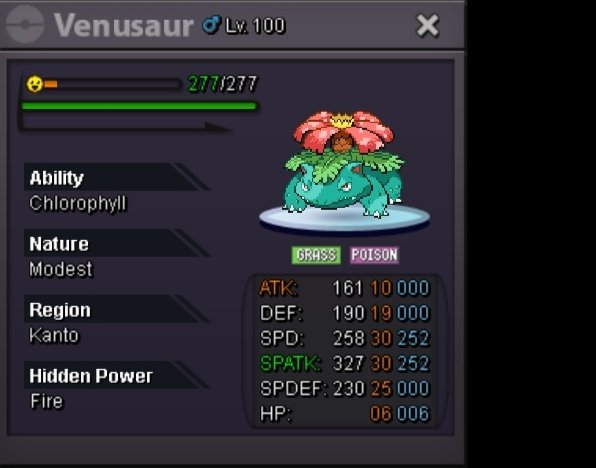 1 pointHi, this time ill auction this: Current Offer: 760k. Min. Raise: 10k. -Live Timer- Plus Pokedollars, accept Payments as: Coin Capsule = 450k. Nature rr Ticket = 250k. 2xRare Candy = 10k. IVs rr Ticket = 500k. Rules to highlight: I don't accept any other form of payment - Please be serious about offers - This auction takes place on the Silver Server, I dont take any responsibility for transferring - If a bid is received in the final 15 minutes of the auction, the end point will be delayed by 15 minutes from that bid, and will be delayed by 15 minutes for each new bid thereafter, until the current offer has been held for a full 15 minutes. Name ingame: Mattsw.


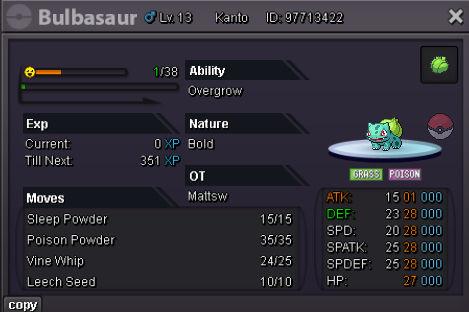
 1 pointHello and welcome to this Auction. 48hrs time Left After First bid. No insta and No bundle. s.o 100k each min raise 25k accept only cash ty. Gl&Hf
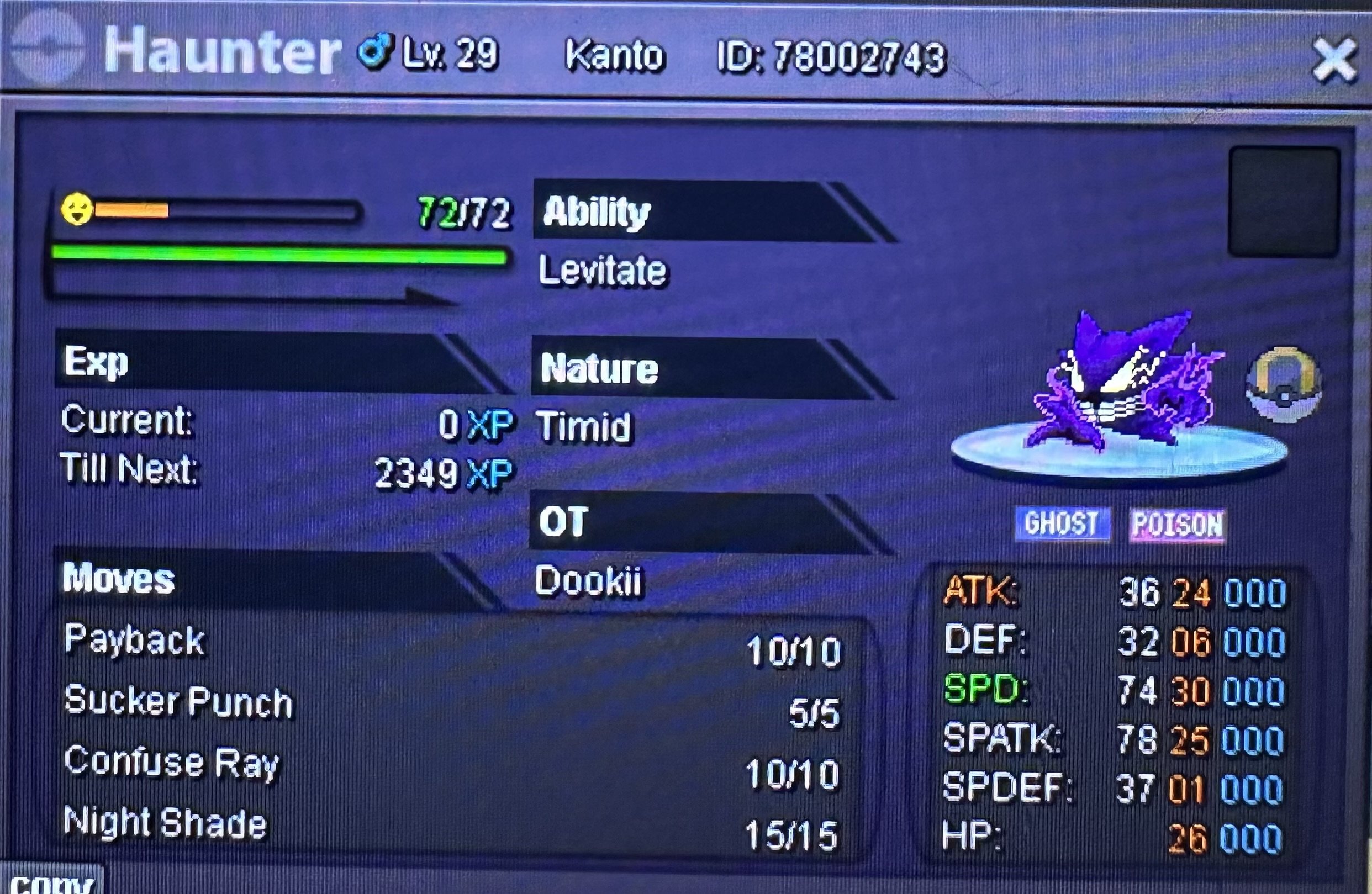
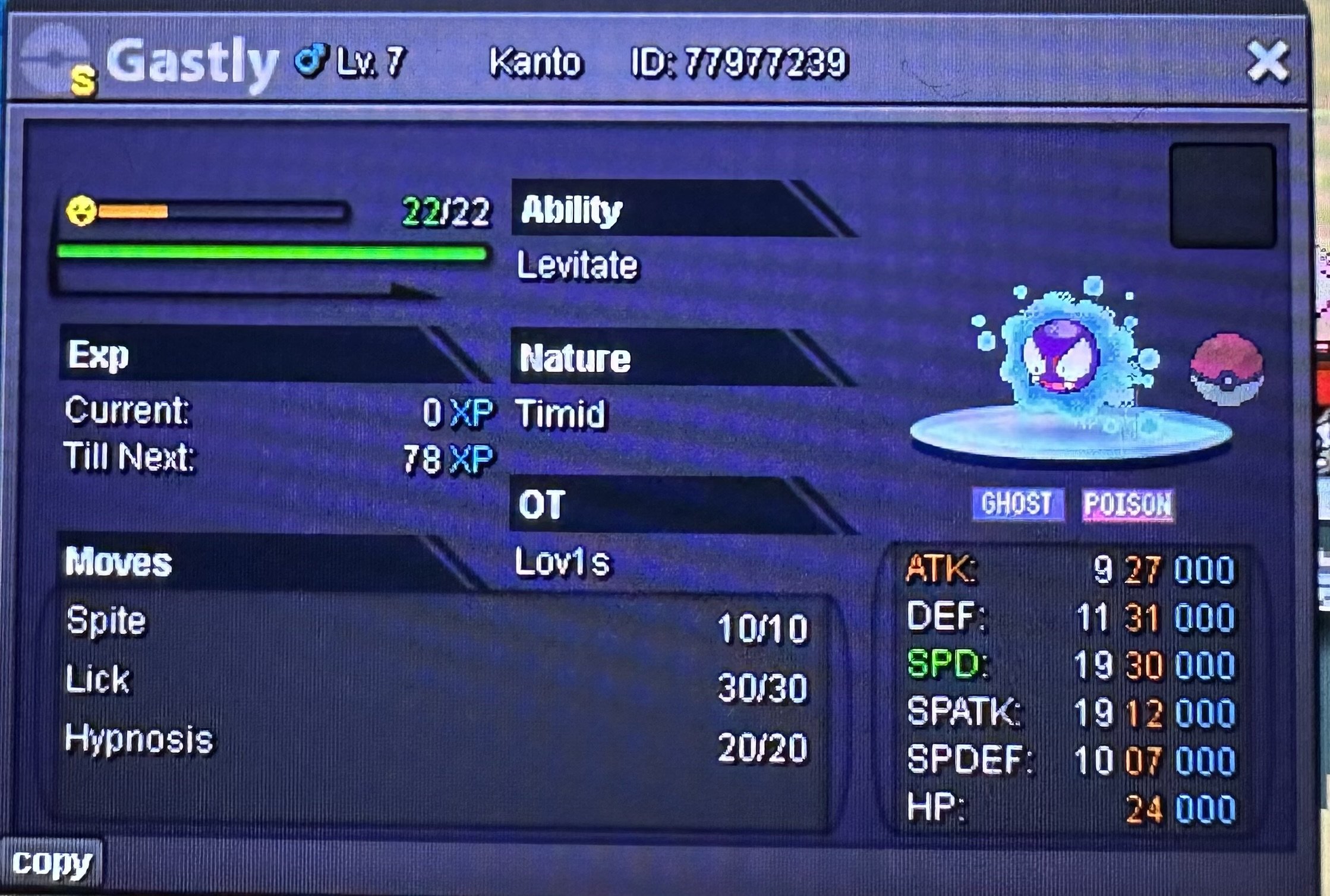 1 point1 point1 point1 point1 point1 point1 point1 point1 point1 pointstart : 4m min bid: 200k Payment: Pokedollar only No Insta The auction will end after 48h from the start.
 1 point1 point1 point1 point1 point1 point1 point1 point1 point1 point1 point1 point1 point1 point1 point1 point1 point1 point1 point1 point1 point1 point1 point1 point1 point1 point1 point1 point1 point1 point1 point1 point1 point1 point1 point1 pointHello DiogoYeti, I understand that missing out on rewards after actively participating in the event can be disappointing, especially when others have received multiple mounts. Regarding your question on daily login quests, it's a good point and worth discussing. Daily quests serve a purpose beyond financial goals. They’re meant to encourage consistent engagement with the game, creating a more dynamic experience for all players. Even without monetary objectives, daily login quests help foster a sense of community and accomplishment. Players feel like they're progressing and achieving something by logging in consistently, which is especially important in a game that emphasizes regular participation, cooperation, and interaction. Additionally, regular logins provide insights into how players are engaging with content, which helps us tailor future events and improvements based on player activity and preferences. This allows us to design a better experience that fits the community's needs, regardless of profit considerations.1 point1 pointIt's on the DEV to-do-list but yeah being able to create categories in PC such as : Boss Team Pokes To Sell Pokes To Xp Pokes To Ev ... + Adding Shinies/Forms searching,will be great.1 point