New Trade Zone
Trade Zone is now live
Use the new Trade Zone for auctions and instant-price trades so Pokemon and item offers are easy to find.

Allsmell
Registered User
-
Joined
-
Last visited
Everything posted by Allsmell
-
Darmanitan 1 sold 1m
-
A set for Blaziken, swords dance, protect, flare blitz, high jump kick. swap blazi into something it forces out, turn 1 swords dance turn 2 protect turn 3 you have a poke with 2 moves base power 180 and 195 that even if they arent hiting for neutral dmge they are still base power 90 and 97.5. your poke also has double speed (518 adjusted) and double atk (744 adjusted), There are a few counters, but it forces every team to run 1 or 2 every time Other high dmge moves blazi knows for coverage Poisen Jab EQ Brave Bird Stone Edge Low Kick Thunderpunch Super Power
-
Server: Gold Account: Allsmell Id: 32139586 Poke descrition: lvl 100 Charmeloen
-
what you've done here is increase the cost of cc by 50%, from 5--->7.5, But the usualy expected outcome from you 5 monnies is 100c, The expected outcome from your 'bundle' is items equvilent to 150c Since this is 50% more also, what is the purpose of your bundle? 5 monies = 100c 7.5 monies = 150c why bother?
-
looks to me like your using chrome. use firefox and forum will work
-
Added Shiny Arbok Shiny Kingler Shiny Noctowl Shiny Shiftry Shiny Volbeat Xmas Stantler 3x Xmas Teddiursa Valentine Clefable 3x Valentine Clefairy Valentine Budew Valentine Nidoran M Valentine Spearow Pink Scyther
-
550k
-
Conkeldurr 1 sold 2.2m

-
how to replicate this problem: go to my a-z shop and open the spoilers on any browser than isnt firefox, how to solve this problem, use firefox
-
Guys if you're using chrome the fix is to download firefox and use that, both on phone and on computer.
-
400k



-
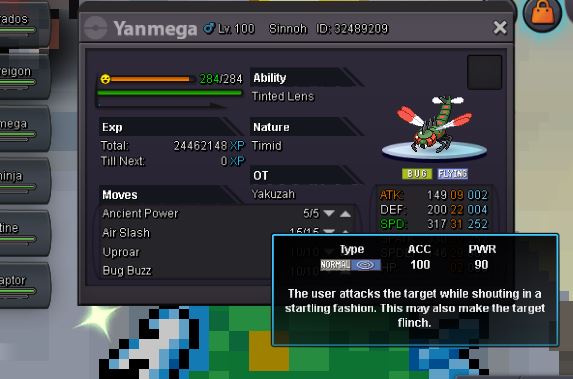
https://pokemondb.net/move/uproar It actually not showing the tooltip for hyper voice, i thought it was because its also 90power normal type, no Idea what move the tooltip is showing for. anyway its not the tooltip for uproar
-
What you want What you get


-
bumperino
-
https://www.smogon.com/dex/sm/pokemon/alakazam/ I'll use alakazam as the example, above link shows its mega form and its not mega form next to each other. Mega form has ability 'trace', none mega form has the ability 'magic guard' idealy. If your opponent has stealth rocks up, then the way megas work in the og is; -your pokemon dies to opponents move -you swap alakazam(magic guard) in. -alakazam takes no dmge from stealth rocks because of ability, -you then mega evolve the next turn, alakazam has 100% life How it would work with your idea, -pokemon dies -swap in alakazam(trace,mega) -alakazam takes dmge from rocks -alakazam then starts next turn with less than full health Other megas this would effect off the top of my head, sableye, banette. actually probably everything. So while im abit in favour of your idea, this would make the pro meta alot different to the og, Also this would break bosses,
-
some megas would become alot stronger by being able to swap in with there new ability already active, others would be alot weaker, alakazam for instance. that being said i like the idea in principle, dunno how easy/hard it would be to do though, and if its time consuming id rather they spent time doing something else, +.5
-
Azumarill 1 sold 275k to auction winner Royalboss

-
what does jdm modified mean? if its clickbait you should probably remove it
-
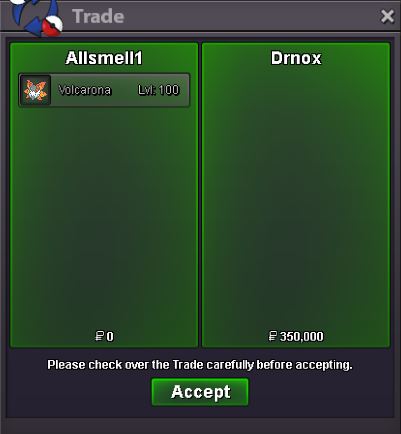
Volcarona 4 sold 350k
-
3rd button on mouse means that you can control movement with the mouse, and its a toggle, click on click off. try pressing it.
-
volcarona 6 sold 400k
-
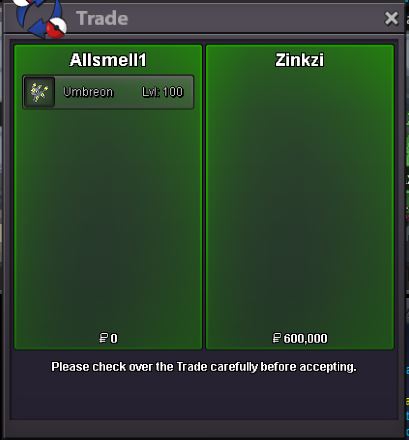
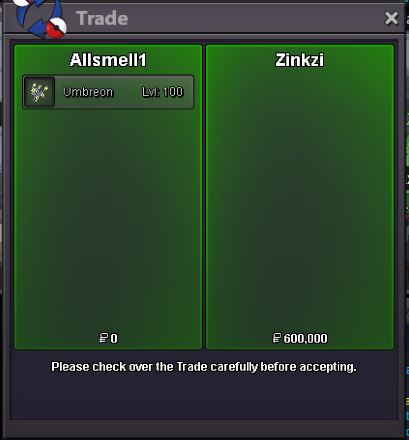
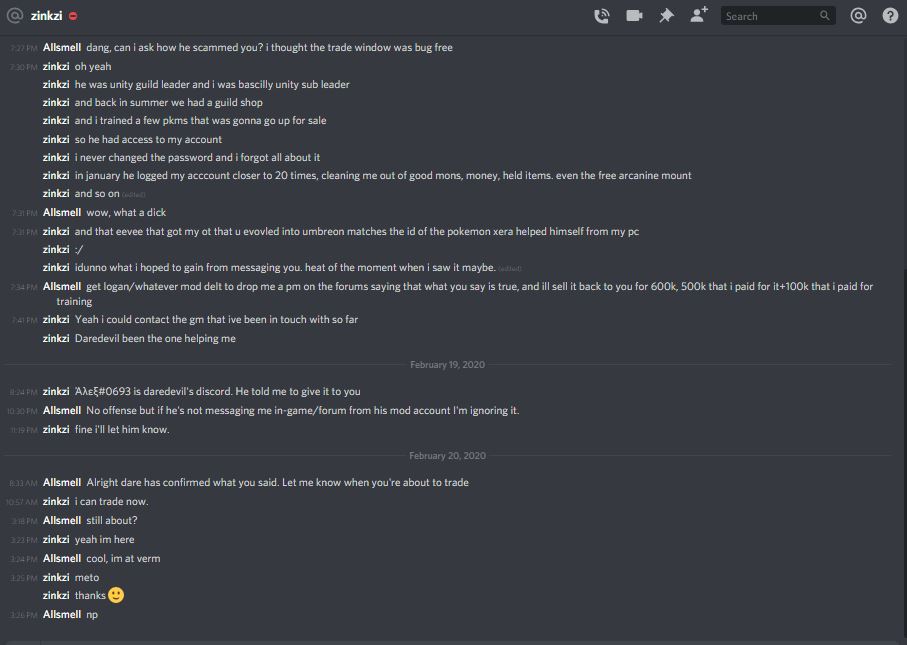
umbreon retured to owner of scam by another player for 600k



-
Move Uproar has the tooltip for hyper voice,
-
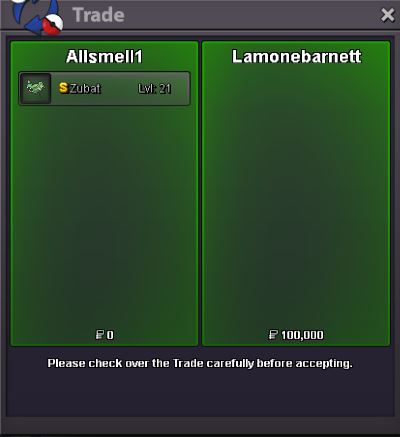
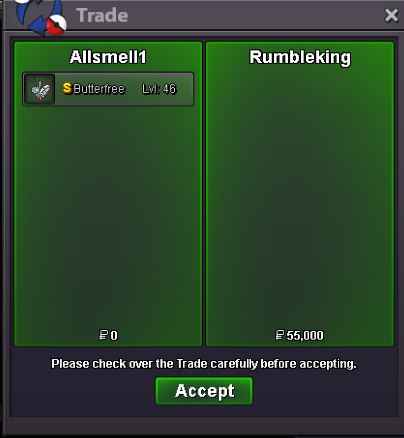
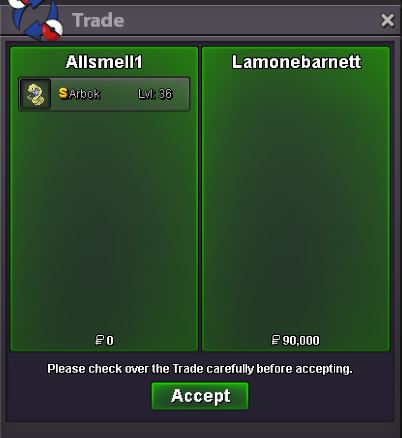
Shiny Arbok 2 sold 90k Shiny Butterfree sold 55k Shiny Zubat sold 100k
-
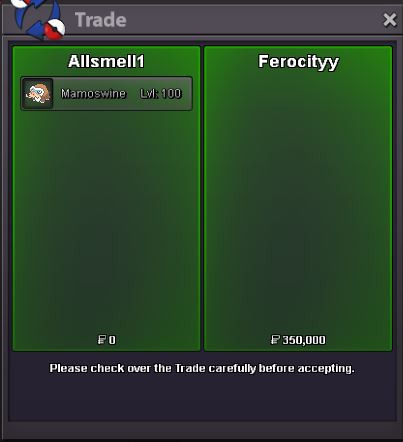
Mamoswine 2 sold 350k