




New Trade Zone
Trade Zone is now live
Use the new Trade Zone for auctions and instant-price trades so Pokemon and item offers are easy to find.

Norex
Discord Moderator
-
Joined
-
Last visited
Everything posted by Norex
-
You can read everything about the membership perks here: https://prowiki.info/index.php?title=Membership
-
You are doing it correct but there are simply no seconds on forum because you dont need to know them. Its just about the minute because of rule 10. pretty much. https://pokemonrevolution.net/forum/topic/119709-forums-and-in-game-auction-rules/

-
ATK 11 + DEF 12 + SPD 27 + SPATK 01 = 51 total IVs So it seems like you dont meet the required IVs.
-
Mega Banette has the ability Prankster which does not work against Dark Types, so Disable will fail on Dark Types. Additionally Disable is not coded 100% correctly, it will fail on moves which have 5 PP like Hydro Pump for example after the move was used 2-3 times (not 100% sure). However while this is known by the developers already it wont get fixed until the AI update from what I know.
-
Resetting your password should fix that issue from what I know. https://pokemonrevolution.net/forgot-password
-
-
-
-
bump
-
-
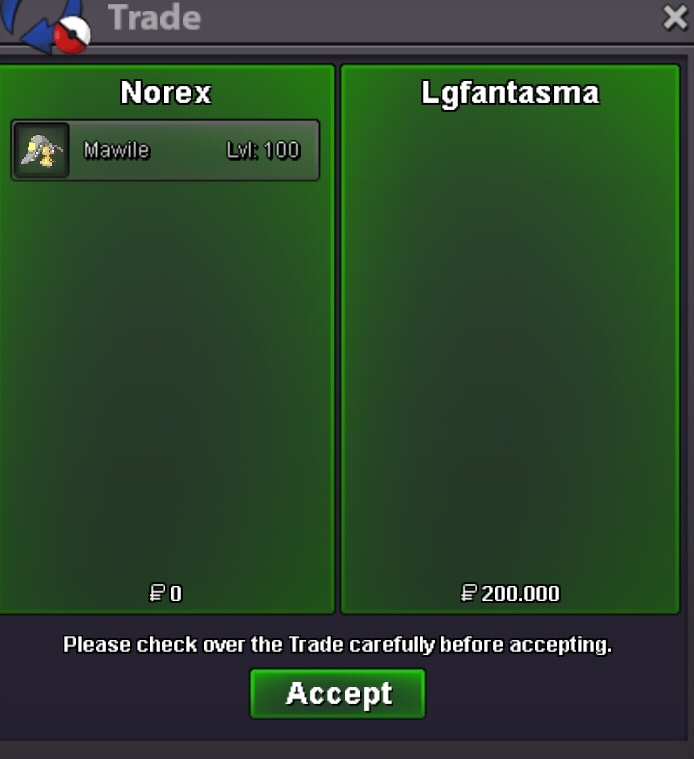
Mawile 200k sold.
-
-
-
-
bump
-
bump
-
bump
-
bumping this
-
bump
-
-
removed Rotom-Wash and added Mimikyu, bump
-
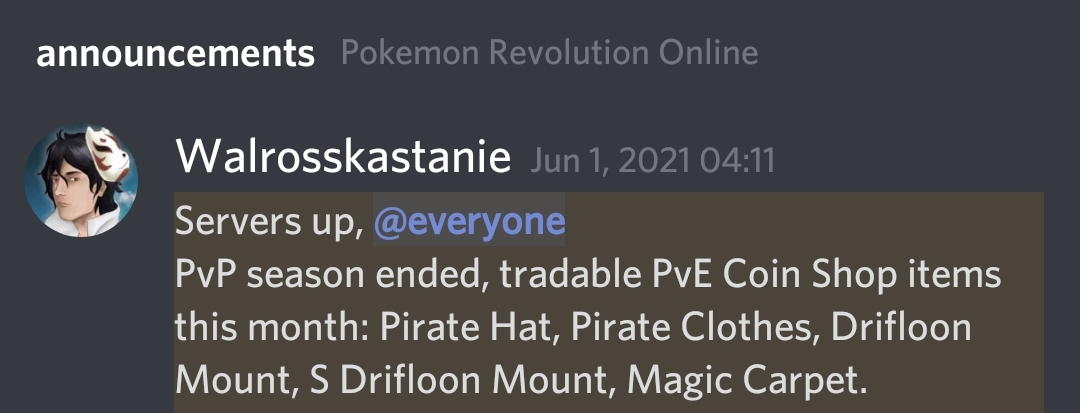
Hey, currently the only way is to check the past announcement on the #announcements channel on PRO's official discord.
-
-
-