




New Trade Zone
Trade Zone is now live
Use the new Trade Zone for auctions and instant-price trades so Pokemon and item offers are easy to find.


Norex
Discord Moderator
-
Joined
-
Last visited
Everything posted by Norex
-
@Assassin512 you won the auction, please contact me ingame or on discord so we can meet for the trade
-
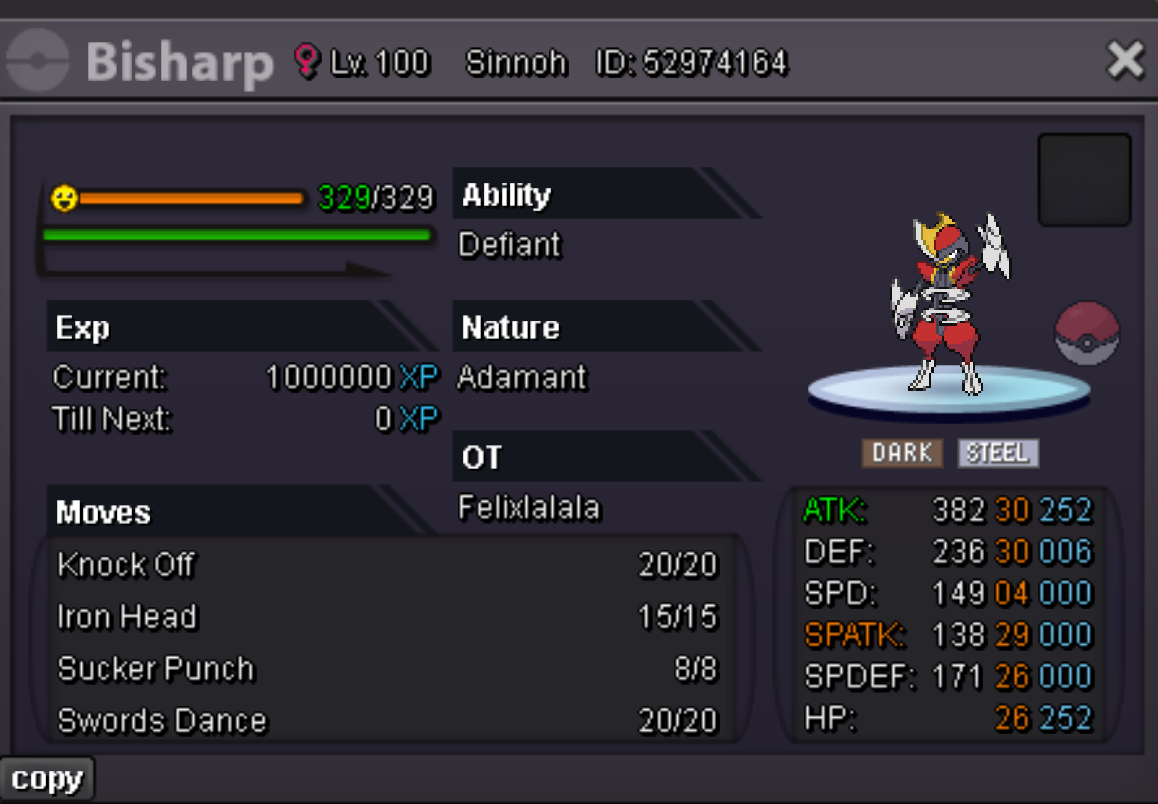
Duration: 48h after first bid Start offer: 700k Min Bid: 100k Insta: None Accepted payments Coin Capsule = 500k Reroll Ticket = 600k Contact Ingame: Norex Discord: norex1234 If you want to bid from Silver Server make sure to mention that when bidding.
-
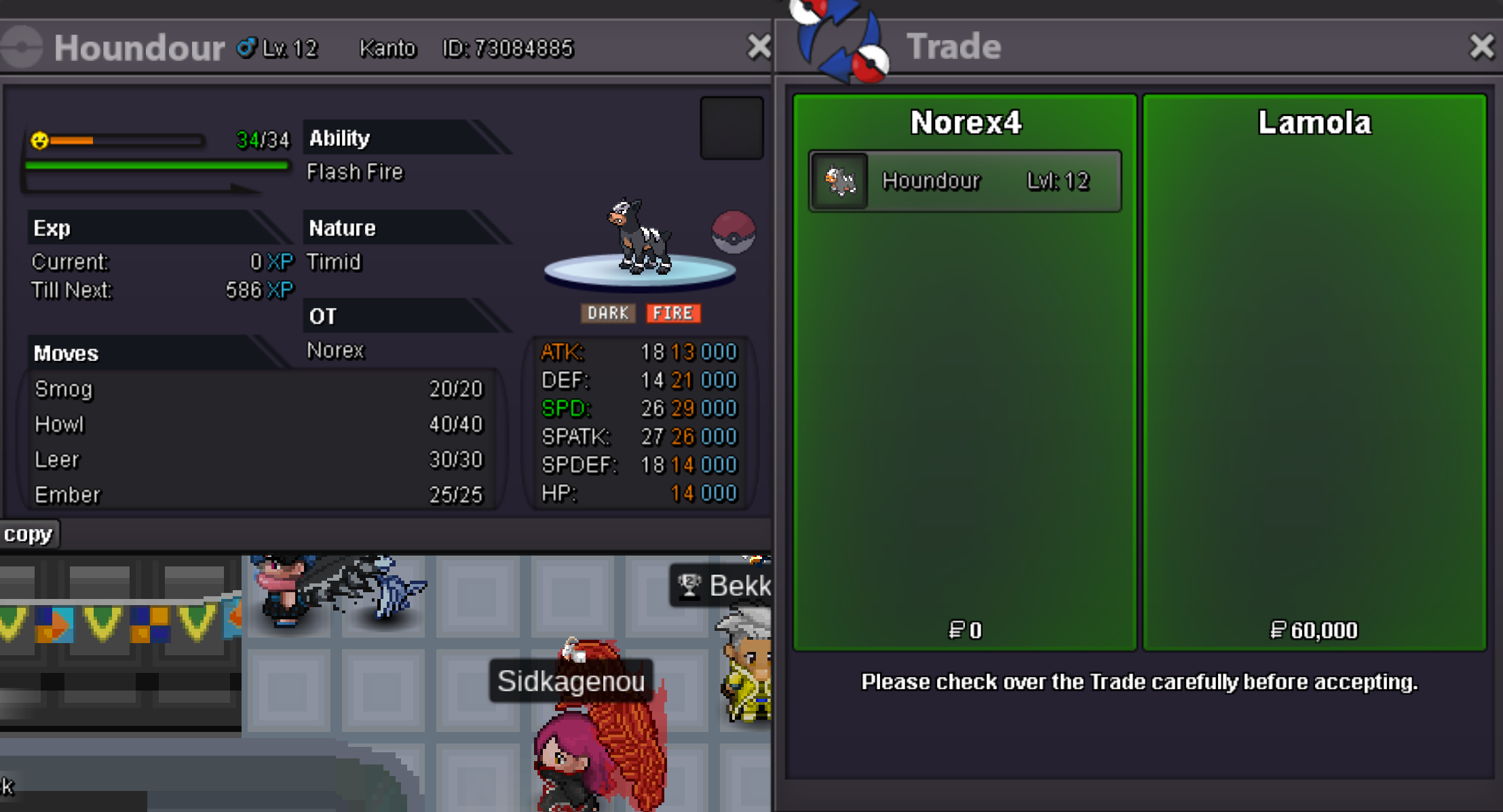
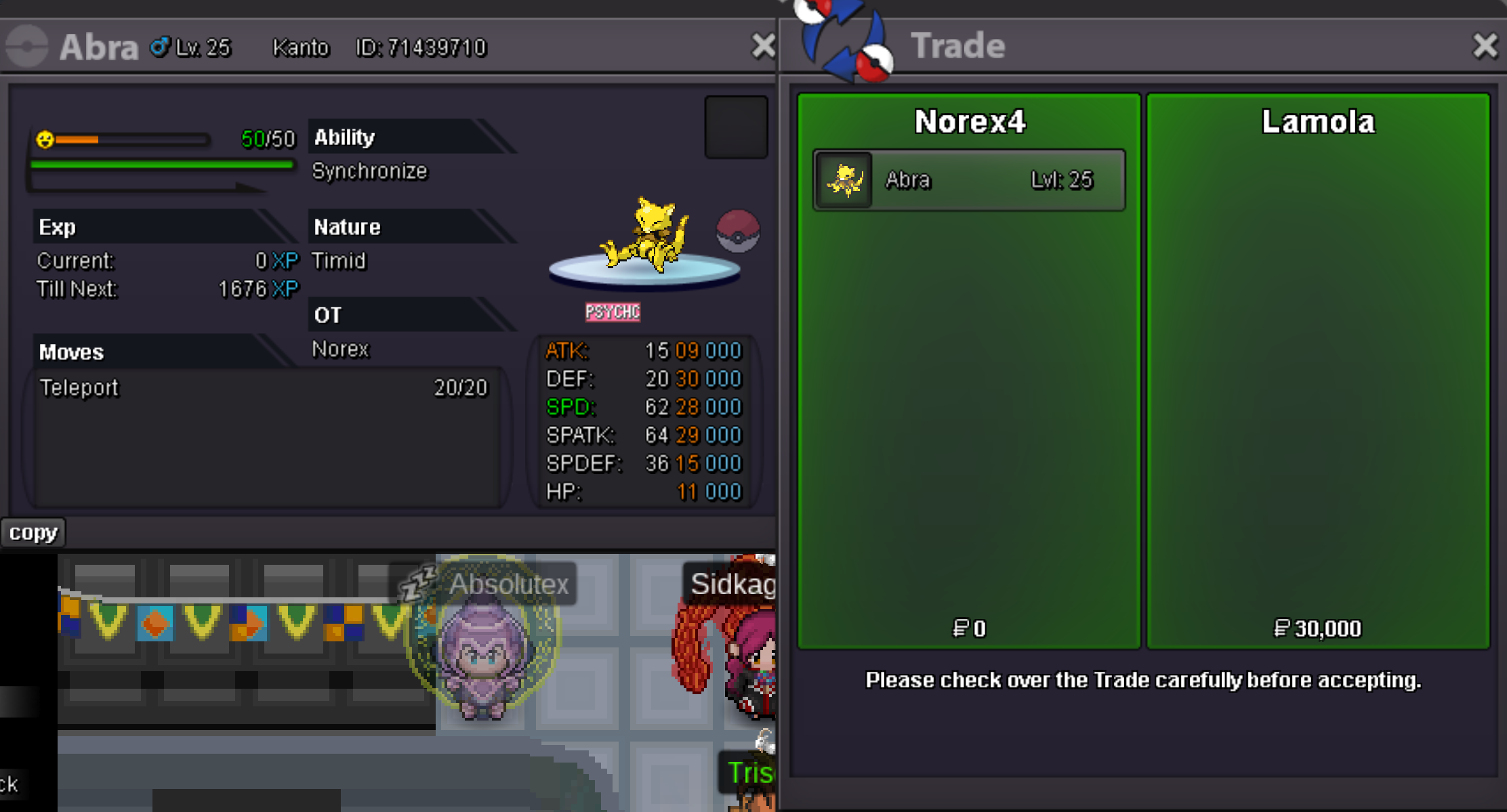
Houndour 60k sold. Abra 30k sold.
-
-
-
-
Hey @Nikosan, thanks for your suggestion. Bosses are indeed outdated and a rather stale mechanic. We are aware of that and a rework to bosses is definitely planned for the future.
-
That would require a rework to the way the icons work and that is already on the devs to-do list https://pokemonrevolution.net/forum/topic/159019-dev-to-do-list/
-
Hey, tradable mounts / cosmetics from the PvE Coin Shop change monthly, so its not a bug. You can follow the current tradable items through the official PRO discords #announcements channel.
-
65m
-
61m
-
55m
-
53m
-
51m
-
46m
-
37m
-
35m
-
33m
-
31m
-
29m
-
Did you catch the Squirtle after talking to Professor Oak for the quest?
-
Guilds can already enter Guild Island by contributing 20 Mysterious Tickets to the H. Ackermann NPC.
-
Hey, currently its not possible to remove this specific form. We are aware of the issue and there will be an alternative solution in the future once we decided on the ideal way to handle these cases.
-
Hey, we are aware of the issue and there will be an alternative solution in the future once we decided on the ideal way to handle these cases.
-
start 20m
