




New Trade Zone
Trade Zone is now live
Use the new Trade Zone for auctions and instant-price trades so Pokemon and item offers are easy to find.


Norex
Discord Moderator
-
Joined
-
Last visited
Everything posted by Norex
-
Hey @Alenrick, if you dont have access to your current email anymore please make a forum post at the link below and mention your username and the new email you want to use: https://pokemonrevolution.net/forum/forum/221-2fa-email-recover-assistance/
-
Hey @Xxalex93, if you dont have access to your current email anymore please make a forum post at the link below and mention your username and the new email you want to use: https://pokemonrevolution.net/forum/forum/221-2fa-email-recover-assistance/
-
Hey @Vhsboy, if you dont have access to your current email anymore please make a forum post at the link below and mention your username and the new email you want to use: https://pokemonrevolution.net/forum/forum/221-2fa-email-recover-assistance/
-
Hey @Zvezdasica998, have your friend create another account so they can access the forum first as they have to make a forum post by themself. Please have them make a forum post at the link below and mention the username and the new email they want to use: https://pokemonrevolution.net/forum/forum/221-2fa-email-recover-assistance/
-
What operating system are you using?
-
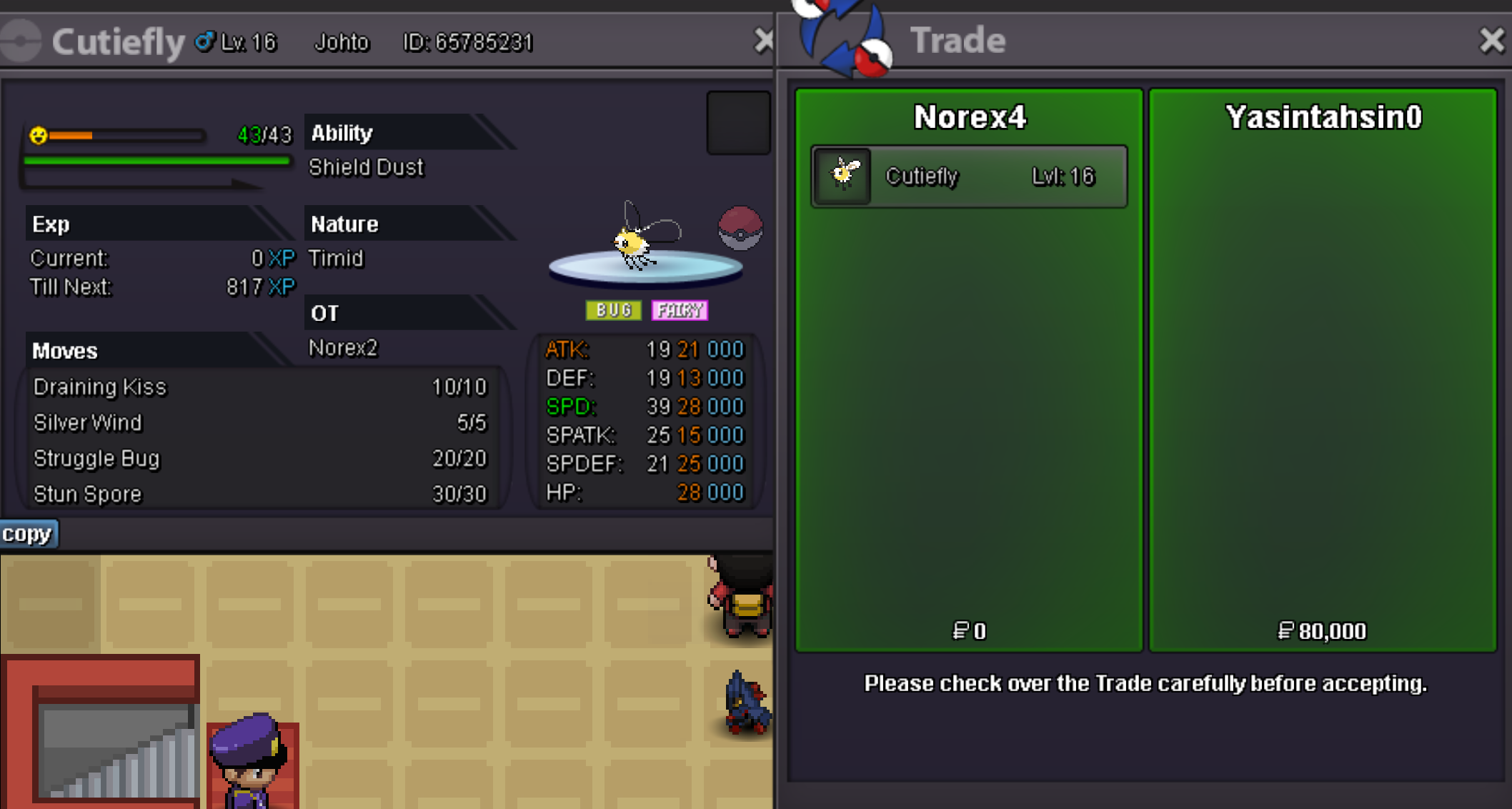
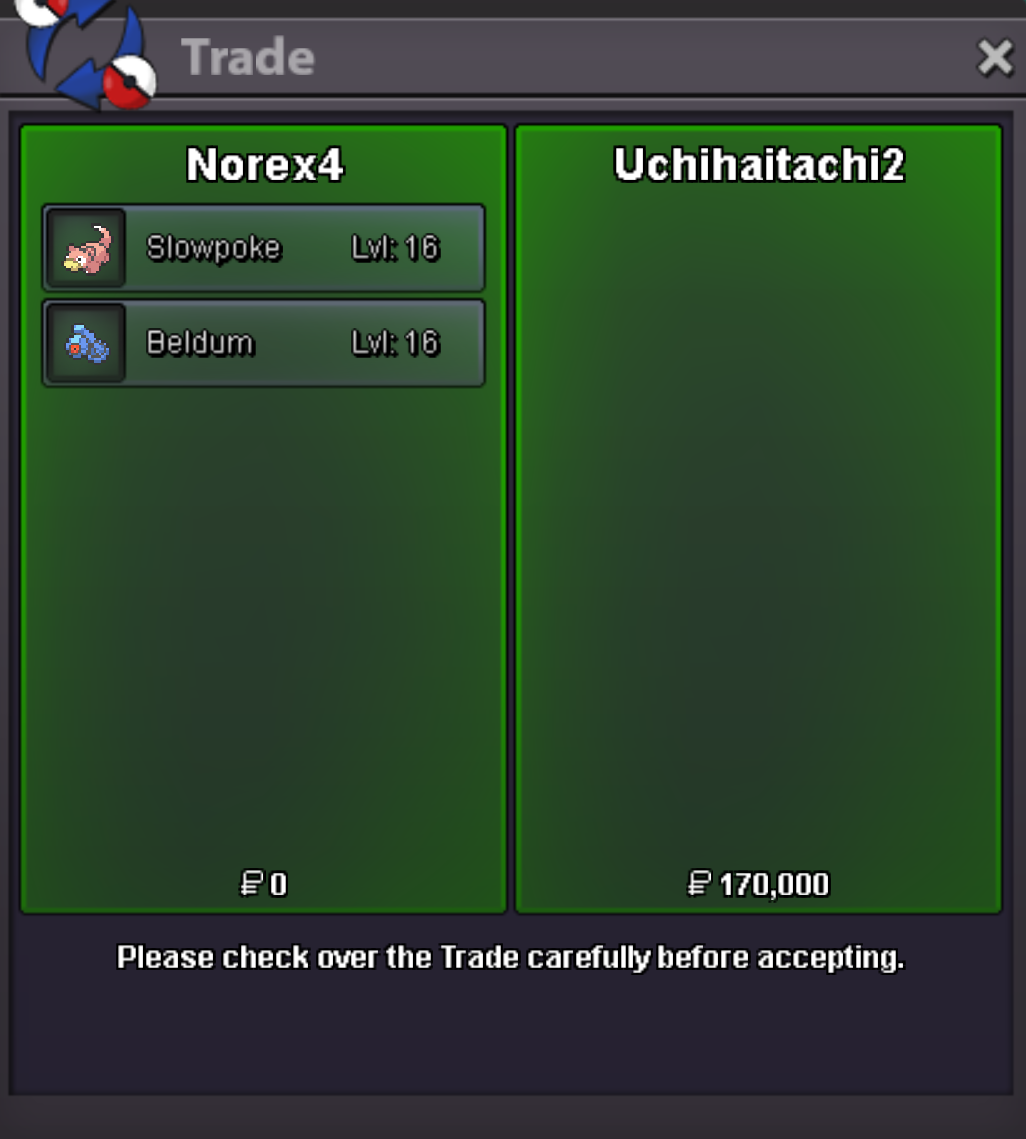
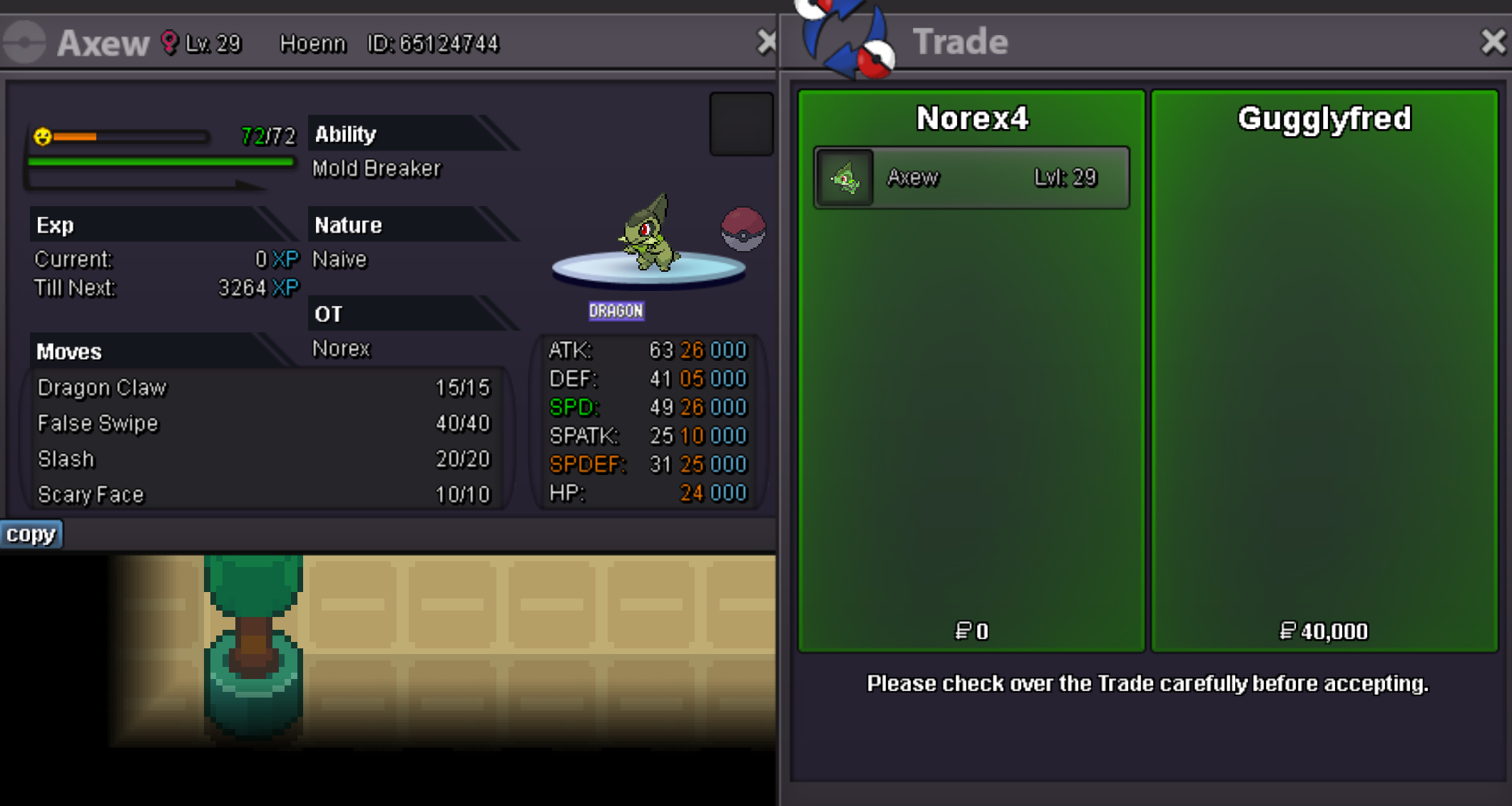
Cutiefly 80k sold. Slowpoke 90k sold Beldum 80k sold. Axew 40k sold.
-
Hey @Luscax, did you check your spam folder for the email? If yes, please check if the email shown on the dashboard is exactly the one which you are checking or if it has a typo or a missing letter/symbol for example. You can see it at the "My Account"-tab on the dashboard: https://dashboard.pokemonrevolution.net/dashboard If there is a mistake on the email you dont have access to it anymore please make a forum post at the link below and mention your username and the new email you want to use: https://pokemonrevolution.net/forum/forum/221-2fa-email-recover-assistance/
-
You simply have to remain patient and wait for a reply on there, someone will get back to you to assist you with the manual email-change.
-
Hey @Tavhel, please make a forum post at the private subforum linked below. Mention your username and the new email you want to use. https://pokemonrevolution.net/forum/forum/221-2fa-email-recover-assistance/
-
It is a potential boss reward from some bosses and a potential reward from the Bug Catching Contest for example.
-
Hey @Nides01 @Janinetv, please make a forum post at the private subforum linked below. Make sure to mention your username and the new email you want to change. https://pokemonrevolution.net/forum/forum/221-2fa-email-recover-assistance/
-
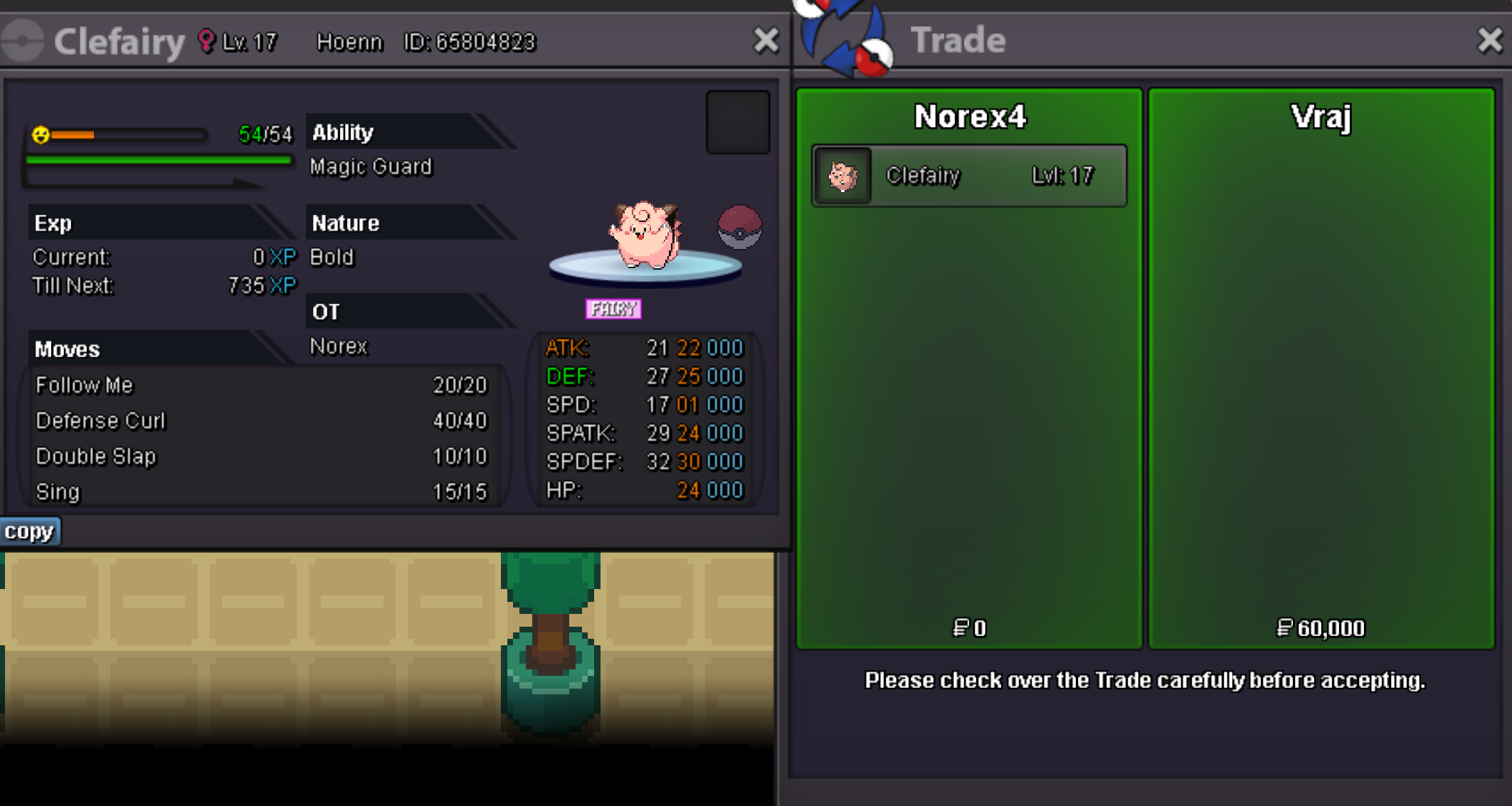
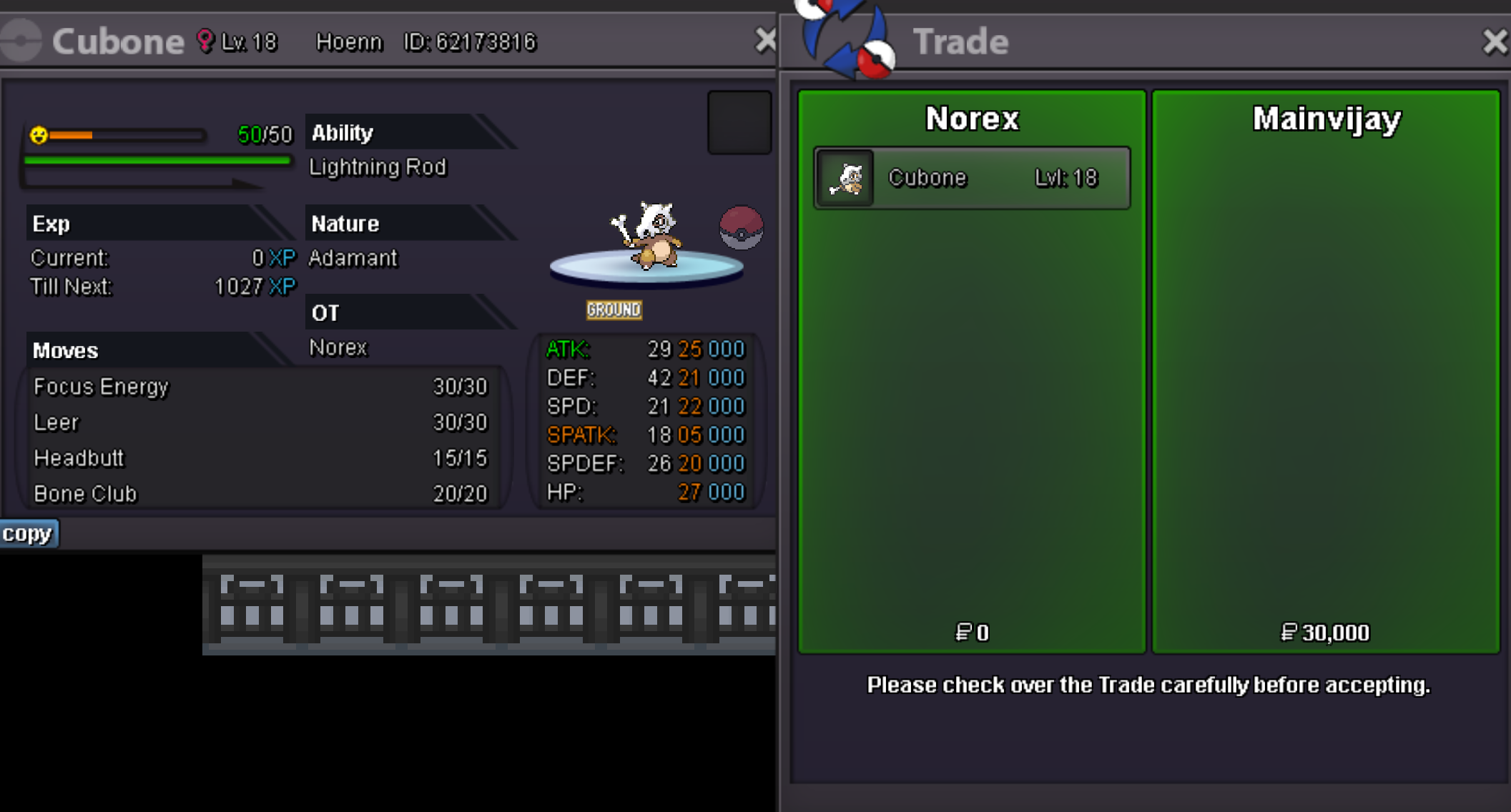
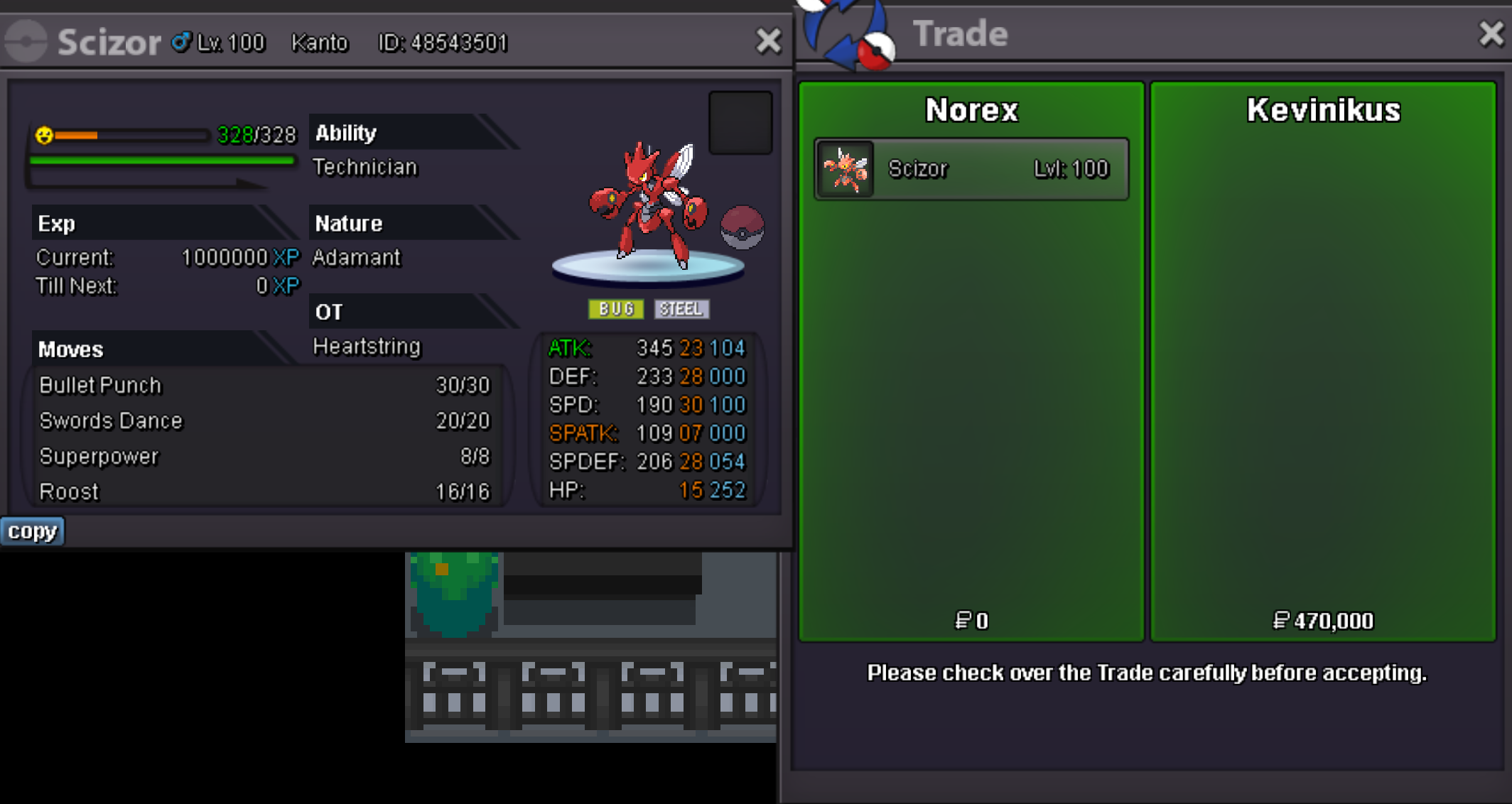
Clefairy 60k sold. Cubone 30k sold. Scizor 470k sold.
-
21.25m
-
20.25m
-
18.5m
-
18m
-
17.25m
-
16.75m
-
16.25m
-
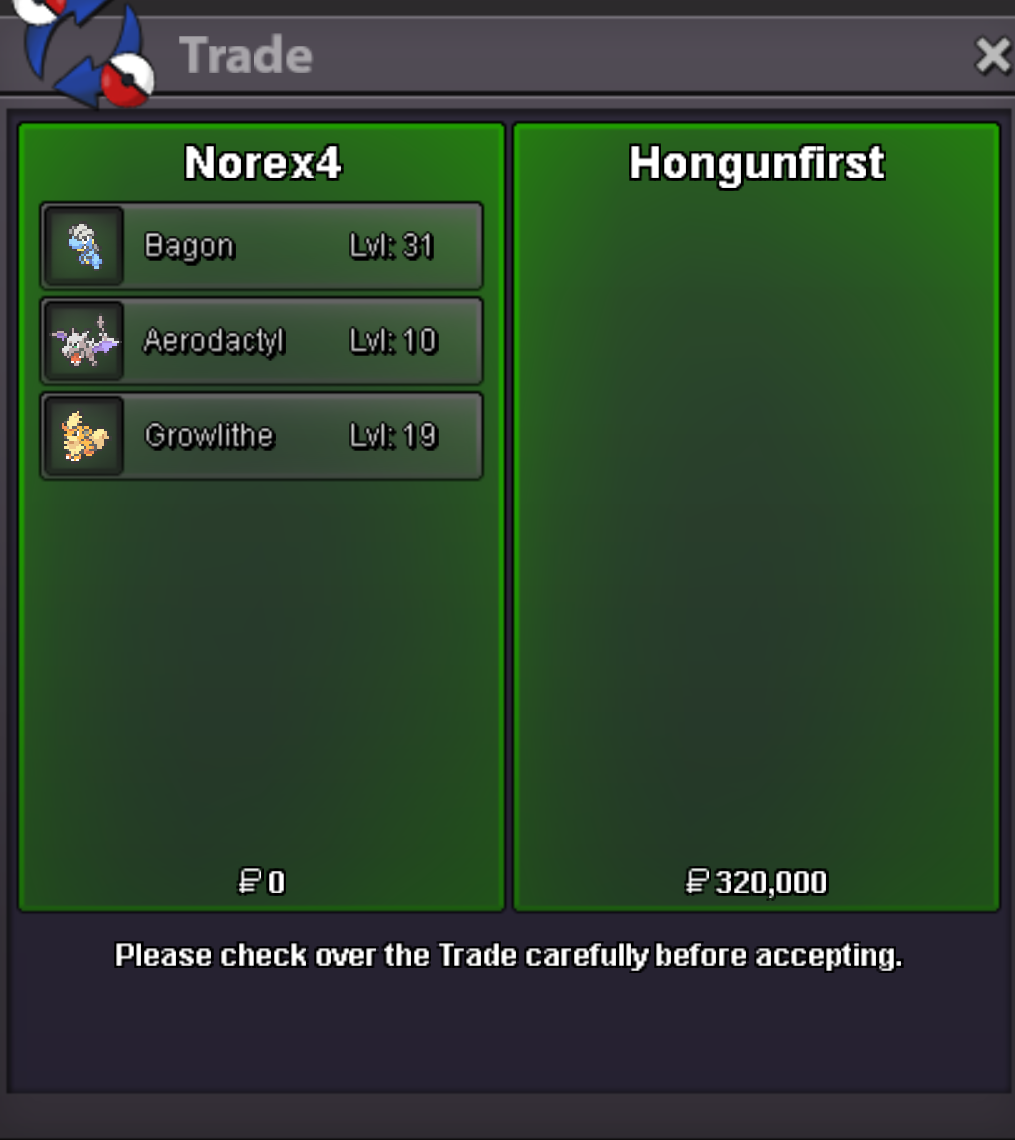
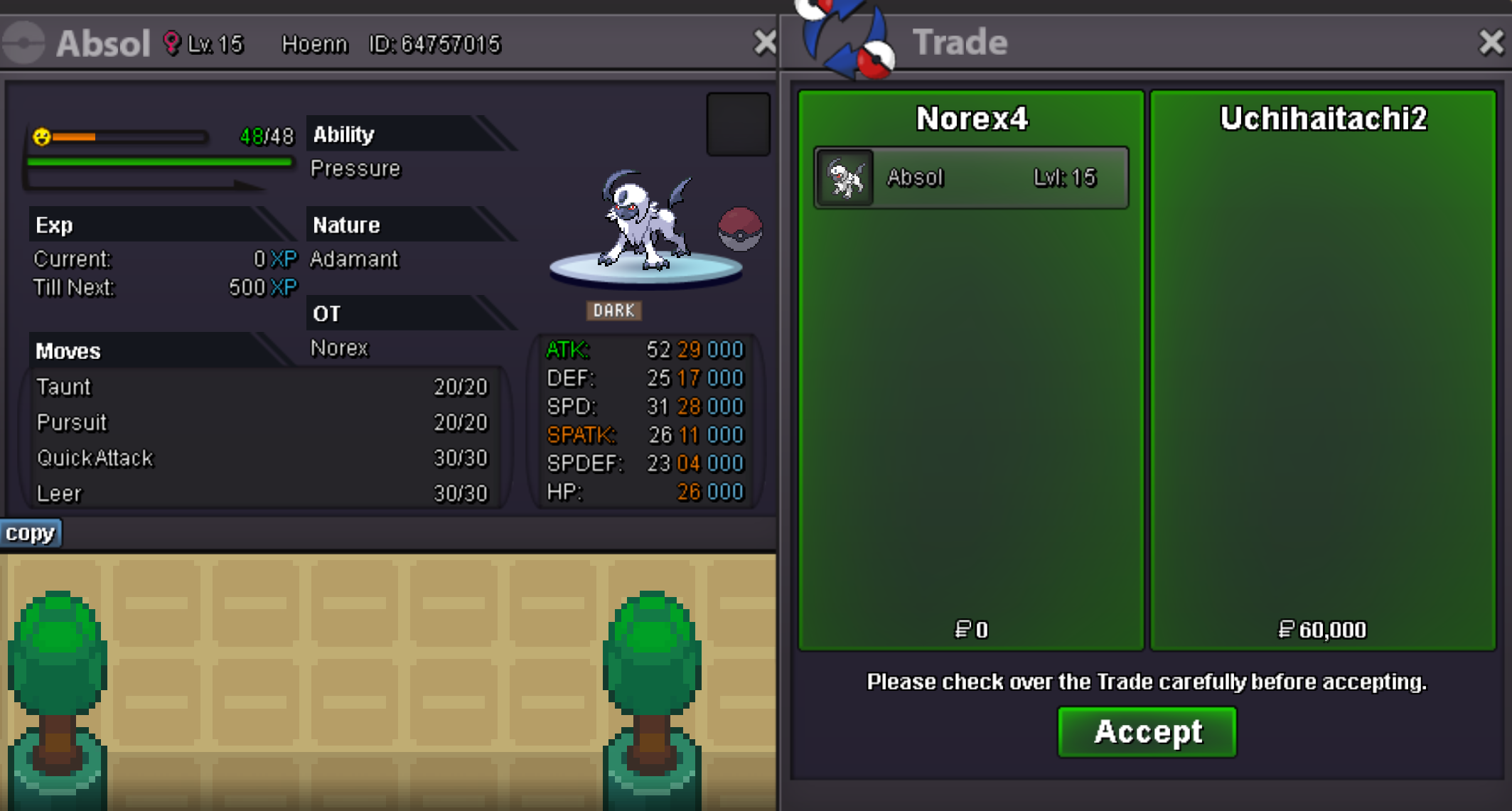
Bagon 200k sold. Aerodactyl 80k sold. Growlithe 40k sold. Absol 60k sold.
-
Hey, close your client completly and start it again. Then level up your pokemon again. Charmeleon does not need happiness/friendship to evolve.
-
https://pokemonrevolution.net/forum/topic/217074-spawn-feedback-thread-august-2023/?do=findComment&comment=1297925

-
Evolved pokemon do not need more EXP to level-up anymore.
-
Hey, contact me ingame please. Hey, unfortunately I sold it already but didnt have time to update my shop.
-
Hey, its not a bug. The chance to receive a shiny that way is 1/4096.

