




New Trade Zone
Trade Zone is now live
Use the new Trade Zone for auctions and instant-price trades so Pokemon and item offers are easy to find.


Norgutg
Registered User
-
Joined
-
Last visited
Everything posted by Norgutg
-
-1
-
-1I -1 it and gave the main big reasoning why it wouldn't likely changeWell that isn't your fault is it, it's the server problem isn't it, the world quest happens on the server, if one person can't do it because of the server... everyone can'tBruh, the world quest started for me half a hour after I went to sleep, am I complaining about it... no. It's always been like it, either you take part in it or miss out on it.-1 The whole point of a world quest is to be fully done when the quest been completed, you don't complete a quest on other games and expect to still be able to do it after completing the quest, otherwise everyone who takes part would go on and get the 3% goal instead of only happily take the 0.5% goal. I've been told by wally himself that the timezone the world quest starts by is UTC+0.Norgutg - silvernorgutg - silverNorgutg - SilverCan Be Closed
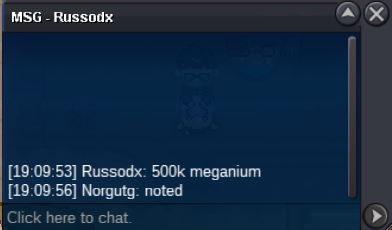
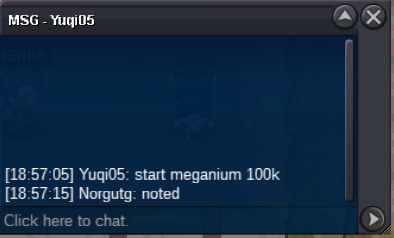
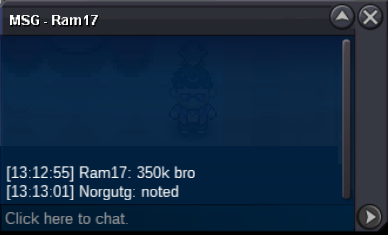
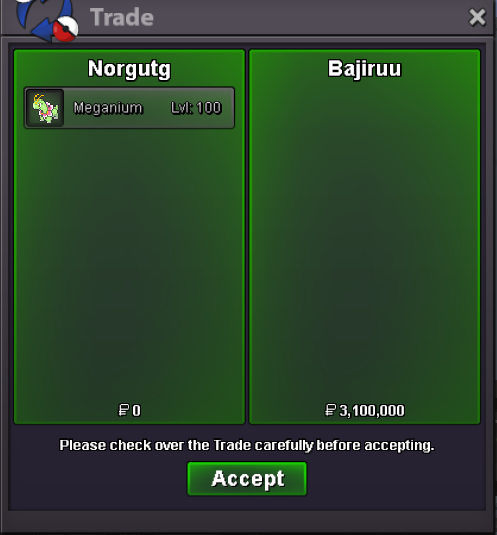 congrats @Bajiruu you have won; please contact me via in game, forum or on Discord at norg1883BumpWinning Bid: 3.1m by Bajiruu
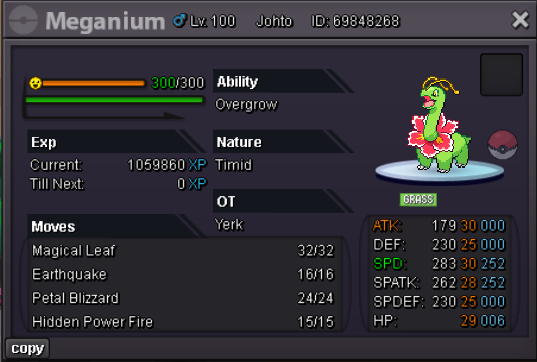 norgutg - silvernorgutg - silverNorgutg - SilverNorgutg - SilverCan be closed
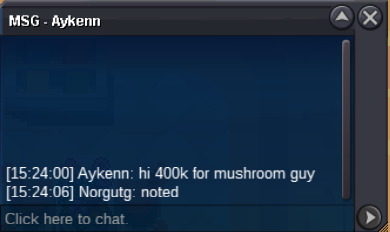
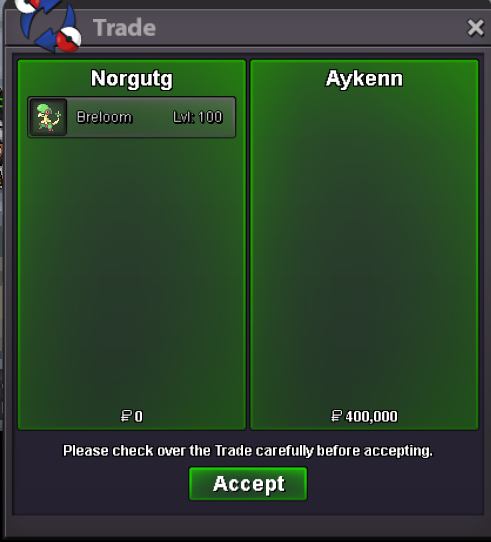 congrats Aykenn you have won; please contact me via in game, forum or on Discord at norg1883

Account
Navigation
Search
Configure browser push notifications
Chrome (Android)
- Tap the lock icon next to the address bar.
- Tap Permissions → Notifications.
- Adjust your preference.
Chrome (Desktop)
- Click the padlock icon in the address bar.
- Select Site settings.
- Find Notifications and adjust your preference.
Safari (iOS 16.4+)
- Ensure the site is installed via Add to Home Screen.
- Open Settings App → Notifications.
- Find your app name and adjust your preference.
Safari (macOS)
- Go to Safari → Preferences.
- Click the Websites tab.
- Select Notifications in the sidebar.
- Find this website and adjust your preference.
Edge (Android)
- Tap the lock icon next to the address bar.
- Tap Permissions.
- Find Notifications and adjust your preference.
Edge (Desktop)
- Click the padlock icon in the address bar.
- Click Permissions for this site.
- Find Notifications and adjust your preference.
Firefox (Android)
- Go to Settings → Site permissions.
- Tap Notifications.
- Find this site in the list and adjust your preference.
Firefox (Desktop)
- Open Firefox Settings.
- Search for Notifications.
- Find this site in the list and adjust your preference.