




New Trade Zone
Trade Zone is now live
Use the new Trade Zone for auctions and instant-price trades so Pokemon and item offers are easy to find.


Everything posted by Lyn1311
-
^^
-
Noted thnx
-
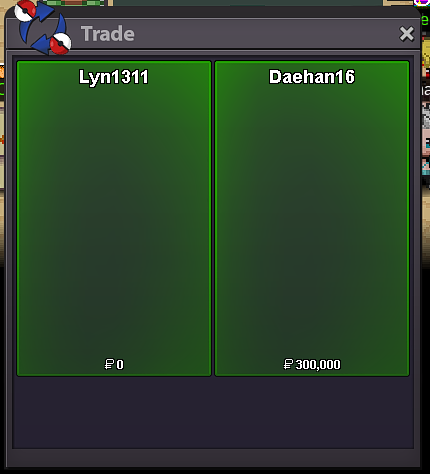
Another Quest Done! Kyurem+rr Service, completion time 25 min, Thnx Much Glhf!
-
Sure, Noted!
-
canceled thnx
-
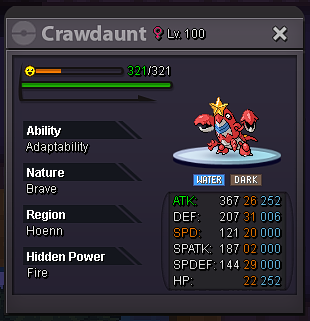
Auction Epic Cradaunt 22+ (Hp Fire :v) S.o 500k Min Bid 100k Time : 36 hr Insta 2.5m Accepted Payment : CC 390k/ IV rr 680k
-
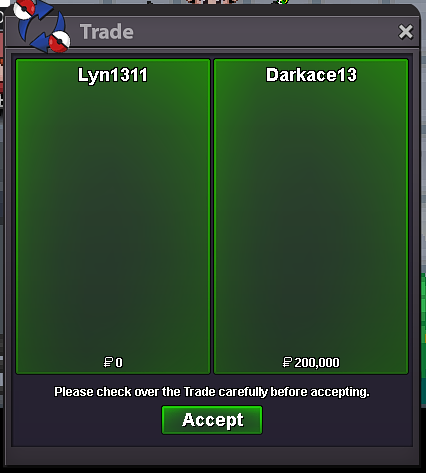
Another service done! Mega Banette quest. Thnx Much!
-
-
Another service done! Zekrom quest, compeltion time 30 min, Thnx Much Glhf!
.png.6079af5bf3f63f7e5ae7f93f00e1ecfe.png)
-
Done!
-
there is 4 switch
-
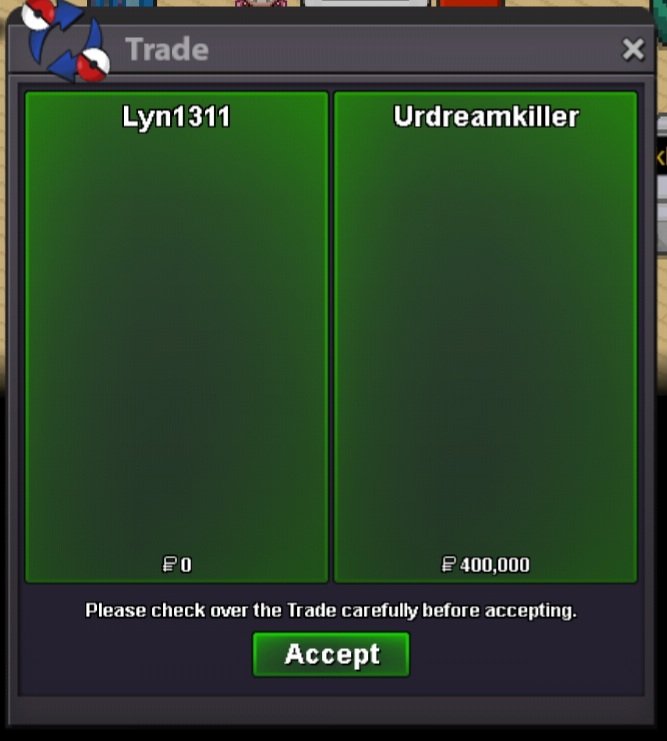
Another service done! Zekrom quest, thnx glhf!
-
Open Quest for Zekrom!
-
^^

-
-
-
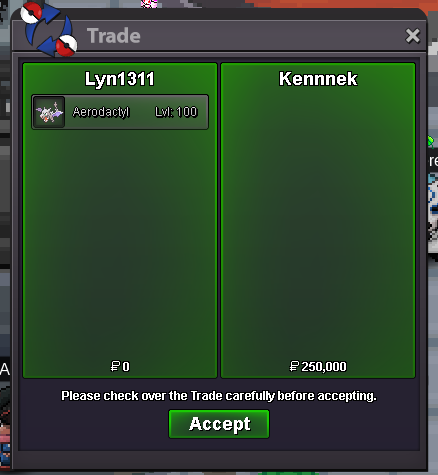
aero sold ingame thnx
-
Another quest done! Swampert, completion time 1hr+. Thnx Much, Glhf!
-
Slowpoke, Metagross, Excadrill Jolly Sold! Cheers! Adding New mons! Larvitar and Pupitar horde! also 23+ Sassy Tyranitar
-
-
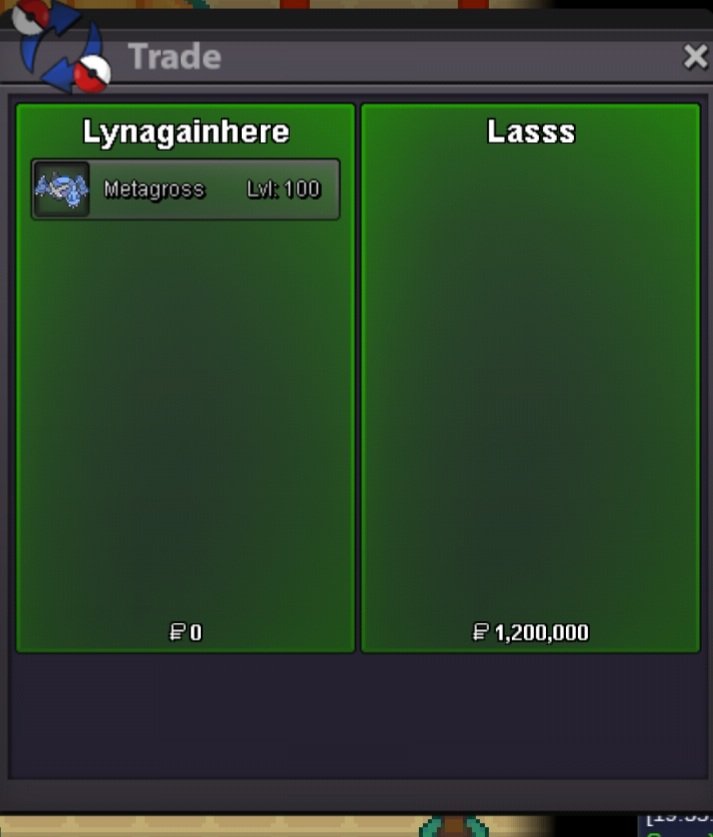
Metagross sold, thnx much
-
s hera and s paras added
-
+1 More shiny, more cheaper it becomes, lets see shiny collector getting headache hehe. Just kiddink, i mean except from exca, getting shiny from headbutt and dig spot still make sense, and both are good features, why not make people more interested, like digspot, due to the decrease in the price of nuggets etc, people's interest in doing digspot has decreased. lets make it great again!
-
^^ also selling service for Legendary Trio Titan now
-

