New Trade Zone
Trade Zone is now live
Use the new Trade Zone for auctions and instant-price trades so Pokemon and item offers are easy to find.

Mrclaireaa
Registered User
-
Joined
-
Last visited
Everything posted by Mrclaireaa
-
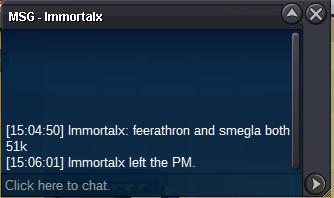
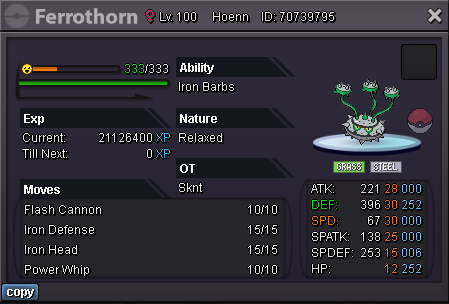
@Immortalx Ferro & Smeargle 51k
-
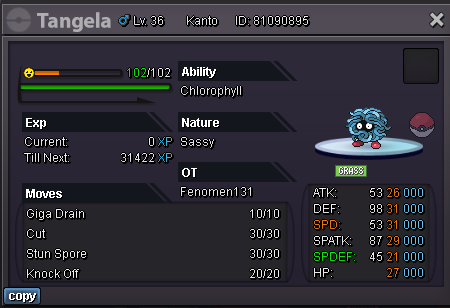
Starting offer for every Pokemon is 100k Min bid for every Pokemon is 25k Insta 1m End time https://www.tickcounter.com/countdown/4060800/tangela GL
-
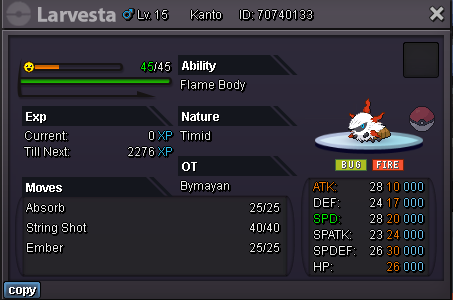
Starting offer for every Pokemon is 50k Min bid for every Pokemon is 10k Auction end time https://www.tickcounter.com/countdown/4060796/pokemons Goodluck Everyone... C.O. 61k @Raikaisa665 C.O. 275k @Immortalx C.O. 51k @Janith C.O. 52k @Diego1206 C.O. 250k @Raikaisa665


-
-
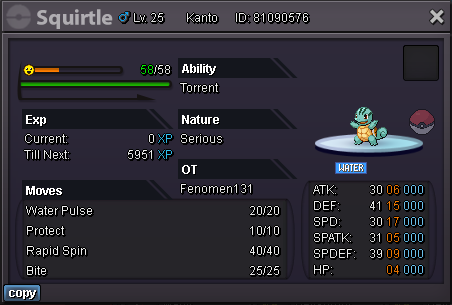
Squirtle delivered, lost the picture.
-
@Antonio425 @Luckytea add me on disc MrClaiRea#3896 ill be online in like 2h
-
It is closed like 2h ago
-
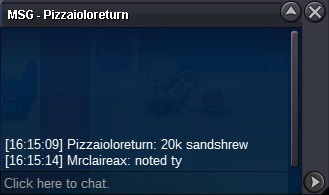
Sandshrew 20k by @Pizzaioloreturn
-
Geodude delivered

-
theres an area on the top right inside the bcc area. it says smth like theres an interesting bug sounds coming or smth like that. you need to go in that area
-
350k
-
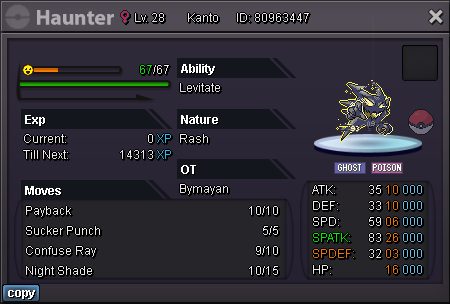
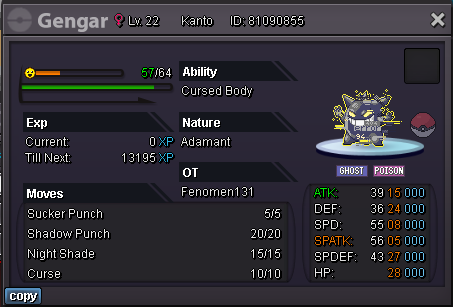
Starting offer for every Pokemon is 1k Min bid for every Pokemon is 1k Auction end time https://www.tickcounter.com/countdown/4054668/shinyhallow Goodluck Everyone.. C.O. - 25k @Luckytea C.O. - 25k @Luckytea C.O. - 101k @Antonio425 C.O. - 25k @Luckytea C.O. - 25k @Luckytea


-
+1
-
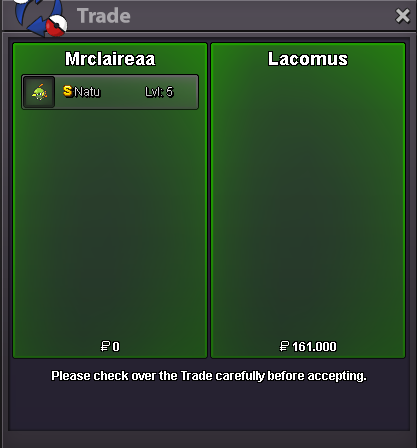
Natu Delivered.
-
Kangashkan 400k
-
Slowpoke trade completed

-
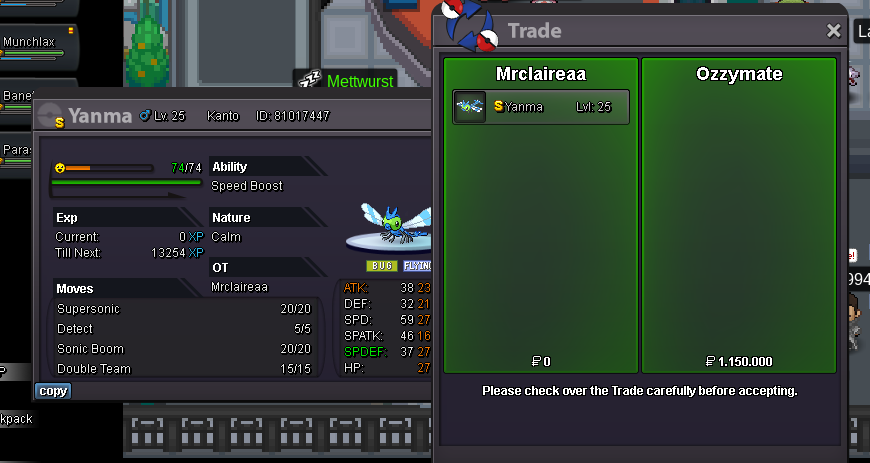
Winner is Ozzymate Delivered.
-
Yanma 1.1m by @Xronyx
-
Sorry for the misunderstanding i thought frost was the winner but it was souca
-
Yanma 1m by @Xronyx

-
Geodude,Slowpoke & Natu ended Geodude's winner is @Raikaisa665 with 18.5k - Natu's winner is @Lacomus with 161k - Slowpoke's winner is @Souoca123 with 80k Add my discord MrClaiRea#3896 or pm ingame
-
Yanma 800k by @Xronyx
-
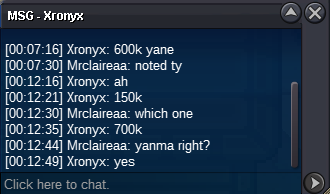
Yanma 700k by @Xronyx
-
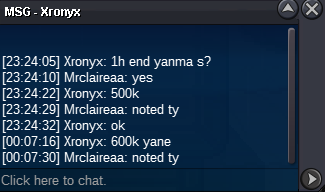
Yanma 600k by @Xronyx
-
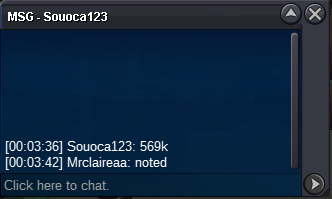
Yanma 569k by @Souoca123