




New Trade Zone
Trade Zone is now live
Use the new Trade Zone for auctions and instant-price trades so Pokemon and item offers are easy to find.

Ayroo
Suspended
-
Joined
-
Last visited
Everything posted by Ayroo
-
Do to inactivity of the thread, I will close this now. If you continue to have this problem, or any other problem, please make a new post. Ayroo
-
Hey, I'm really sorry to hear that! There are several things I suggest you do and check to help you connect: - Make sure your version of the PRO Client is up to date (if it wasn't, you would get the message "This version of PRO is outdated" when trying to log in, but just in case). - If you are using a VPN, please try turning it off to see if it allows you to connect to PRO. - Make sure PRO is allowed to pass through your firewall on your system. - If all the above solutions weren't helpful, try resetting your Internet connection to see if it somewhat fixes the issue. Please try all of the above solutions to see if one of them will help you fix your issue. If it's all without success, come back and mention it here so we can try and proceed with further assistance. Ayroo
-
Sorry that took longer than I expected, my power's been out for the last half-day... Solgaleo has been restored, and I will close your thread now! Happy hunting! Ayroo
-
Hey, The scripting team has been made aware of the issue, thank you for your report! If you have any more issues/bugs like that, please submit a comment reporting it here. . Thank you again, Ayroo
-
Hey, Yes, I see the missing pokemon on your alt account and I will restore it to your account! I will need you to be offline to restore the pokemon, so please send me a message here when you have done so. Otherwise, I will periodically check the online status of your alt and restore Solgaleo when I see that you have logged off.
-
Of course! Please know that soon, a box UI update will be brought to the main client that will allow you to retrieve accidentally deleted Pokemon within a few days after you binned it. In the meanwhile, please use this megathread to request any accidentally-binned Pokemon be restored to your account! I'll close your thread now, and happy hunting! Ayroo
-
Hey, Thank you for reporting this to us, would it be possible for you to include a screenshot of where this bug is occurring?
-
Hey, Are you asking how to obtain a dubious disc in general? Per the PRO Wiki here, the following are just a few ways to obtain the dubious disc: Potentially rewarded for defeating the Officer Shamac boss NPC Claimable with a passable score on the quiz in Rustboro City's Pokémon-trainer school Ground-lootable at Route 225 (Adjacent to the southmost body of water) If you are instead looking for ways to obtain the Silver Disc, the item that allows you to create a Porygon at the Cinnabar Research Lab, you can obtain it instead from the following methods: A one-off freebie is obtainable from an NPC in Cinnabar Lab Room 1. He will evaluate the trainer's Pokédex, requiring at least 100 caught-data entries before rewarding the item. Potential prize for defeating the Jessie and James boss. Potential reward from the Pokémon News Press Potential reward from Celadon City's daily challenges
-
Hey, If you provide specifics, I'd be more than happy to help What quest/area are you having trouble with?
-
Glad I could help, though be on extra good behavior - Any additional infractions while you are already banned on one account will result in even harsher consequences. I'll close this thread now, but I hope you have a nice holiday hunting season, Ayroo
-
Hello, Below is the rule on accounts: 2. Each person is allowed a maximum of four owned accounts. This includes, but is not limited to: Any account created counts towards your 4 total, not just active ones. 0 hours, 0 badges, never played on? They count. Received accounts, count towards your total. Given away accounts, do not count towards your total anymore. Received/Given away only count if you changed the password/email of said account otherwise it still belongs to the original creator Exploiting more than 4 allowed accounts in order to gain mass profit or frequently gaining large amounts of income. If someone has quit PRO and gave their account to you, take anything you want at once and stop using it only if you already own 4 accounts. Be aware doing this may trigger a ban in which you will need to appeal and provide proper evidence of the account being given to you. (Example: Having the password of more than 4 accounts you received by people who are inactive in order to fight bosses, doing PvE quests to receive rewards, or progressing during a Special Event in order to receive one time rewards such as Reroll Tickets, etc...) In the case of your current account being temporarily (duration) banned: Typically, you can still play on one of your other accounts/make a new account, but you must make an appeal thread for further clarification from the person who issued your ban. Do you have any other questions?
-
Hey there, Don't worry! It may be a bit confusing and I don't blame you for the misunderstanding, but that section of your player card doesn't quite represent what you are talking about! The Rating represents your PVP normal elo, but the Wins and Losses underneath it only represent your unranked wins/losses tally. In other words, they won't change until you finish an unranked battle against another player!
-
Hey, I am going to close this thread and mark it as resolved due to inactivity, but please make another thread if you need any further assistance, Ayroo
-
Hey, I am going to close this thread and mark it as resolved due to inactivity, but please make a new thread if you need any more assistance, Ayroo
-
Hey, Don't worry, the rewards for bosses are totally random (outside of specific reward rarity rates)! I do a ton of bosses and sometimes it feels like I get into unlucky streaks too, but eventually I enter into a lucky streak and all is good again! Hang in there, you got this! May you have better luck during Xmas, Ayroo
-
I'll close this thread now due to inactivity, but please make another if the issue persists or if you have another question/problem. Ayroo
-
I will be locking this thread now as resolved, but please make another thread in the future if you have any other questions, problems, or concerns. Ayroo
-
Hey there, Please head over to Route 103 and look to see if there is a group of NPCs there with one named Charon. You'll need to fight him to proceed with the Sinnoh access quest. Let me know if this helps!
-
Hey, Were able to proceed with the quest?
-
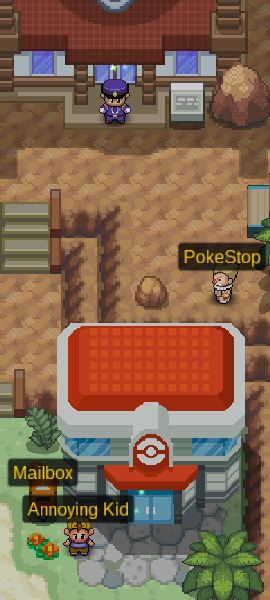
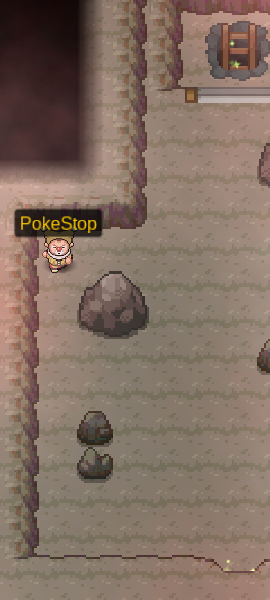
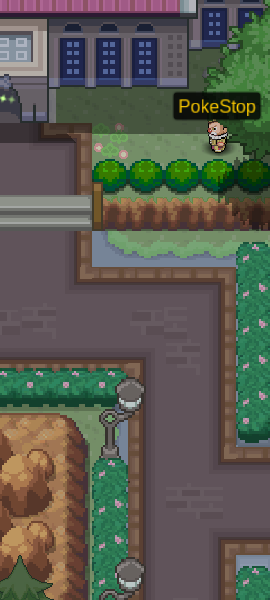
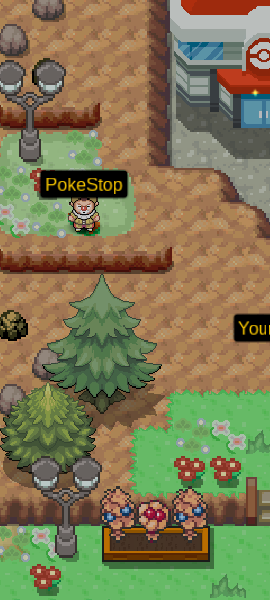
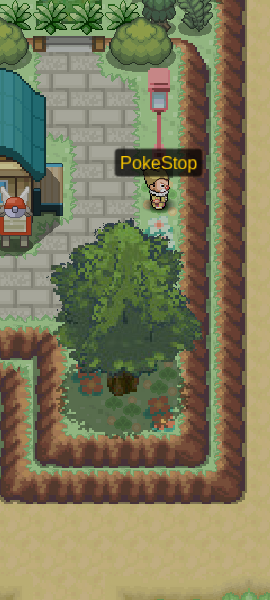
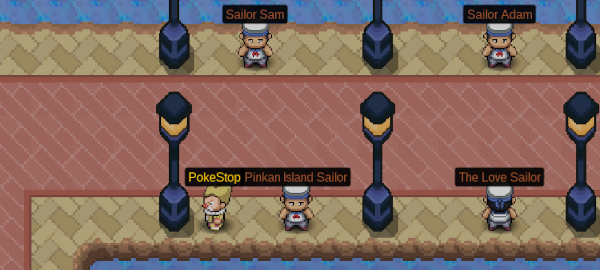
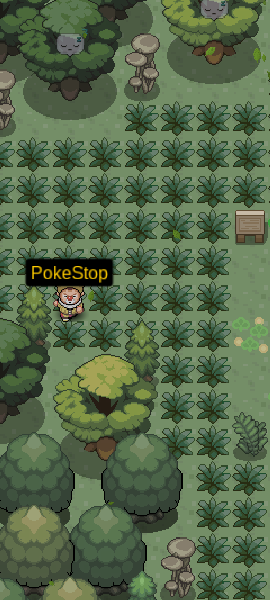
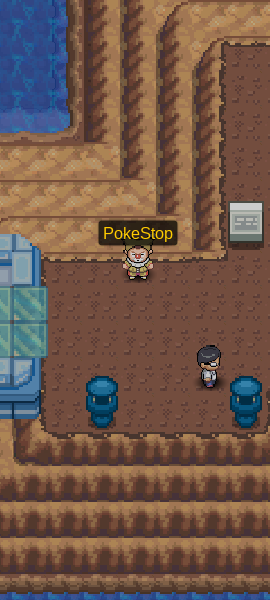
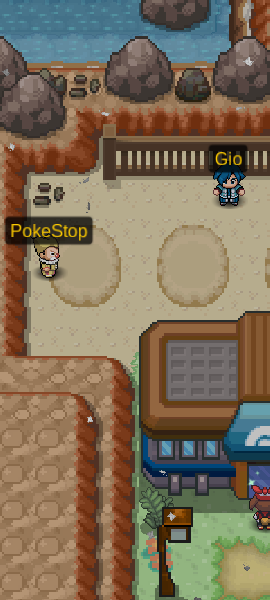
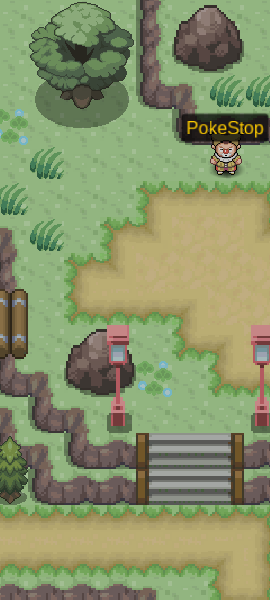
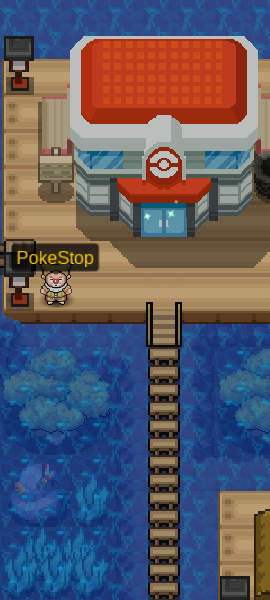
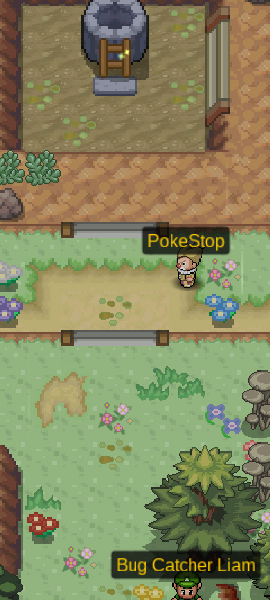
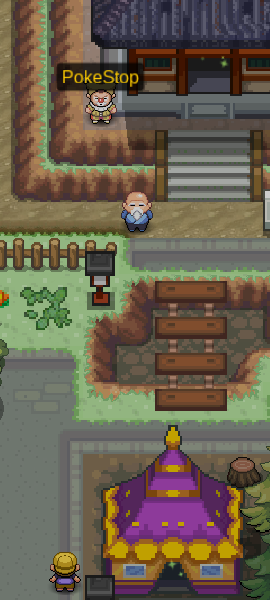
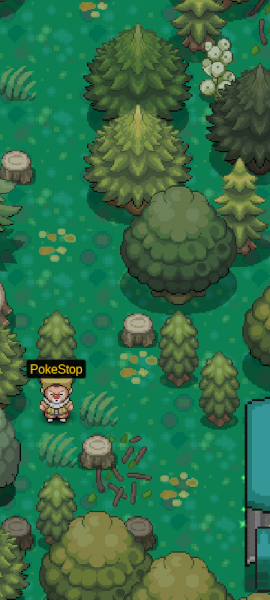
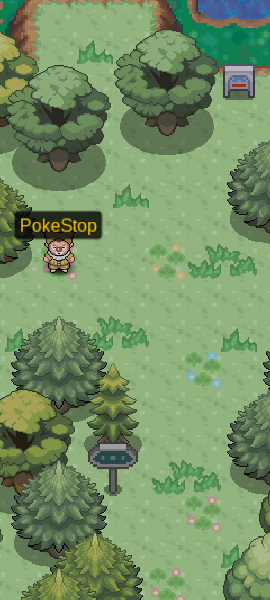
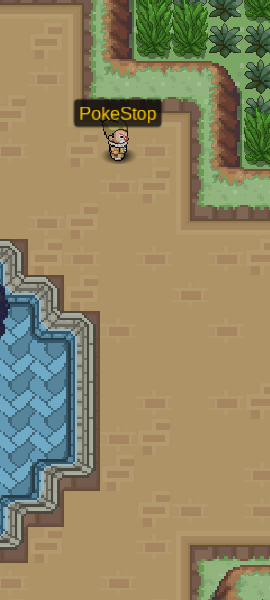
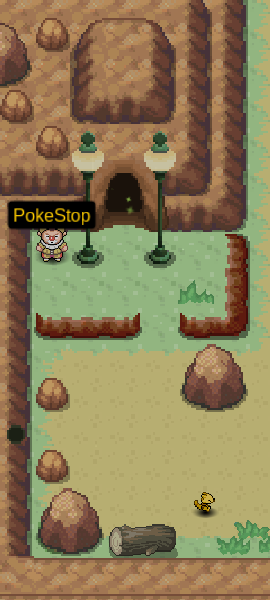
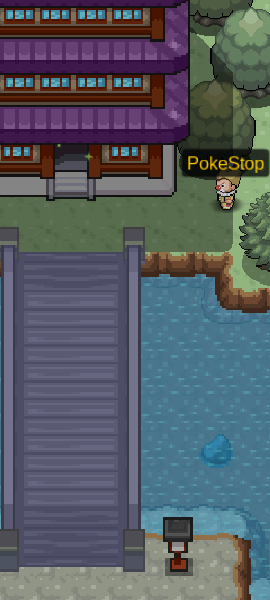
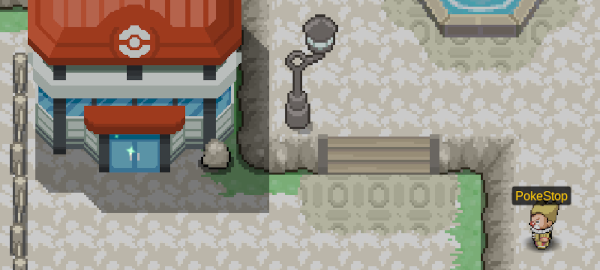
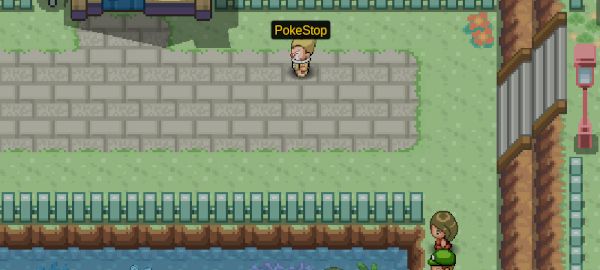
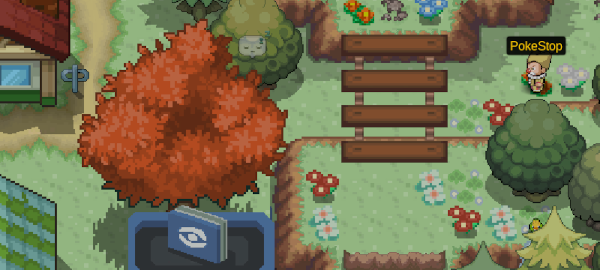
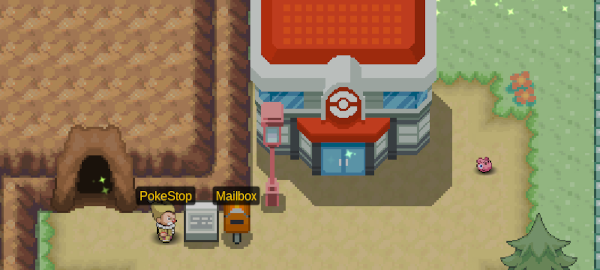
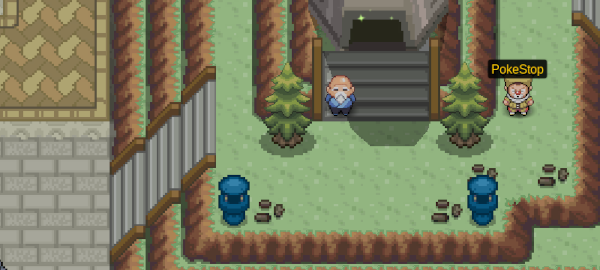
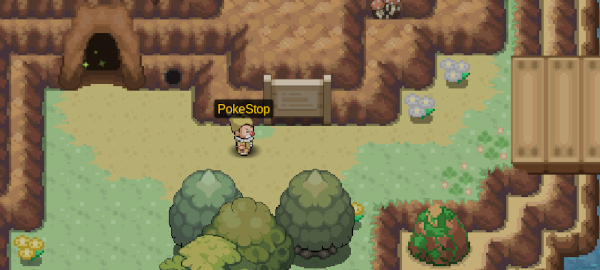
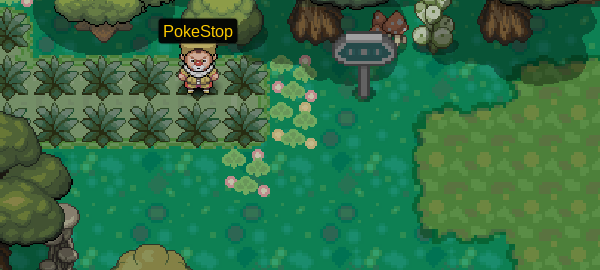
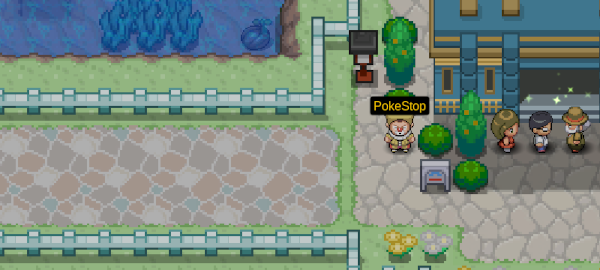
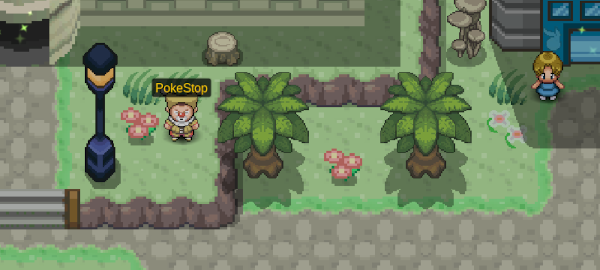
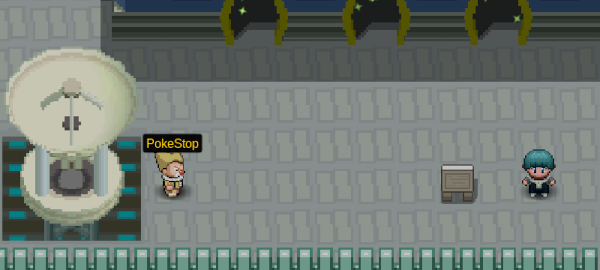
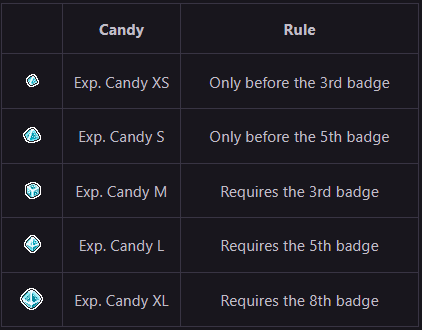
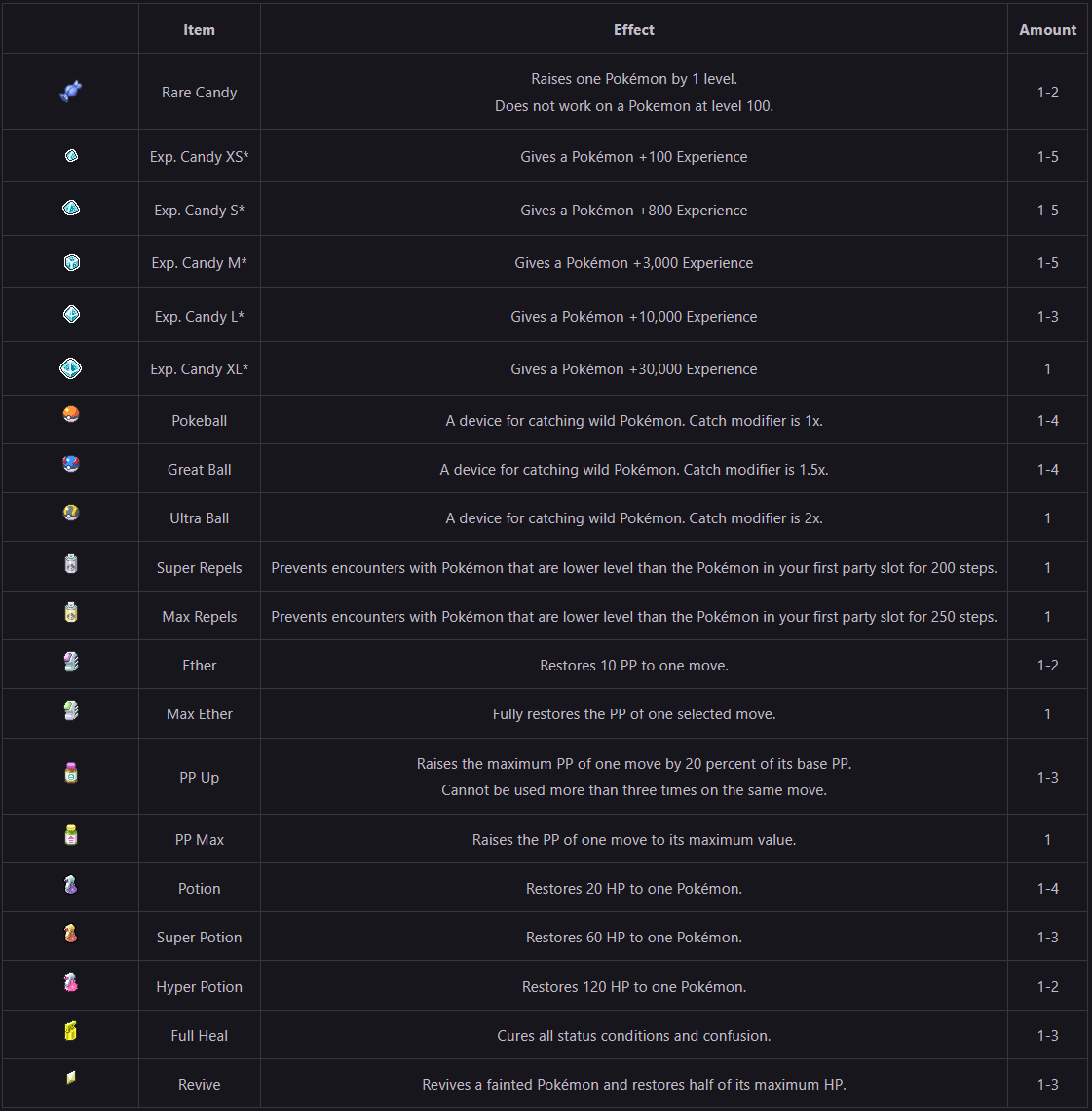
Have you ever noticed a strange clown just hanging out?This is a PokeStop!PokeStops are NPCs that give you free Items just for talking to them! Collecting Items from PokeStops helps you to prepare for some of the most important things in PRO! Need Items to help beat the region? ✅Need Pokeballs to hunt with? ✅Need to level your Pokémon? ✅ How many are there?There are 41 PokeStops across PRO! When do they respawn?Every 48 hours in Actual Time! What do they give?Each PokeStop will give you two random sets of Items chosen from a list shown below: * Each type of Exp. Candy has a region badge requirement rule to have a chance to receive via Pokestops! The two sets of Items given can be the same!For example, it's possible to get 4 Rare Candies from one PokeStop, or even 8 Great Balls at once! IMPORTANTPokestops are one of the first things you can farm daily in PRO, and even veteran players do them regularly! If you are new to PRO: We recommend you practice farming Pokestops every day! This will help you to build an income and explore the world! Below is a list of every Pokestop available sorted by badge progression from top to bottomAttached to each is their location and badge requirement KantoPewter City Route 3Spoiler Vermilion CitySpoiler Digletts CaveSpoiler Cerulean CitySpoiler Route 25Spoiler Route 5Spoiler Viridian CitySpoiler Route 10Spoiler Cinnabar IslandSpoiler Viridian ForestSpoiler Johto Violet CitySpoiler Route 32Spoiler Azalea TownSpoiler Ilex ForestSpoiler National ParkSpoiler Ecruteak CitySpoiler Olivine CitySpoiler Lake of RageSpoiler Route 45Spoiler Hoenn Petalburg WoodsSpoiler Slateport CitySpoiler Route 110Spoiler Route 115Spoiler Lavaridge TownSpoiler Route 111 DesertSpoiler Route 119ASpoiler Lilycove CitySpoiler Mossdeep CitySpoiler Pacifidlog TownSpoiler Sootopolis CitySpoiler Sinnoh Jubilife CitySpoiler Eterna ForestSpoiler Solaceon TownSpoiler Veilstone CitySpoiler Hearthome CitySpoiler Pastoria CitySpoiler Celestic TownSpoiler Snowpoint CitySpoiler Sendoff SpringSpoiler Sunyshore CitySpoiler
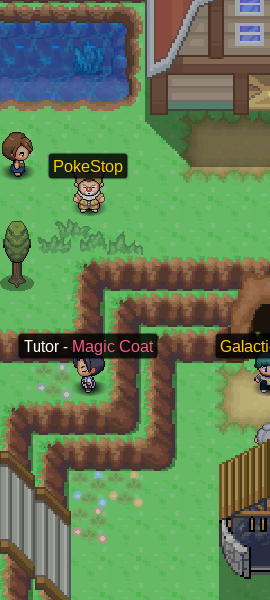
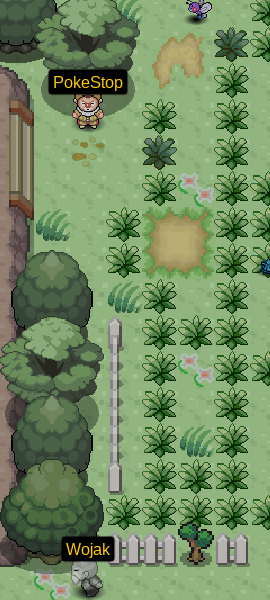
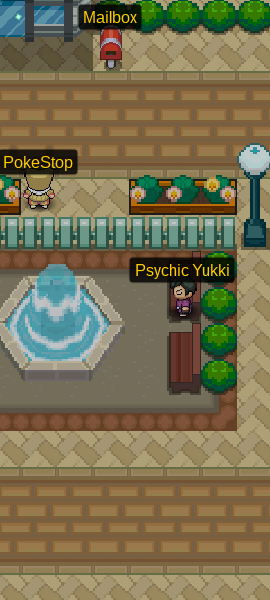
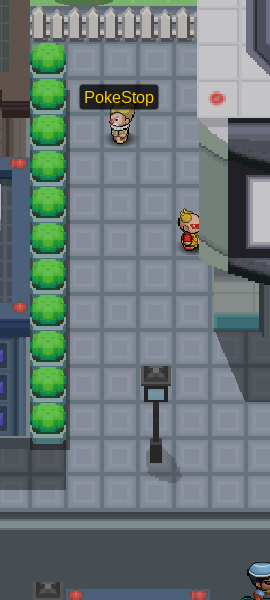
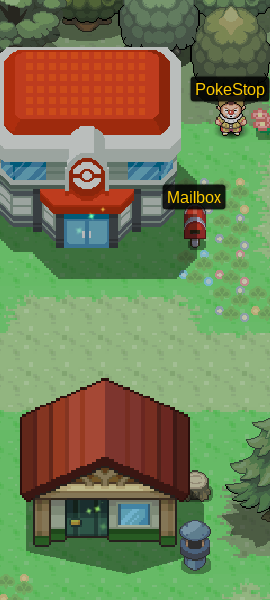
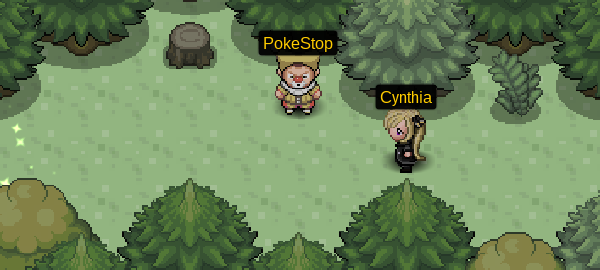
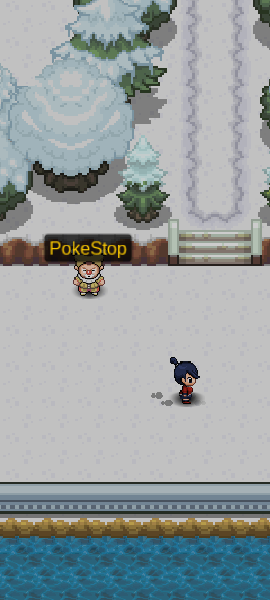
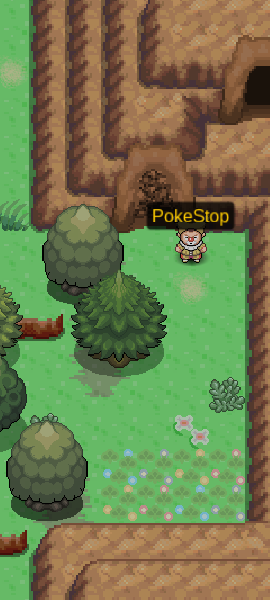
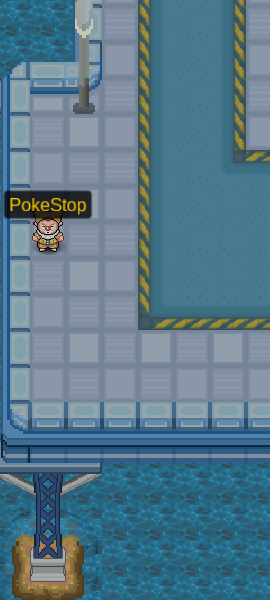
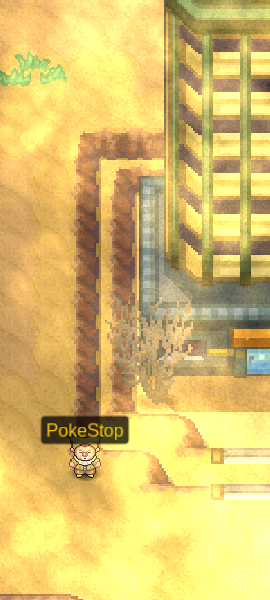
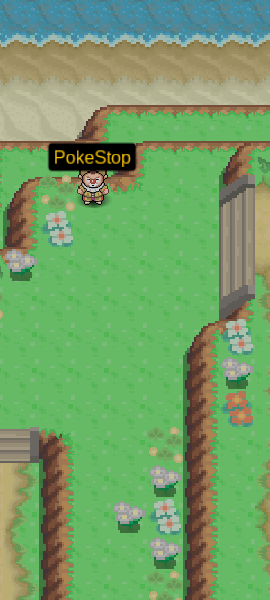
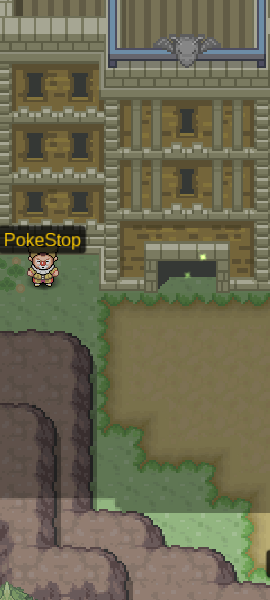



-
Hey, As @Mingrenpro said, to teach Ursaluna Fire Punch, you can use TM97 (Fire Punch). Please try this out and let me know if you have any issues or questions! Ayroo
-
I am locking and archiving your post due to inactivity. Please create another thread if you have any other questions or issues. Ayroo
-
Perfect! I see your comment and so I'll close now this thread, please let us know if you have any other questions or requests, Ayroo
-
Hey, Please make a comment here! I'll forward your request to a trade moderator to get you help ASAP.
-
I'll close this thread then, but please make another post if you ever need assistance or have another question! Ayroo
