New Trade Zone
Trade Zone is now live
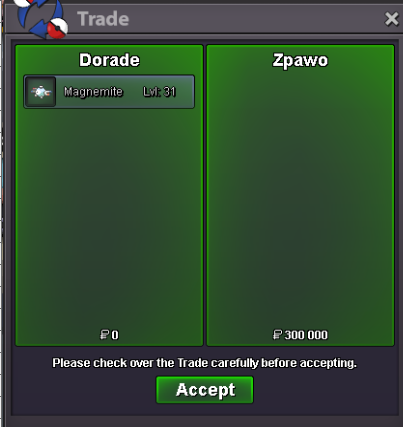
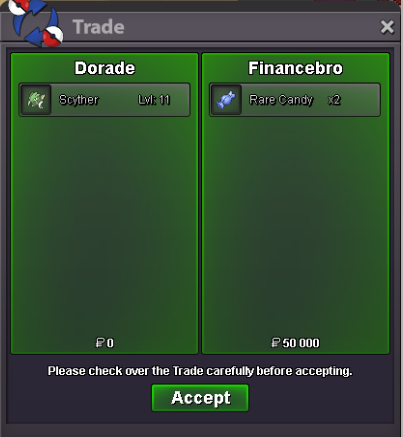
Use the new Trade Zone for auctions and instant-price trades so Pokemon and item offers are easy to find.

Dorade
Registered User
-
Joined
-
Last visited
-
Currently
Viewing Topic: Dorade PVP shop (Update 13/09/2026)
Everything posted by Dorade
-
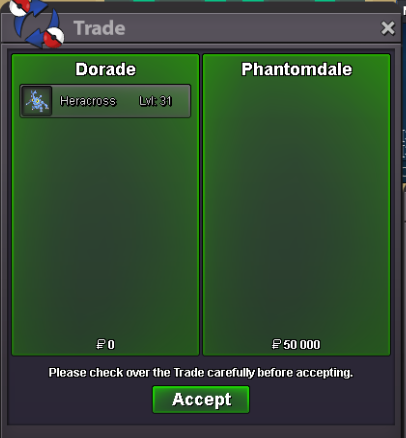
Ty Phantomdale
-
Lowered some prices on fully trained poke Added : Lopunny, Pinsir, Sceptile, Rotom Wash and foongus
-
Thanks Rozerw

-
Sure, let me know when you are available 😉Ty Viking ! 😉
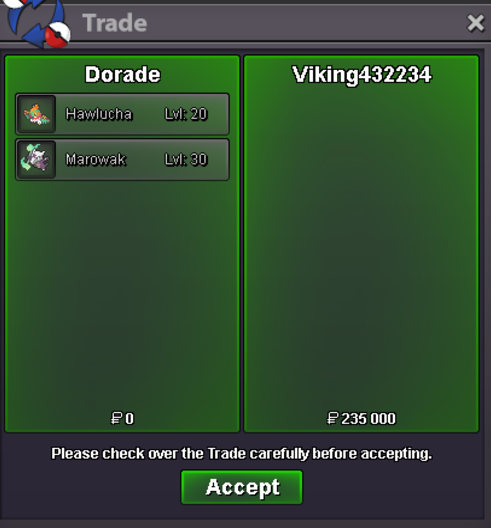 To be honest i don't find the meta is that boring nor repetitive. The rare times i've seen the same team over and over i checked and all 6 or 7 accounts were in the same guild. So there is that too, people sharing teams with nubs in guild so that they have something to progress with (or maybe pvp on multiples accounts by one guy but that would be illegal). If you just complain with the fact you see a lot of trick room, rain teams and stall then showdown is not any better...Thank you Cutesquishy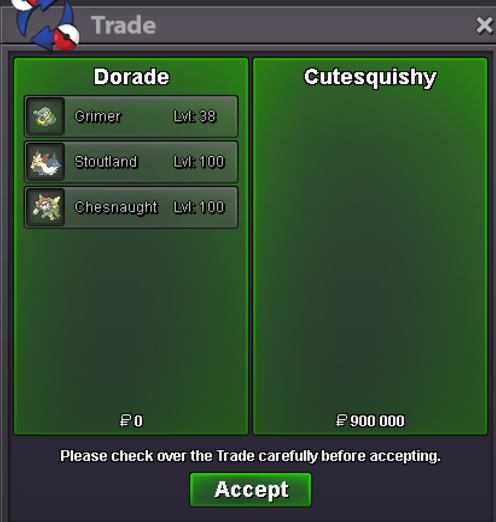
 Ty Vanghern !
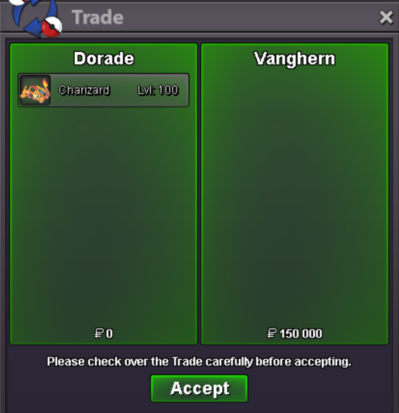 Ty White507
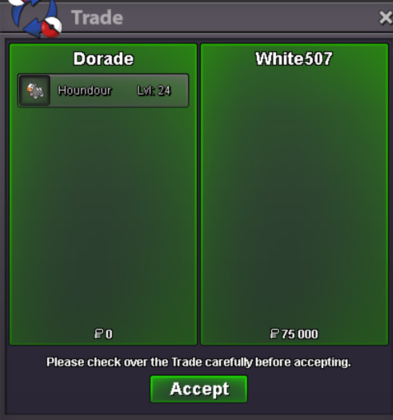 Sure, can you contact me on discord ? My id is .doradeTy Rozerw
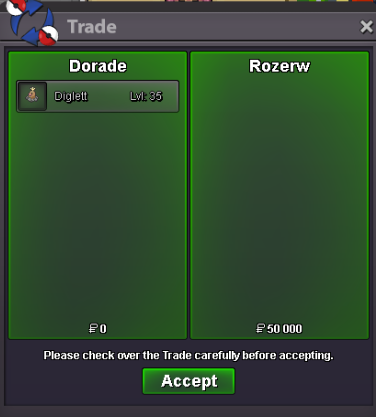 Hello ! Sure, let me know when you are available. Preferably through discord 😉Added some modest swift swim horseas and alolan grimersTy Gabiana !
 Ty Metalgreymon
 Ty Phoniex
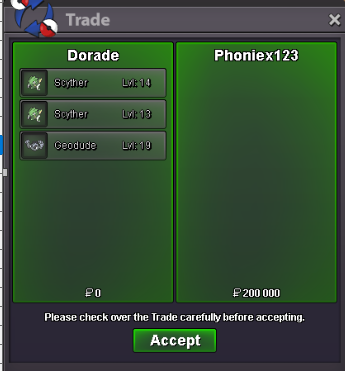 Thanks a lot Houstonbeers 😉
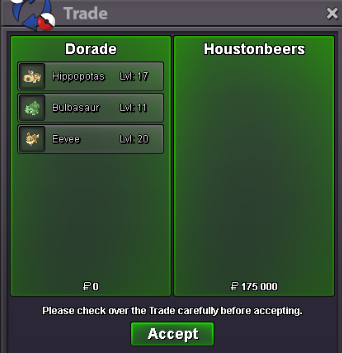 Ty Mattepalla
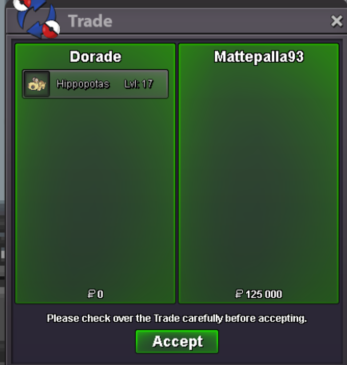 Sure, let's try to catch each other up tomorrow morning 😉Hello, Sure, let me know when you are available via discord 😉Ty pinkscarlet 😉
 BumpTy Emphera 🤩
 ty zpawo 😉