




New Trade Zone
Trade Zone is now live
Use the new Trade Zone for auctions and instant-price trades so Pokemon and item offers are easy to find.
All Activity
Past hour
-
Today
Leaderboard Approval Update: The ruleset for our first proposed speedrun category is posted above. All we need now is an example boss run. Since I don't do bosses myself, I'm offering 500k for someone to record a run on their own account, as having it done on mine would violate the rules. I've also posted the offer on Discord.Below is my proposed ruleset for Hard boss runs, with some input and feedback from other community members. I'm sharing this to welcome other suggestions. If some rules are debatable, we can hold community polls. I would suggest starting with boss runs as a way to establish a foundation for speedruns (if approved). As things progress, we can introduce new categories, such as different variations of boss runs and expand into different types of speedruns in the future, while continuing to refine the ruleset as we develop. Boss Rush - 20 Bosses (Hard) Objective Defeat any 20 eligible bosses on Hard difficulty in the fastest time possible. Rules 1. Difficulty: All 20 bosses must be defeated on Hard difficulty. 2. Team Selection: Runners may change their Pokémon team between boss battles. Team changes are optional. 3. Team & Moveset Privacy: Runners may choose to reveal or conceal their Pokémon teams and movesets, including covering or hiding this information in their video recordings. Disclosure is optional. 4. Boss Selection: Runners may challenge any 20 eligible bosses, in any order. 5. Excluded Bosses: Prehax, Suspicious Bot, and Mysterious Cultist are not eligible. These exclusions apply to all Boss Rush categories and difficulties. 6. Moves and Abilities: There are no move restrictions. Z-Moves, Mega Evolutions, and Baton Pass are all permitted. 7. Items: All items are permitted, including Escape Ropes and Repels. 8. Game Settings: Runners may freely adjust move animations, text speed, /foreveralone, and /offline. 9. Routing: Runners are free to choose their own boss order, travel routes, and strategies. Timing & Verification * Start: The timer starts at the exact moment dialogue appears when engaging the 1st boss. * End: The timer stops at the exact moment the full “You have won the battle” message is displayed after defeating the 20th boss. * Time Inclusion: All travel, preparation, item usage, and team changes between boss battles are included in the total run time. * Video Evidence: A complete, uninterrupted video recording must be provided, clearly showing all 20 boss victories. * Run Validity: Only victories against eligible bosses count towards the required 20. Runs that count any excluded boss towards their total will be considered invalid. Potential Future Categories * Difficulty: Easy / Medium / Hard * Baton Pass: Allowed / Not Allowed * Team Format: Fixed Team / Flexible Team * Boss Selection: Region-Specific / All Bosses These additional categories may be introduced in the future to offer different challenges and encourage a wider variety of strategies.Chilldan joined the communityGmfbfbyb joined the communityYesterday
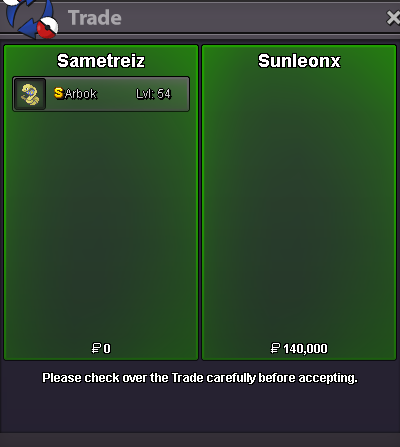
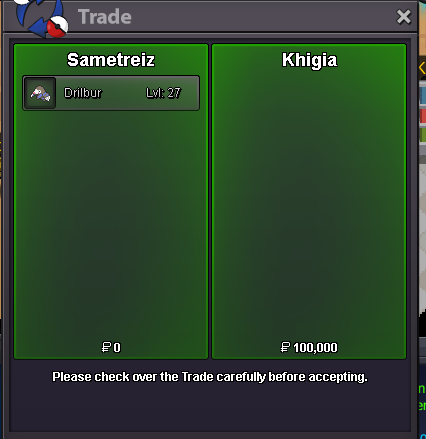
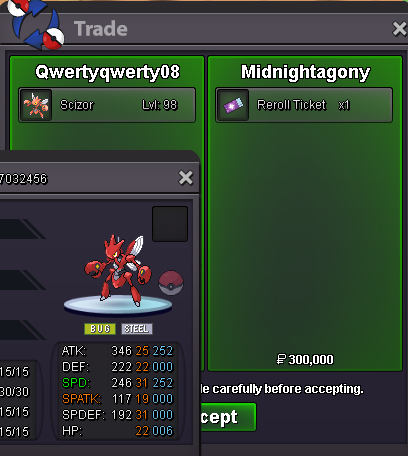
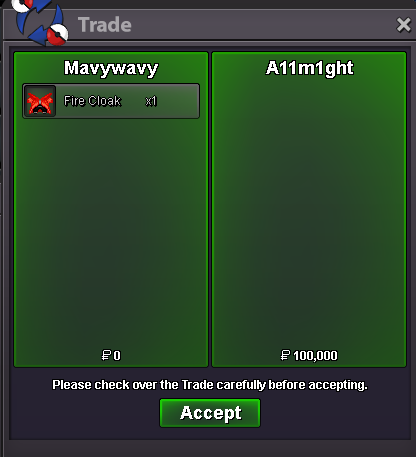
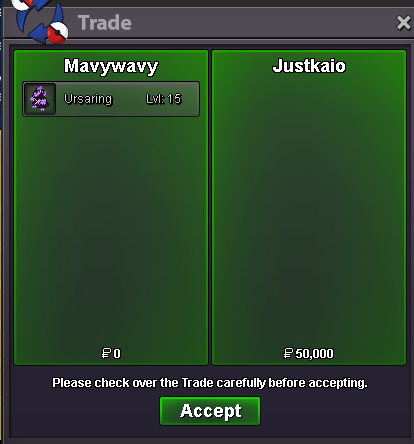
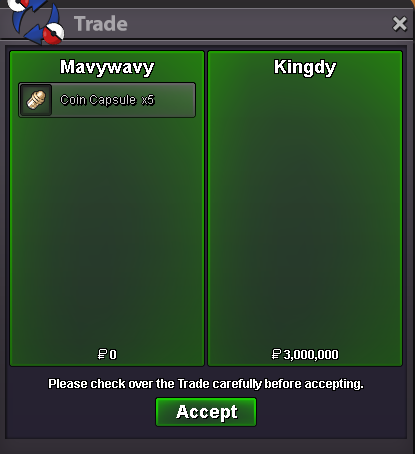
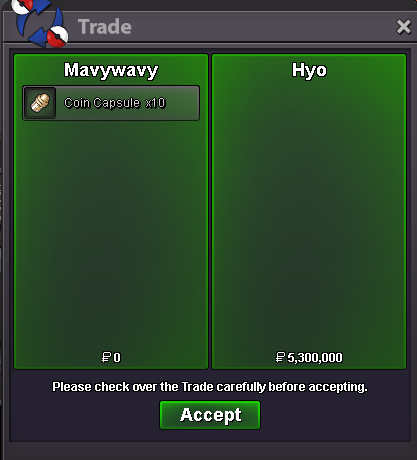
Victoriaporto joined the communityHi, I triggered the cutscenes in Ghoul Swamp, but Basile is not appearing near the house in the bottom right corner. I already fought once in the dungeon and lost to venasaur with the hidden power. If I tap near the tree it's mentions something about a mysterious presence or something. Also, basile is not in the docks. I tried moving around and closing and reopening the client but nothing happens.Boomnie joined the communityKatha10 joined the communitySuqeagji joined the communityUqcfjkez joined the communityCiphersgaming joined the communityBigybeast joined the communitySololeveling1 joined the communityTy Wolfpek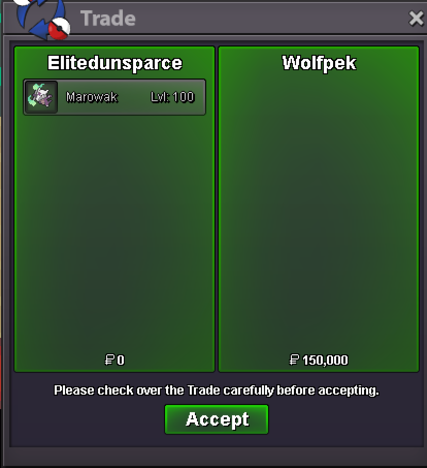 Hi, I accidentally released some Pokémon and if it's possible I would like to restore them. I don't have their IDs unfortunately. The ones that I'm hoping to restore are a fully ev trained blaziken jolly with speed boost, azumaril fully ev trained adamant with huge power, mawvile fully ev trained adamant, quagsire fully ev trained impish with unaware and lastly growlithe fully ev trained impish with intimidate. Thanks in advance! Server gold.Happy to help! As the matter has been resolved, this thread is now closed. Have a great day!yes, thats my pokemon, probabliy it got back from lend and was amoung all the wooper and i binned it accidentryl with all the woopers Tyvm for the fast helpOkay, I believe the Pokémon has been recovered. Looks like it was accidently released. Please log in and verify it was the Clodsire you lost.Hello @Mypoo , There are a couple different ways for you to get these trade evolutions. Once you have your 4th gym badge, trading is unlocked. You can always ask in the "All" or "Help" in-game chat channels if someone can help you with a trade evo. If a Staff member is online, they will be happy to help you out. Most often a player is available and willing to help you for free. Generally speaking, they will not evolve the Pokémon themselves, but let it evolve when it gets traded back to you so that you get the evolution Pokedex entry (though it doesn't hurt to let them know you need the evo data). You can of course ask for trading help here or on the Pro Discord, though that would most likely not be the quickest method, as you would have to coordinate when and where to perform the trade. Helpful suggestions: Make sure the Pokémon is not fainted - otherwise, it wont evolve when traded. Make sure the Pokémon is holding the item required to evolve If for any reason you're worried about trading a valuable Pokémon or item, make sure to screenshot the trade before you click "Accept" Also, you may find it safer to trade with players with a lot of in-game playtime. Players who have invested a lot of time into the game are much less likely to make a trading mistake than a newer player. I hope you found this information helpful. Please let me know if you have any further questions on trading.also it was lvl 100I dont have ID, but was careful one water absorb, OT, i have doubt that either i binned it with the trash wooper i had from hunt or have a slight chance to be forced in trade with some other pokemons i had on auctionHi there @Vangogsan , Sorry to hear about your missing Clodsire. Can you please provide me with more information about the Clodsire that's missing? I see you currently have 2 in your box, 1 Impish and 1 Sassy, both level 100. Is it possibly one of these?bumpupHi! @Bajramon As it has been a while since my last response and i haven't received a reply from you i will be going ahead and closing this thread! If you are still having issues please feel free to reach out in a new topic and one of our staff will be happy to help you! Thanks, Satellar 🌟Bump!








Account
Navigation
Search
Configure browser push notifications
Chrome (Android)
- Tap the lock icon next to the address bar.
- Tap Permissions → Notifications.
- Adjust your preference.
Chrome (Desktop)
- Click the padlock icon in the address bar.
- Select Site settings.
- Find Notifications and adjust your preference.
Safari (iOS 16.4+)
- Ensure the site is installed via Add to Home Screen.
- Open Settings App → Notifications.
- Find your app name and adjust your preference.
Safari (macOS)
- Go to Safari → Preferences.
- Click the Websites tab.
- Select Notifications in the sidebar.
- Find this website and adjust your preference.
Edge (Android)
- Tap the lock icon next to the address bar.
- Tap Permissions.
- Find Notifications and adjust your preference.
Edge (Desktop)
- Click the padlock icon in the address bar.
- Click Permissions for this site.
- Find Notifications and adjust your preference.
Firefox (Android)
- Go to Settings → Site permissions.
- Tap Notifications.
- Find this site in the list and adjust your preference.
Firefox (Desktop)
- Open Firefox Settings.
- Search for Notifications.
- Find this site in the list and adjust your preference.