




New Trade Zone
Trade Zone is now live
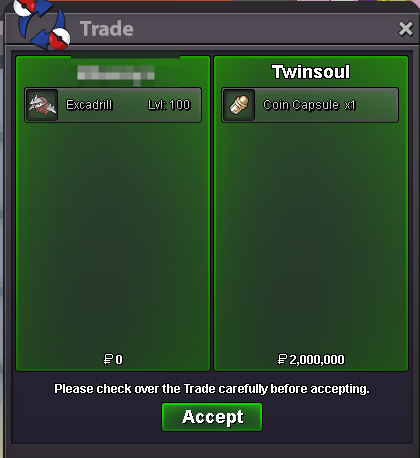
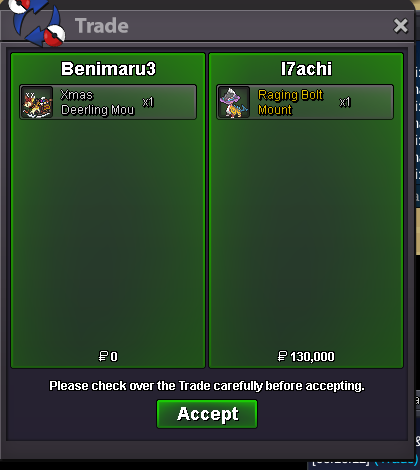
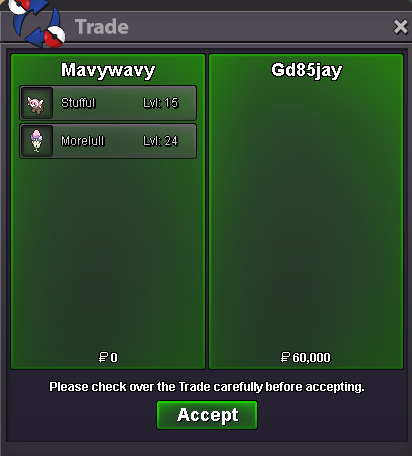
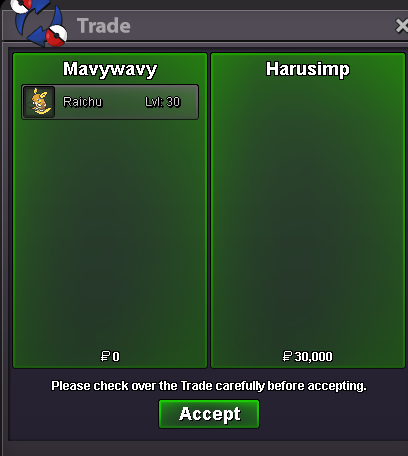
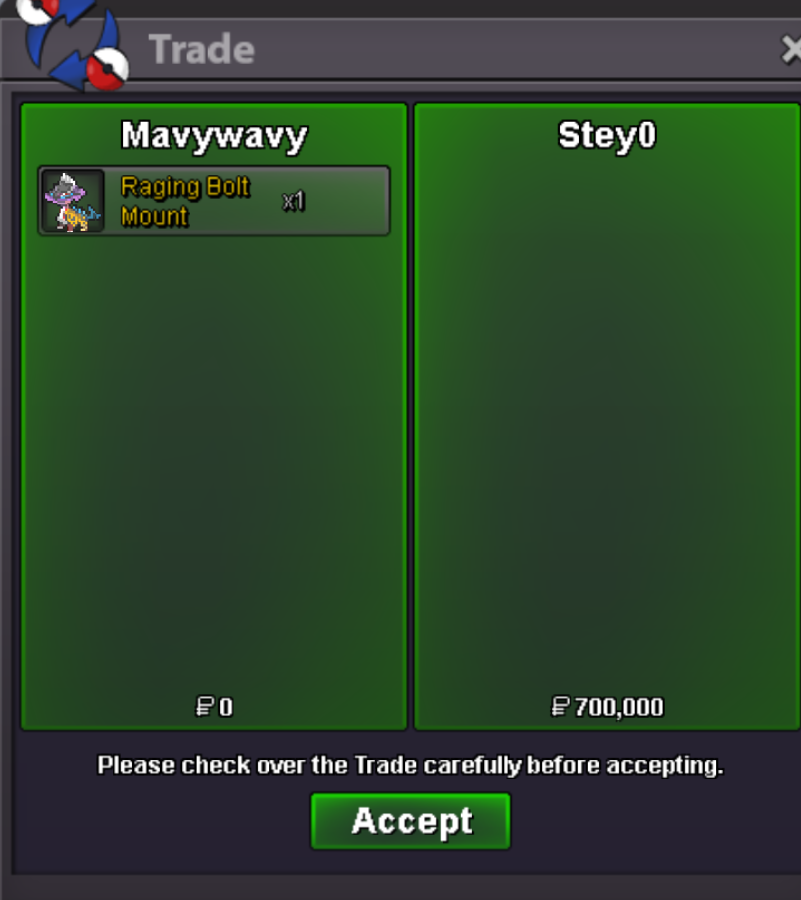
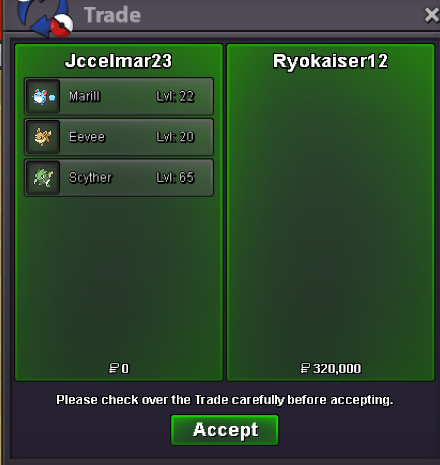
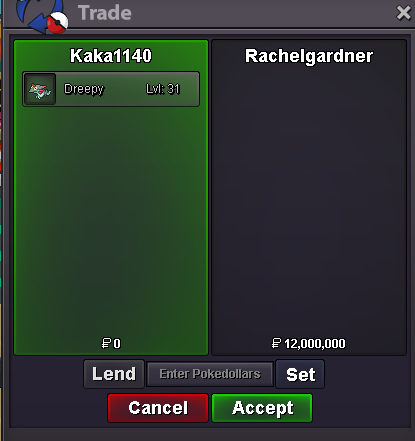
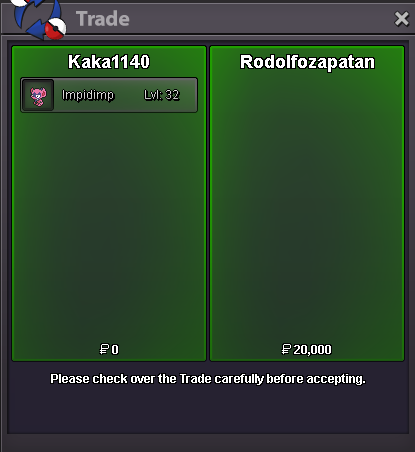
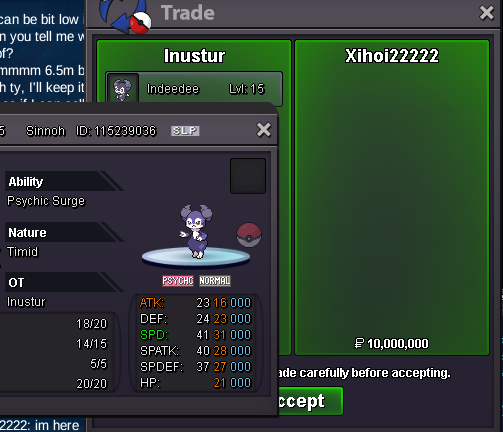
Use the new Trade Zone for auctions and instant-price trades so Pokemon and item offers are easy to find.
All Activity
Past hour
-
Roxymigurdi joined the community
-
Hollo can you exchange guzzlird for xmasdeerling
-
-
Morcegovmp joined the community
Today
-
Aludragnel joined the community
-
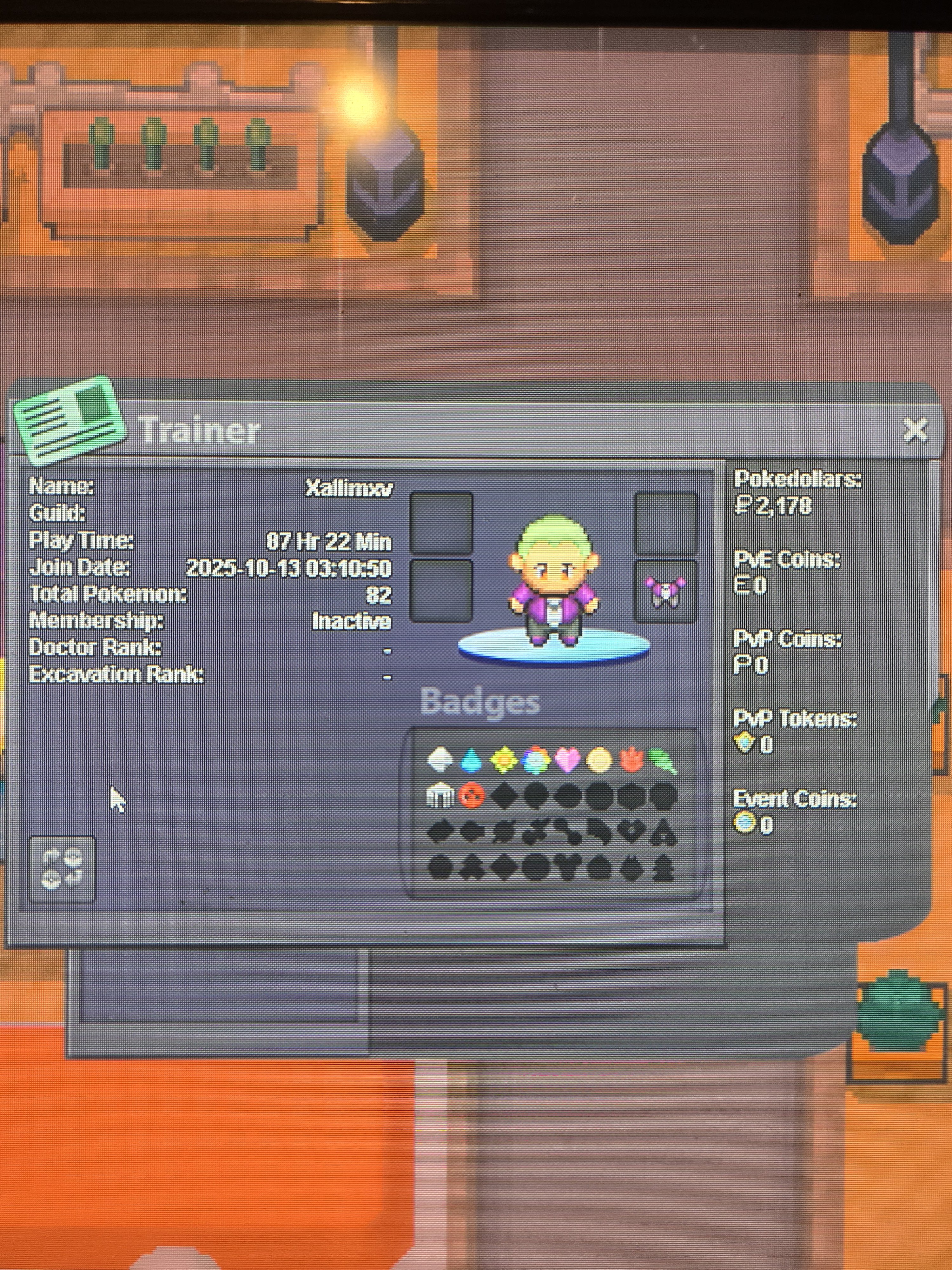
Fav Pokemon: Eelekross Player type: PvE currently, but want to do PVP after I finish all regions Country: US Age: 28 Discord ID: XallimXV
-
Myyy joined the community
-
This Gastly looks like an interesting find for collectors and trainers. Auctions like this always bring excitement and competition.
-
Kimberly8 joined the community
-
Charterbus3 joined the community
-
Join our active, friendly community! We are proud to consistently rank among the best: - #2 in Lavender Dungeon - #4 in all dungeons - #15 in the PVP ladder Come be a part of the Corviknights family!
-
Buhomagico joined the communityTwitchbhim95 - TwitcholaElenda4158 joined the communitybumpHello. Due to inactivity, I will be closing this thread. If you need any further assistance in the future, please don't hesitate to contact us. Have a great day. Kind regards. Hallowglow.Dreakonic joined the communitySwasaph joined the communityDepending on which server you're on, we can do friendlies !Bumpup
Yesterday
Hello, First of all, please allow me to apologise for the late reply. As your issue has already been resolved, please let my reply serve as a reminder for the future that once an auction has started, it cannot be edited or cancelled. As the mistake was clear and the auction description didn't match the listed details, we closed your thread as requested. In the future, please be more careful when creating auctions, and always make sure to read our Trade and Auction Rules. I'll be closing this thread now, but feel free to reach out if you ever need help in the future. Kind regards, DrakloakHello, First of all, please let me apologise for the late reply. To answer your question, if you place a bid on an auction from the opposite server, you're responsible for transferring servers if you end up winning the auction. Please keep in mind that Cross Server Auctions are an exception to this, as per our Trade Rules: CROSS SERVER RULES Fortunately, you were outbid in this auction, so there's nothing to worry about this time. Just make sure to double-check which server an auction is on before placing a bid in the future. As a small tip, the new Trade Zone lets you filter auctions by Gold or Silver, so you can easily avoid bidding on the wrong server. Setting your main server in the settings (⚙️ icon) also helps. I'll be locking this thread now, but feel free to reach out if you ever need help in the future! Kind regards, DrakloakHello. Due to inactivity, I will be closing this thread. If you need any further assistance in the future, please don't hesitate to contact us. Have a great day. Kind regards. Hallowglow.Hello. Due to inactivity, I will be closing this thread. If you need any further assistance in the future, please don't hesitate to contact us. Have a great day. Kind regards. Hallowglow.Hello. Due to inactivity, I will be closing this thread. If you need any further assistance in the future, please don't hesitate to contact us. Have a great day. Kind regards. Hallowglow.Hello. Due to inactivity, I will be closing this thread. If you need any further assistance in the future, please don't hesitate to contact us. Have a great day. Kind regards. Hallowglow.Hello. Due to inactivity, I will be closing this thread. If you need any further assistance in the future, please don't hesitate to contact us. Have a great day. Kind regards. Hallowglow.



















Account
Navigation
Search
Configure browser push notifications
Chrome (Android)
- Tap the lock icon next to the address bar.
- Tap Permissions → Notifications.
- Adjust your preference.
Chrome (Desktop)
- Click the padlock icon in the address bar.
- Select Site settings.
- Find Notifications and adjust your preference.
Safari (iOS 16.4+)
- Ensure the site is installed via Add to Home Screen.
- Open Settings App → Notifications.
- Find your app name and adjust your preference.
Safari (macOS)
- Go to Safari → Preferences.
- Click the Websites tab.
- Select Notifications in the sidebar.
- Find this website and adjust your preference.
Edge (Android)
- Tap the lock icon next to the address bar.
- Tap Permissions.
- Find Notifications and adjust your preference.
Edge (Desktop)
- Click the padlock icon in the address bar.
- Click Permissions for this site.
- Find Notifications and adjust your preference.
Firefox (Android)
- Go to Settings → Site permissions.
- Tap Notifications.
- Find this site in the list and adjust your preference.
Firefox (Desktop)
- Open Firefox Settings.
- Search for Notifications.
- Find this site in the list and adjust your preference.