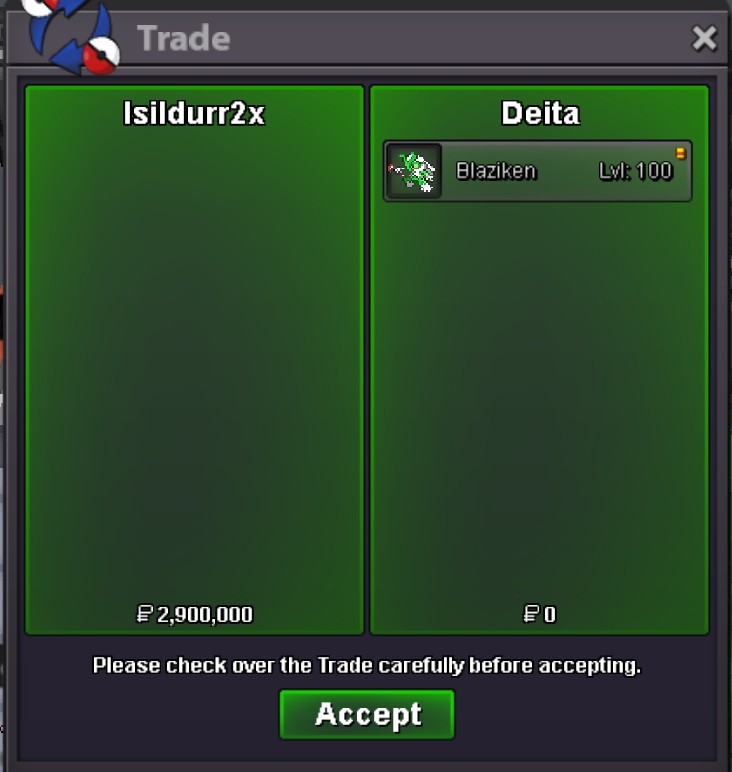
New Trade Zone
Trade Zone is now live
Use the new Trade Zone for auctions and instant-price trades so Pokemon and item offers are easy to find.
Leaderboard
-

Eon
Game Master2Points10175Posts -
Isildurr2x
Registered User2Points1821Posts -
Kimstarz
Registered User2Points704Posts -
Marksman1303
Registered User1Points339Posts




Popular Content
Showing content with the highest reputation on 01/23/23 in all areas
-
2 points
-
2 points
-
1 point1 pointhi Locogamer, prices are very subjective, it's not really pvpable so my guess would be somewhere between 500k up to 1m for collectors. Best of luck! 🙂 Sincerely, Saruron1 pointS.O. 500K FOR EACH MIN RAISE 100K 24 HOURS FROM FIRST BID NO INSTA ACCEPT PAYMENTS: CC 350K POKEDOLLAR

 1 point1 point1 pointHello @Vye, If you recently changed your name that might be the problem. It usually takes a day or two then the problem will solve itself. If it still doesn't work after 3 days please report back. 🙂 Thank you and greetings, M3ru3m1 point1 point1 point1 point1 point1 point0 points0 pointsBuy Metagross, any chance to have a little discount? 🙂0 points