New Trade Zone
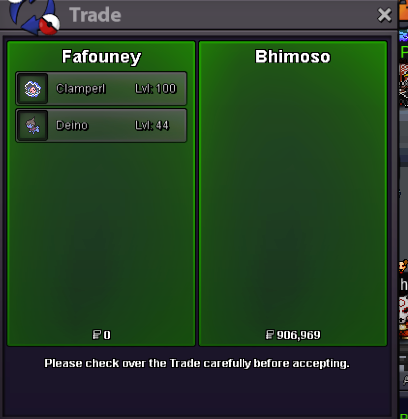
Trade Zone is now live
Use the new Trade Zone for auctions and instant-price trades so Pokemon and item offers are easy to find.
Leaderboard
-
Eon
Game Master10Points10175Posts -
Suncity
Suspended7Points5399Posts -

Heroyla31
Suspended6Points759Posts -
Googlemaps
Mapper4Points3Posts




Popular Content
Showing content with the highest reputation on 09/16/23 in all areas
-
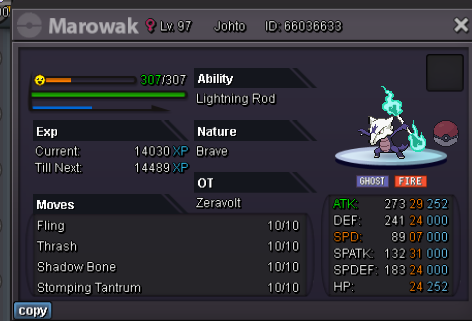
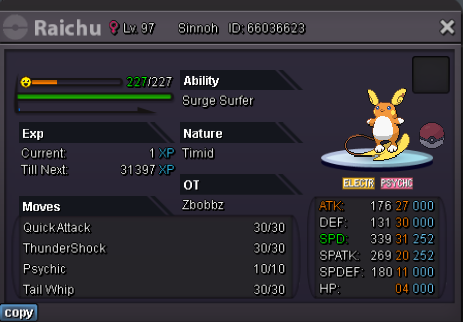
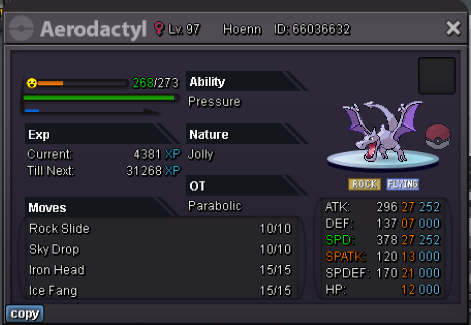
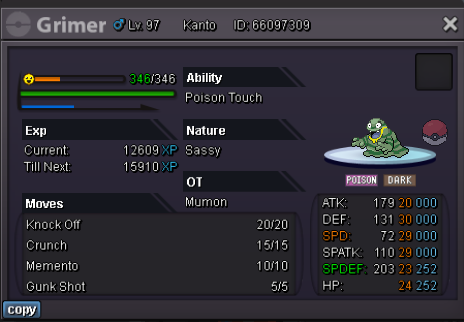
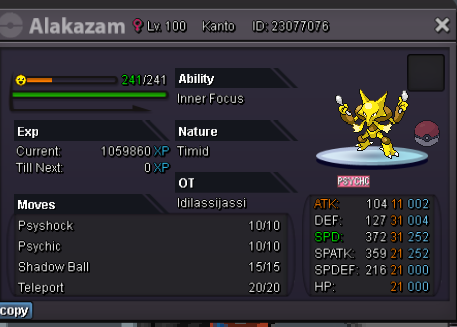
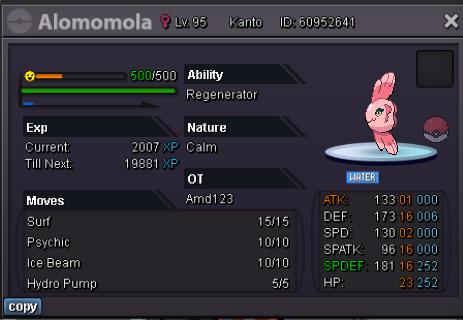
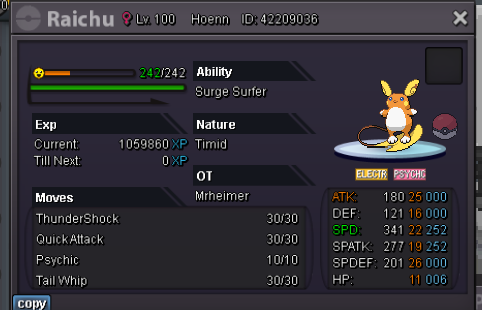
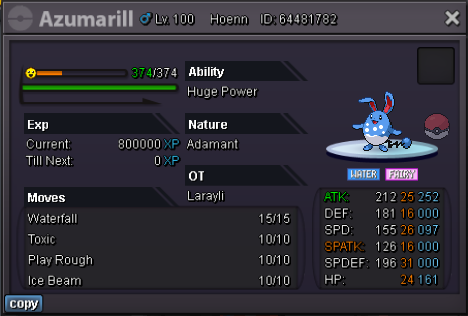
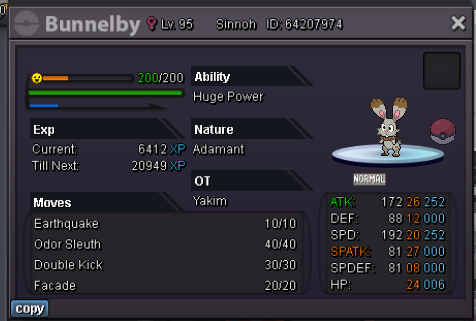
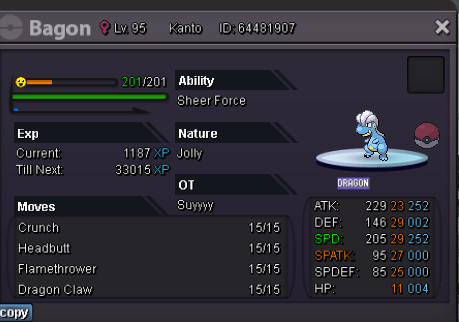
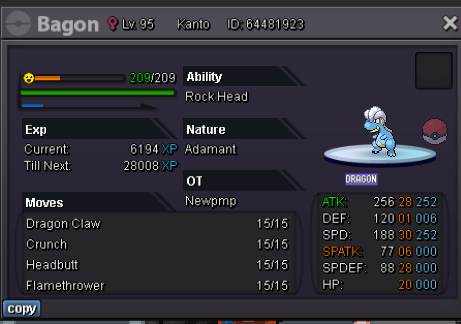
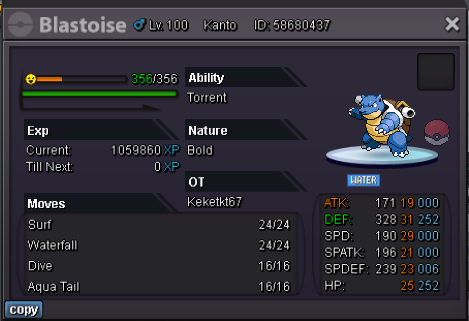
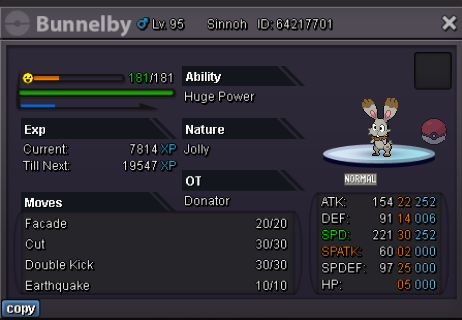
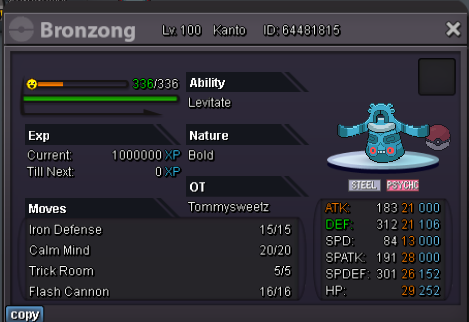
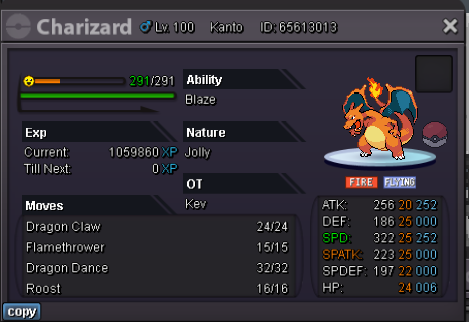
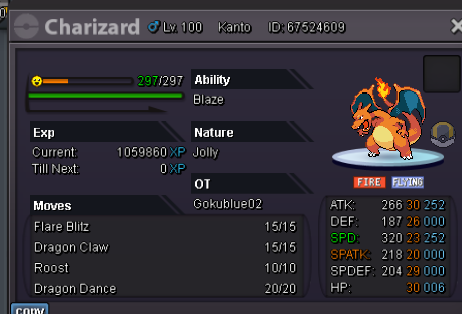
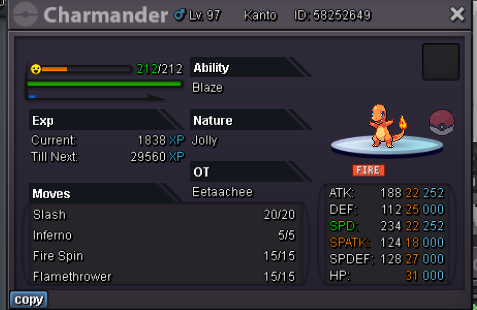
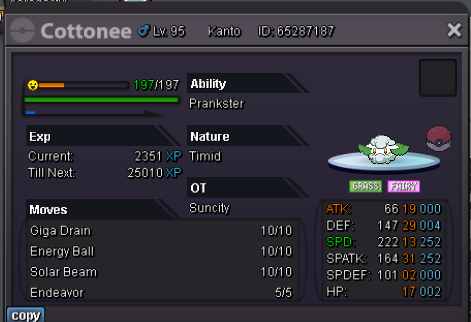
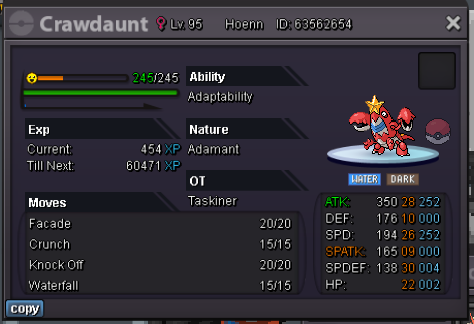
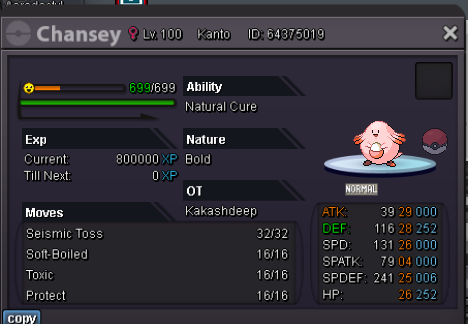
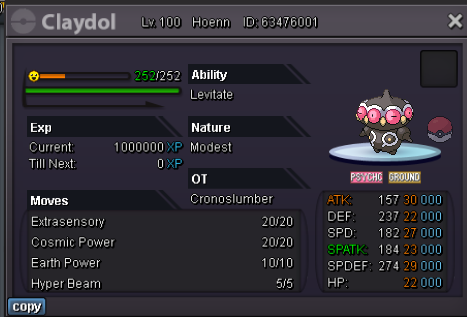
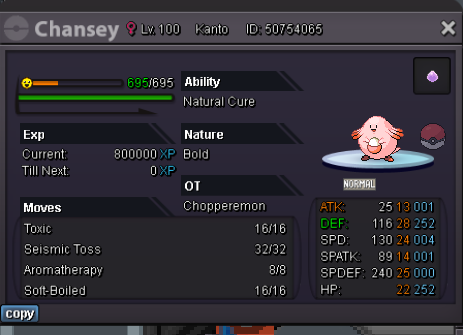
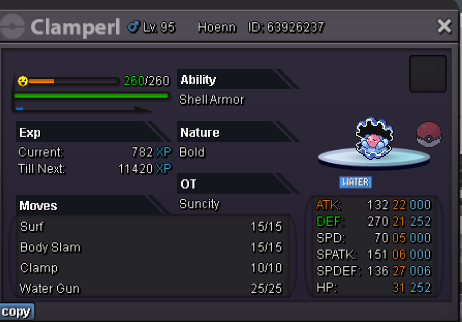
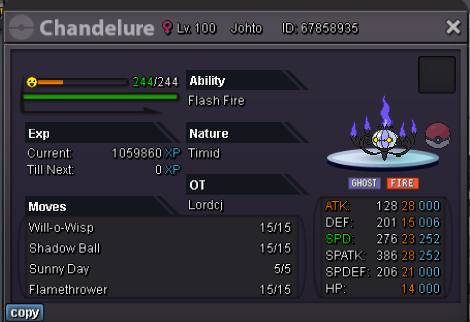
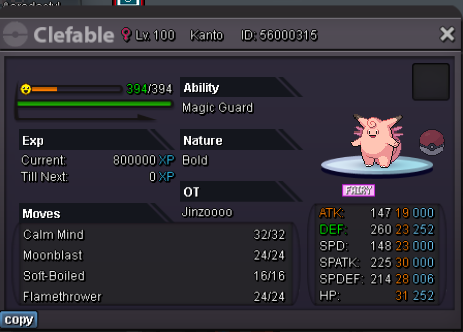
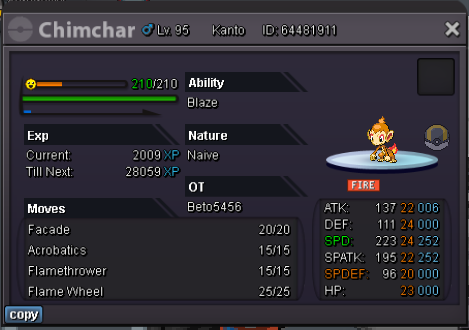
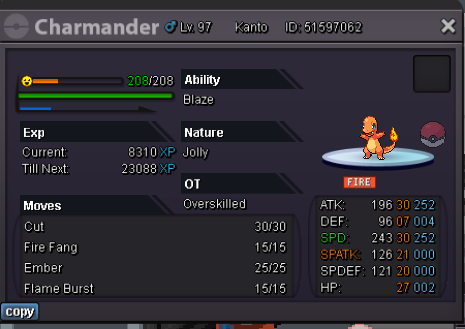
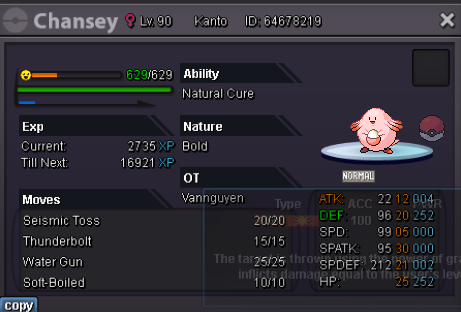
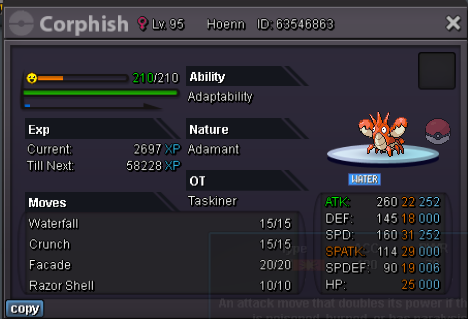
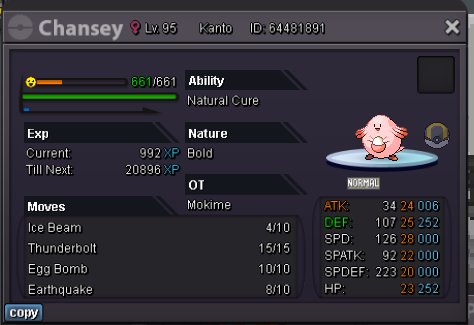
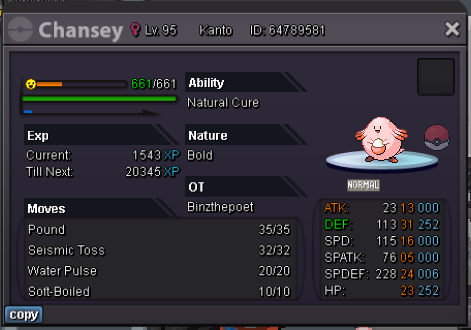
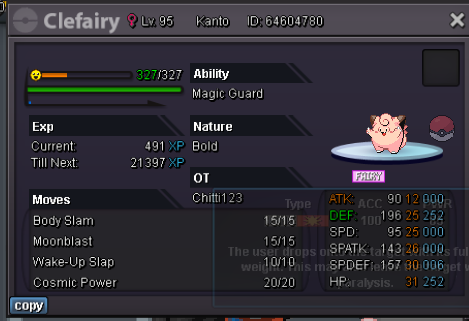
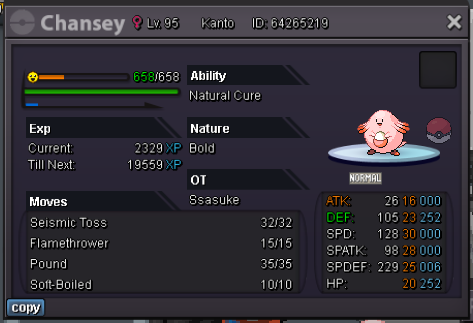
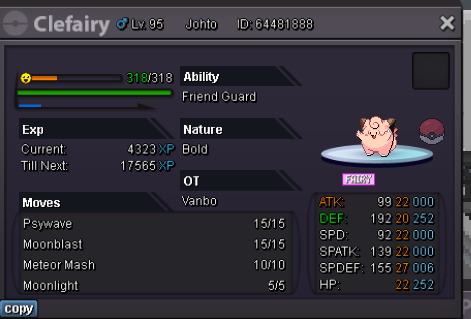
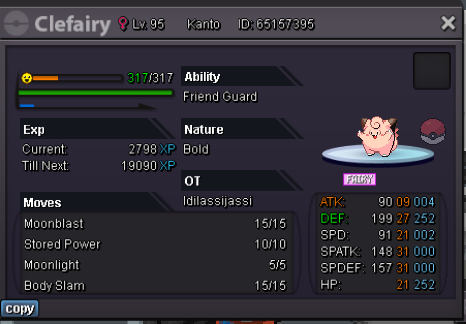
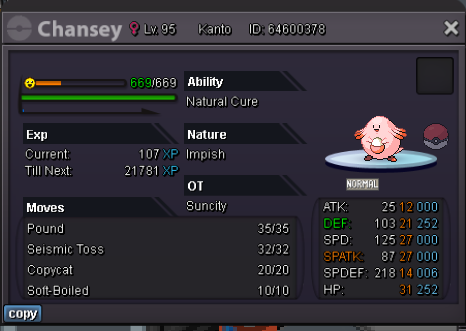
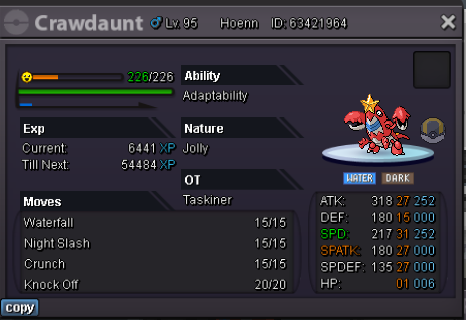
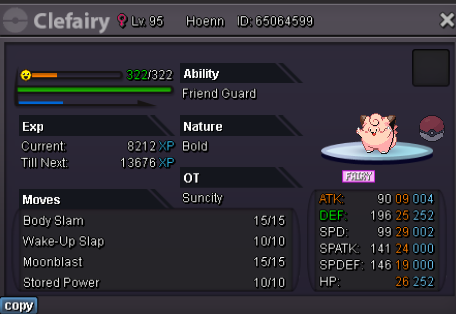
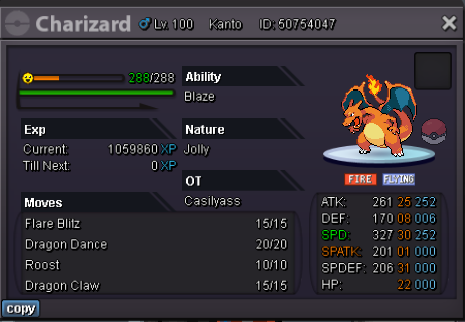
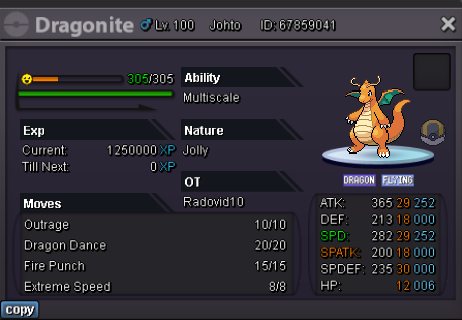
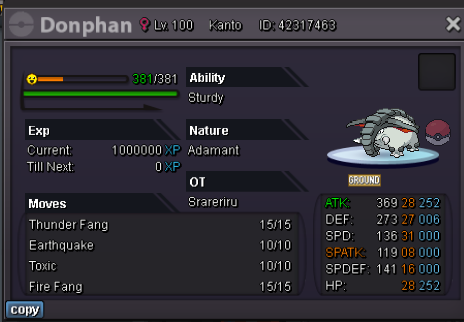
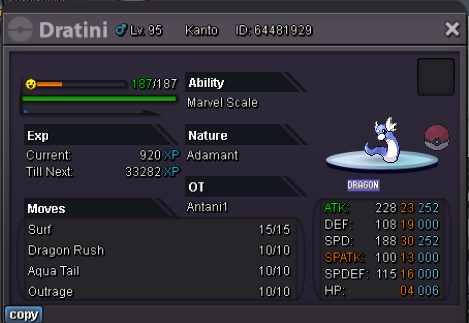
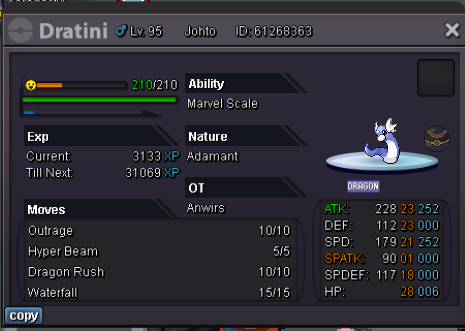
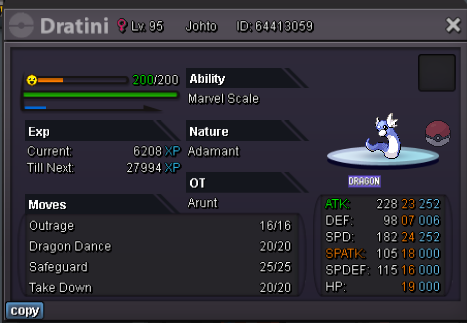
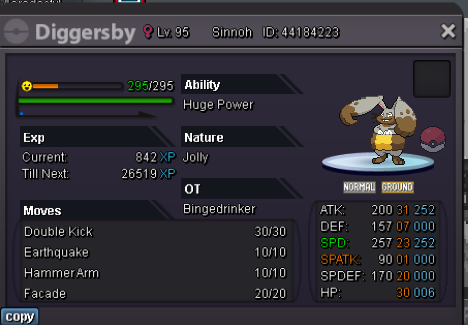
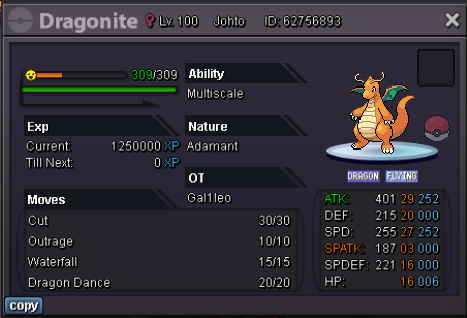
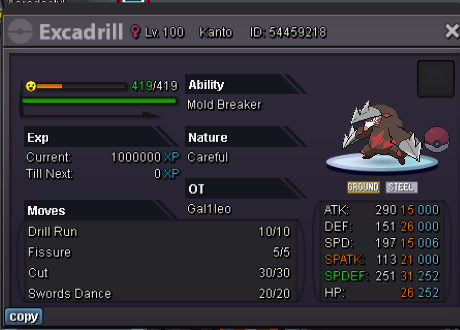
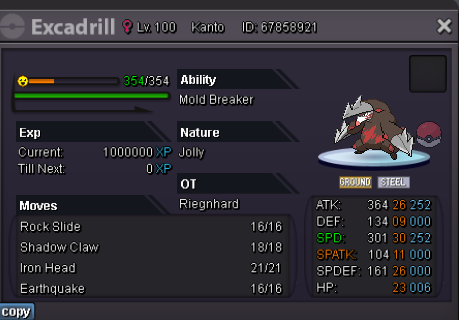
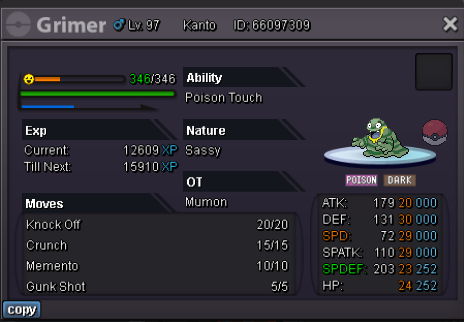
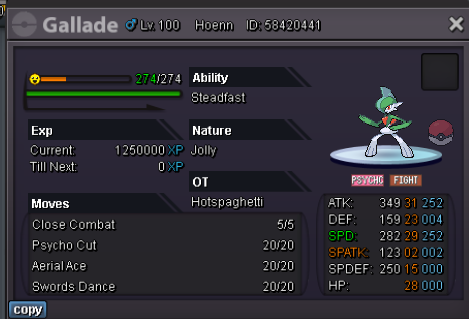
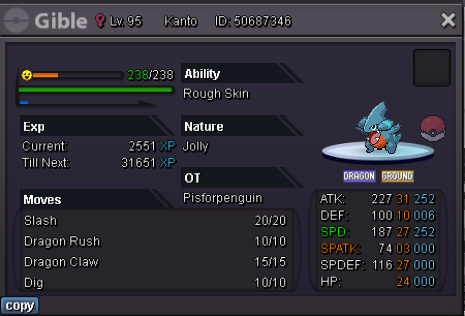
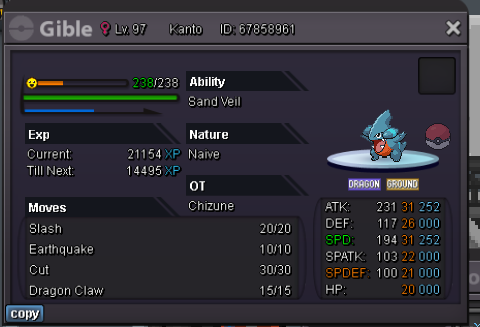
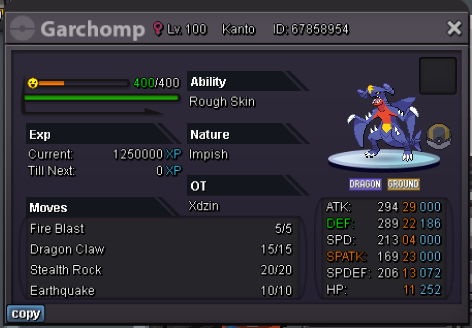
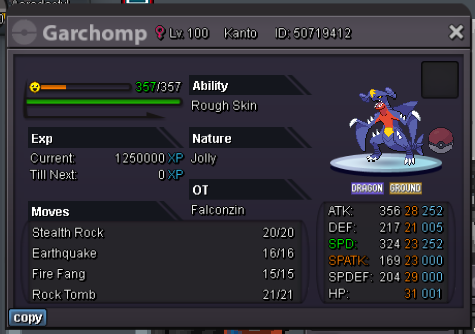
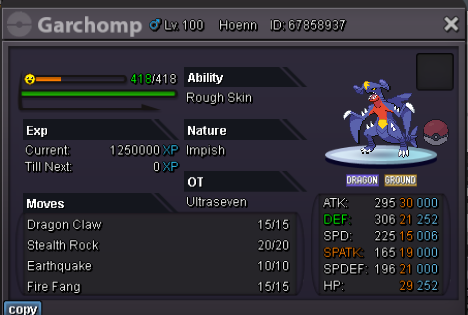
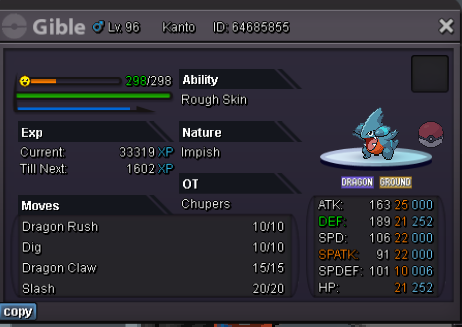
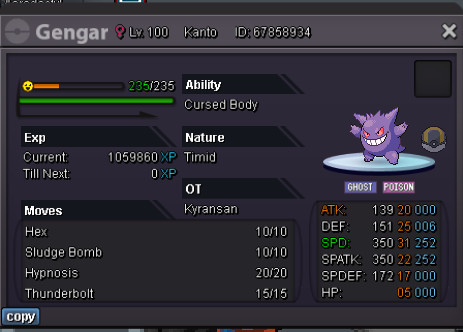
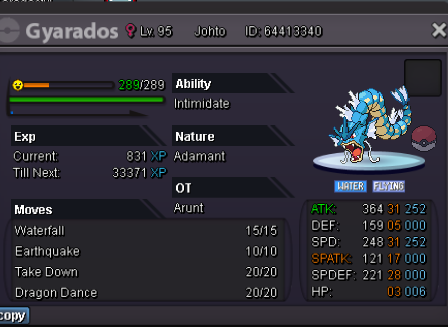
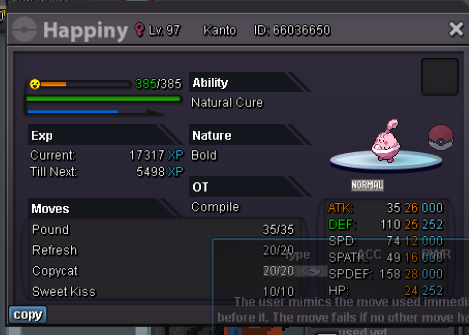
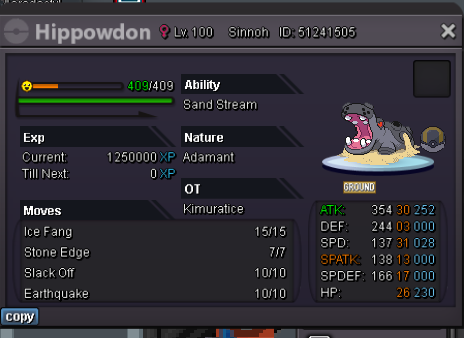
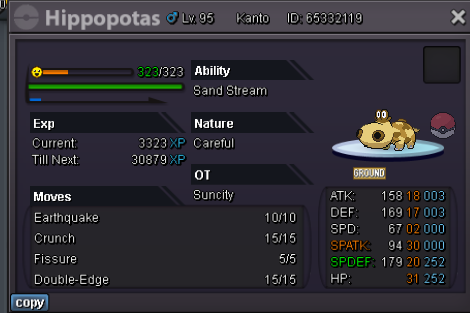
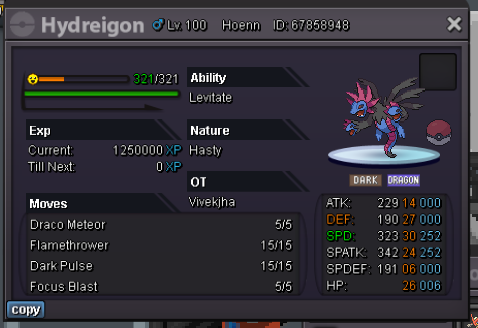
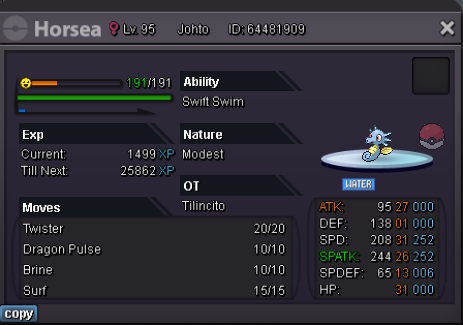
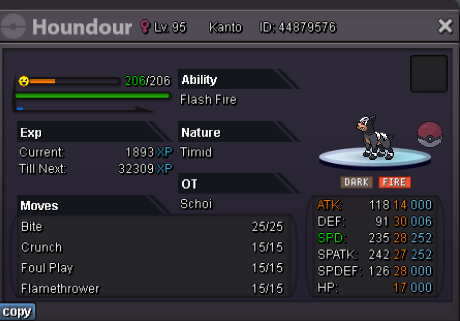
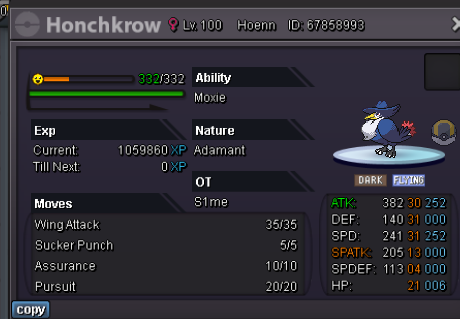
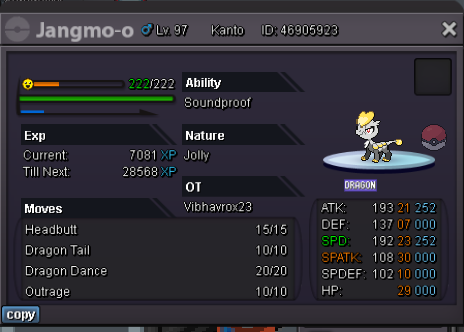
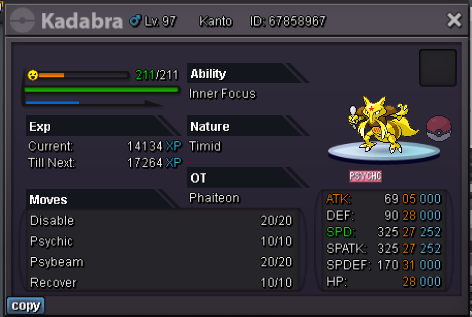
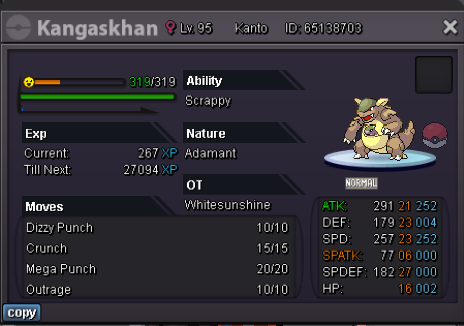
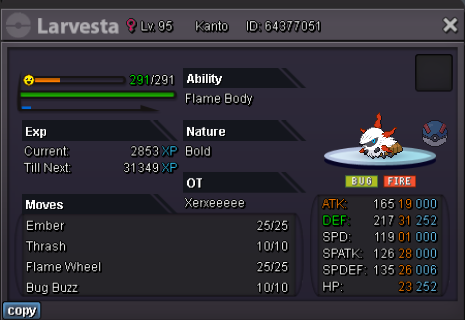
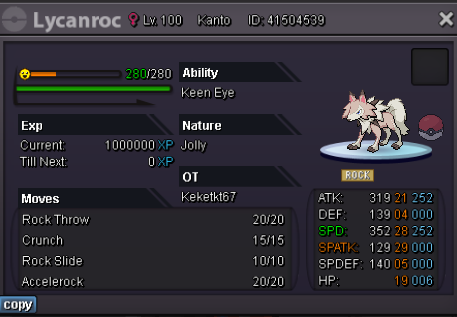
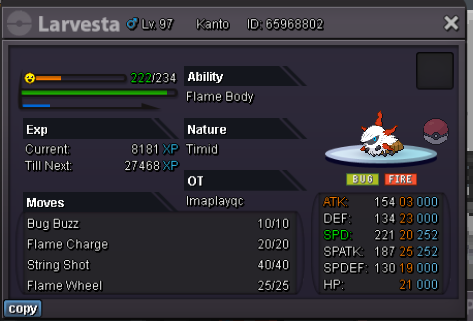
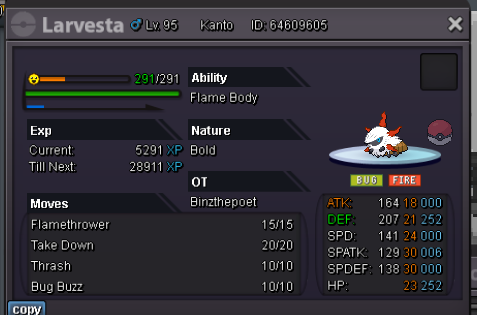
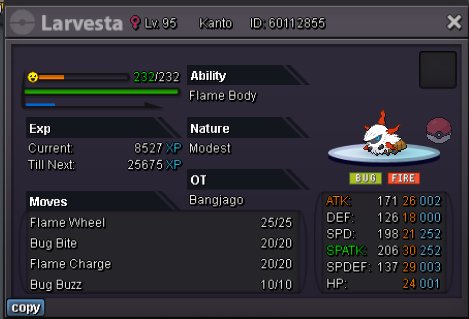
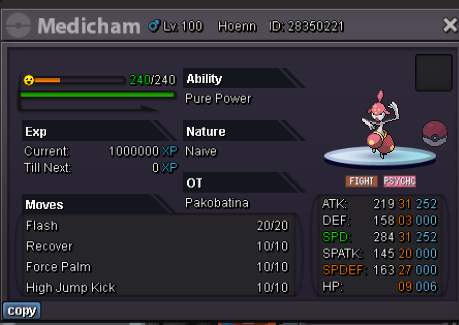
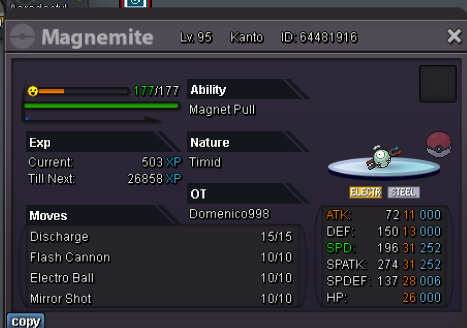
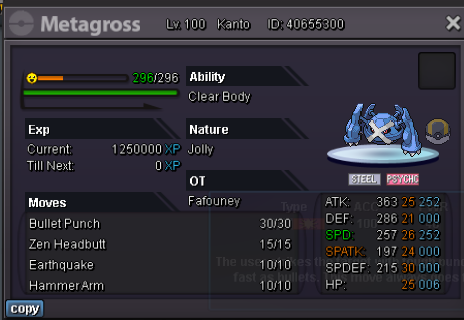
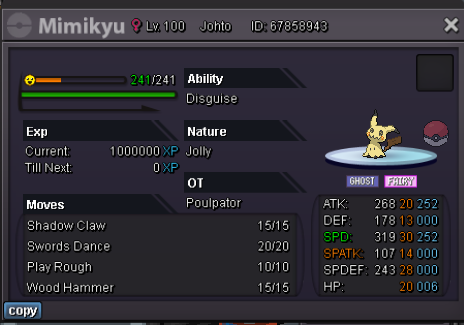
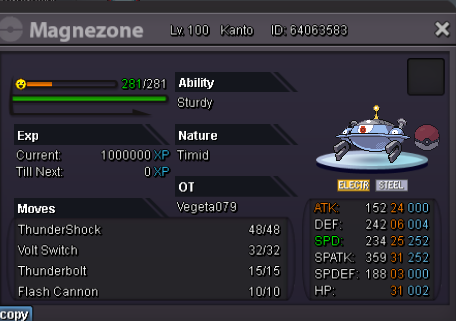
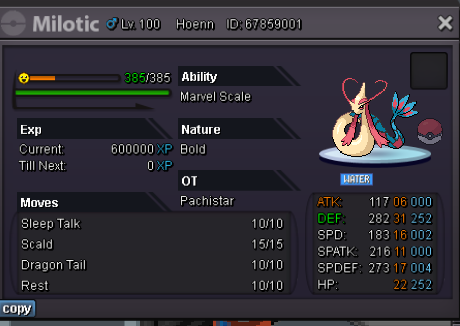
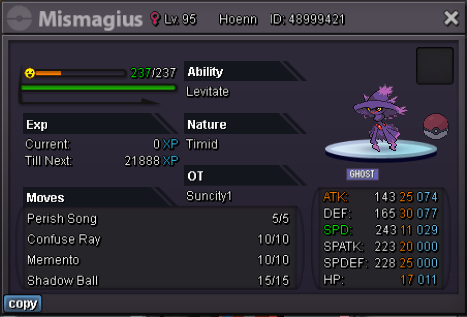
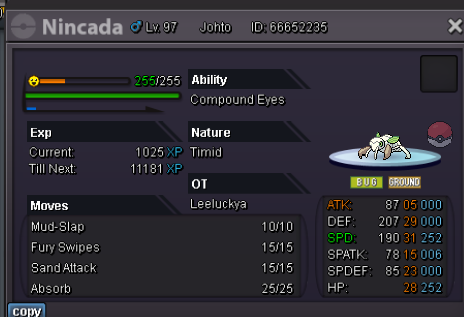
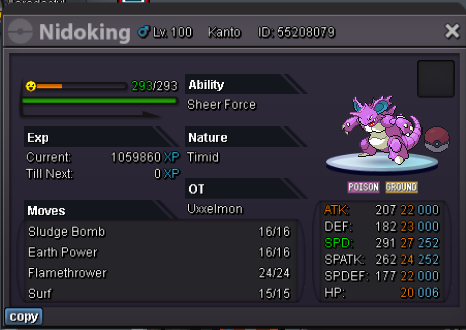
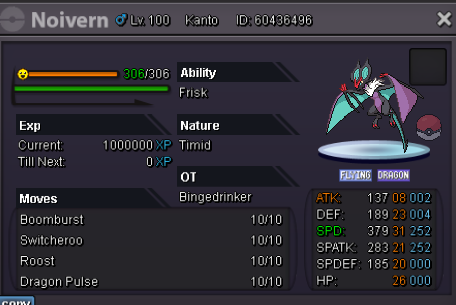
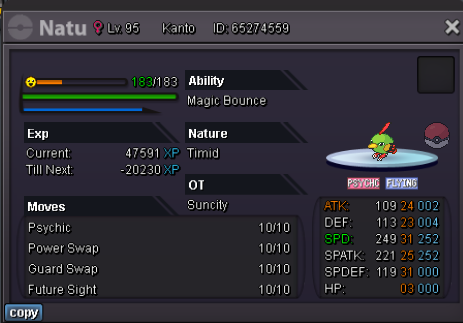
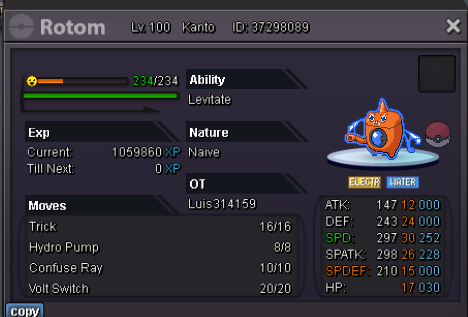
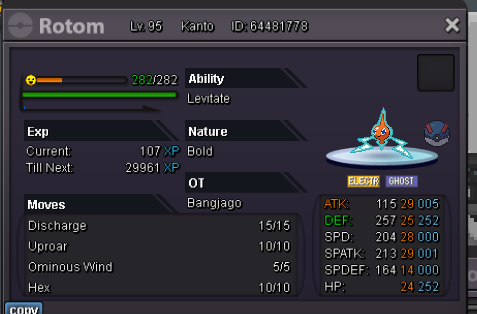
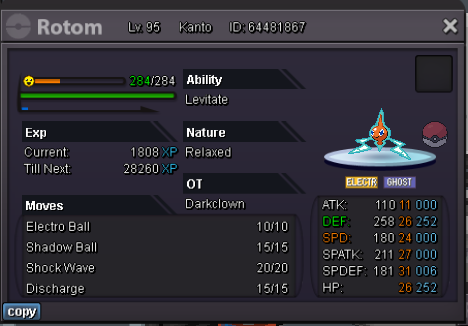
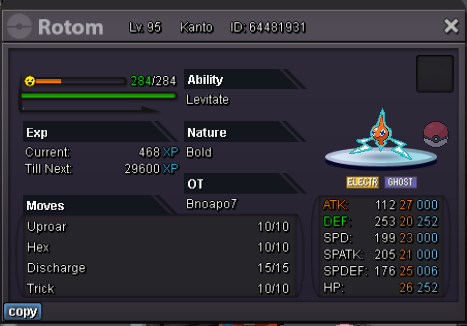
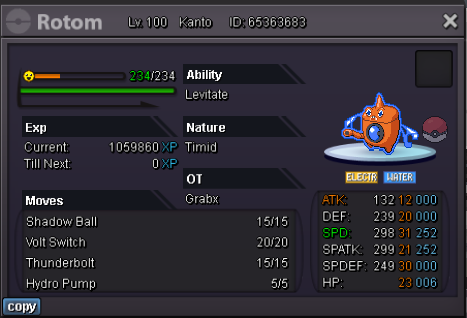
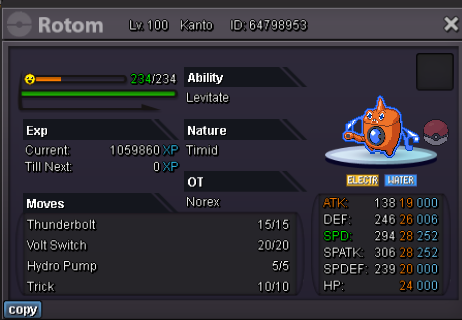
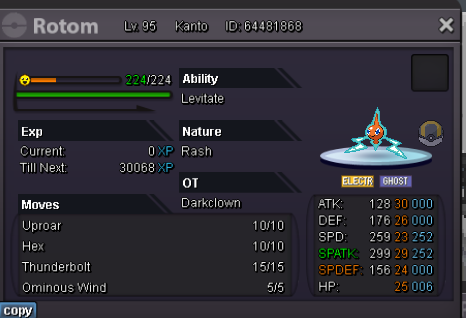
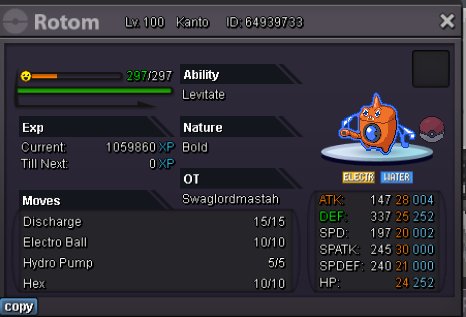
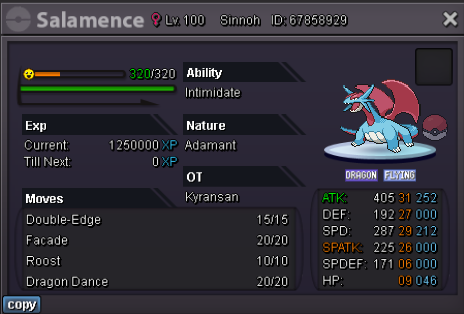
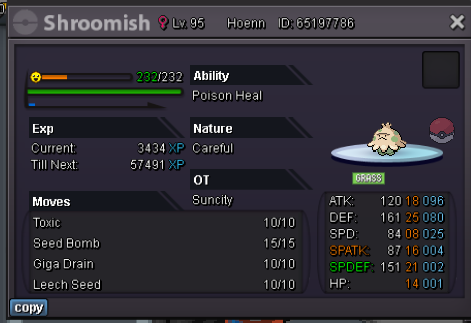
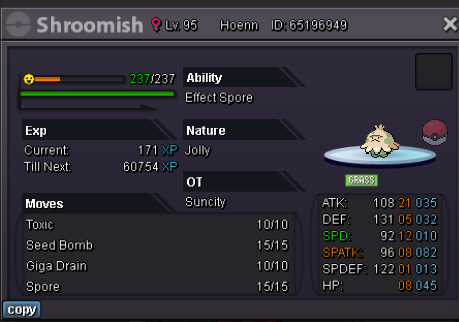
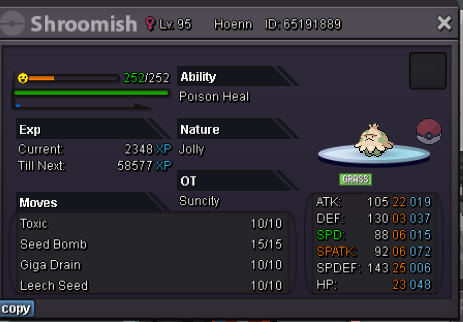
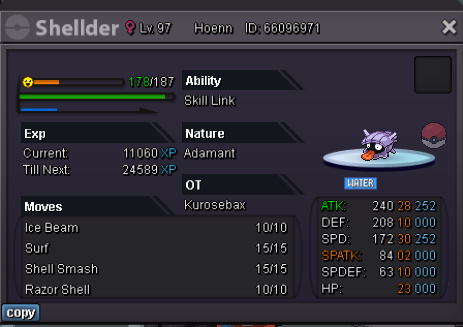
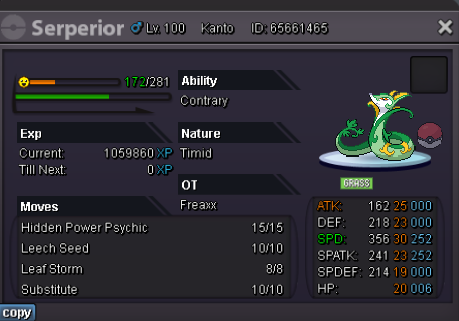
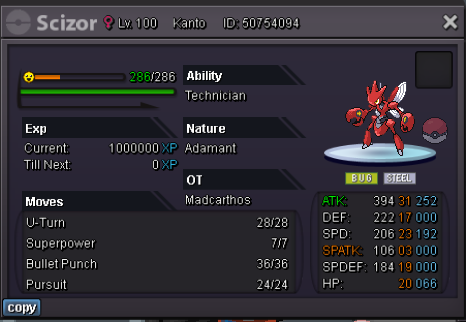
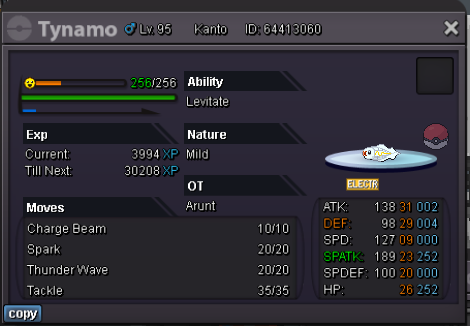
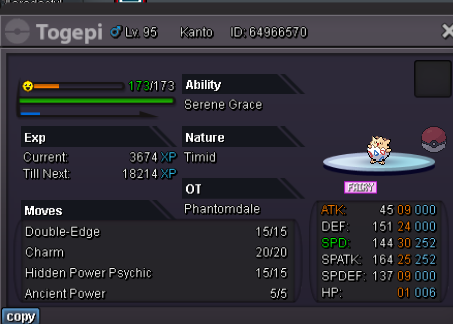
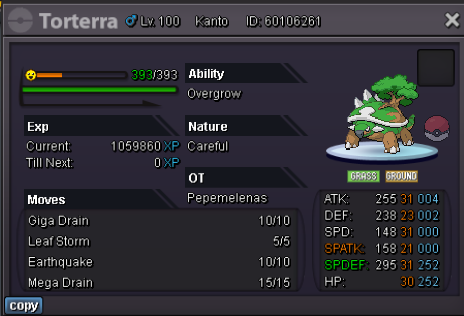
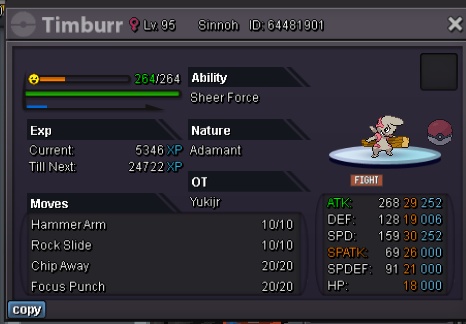
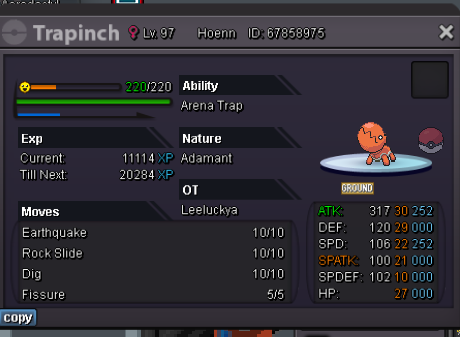
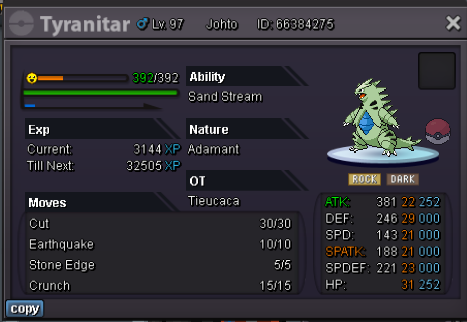
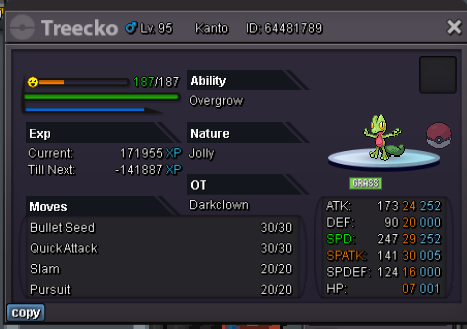
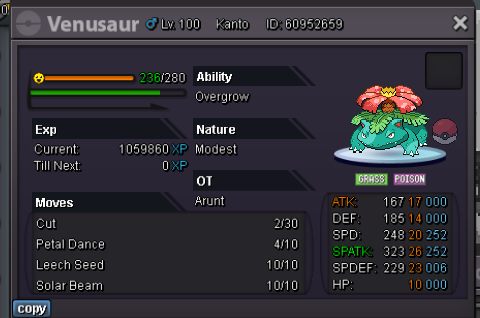
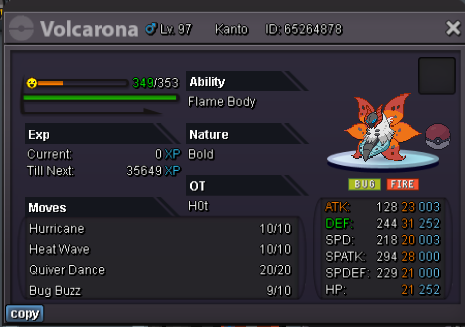
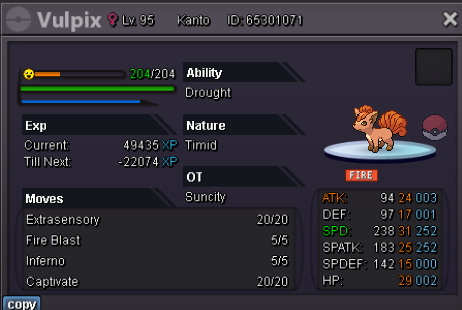
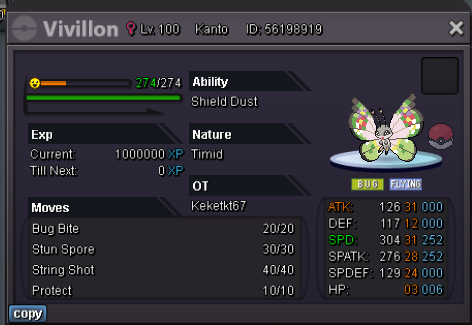
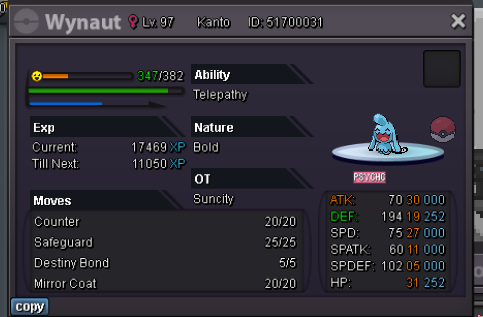
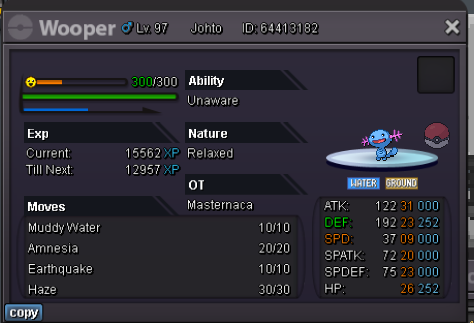
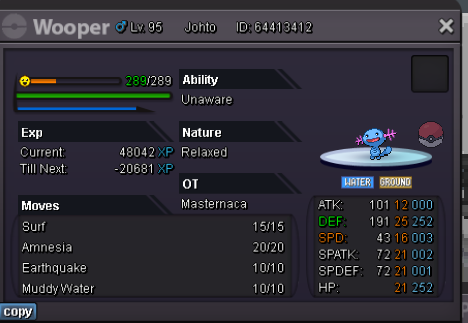
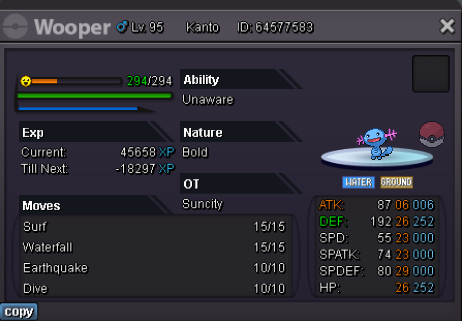
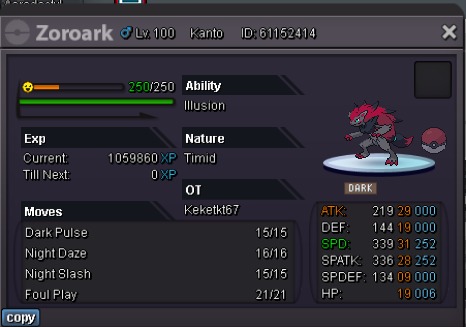
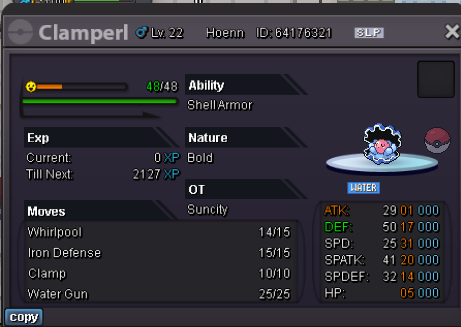
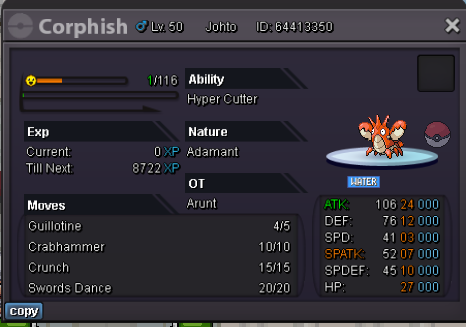
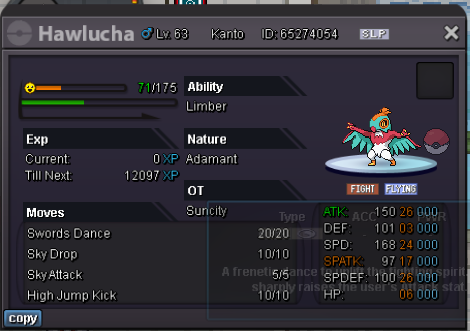
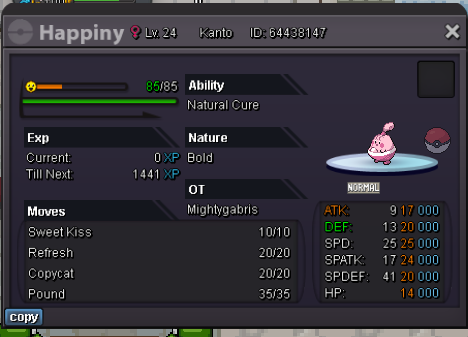
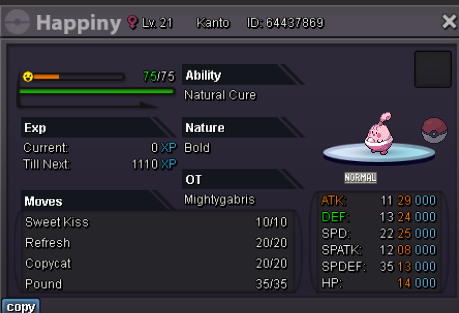
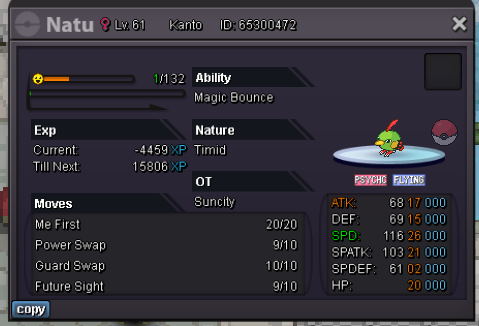
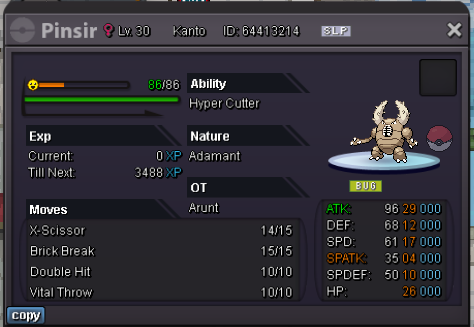
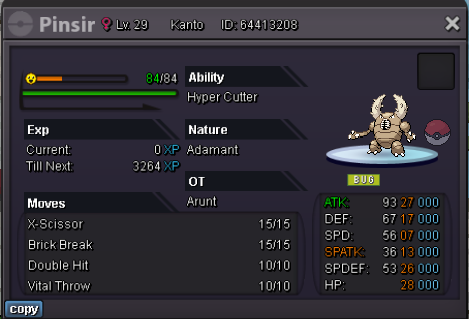
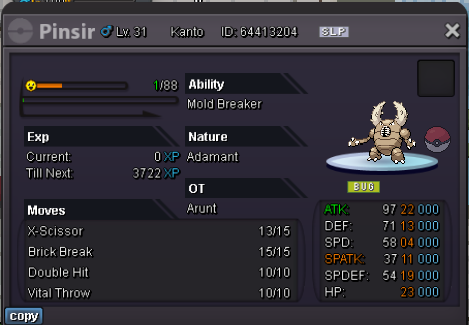
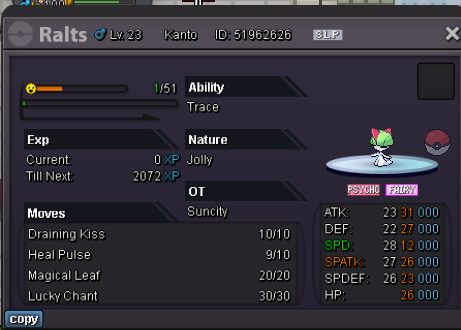
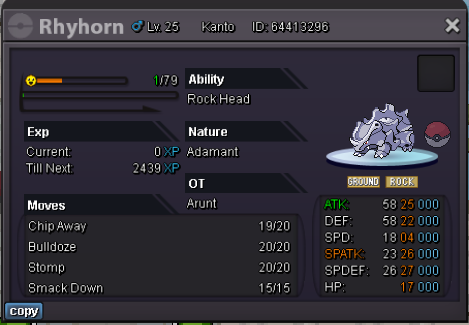
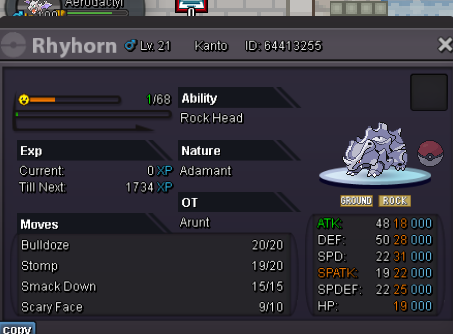
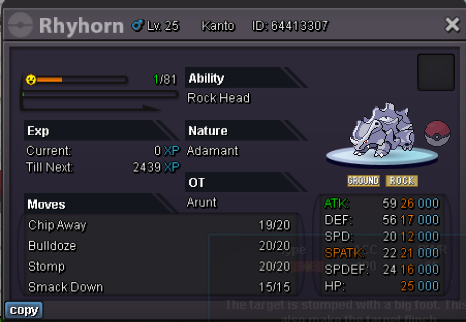
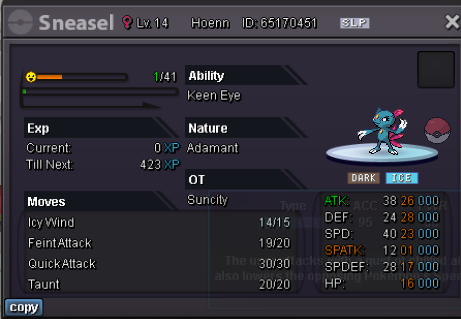
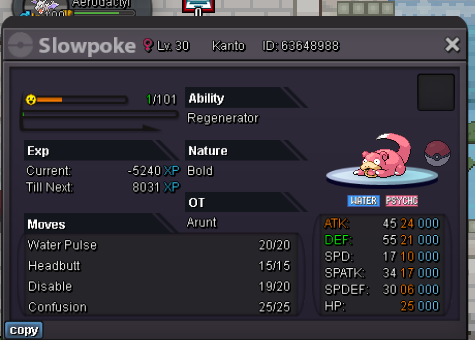
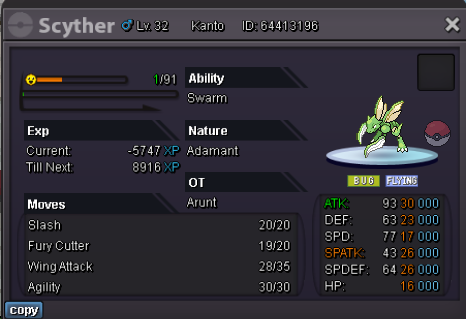
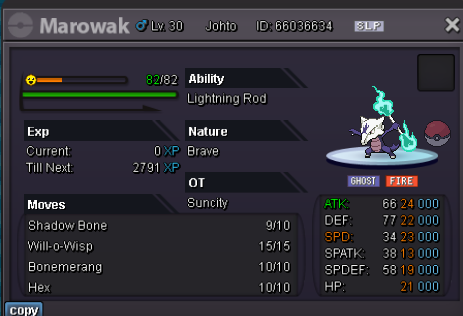
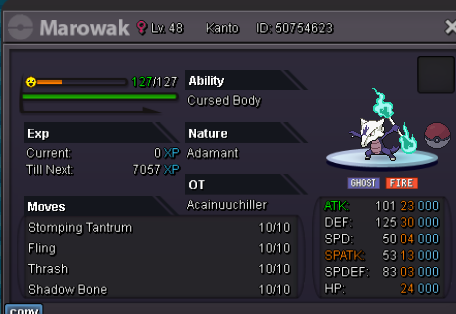
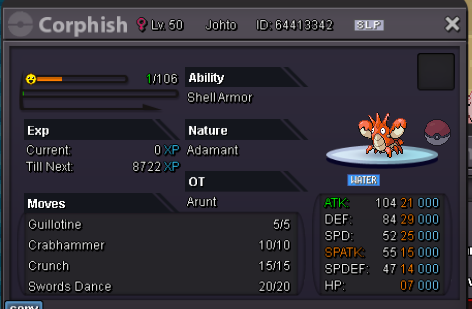
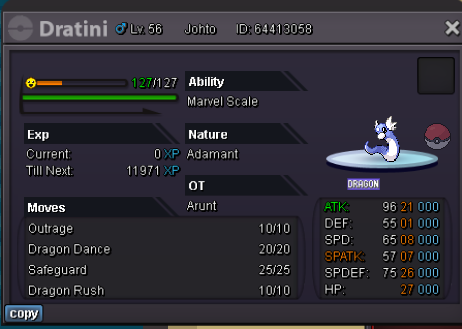
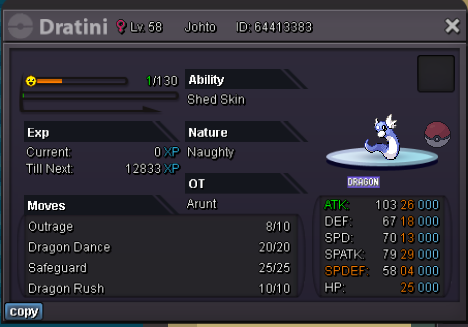
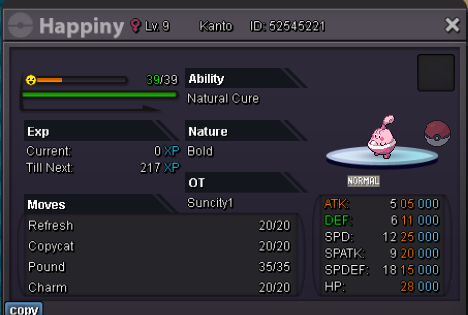
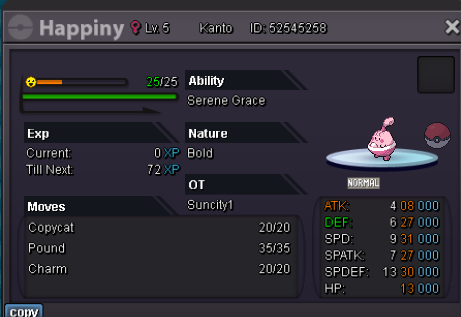
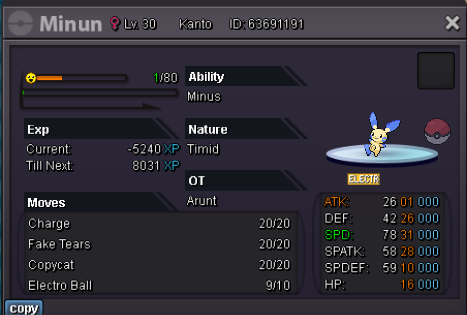
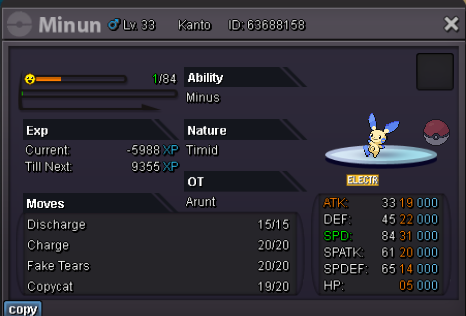
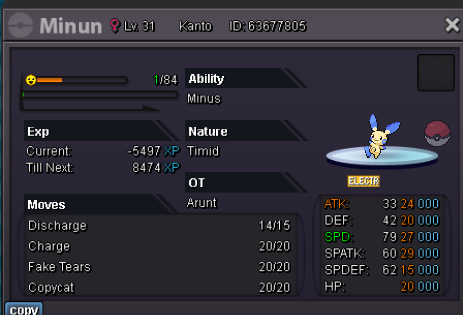
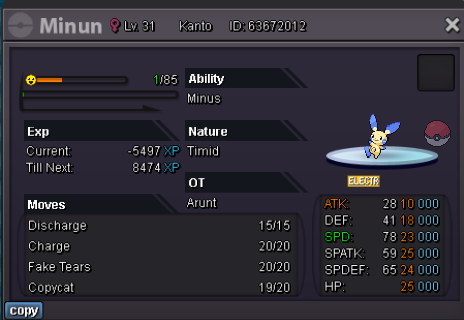
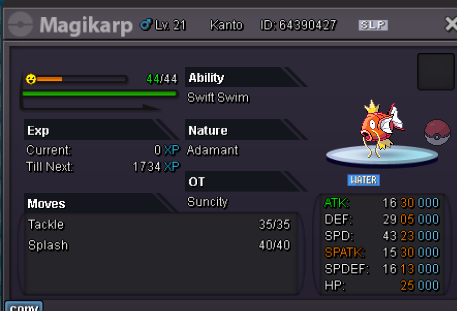
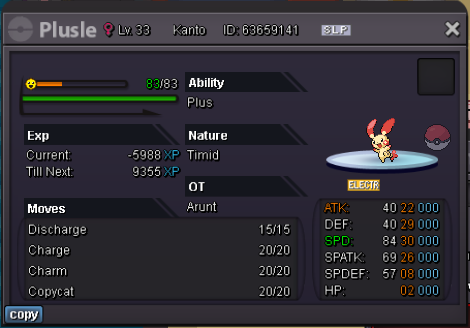
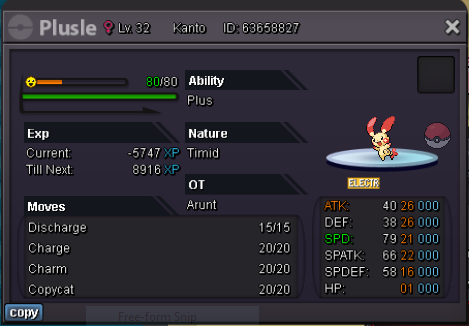
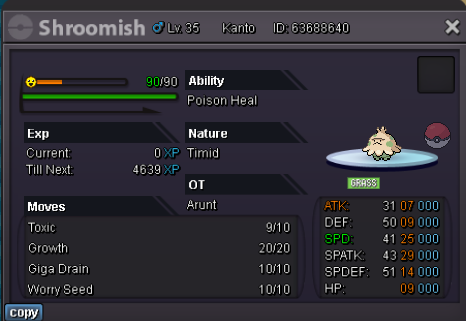
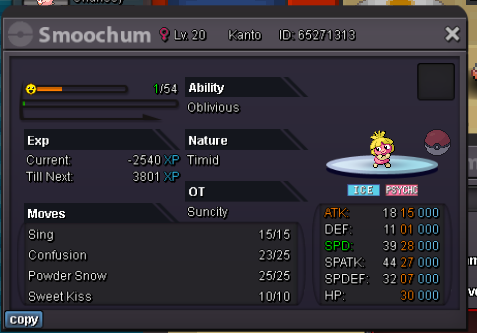
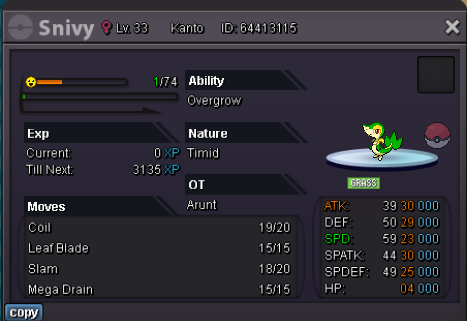
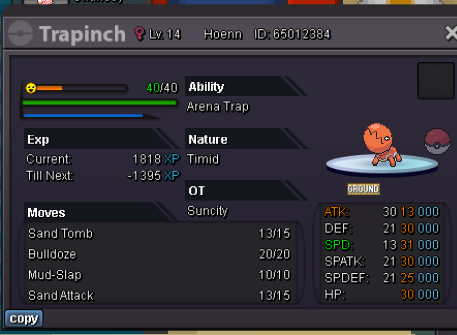
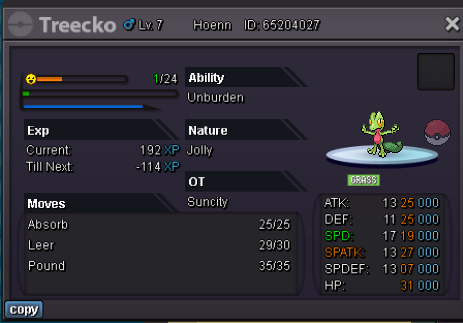
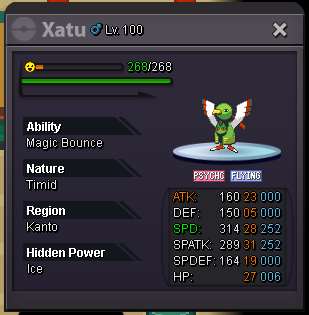
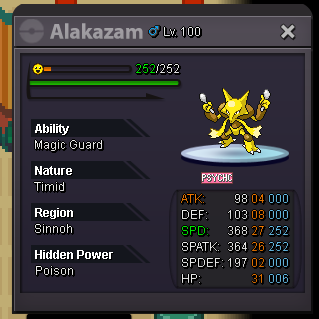
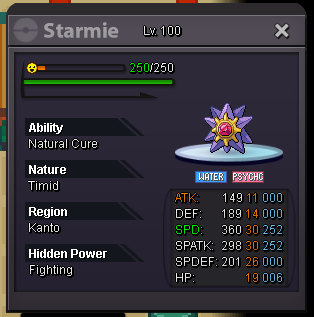
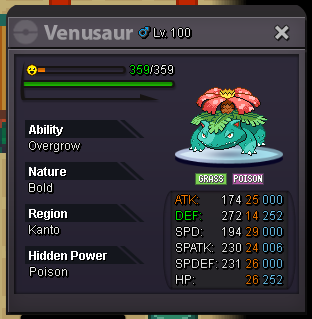
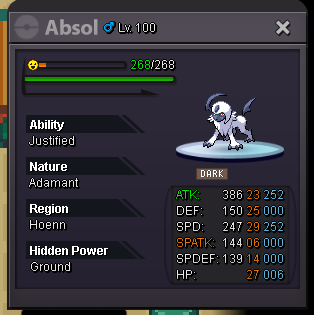
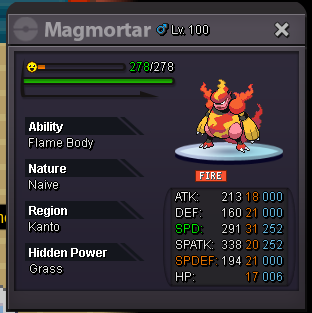
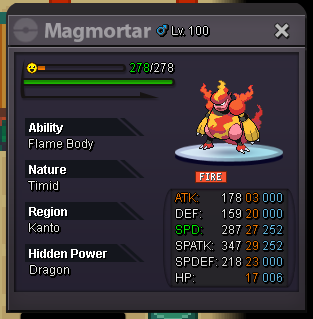
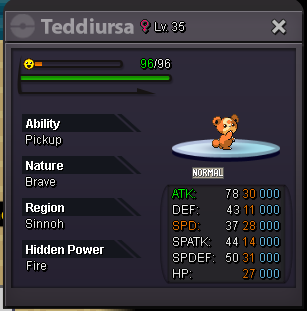
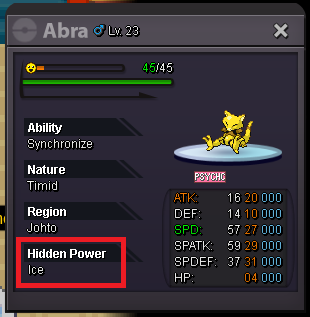
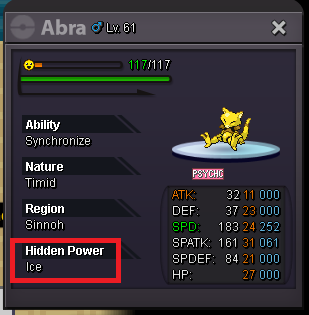
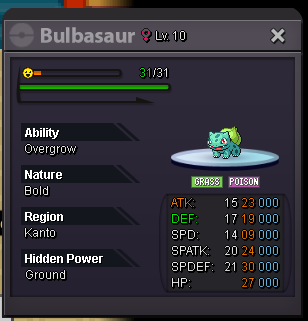
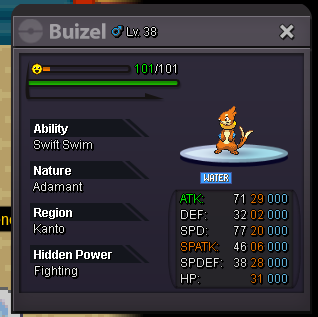
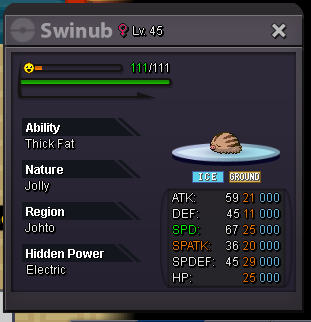
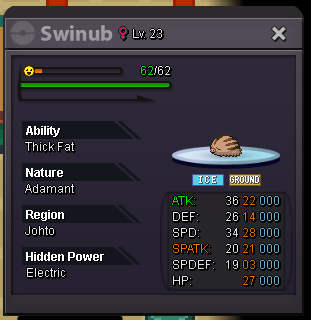
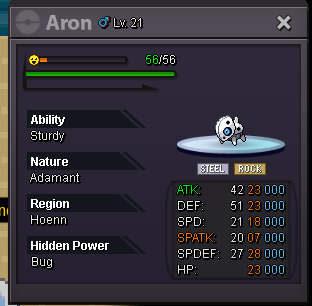
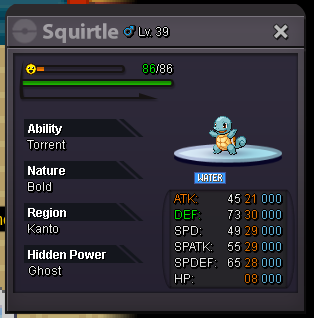
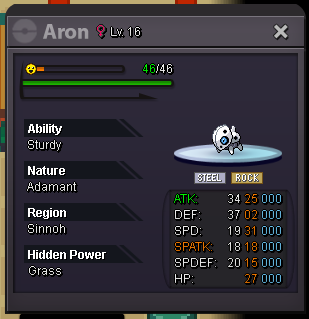
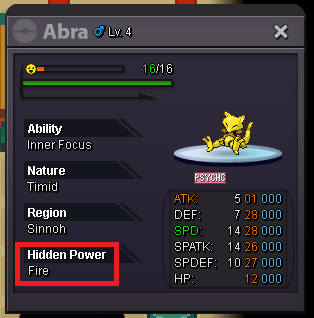
2 points2 points2 pointsWelcome Trainers - Currencies Accepted - Reroll Ticket - 500k Nature Reroll - 250k Coin Capsule - 350k Pokedollars Rules: SPECIAL RULE: If you buy 3+ pokes at the same time you get a Discount of 10% on your purchases/ & if you buy 5 pokes or more 15% for you! 1. Here are Fair prices. think twice about your offer. you cant cancel it. 2. There are no Auctions, only instaprices (a few Price's are negotiable.) 3. Items are not inclueded & keep in mind that most Pokes have a useable Moveset which cost's normally 30-60k. (sometimes pp up's). 4. Buyers from the Silver server can check my silver shop. https://pokemonrevolution.net/forum/topic/222875-arunts-pokemon-shopsilver/ 5. buyers from silver server i am a gold server player so i have to swith server to trade with you which is not possible if i want profit so please ask me to switch if you want something worth 4m or more , still you are free to offer , and i'll contacct you whenever i come to silver 6. Buyin ev and lvl sevice bulk in silver and gold server both 🙂 Contacts: Ingame: arunt Discord: arunt. (dot is in my name) Trained pokes Untrained pokes New Pokémons can be added anytime so please visit us again. sold sold sold sold

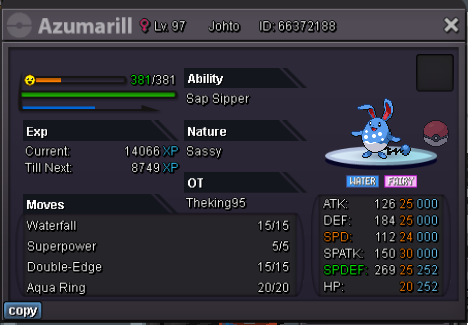
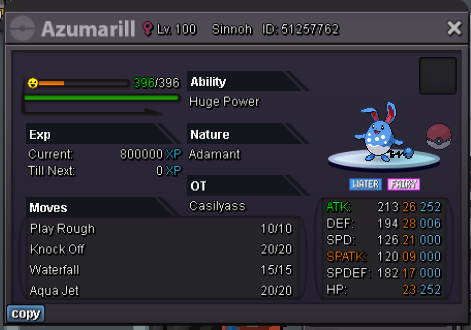

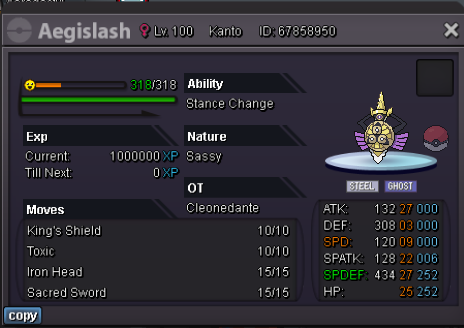


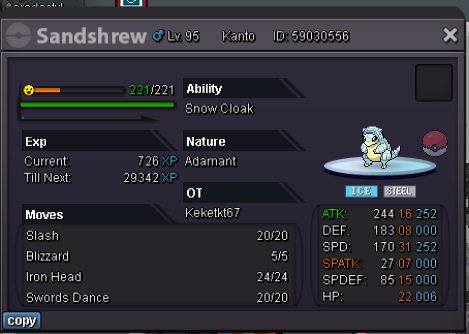


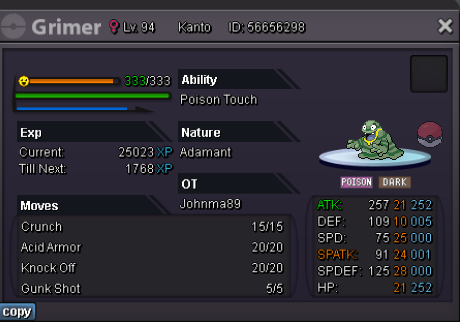


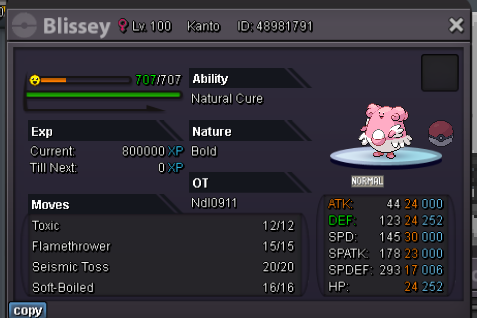

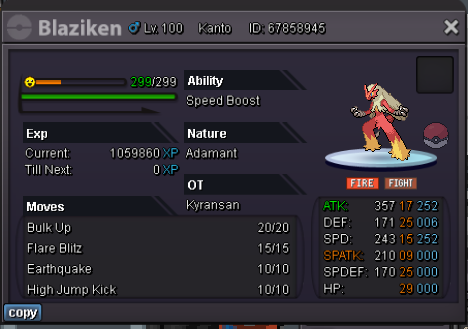
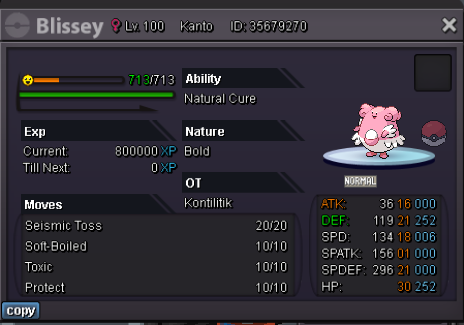
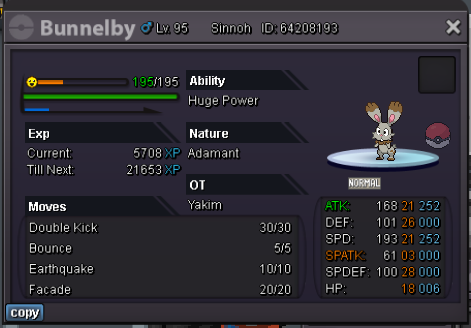

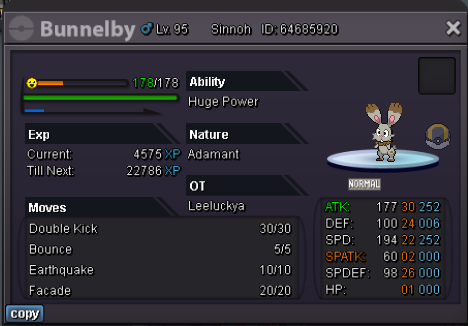


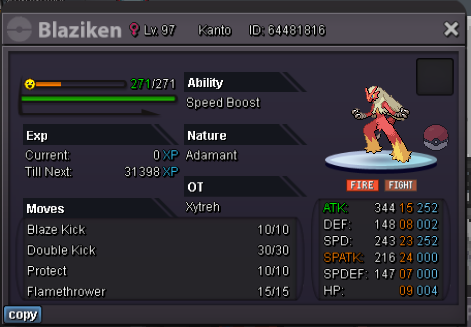

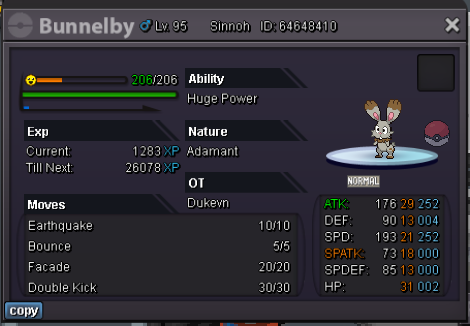






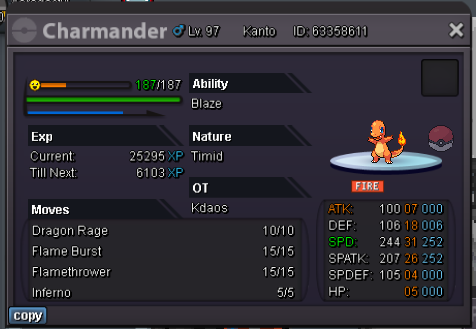
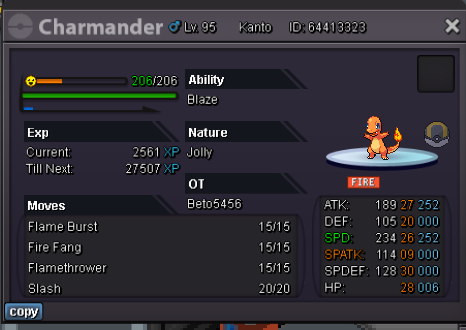
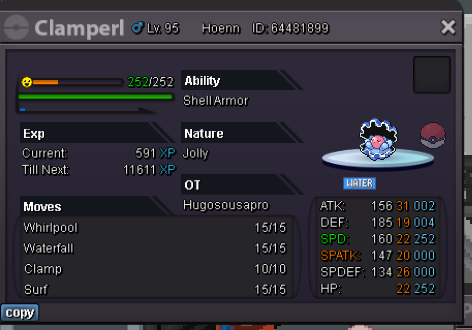
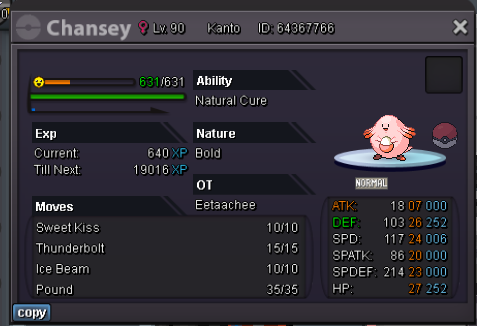
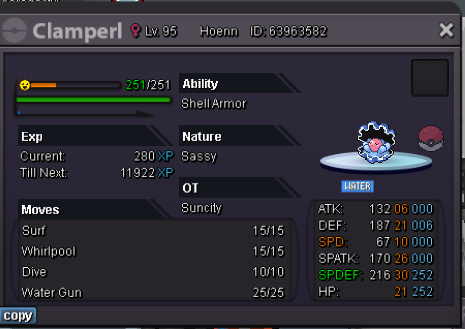

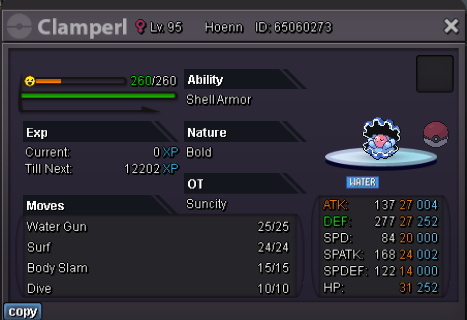
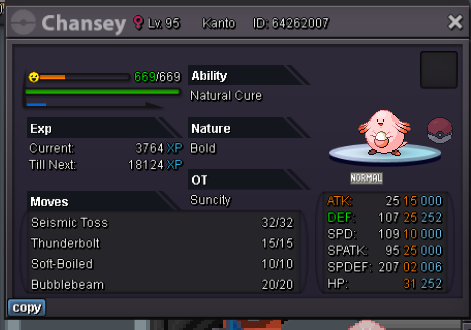












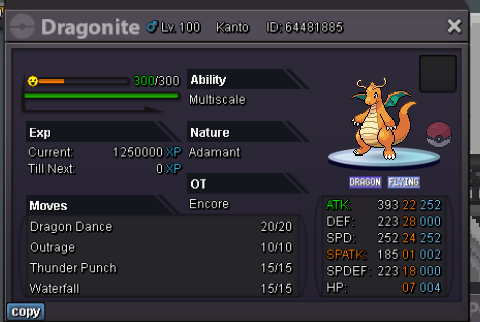
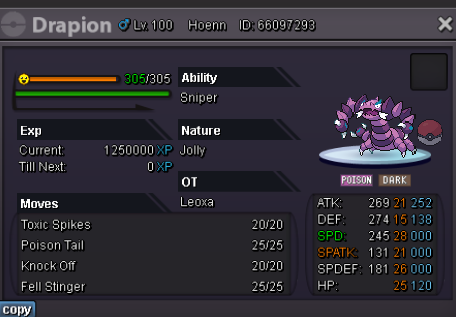
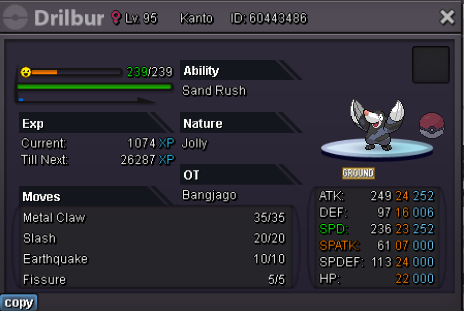



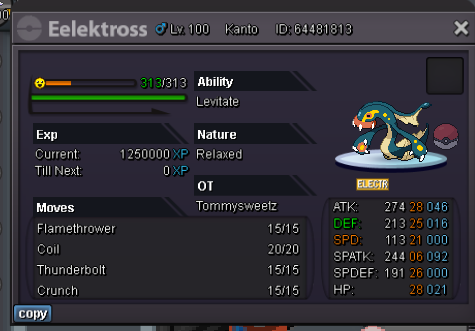



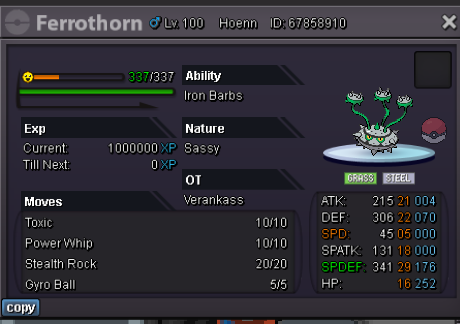


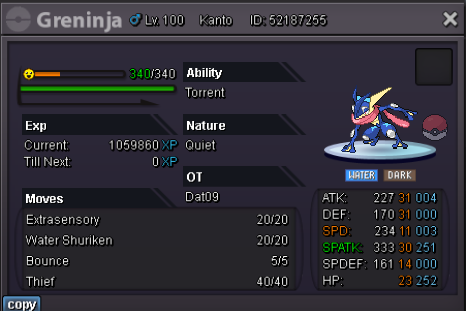
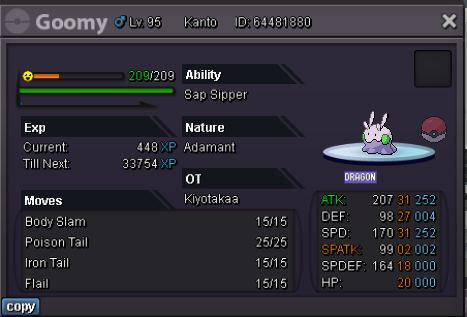
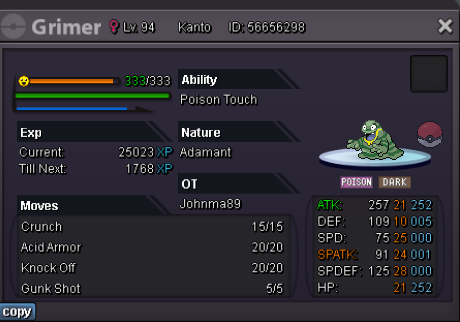


















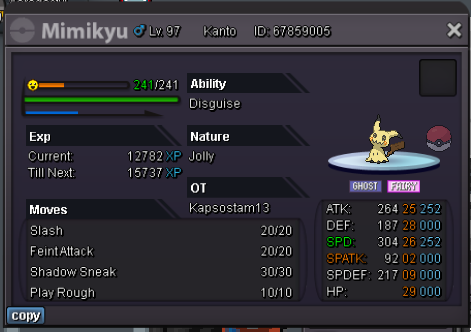
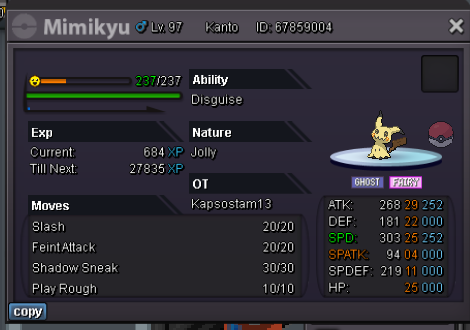
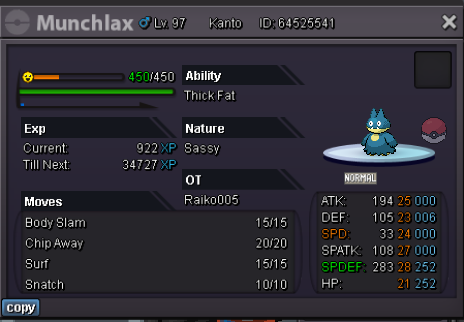


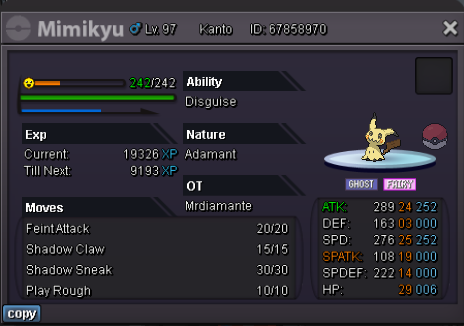
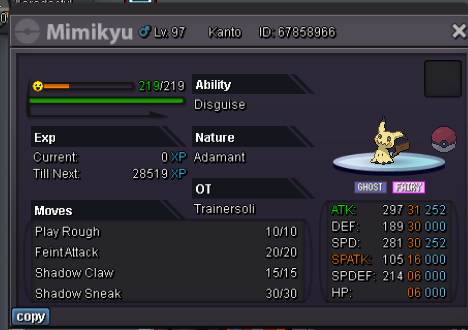
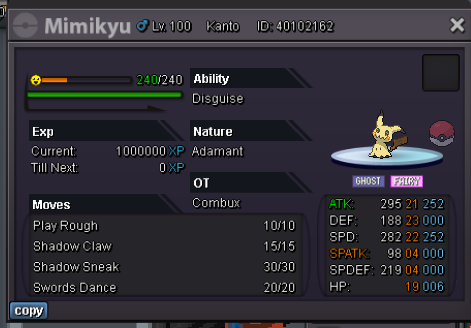
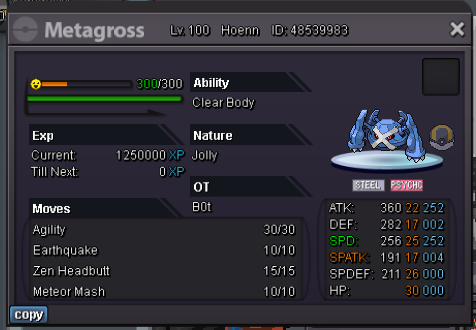
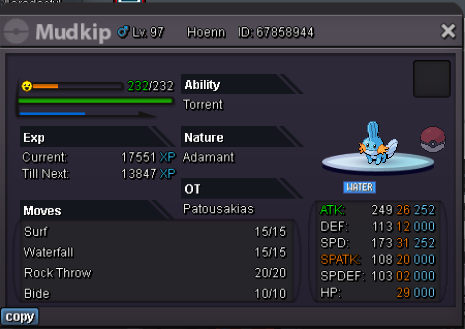



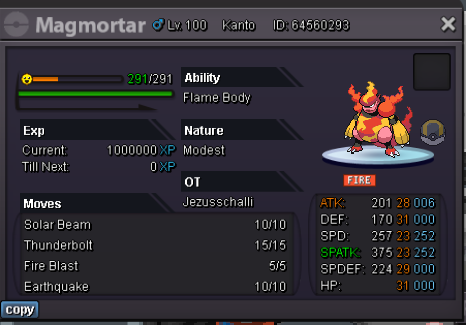

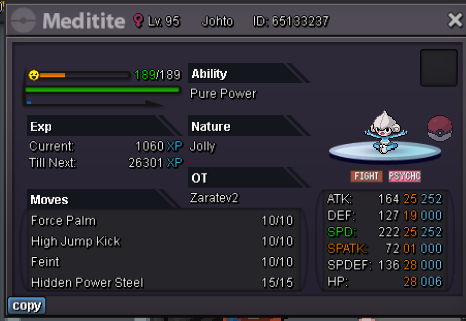
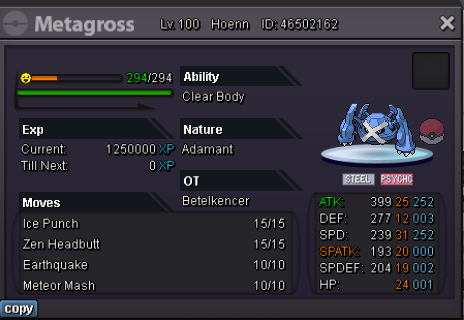
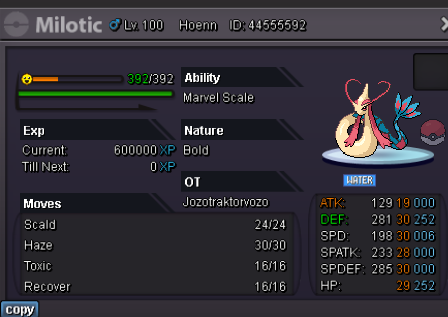

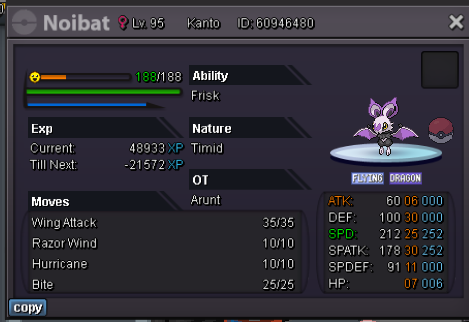

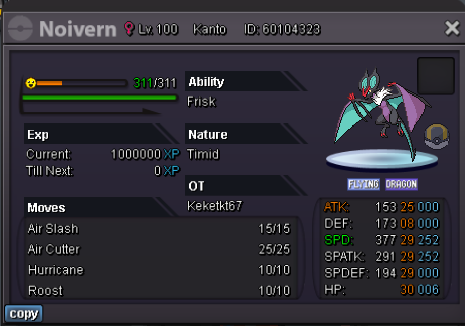
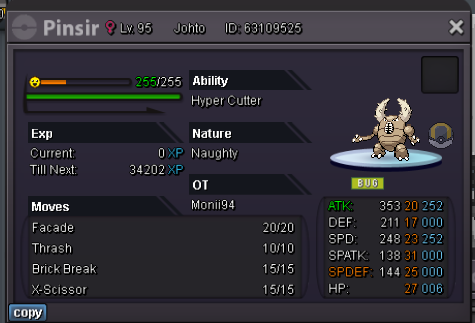

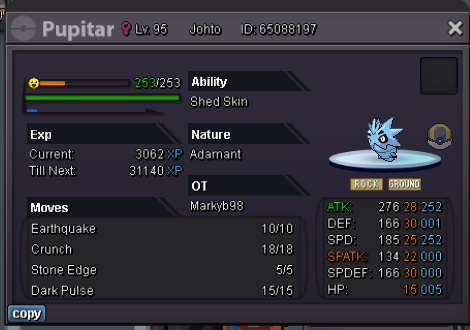

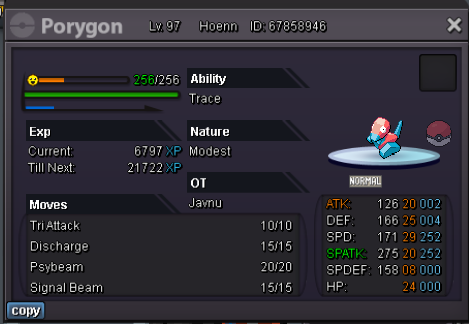
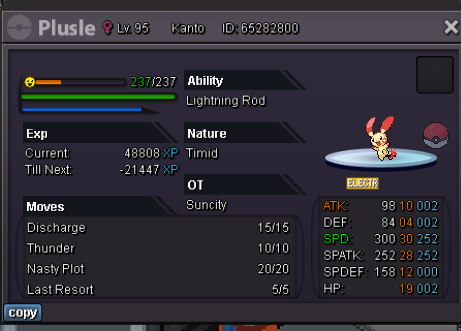
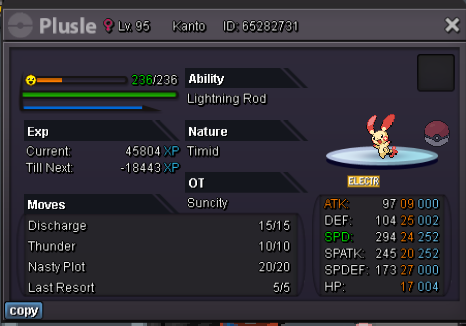


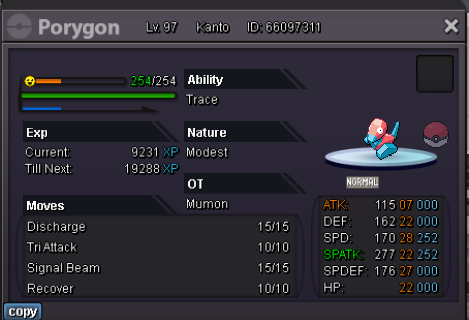
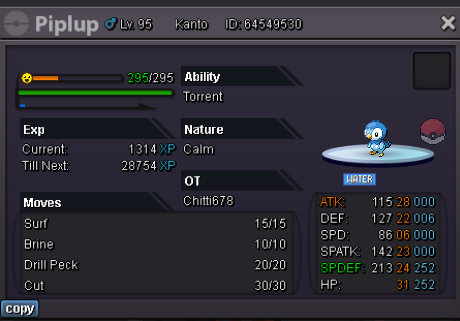

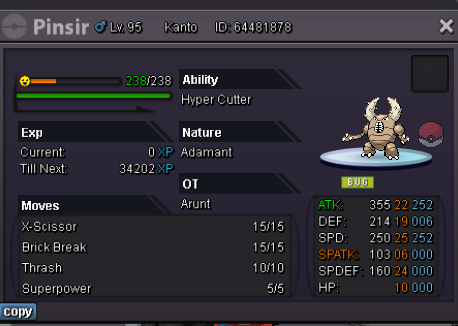
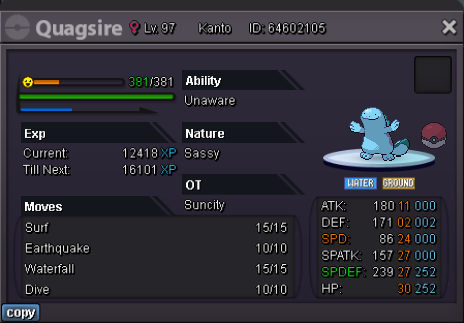
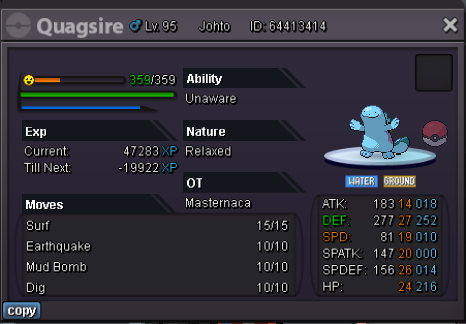

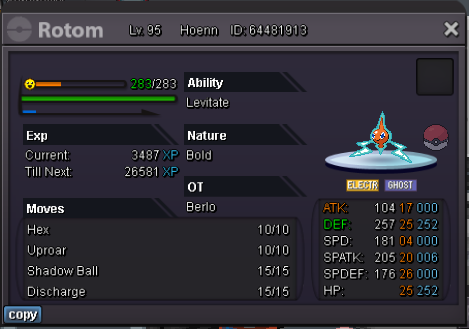


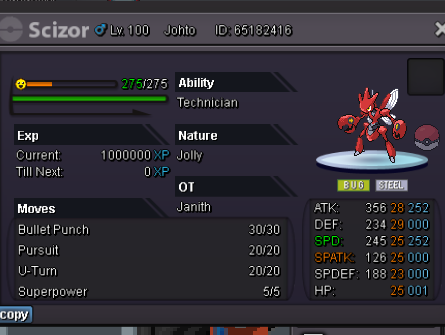
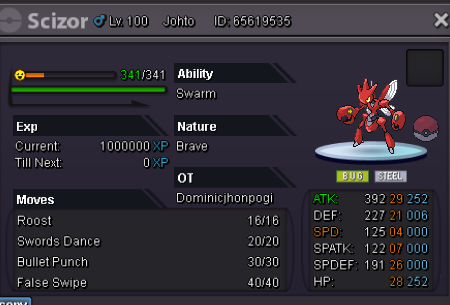
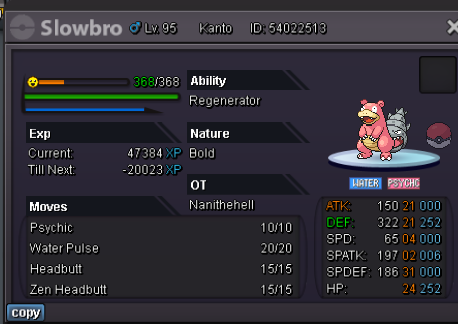
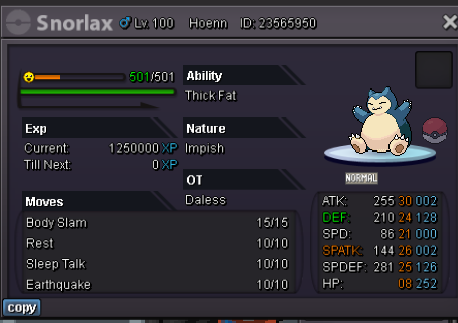
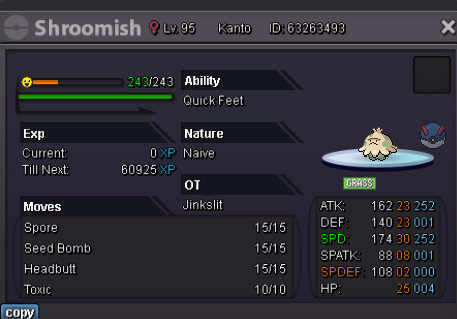

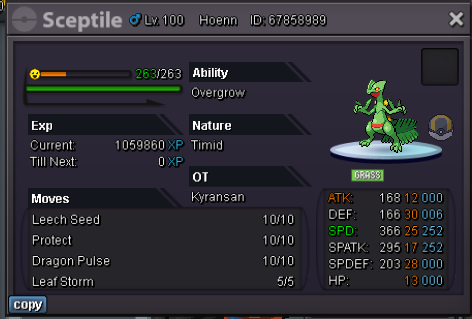
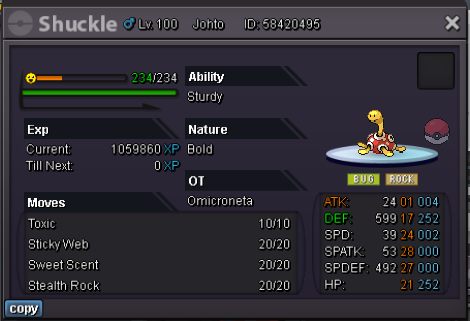
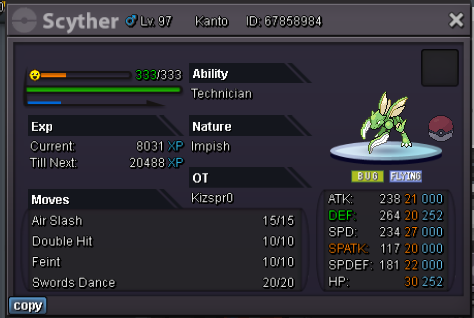


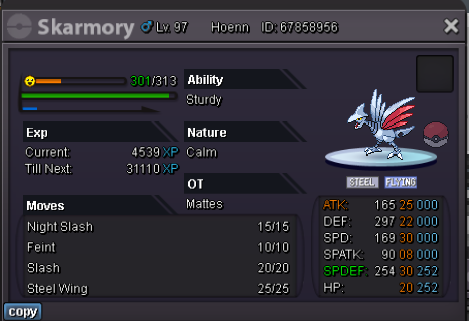
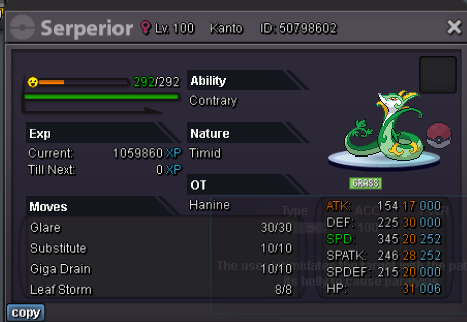
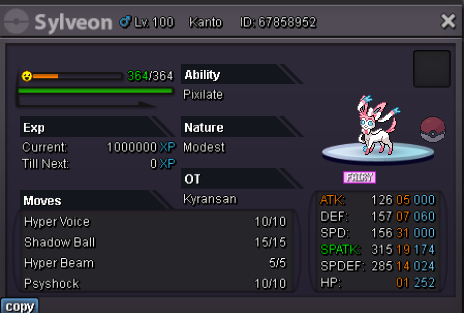
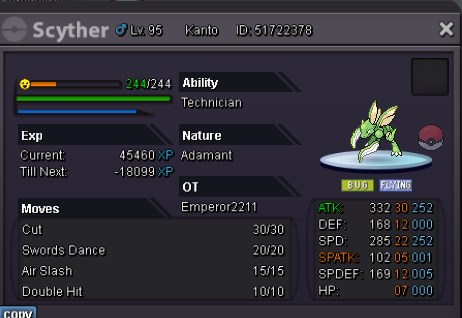
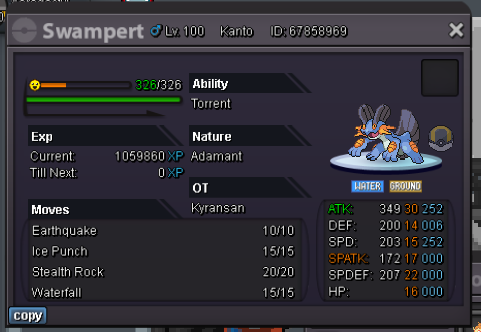
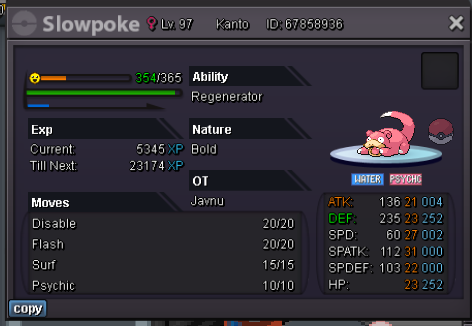
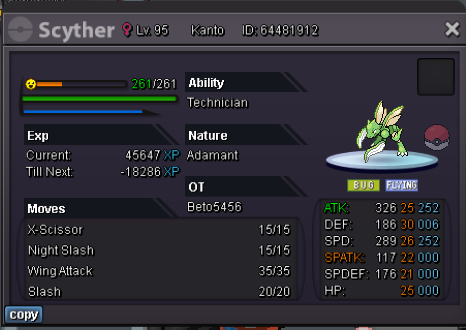
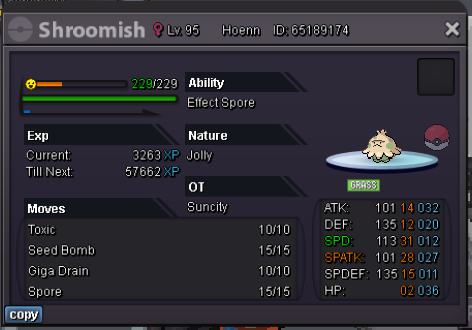
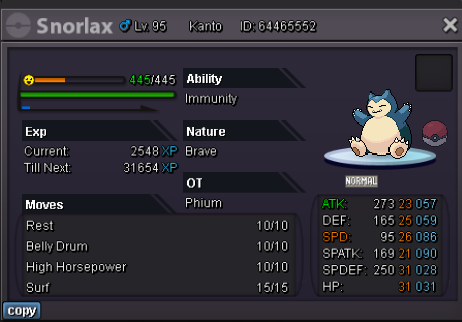

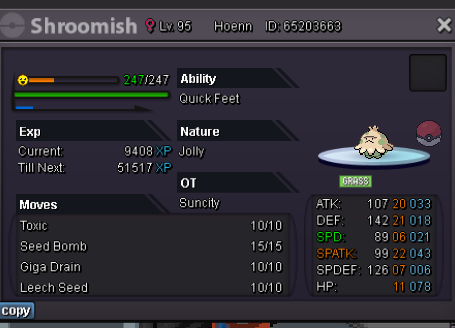

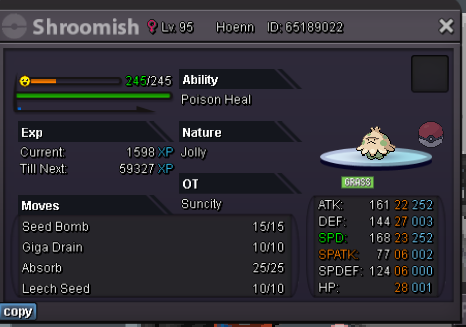
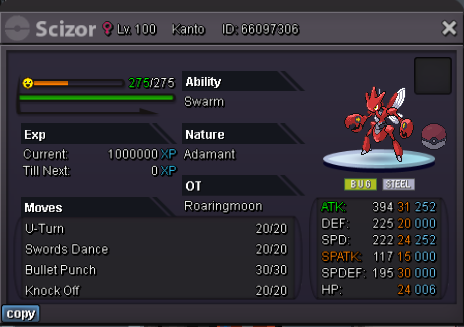


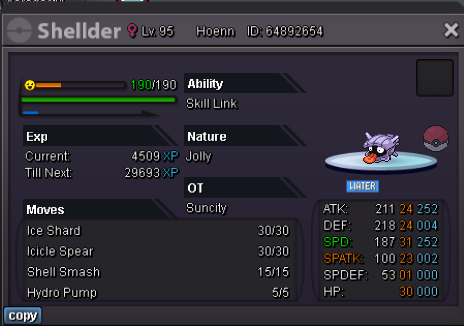

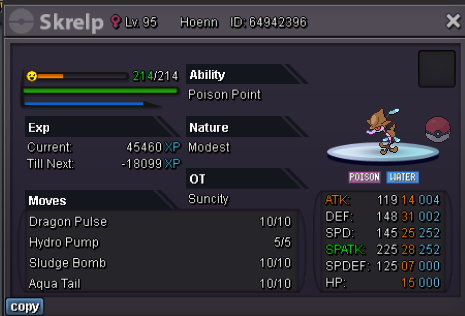







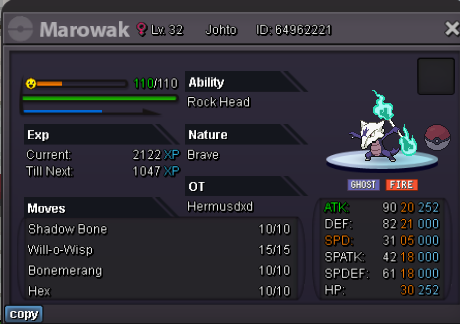
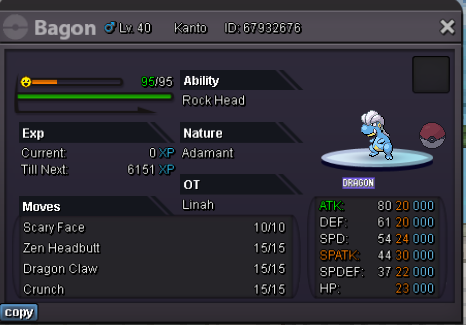




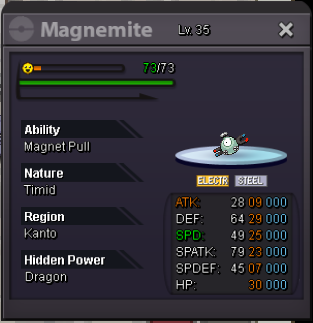
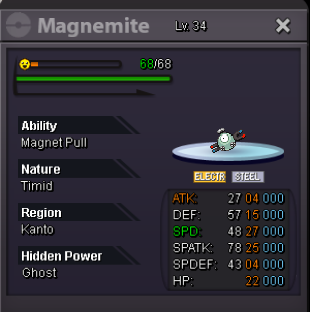
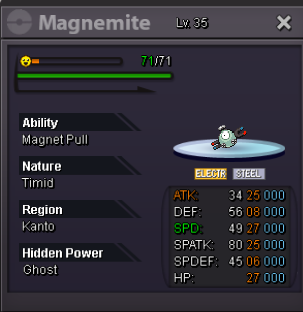

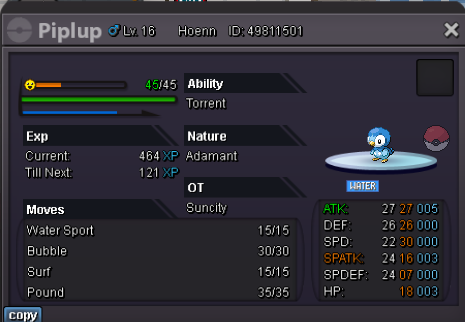




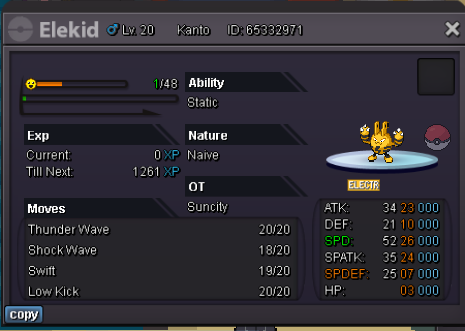
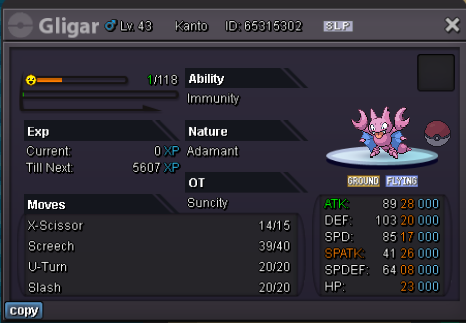

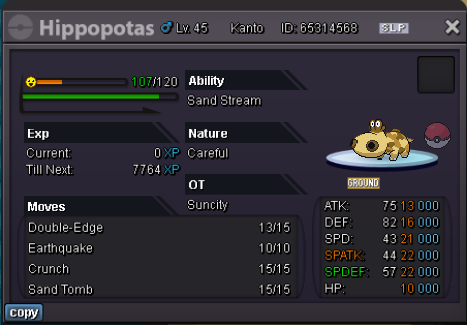






 1 point1 pointStatus Open Queue Empty Contact IGN: Caennethi or Caenneth (Alt) Discord: caenneth Timezone: CET Accepted Payments Pokedollars Coin Capsule: 400k IV Reroll: 500k Nature Reroll: 250k Terms Prices LVL-Service Number of Pokemons < 5 ==> 90k each Number of Pokemons ≥ 5 ==> 80k each If a Pokemon is above lvl 70 i will only take half the price EV-Service Number of Pokemons < 5 ==> 45k each Number of Pokemons ≥ 5 ==> 40k each If a Pokemon is under lvl 40 and u don't want level service aswell i will take 10k more than usual per mon During Party EXP Share Event Number of Pokemons > 3 that need same EVs ==> 15k each Otherwise 40k each 80k for EV and Level for New Leaf Guild Members Only


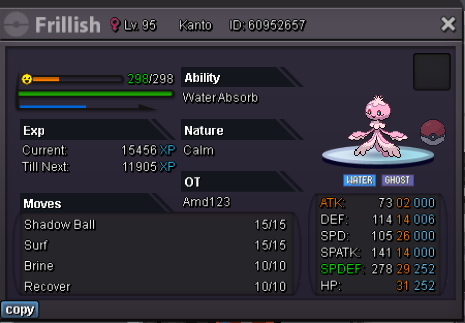
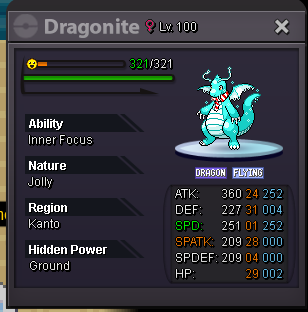
 1 point1 pointWelcome to my shop! Shop Rules : All trade rules must be followed Fake offering will be reported Message me on the thread, via the forum message, In-game or discord All pokemon here should be in Zhiyun my second account Contact : My IGN: Yezeeyun/Zhiyun Discord ID: EL#4576/zhazee Payment methods : Pokedollar Coin Capsule (350k) IV Reroll (520k) Nat Reroll (260k) Masterball (40k) Rare candy (6k) Fully Trained (Notes: Move can be ready or not) Non-Fully Trained (Notes: Can be Untrained or Half Trained) Shiny/Pink/Event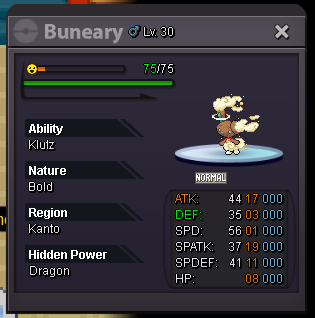
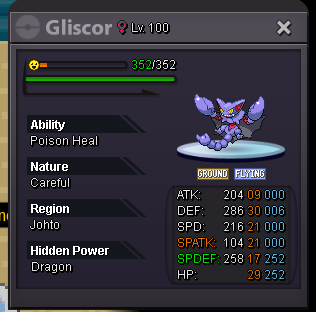
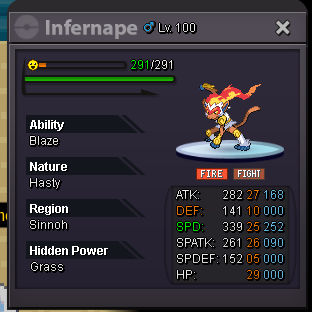
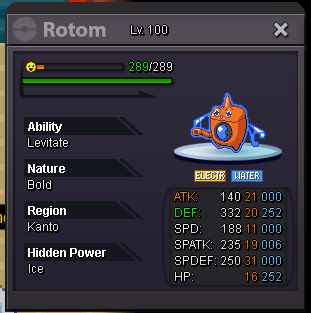
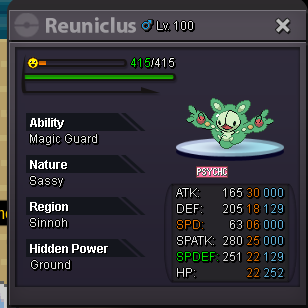
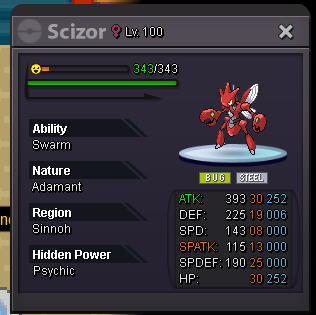
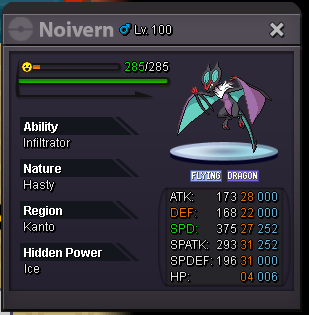
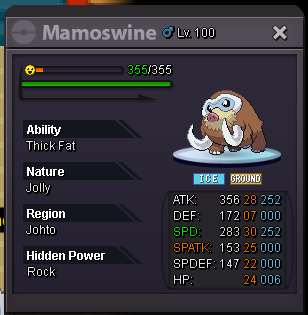
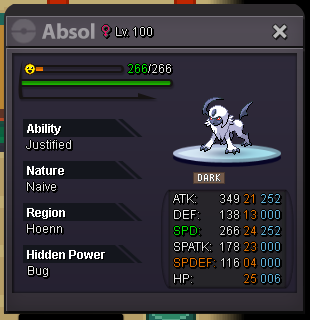
.png.816f6b28cbb7c64cc61591876e1fb5e9.png)
.png.114b2d1df40886700b13e673a87e31b3.png)
.png.c4094b81bf424a558c3a304fbeef32ca.png)
.png.d64e8447d0a9d63c9eeb2489abef45d9.png)

.png.dc69daa968c046e898512a8f34479b15.png)
.png.5085b862d5abf953e2fb5e4ba525fd0d.png)
.png.39a9d5dfdb45b75715cd934c860a5211.png)
.png.40e15d16ecde6ec09efc9f93e2db3bb4.png)

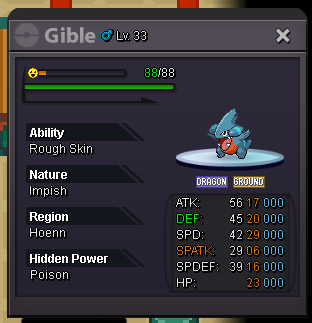
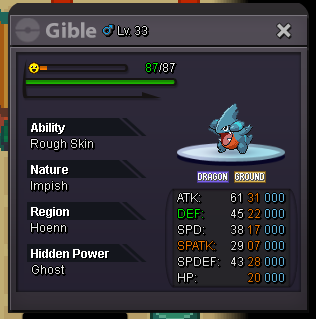
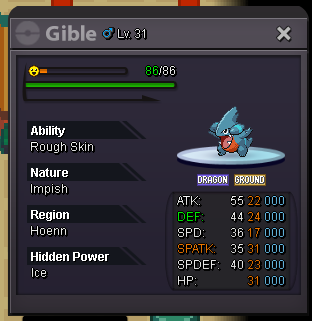
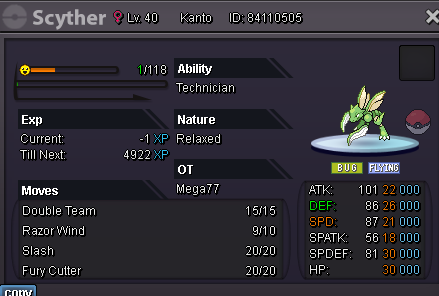
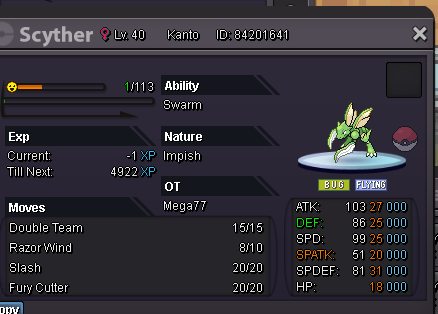
 1 point1 pointS.O: 4m Min Bid: 100k no insta. Ends 72h after first Bid Accepted Payment: Poke$ Rare Candy: 7k Coin Capsule 370k I'll transer from Gold to Silver if the Auction Winner is on Silver hf1 pointFIRST SCYTHER : C.O - 10K Minimum bid - 10k End after 24 hours after first bid SECOND SCYTHER : C.O - 10K Minimum bid - 10k End after 24 hours after first bid THIRD SCYTHER : C.O - 50k Minimum Bid - 10k End after 23 hours after first bid NOTES - SILVER SERVER AUCTION NO FALSE BIDS IF SOMEONE BID AT LAST 15 MINS , EXTRA 15 MINS WILL BE ADDED ACCORDING TO THE RULE ACCEPT - ONLY COIN CAPSULE - 370K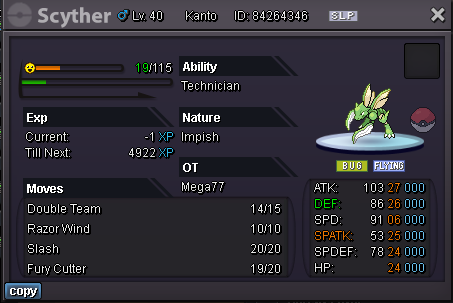
 1 point1 point1 point1 point1 point1 point1 point1 point1 point1 point1 point1 point1 point1 point1 point1 point1 point1 point1 pointgood shop! the prices are good and you can get to a good price!1 point1 point1 point1 point1 point1 point1 point1 point1 point1 point1 point1 point1 point1 point1 point1 point1 point1 point1 point1 point1 point1 pointif the artist team didnt change it after me submitting it, it means it gets a pass The point of this competition was to get the whole community together tomake something and if we just let the PRO artists do the work, there would be no fun would there? IT would just be a bunch of non-special sprites without an interesting backstory The sprite doesnt have outlines and particles because its supposed to be as close as it is to an actual pokemon game sprite. I dont know any of them in the main-stream games with particles and outlines You cant just add particles and outlines to something and make it instantly better, thats unoriginal, youre missing the bigger picture. The actual idea of the sprite The shadows on the valentines one and the summer one are the same, they use the same shading idea as the original pokemon sprite but just filled with a different colour. Im sorry you had to go thru to catching it and whatever but if you didnt like it, why did you catch it or choose to hunt it in the first place? See Shiny looking with cutesy stuff around it = very cool and le proffesional 👍1 pointHELLO PROS! After a long break from PRO, because of studies in University for my degree and working. At last i’m back Here’s a introduction about myself: My name is Kyuuta, I'm 22 years old from Malaysia 🇲🇾. I played PRO since i was 15 years old (2016). I used to be an artist for my art sign shop, named KyuuShop. I believe there’s still have leftover of my KyuuShop topic, you can find it by search KyuuShop at the search bar. I was in a guild before, it called Chronos and Reborn (Red Server). I guess it didn't last long, I wish I can still see my old friends here. I miss them so much The reason why I left PRO because I continued my study in Graphic Design course. Now I have been working as a Senior Graphic Designer at printing Company. My contribution on PRO are basically in Art For your information, I'm the one who design this Pokemon Revolution Online Logo ⬇️ The one they used for discord animated icon. I'm just glad they used it And here some of my sign artwork for my previous clients in PRO Although, I'm happy to be here again! Wish can make new friends! I’m thinking about create a new art shop in PRO, what you guys think?
 1 pointCause it's FEMALE and it CAN'T evolve into Galade1 pointWelcome to my guide;; This guide is basically for those who doesn't have discord OR those who have discord but doesn't have access. for some time. ____________________________________ REQUIREMENTS 1. Have completed at-least 3 regions ( Kanto Johto & Hoenn) ___________________________ I am also adding Alternative Place for those whose best location is not in kanto and johto. These alternative locations will have GREEN colour. __________________________________ For those pokes who can be caught by repel I will add one more section but pokes who can't be repeled I will only add best spawn area. ________________________________________ NOTE - This Guide doesn't Contain any event map / Area. ____________________________________ For Repelable Pokes the details will be written with yellow colour whereas for non repels details will be written in orange colour. ____________________________________ As this guide may contain minor mistakes , feel free to contact me if you found any. You can contact in forum DMs or in discord ( Superb#3564). _________________________ GEN - 3 ________________________ TREECKO Best Area - Petalburg Woods _______________________ TORCHIC Best Area - Hoenn Safari Zone Area 6 ________________________ MUDKIP Best Area - Hoenn Safari Zone Area 5 ________________________ POOCHYENA / MIGHTYENA Best Area - Eumi Island Town / Route 121 ________________________ ZIGZAGOON / LINOONE Best Area - Route 101 / Route 119A ________________________ WURMPLE / SILCOON / BEAUTIFLY Best Area - Petalburg Woods / Petalburg Woods / Route 229 ________________________ CASCOON / DUSTOX Best Area - Petalburg Woods / Eterna Forest ________________________ LOTAD / LOMBRE Best Area - Route 204 ( For both ) Alt. Area - Route 102 / Route 31 ________________________ SEEDOT / NUZLEAF Best Area - Route 101 / Route 114 ________________________ TAILOW / SWELLOW Best Area - Route 101 ( Heatbutt ) / Route 115 ________________________ WINGULL / PELIPPER Best Area - Route 104. ( Both ) ________________________ RALTS / KIRLIA Best Area - Route 102 / Route 212 North Repel Area - Route 102 (5-7) ________________________ SURSKIT Best Area - Route 102 ________________________ SHROOMISH Best Area - Petalburg Woods Repel Area - Amity Square ( 21-24 ) ________________________ SLAKOTH Best Area - Pal Park Alt. Area - Petalburg Woods ________________________ NINCADA Best Area - Route 116 ________________________ WHISMUR / LOUDRED Best Area - Rusturf Tunnel / Victory Road Hoenn B2F ________________________ MAKUHITA / HARIYAMA Best Area - Oreburg Gate 1F Alt. Area - Granite Cave 1F / Victory Road Hoenn B2F ________________________ AZURILL Best Area - Jura Cave ________________________ NOSEPASS Best Area - Granite Cave B2F ________________________ SKITTY Best Area - Eumi Island Theme Park 1 ________________________ SABLEYE Best Area - Sky Piller 1F Repel Area - Jura Cave (M/D) (25-29) ________________________ MAWILE Best Area - Iron Island B2F L Alt. Area / Repel Area - Hoenn Victory Road B1F (49-54) ________________________ ARON / LAIRON Best Area - Victory Road Hoenn 1F ( Før Both ) Repel Area - Victory Road Hoenn 1F (49-55) ________________________ MEDITITE / MEDICHAMP Best Area - Mt. pyre exterior / Iron Island B1F L Alt. Area - Victory Road Hoenn B1F ( Only medichamp ) ________________________ ELECTRIKE / MANECTRIC Best Area - Route 110 / Route 118 Repel Area - Route 110 (16-19) ________________________ PLUSLE / MINUN Best Area - Route 15 (Both) Repel Area - Route 29 (5-7) Note - For Minun Repel trick is only works on Morning and for plusle it works only on Day and Night. ________________________ VOLBEAT / ILLUMISE Best Area - Route 229 (Both) Alt. Area - Route 117 (Both) ________________________ ROSELIA Best Area - Route 221 Alt. Area - Route 117 ________________________ GULPIN Best Area - Route 3 ________________________ CARVANHA / SHARPEDO Best Area - Jura Cave / Mossdeep City Repel Area - Love Island (D) (18-22) ________________________ WAILMER / WAILORD Best Area - Route 123 / Route 223 Alt. Area - Route 129 ( For Wailord Only ) ________________________ NUMEL / CAMERUPT Best Area - Fiery Path / Eumi island burner tower ________________________ TORKOAL Best Area - Fiery Path ________________________ SPOINK Best Area - Jagged Pass ________________________ SPINDA Best Area - Route 113 ________________________ TRAPINCH / VIBRAVA Best Area - Route 111 Desert / Route 228 Repel Area - Route 111 Desert (25-29) / Route 228 (57-65) (M/N) ________________________ CACNEA / CACTURNE Best Area - Route 111 Desert / Route 228 ________________________ SWABLU Best Area - Nap Shore Repel Area - Route 115 (27-42) _________________________ ZANGOOSE Best Area - Mt. Silver Exterior _________________________ SEVIPER Best Area - Route 114 _________________________ LUNATONE Best Area - Moon _________________________ SOLROCK Best Area - Moon _________________________ BARBOACH / WHISCASH Best Area - Mt. Coronet South / Etherna City Alt. Area - Route 114 / Victory Road Hoenn B2F _________________________ CORPISH / CRAWDANT Best Area - Dragons Den / Route 123 Repel Trick - Route 40 (22-24) / Route 123 (34-39) ___________________________ BALTOY / CLAYDOL Best Area - Route 111 Desert / Sky Piller 3F ___________________________ FEEBAS Best Area - Route 119B Repel Area - Jura Cave (25-29) ___________________________ CASTFORM Repel Area - Route 111 Desert ___________________________ KECLEON Best Area - Route 123 Repel Area - Route 119B (23-28) ___________________________ SHUPPET / BANETTE Best Area - Mt. Pyre Summit / Route 226 Alt. Area - (for banette) Sky Piller 1F ___________________________ DUSKULL / DUSCLOPS Best Area - Mt. Pyre Summit / Sky Piller 5F Repel Area - Trainers Valley (N)(51-56) ___________________________ TROPIUS Best Area - Route 119A Repel Area - Route 119A (23-28) ___________________________ CHIMECHO Best Area - Mt. Pyre Summit ___________________________ ABSOL Best Area - Cave Of Justice Repel Area - Route 213 (N)(29-33) Alt. Area - Route 118 ___________________________ WYNAUT Best Area - Love Island Repel Area - Lake Verity (6-9) ___________________________ SNORUNT Best Area - Low Tide Enterence Room Repel Area - Acuity Lakefront (M)(36-39) ___________________________ SPHEAL / SEALEO Repel Area - Route 125 / Route 226 Alt. Area ( for sealeo ) - High Tide Enterence Room ___________________________ CLAMPERL Best Area - Amity Square ___________________________ RELICANT Best Area - Route 126 ___________________________ LUVDISC Best Area - Ever Grande City ___________________________ BAGON / METANG Best Area - Route 228 / Hoenn Safari Zone Area 2 Repel Area ( Only For Metang ) - Hoenn Safari Zone Area 2 (33-36) ___________________________ If you want to hunt in pair of two pokes with Same sync and can be used in PvP You may check This guide. Hope this Guide will help you; Thanks for taking a look here;1 point