New Trade Zone
Trade Zone is now live
Use the new Trade Zone for auctions and instant-price trades so Pokemon and item offers are easy to find.
Leaderboard
.jpg.13b0cf7e264b81187b9cff434148c00e.jpg)






Popular Content
Showing content with the highest reputation on 11/02/24 in all areas
-
PokéVault (Dungeons, PvP, Bosses, Story, Shiny, Forms, Items) & Dungeon Service (Meloetta & Victini)
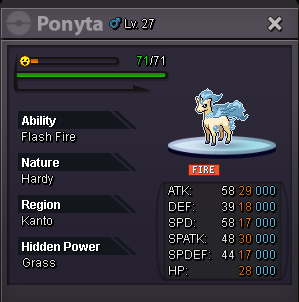
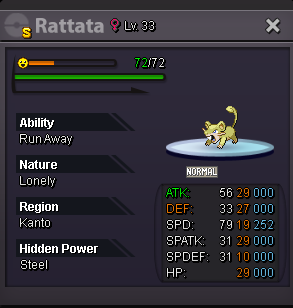
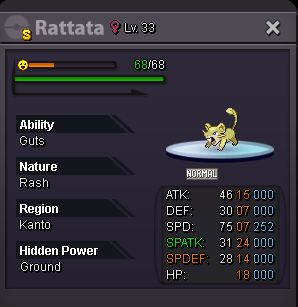
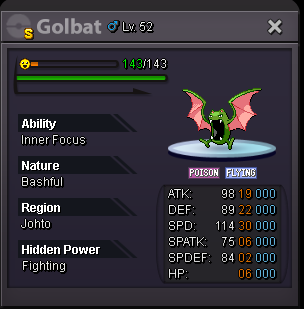
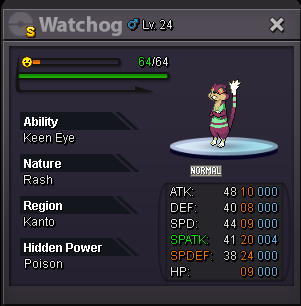
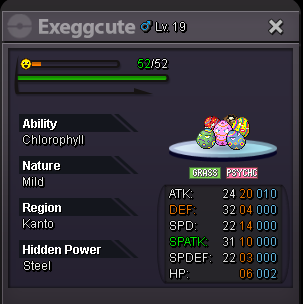
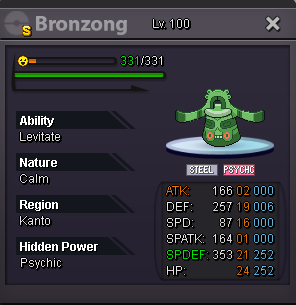
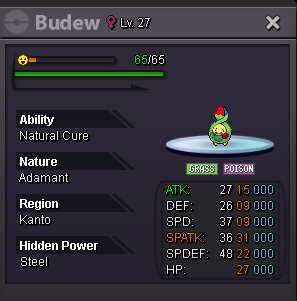
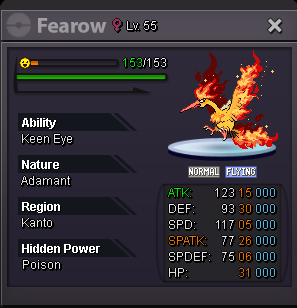
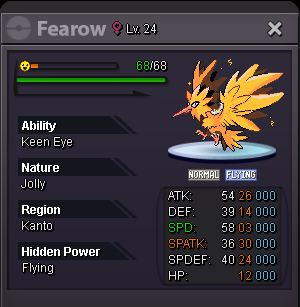
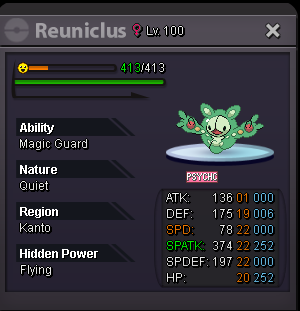
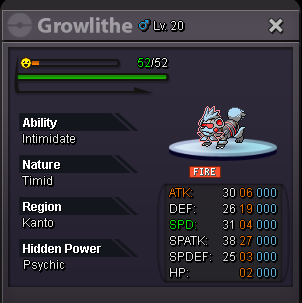
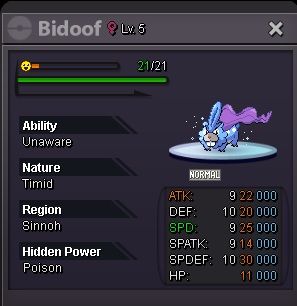
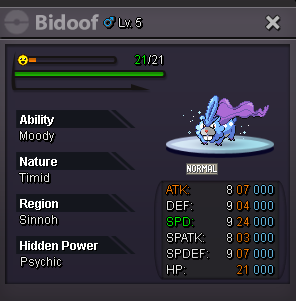
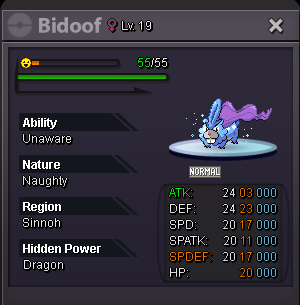
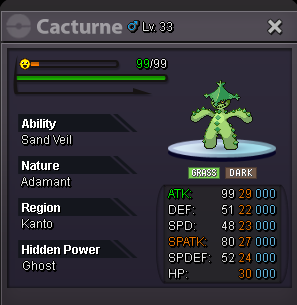
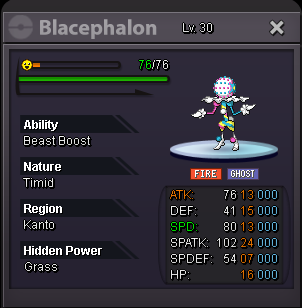
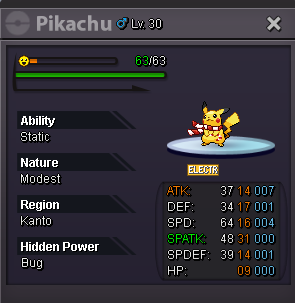
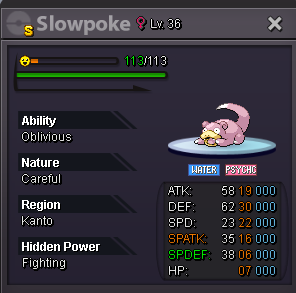
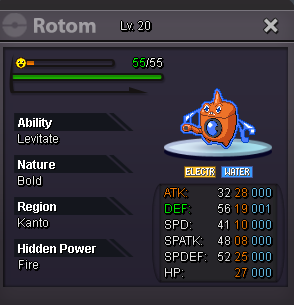
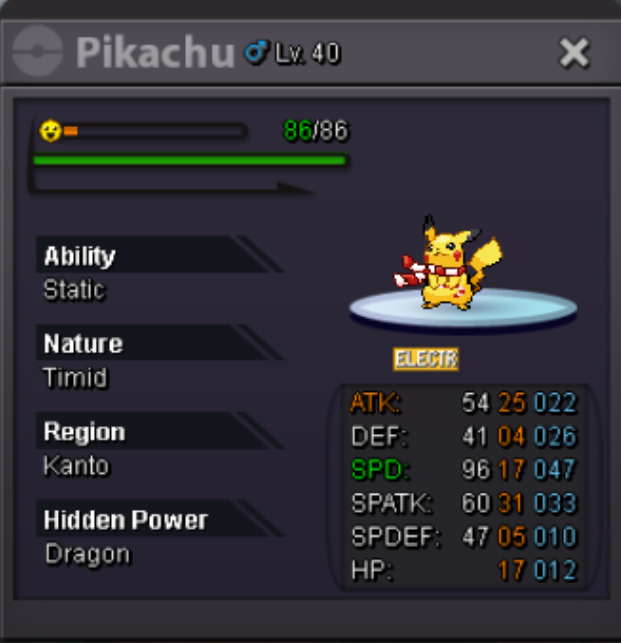
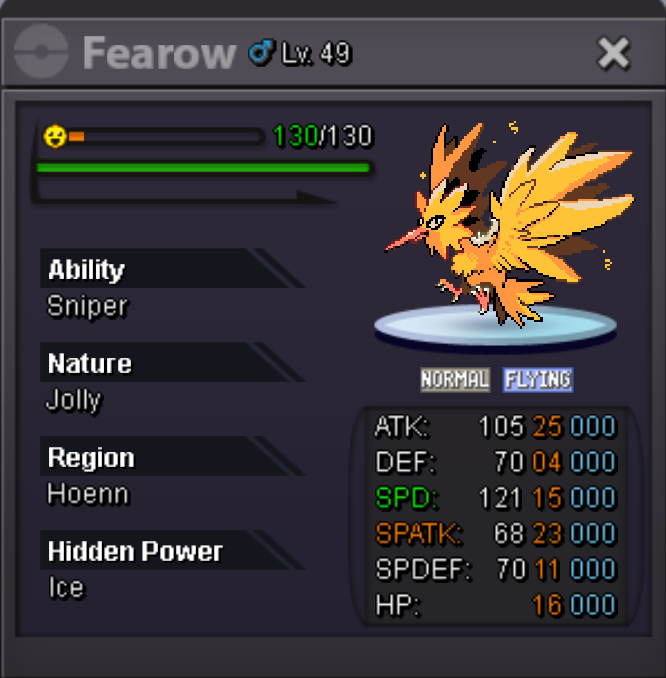
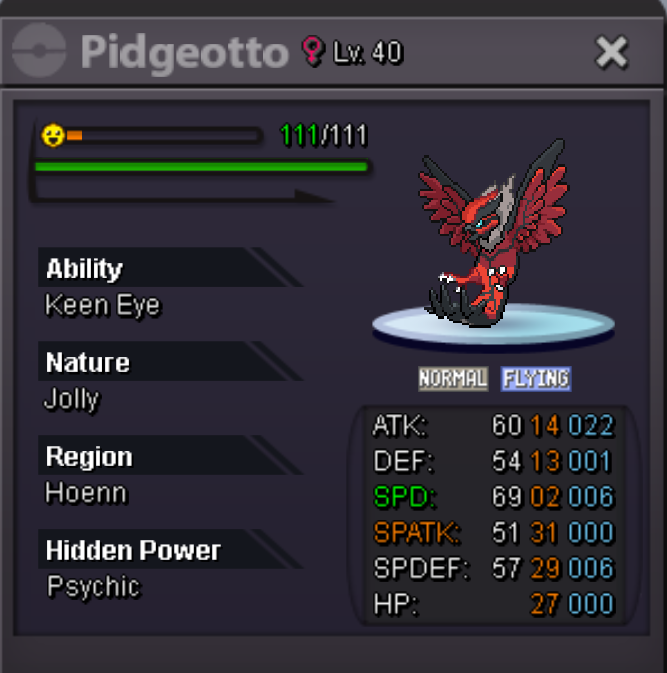
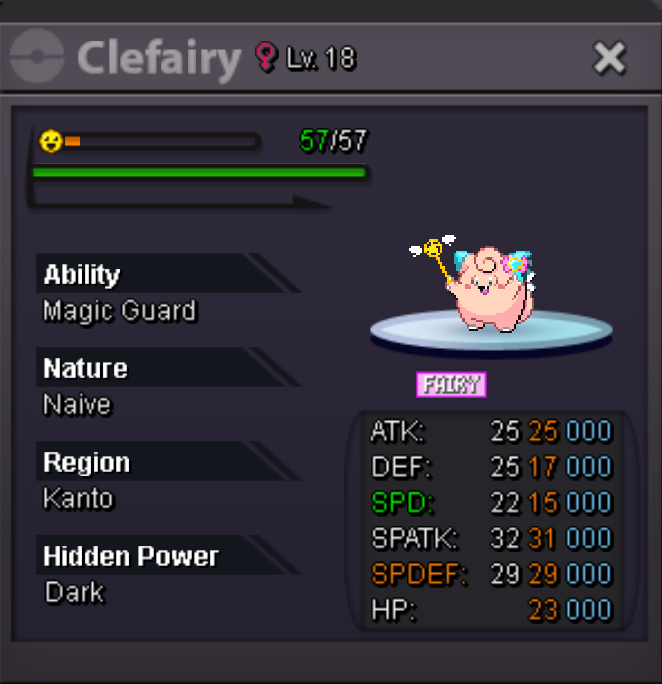
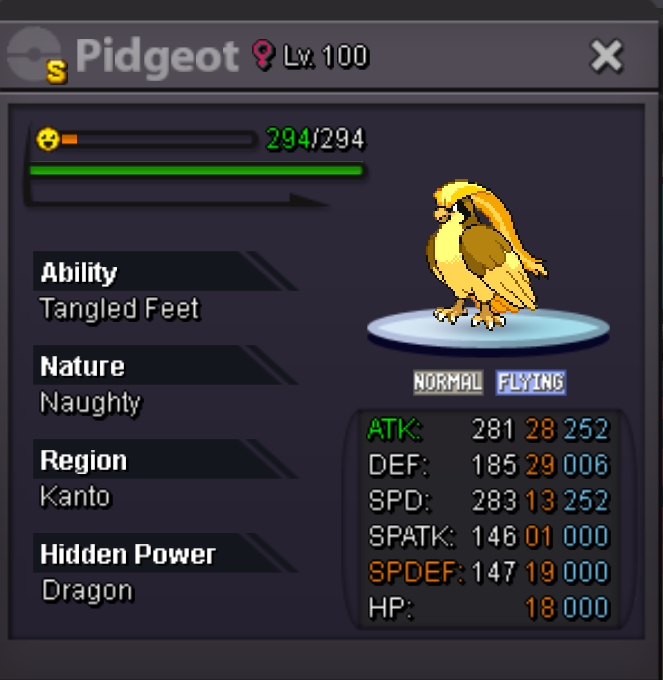
1 pointPokéVault Welcome to the Ultimate Emporium, your premier destination for a diverse selection of Pokémon tailored to all your adventures. At the PokéVault, you will find a wide variety of Pokémon for Dungeons (such as Forlorn Court, Crux of Melody, Vale of the Ruins), PvP, PvE, Boss battles, and Story progression (Kanto, Johto, Hoenn & Sinnoh). Boss teams are available for lending as well as buying. We also offer Dungeon Service for Meloetta and Victini. I made a separate forum thread where I offer Dungeon Service. Click HERE for more information. Accepted Payments: IV Reroll Ticket 700k Nature Reroll Ticket 350k Coin Capsule 500k Black Medallion 250k Rare Candy 5k Contact Info: IGN = TBA7 Discord = TBA7 Time zone = GMT+1 Dungeon Pokémon for sale: Spoiler PvP Pokémon for sale: Spoiler Pokémon for Bosses: (For sale & for rent) Spoiler Pokémon for Story progression: (For sale & for rent) Spoiler Shiny & Forms for sale: Spoiler Untrained Pokémon for sale: Spoiler Items for sale: Spoiler How to use the Boss Team? Spoiler




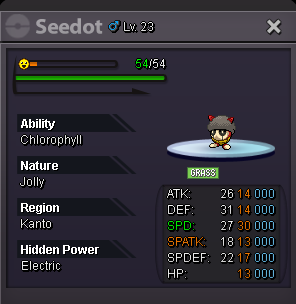
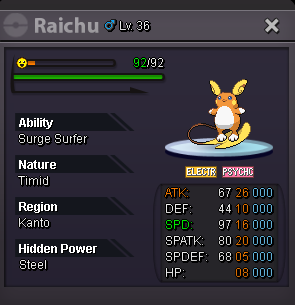
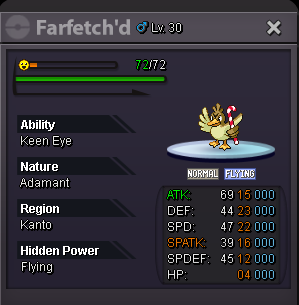
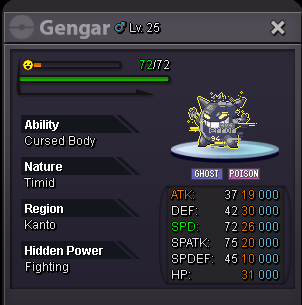








 1 point
 -
1 point
-
1 point
-
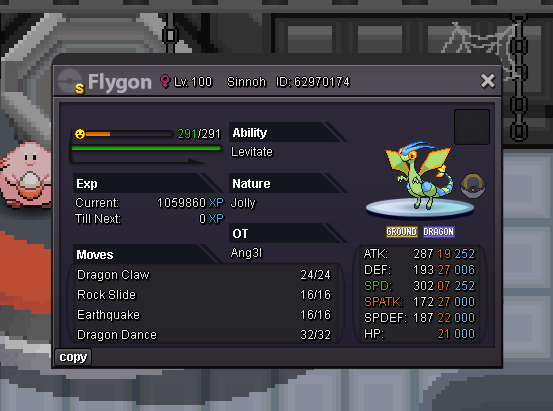
1 pointAuction Details: Start Price: 20m End Point: 48 hours (after start price is met) Insta Price: 40m Minimum Raise: 1m Accepted Payments: Pokedollars, Coin Capsules (x1 Coin Capsule = 430k), IV Reroll Tickets (x1 IV Reroll Ticket = 500k) Important Reminders: This is a Cross Server auction. You may bid from any server, and I will transfer to your preferred server upon winning. If you intend to purchase with an alt account, specify the account alongside your bid. If a bid is received in the final 15 minutes of the auction, the end point will be delayed by 15 minutes from that bid, and will be delayed by 15 minutes for each new bid thereafter, until the current offer has been held for a full 15 minutes. Happy Bidding!
 1 point
 -
1 point
-
1 point
-
1 point
-
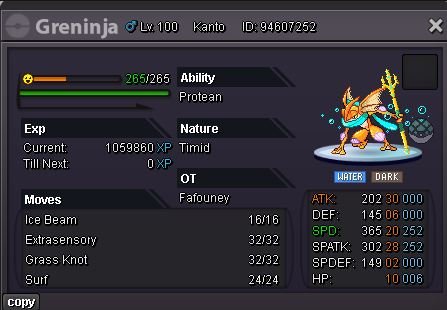
1 pointStart Price: 3m Min. Raise: 200k Insta: 15m Accepted Payment(s): Pokedollars, CC 400k Auction ends: 4 days after start End: 02/11/2024 - 11:04 PM GMT+1
 1 point
 -
1 point
-
250k swampert1 point
-
300k marowak1 point
-
1 point
-
Hello @Gohan3001. Sorry to see you're having trouble. To fix this issue, hit the F2 key on your keyboard and type "clean reg", then hit enter. That should reset the resolution. Let me know if you have further questions.1 point
-
250k marowak1 point
-
Mimikyu 150k1 point
-
1 point
-
1 point
-
1 point
-
1 point
-
1 point
-
450k for bagon1 point
-
1 point
-
1 point
-
1 point
-
1 point
-
1 point
-
Also bid on mamo at starting offer. Has darmanitan ended?1 point
-
1 point
-
Exactly... When you made the bid, the time had already run out but you bid on darmanitan is current 😁1 point
-
1 point
-
200k marowak1 point
-
1 point
-
1 point
-
1 point
-
1 point
-
1 point
-
PokéVault (Dungeons, PvP, Bosses, Story, Shiny, Forms, Items) & Dungeon Service (Meloetta & Victini)
1 pointEnjoy! 😉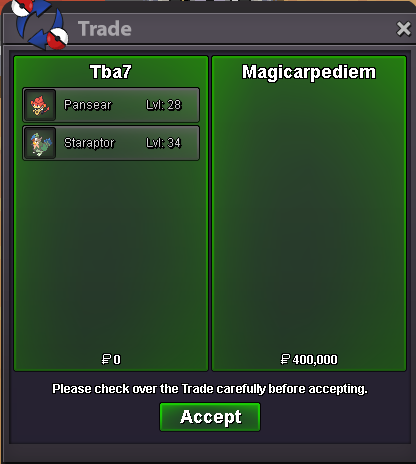 1 point
 -
1 point
-
1 point
-
150k hawlucha 150k swampert1 point
-
1 pointHello @Zeratoita Thank you for your report, and I apologize for the inconvenience you've experienced with this interaction. As @Kitretsu05 already mentioned, this is not a bug. You can use the mount, but there is currently no sprite for the Halloween Mega Swampert Mount implemented. The sprite will be added in the future, once it's completed. Feel free to reach out if you have any further concerns or questions. Greetings, ~Crimsonhound1 point
-
950k 26/301 point
-
1 point700 and 300 for charmander's1 point150k maro1 point1 point@Almigthy666 you win, congratulations I'm going to be online in just a few minutes1 point1 point100k maro 100k hawlucha1 point1 point1 point




.png.4803d3db44451c95bfdfea93b290ae40.png)