New Trade Zone
Trade Zone is now live
Use the new Trade Zone for auctions and instant-price trades so Pokemon and item offers are easy to find.

Batteries
Registered User
-
Joined
-
Last visited
-
Thanks for the guide Nor <3
-
Amazing speed, thanks for the guide!
-
-
Nice guide Waleedo
-
Thanks for the guide.
-
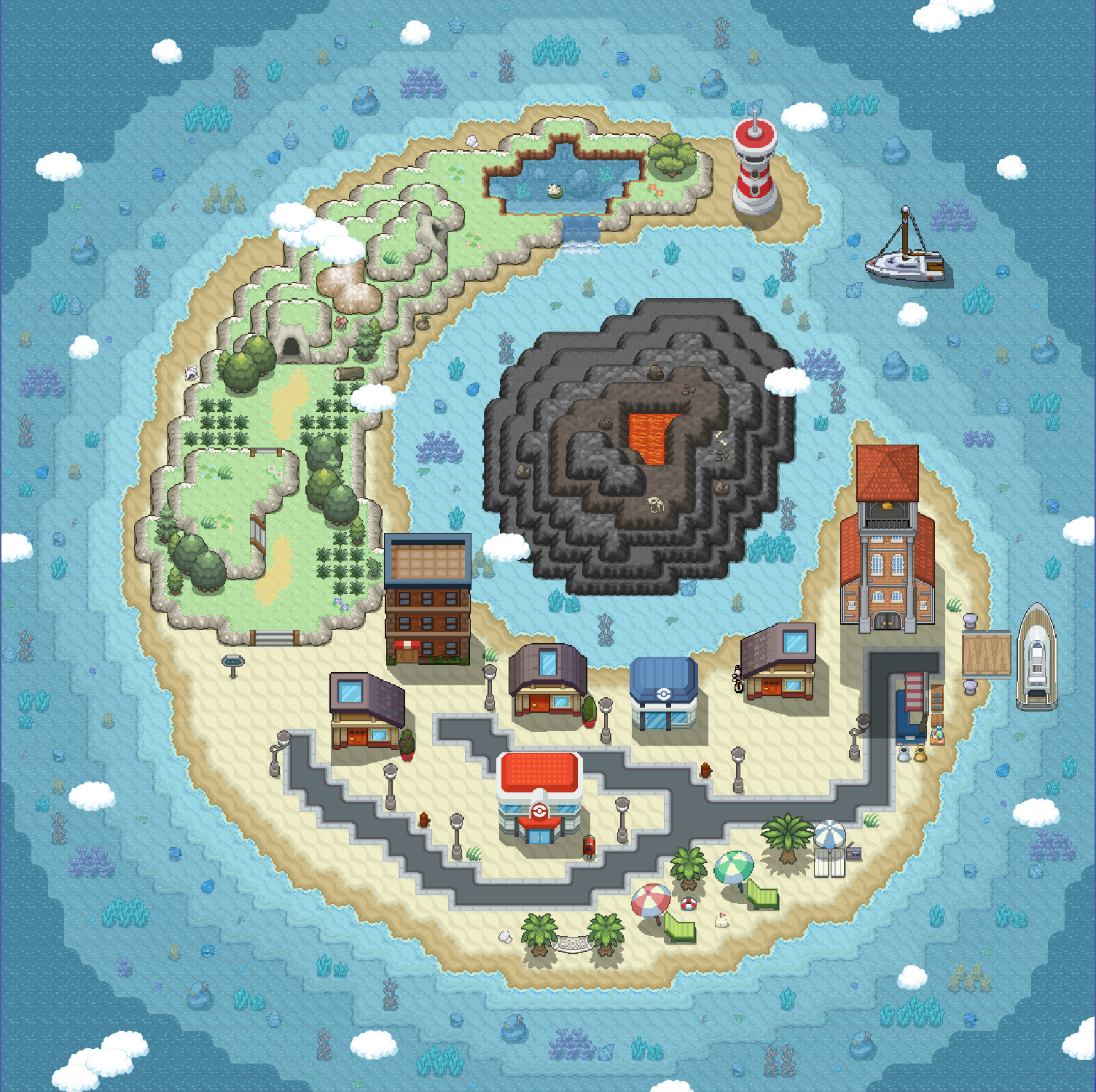
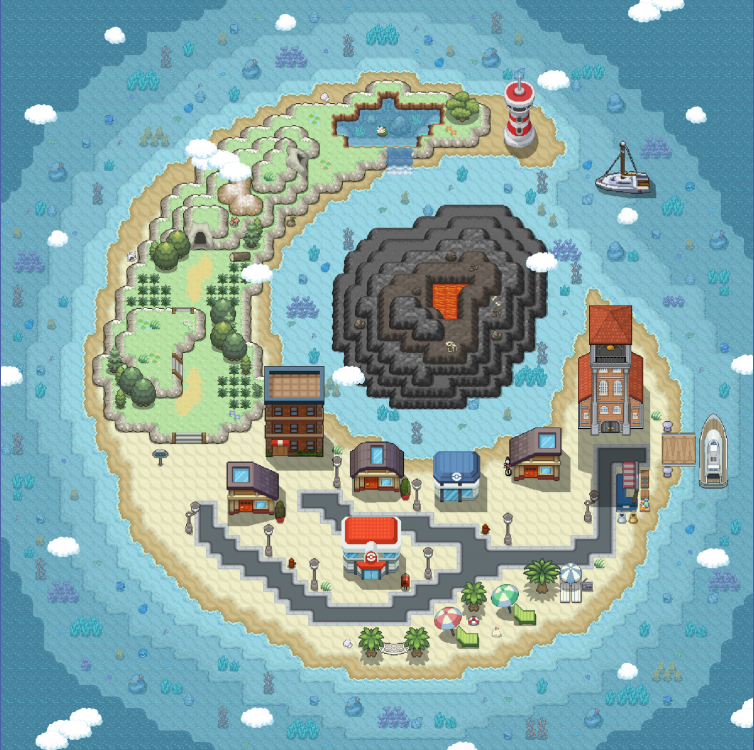
Hi, this is my first map, it is 65x65
-
My favorite summer was 2 years ago, when I went to Canada for the first time to attend a summer program in a university. The course was named "Future global leaders" and in that program I learned about engineering. I was 16 at the time and it was my first time living in a door by myself and living by myself. It was a life changing experience being in a different country and living by yourself, I've made a ton of international friends that summer some I am in contact with and some not.
 Nice Shop! <3 GL with selling Kento!They try to make the game more OG but they have custom events and bosses... Please do revert repel trick. Repel trick is meant to save time not waste more time, since now you need to hunt a new sync if your current sync level is too high to repel.BumpBumpBump