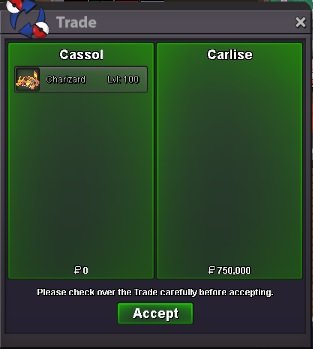
New Trade Zone
Trade Zone is now live
Use the new Trade Zone for auctions and instant-price trades so Pokemon and item offers are easy to find.
Leaderboard
-
Marley47
Registered User8Points162Posts -
Norex
Discord Moderator6Points6836Posts -
Tite291190
Registered User6Points360Posts -
Neomessiah7
Registered User5Points15Posts




Popular Content
Showing content with the highest reputation on 12/29/23 in all areas
-
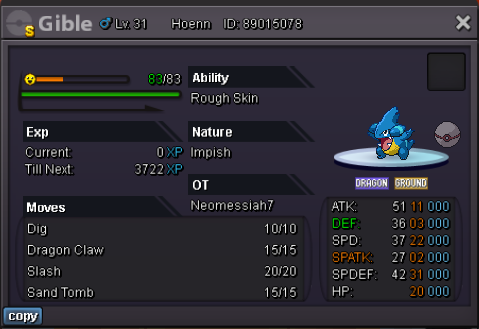
5 pointsS.O 20m Min Bid 500k Insta 50m Only accept money The auction will start and end after 3 days after first bid
 5 points
 -
3 pointsAUCTION! - only one auction, if you win u will get both start = 1k minimum bid = 1k accept coin capsules (400k) and pokedollars will end 24 hrs after the auction has started

 3 points
 -
3 points
-
3 points
-
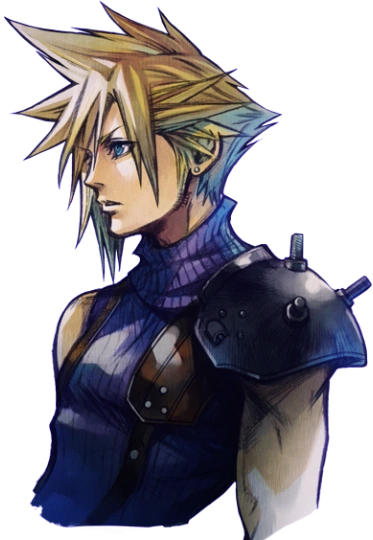
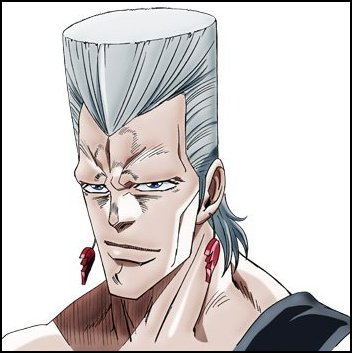
2 pointsSince the artist team is currently strong and motivated, wanted to ask if we could get some more character hairstyles around this time :3 Magic Mirror could use some updates Here are some examples for creativity fuel: (other players are welcome to add hairstyles they want to see added to the game in the comments as well)











 2 points
 -
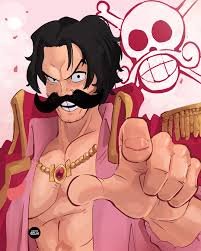
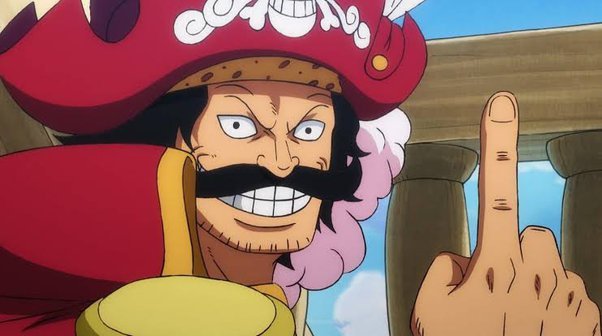
2 pointsTHIS WILL BE WHERE WE SELL POKEMON IN THE FUTUR our forum sale zone Will post sales soon YOU Definitely Don't Want to miss out on our Deals Regards Gol-D-Roger and my Crew


 2 points
 -
2 points
-
2 pointsHello i can start if you change to 24 hour auction. Ty gl2 points
-
2 points
-
Yaa trade has been made too but forgot to take ss and also I got some scizor for sale let me know if you wtb2 points
-
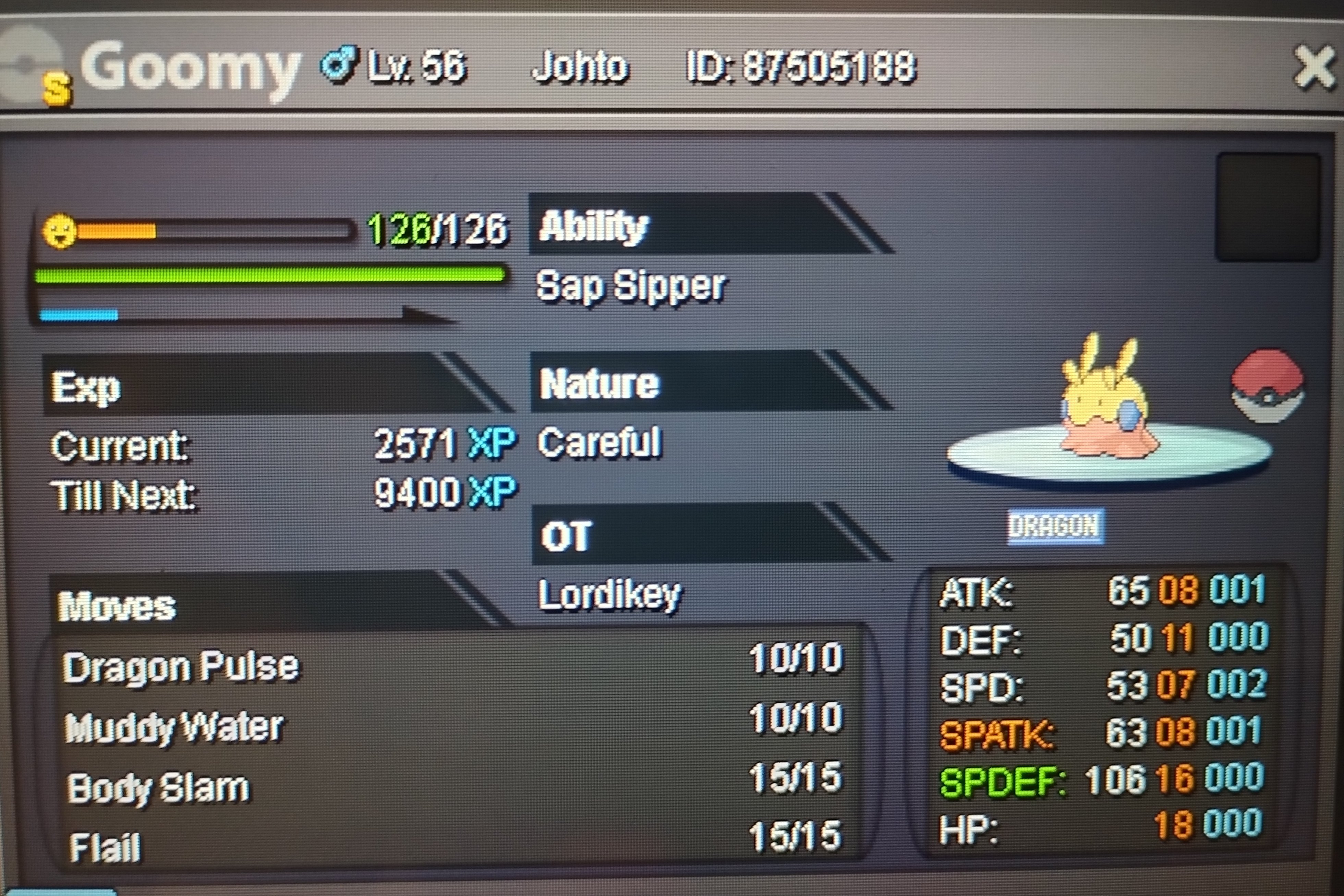
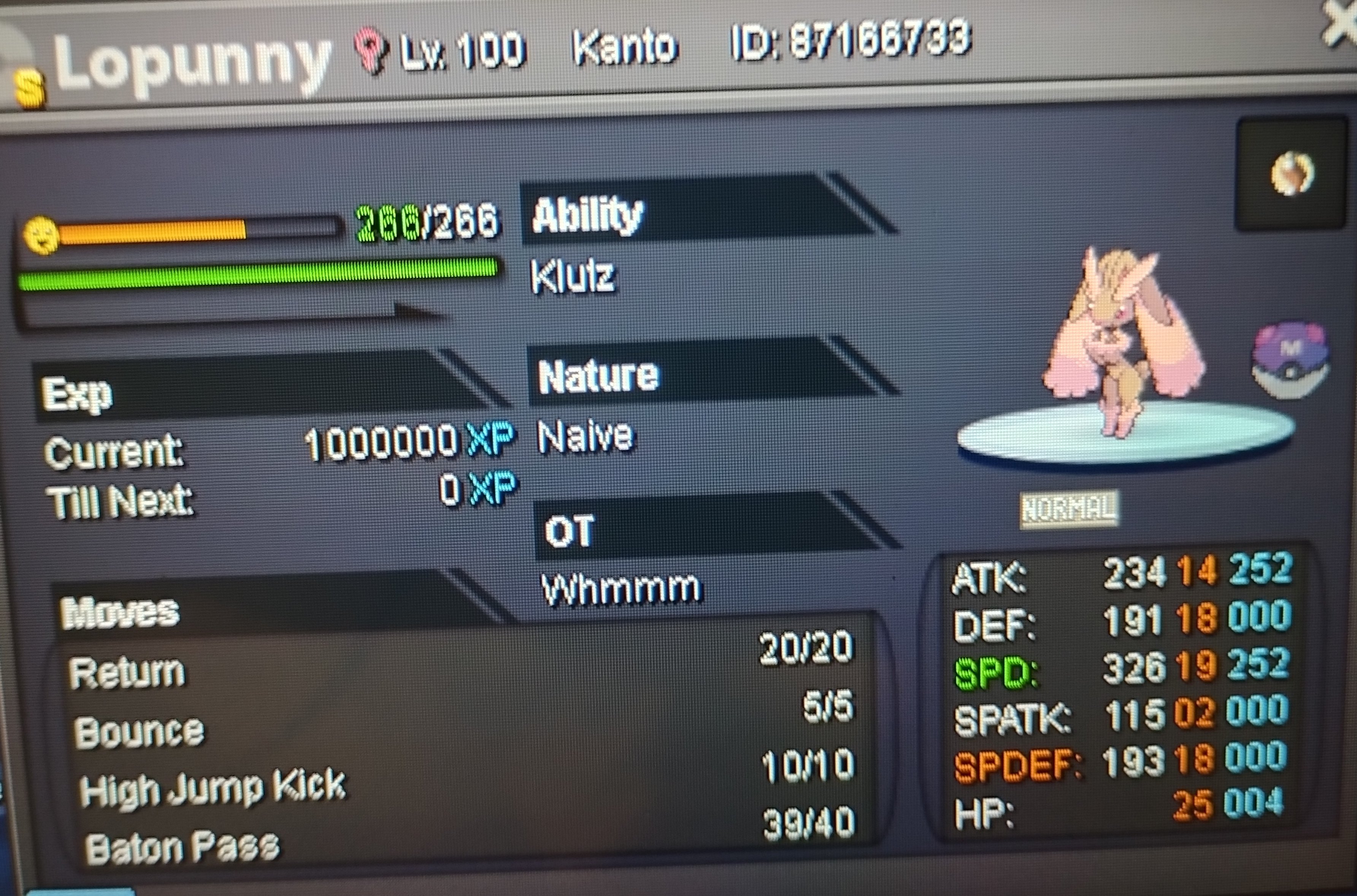
Start 100 k each mon Min raise 100 k Accept cc 400 k Rr 500 k 48 hours after first bid for each mon
 1 point
 -
wts : S.o : 15m Minimum bid : 200k auction end 5 days after first bid . Accept RR=500k - CC =380k
 1 point
 -
1 point
-
1 point
-
1 point
-
1 point
-
1 point
-
1 point
-
1 point
-
Enjoy @Magicarpediem
 1 point
 -
1 point@Kanrojii @Kabarex82 @Saweges I have hidden your bids as all of them are under the current best offer. C.O. is 1.4m by @Shiningshade If you want to take the lead, you must bid at least 1.401.000 Pokedollars. Kind regards1 point
-
1 point
-
His offer, 1717, was invalid. Then auction was done1 point
-
1 point
-
1 point
-
1 point
-
1 point
-
Plz contact me on dc(.towsin) Or in forum massages when u are online1 point
-
1 point1 point1 point1 point1 point1 point1 point1 point1 pointHello bro, nice eevee shop. Just a reminder, you can only bump up your post each 24hours (as I see the 1st and 2nd post has only 1 hour interval.1 pointHello @Teemo3333 Please make sure you read Trade Rules. With that said I have moved this thread to the correct subforum. Silver Pokemon Shops Kind Regards, * Zoruami *1 point1 point1 point1 pointGreetings @Jayanth123 The EXP. Share item has not been retrieved by you on this account, yet. You need to speak to Prof's Aide at any one of the following locations to obtain it: Route 2 Stophouse 3 in Kanto National Park Stop House 1 in Johto Mauville Stop House 3 in Hoenn Route 214 Stop House in Sinnoh Note that you can only get one EXP. Share for each your accounts from any one of the mentioned places and the item is untradable, as you also mentioned. Also as, @Backo0711 said, for which I'd like to thank them for replying, releasing Pokemon doesn't release the item the Pokemon is holding. I hope this helps. Feel free to let us know if there are any other concerns regarding this. Have a wonderful rest of your day and wishing you a Happy New Year in advance, Fus1onflare1 point1 point1 point1 point1 pointGG :). fun bid battle i work in 6 hours. hopefully i'll find/buy better. Happy new year all!1 pointwtb last scizor 1m5 tech ada and swarm impish 28/28/28/29/21/221 point1 point1 point1 point1 pointtd { vertical-align: bottom; } .keitatext { font-size: 16px; } .ipsHr { size: 90%; } Ho ho ho! Or should we say... Zo Zo Zo... rua? As we embark on this magical Christmas season, we wanted to share some news that we hope will make you happy! Starting December 24th 12 AM GMT+0, every player will be granted a gift: 3-day access to the event-exclusive map, Evergreen Island Village Cave, where you will be able to hunt Zorua. You will also be able to transform a Zorua of your choosing, that you have caught during the event, into its Christmas-themed version! To join Evergreen Island Village Cave, you must speak with Elf Rudy in Evergreen Island Village, which can be accessed from all port cities: Vermilion, Olivine, Lilycove and Canalave. You may catch as many Zorua as you can during the event, but you can transform only one Zorua, and it must meet the following requirements: Must have your OT; Must be caught in Evergreen Island Village Cave; Must be caught after the event start, 24th December 12AM GMT +0; You can transform your Zorua by speaking to Elf Rudy. IMPORTANT INFO: The zorua will become UNTRADEABLE once transformed. Zorua is Shiny-locked on Evergreen Island Village Cave, which means you cannot find a Shiny Zorua. A Shiny version of Xmas Zorua does not exists. The Evergreen Island Village Cave and the ability to transform a Zorua will accessible until January 7th 11:59 PM GMT+0. Players can activate their 3-Day Access at any point during this event, however, it cannot be paused once activated. Be aware that if you activate your access within the final 3 days, any extra time will be lost. To avoid missing out on any time, we recommend that you activate your access prior to January 4th 11:59 PM GMT+0.





 1 point