New Trade Zone
Trade Zone is now live
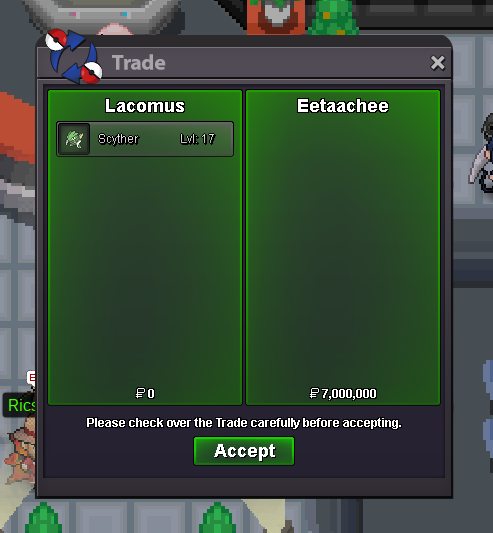
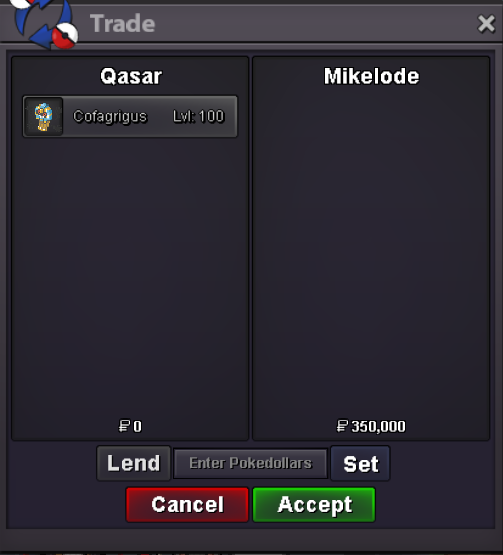
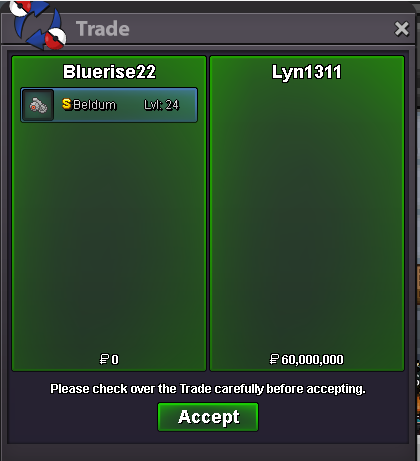
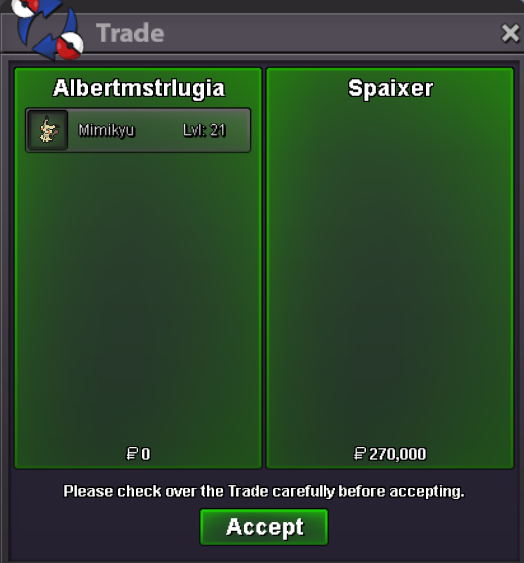
Use the new Trade Zone for auctions and instant-price trades so Pokemon and item offers are easy to find.
Leaderboard







Popular Content
Showing content with the highest reputation on 07/03/24 in Posts
-
7 pointsHello, PRO community, Leo here 👋. I am writing this post to request the release of Hoopa as a catchable pokemon. While its indeed true his unbound counterpart was suspect tested and banned from ORAS OU (and unbanned in SM OU), normal hoopa was always a regular pokemon with a modest usage and a low impact on the meta. In fact, he wasnt even OU, he was an RU mon towards the end of gen6! Due to its stats, its usage is mainly limited to trick room teams and to sticky webs hyper offense as a strong spataker, both archetypes being popular at the moment in PRO's PVP. Him being released would give players more teambuilding options and increase the meta's diversity, without changing the overall balance of the game or forcing the opponents to carry counters. That said, I believe Hoopa's release, in due time, would be a reasonable request and a good addition to the game. The ultimate decision lies with the staff, since they would need to create a quest or even a dungeon to obtain it, I respect any decision of theirs anyway. Thank you for reading, Leo.7 points
-
3 points
-
2 points
-
2 points
-
1 point
-
1 point
-
1 pointSold to Shin0612 Time - 48 hours after first bid Accept only poke $
 1 point
 -
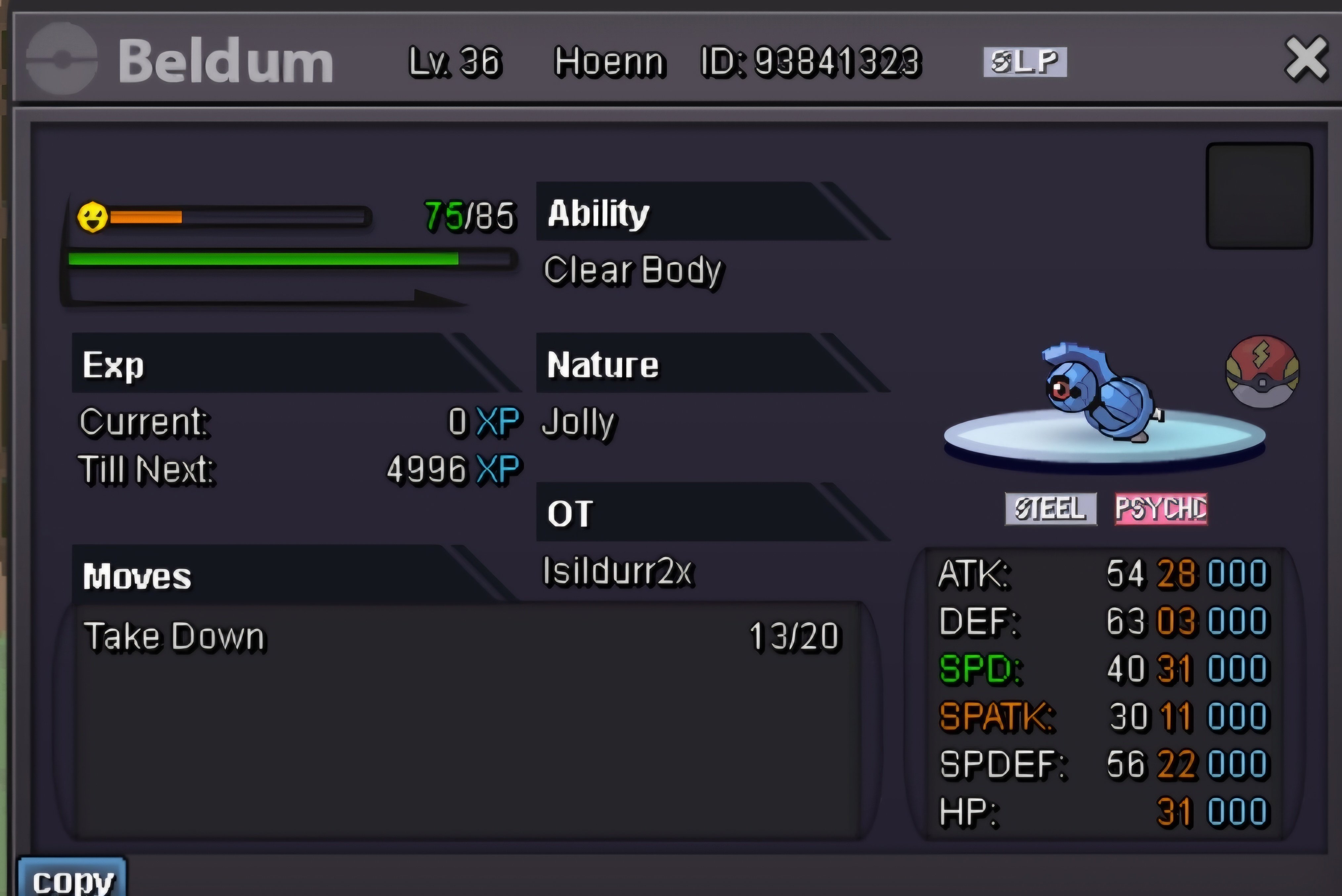
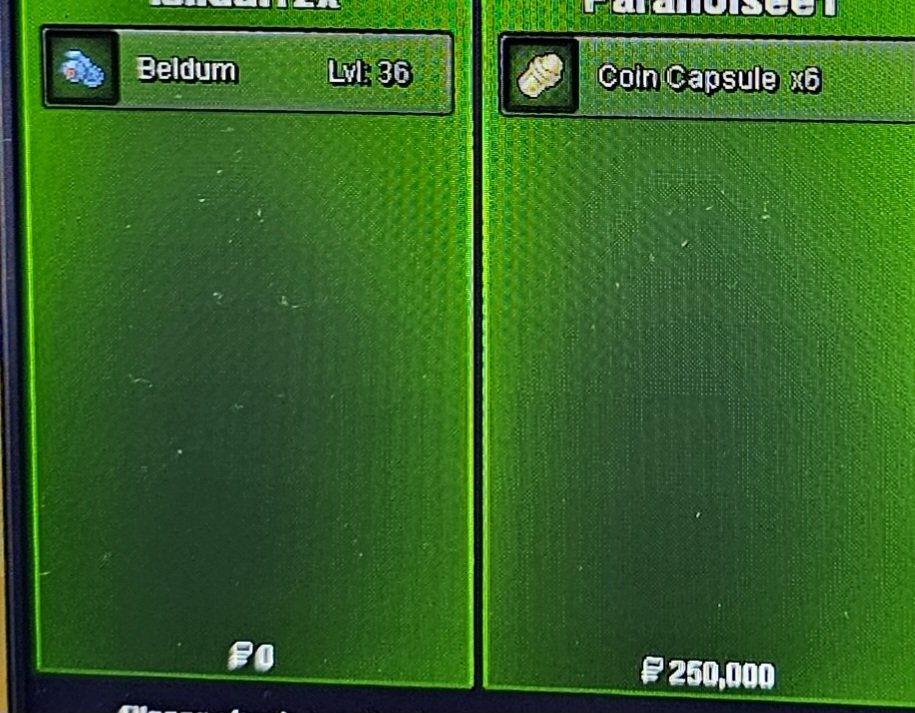
1 pointStart 3.1m Min bid 100k End 24 hours after start Accept cash , cc @475k each Free delivery in any server
 1 point
 -
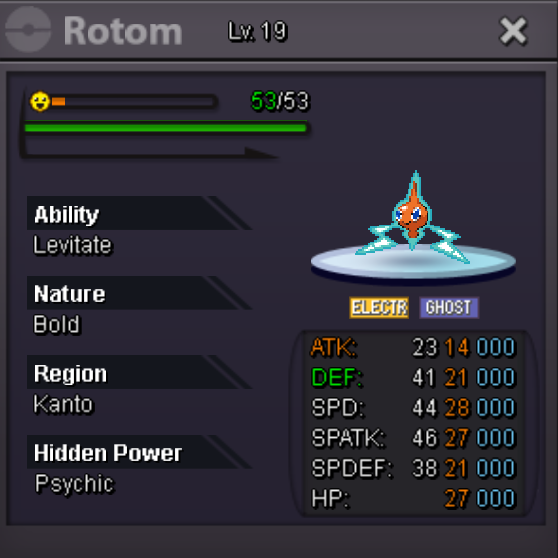
1 pointStart: 10k Min bid: 10k Insta price: 2.4m Accept: cc 400k, rr 500k, nrr 250k, rc 5k The auction will end in 24hrs after the first bid. End point: July 4th 16:55 p.m. GMT+0
 1 point
 -
1 point
-
1 point
-
1 point
-
1 point
-
1 point
-
1 point
-
1 point
-
1 point
-
1 point
-
1 point
-
1 point
-
1 point
-
1 point
-
1 point
-
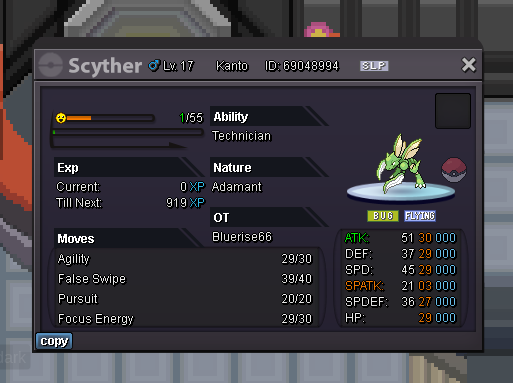
1 pointAuction Details: Start Price: 2m End Point: 48 hours (after start price is met) Insta Price: 7m Minimum Raise: 200k Accepted Payments: Pokedollars, Coin Capsules (x1 Coin Capsule = 400k), IV Reroll Tickets (x1 IV Reroll Ticket = 500k) Important Reminders: This is a Gold Server auction. If bidding from an alternative server, state that you will transfer upon winning. If you intend to purchase with an alt account, specify the account alongside your bid. If a bid is received in the final 15 minutes of the auction, the end point will be delayed by 15 minutes from that bid, and will be delayed by 15 minutes for each new bid thereafter, until the current offer has been held for a full 15 minutes. Happy Bidding!
 1 point
 -
1 point1 point1 point1 point1 point1 point1 point1 pointThe more wallbreakers we have, the more happy I am! +10! Bring the gypsy queen! PS: is magician coded?1 point1 point1 point1 point1 point1 point1 point1 point1 point1 point1 point1 point1 point1 point1 point1 point1 pointbeen about 2 years since the last safari weekend (4/30/2022 was the latest one I could find) and around 10 months since last outbreak (05/05/2023). pls have more 🙂1 point1 point1 pointHello, Instead of the option to copy the ID, wouldn't an item that gives read-only access to your box be better? Players could use this to link Pokemon in the chat from anywhere. This would be beneficial for sellers, players who like to show off their Pokemon, and to link caught Pokemon fails before deleting them via caught preview. Just to make it clear, players would not be able to move Pokemon, add them to their team, or transfer them to the box. It would be a read-only (view-only) option.1 pointHello, we are working on an AI rework for a while now. We tried several approaches, and a version that might eventually make it to the live server is currently being tested. If it makes it to the live server, we will certainly use it for NPCs like bosses. I can offer you to test it by letting you battle it with a proper boss team. Let me know if you are interested. We are always looking for feedback.1 point