New Trade Zone
Trade Zone is now live
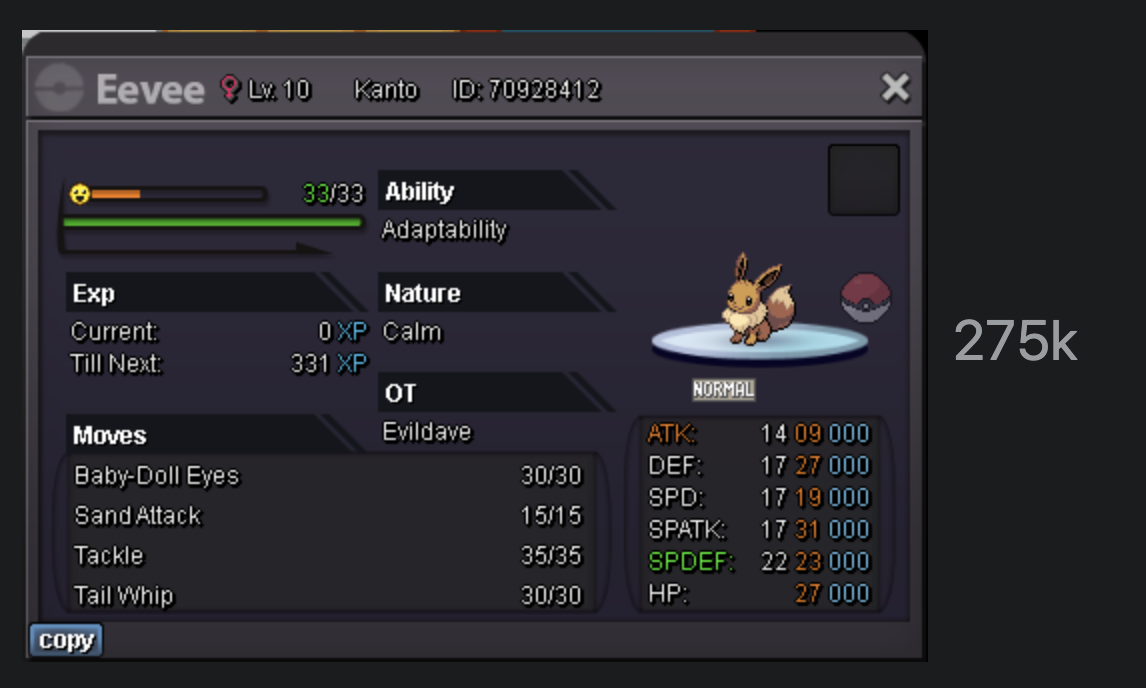
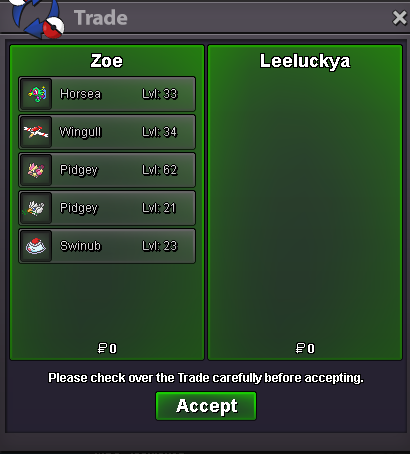
Use the new Trade Zone for auctions and instant-price trades so Pokemon and item offers are easy to find.
Leaderboard
-
Zz0ggy
Registered User5Points491Posts -
Thenikifreak
Registered User5Points388Posts -

StevenJohnson
Registered User4Points1339Posts -
Rhpositive
Registered User4Points120Posts




Popular Content
Showing content with the highest reputation on 08/17/24 in all areas
-
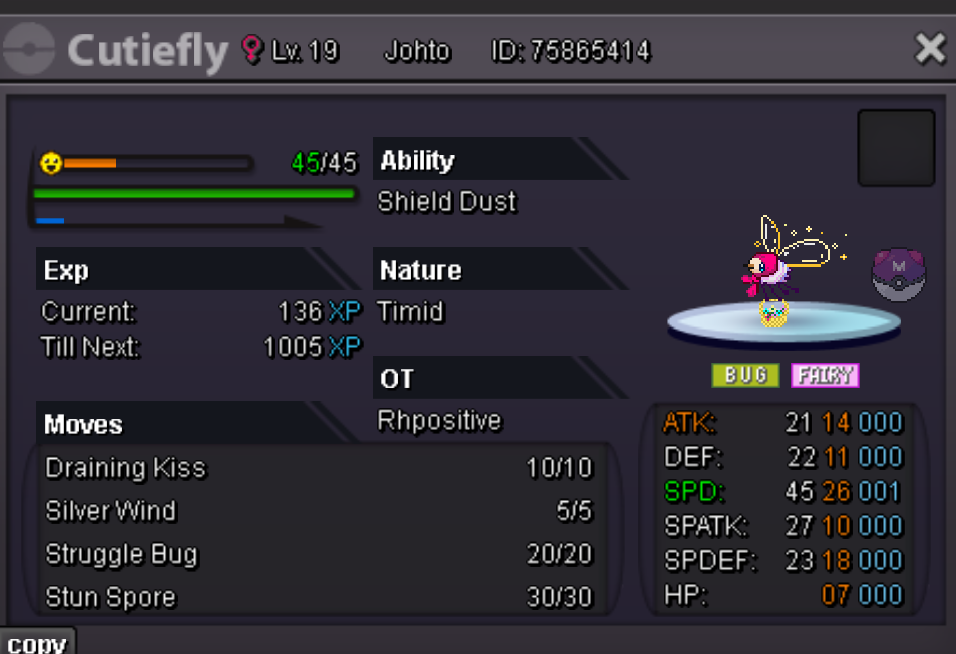
4 pointsS.O. 1M Min Bid 100k Ends in 24 hours after Starting Bid is met Insta 7m I accept Pokedollars, CC (400K) and IV Rerolls (500k)
 4 points
 -
Starting price/point: 6m Minimum raise: 200k 48 hours action Insta Price: 45m Available payments: f.e. Pokedollars and CC (400k)
 3 points
 -
s.o. 4m min bid 100k insta 25m accepted payment cc = 400k rr = 500k 48hours after first bid
 2 points
 -
2 points24 hour auction, starts after first bid. Bids only accepts on the post itself. Start:500k No insta cc/rr not accepted.
 2 points
 -
2 points
-
2 points
-
2 pointsHalloween Skarmory Chroma 1 Chroma 2 Halloween Scizor Chroma 1 Chroma 2 Chroma 3 Halloween Bisharp Chroma 1 Chroma 2 Summer Breloom Chroma 1 Chroma 2 Christmas Charizard Chroma 1 Halloween Greninja Chroma 1 Christmas Chandelure Chroma 1 Valentine Banette Chroma 1





















































 2 points
 -
1 pointThe economic in Pokemon slowly goes down. Many decent PvP Pokemon getting lower and lower cost because the market is full of them and the reason is because everyone who collect epic Pokemon for PvP or just for fun search for better. So this couse out date and make them hard for selling or even useless at some point. My suggestion is to be created NPC that can be called farmer Jack. His pourpusss will be to collect those Pokemons who are out of date in his farm and use them in his Pokemon reserve. In exchange for them he will be able to give you rare Candy's or other usable items which we usually buy. That will allow many players to clean thier PC, and maybe will help also to the new players to recover some cash or at least take back something if they get scammed from bought bad Pokemon. This idea is just a scratch for start and will like to hear more options not only from the players,but also from some moderator's 🙂1 point
-
1 pointHello, I'm selling this Valentine Shinx with +atk nature and pretty decent stats. S.O. is 1m, min bid is 100k and auction lasts 7days after first offer. I accept cc as 420k and rr as 520k Insta : N/A ign: Charmandelaa Zel
 1 point
 -
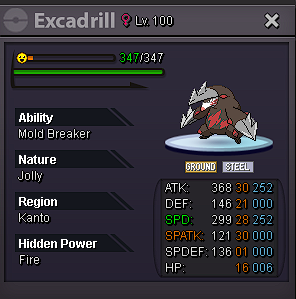
1 pointS.O 600k Min bid 50k no insta ends 48h after first bid accepted payment methods gold or cc=380k auction on medicham ended poke sold for 1.6m S.O 500k Min bid 50k no insta ends 48h after first bid accept payment methods gold or cc=380k

 1 point
 -
1 point
-
1 point
-
1 point
-
hey steven nice ninja, ill insta1 point
-
1 point
-
1 point
-
1 pointMedicham auction ended and the winner is @Sirchancelot with 1.6m we can meet in game for the trade. Excadrill auction goes on with remaining time at 24hours and 45minutes.1 point
-
1 point
-
1 point
-
1 point
-
1 point
-
1 point
-
1 point
-
1 point
-
1 point
-
1 point
-
1 point
-
1 point
-
1-) What is your nickname in the game? dragongym 2-) What is your personal name? Phúc 3-) How old are you? 26 4-) What is your total time in the game? Nearly 1500 hours 5-) What do you like to do in the game? Pvp 6-) What's your discord? (Username) Dragongym 7-) What is your favorite pokemon? ( Optional) Victini, porygon1 point
-
1 point
-
1 point
-
1 point
-
1 point
-
1 point
-
1 point
-
1 point
-
Hello @Anshul1234 Since this is a cross-server auction you are the one responsible to transfer in case the winner plays on the opposite server. The buyer can transfer instead of you if they desire, but you are not allowed to force them to. Forums' bid have priority over in-game ones. Next time either post the screenshot sooner or ask the bidder to place the offer directly on forums. C.O. stands at 2.25m by @Nagiii for now. Have a great day!1 point
-
1 point
-
1 point1 point1 point1 point1 point1 point1 point1 point1 point1 point1 point1 point1 point