New Trade Zone
Trade Zone is now live
Use the new Trade Zone for auctions and instant-price trades so Pokemon and item offers are easy to find.


Zeyrion
Registered User
-
Joined
-
Last visited
Everything posted by Zeyrion
-
Insta added 4.5 hours left24 hours left+1 Or even just an option to speed it ups.o 1m by DeIta min raise 100k 48 hour auction from first bid insta 2m Auction Ends 12/08/2020 19:07 GMT+1
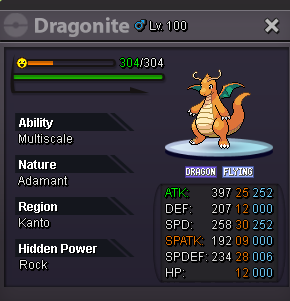 Sorry im going to stick with 500k :)Did you lose the battle to kyurem the first time? if you did you wouldnt get a reroll if i remember correctlyNature and ability muk?Also -1I dont even want staffview back but just the option to zoom out a tiny bit more i played on staffview 2 for years so it feels pretty bad at the moment but can understand why they removed it as it was abit op being able to zoom out any further than that.SOLD can be closed
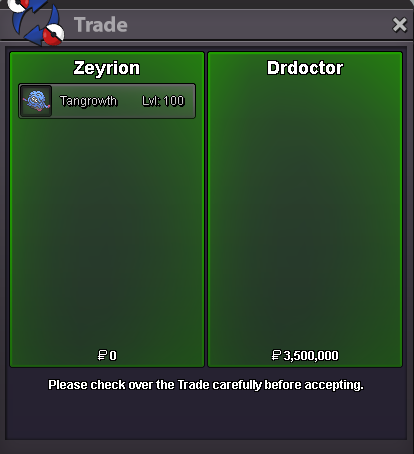 s.o 1.5m insta 3.5m min raise 100k 24 hour auction from first bidLemme just leave this here :DCAN BE CLOSED
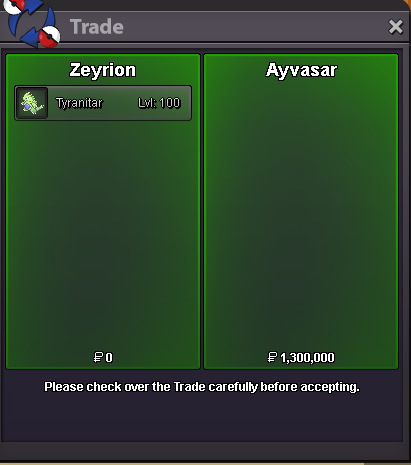 Ended with Ayvazar as winner with 1.3mInsta lowered just over 1 hour left1.2m by Pokkie in game
 c.o 1.3m by Ayvazar Ends 19:55 11/07/2020 GMT+1 min raise 100k 24 hour auction from first bid Insta 2.5m 2m
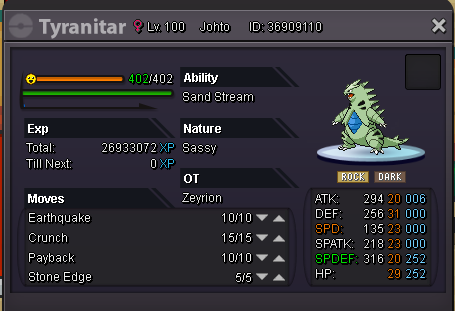 +1+1 Would make some names easier to read i guessahhh good to know thanks :DIm pretty sure only a starter pikachu learns surfBest of luck in the future <3No idea if this has been suggested at all yet but in future i would like it if plan big rework changes such as the one with the bosses to make a disscusion thread on the forum so you could gauge feedback from the community before hand and maybe find a better compromise that the majority of the player base agrees with also its nice to get updates on whats going on from time to time, Gives us something to look forward too.