




New Trade Zone
Trade Zone is now live
Use the new Trade Zone for auctions and instant-price trades so Pokemon and item offers are easy to find.
All Activity
Past hour
-
Theplayerrolo joined the community
-
Davee01 joined the community
-
Kallalomd joined the community
-
Turojanh joined the community
-
Wexus joined the community
-
Yoheijr joined the community
-
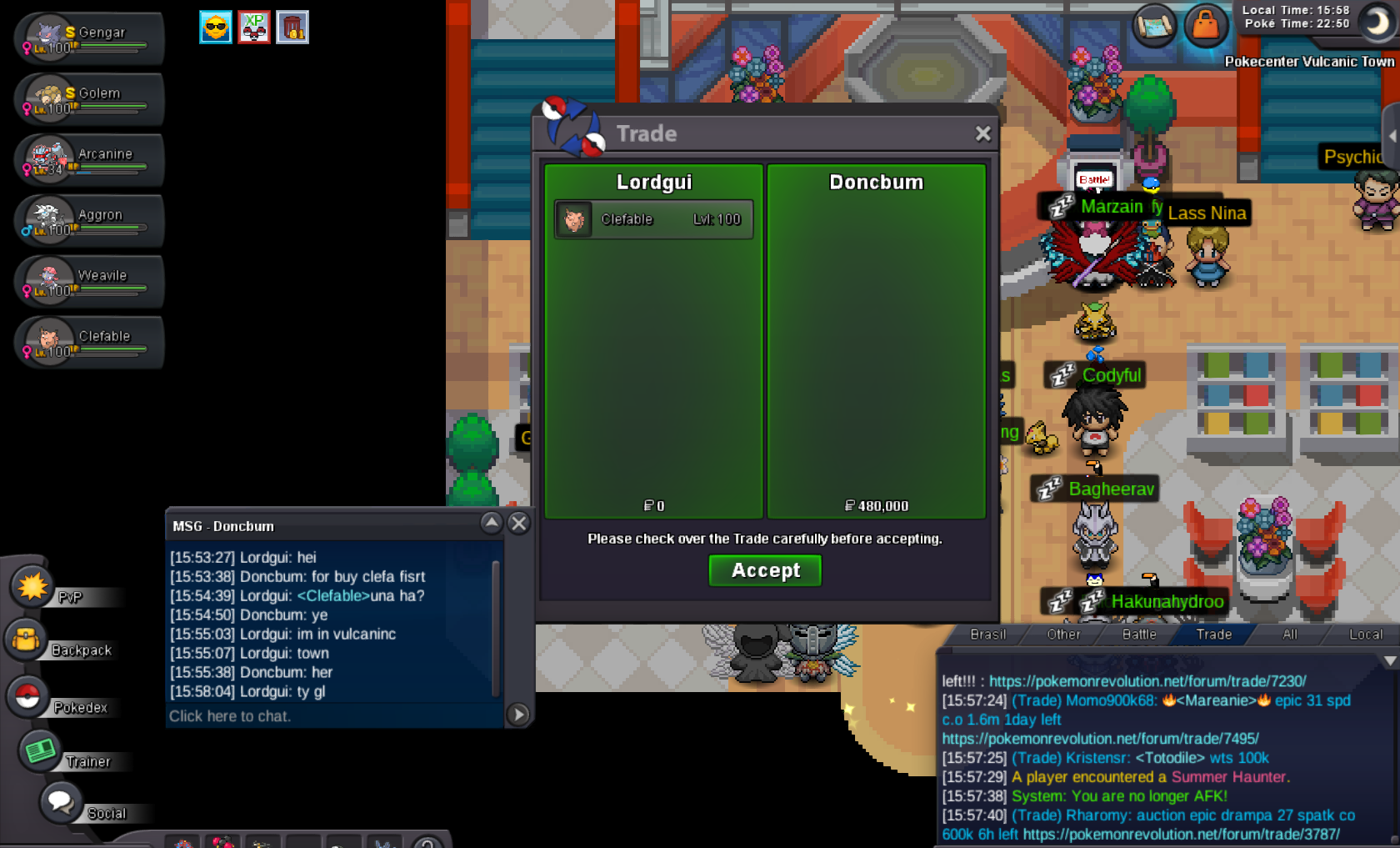
clef
-
Kathleendsouza joined the community
-
Mojn joined the community
Today
-
-
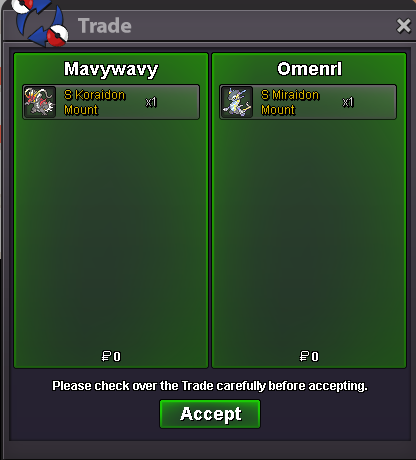
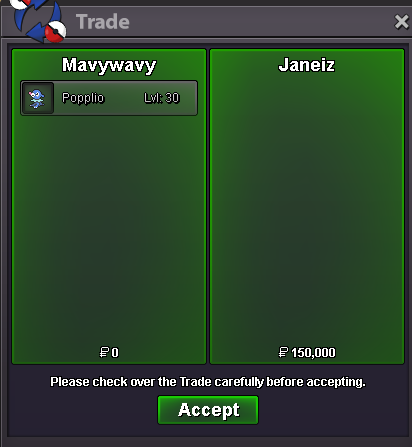
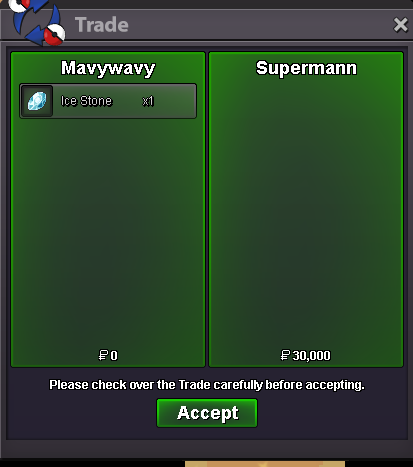
Hello there, Players sometimes make mistakes while trading, and this can happen quite easily. Players may accidentally select the wrong Pokémon, item, or even the wrong player. It can also happen that a player completes a trade without properly noticing or remembering whom they traded with. Recently, I have noticed players having to spend a lot of time trying to figure out who they traded with after something went wrong. Because of this, I would like to suggest adding a Trade History feature. The idea is that every player should be able to access a private history of their own completed trades. The history could show: Trading partner's IGN Date and time of the trade Pokémon given Pokémon received Items given Items received Item quantities Trade status (completed/cancelled) Possibly a unique Trade ID for each completed trade Uses and Benefits1. Identifying the Trading Partner If a player doesn't remember whom they traded with, they can simply check their history instead of trying to remember the player's name. 2. Accidental Trades Players can sometimes select the wrong Pokémon, item, or player. The history would allow them to immediately check exactly what was traded. 3. Finding a Previous Trade If someone traded a Pokémon or item some time ago and wants to know when or with whom they traded it, they could easily find the transaction. 4. Checking What Was Received Players sometimes make multiple trades in a short period and may forget exactly what they received from each trade. The history would provide a clear record. 5. Resolving Misunderstandings If two players remember a trade differently, the history can help the player verify their own side of the transaction instead of relying entirely on memory. 6. Helping With Staff Reports and Resolving Small Issues Independently If a player needs to report a trade-related issue, they could provide the exact IGN, date, time, and traded Pokémon/items. This would make reports much easier for staff to understand and investigate. At the same time, not every trade mistake needs to become a staff report. Sometimes players may simply realize afterward that they traded the wrong Pokémon or item, forgot whom they traded with, or misunderstood a transaction. With a Trade History, they could check the details themselves and potentially contact the other player directly to resolve the issue. This could help players solve small misunderstandings or accidental trades on their own, while allowing staff to focus on more serious cases that actually require investigation. It could also reduce the workload of Trade Moderators by reducing unnecessary reports about minor trade-related issues. 7. Account Security If someone gains unauthorized access to an account and makes trades, the account owner could check their Trade History and identify transactions they don't recognize. 8. Disconnect or Connection Issues If a player disconnects around the time of a trade, they could check their history afterward to confirm whether the trade was successfully completed. 9. Tracking Valuable Trades Players who frequently trade valuable Pokémon or items could use the history as a reliable record of their transactions. 10. Finding Players Again If a player wants to contact someone they traded with previously, they could find the person's IGN through their trade history. 11. Useful for Frequent Traders Players who make many trades every day would have an organized record instead of having to remember every transaction. 12. Search and Filtering If possible, the history could include filters for IGN, Pokémon, item, and date, making it easy to find a specific transaction. 13. Trade ID for Support Giving every completed trade a unique Trade ID would make it even easier for staff to locate a specific transaction in their logs. PrivacyThe Trade History should be visible only to the player themselves. Other players should not be able to view someone's personal trade history. Staff could still access the necessary server-side information when investigating reports. This feature would not need to provide an undo or trade-reversal option. It would simply give players a reliable record of their own transactions. Overall, I think a Trade History would be a very useful quality-of-life feature. It could prevent confusion, help players identify accidental trades, reduce unnecessary trade-related reports, improve account-security awareness, and save both players and staff a lot of time. This is just an idea I had, but I thought it could be a useful quality-of-life feature for players and could also help reduce unnecessary work for Trade Moderators. Kind Regards, DivineGold
-
Fafelek joined the community
-
great services :D
-
Segipro joined the community
-
send me msg in discord : @Makiz_OFFICIAL
-
I have Thor cloths and jokes set. I want that dragon mount exchange with my hoverpod i have
-
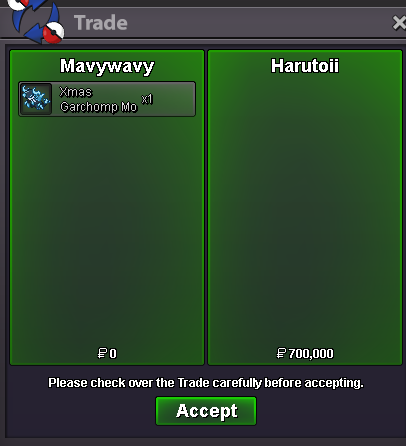
wtb the xmas garchamp mount
-
If you need 2 hours to catch a good BMS mon, you're blessed. But besides that, I still just can not fathom the argument. If it is a abuse to catch a good BMS mon within 2 hours and then wait till there is another good BMS spawn, is the exact same situation than catching a good BMS spawn within 2 hours and then keep hunting. If the fact alone, to log in to hunt and nothing else, is a abuse of this change - then fair I understand.Hey everyone, I’m sharing a small prototype I’ve been working on for Pokémon Revolution Online: Compteur Pokémon (aka HuntTracker). It’s an Android app that reads the “Wild [Pokémon]” text on your screen while you play and automatically counts your encounters, so you don’t have to keep track of them manually. It also tracks shiny/form pity, keeps a hunt history, and includes a helper that can read Pokémon IVs from a screenshot. The OCR works exactly like my PC version: You need to create a new hunt first, then you simply select the game application, then return to the tracker and use your finger to select the area containing the “[Username] vs Wild [Pokémon]” text. Then, just enable automatic OCR detection, and the tracker will take care of the rest. There’s also a floating bubble that lets you keep track of your stats in real time while you continue farming, without having to constantly switch back to the app. ⚠️ Heads up: this is still an early prototype, and it currently only works on Android 14 and above (phones released from 2023 onward). Older versions of Android are not supported for now. Download: https://github.com/Onrio974/tracker-mobile/releases/tag/latest — grab the latest APK, no Play Store needed. Android will ask you to allow "install from unknown sources" the first time, that's normal. Bug reports and feedback welcome.You log in - you catch a good h.a pokemon within let's say 2hours, you log out again and wait til the next good h.a pokemon appears. While this won't happen on a daily basis it still is abusable. I think the BMS needs a small buff in terms of its duration given the current cost but making it IRL hours is not the way. -1upHello! He can be located in Route 3, Route 9, Route 10, or Route 22. Please make sure to check these four locations carefully, including the different areas and paths within each route. The Trial Master Wisdom should be present in one of these locations. I hope this helps you find him and continue with the quest. Kind regards. Hallowglow.Good day @Kairu Apologies for the delay in response. As others have stated, this issue turned out to be a Unity issue and, as of 08/20/2026, has been fixed in the optional client update. If you are on Windows, you client should have auto-updated. Otherwise, you will need to manually update your client (available for download here). With that being said, are you still experiencing these issues and; if so, can you confirm that you have successfully updated your client? I look forward to hearing from you. Regards, BitterbladeYou can also just wait to activate your BMS till there is a good BMS spawn. Thats a weird argument.Good day @Geeansalvatoree As there has been no further questions regarding the Vulcan Island Quest Part 1, I will be closing this thread. If you have any further questions or concerns, do not hesitate to reach out. Regards, Bitterblade-1 An MMO is supposed to be grindy. There is many people selling ev services that would need to compete / be limited by vitamin prices instead of the market. The elemental berries are farmable easily by thiefing them since they have a very high held rate, Salacs are farmable on Sevii Island 6, 7 Headbutts Custap berry needs its own set of trees, maybe in another MS area, I agree with that.-1 This can be abused by having an account just logged out until there is a good enough spawn to BM hunt on. The way it currently works makes you commit to the hunt, which is a good thing for the game, I am against changing it.+1-1 Items affecting shiny rate should just not be a thing.+1Bump















Account
Navigation
Search
Configure browser push notifications
Chrome (Android)
- Tap the lock icon next to the address bar.
- Tap Permissions → Notifications.
- Adjust your preference.
Chrome (Desktop)
- Click the padlock icon in the address bar.
- Select Site settings.
- Find Notifications and adjust your preference.
Safari (iOS 16.4+)
- Ensure the site is installed via Add to Home Screen.
- Open Settings App → Notifications.
- Find your app name and adjust your preference.
Safari (macOS)
- Go to Safari → Preferences.
- Click the Websites tab.
- Select Notifications in the sidebar.
- Find this website and adjust your preference.
Edge (Android)
- Tap the lock icon next to the address bar.
- Tap Permissions.
- Find Notifications and adjust your preference.
Edge (Desktop)
- Click the padlock icon in the address bar.
- Click Permissions for this site.
- Find Notifications and adjust your preference.
Firefox (Android)
- Go to Settings → Site permissions.
- Tap Notifications.
- Find this site in the list and adjust your preference.
Firefox (Desktop)
- Open Firefox Settings.
- Search for Notifications.
- Find this site in the list and adjust your preference.