




New Trade Zone
Trade Zone is now live
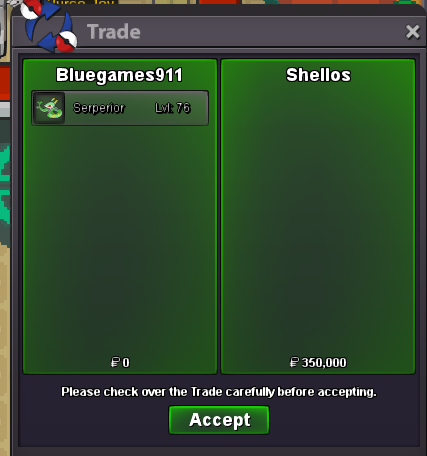
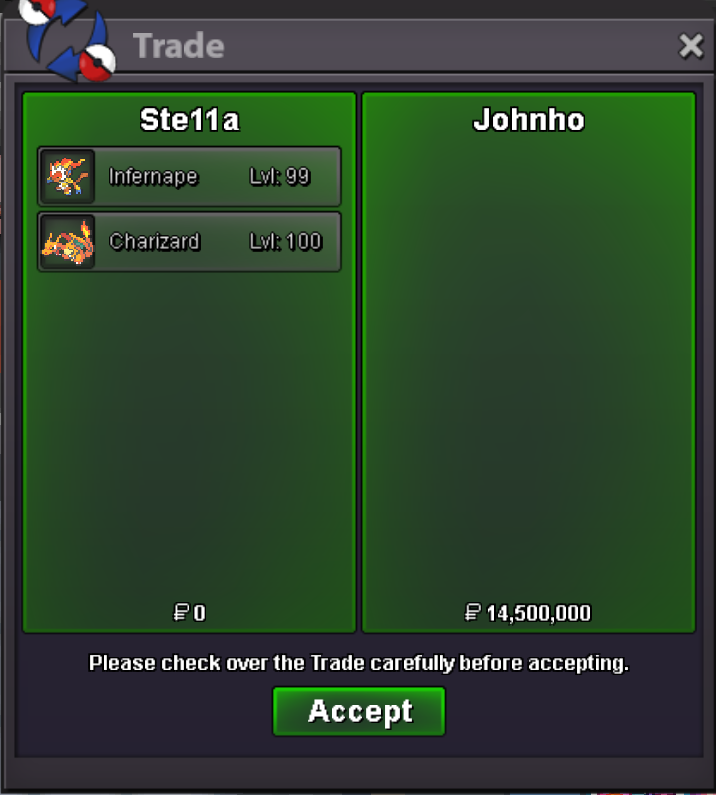
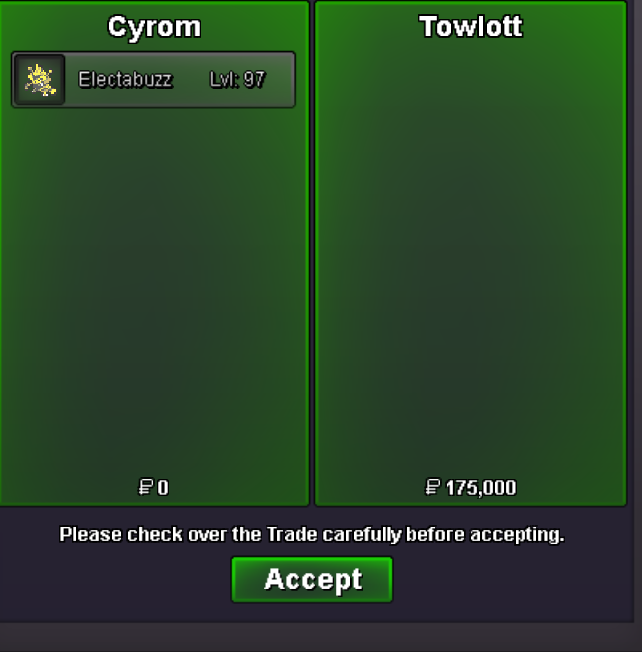
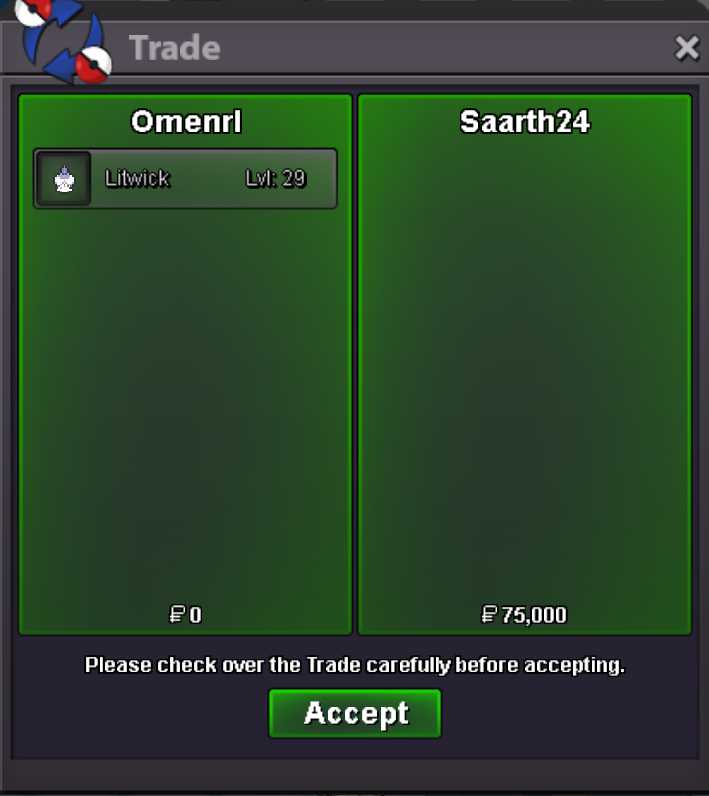
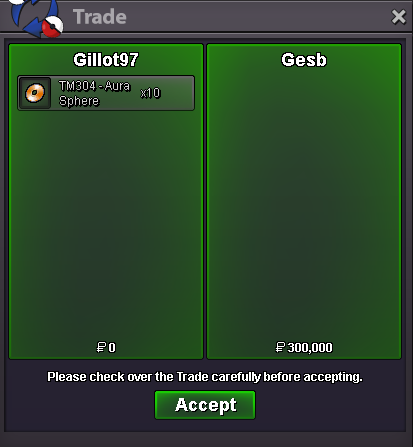
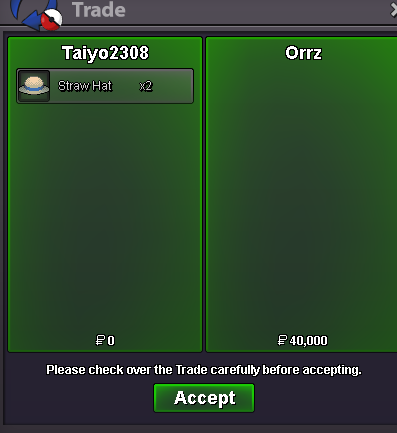
Use the new Trade Zone for auctions and instant-price trades so Pokemon and item offers are easy to find.
All Activity
Past hour
-
Moit4 joined the community
-
Alejandr0001 joined the community
-
Doncbum joined the communitySamuboss joined the community
Yesterday
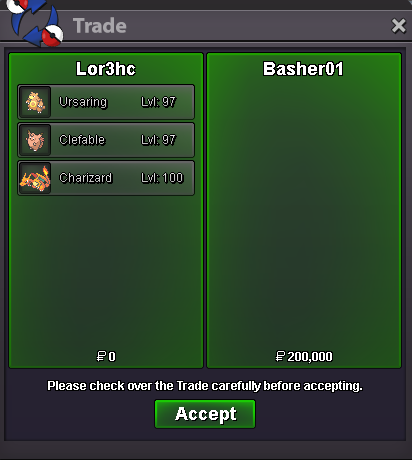
Zfinx joined the communityKaietsu joined the communityMazeltov joined the communityi think u forgot to finishSvansonsan joined the communityHi! @Klassyrahul I'm sorry to see you're having issues logging in to the game, So that i can help the best possible way can you please answer a couple of questions: What is the error you are getting? Looking at the screenshot you put i can't clearly see what error it's giving you, if you can either show me another screenshot or try and explain what it tells you. I can see you are on the download site, Have you tried re downloading the game? If you already does it provide the same issue or does anything different happen? Going forward I can also provide a possible solution for you to try, Please let me know if this works for you! -Delete all of your current PRO files -Update your graphics driver if it isn't already up to date -Re-download a fresh PRO copy from the official website -Extract the files to the correct location (Documents/PRO Client) -Run the game as Administrator Please let me know if this solution works for you! If it doesn't please provide me the extra information for me from the error you are getting and i will help look into other issues it could be! Thanks! Satellar 🌟Rojo456987 joined the communityTman888 joined the communityhi dude do you have 2 skwovet by any chance ?Twitchbhim95 - TwitchCoin Capsule Giveaway!Coin Capsule Giveaway!Enigma90 changed their profile photook glad to hear that you found a solution for the issue. If you have any other issues in the future don't hesitate to askIGN-1vallian GMT-+5:30 (india)BumpSelled Charizard + Clefable + Ursaring At Basher01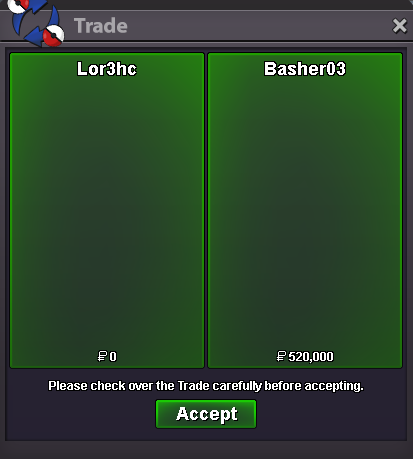
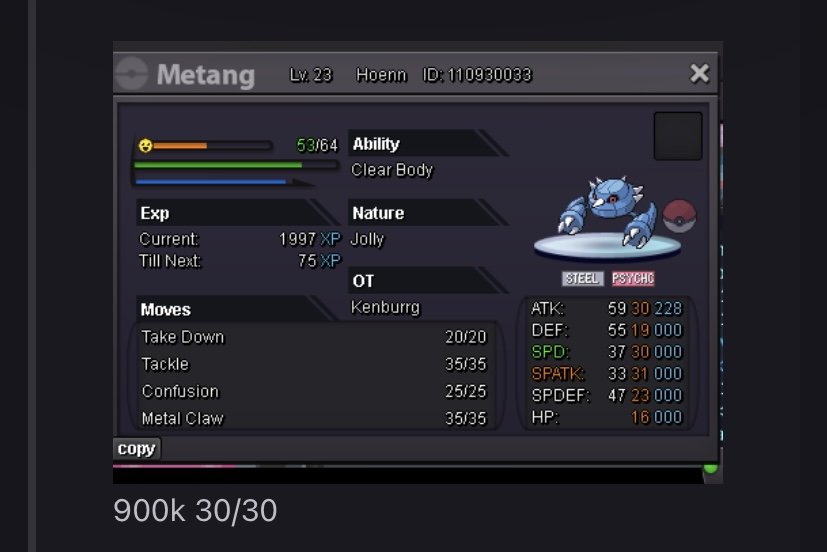
 best lending shop aroundJoin our corvi fams ❤️👀Hello @Hitok3n ! Apologies for the inconvenience caused. What happens if you try to go south from Veilstone, can you proceed or NPC blocking you? If possible I would like you to provide screenshot of these NPC and team Galactic 2v2 fight spot. Waiting forward for a response. Take care, Zarachibump, added a lot of new pokemon to the list and also included some off-meta ones. also new: 20% discount on lends for 20+ daysWtb this
 hi thanks for getting back to me, i do realize its my mobile thats the problem, I will probably have to make repairs to it soon if possible.bump

















.thumb.png.8639013211f9819a42fbe3b947cb606d.png)









Account
Navigation
Search
Configure browser push notifications
Chrome (Android)
- Tap the lock icon next to the address bar.
- Tap Permissions → Notifications.
- Adjust your preference.
Chrome (Desktop)
- Click the padlock icon in the address bar.
- Select Site settings.
- Find Notifications and adjust your preference.
Safari (iOS 16.4+)
- Ensure the site is installed via Add to Home Screen.
- Open Settings App → Notifications.
- Find your app name and adjust your preference.
Safari (macOS)
- Go to Safari → Preferences.
- Click the Websites tab.
- Select Notifications in the sidebar.
- Find this website and adjust your preference.
Edge (Android)
- Tap the lock icon next to the address bar.
- Tap Permissions.
- Find Notifications and adjust your preference.
Edge (Desktop)
- Click the padlock icon in the address bar.
- Click Permissions for this site.
- Find Notifications and adjust your preference.
Firefox (Android)
- Go to Settings → Site permissions.
- Tap Notifications.
- Find this site in the list and adjust your preference.
Firefox (Desktop)
- Open Firefox Settings.
- Search for Notifications.
- Find this site in the list and adjust your preference.