New Trade Zone
Trade Zone is now live
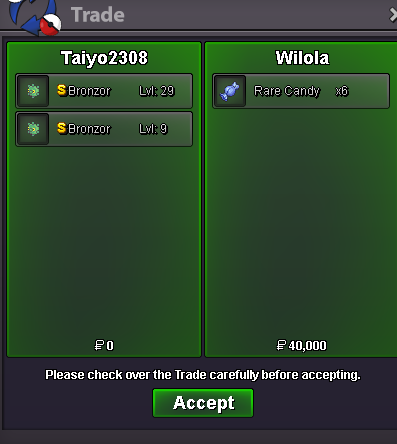
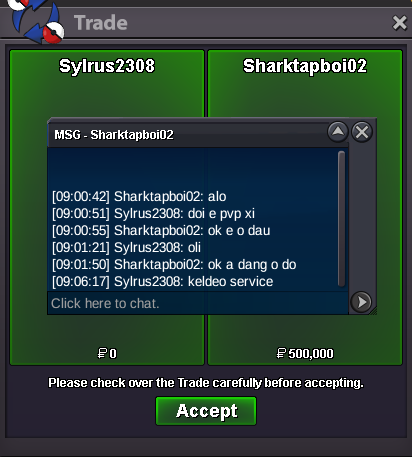
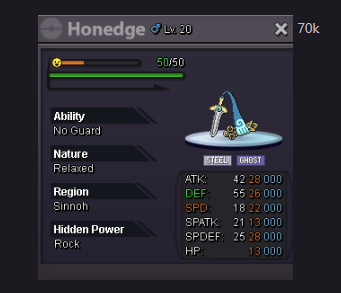
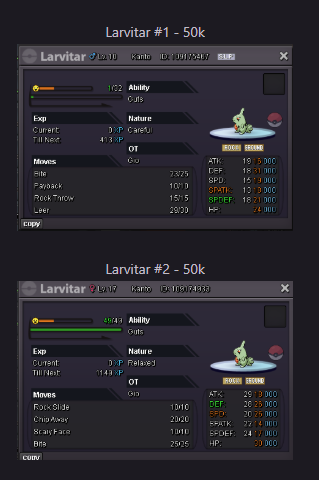
Use the new Trade Zone for auctions and instant-price trades so Pokemon and item offers are easy to find.
All Activity
Past hour
-
hello im online rn
-
Thangs9768 joined the community
-
Ogizap joined the community
-
Quarios joined the community
-
Sure are you online now or pm me on discord when available
Today
-
Cant find your discord, can u pls add me on discord? Migitenobepo <<
-
Alo3vera joined the community
-
up
-
Hunterking9 joined the community
-
thanks for shopping! <3
.png.c913a5b18bc7b829edcd31b01b81845b.png)
-
Rhemoel joined the community
-
-
Hello! I will proceed to close this thread. If you need any further assistance in the future, please don't hesitate to create a new thread. Kind regards. Hallowglow.
-
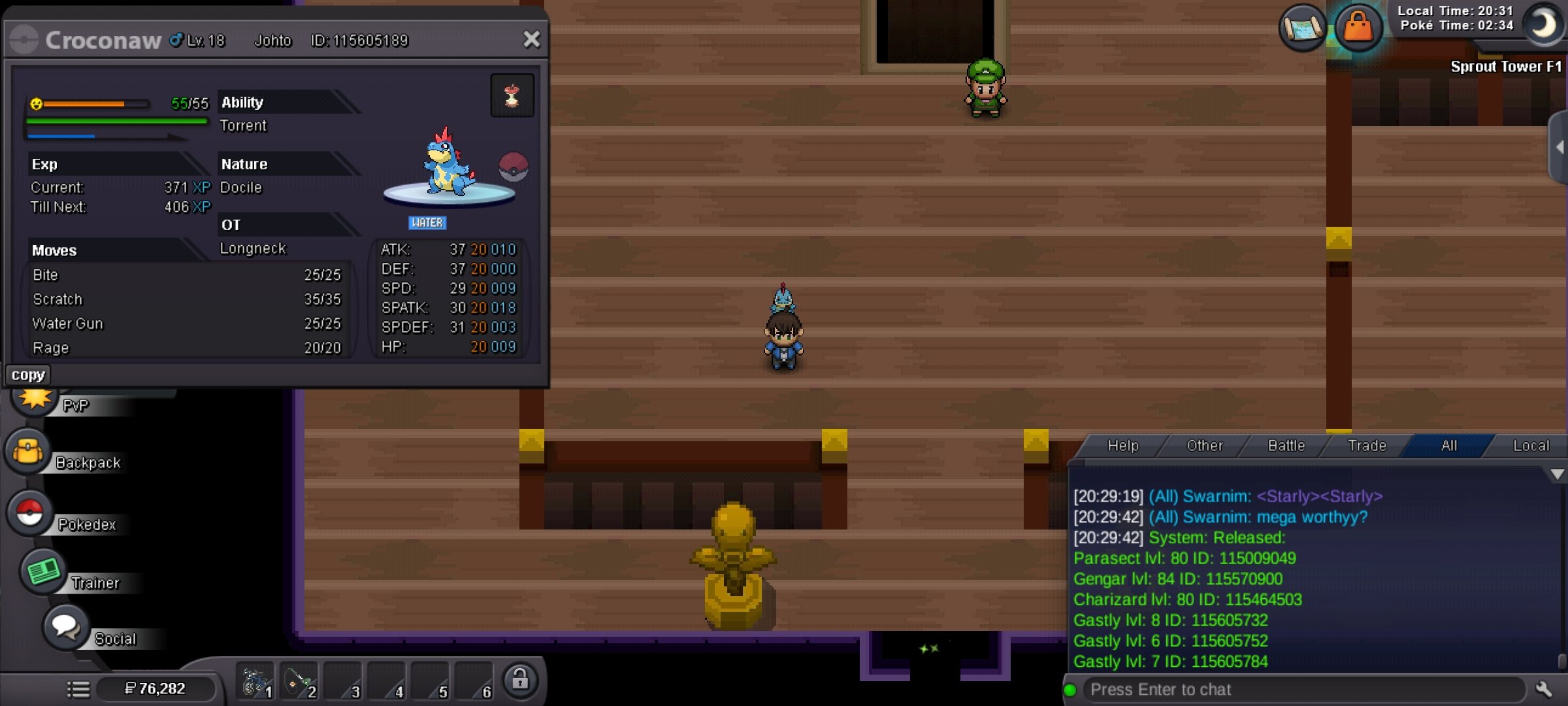
Linovi joined the communityIloveblood joined the communityI was releasing a bunch of ghastly I had no use for and I didn't realize that locked pokemon could be released. Server: Silver Pokemon: Parasect 115009049 Gengar 115570900 Charizard 1155464503
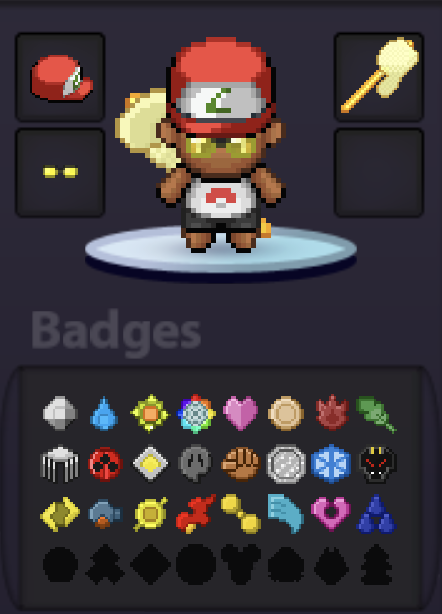
 I'm on the Victory Road Hoenn ... i'll beat em and i'll go test that ... i'll tell u Update : FIXED Thank you all ! 😁
 Digooxz17 joined the communityReishiii joined the communitywtb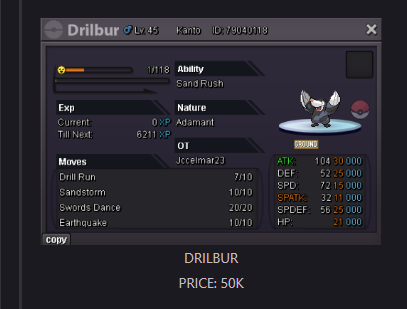
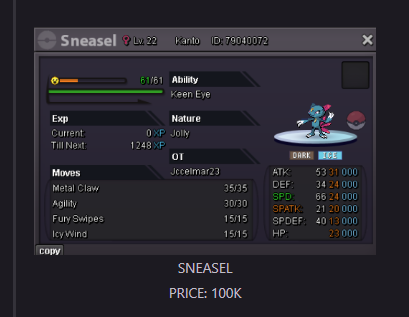
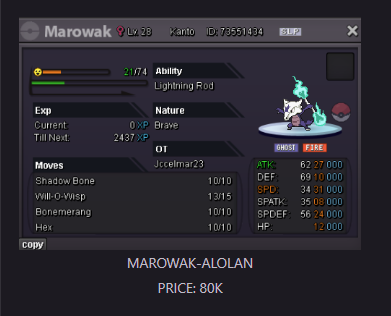 buy 4 pokes.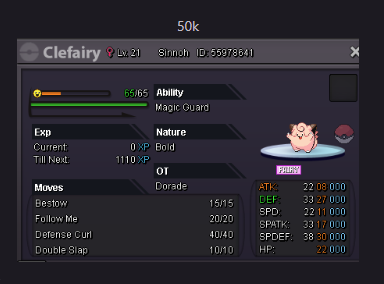
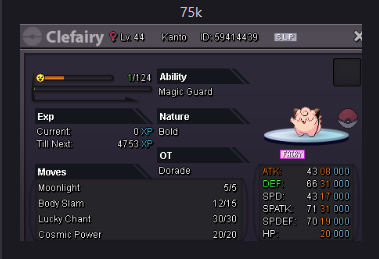
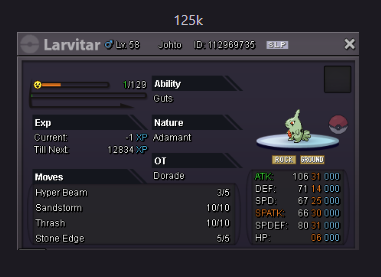
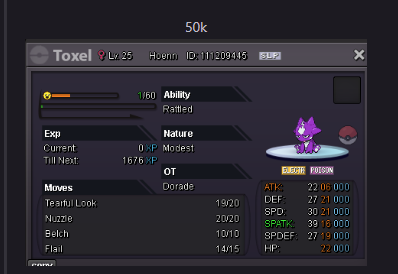 Cool.I also love gengar
Yesterday
Need a mistakenly released Grubbin restored please! Id: 115604244 Server: Silver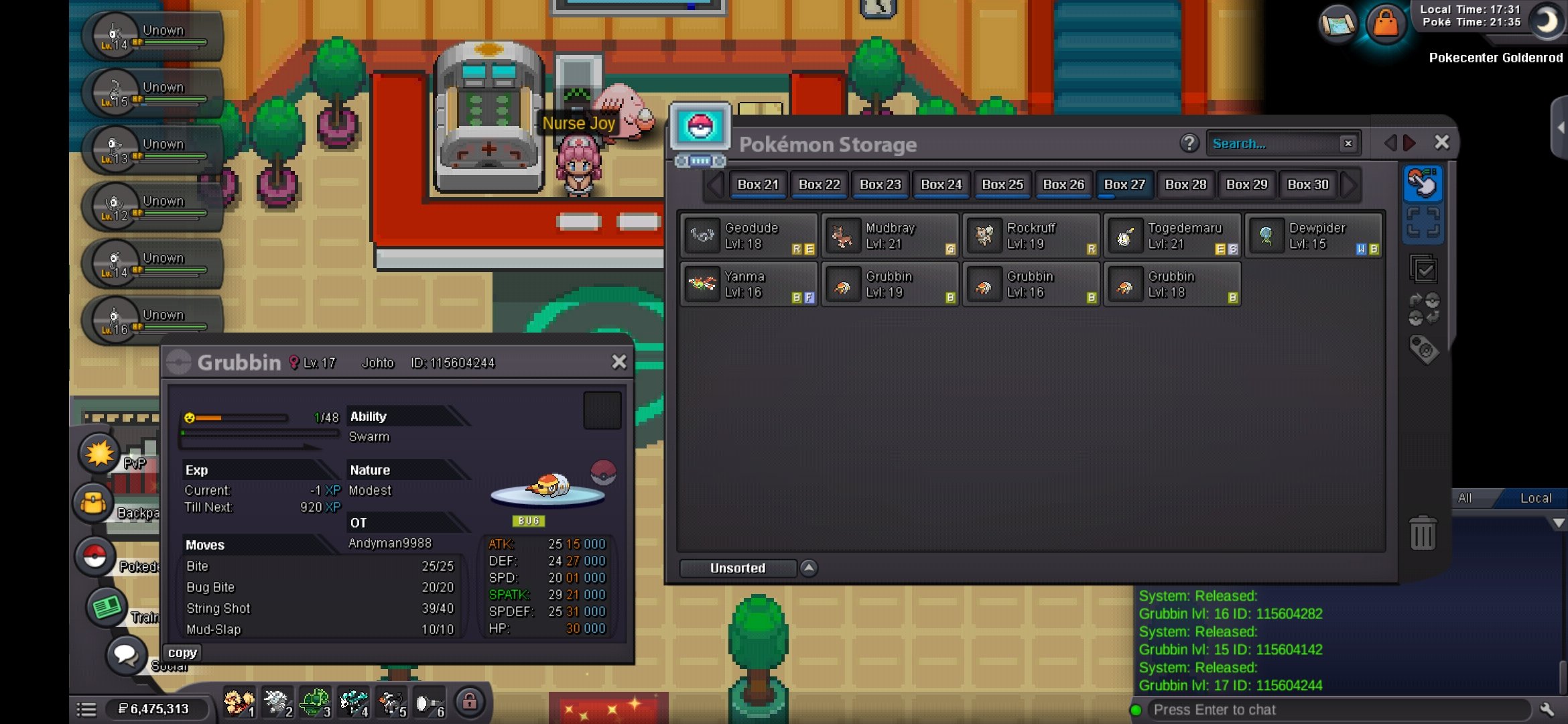 wtb this
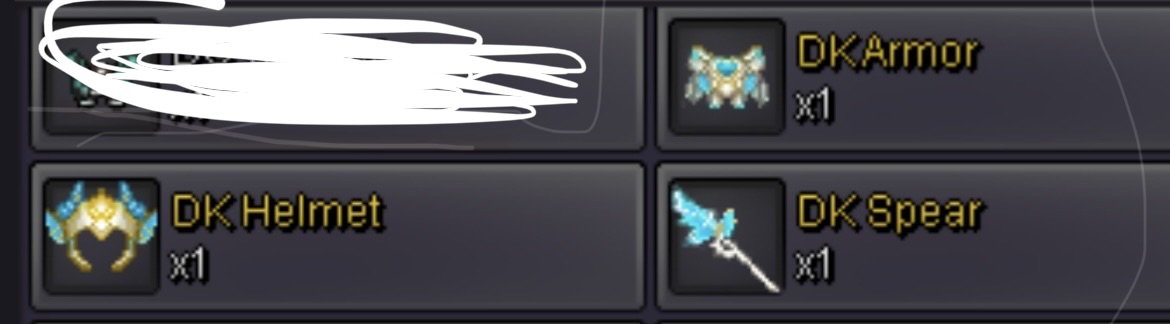
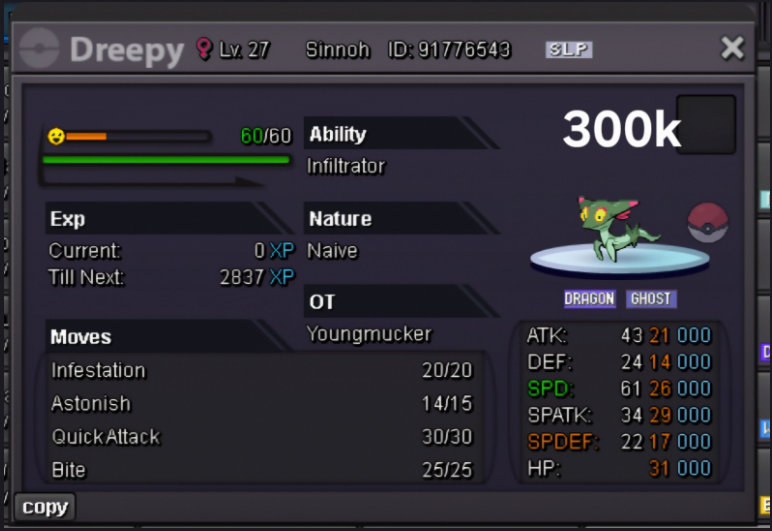 Meant to post this elsewhereUpThese 3 items tradable? And how much for them?
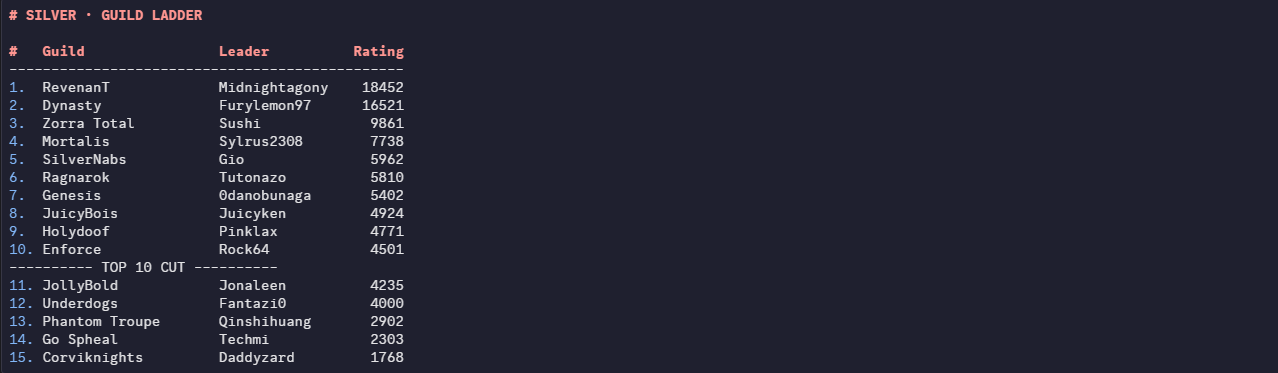
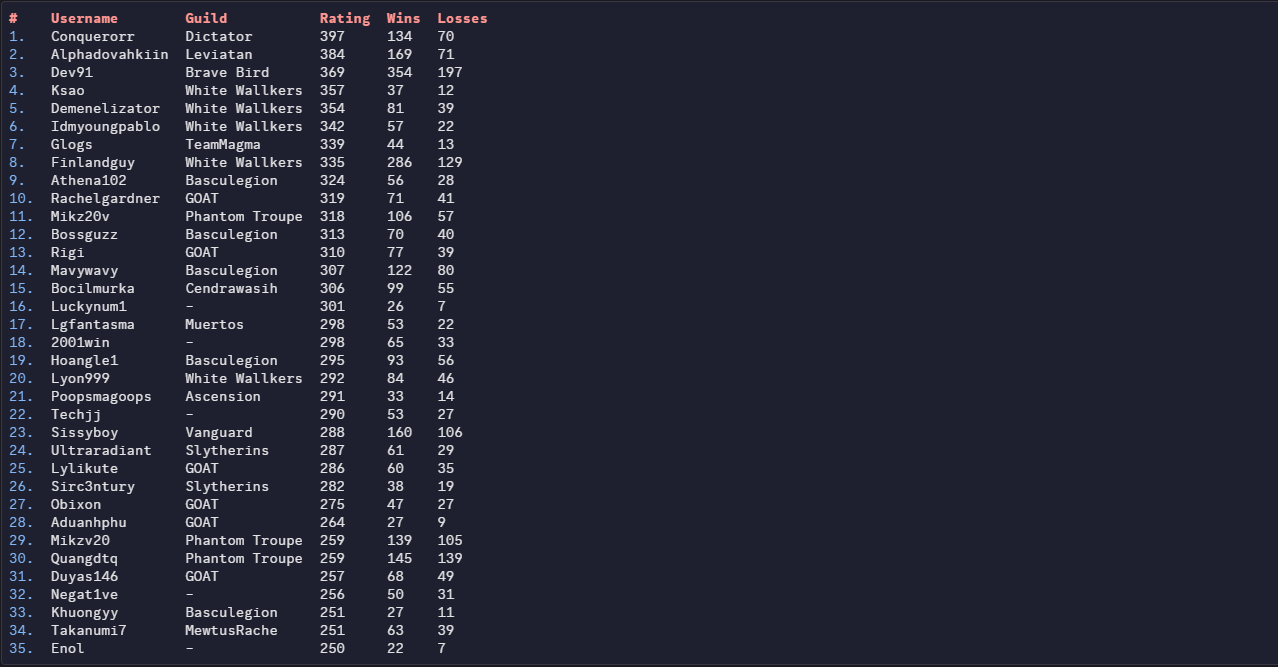
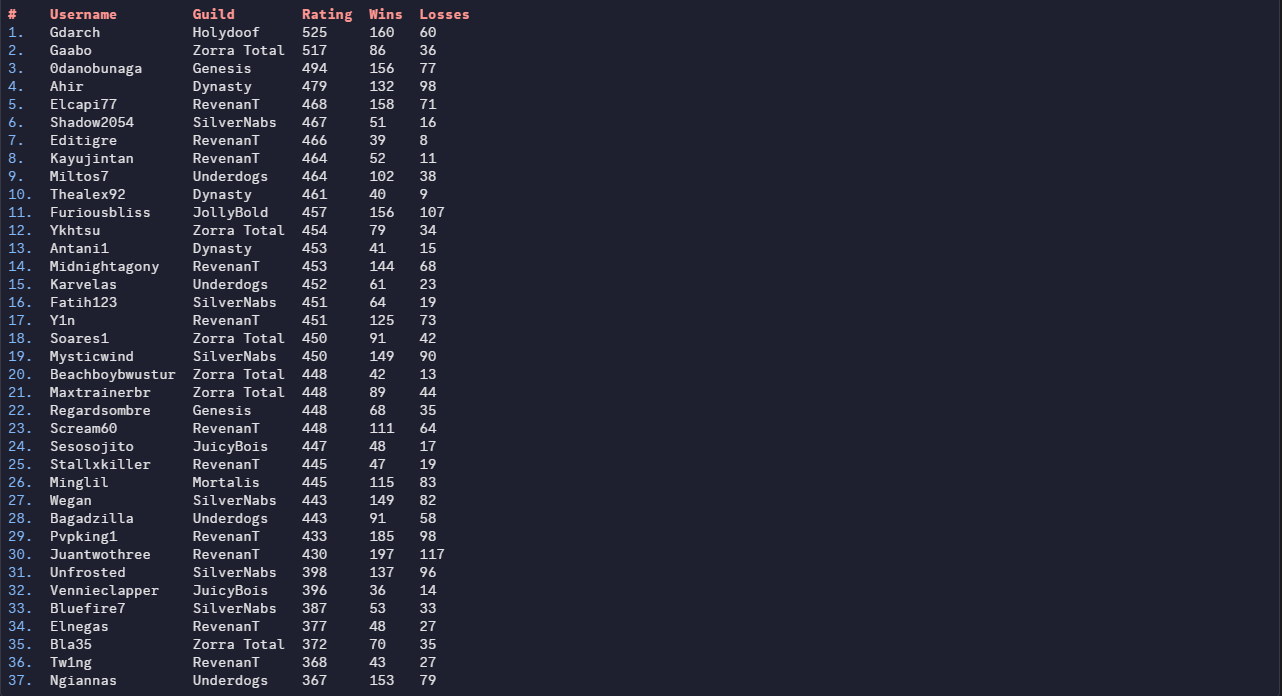
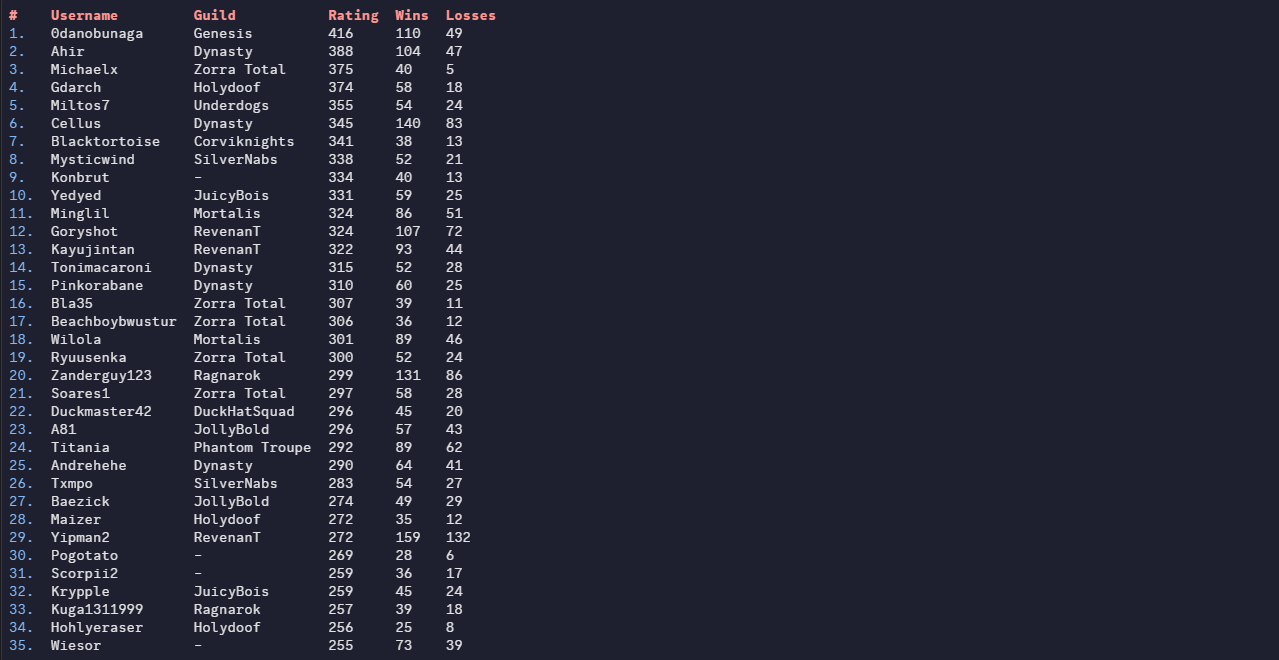
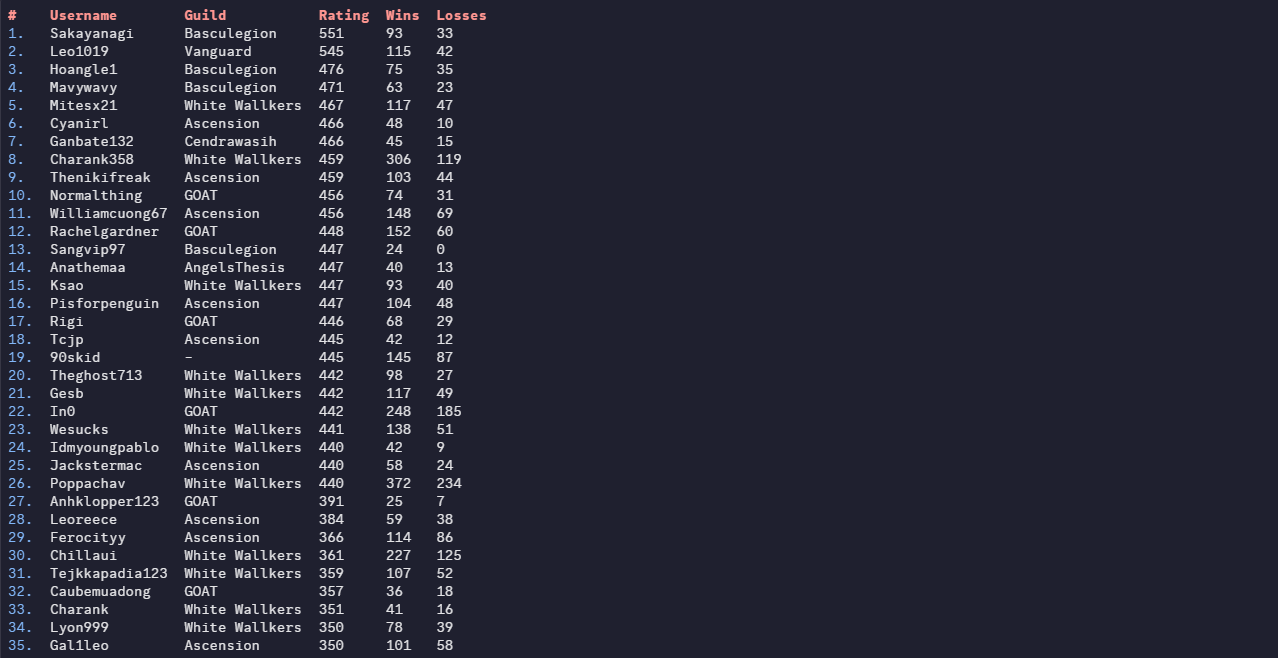
 Greetings Trainers, apologies for the delay. Without further ado, here are PvP Season results! Like always, we would like to thank everyone for giving PRO a competitive environment for another season. We would also like to congratulate each player and guild who made it to the top of the ladder, it's not an easy feat reaching the top. We all wish you the best in the next season. Thanks for participating! REWARDS: Normally, 1st Place will receive 600 PvP coins, 2nd place 595, and so on. Top ladder guilds shall receive 25% EXP Boost for the entirety of the next season! Additionally, Top 25 players from each server will receive: Access to Tutor Heaven! An exclusive Victorious Chroma! Special rewards will be distributed every 12 hours to those who reach the top 25 during this PvP Season, the distribution is as follows: 1st Place: 5× PvP Chests 2nd–3rd Place: 4×PvP Chests 4th–10th Place: 3× PvP Chests 11th–19th Place: 2× PvP Chests 20th–25th Place: 1× PvP Chests * Golden PvP Chests have better odds to give exclusive cosmetics! RANKED LADDER RESULTS: Top 25 Silver Ranked Rating (No Tier Ladder) Top 25 Gold Ranked Rating (No Tier Ladder) RANDOM RANKED LADDER RESULTS: Top 25 Silver Random Ranked Rating (No Tier Ladder) Top 25 Gold Random Ranked Rating (No Tier Ladder) RANKED GUILD LADDER RESULTS: Silver Guild Rating Gold Guild Rating Disclaimer: Results may have a marginal difference to ones recorded by other players. The results taken were taken seconds before the ladder was reset, whilst the servers were offline. If you used a Discord bot, or gathered your own screenshots earlier than us, your results may be inaccurate. If you are or aren't on the ladder when you think you should/n't be, please contact Rayziell via Forum Threads. Please note that users with the exact same rating may switched positions during the reward process, we have no influence over that.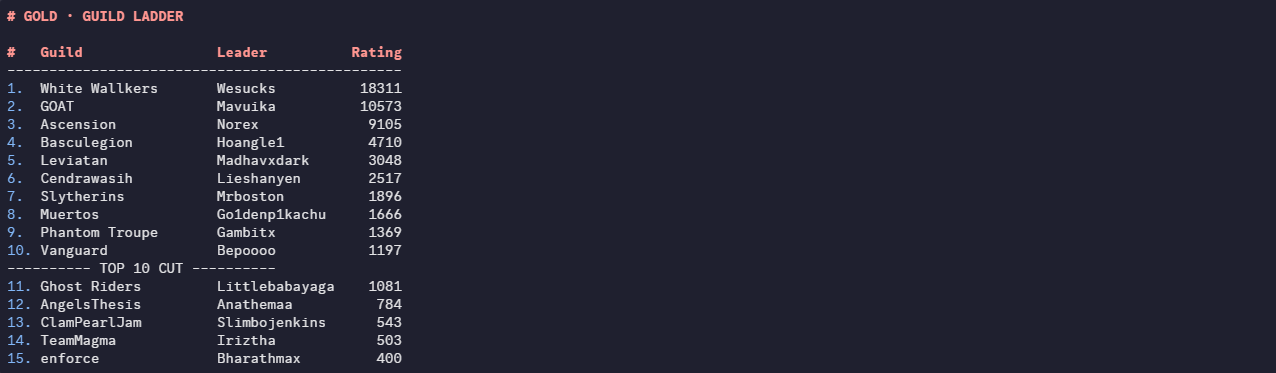
 Arh ty. I didn't know that item was in the game. :)Sure I'll contact youselled already , mb forgot to remove it