




New Trade Zone
Trade Zone is now live
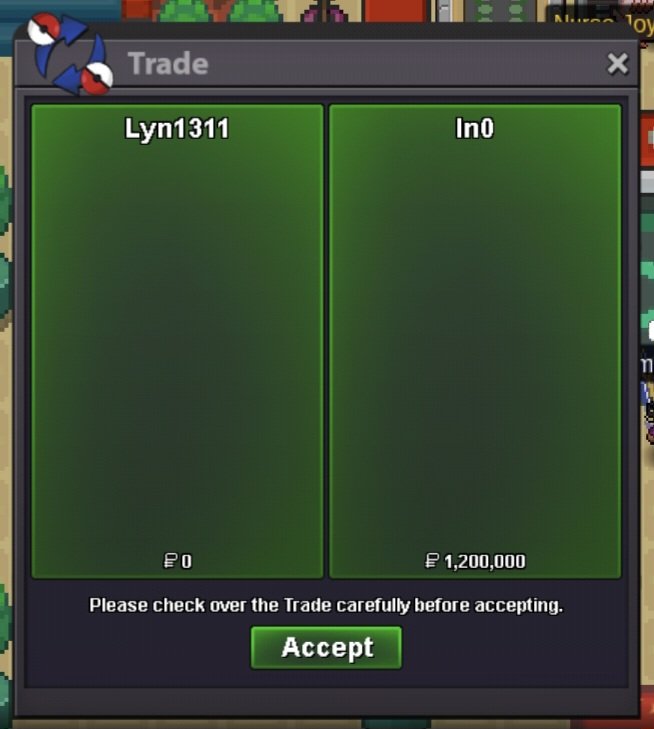
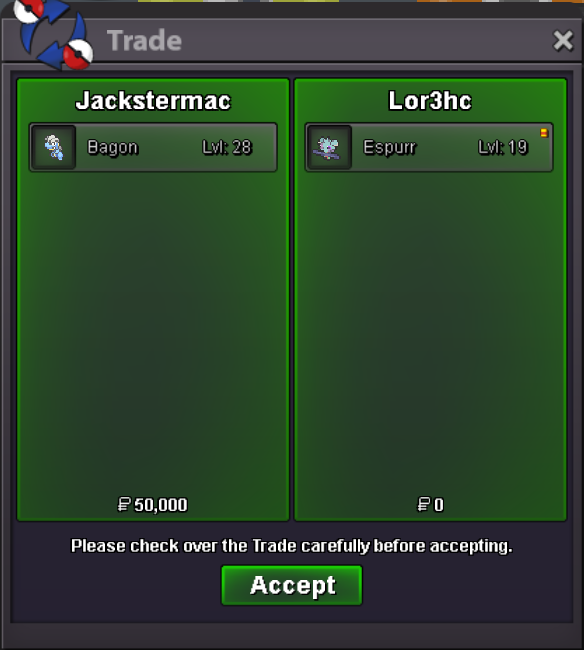
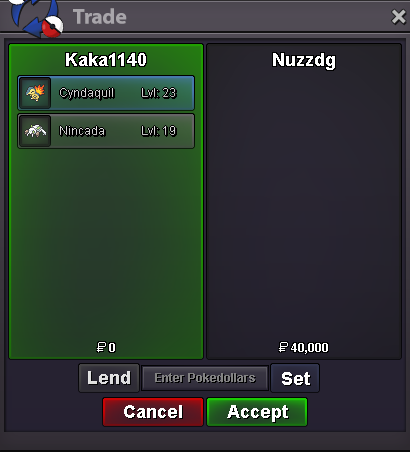
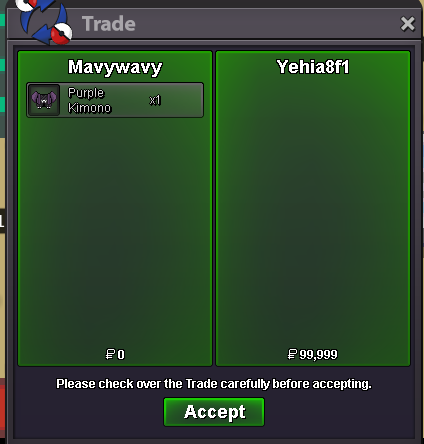
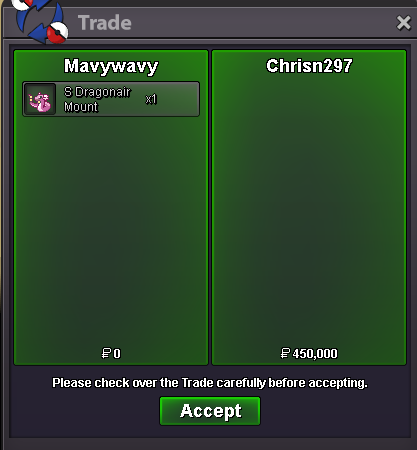
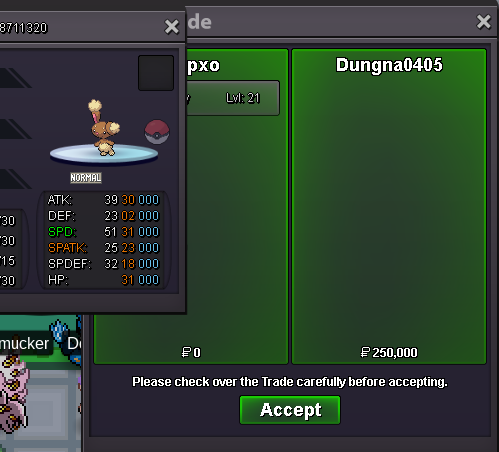
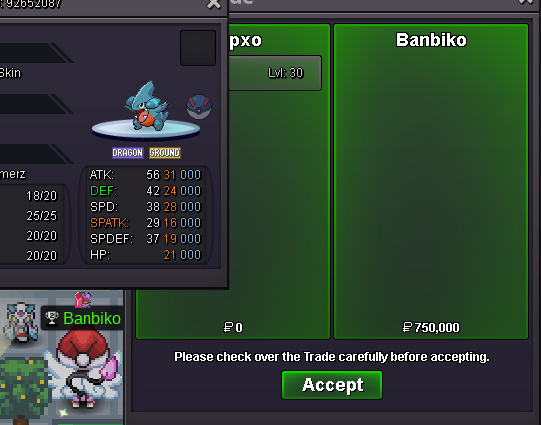
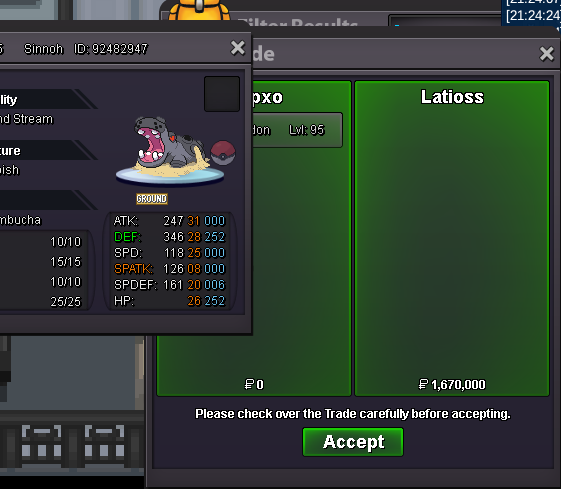
Use the new Trade Zone for auctions and instant-price trades so Pokemon and item offers are easy to find.
All Activity
Past hour
-
no
-
Quest service minigames, minigames boss and rockethideout quest. Thnx much,Glhf! Hunting sucks! Shop is back now, open for both silver and gold!
-
Fearxtracts joined the community
-
Larcenist joined the community
Today
-
Do you have Victini Dungeon Service?
-
yes
-
Gabrielmpuwu joined the community
-
I'd like a Volcanium mount—450k, right?
-
Lionuwu joined the community
-
Dgnvstzs joined the community
-
Siavash joined the community
-
Cedric99 joined the community
-
Fatfxukbitter joined the community
-
Tolu99 joined the community
Yesterday
-
Invite me uwu
-
Hi! @Duglaszh I'm glad that worked! If that is everything i will go ahead and lock this thread! Please feel free to reach out in a new topic in the future if you need help! Thanks! Satellar ✨
-
Lore3377 joined the community
-
Thank u so muchBumpHello, Just a heads-up that I've moved your thread from reports to General Support. Another staff member from the appropriate team will come and reply to you. Kind regards, Drakloak+1Hi PRO Staff, I am writing to respectfully request a restoration of my PC box. During a moment of severe frustration on my device, I impulsively mass-released my own Pokémons. This resulted in the loss of over 650+ Pokémon, including my 2 Legendary Pokémon( Landrous lvl 70, Thundurus lvl 70) . I deeply regret this rash action, especially after investing over 700+ hours of hard work into this account. I take full responsibility for what happened and am hoping you can check my server logs to help me recover my collection. Here are my account details: 1. In-Game Name (IGN): Zed09 2. Server: Gold 3. Approximately when did this happen? : 10-12 days prior to my posting here. 4. Names of 2 Legendary Pokémon? : Thundurus & Landrous(both lvl 70 approx.) 5. Total number of Pokémon released: 650+ Pokémon directly from the PC Boxes. which include lvl 100( whimsicott, pangoro, golduck. shuckle, ninjask, gorebyss, metagross, garchomp, nidoking, ferrothorn, rotom wash, clefable, hydrageion, charizard, bisharp, blastoise, gengar and many more can recall these many as of now. and various other duplicates well multiple of the rolls for the same type of pokemons as well (kadabra, gible, beldum, etc...) 6. Additional information: This action was done entirely by me in a moment of anger. I completely understand if processing a batch of this size takes time to verify through the database logs. I am incredibly grateful for your time and assistance in restoring my progress. Thank you, Zed09Hello! I'm sorry that the issue is still persisting Please give the client some time when attempting to log in and keep trying. The connection may need to cycle through the available proxies before finding one that can establish a connection properly. If the current proxy is unable to connect, please wait for it to time out rather than closing the client or immediately trying again, as it should then automatically move on to the next available proxy You can also try connecting through 4G first and, once you are successfully logged in, switch back to your Wi-Fi connection and see if you are able to remain connected I understand this can be inconvenient, but please give it some time and continue trying this way. Thank you for your patience Best regards. Hallowglow.Hello! That's great news! I'm glad to hear that the issue has been resolved! Since we have been able to resolve the issue, I will proceed to close this thread. If you need any further assistance in the future, please don't hesitate to contact us again. Kind regards. Hallowglow.I would appreciate the opportunity to speak with you. Could you please add me on Discord when you have a moment? Discord id- rizyuzenReady. Thank you very much, it did work for me. :DDDDDDDDHey Hallowglow :) After trying to log in in silver the connection goes through succesfully and no longer need to use VPN or anything of the like , Thank you and the Team for working on it and fixing it :) Best wishes !

















Account
Navigation
Search
Configure browser push notifications
Chrome (Android)
- Tap the lock icon next to the address bar.
- Tap Permissions → Notifications.
- Adjust your preference.
Chrome (Desktop)
- Click the padlock icon in the address bar.
- Select Site settings.
- Find Notifications and adjust your preference.
Safari (iOS 16.4+)
- Ensure the site is installed via Add to Home Screen.
- Open Settings App → Notifications.
- Find your app name and adjust your preference.
Safari (macOS)
- Go to Safari → Preferences.
- Click the Websites tab.
- Select Notifications in the sidebar.
- Find this website and adjust your preference.
Edge (Android)
- Tap the lock icon next to the address bar.
- Tap Permissions.
- Find Notifications and adjust your preference.
Edge (Desktop)
- Click the padlock icon in the address bar.
- Click Permissions for this site.
- Find Notifications and adjust your preference.
Firefox (Android)
- Go to Settings → Site permissions.
- Tap Notifications.
- Find this site in the list and adjust your preference.
Firefox (Desktop)
- Open Firefox Settings.
- Search for Notifications.
- Find this site in the list and adjust your preference.