New Trade Zone
Trade Zone is now live
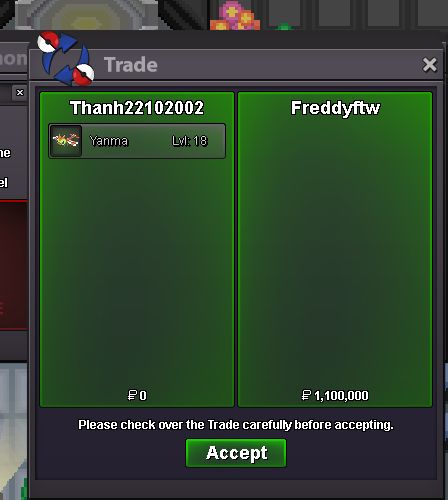
Use the new Trade Zone for auctions and instant-price trades so Pokemon and item offers are easy to find.
Leaderboard








Popular Content
Showing content with the highest reputation on 04/27/22 in all areas
-
2 points
-
2 points
-
U can offer picture and price here or pm discord S༙T༙A༙R༙#3458 Budget around 60m poke$1 point
-
1 point
-
1 points.o 100k min bid 50k no insta 48 hours after start c.o 600k by Aditya118 ends April 28 20:48 (gmt+8, Ph time) accept cc=400k nat rr= 340k iv rr= 680k
 1 point
 -
1 pointHello, we do not plan to implement a system message for rare shiny or form encounters. This will only annoy other users. May it be for the potential PM spam or the chat spam - regardless of the message.1 point
-
1 point
-
Hello @Eunia. My apologies for the late response. I’m sure it was frustrating, but we needed some time in order to investigate your situation. Im glad to inform you that you have been reimbursed 1.2m and x3 Reroll Ticket(s). Can you confirm that you’ve received them?1 point
-
1 point
-
1 point
-
1 point
-
1 point
-
Hello, we intentionally didn't add broken MS-feature cause we don't want to make the game pay to win. I do plan to add more little MS-feature such as the Random battle benefit where MS users get a guaranteed shiny for temporary assigned Pokemon that disappear again after the battle ended.1 point
-
1 point0 points0 points0 points0 points