New Trade Zone
Trade Zone is now live
Use the new Trade Zone for auctions and instant-price trades so Pokemon and item offers are easy to find.
Leaderboard
-

Shaolan
Developer11Points454Posts -
Justbillionare
Registered User6Points1952Posts -

Tanavast
Former Staff3Points1689Posts -
Suncity
Suspended3Points5399Posts



Popular Content
Showing content with the highest reputation on 04/29/25 in all areas
-
11 pointsChangelog 29.04.2025: Fixed Rest removing damaging effects such as Leech Seed and the trapping effect of Magma Storm etc. Teleport will no longer print a misleading failed message in a few scenarios that was caused depending on your TP user's team slot position and the state of the Pokémon surrounding it. Fixed Contrary and Simple not working anymore for their users when facing an asleep Mold Breaker user faster than them until it wakes up. Fixed Mind Blown recoil message showing up when its user fainted before being able to use it. Red Card will no longer activate when its holder gets OHKO. Cleaned up Red Card code. Coded Mortal Spin Coded Heat Crash Coded Grim Neigh Coded Chilling Neigh Coded Ice Spinner Coded Bitter Blade Coded Electro Shot Coded Wind Rider Coded Poltergeist Coded Blazing Torque Coded Magical Torque Coded Noxious Torque Coded Wicked Torque Coded Well-Baked Body Updated the list of moves that can't be called by Metronome, Sleep Talk and Copycat to Gen 9. Fixed an issue where Ice Hammer, Headlong Rush, Jet Punch, Rage Fist, Surging Strikes and Wicked Blow were not affected by Iron Fist. Reworked Grass-type immunity to Spore and Powder moves. Fixed an issue where Cotton Spore could affect Grass-types. Updated the list of abilities that are ignored by Mold Breaker to Gen 9.11 points
-
2 points
-
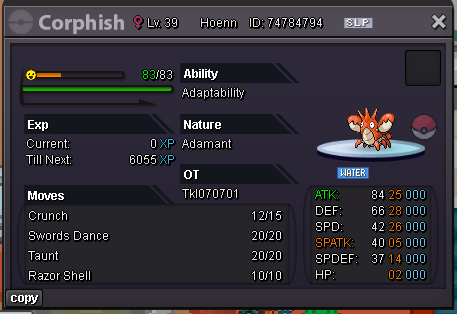
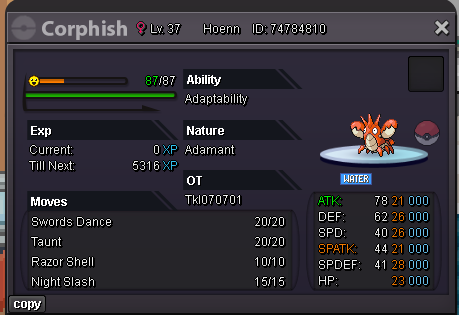
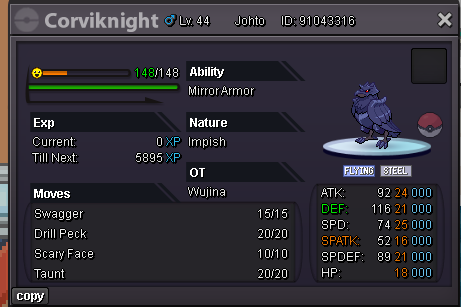
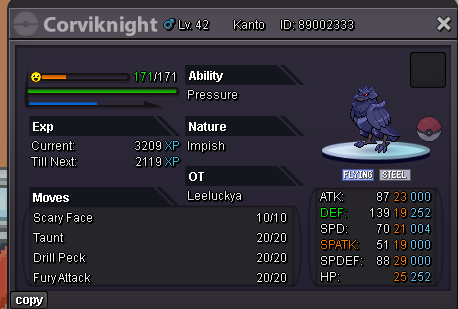
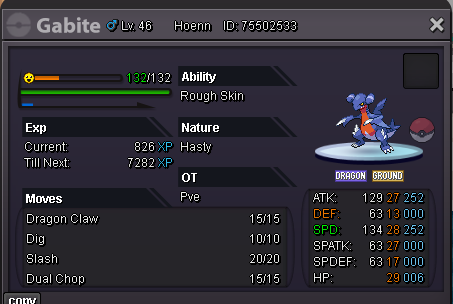
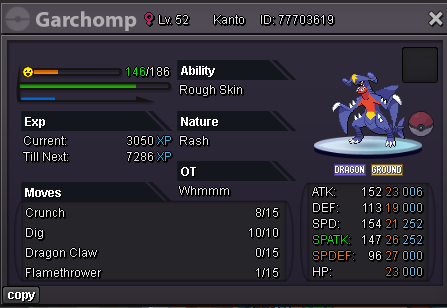
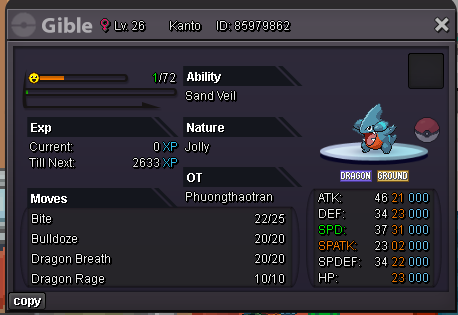
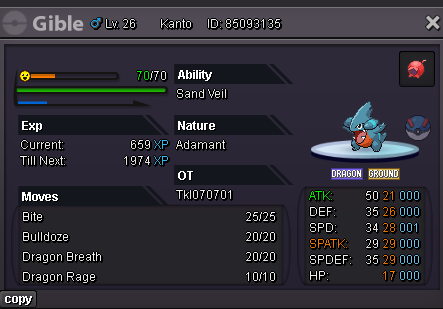
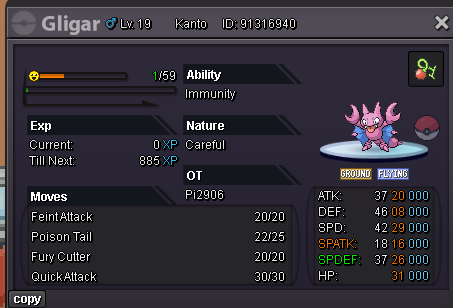
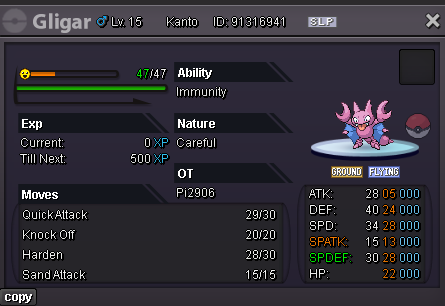
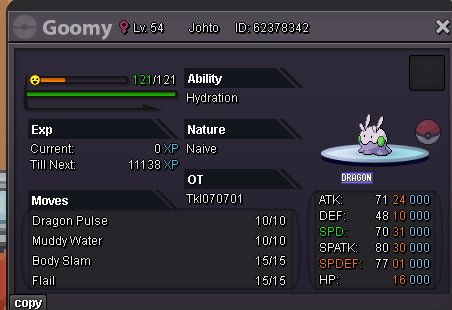
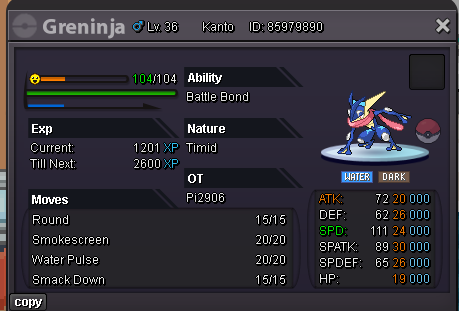
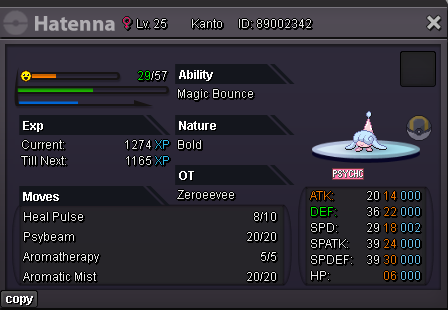
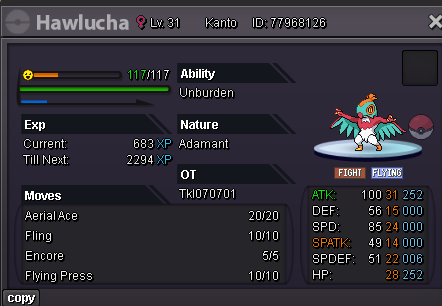
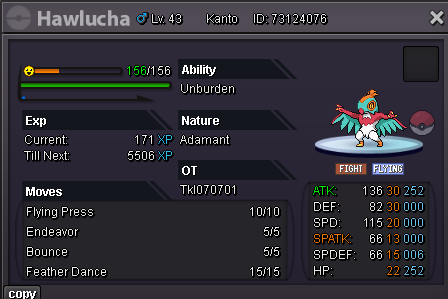
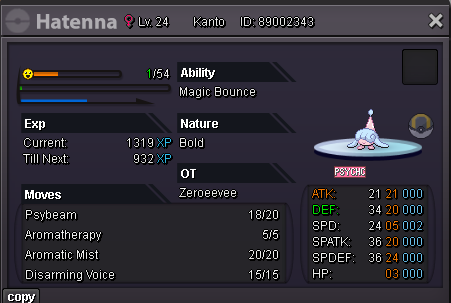
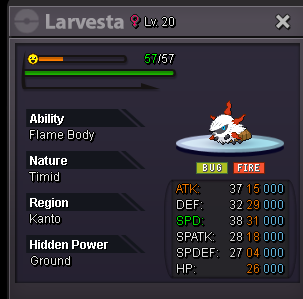
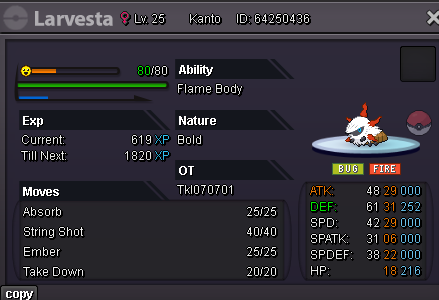
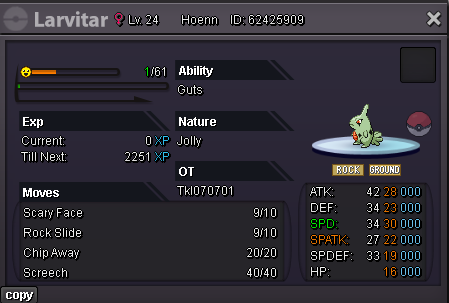
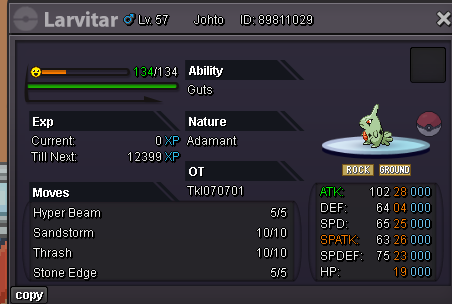
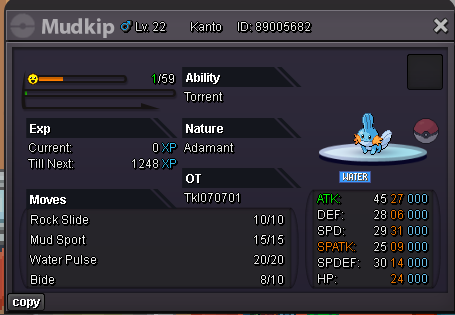
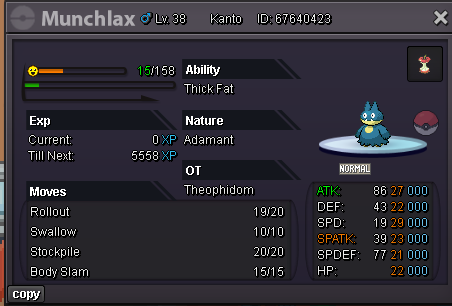
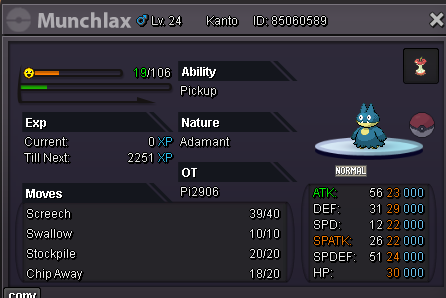
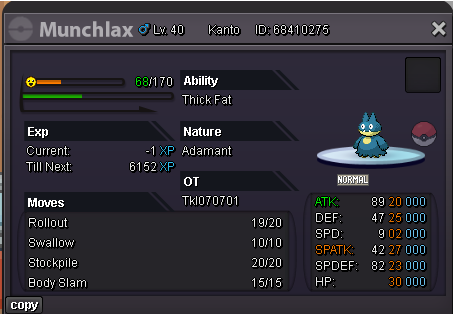
WELCOME EVERYONE 𓆩✧𓆪𓆩✧𓆪𓆩✧𓆪𓆩✧𓆪𓆩✧𓆪𓆩✧𓆪𓆩✧𓆪𓆩✧𓆪𓆩✧𓆪𓆩✧𓆪𓆩✧𓆪𓆩✧𓆪𓆩✧𓆪𓆩✧𓆪𓆩✧𓆪𓆩✧𓆪𓆩✧𓆪𓆩✧𓆪 Contacts Ingame: Tkl070701 Discord: ThaiKimLuong Pm in this thread ༺━━━━━━━━━༺━━━━━━━━━━━━━━━━━━━━༻━━━━━━━━━━༻ Payments Pokedollar Coin Capsule= 480k Reroll IV Ticket= 700K Nature Reroll Ticket= 350K Rare Candy= 6k / each 𓆩✧𓆪𓆩✧𓆪𓆩✧𓆪𓆩✧𓆪𓆩✧𓆪𓆩✧𓆪𓆩✧𓆪𓆩✧𓆪𓆩✧𓆪𓆩✧𓆪𓆩✧𓆪𓆩✧𓆪𓆩✧𓆪𓆩✧𓆪𓆩✧𓆪𓆩✧𓆪𓆩✧𓆪𓆩✧𓆪 Notice 1. This is a Gold server shop so I will not transfer. 2. You cannot withdraw your offer. Any scam or fake will be reported. 3. I live in the GMT+7 time zone. 4. Price are negotiable. 5. English only. PM me on Discord for a faster reply. ༺━━━━━━━━━༺━━━━━━━━━━━━━━━━━━━━༻━━━━━━━━━━༻ Spoiler Spoiler ☾☽☾☉☽☾☉☽☾☉☽☾☉☽☾☉☽☾☉☽☾☉☽☾☉☽☾☉☽☾☉☽☾☉☽☾☉☽☾☉☽☾☉☽☾☉☽☾☉☽☾☉☽☾☽

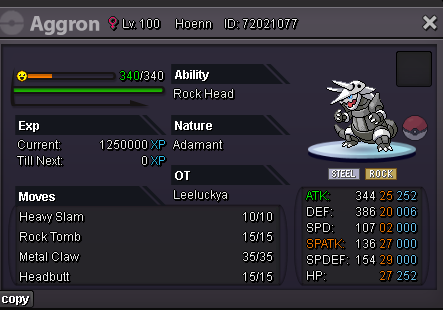
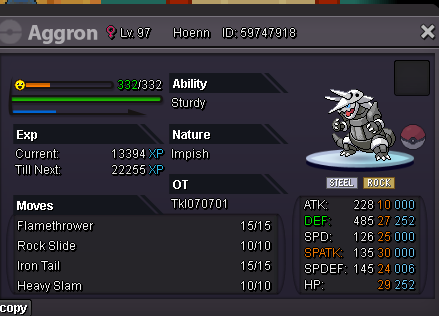
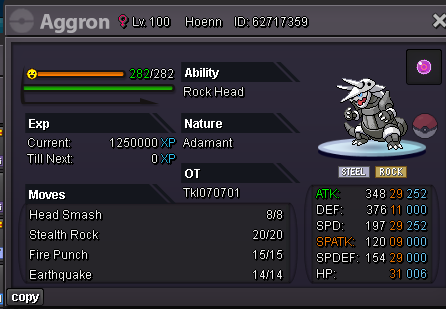

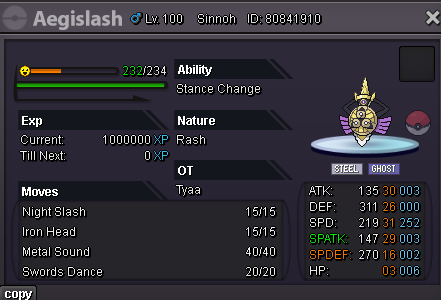
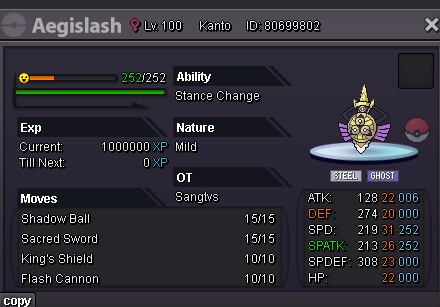

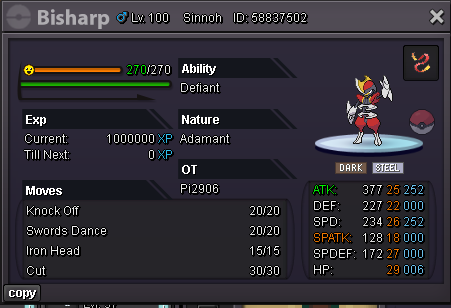
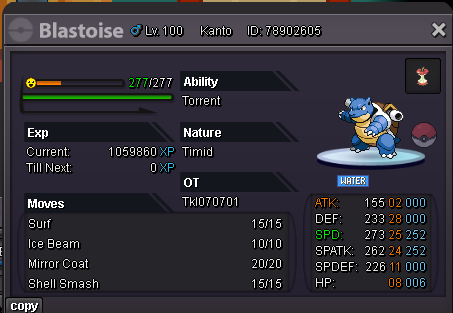
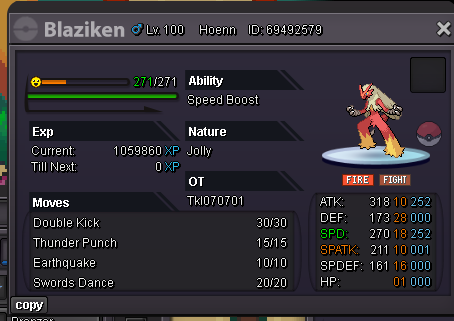
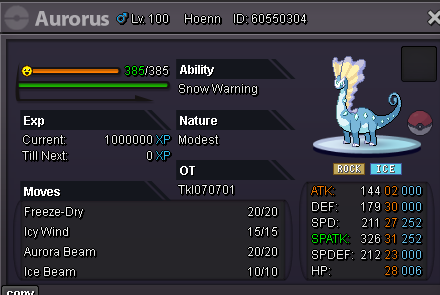
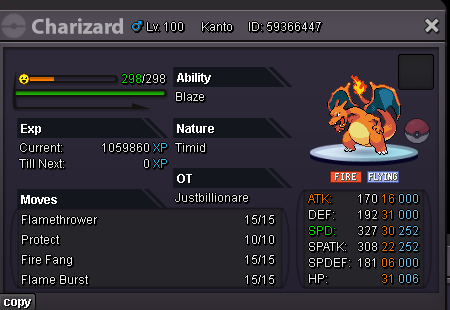
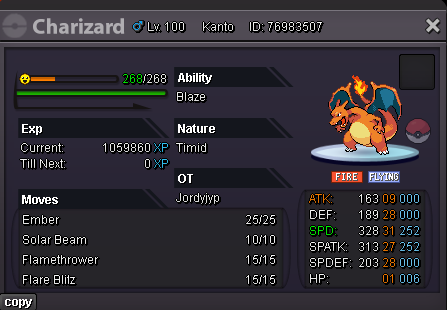
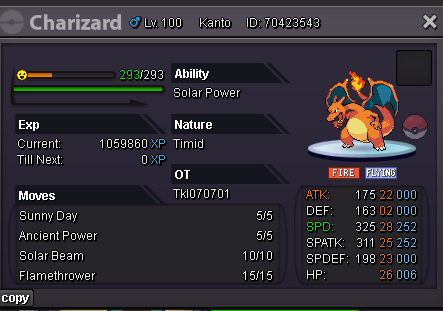
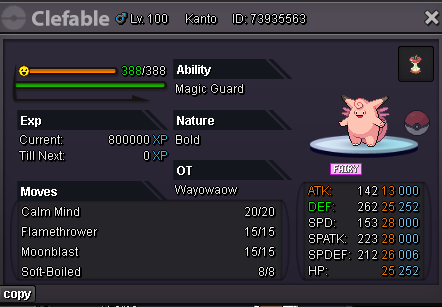
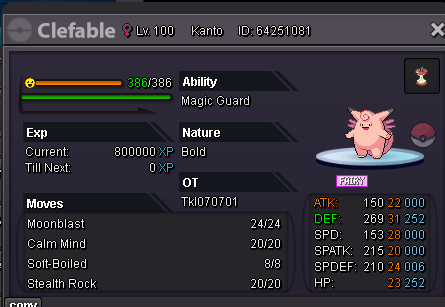
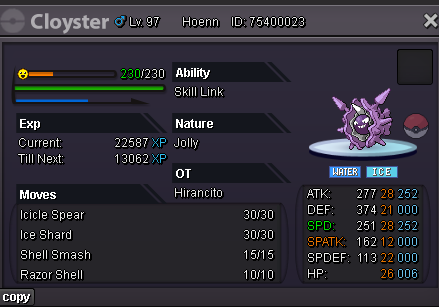
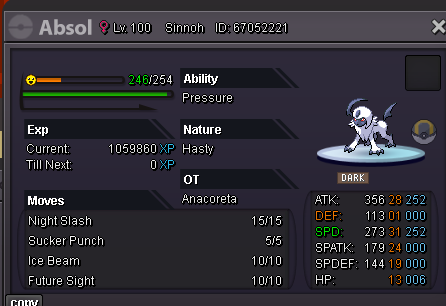
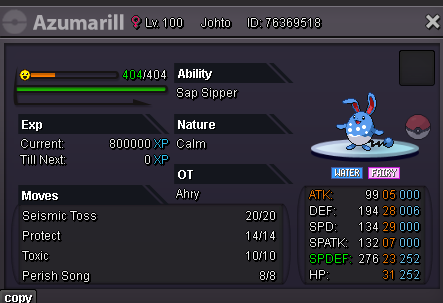
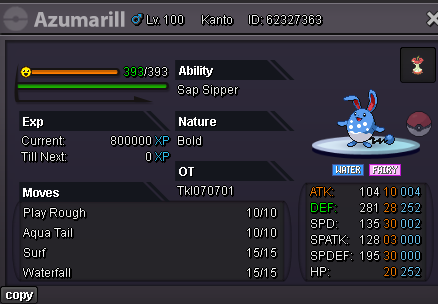
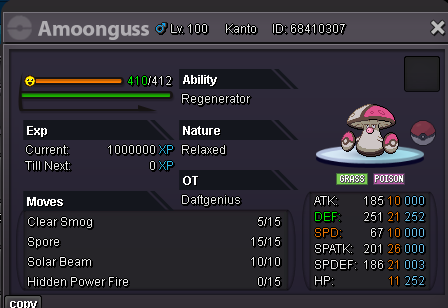
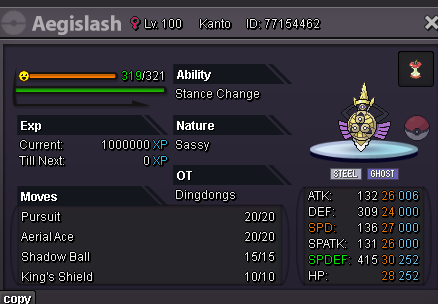


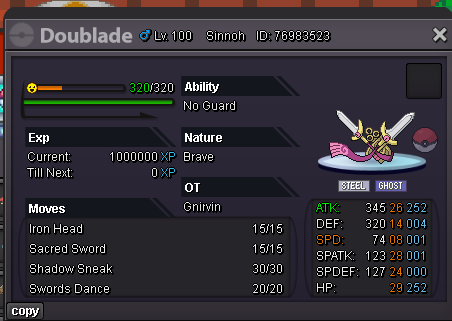
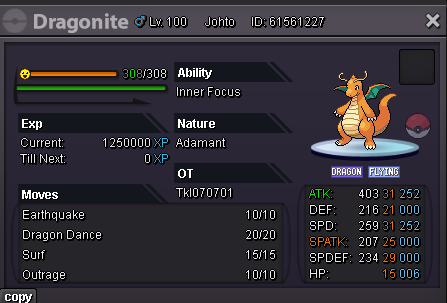
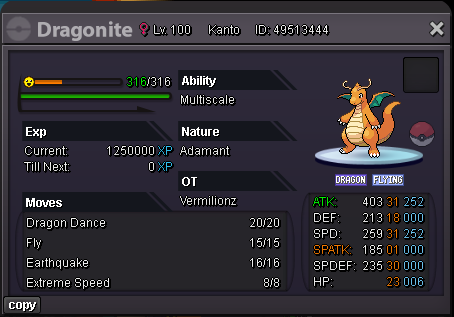

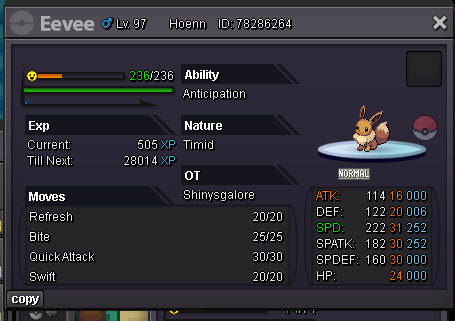
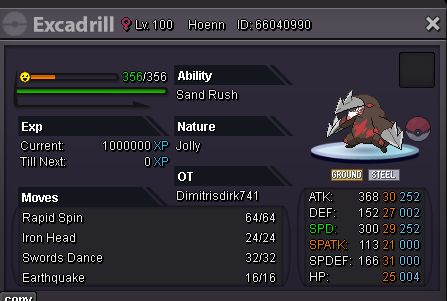
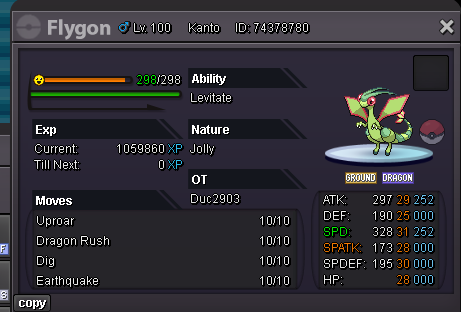

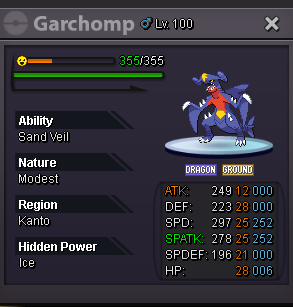

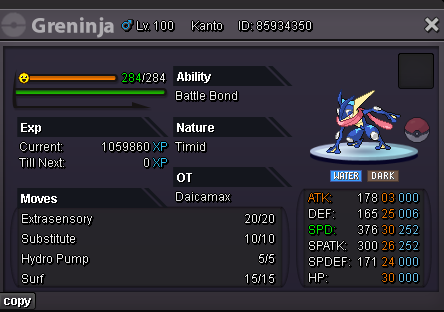
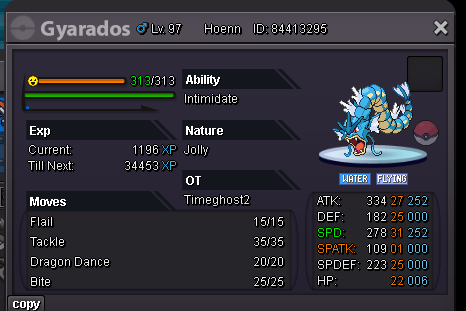
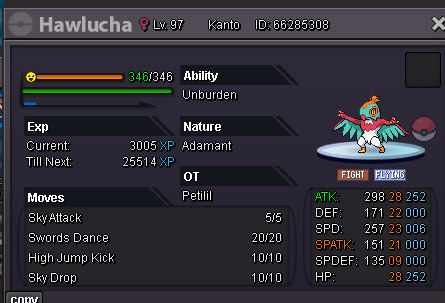
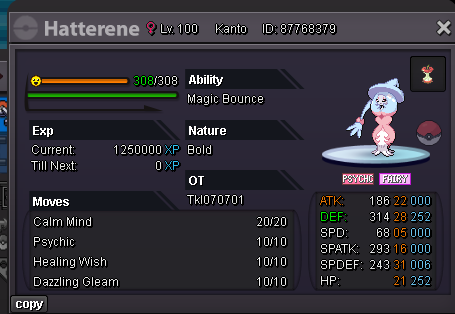
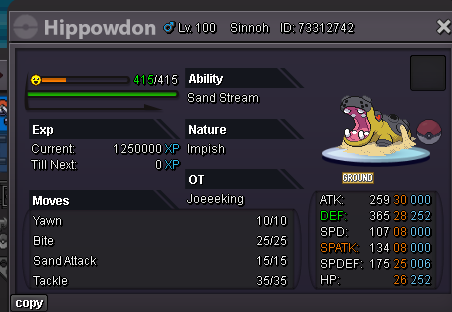
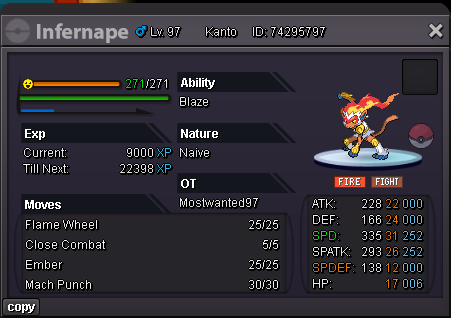
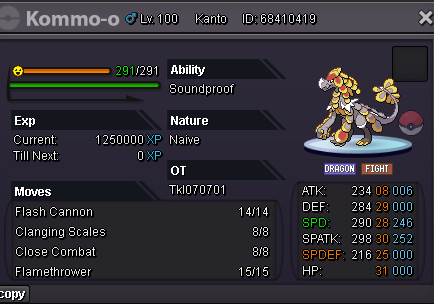

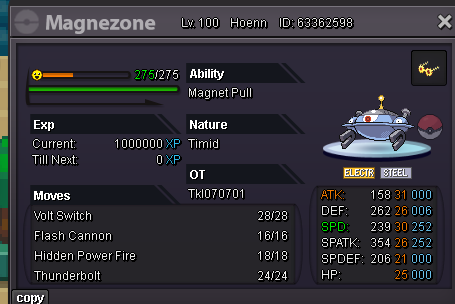
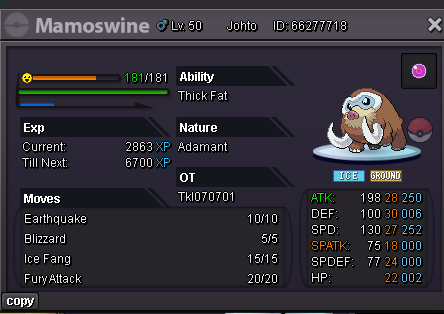
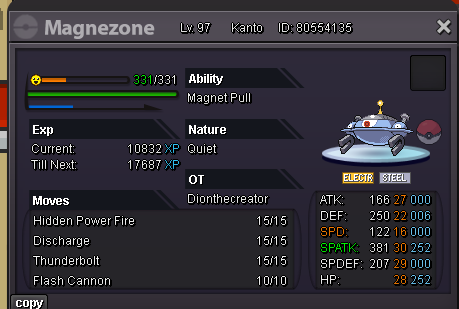

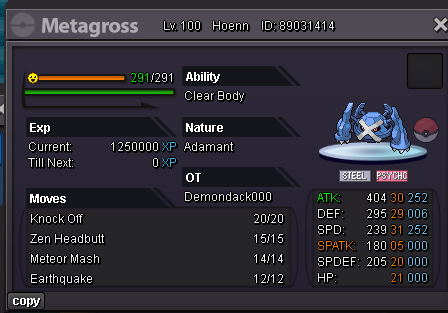
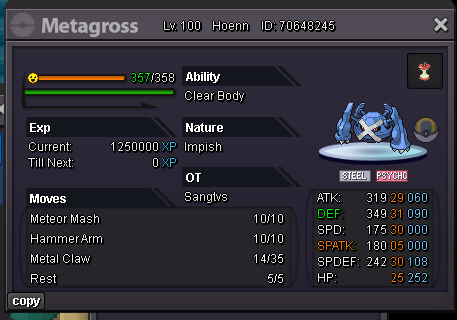

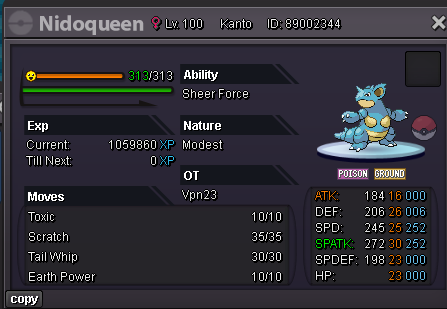
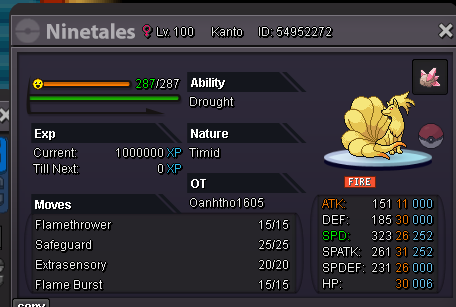
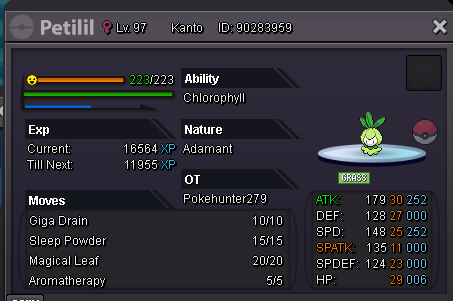
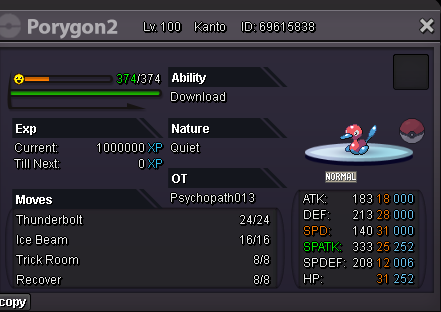
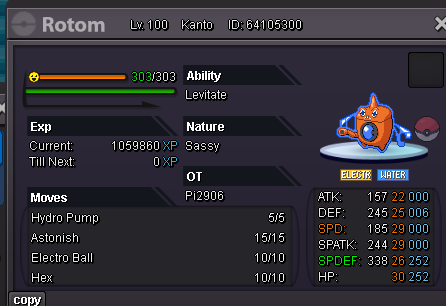
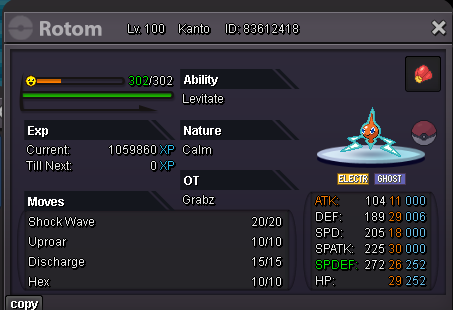
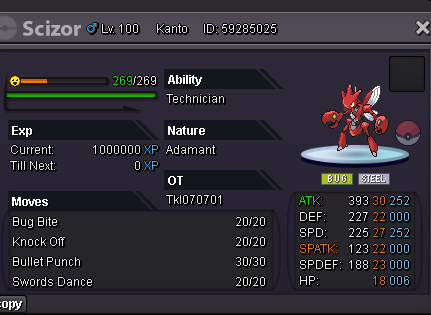
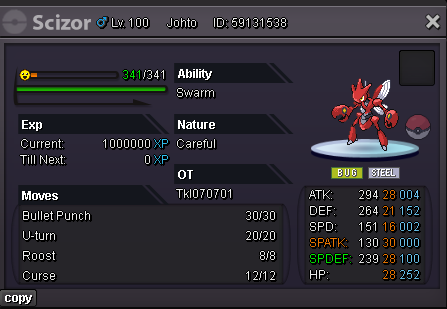
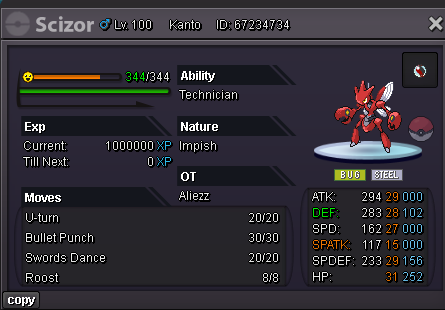
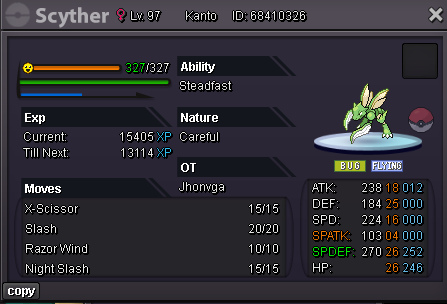
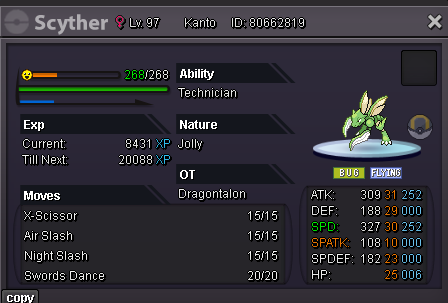

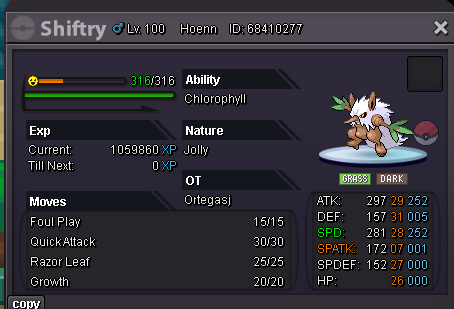
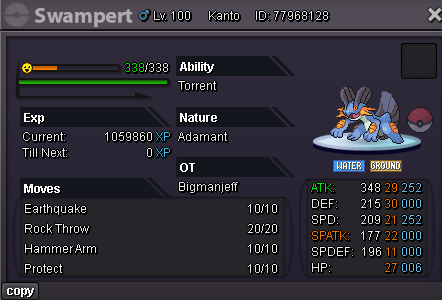
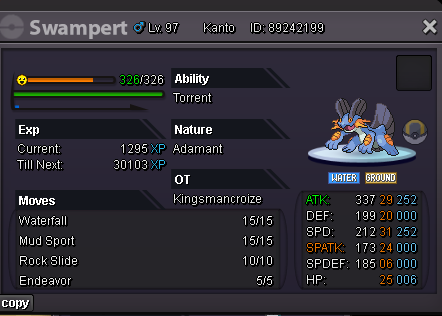
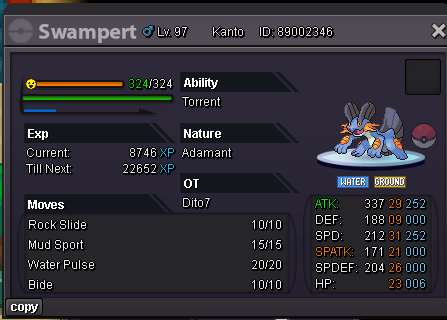
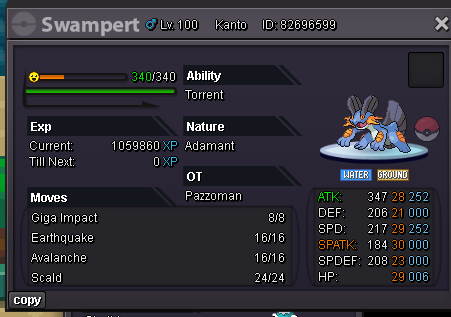
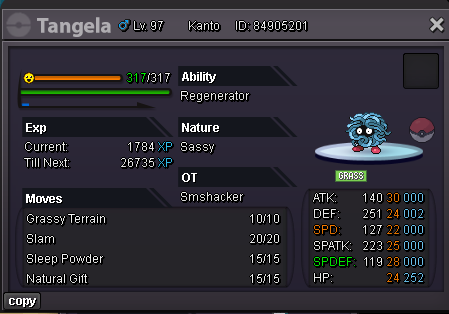
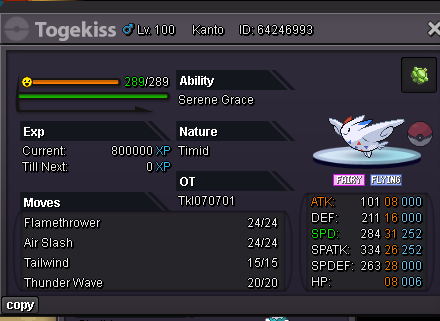
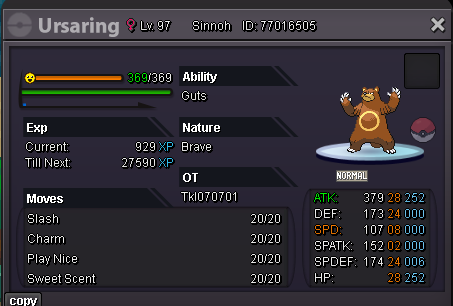
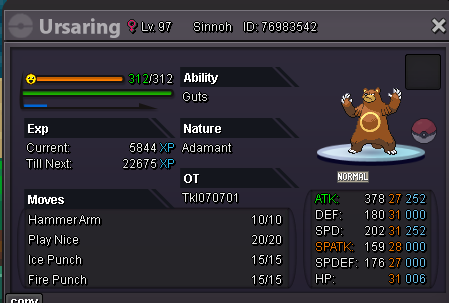


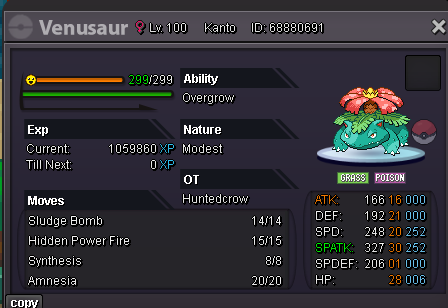
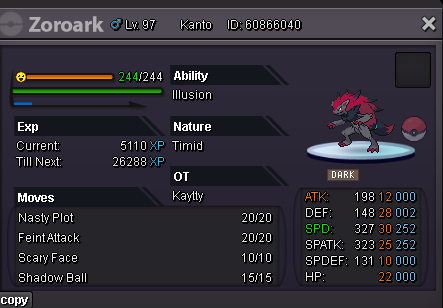

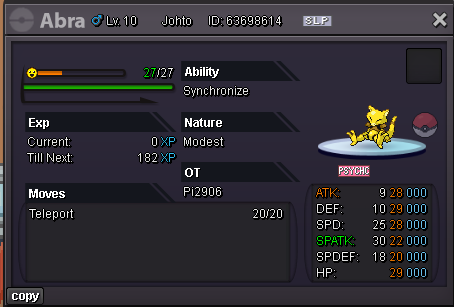
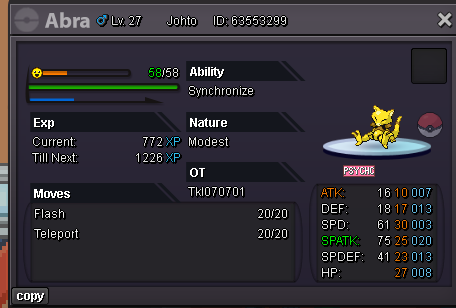
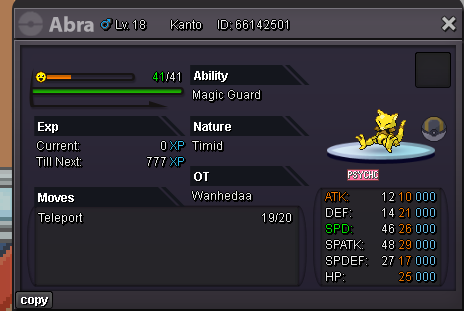
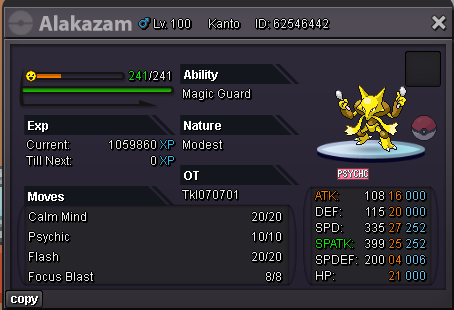
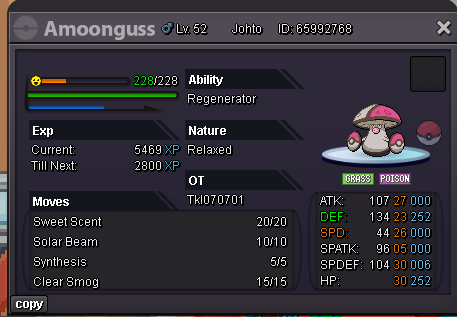
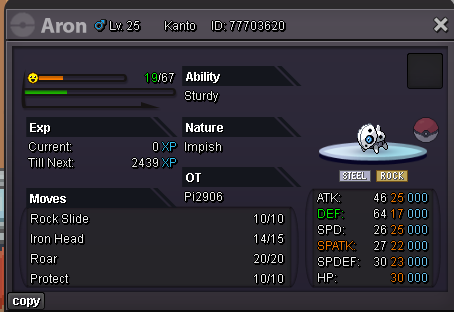
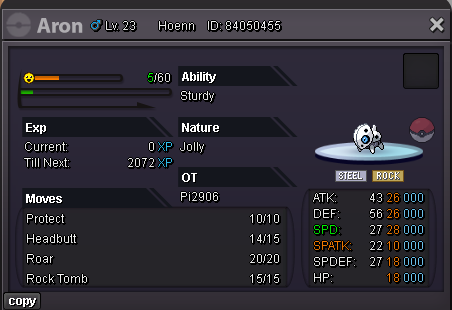

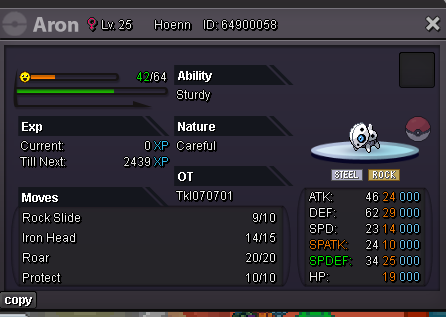
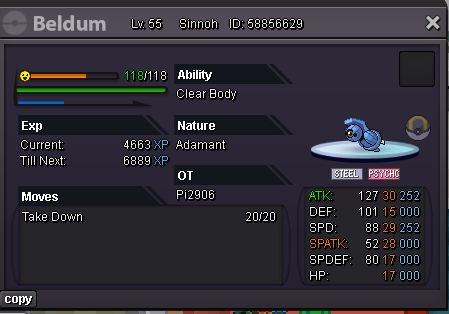
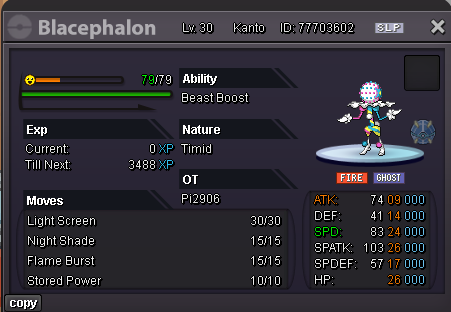
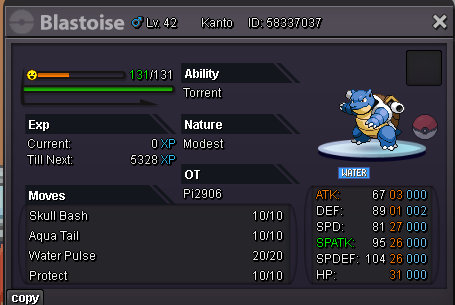

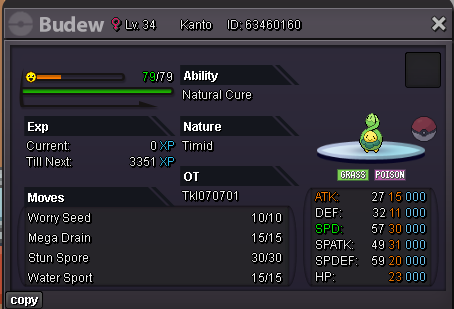
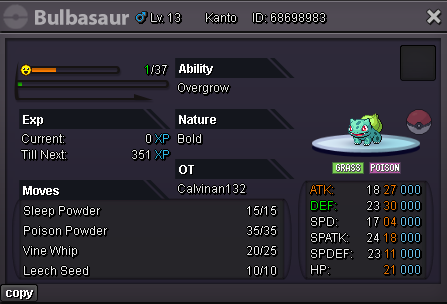
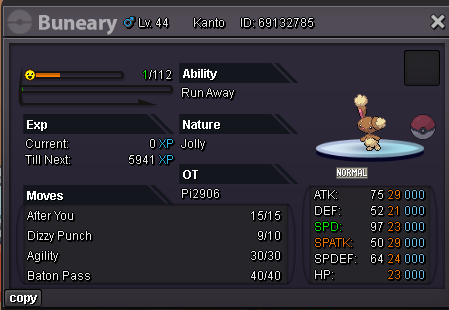
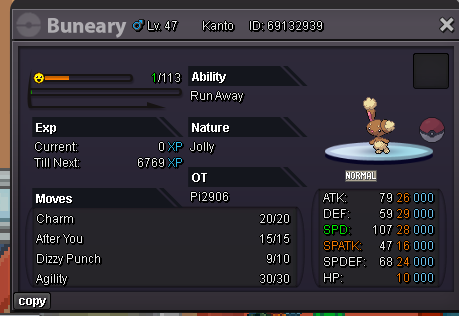
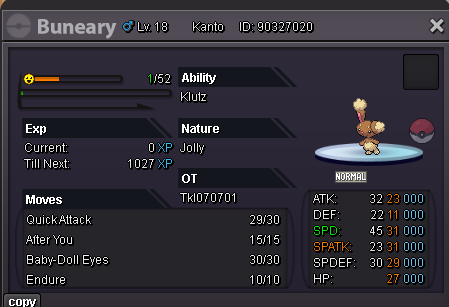
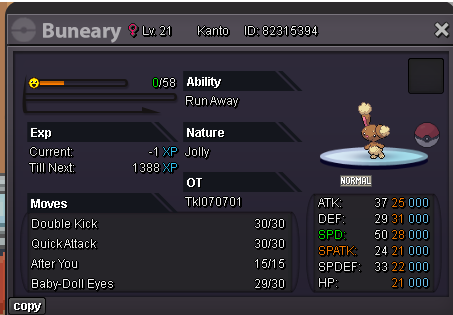
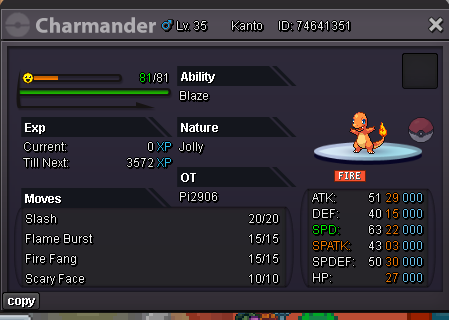
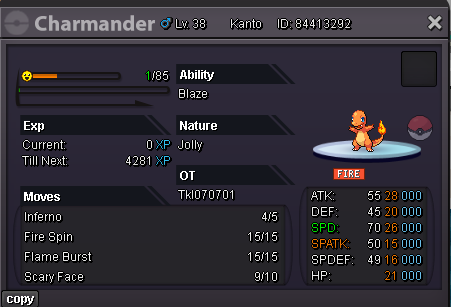
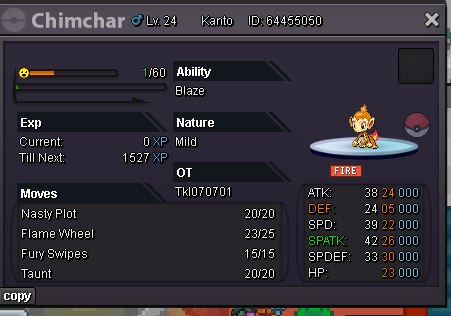
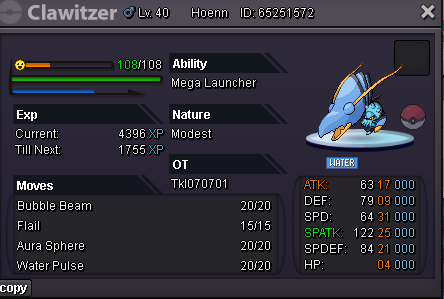
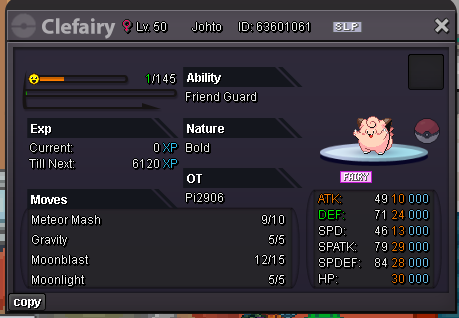
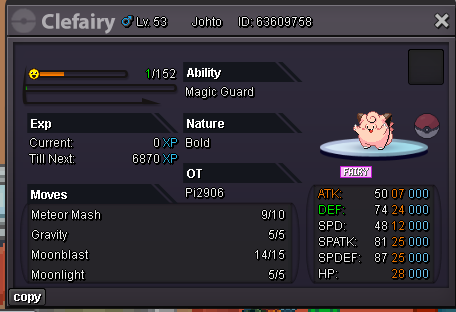
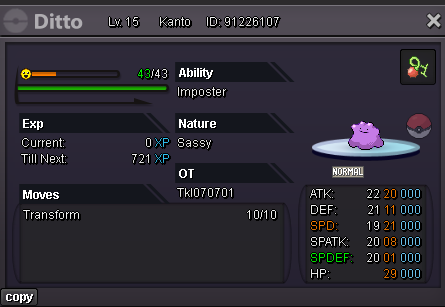
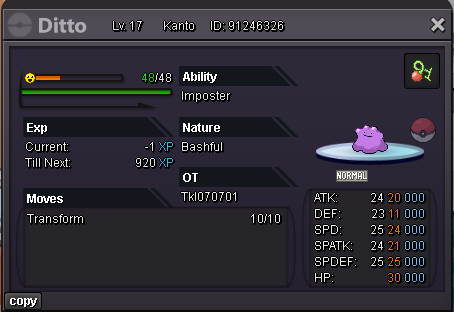
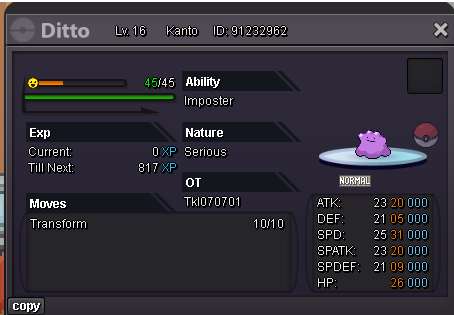
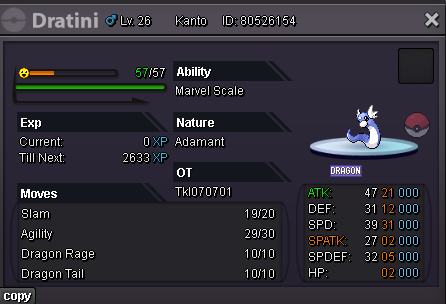
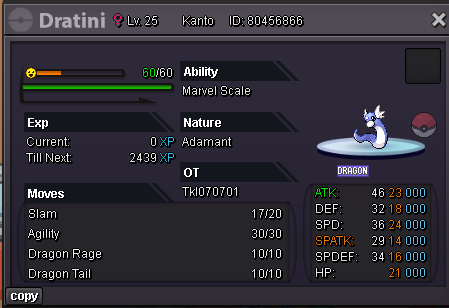
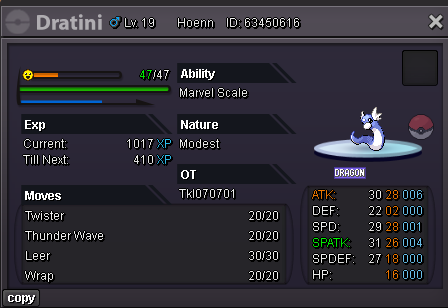
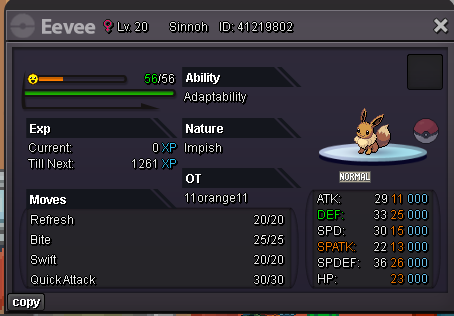
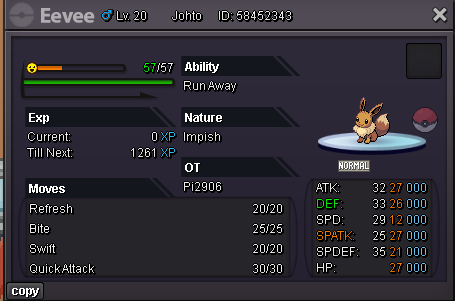
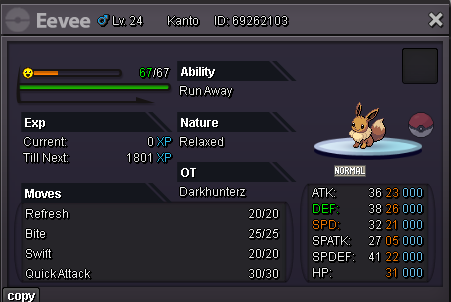
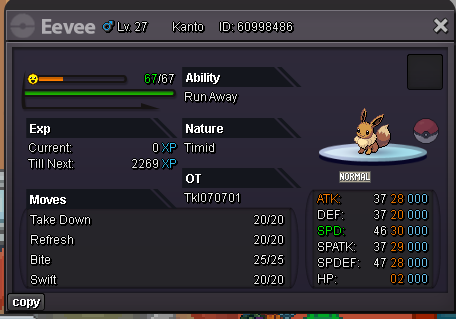
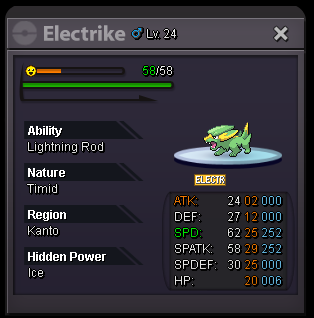
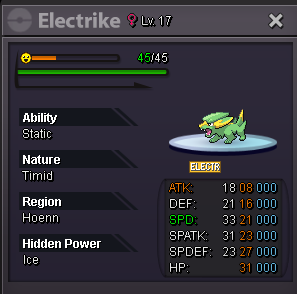
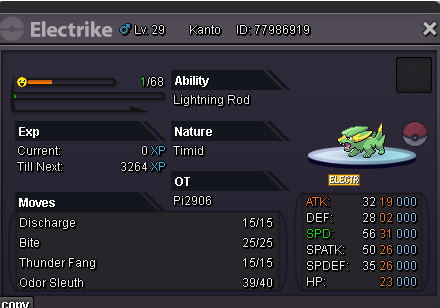
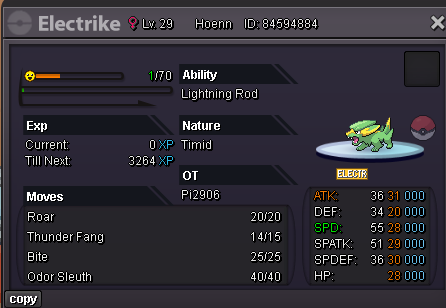

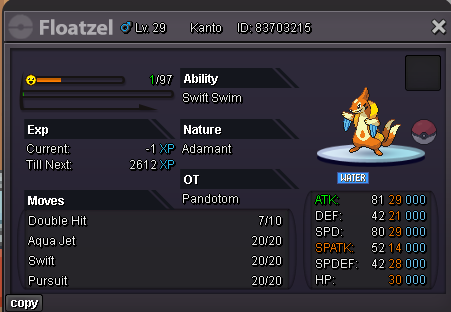
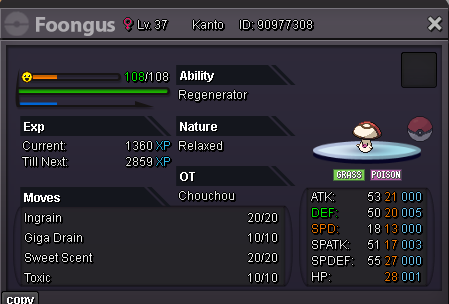

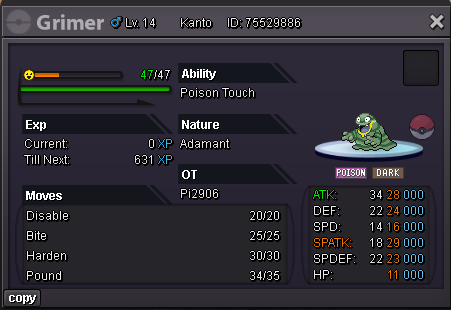


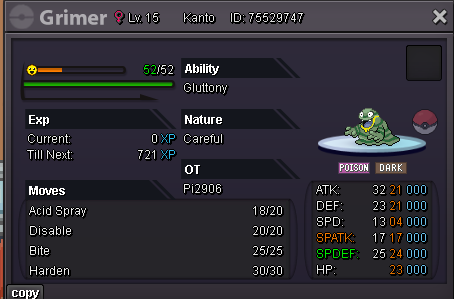
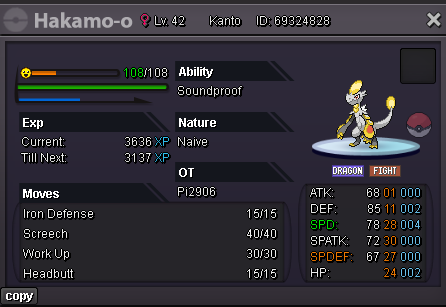
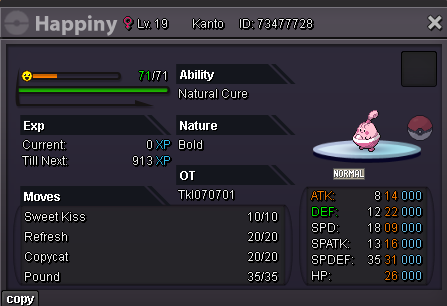
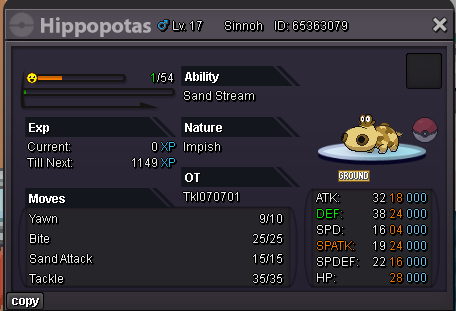
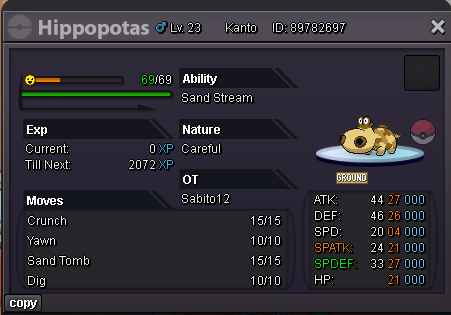
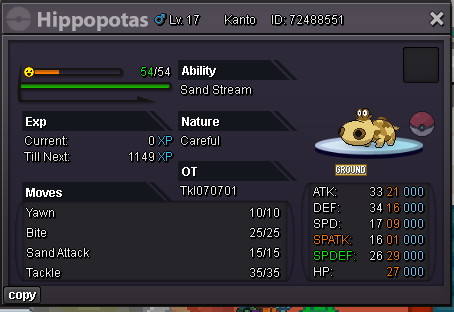
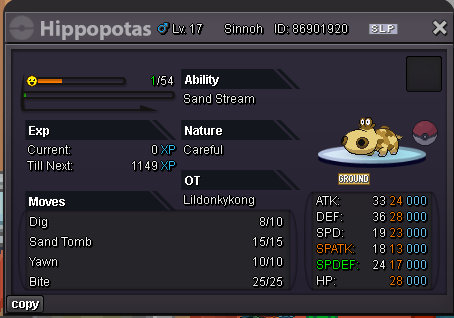
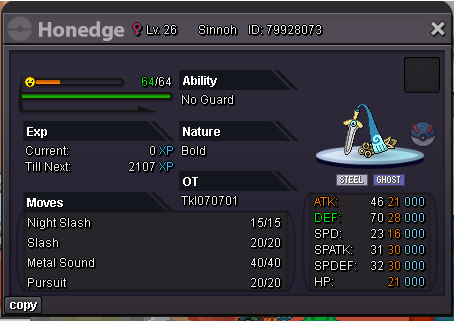
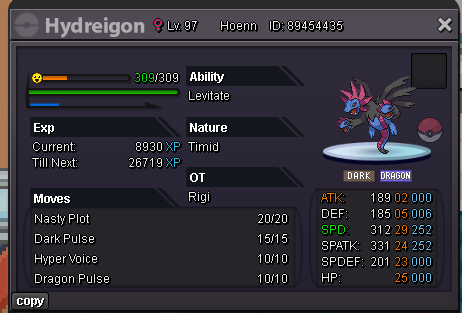
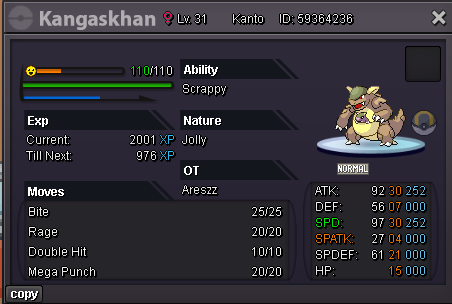
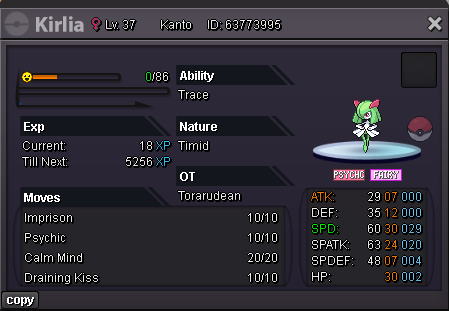
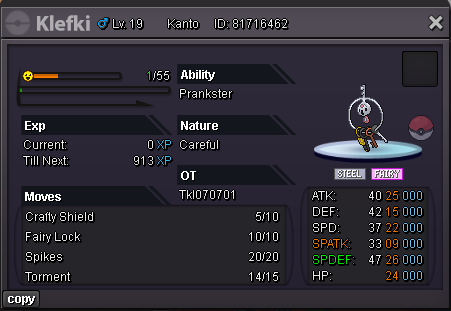
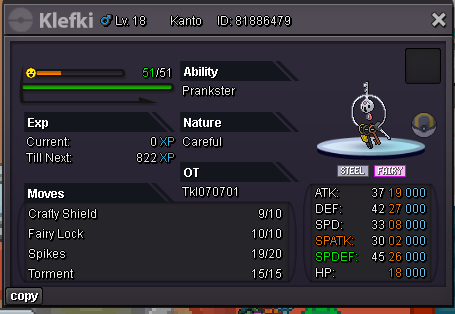

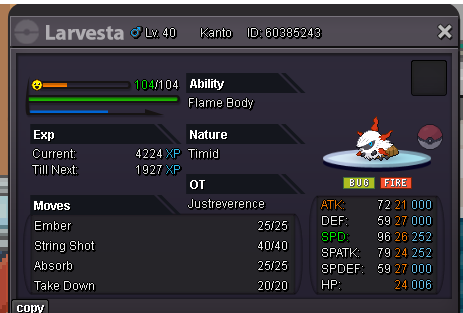
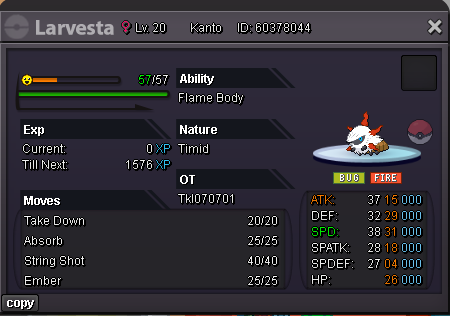

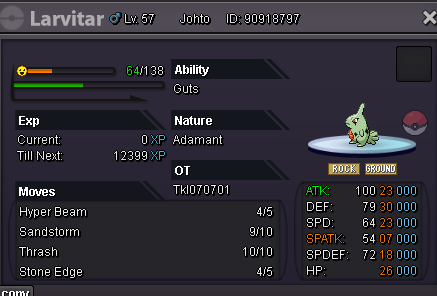
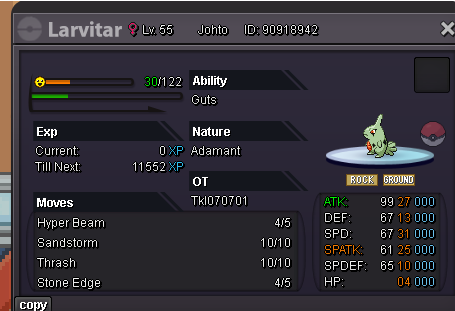
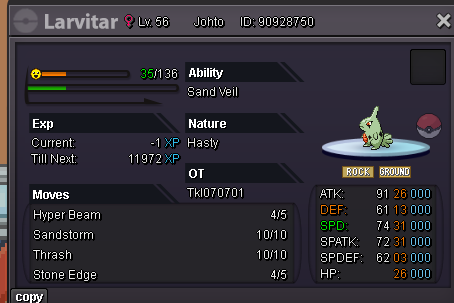
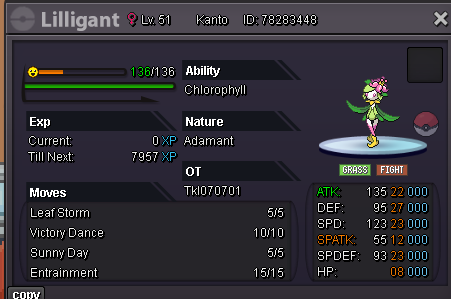
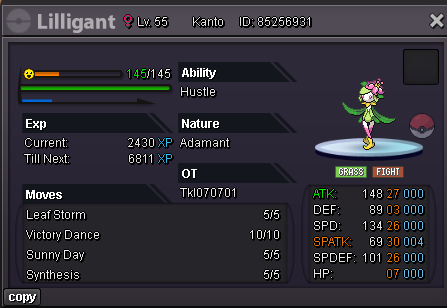

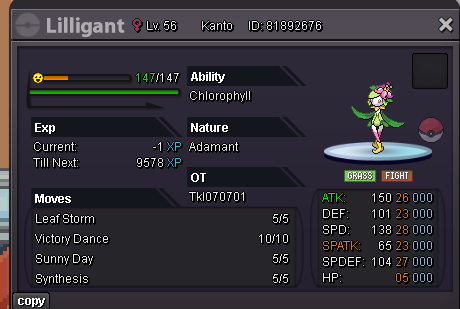

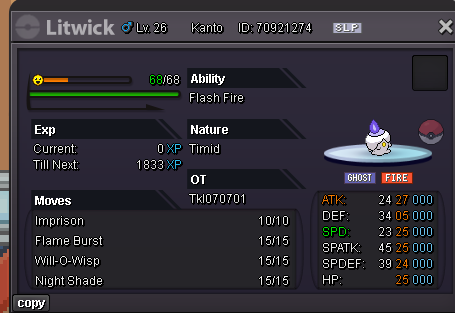
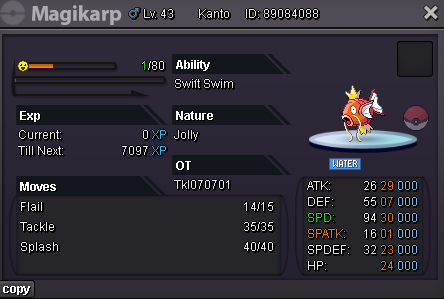
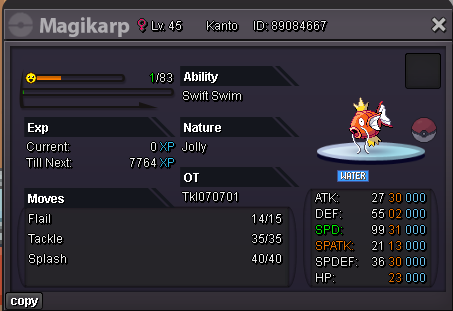
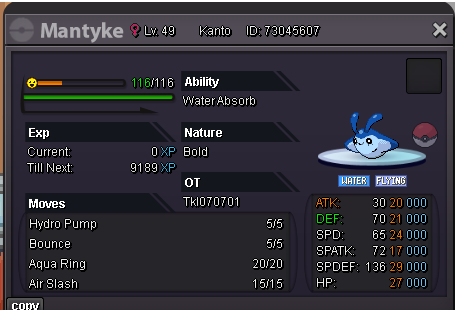
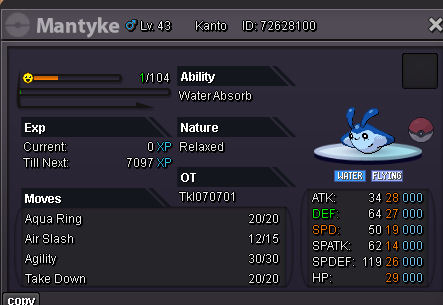
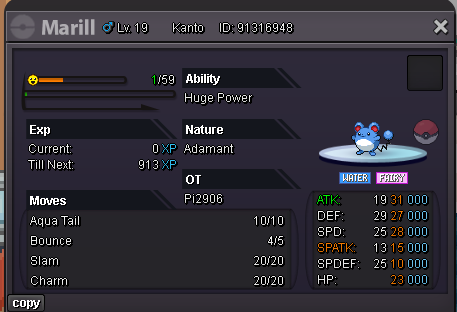
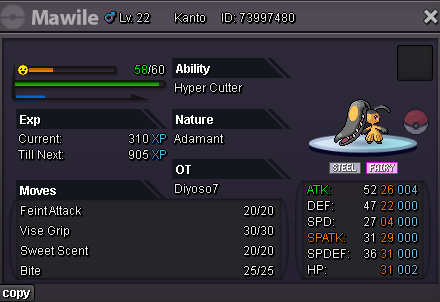
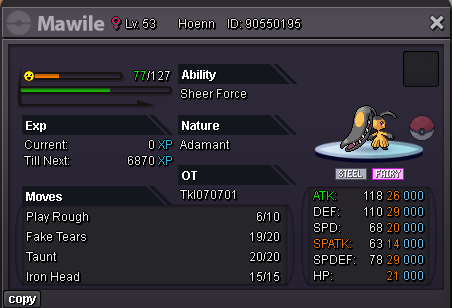
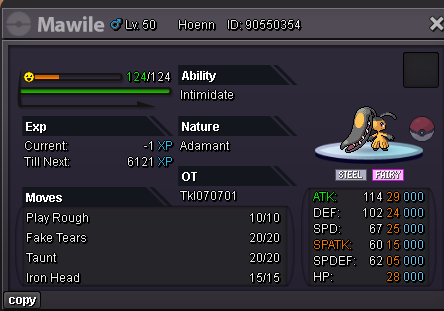
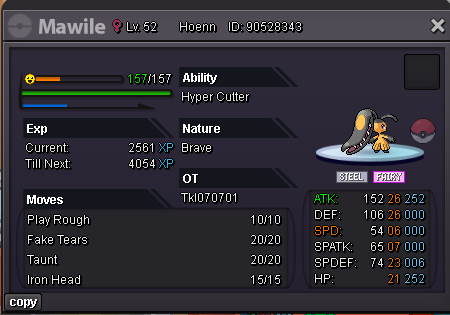
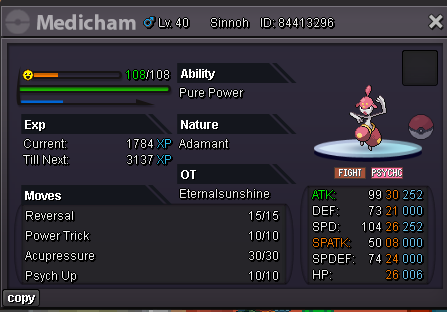
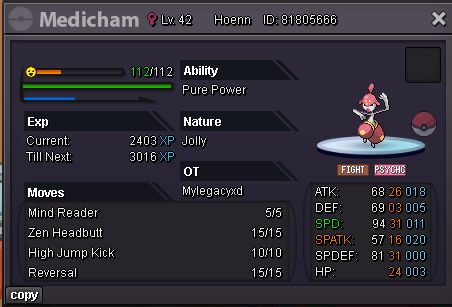
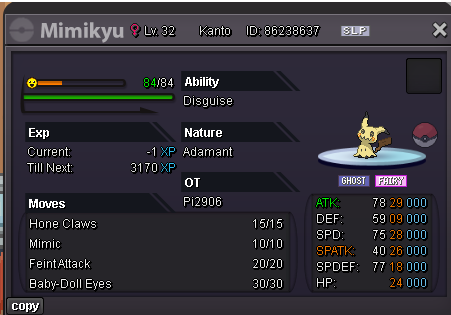
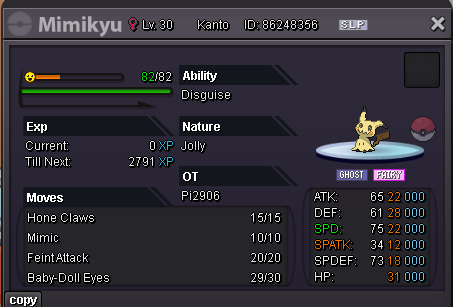
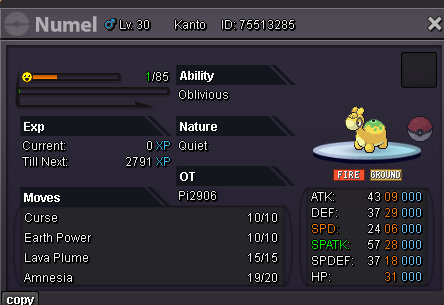
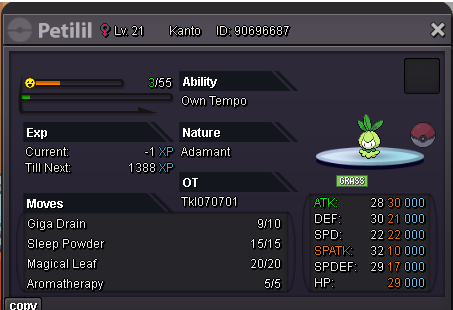
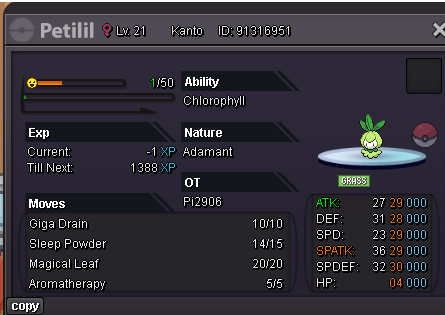
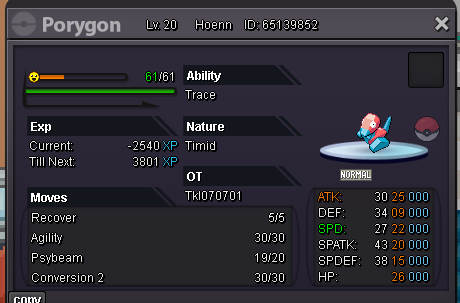
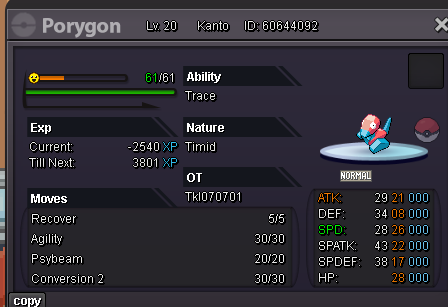
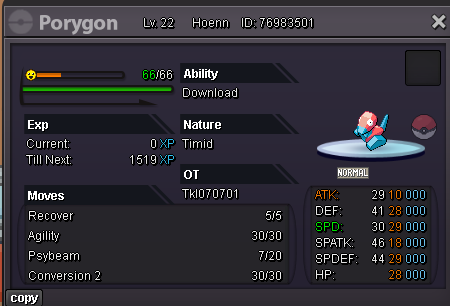
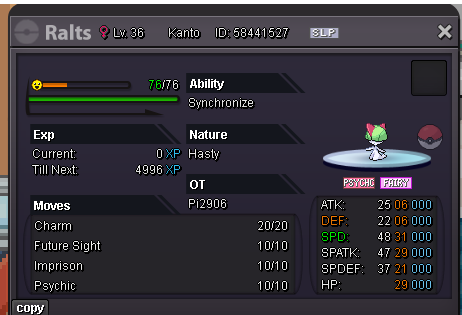
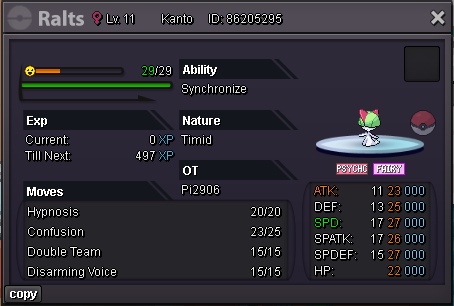
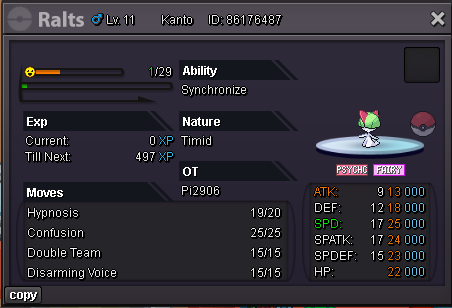
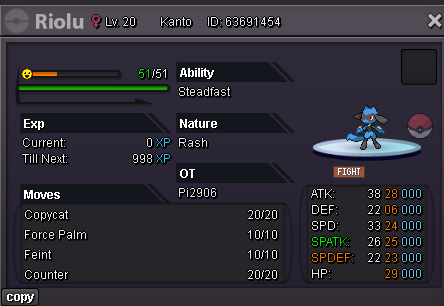
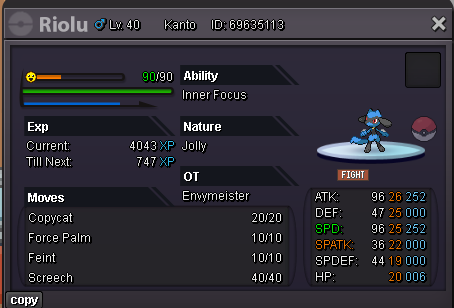
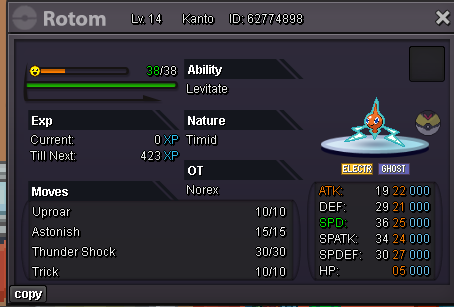
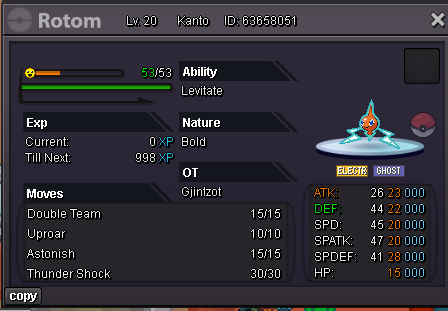
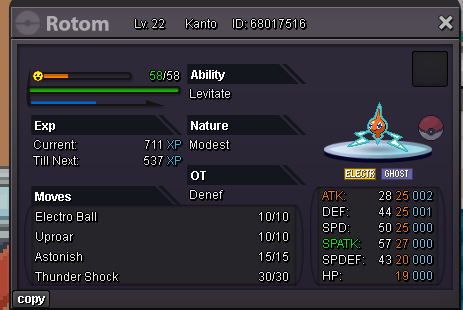
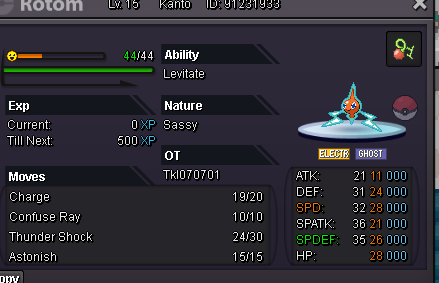
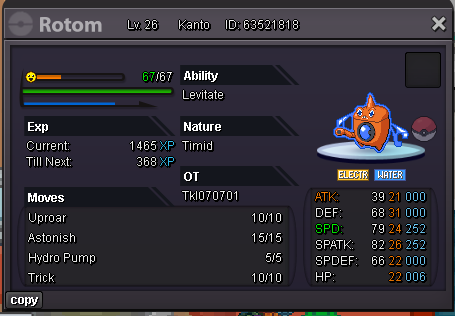
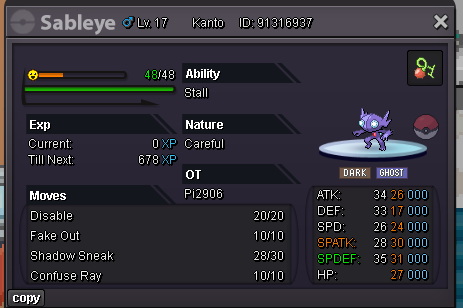
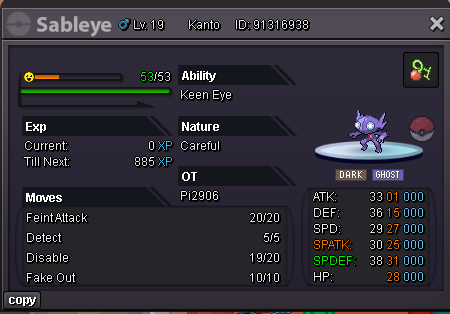
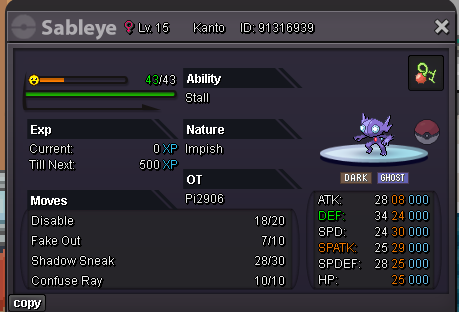
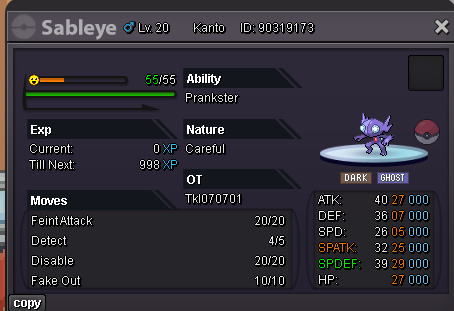
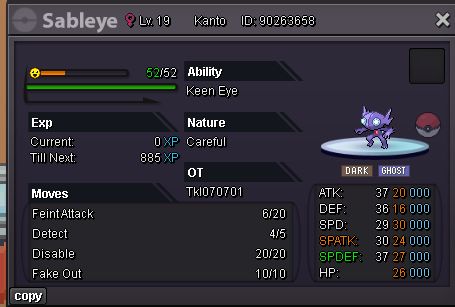
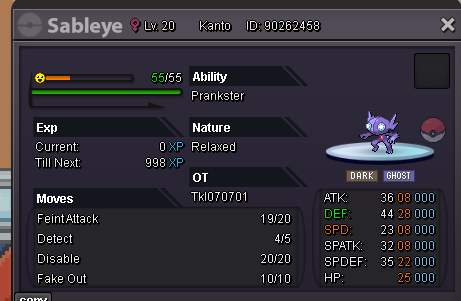
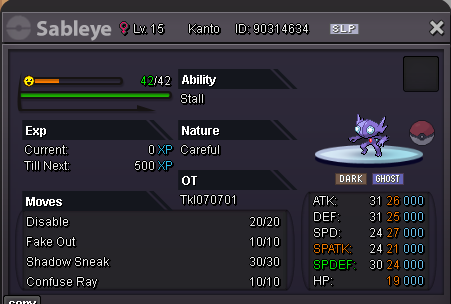
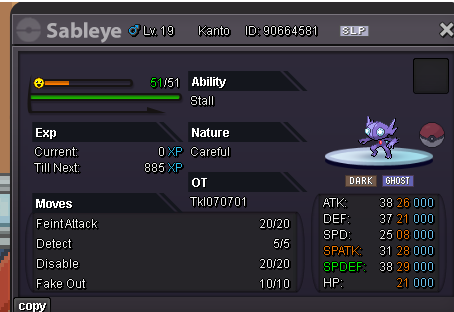

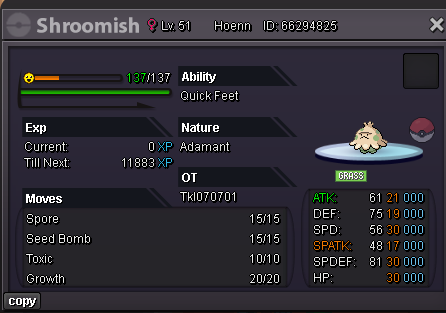
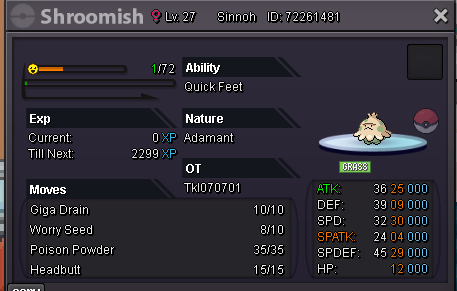
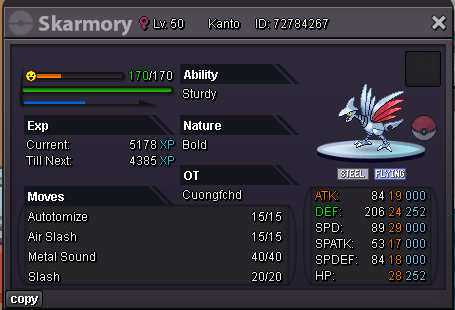
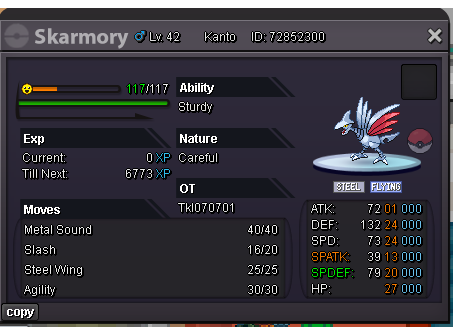
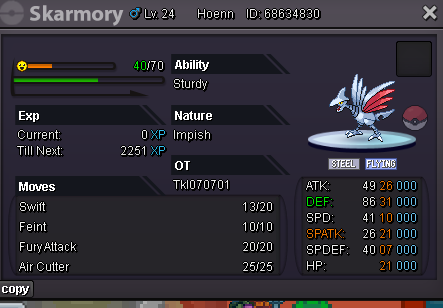
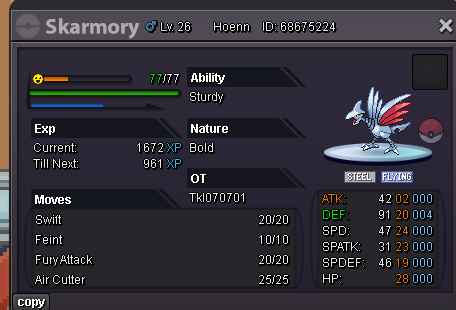
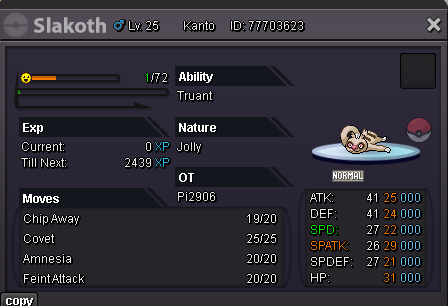
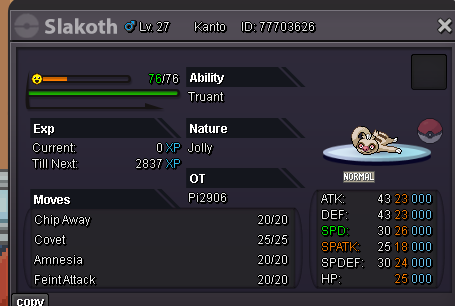
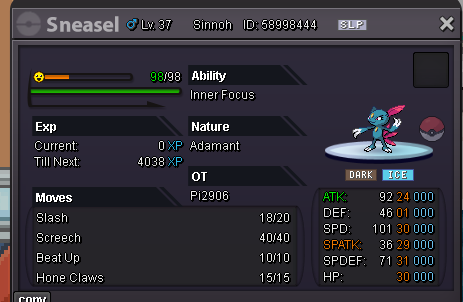
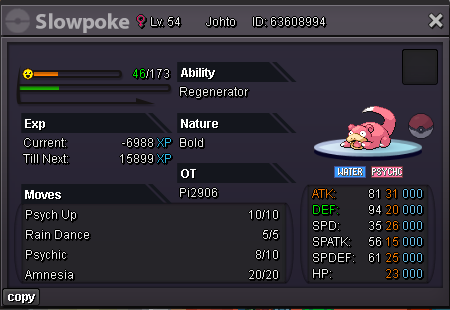
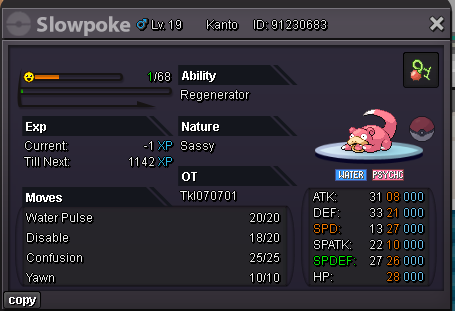
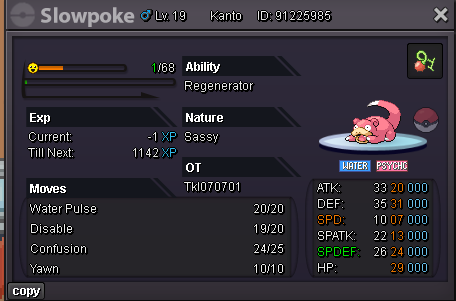
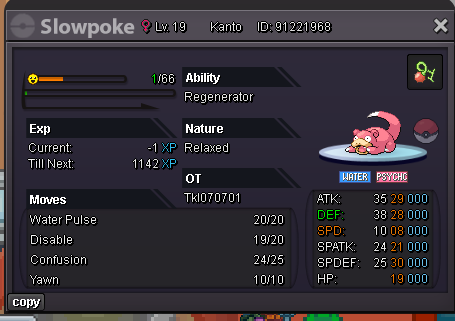
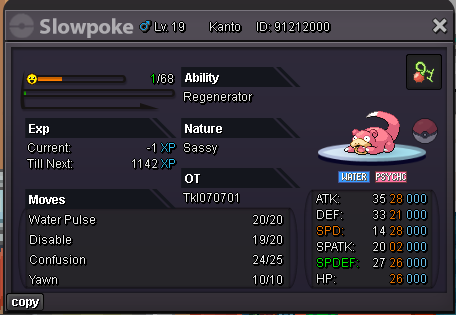
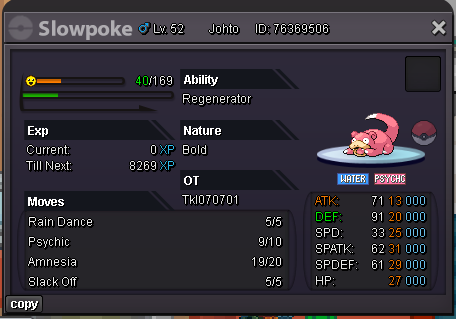
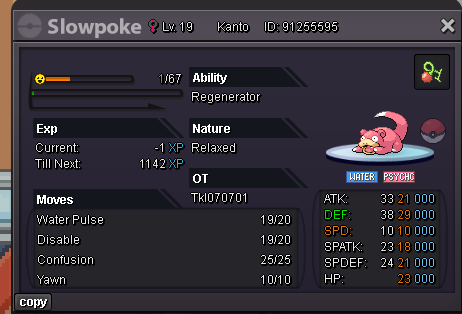
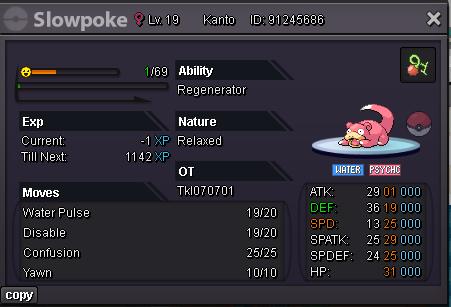
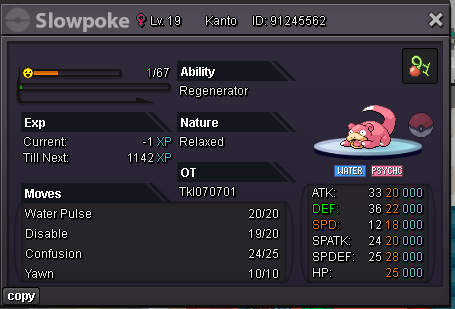
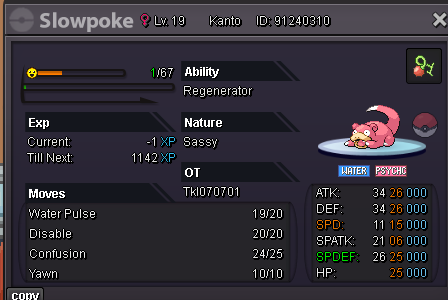
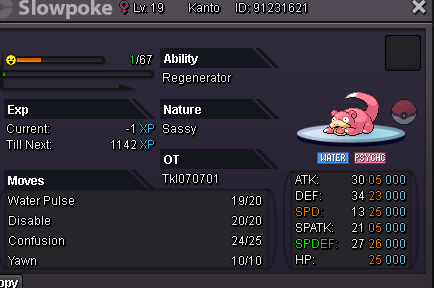
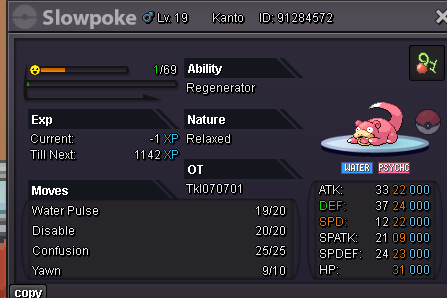
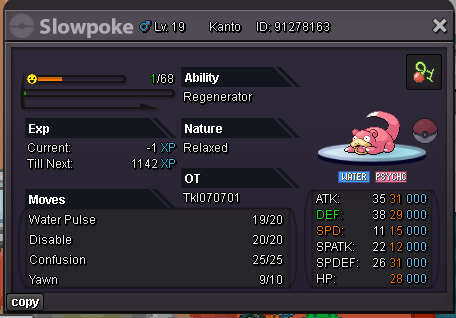
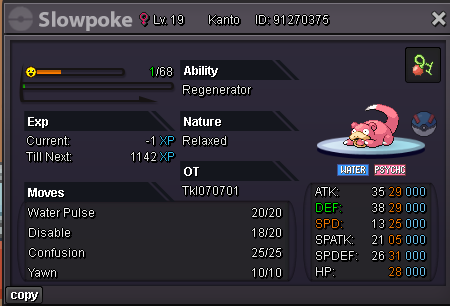
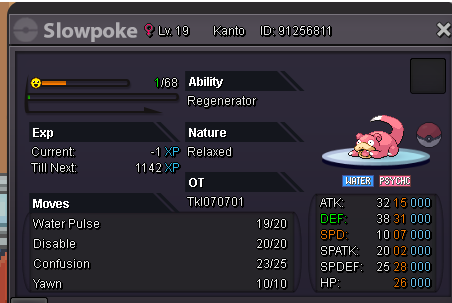
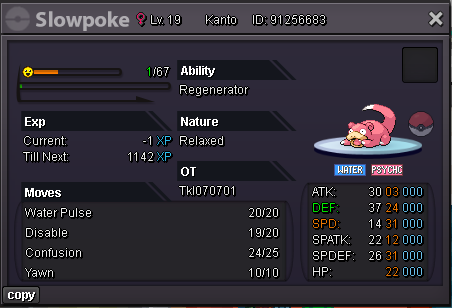
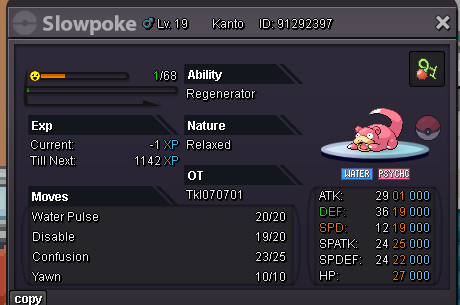
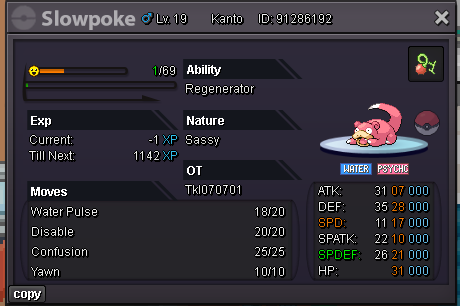
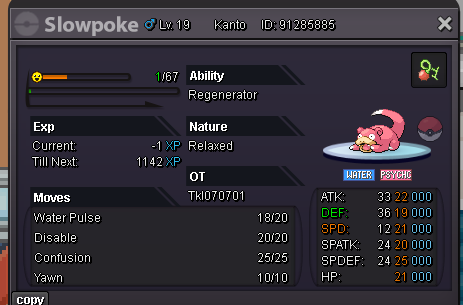
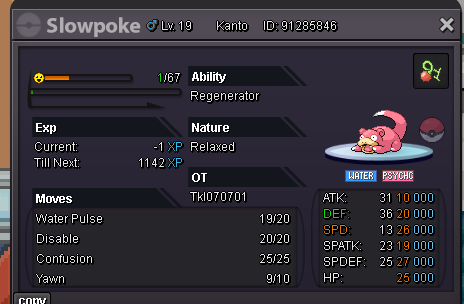
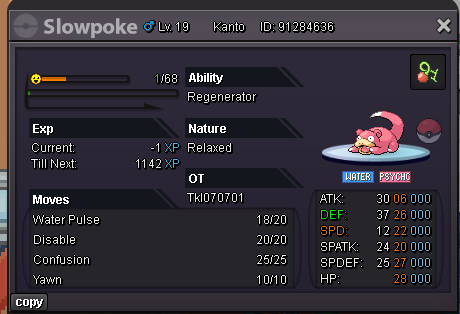
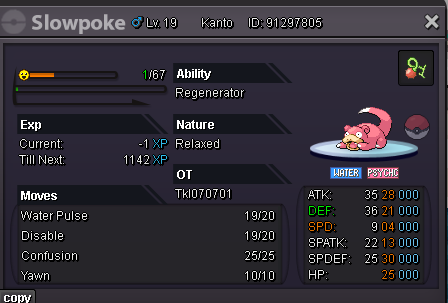
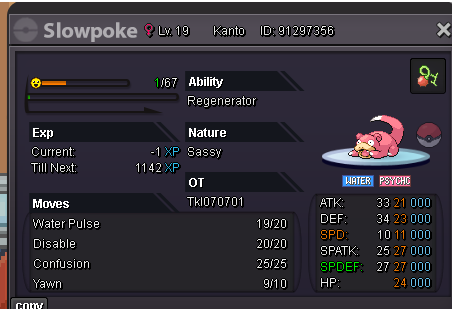
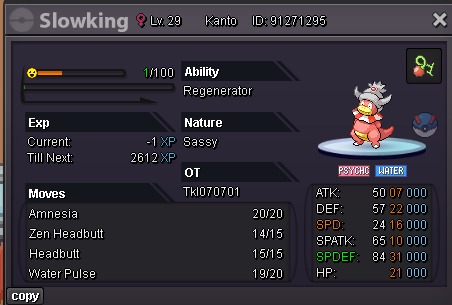
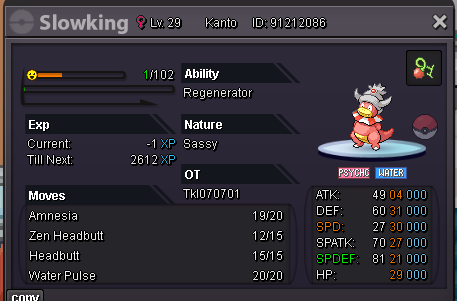
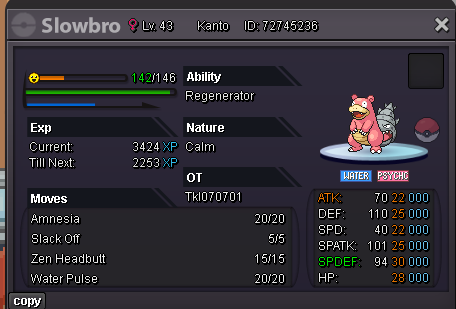
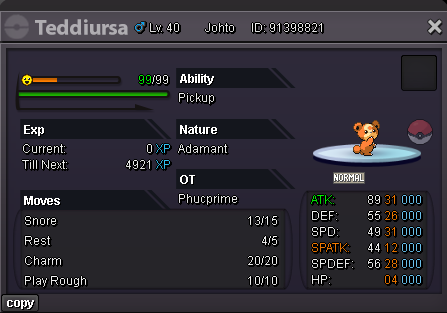
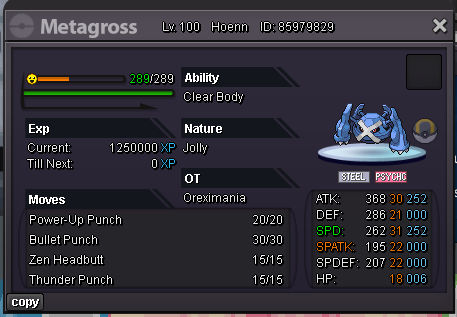
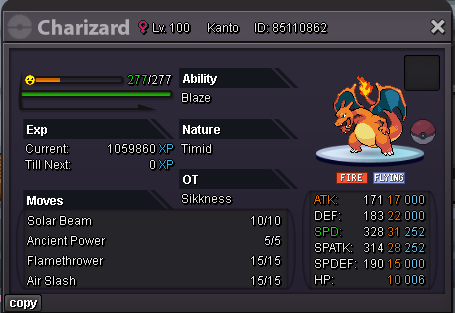
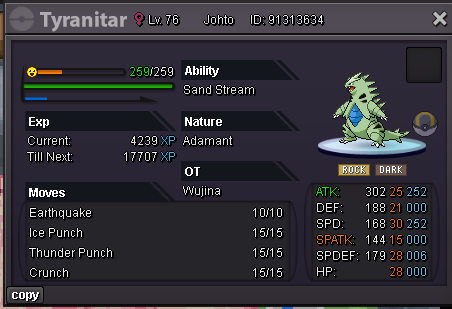 1 point
-
⭐ Welcome To My Pokemart ⭐ Shop Rules: 1️⃣Fake offers will be reported. 2️⃣This is a gold server shop,so players from silver server have to transfer to gold server to initiate the trade. 3️⃣Negotiations are allowed for all the pokemons. Accepted Payments: Coin Capsule : 450k Reroll Ticket : 700k Nature Reroll : 350k Rare Candies : 5k each $ Pokedollars Contact Details : Ign : Tgbnamish/Iknowyou Discord : Tgbnamish Untrained Pokemon : Spoiler Trained Pokemon: Spoiler Shiny/Events: Spoiler Cosmetic/Mounts: Spoiler



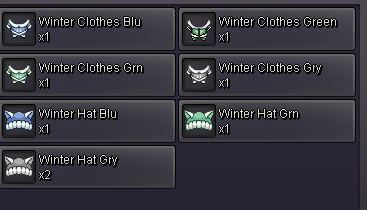














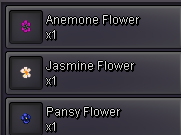


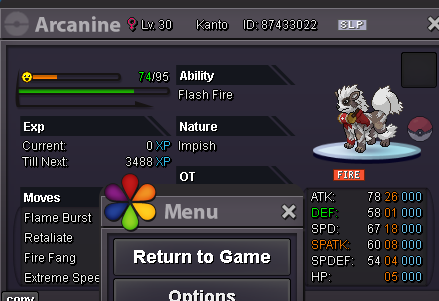
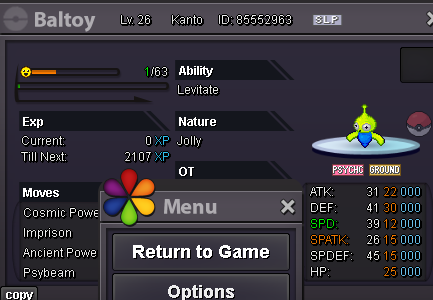

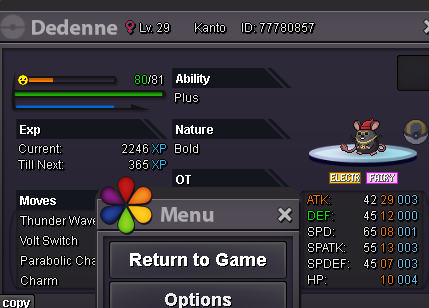



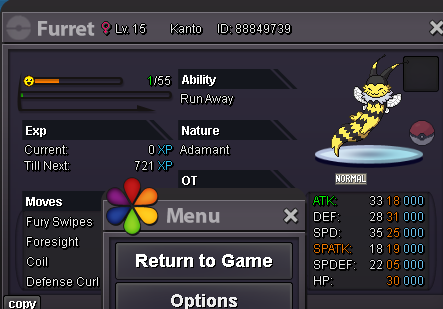
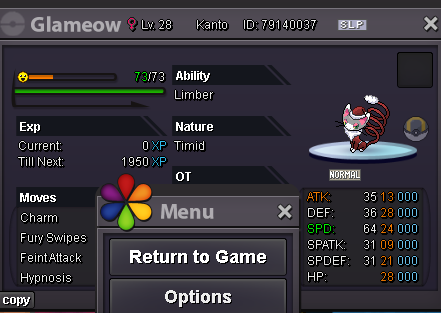
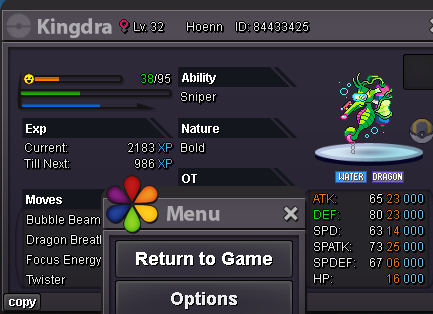
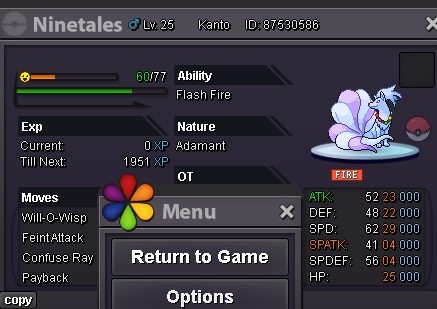

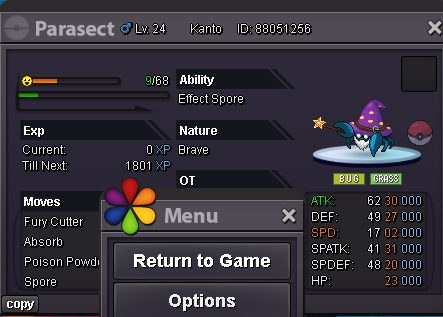

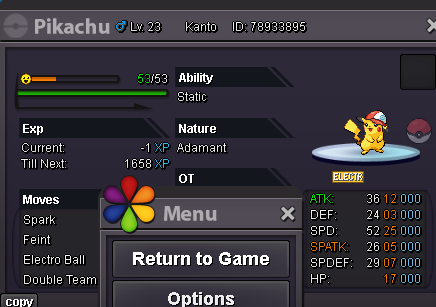
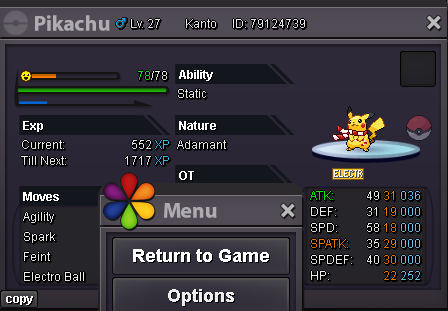
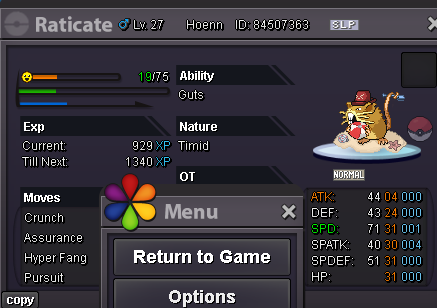
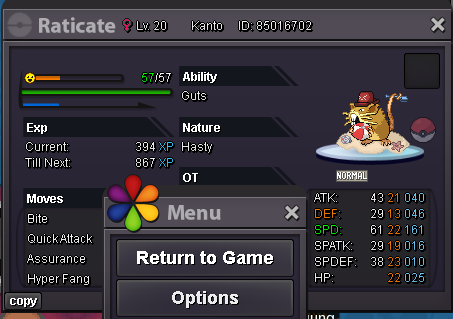

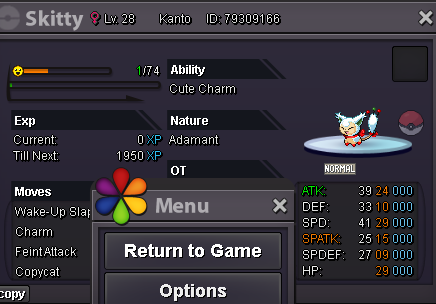
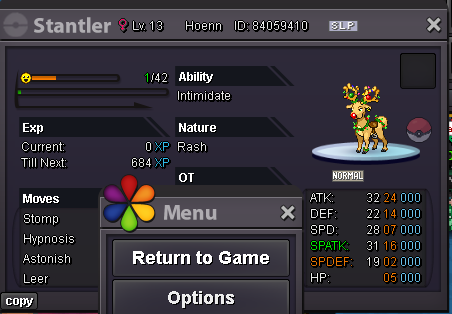




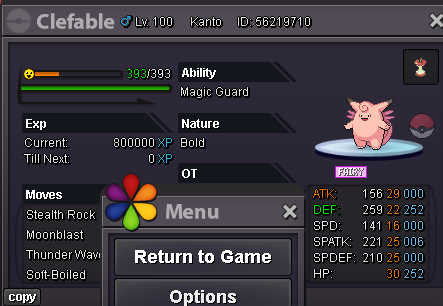
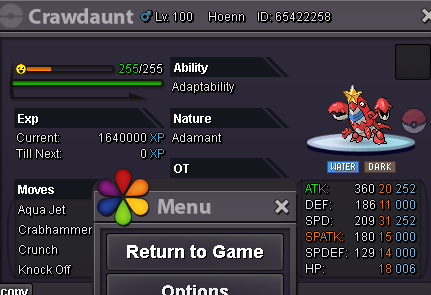

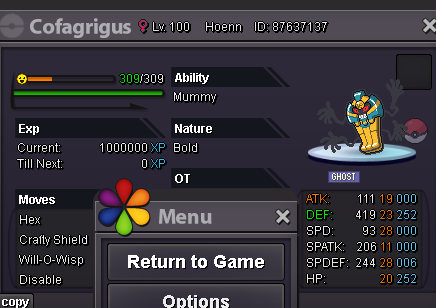
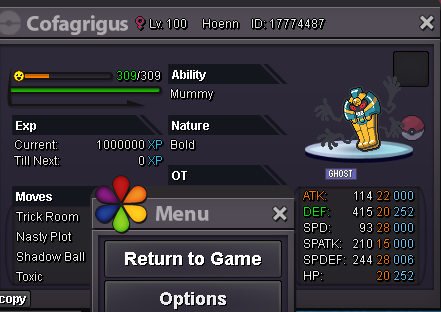
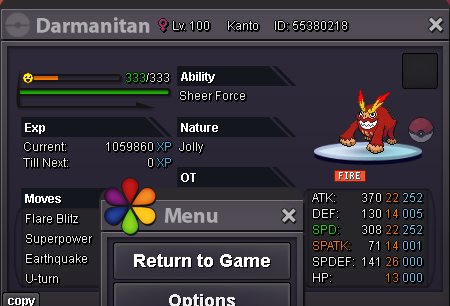
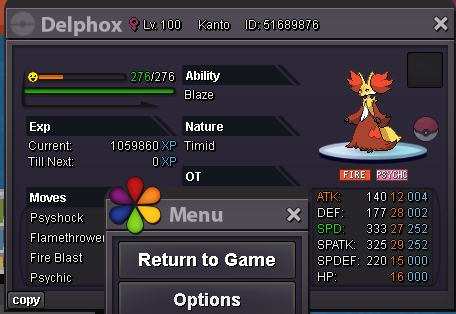
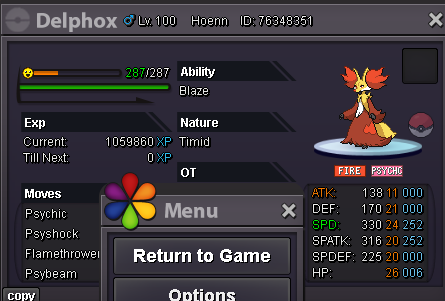
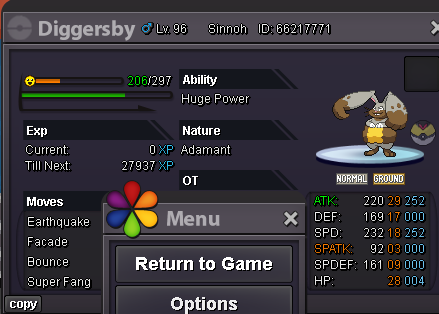
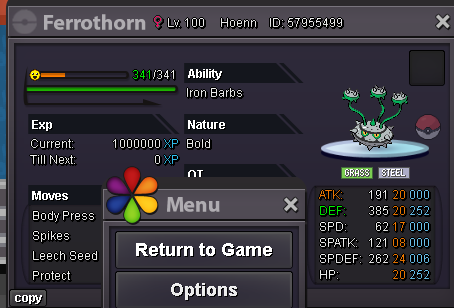




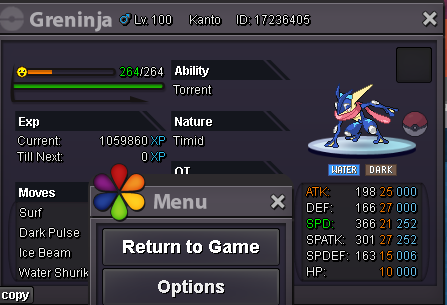
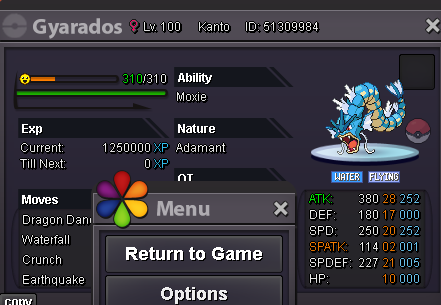
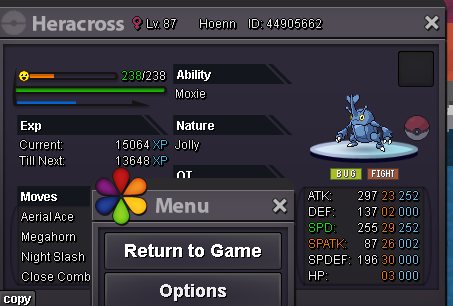
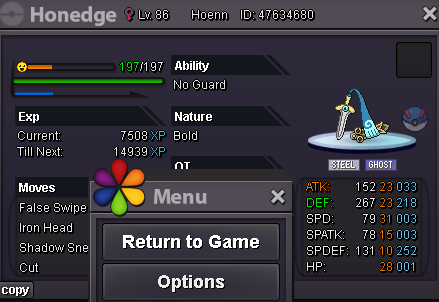
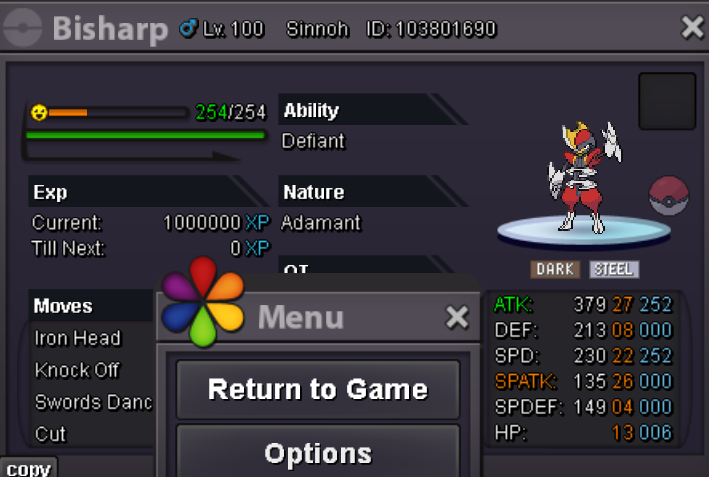

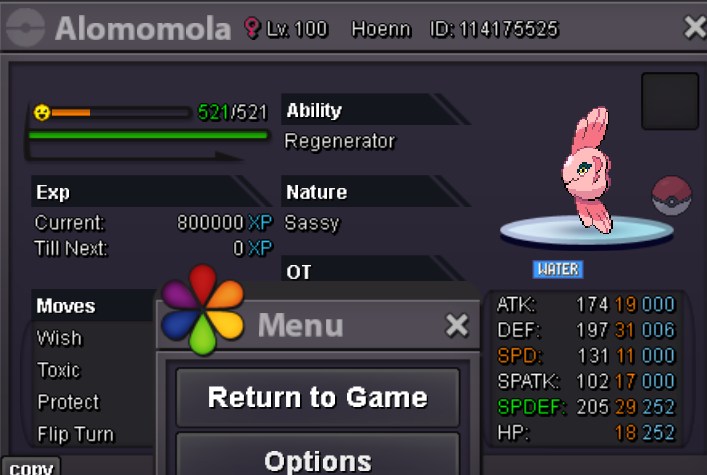
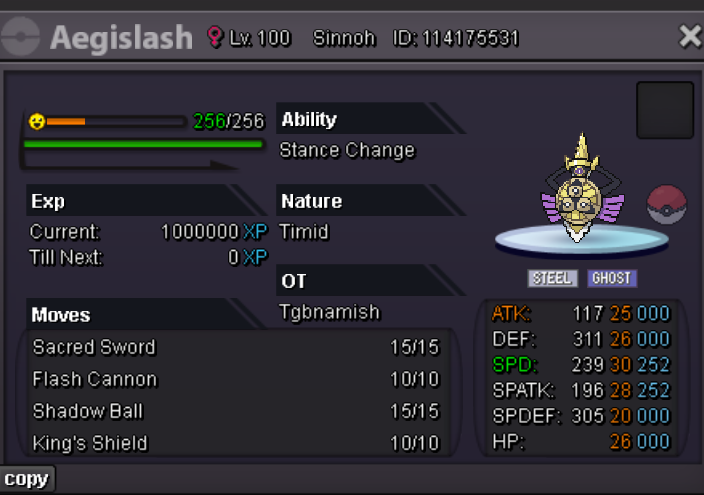
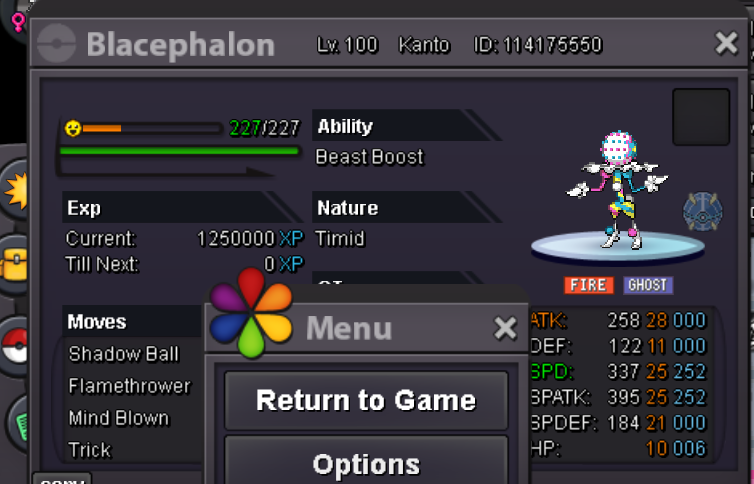
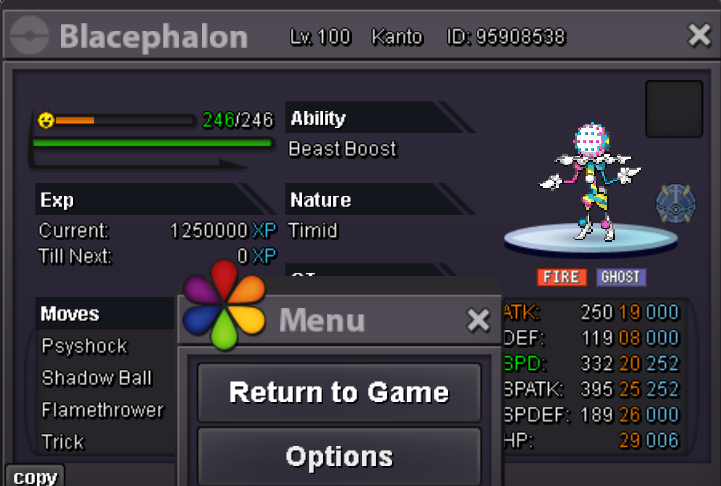
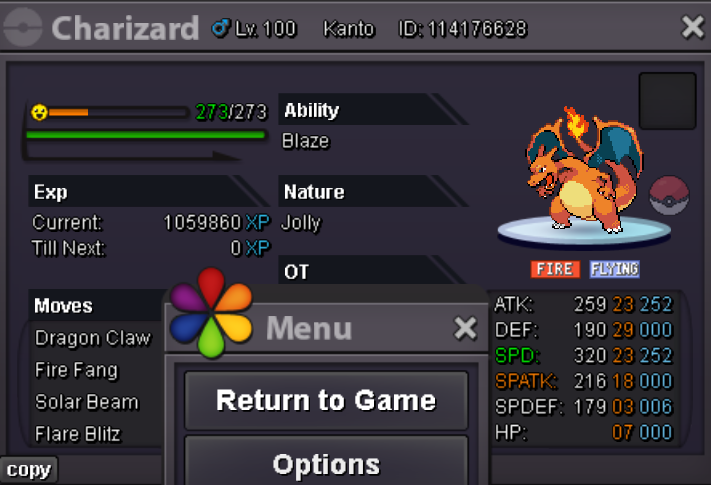
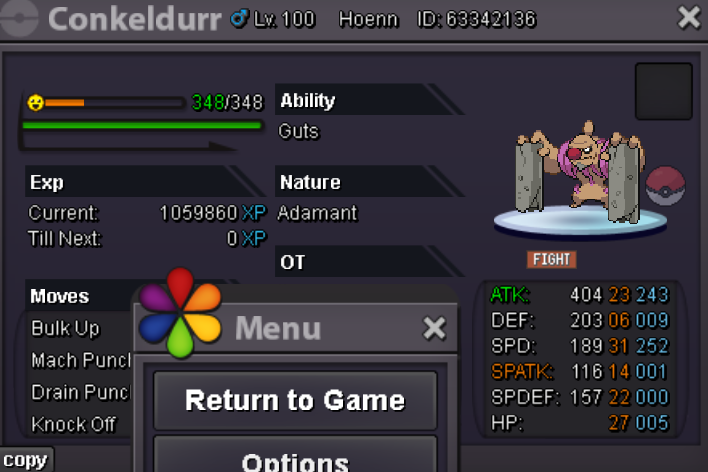
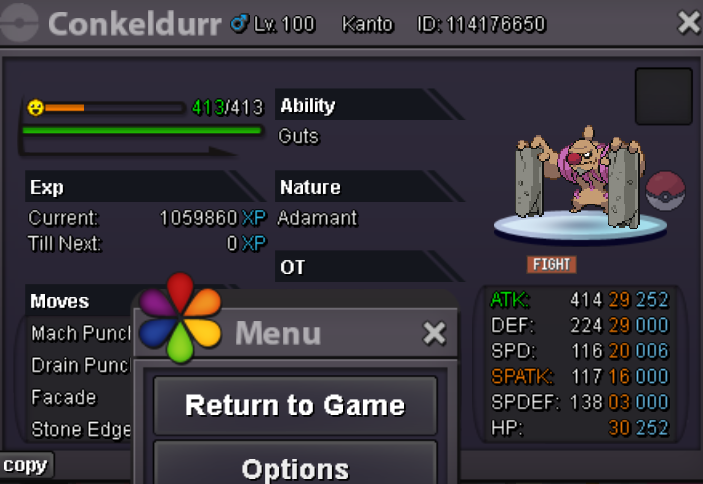
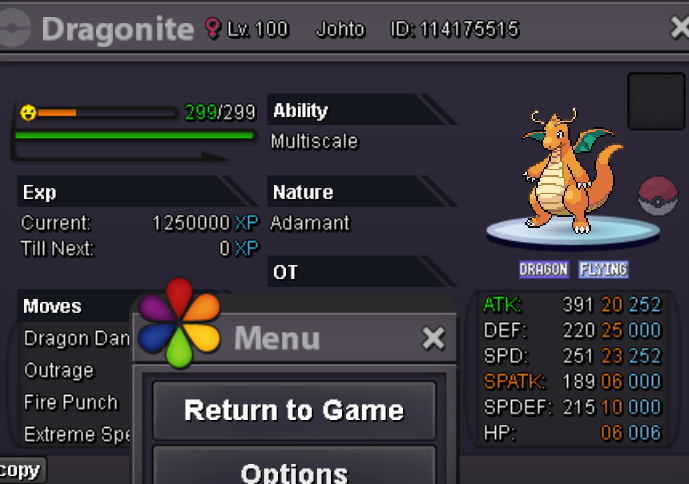 1 point
-
Payments Pokedollar Coin Capsule= 480k Reroll IV Ticket= 660K Nature Reroll Ticket= 330K Rare Candy= 6k / each Pokemon Untrained Pokemon Trained Sold Contact: Ingame: Tyaa Discord: Tya0453 ❤️ THANK YOU FOR WATCHING MY CUTE SHOP ❤️

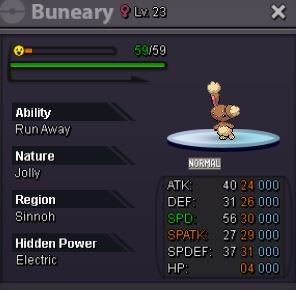


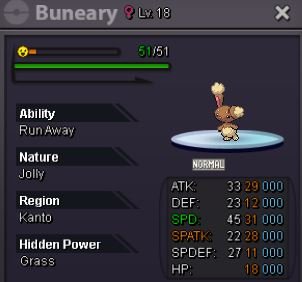







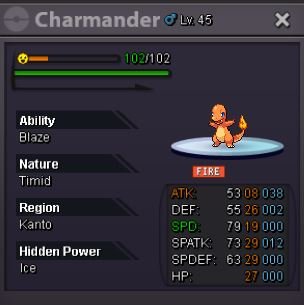

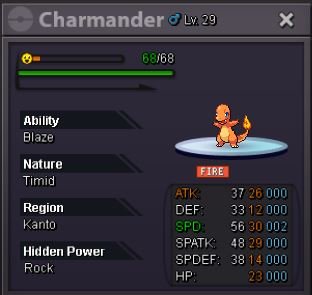



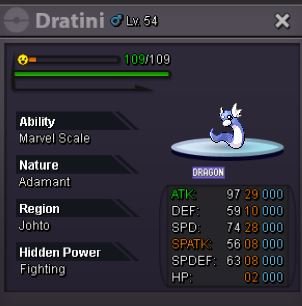

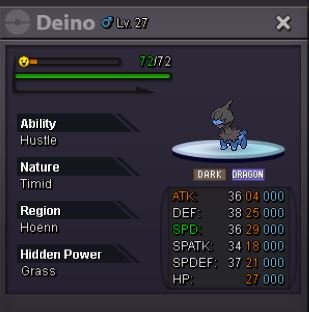
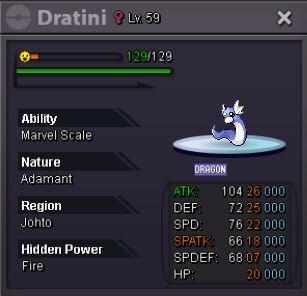
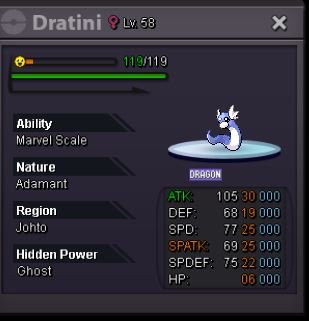
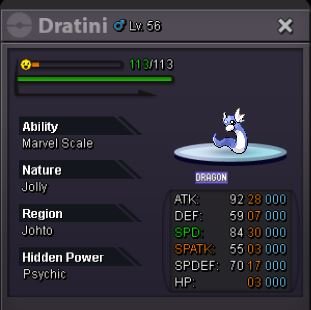






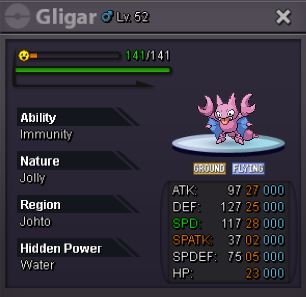
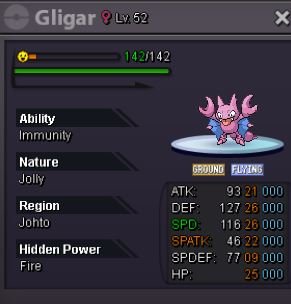






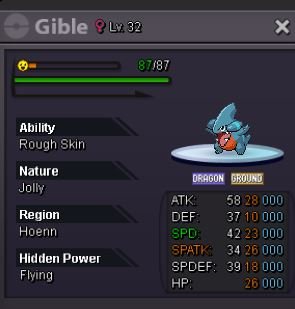
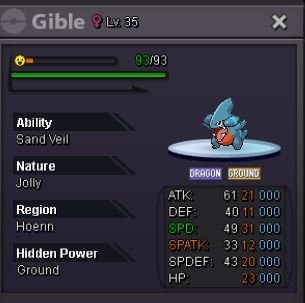

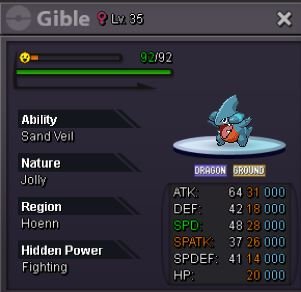
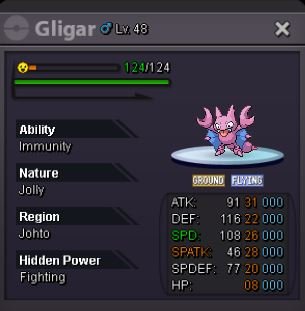
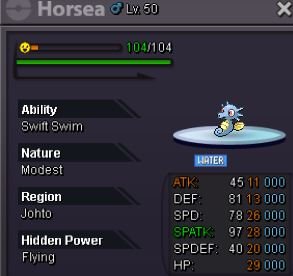

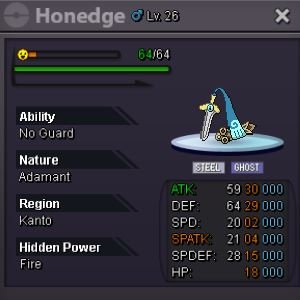








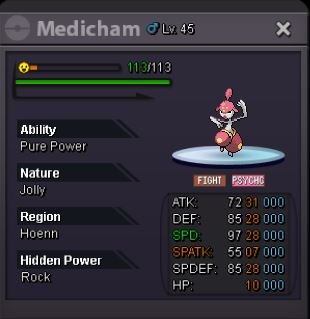
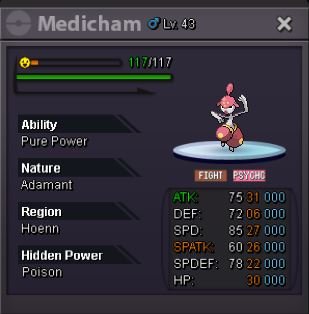
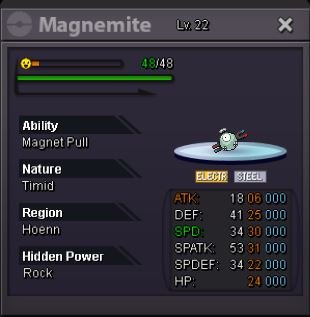

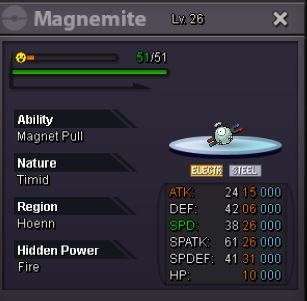
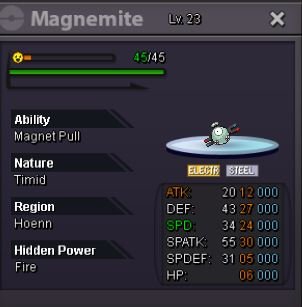
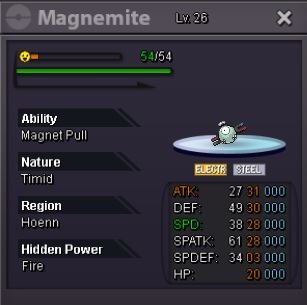
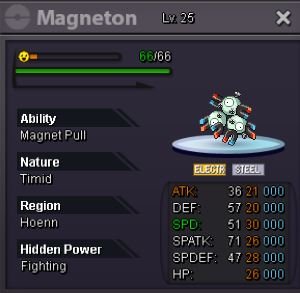

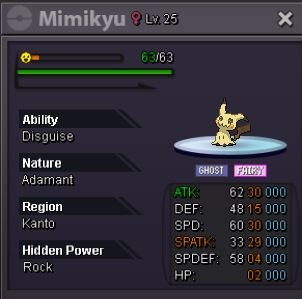
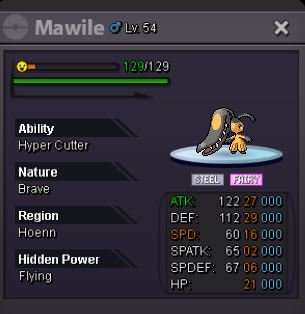
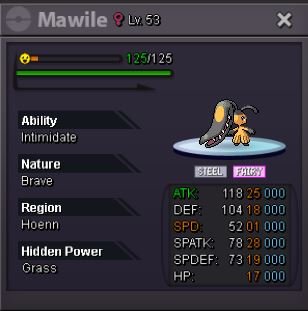
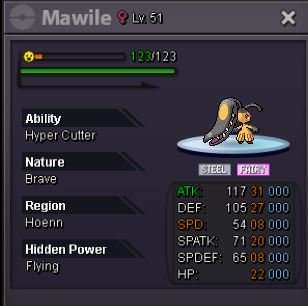
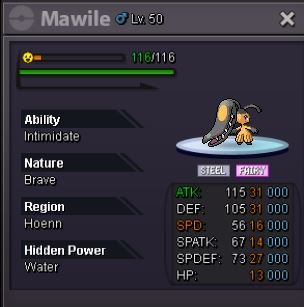
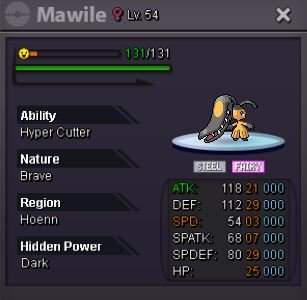
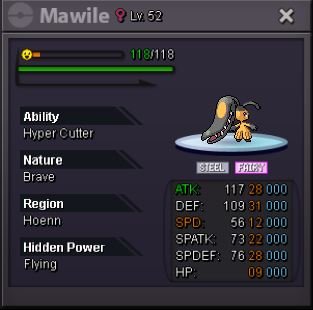
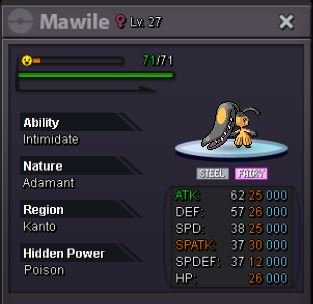
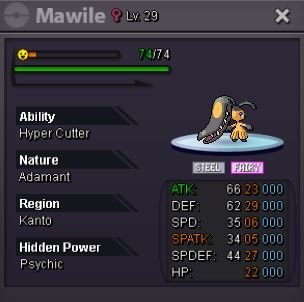



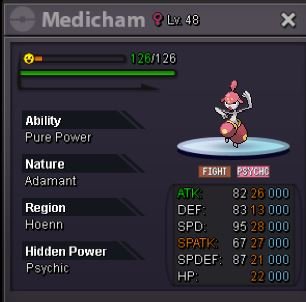

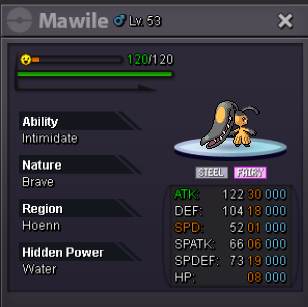
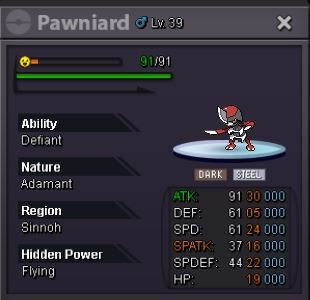
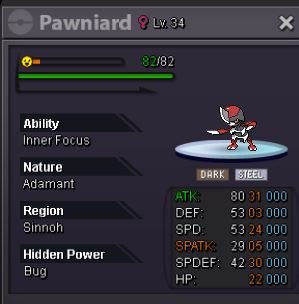
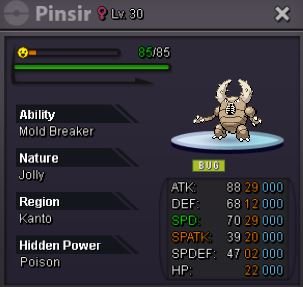
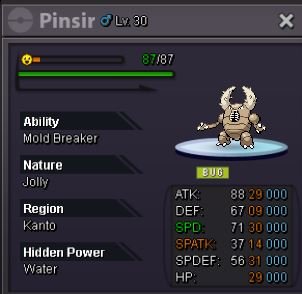
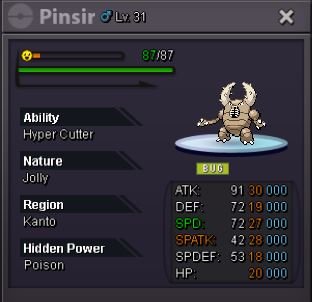
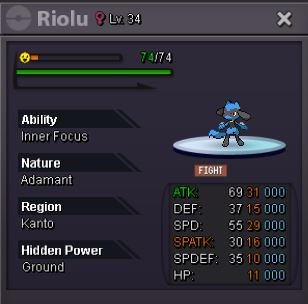
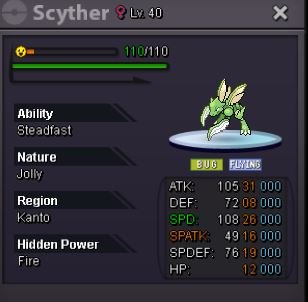
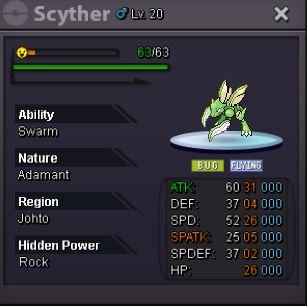
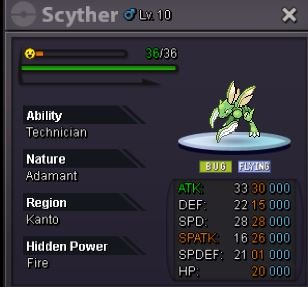
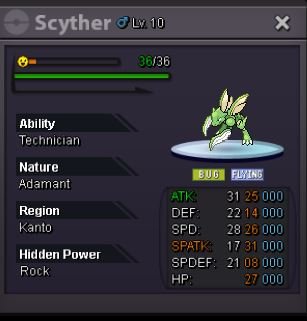
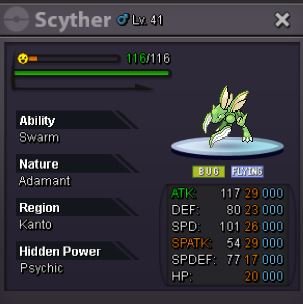
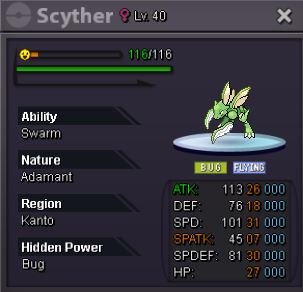
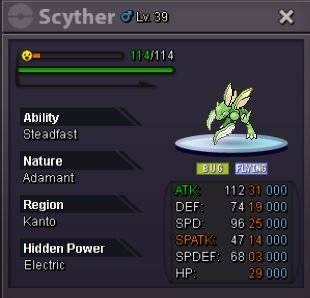
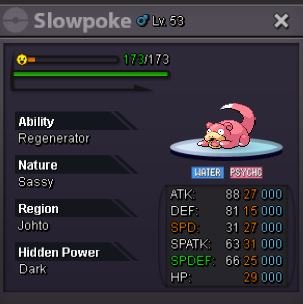
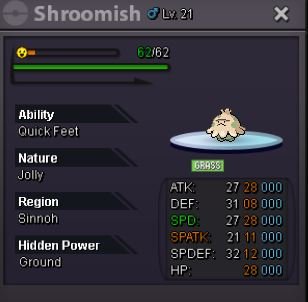
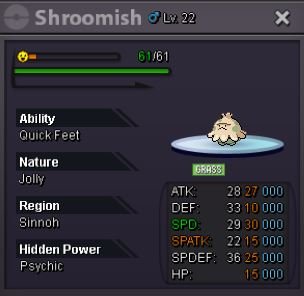
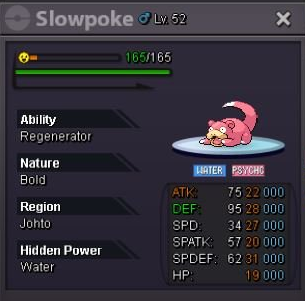
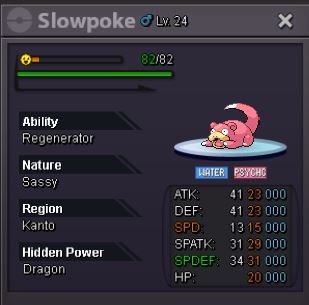


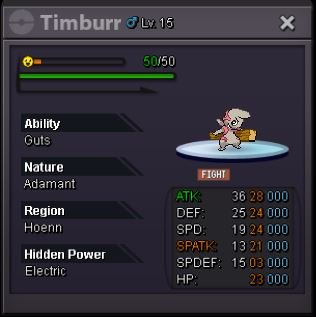




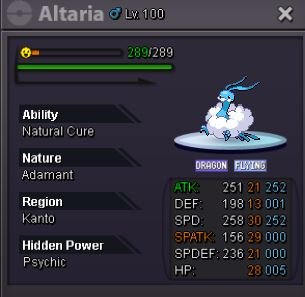
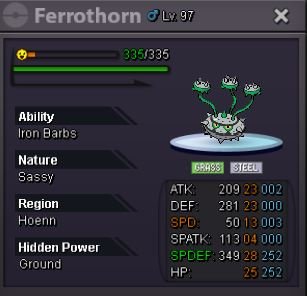
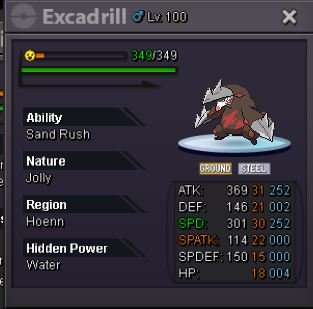

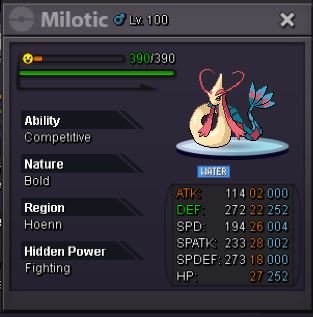
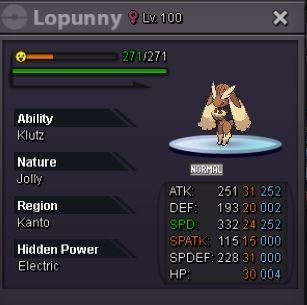
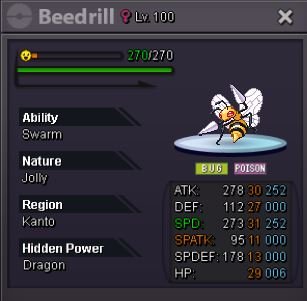
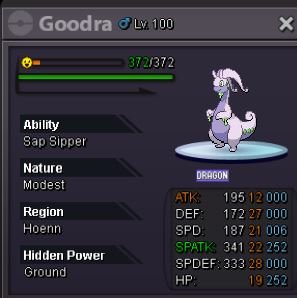
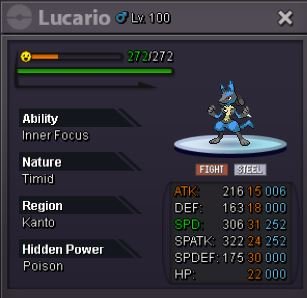
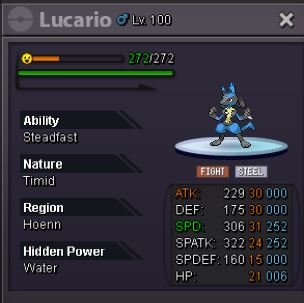

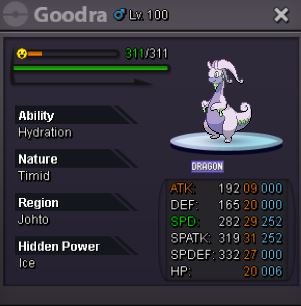
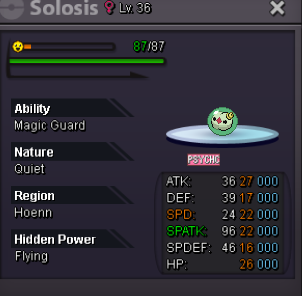
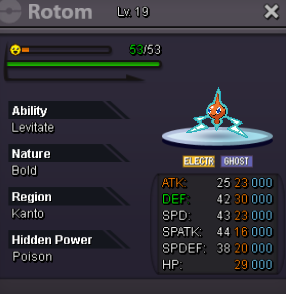
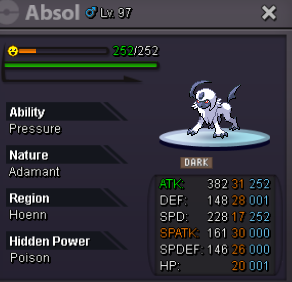
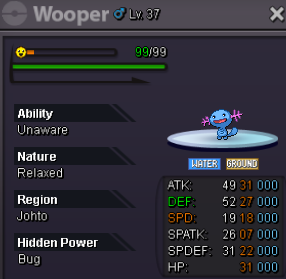

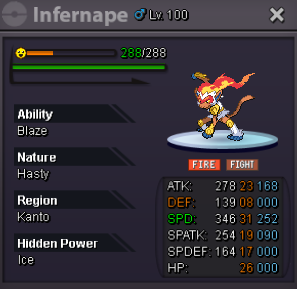
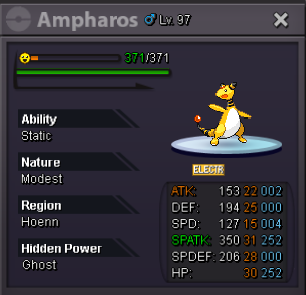
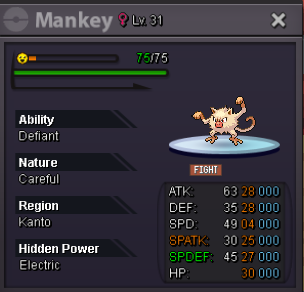
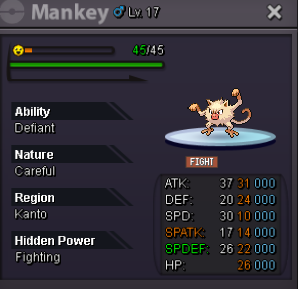

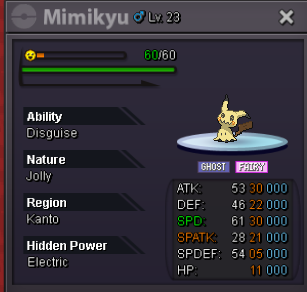

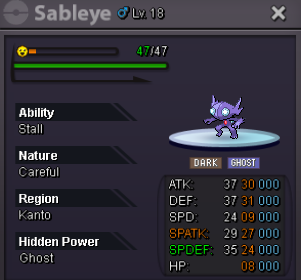
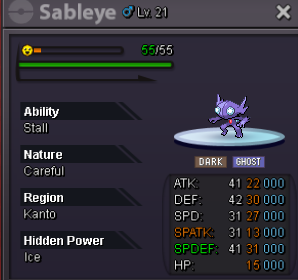
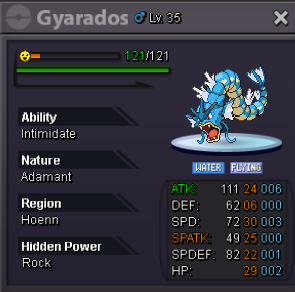
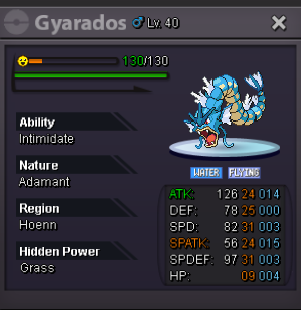



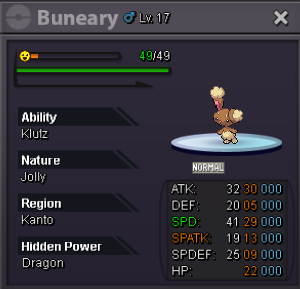
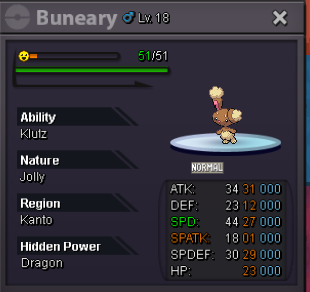
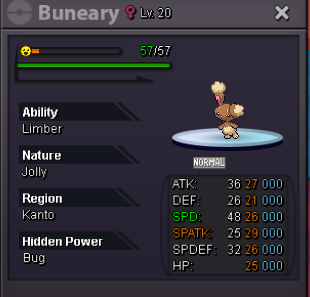


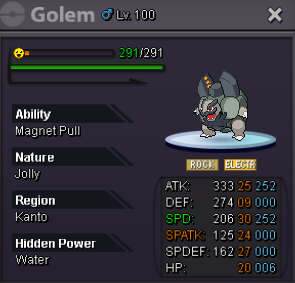
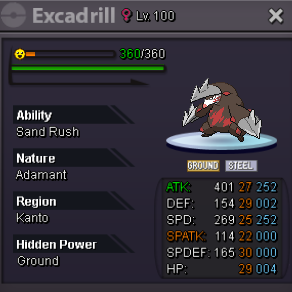
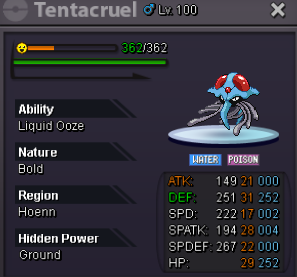
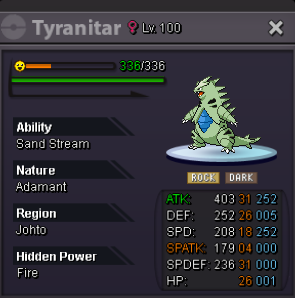
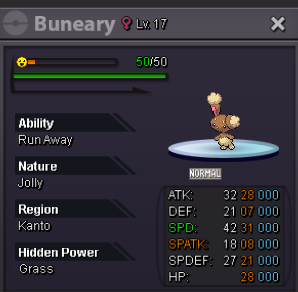
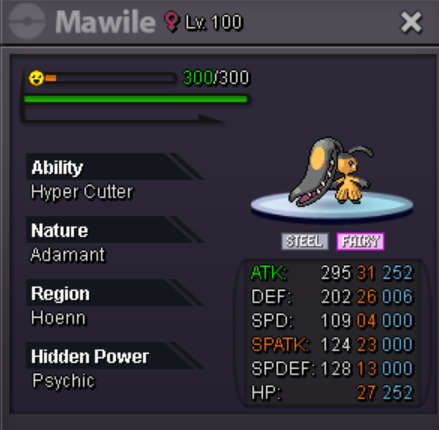
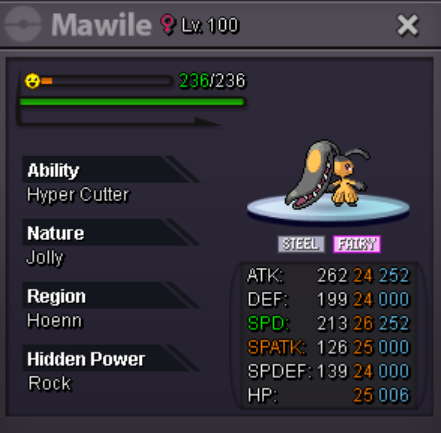
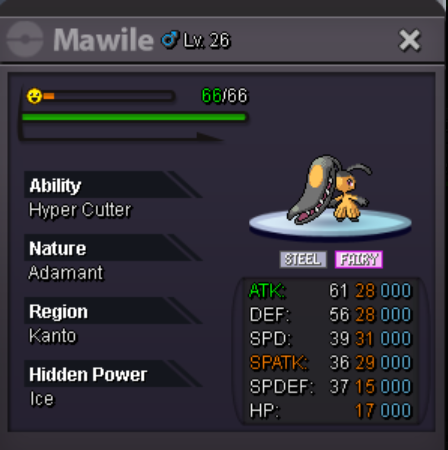
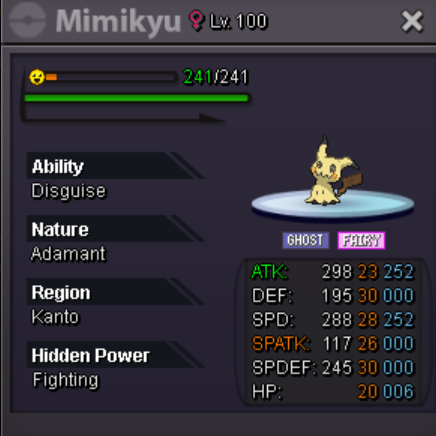
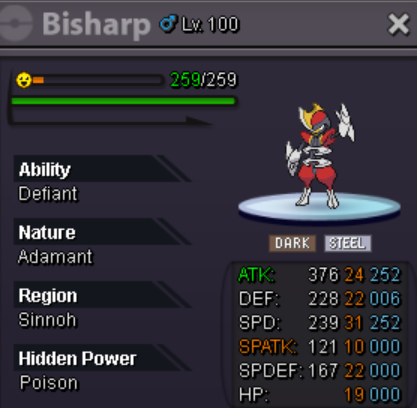
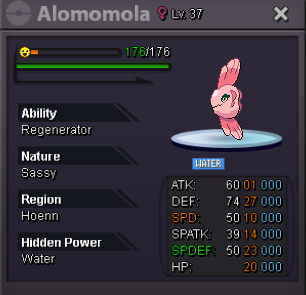

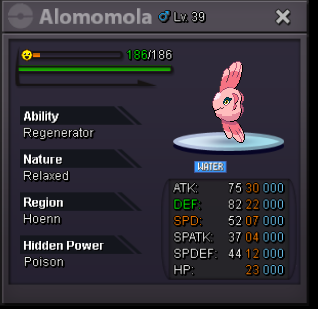

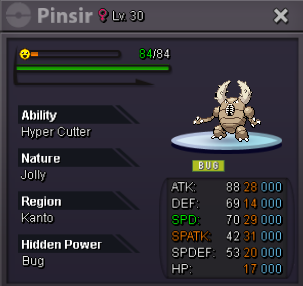

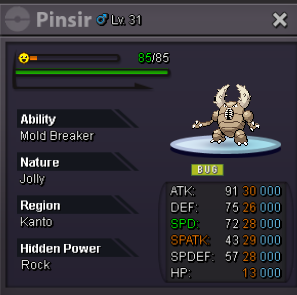

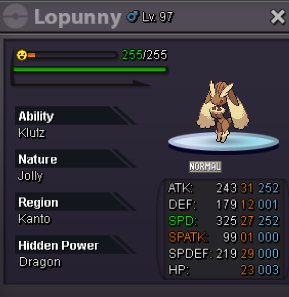



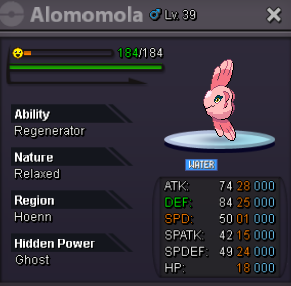

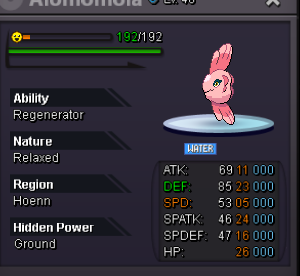 1 point
-
1 pointCan i ask how long will it take for me to change my username? I saw they said it will take about 2-3 days, but i have waited for several days and still no news. Hope you guys can answer my question.1 point
-
1 pointAuction Details: Start Price: 500k each pokemon Minimum Bid: 50k each pokemon Duration: 48 hours (after start price is met) Insta Price: N/A

 1 point
-
1 pointAuction Details: Start Price: 10k End Point: 5 hours (after start price is met) Insta Price: 2m Minimum Raise: 10k Accepted Payments: Pokedollars, Coin Capsules (x1 Coin Capsule = 500k), IV Reroll Tickets (x1 IV Reroll Ticket = 550k) Important Reminders: This is a Gold Server auction. If bidding from an alternative server, state that you will transfer upon winning. If you intend to purchase with an alt account, specify the account alongside your bid. If a bid is received in the final 15 minutes of the auction, the end point will be delayed by 15 minutes from that bid, and will be delayed by 15 minutes for each new bid thereafter, until the current offer has been held for a full 15 minutes. Happy Bidding!
 1 point
-
1 pointHello all, @Nag1 Although the ''correct winner'' was @Shinychansey, 2 mistakes were made in this auction, which resulted in this warning, that will be carried for future auctions. So I highly suggest you to give a read to Auction Rules. Lets start that this auction started without an End Point. @Leeluckya 200k bid was made, and at the time no End Point was established. You however added it minutes later stating the auction to end at 29/4 7:10PM GMT+8. Your second mistake, was stating the end point and making a time countdown, that was not remotely aligned with the time you set yourself, which only created confusion to players. In the future, please make sure to set correctly the End Point, and please avoid adding counters as they are not helpful at all, since most of the times they are incorrect. Kindly, K-Mew1 point
-
oh damn didn't even see that hahaha, fair enough! @Tgbnamish1 point
-
@Grabarz23is first,sorry mate better luck next time1 point
-
1 point
-
1 point
-
1 point
-
1 pointHello @Shabondama, thank you for reaching out to us. It should be fixed now, can you try to login and let me know if it works? Looking forward to your response. Kind regards, Thaloras.1 point
-
1 point
-
1 point
-
1 point
-
1 point
-
1 point
-
1 point
-
1 point
-
1 point
-
1 point
-
1 point
-
1 point
-
1 point
-
1 point
-
1 point
-
1 point
-
1 point
-
1 point
-
1 point
-
1 point
-
1 point
-
S.O. 100k Min Bid 50k Ends in 24hrs from the time s.o. is met
 1 point
-
1 point
-
1 point
-
0 points
-
0 points
-
0 points
-
0 points
-
0 points
-
0 points
-
0 points
-
0 points
-
0 points
-
0 points
-
0 points
-
0 points