New Trade Zone
Trade Zone is now live
Use the new Trade Zone for auctions and instant-price trades so Pokemon and item offers are easy to find.
Leaderboard
-

Rarecandymedia
Registered User13Points13Posts -
Saylavi
Registered User8Points30Posts -
Acaiberry
Game Master4Points5263Posts -

StevenJohnson
Registered User4Points1339Posts




Popular Content
Showing content with the highest reputation on 09/12/25 in all areas
-
Publishing weekly news article every Friday 11-12pm EST. Issue #2 English French Portugese Credits Extra links Last week's Issue #113 points
-
3 points
-
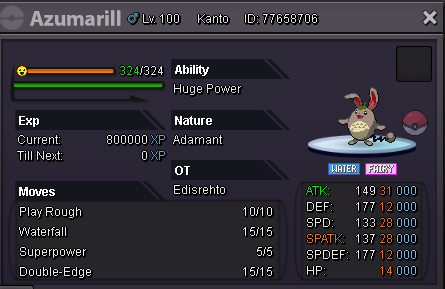
1 pointStart Price: 400k End Point: 48 hours(after start price is met) No insta Min. Raise: 50k Accepted Payment(s): Pokedollars
 1 point
 -
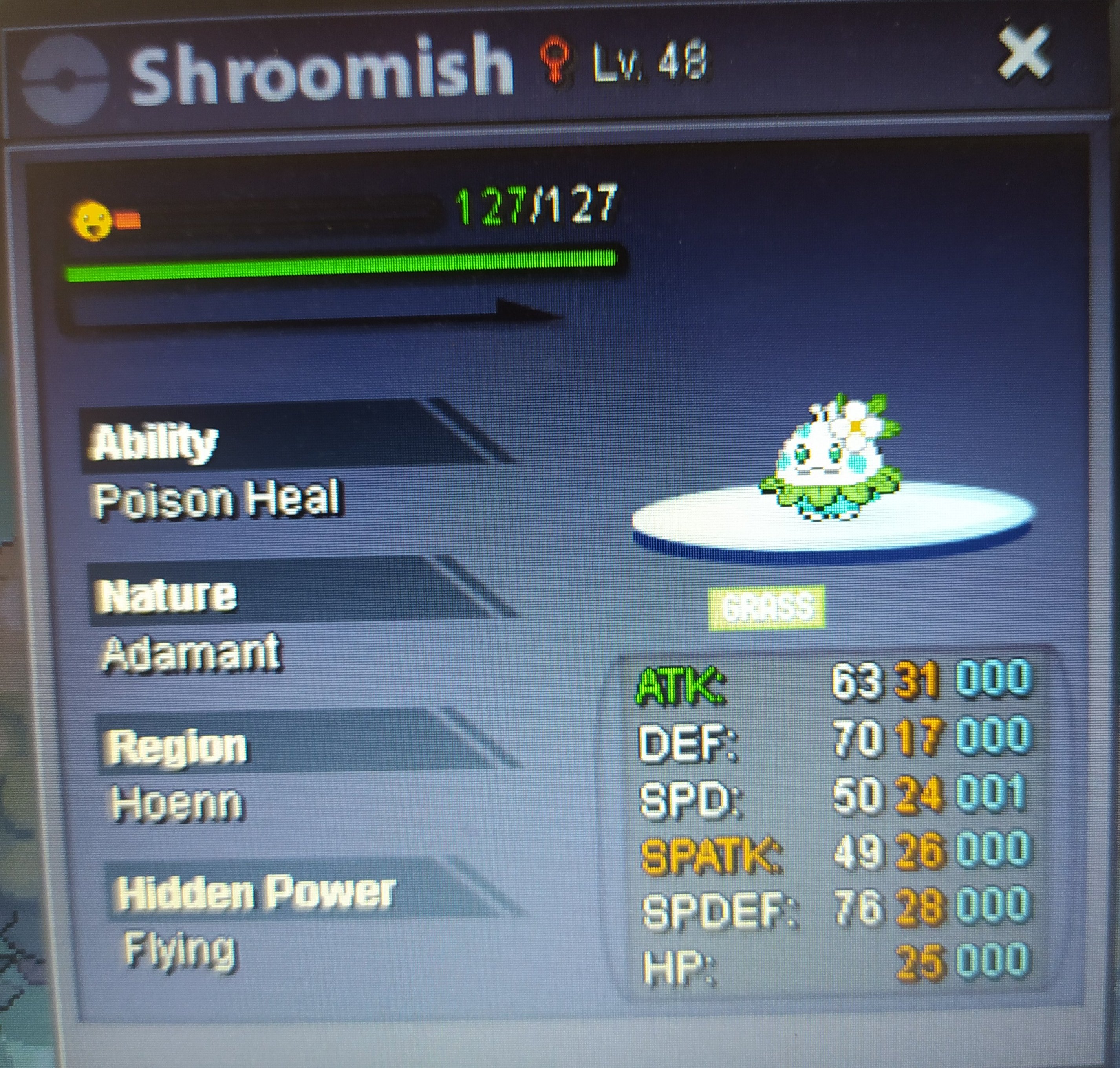
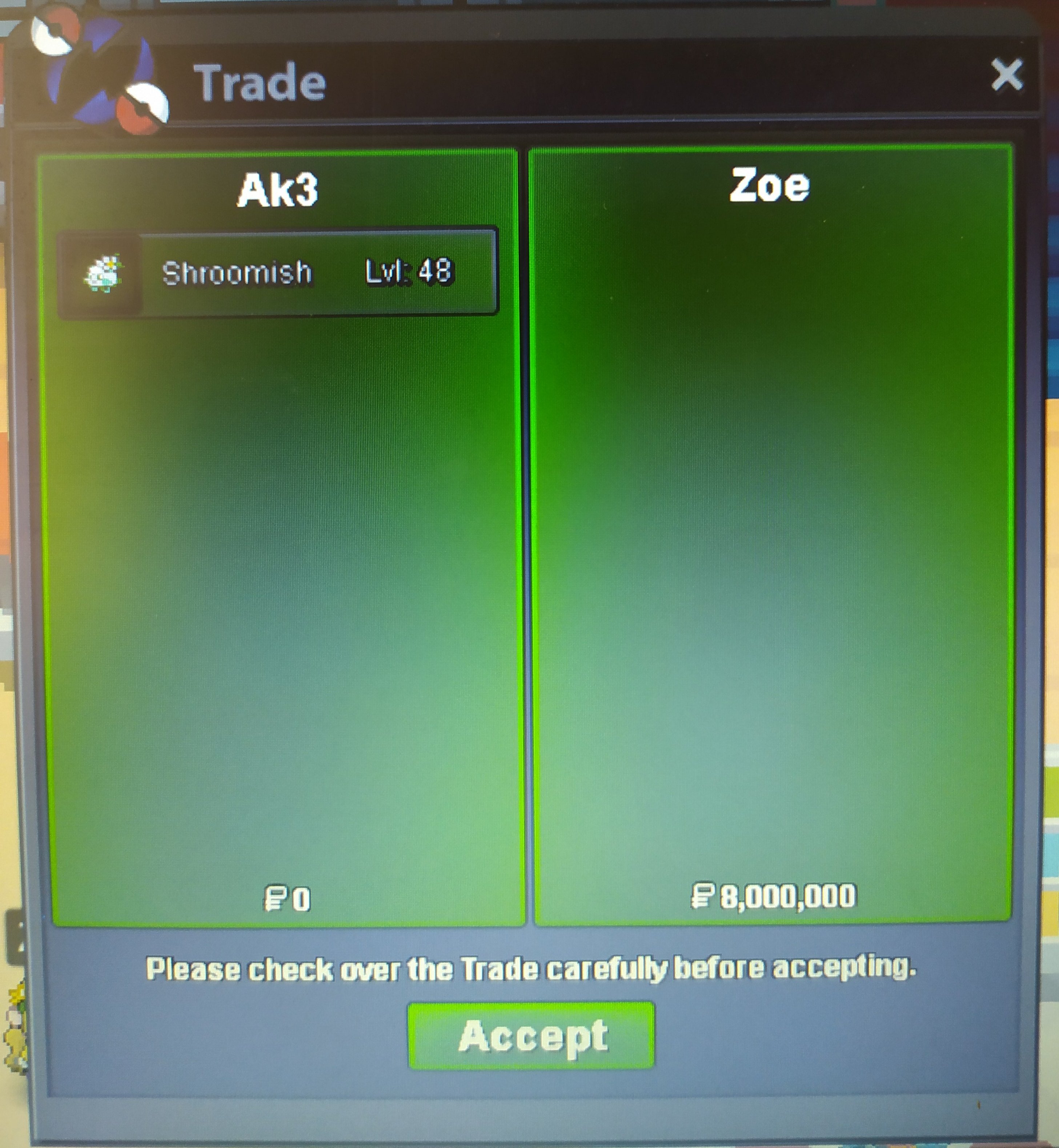
1 pointSTARTING PRICE: 3m MIN BID: 500k DURATION: 72 HRS AFTER FIRST BID PAYMENT: POKEDOLLARS IF A BID HAS MADE ON THE LAST 30 MINS THEN THE AUCTION WILL BE DELAYED BY 30 MINS FROM THIS BID AND THIS WILL KEEP HAPPENING UNTIL THE LAST 30 MINS OF THE AUCTION BE CLEAR OF BIDS. GL TO ALL
 1 point
 -
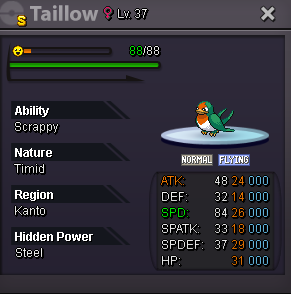
1 pointEnds 24 hrs of starting bid S.O 700k Min Bid: 100k ACCEPTED PAYMENTS: Pokedollars Reroll Ticket (500k ea) Nature Reroll (250k ea) Insta 15m Good luck All!
 1 point
 -
1 point
-
Start offer: 2m each Minimum raise: 100k Ends: 72hrs after 1st bid Insta: 7m each

 1 point
 -
1 point
-
1 point
-
1 point
-
1 point
-
1 point
-
1 point
-
1 point
-
1 point
-
1 point
-
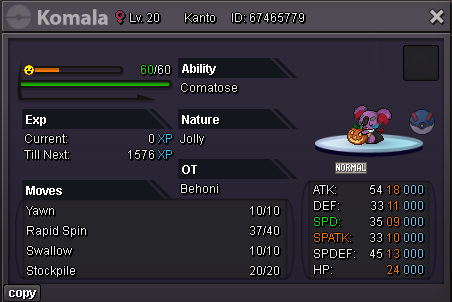
1 point300k Start 1.5m Insta Min Raise: 100k Auction Duration: 48 hours from first bid
 1 point
 -
1 point
-
1 point
-
1 point
-
1 point
-
1 point
-
1 point
-
1 point
-
1 point
-
1 point
-
1 point
-
1 pointGood Day @Gaabo Your Landorous has been restored. Moving forward, please post restoration request as a comment on the Restore Pokemon Megathread. I will be locking this thread now but if you have any further questions or concerns do not hesitate to reach out. Regards, Bitterblade1 point
-
1 point
-
1 point
-
1 point
-
1 point
-
hi i wtb this toge pls1 point
-
1 point
-
1 point
-
1 point
-
1 point
-
1 point
-
1 point
-
1 point
-
1 point
-
1 pointstart - I'll transfer if I win - Will pick up via alt PokeSanctuary (Edit to add alt)1 point
-
1 point
-
1 point
-
1 point
-
1 point
-
1 point
-
1 point
-
1 point
-
1 point