New Trade Zone
Trade Zone is now live
Use the new Trade Zone for auctions and instant-price trades so Pokemon and item offers are easy to find.

Waleed1301
Suspended
-
Joined
-
Last visited
Everything posted by Waleed1301
-
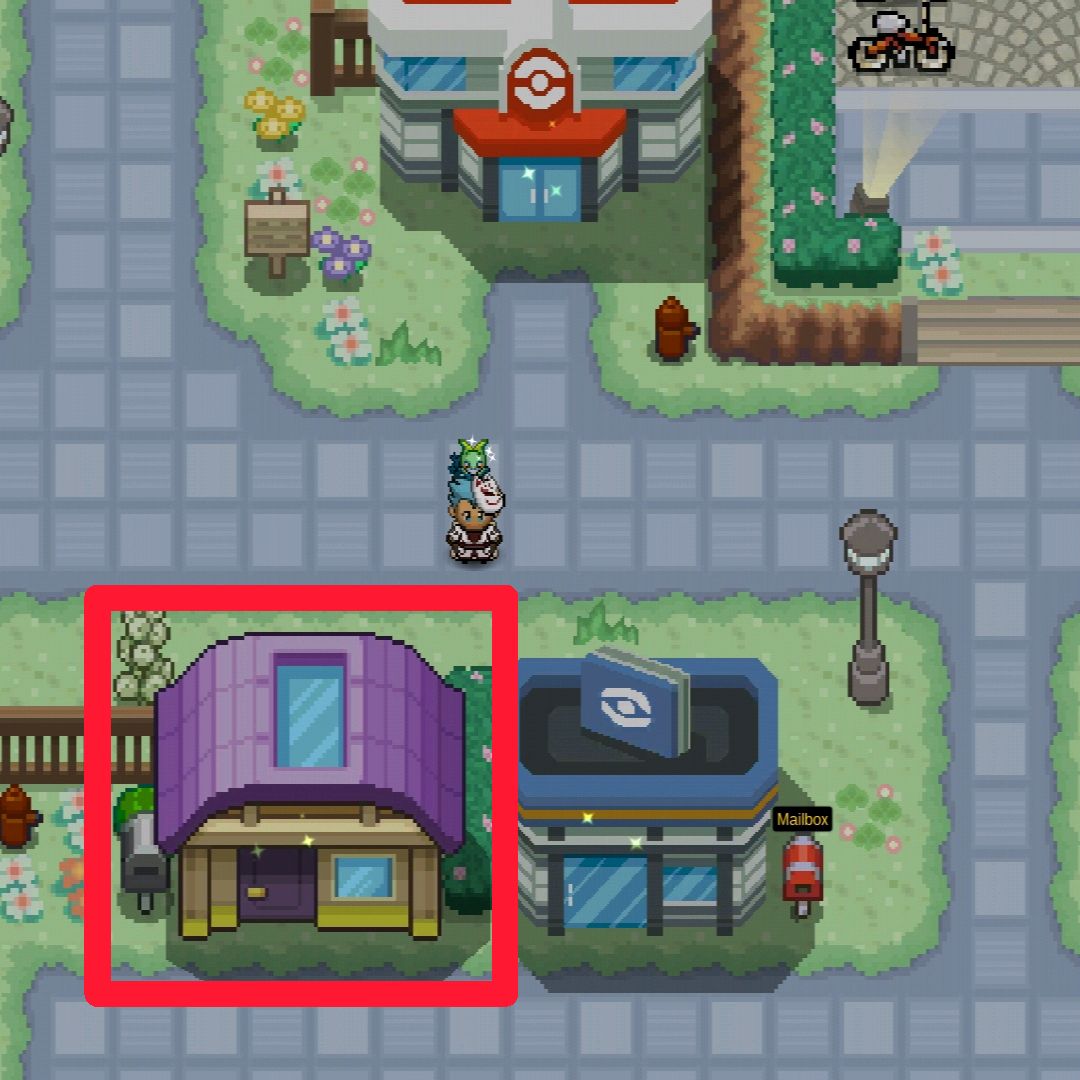
Hey there, @Stebbs13 The going to sinnoh quest has actually changed. You now start of the quest by speaking to an NPC named Paul in Lilycove City. After that everything is straightforward. This change was implemented earlier this week. Additionally if you haven't already, feel free to join the PRO Discord and stay tuned to our #announcements channel to keep up to date with any changes. I hope this can help, have a great day!
-
She finally did it!, Though I completely agree with your suggestion. (not because i'm in your guild)
-
Can we please add the move tutors for Frenzy Plant, Blast Burn and Hydro Cannon. These moves are pretty strong in power I understand, however it comes at a big risk they all have 90% Accuracy and if the move does hit it will make the user unable to attack in the next turn (so you can always play strategically and switch your pokémon).
-
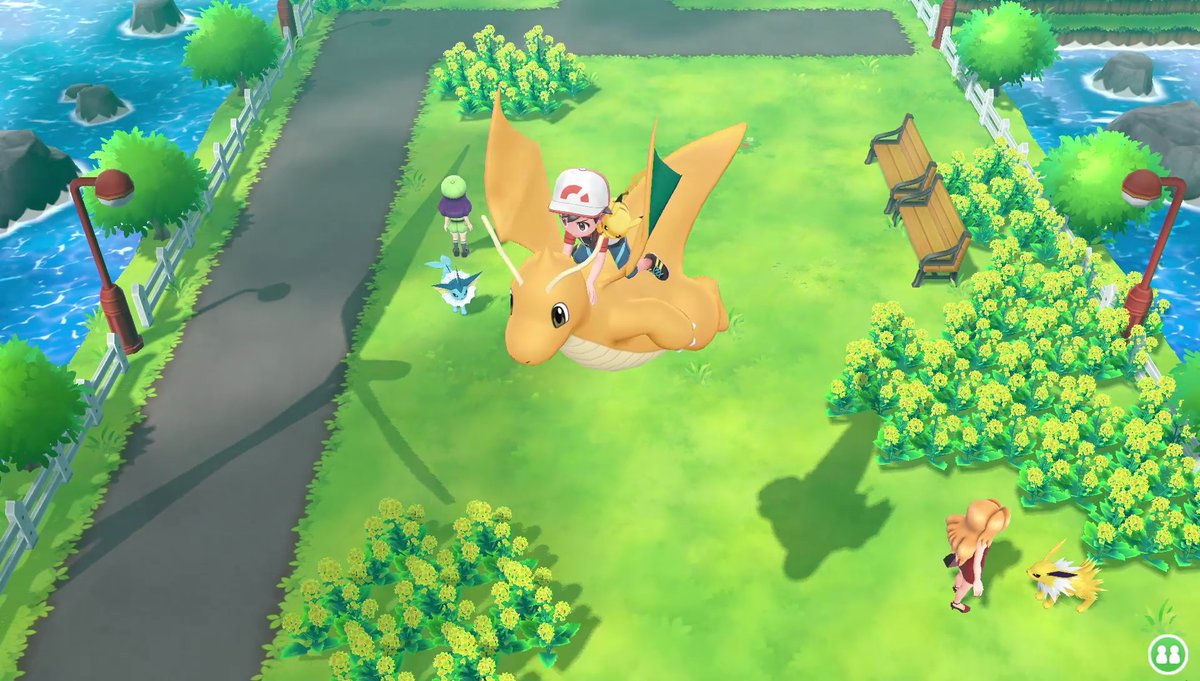
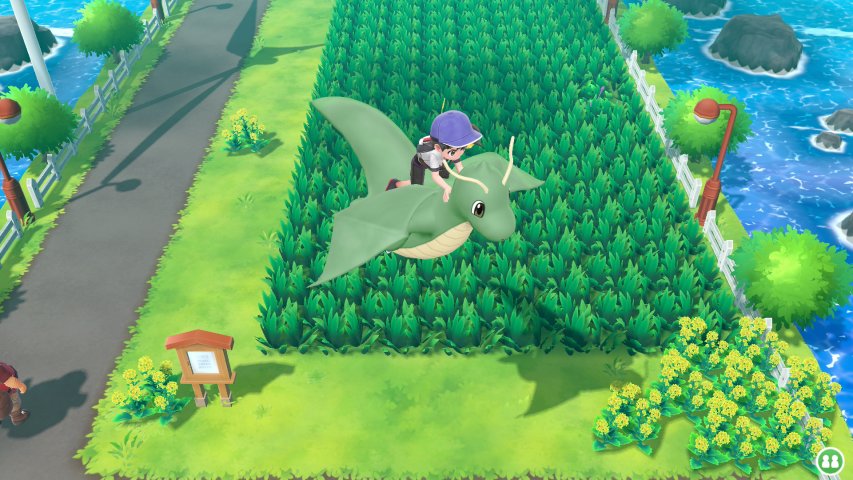
Hey there, @Stijnemans The going to sinnoh quest has actually changed. You now start of the quest by speaking to an NPC named Paul in Lilycove City. After that everything is straightforward. This change was implemented yesterday/2 days ago depending on where you live. Additionally if you haven't already, feel free to join the PRO Discord and stay tuned to our #announcements channel to keep up to date with any changes. I hope this can help, have a great day!Permanent item.Dragonite mount please
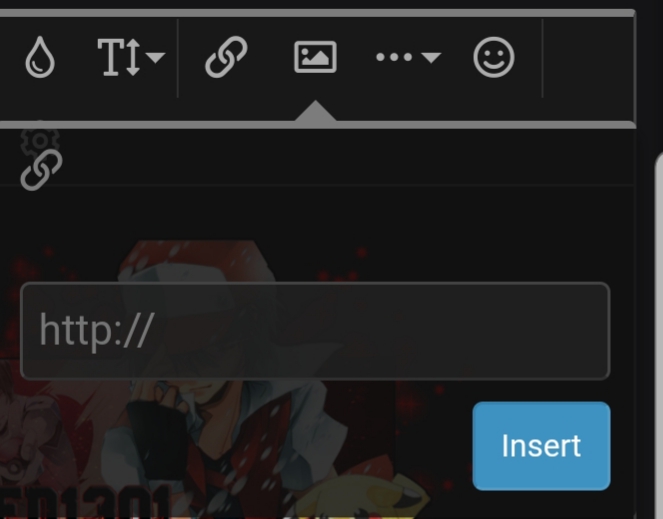
 Hey there, @Croanix Darkai is not available to capture at the moment. A quest to capture him is released for the Halloween event only. Though as there is sometime till Halloween, feel free to join our PRO Discord and stay tuned to our #announcements channel for any future content that may released including a possible Darkrai event return. I hope this information can help, have a great day and weekend!Hello, @sercan192 Try speaking to the NPC named Jackson there. See if he lets you continue on with the story. Additionally feel free to use the Kanto Story Guide, if you are stuck anywhere in the story. I hope this helps. Have a great day!Hey there, @AlwaysLate I have recieved this error in the past before. The reason why you are getting this error is due to the file link or file itself is too large. I suggest you upload the image to discord and use the Discord file app attachment, then copy and paste the link of the signature you want in the image icon shown here: I hope this can help, have a great day!
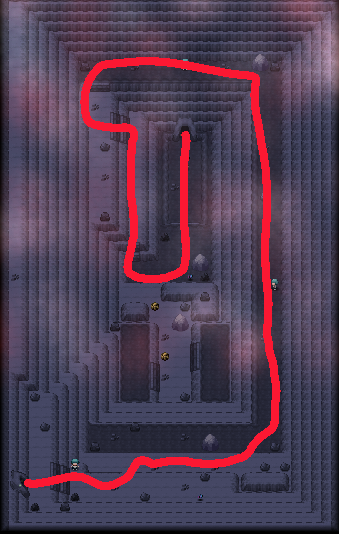
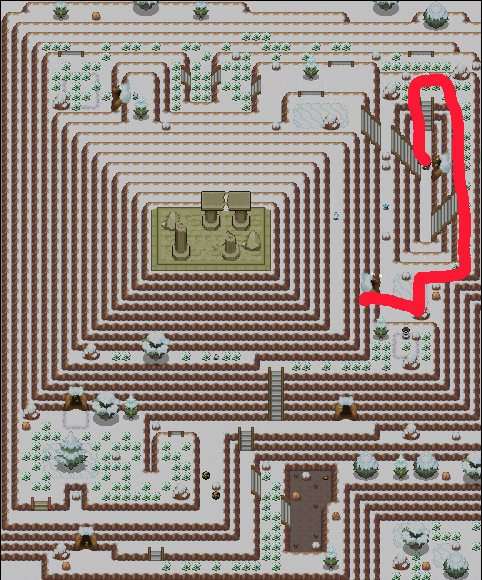
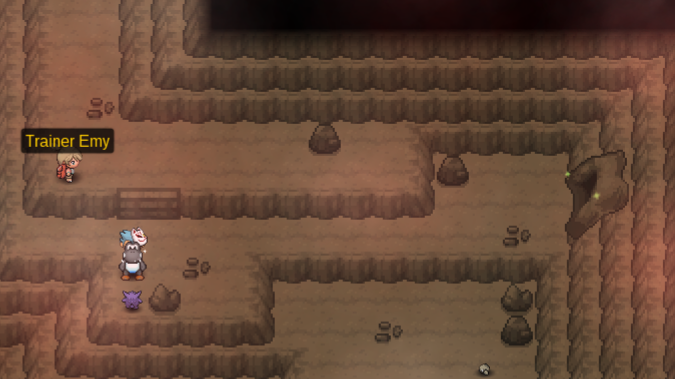
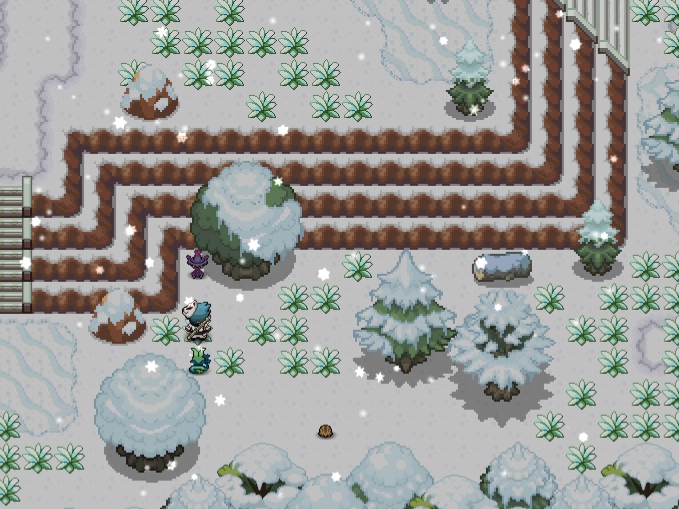
 Hey there @MarlioVzla This is actually not a bug. It is intended that you are unable to use your tools on Love Island, to symbolise the bond you have with your Pokémon. You will need to have a Pokémon with the Rock Smash tutored and make sure it has 220+ Happiness to be able to smash the crystals. If you do not know how to check Happiness, type /happy <1-6> in a chat ingame e.g. /happy 1 for the first Pokémon in your party and in your chat it will tell you how much Happiness it has. If you would like to learn how to increase Happiness, take a look at this thread. Additionally you can get Rock Smash from these places here: I hope this information can help, have a great day!Hey there, @redsz124 Can you please go to the Bell Tower located in Ecruteak City. Which is this building shown in the image below: Once in the building head you will be in the map Bell Tower Barrier Station 1F, head down the stairs to Bell Tower Station B1F defeating all the Sage's there and going into the next room the Bell Tower. In the Bell Tower the Legendary Beast's should be running around like in this image below: Interact with them and they should run away. After they have run away, find all the beasts data in their respective places for any Legendary Quest regardless if you already seem to have their data in the dex as they will not count for the Legendary Quest's as data for them can be acquired from Bosses or PvP. These are the places to find them in: If you want to see more information regarding the quest check out the LEGENDARY MEGA THREAD or THE BEAST'S WIKI PAGE. Hope this information can help, have a great day!
.jpeg.995eb20cfe81fdf8040cc7611ea85e36.jpeg)
.png.311cdbb3f1dc1bbe8ce314b71ef2fdb5.png) BumpHey there, @Cloudx It sounds like you may need to merge your account. For all details regarding the merge and how to merge, read this. To officially merge your account you will need to do so via the dashboard. After doing this you will be able to login into the Silver server. However if you are still unable to login after please try and reset your password as this is sometimes needed after the merge. I hope this information was able to help you, welcome back. Have a great day!Username: waleed1301 Server: Gold Country/Timezone: England (GMT + 1) Good luck to eveyone participating.Hey there, @Harsha23 As you correctly said you do need max happiness, during day time (10:00 - 20:00) for Budew to evolve into Roselia. If you're having issues trying to evolve. Make sure you have the correct time, you can see the ingame Pokémon time in the top right corner and as said previously day time is between 10:00 - 20:00. If you are already at max happiness, make sure to make it faint first so it loses abit of Happiness and get it back to max during day again. If you don't know how to check happiness and are mistaking it for the HP you can use the command /happy 1-6 in to the chat ingame, 1-6 corresponds to the slot your Pokémon is in. For example /happy 1 would be checking the Pokémon in your first slot. Hope this information can help, have a great day amd weekend.Hey there, @Varu97 Upon registering to PRO now, new players do not get a verification email. So feel free to login into the game whenever you're ready. You can download it here, if you haven't done so already. Good luck and welcome. I hope this information can help, I wish you a great day and weekend.Issue was solved on PRO Discord^
BumpHey there, @Cloudx It sounds like you may need to merge your account. For all details regarding the merge and how to merge, read this. To officially merge your account you will need to do so via the dashboard. After doing this you will be able to login into the Silver server. However if you are still unable to login after please try and reset your password as this is sometimes needed after the merge. I hope this information was able to help you, welcome back. Have a great day!Username: waleed1301 Server: Gold Country/Timezone: England (GMT + 1) Good luck to eveyone participating.Hey there, @Harsha23 As you correctly said you do need max happiness, during day time (10:00 - 20:00) for Budew to evolve into Roselia. If you're having issues trying to evolve. Make sure you have the correct time, you can see the ingame Pokémon time in the top right corner and as said previously day time is between 10:00 - 20:00. If you are already at max happiness, make sure to make it faint first so it loses abit of Happiness and get it back to max during day again. If you don't know how to check happiness and are mistaking it for the HP you can use the command /happy 1-6 in to the chat ingame, 1-6 corresponds to the slot your Pokémon is in. For example /happy 1 would be checking the Pokémon in your first slot. Hope this information can help, have a great day amd weekend.Hey there, @Varu97 Upon registering to PRO now, new players do not get a verification email. So feel free to login into the game whenever you're ready. You can download it here, if you haven't done so already. Good luck and welcome. I hope this information can help, I wish you a great day and weekend.Issue was solved on PRO Discord^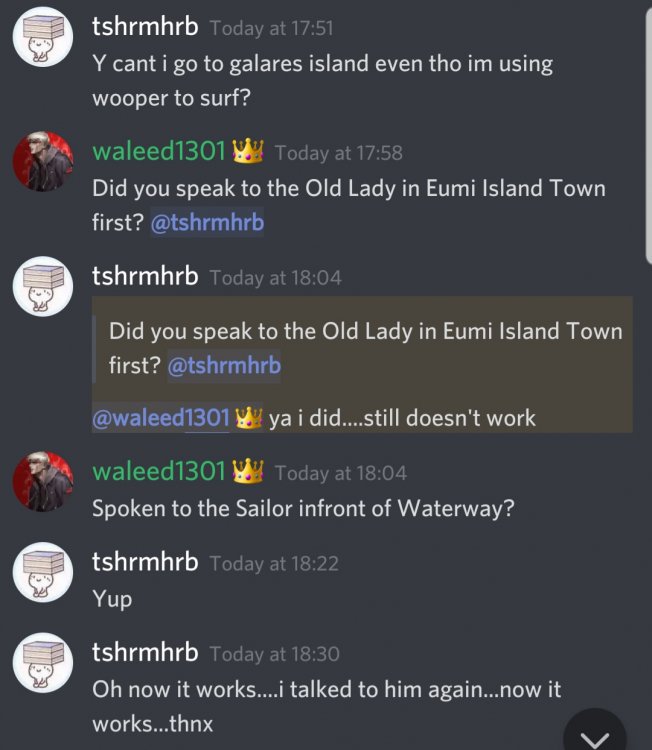 [spoiler=Jirachi] I just want to say a major thank you to Comrader, Ichibann, PharaoMage, Turles and my guild Team Magma for the big help and corrections they gave me throughout the quest. Thank you very much ❤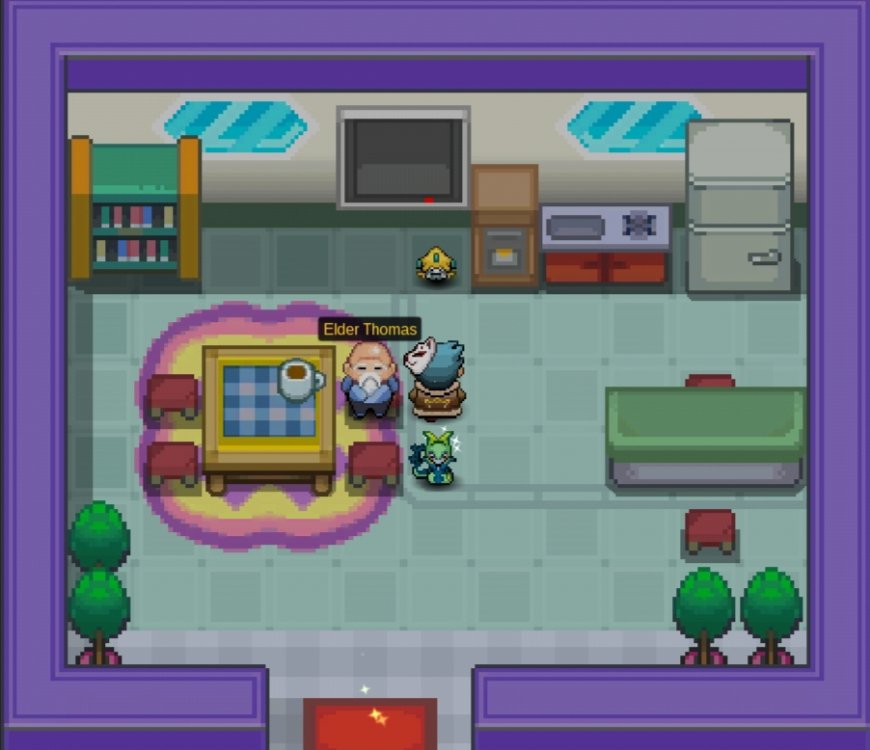
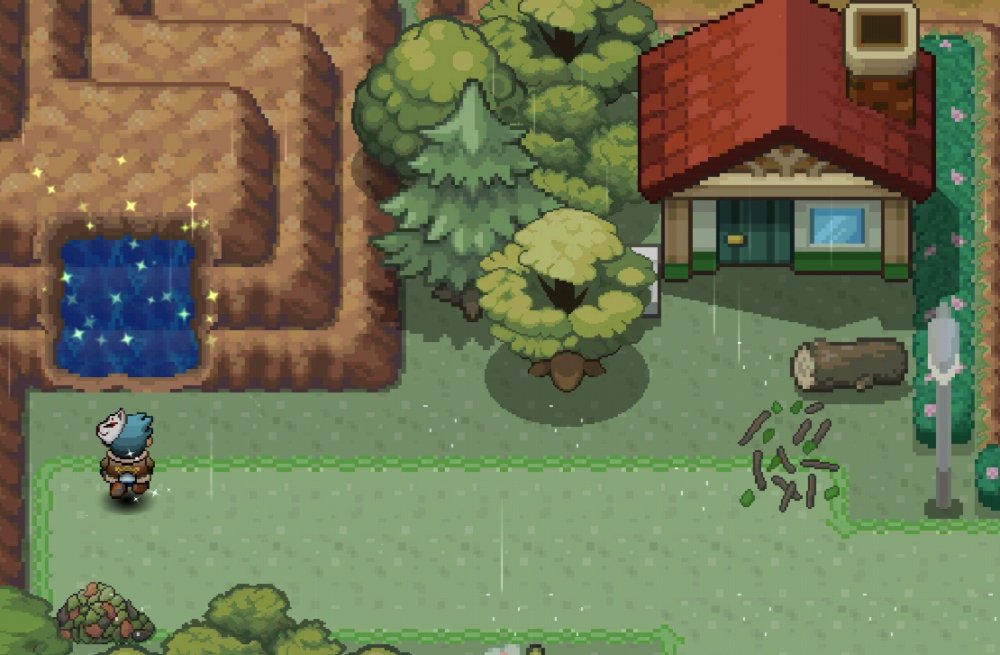










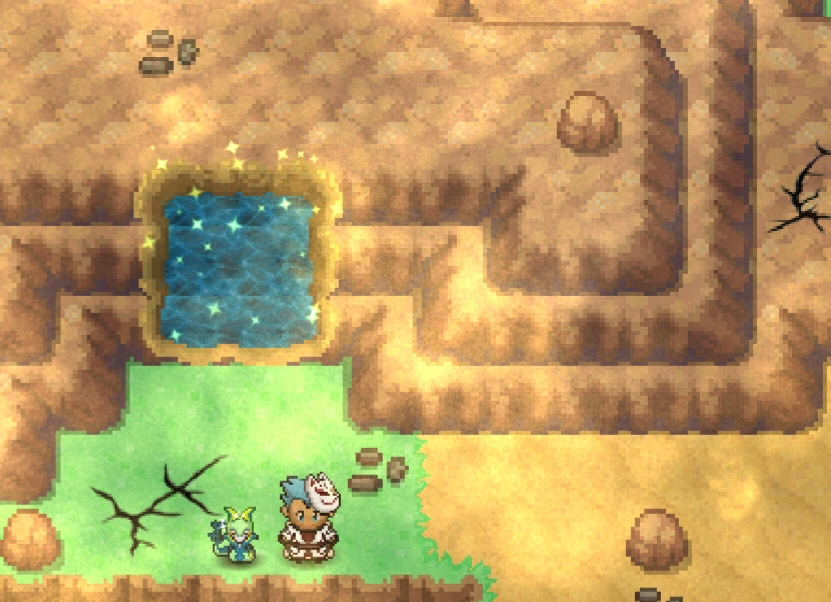







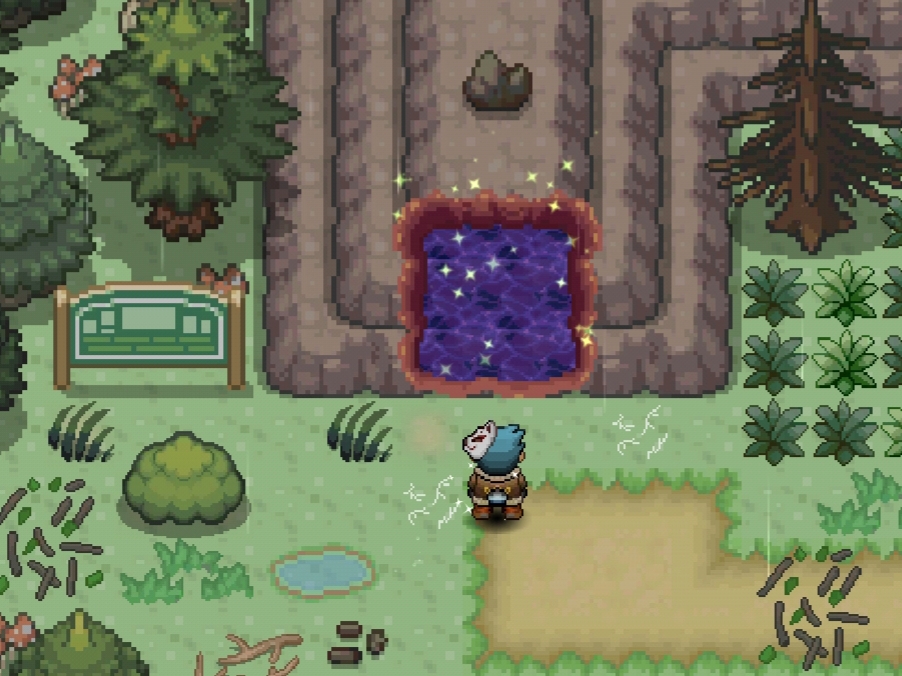












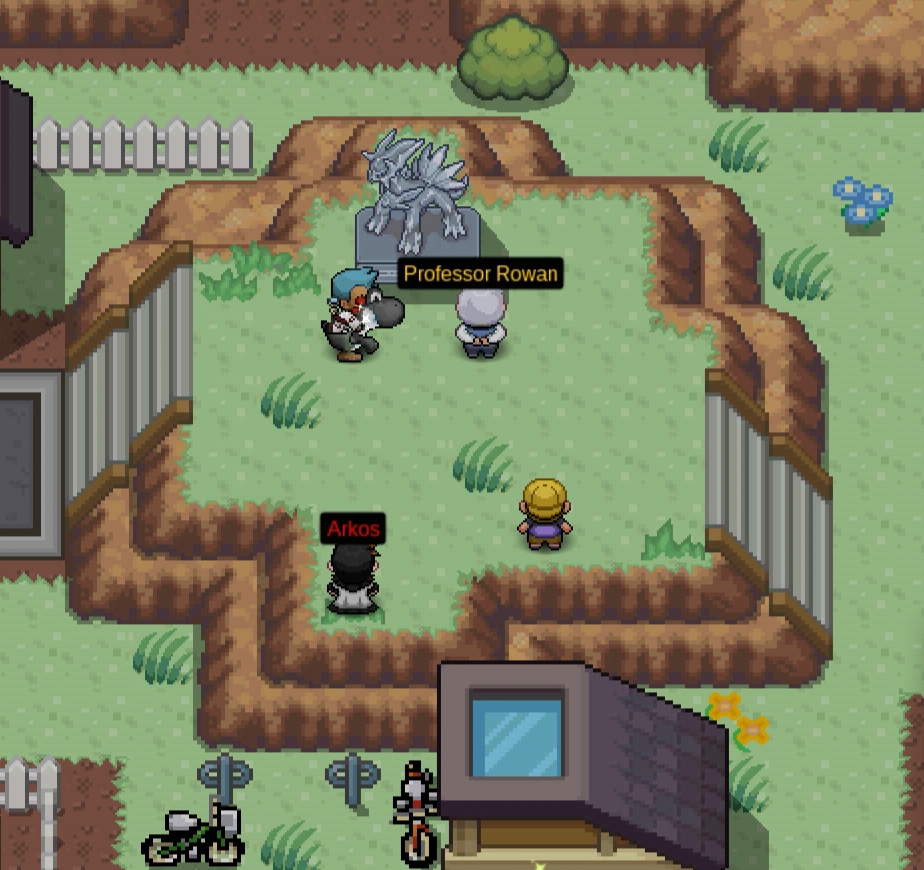
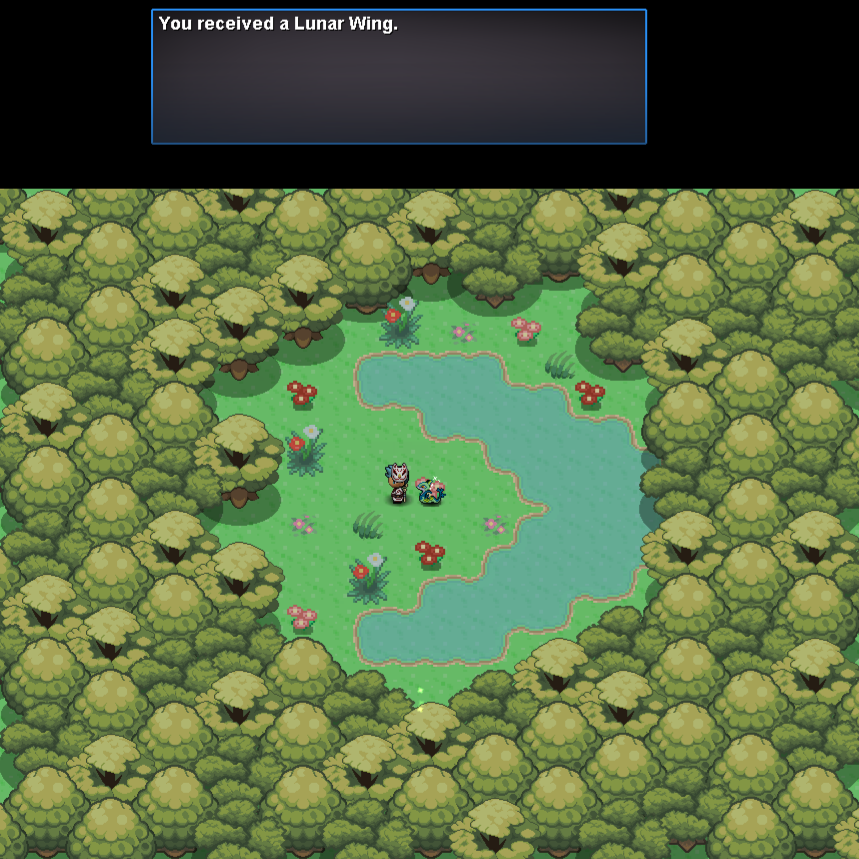
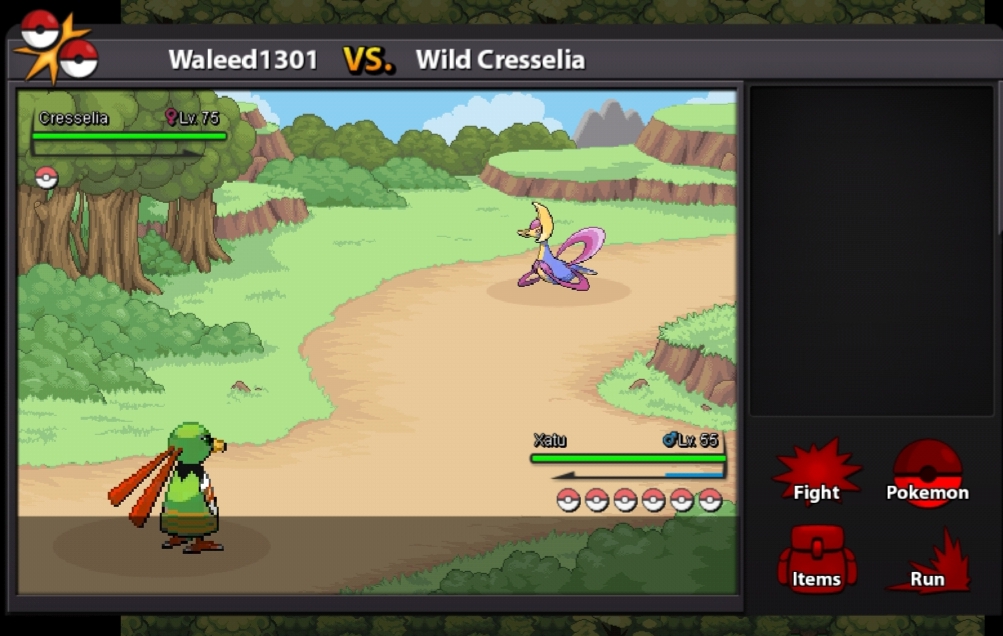
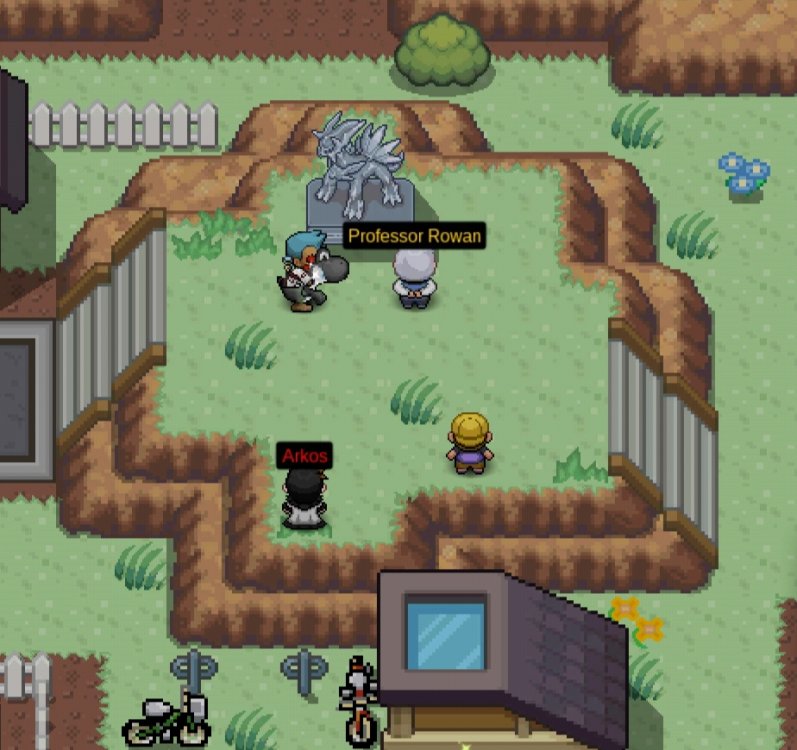
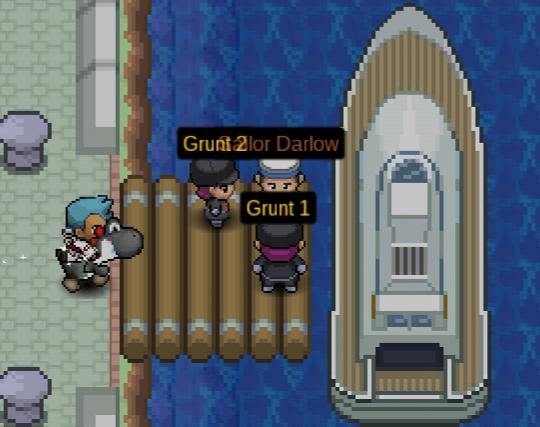
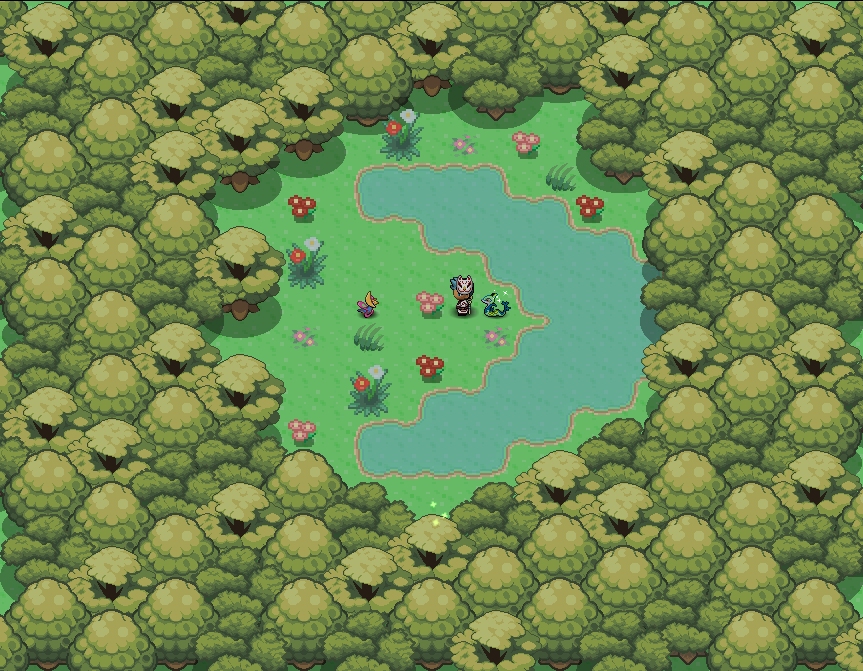
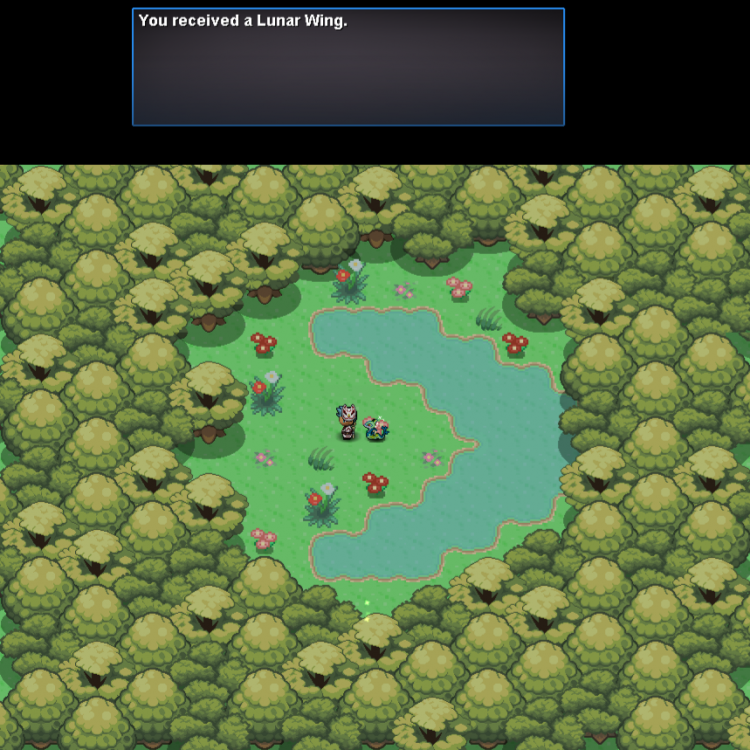
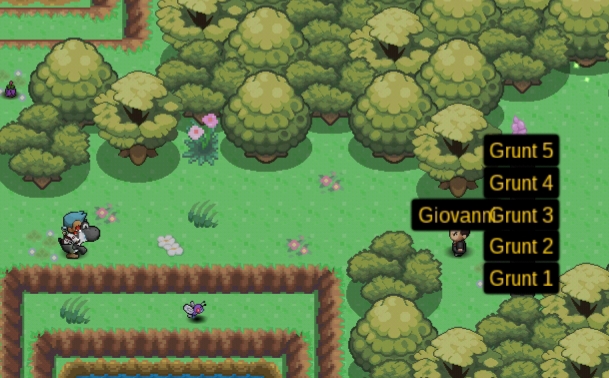
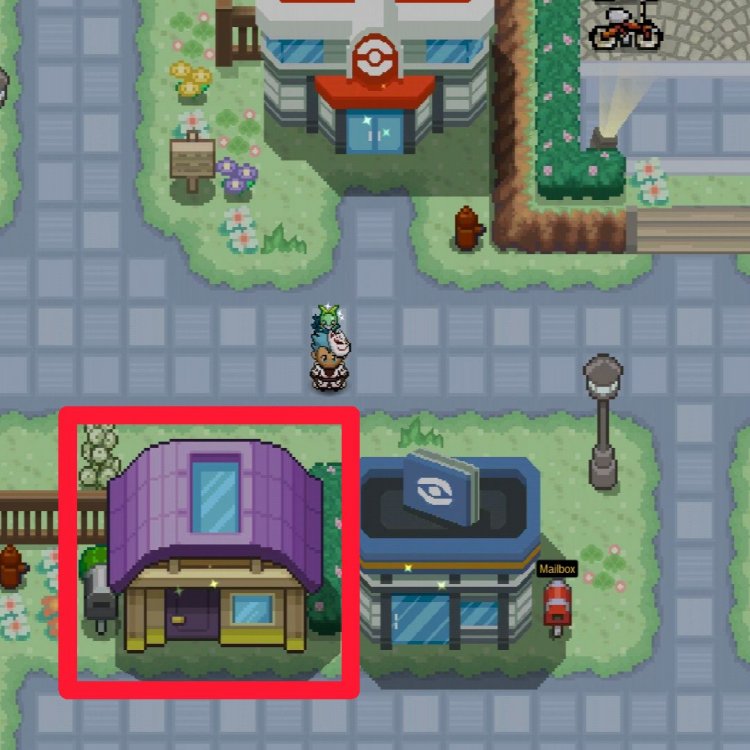 Hey there, @linkaros It will take 30 in real life days for your server transfer to reset for a free transfer. If you want to transfer within the free cooldown time period it will cost you 100 coins (1 CC) to transfer. I hope this can clear your doubts, have a great day!Hey there, @Gio9soares Unfortunately PRO is not available on Consoles. The only download links we have for PRO are on Android, Linux, Mac and Windows (32 and 64 bit). If you click here, it will bring you to the client download repository where you can download and see the requirements for the device you might want to play PRO on. I hope this answers your doubt. Have a great day!Best guild on GoldThe Professor will first tell the player a small story about Cresselia and Darkrai, he will then ask the player to visit Fullmoon Island which he tell's us can be accessed by speaking to Sailor Darlow at Canalave City. Upon arriving to Canalave, the player will notice that Sailor Darlow has been surrounded by Rocket Grunts. [spoiler=Sailor Darlow] We must now interact with one of the Rocket Grunts and battle both of them first we will fight Rocket Grunt 1 and then Rocket Grunt 2. [spoiler=Rocket Grunt 1 Lineup:] [spoiler=Rocket Grunt 2 Lineup:] After defeating the 2 grunts, they will disappear we must now speak to Sailor Darlow once again. He will ask the player for one more favour, asking us to help his Daughter who has been stuck in a Nightmare. Hope this could help, have a great day everyone and please take care. If a video guide is ever needed make sure to check out Belzebel's!


























 BumpBump