




New Trade Zone
Trade Zone is now live
Use the new Trade Zone for auctions and instant-price trades so Pokemon and item offers are easy to find.


Norex
Discord Moderator
-
Joined
-
Last visited
Everything posted by Norex
-
Solved on discord.
-
-
-
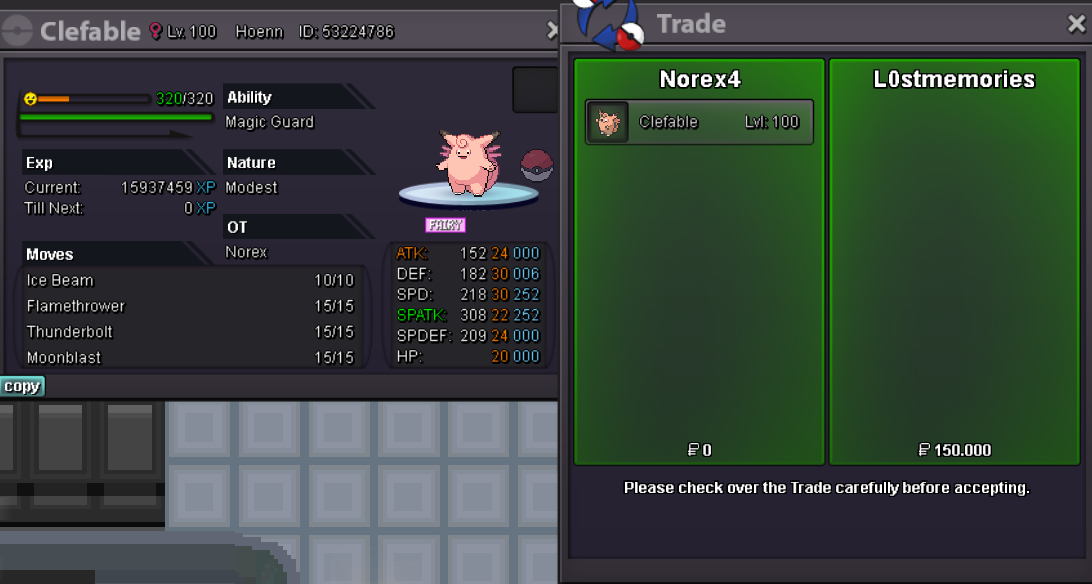
Clefable 150k sold.
-
-
-
-
-
Did you faint in a wild battle or in a battle with an NPC?
-
Hey, it will only try to evolve upon reaching the max amount of happiness. So you would need to faint it in a wild battle to lose some happiness first and then get it to the max happiness again. Happiness evolutions dont need a level-up for the evolution, its only about reaching the max happiness.
-
You most likely need to merge your account via the dashboard. https://dashboard.pokemonrevolution.net/dashboard
-
-
-
-
Run it as admin.
-
You can switch servers with the "Server Transfer" option at the dashboard. https://dashboard.pokemonrevolution.net/dashboard
-
You have to talk to the Guard in front of the Cerulean Cave first before you can battle Lance.
-
Run the dev client as administrator and see if that fixes it.
-
Start the dev client as adminstrator and see if that fixes it.
-
Interact with the tree stump with a mushroom on it.
-
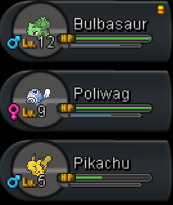
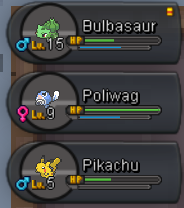
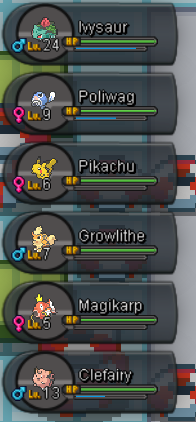
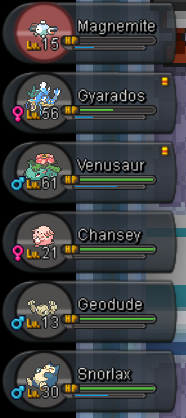
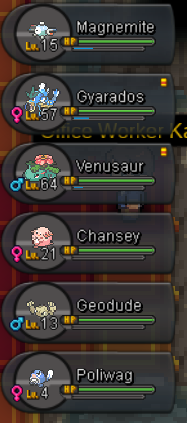
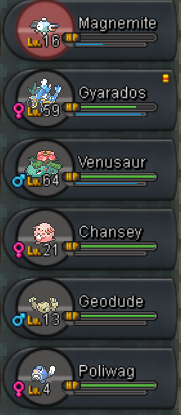
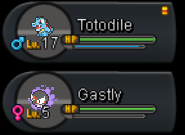
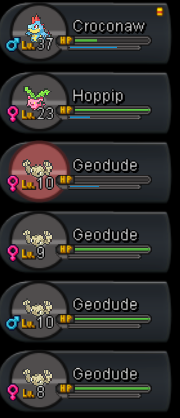
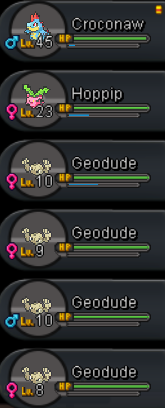
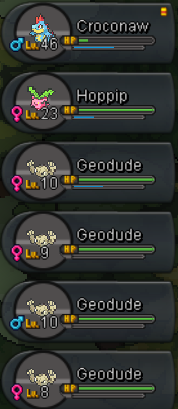
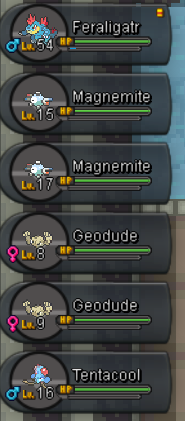
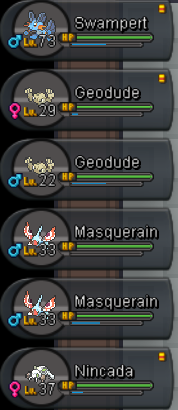
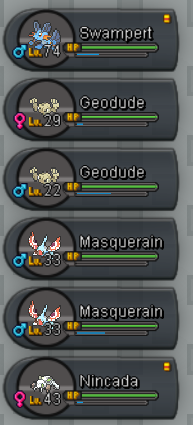
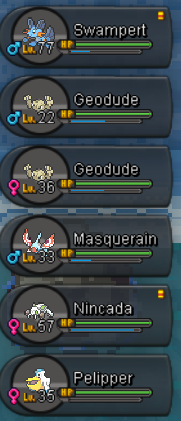
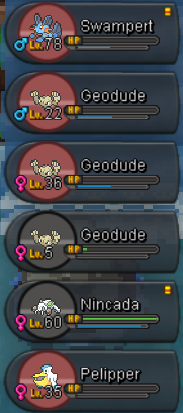
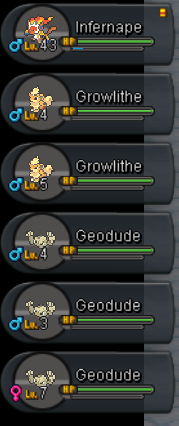
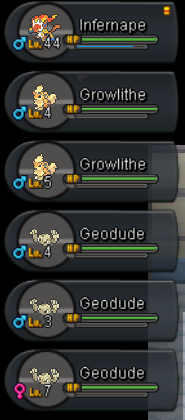
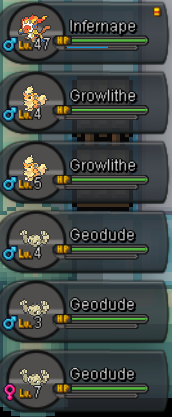
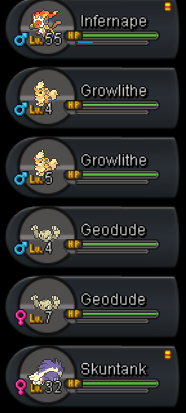
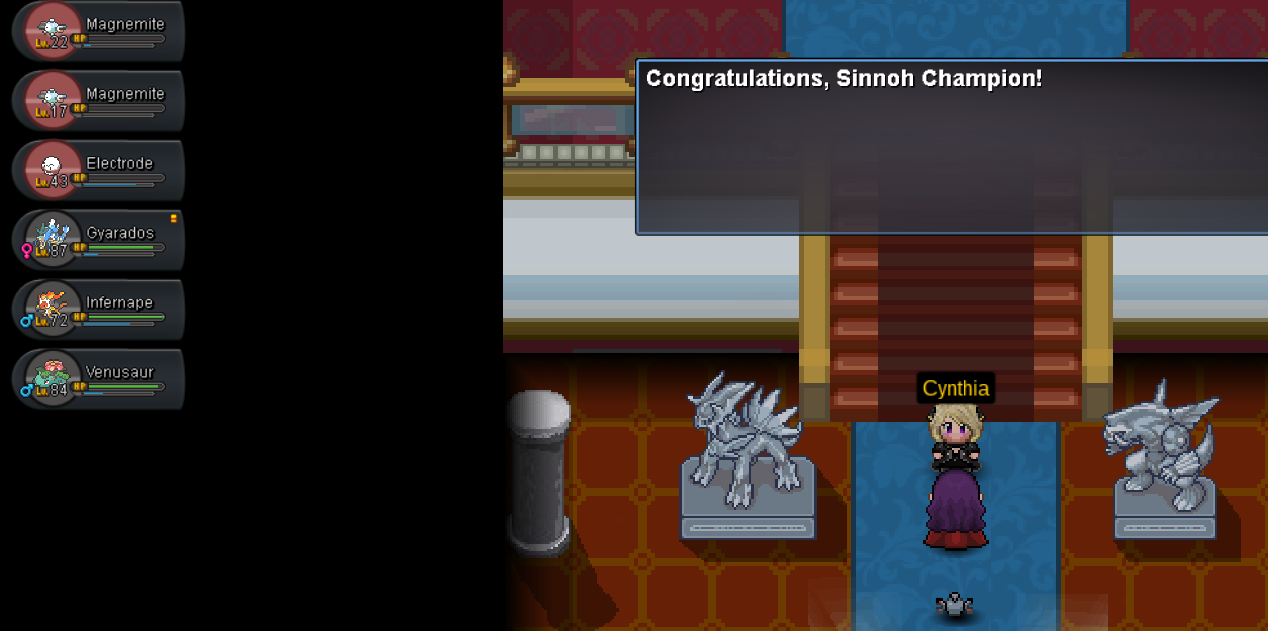
Gym Screenshots: Kanto: Johto: Hoenn: Sinnoh: Walkthroughs and Feedback: (the walkthroughs mainly mention parts where NPC trainers are skippable and I battled all instead) Kanto: Johto: Hoenn: Sinnoh: General: special thanks to
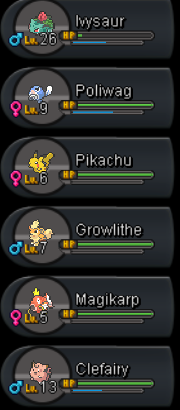
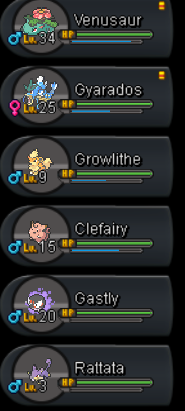
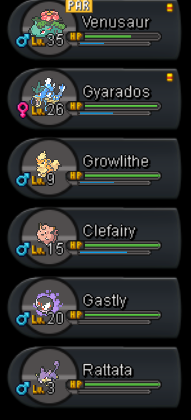
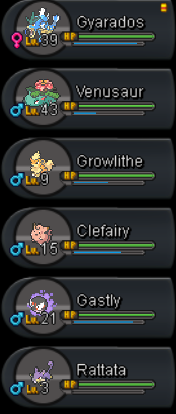


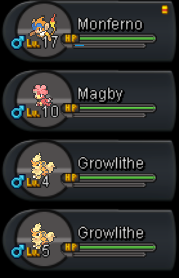
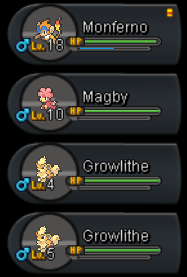
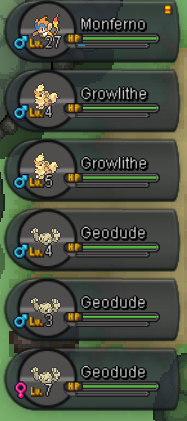
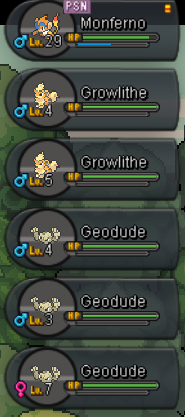
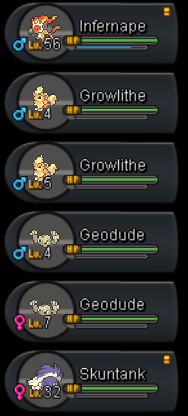
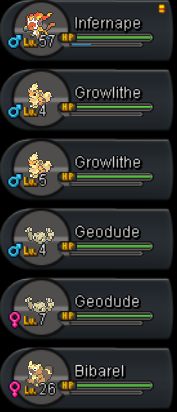
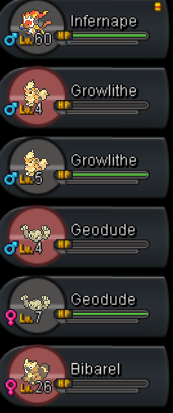
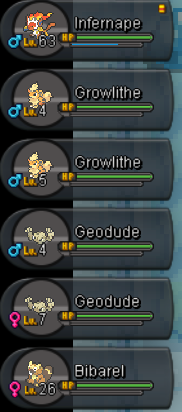
-
Hey, close all PRO related programs and run it as an administrator and see if that fixes it.
-
-
-
