




New Trade Zone
Trade Zone is now live
Use the new Trade Zone for auctions and instant-price trades so Pokemon and item offers are easy to find.
Leaderboard





Popular Content
Showing content with the highest reputation on 03/13/22 in all areas
-
5 points
-
3 points
-
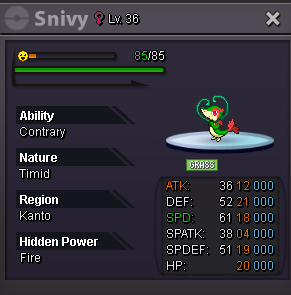
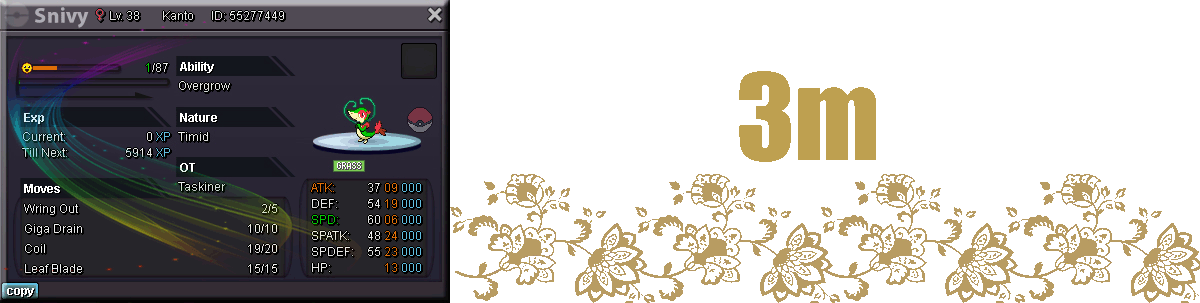
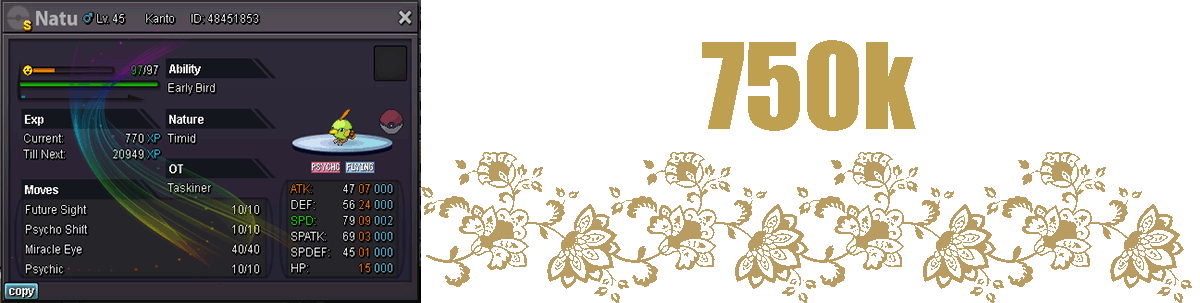
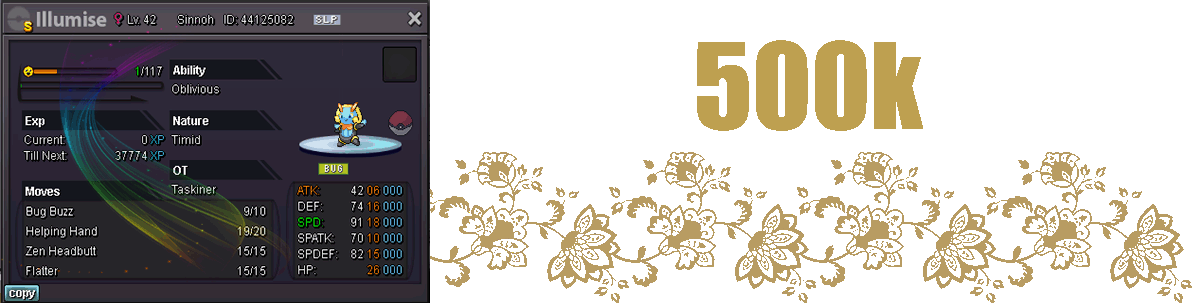
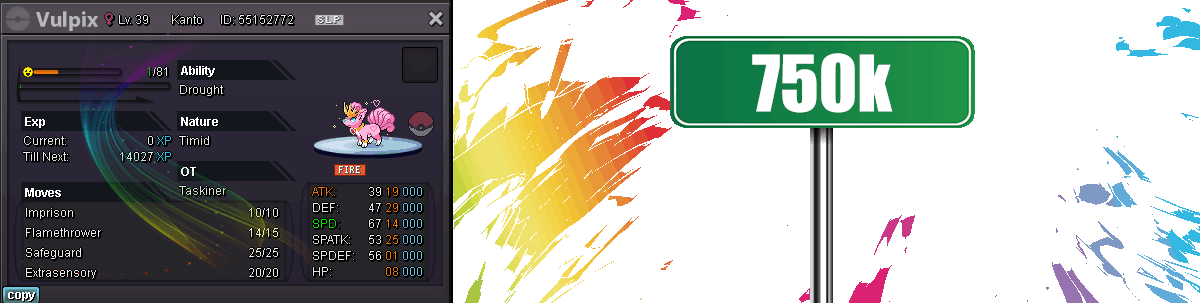
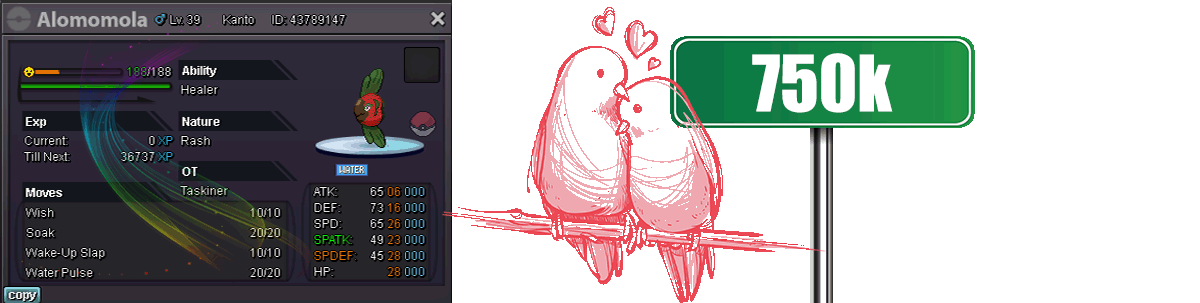
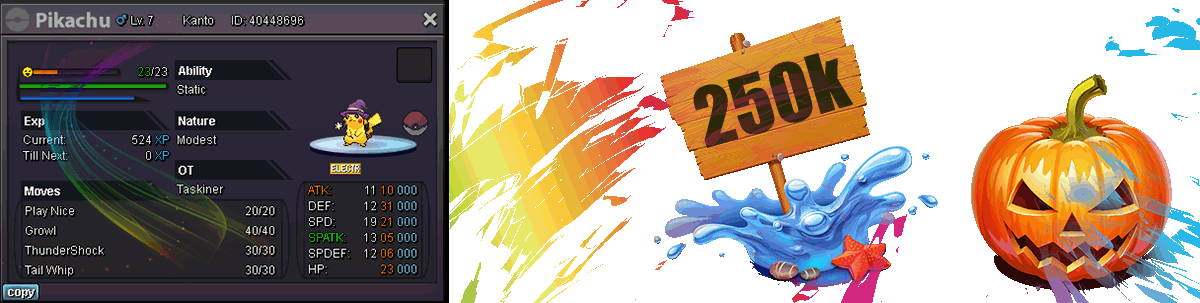
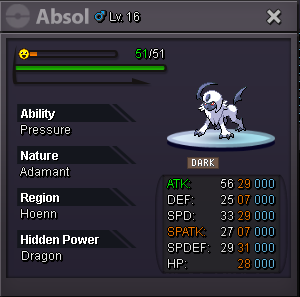
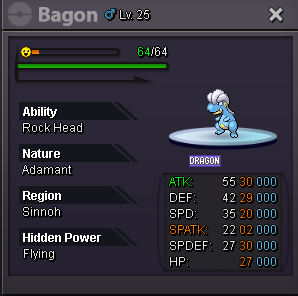
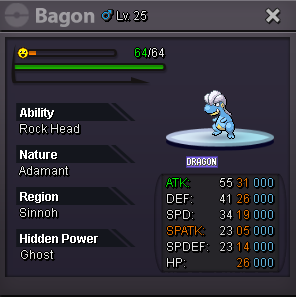
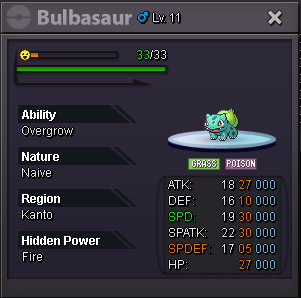
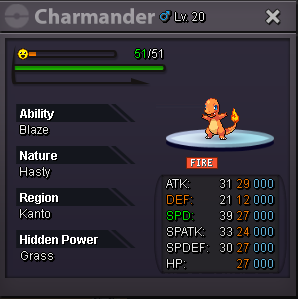
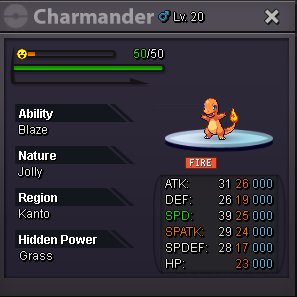
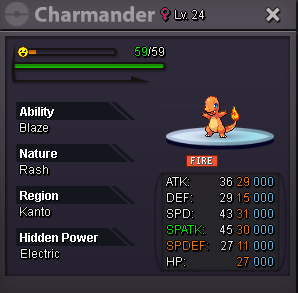
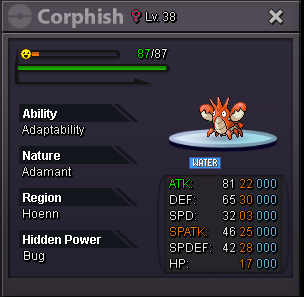
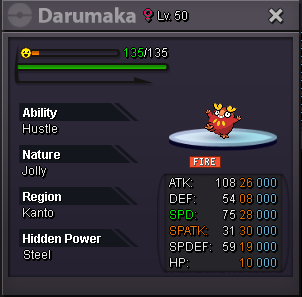
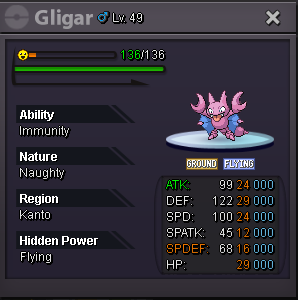
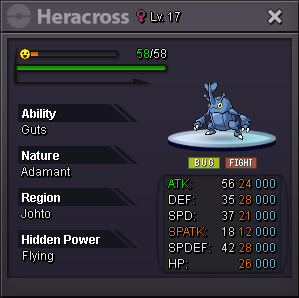
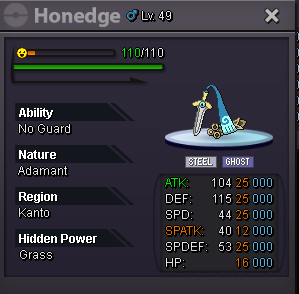
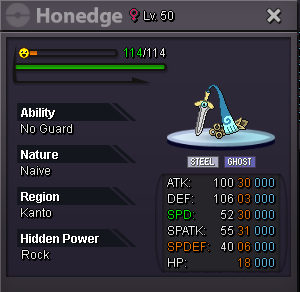
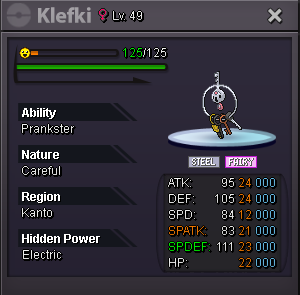
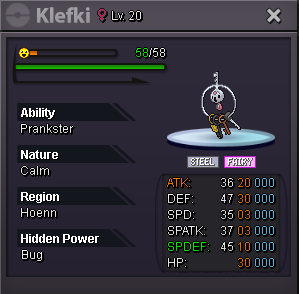
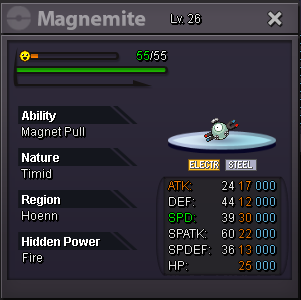
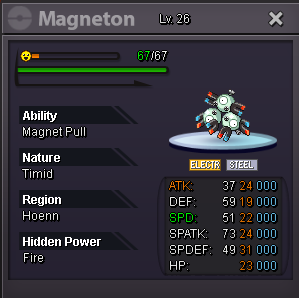
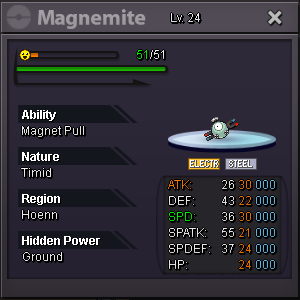
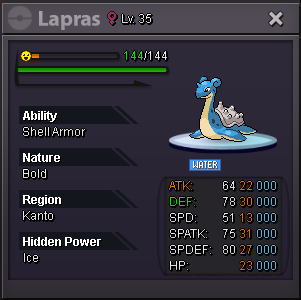
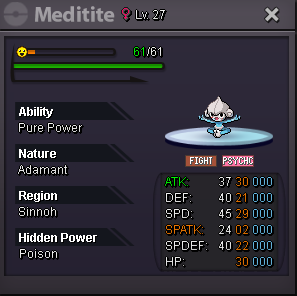
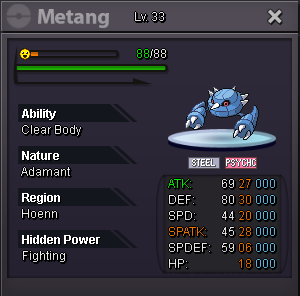
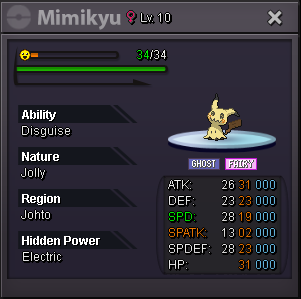
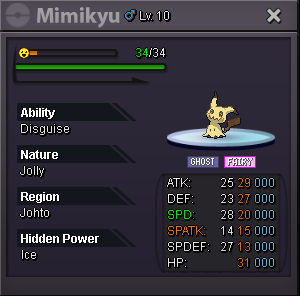
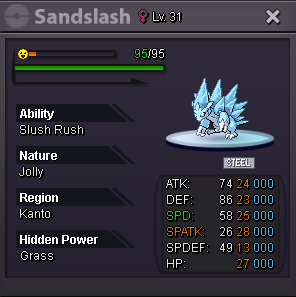
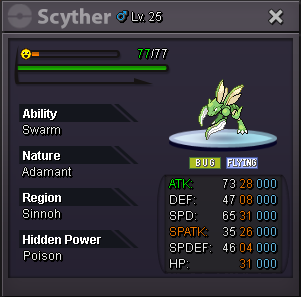
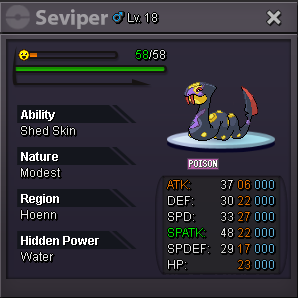
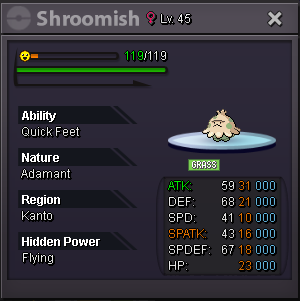
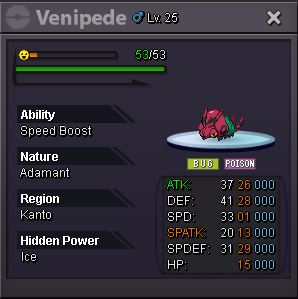
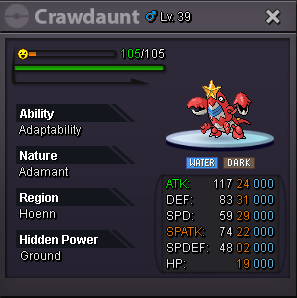
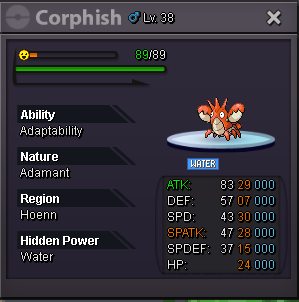
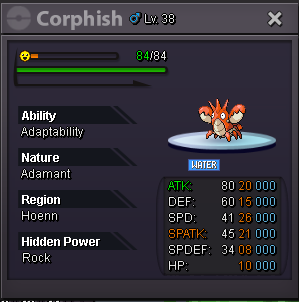
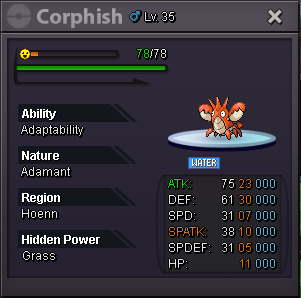
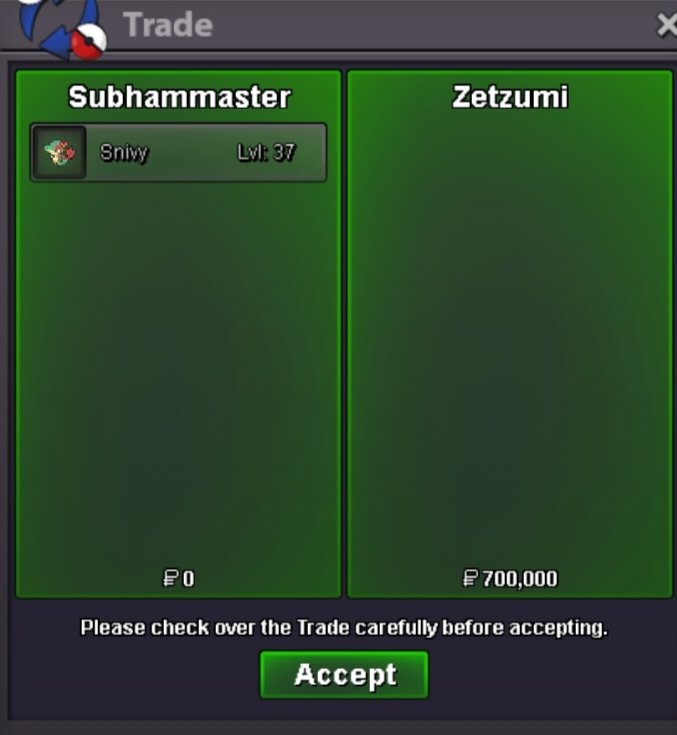
2 points2 points1 point1 point1 pointI'll handle Smokin's auction for this Snivy He'll be able to transfer without any fee to the winner, GL ! S.O : 15m. Min Raise : 500k. Insta : None. Duration : 72 hours after the first bid. Accepted payments : Reroll Tickets : 700k each. CC : 400k each. Pokedollars.
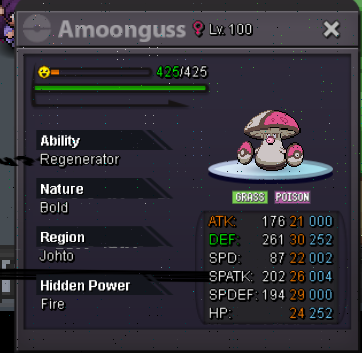
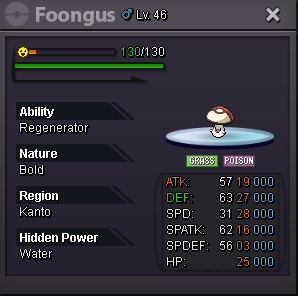
 1 pointHello, Since i got bored and i'm less intressted in playing pro my amoongus hp fire is on sale Start bid 16m No insta CC accepted as 400k e Reroll ivs 700k End 5 days after auciton Unrelated comments will be deleted
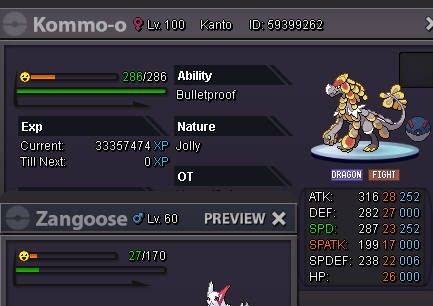
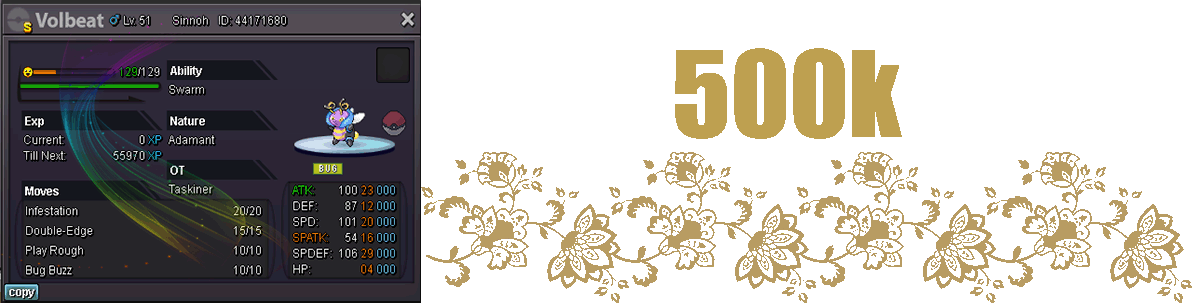
 1 point1 pointStart : 500k min bid : 50k Time : 24h (after first bid ) Insta : 3m Accpect RR = 700k NRR = 350k CC = 400k
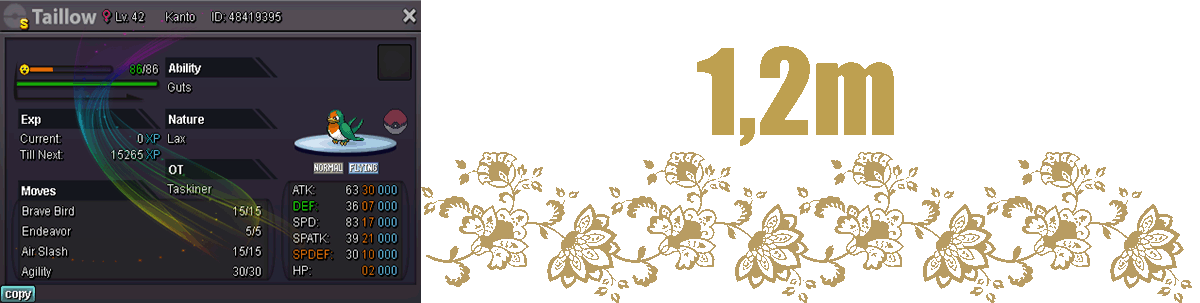
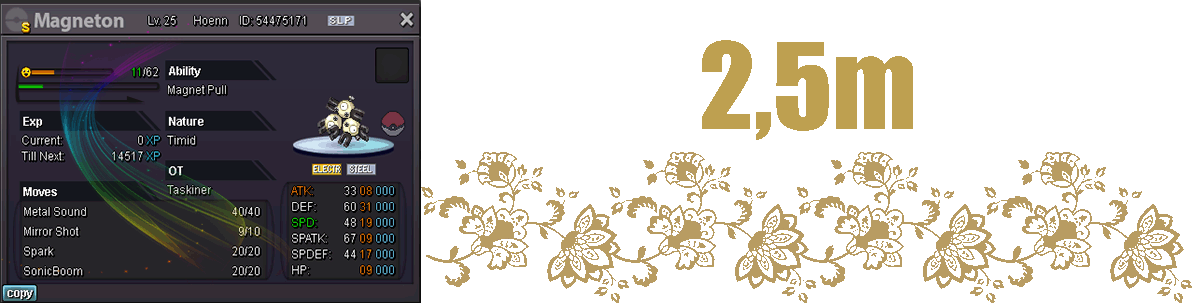
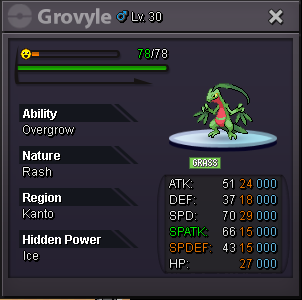
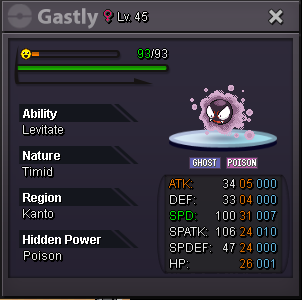
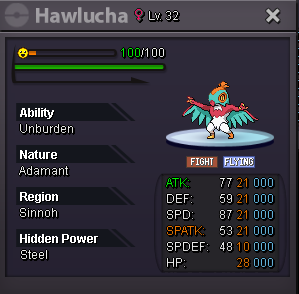
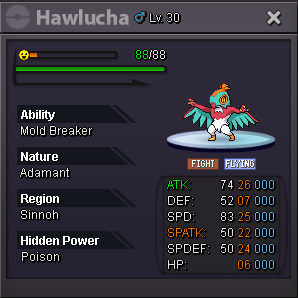
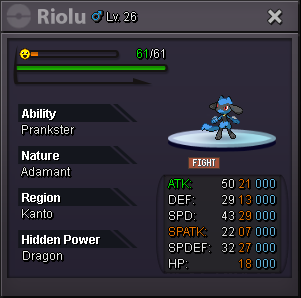
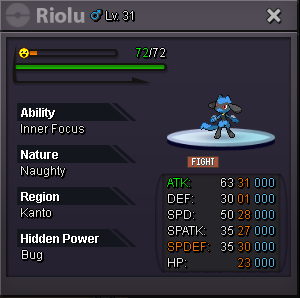
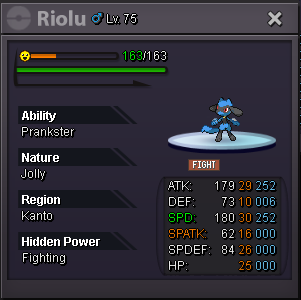
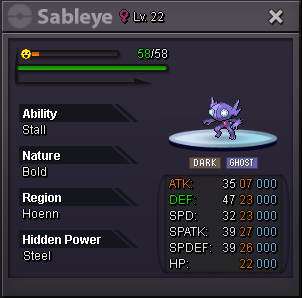
 1 point1 point1 point1 point1 point1 point1 pointHello 😄 @Snowcloakx You cannot add insta in the middle of the auction, once it started no rules can be modified; Please give the Auction Rules a read. As for the auction it continues, and I will force it when the time is over. ~Haruyukio1 point1 point1 point1 point1 point1 point1 point1 point1 point1 point1 point1 point1 point1 point1 point1 point1 pointRattata Level: 27 Sassy Nature Ability: Run Away EVs: 0 HP / 0 Atk / 0 Def / 2 Spe / 0 SpA / 0 SpD IVs: 21 HP / 16 Atk / 12 Def / 25 Spe / 11 SpA / 31 SpD - Headbutt - Assurance - Hyper Fang - Cut1 point1 point1 point1 point1 point1 point2.5m. How much time left?1 point1 point1 point1 point1 point1 point0 points1.6 million for gastly0 pointsYes. I wanna bid 1.3 million for gastly.0 points0 pointsIGN : Vermilionz Server : Silver Reason : accidently release my riolu ID : 69596296
 0 points0 points0 points














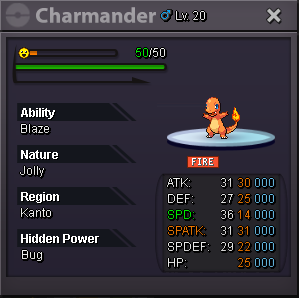
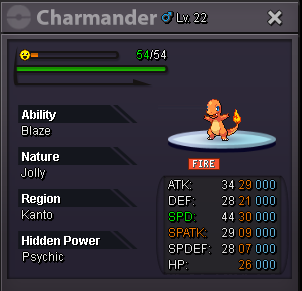
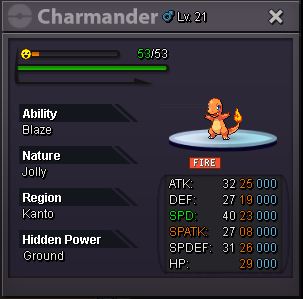
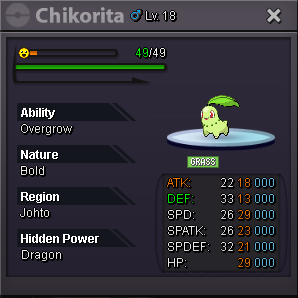
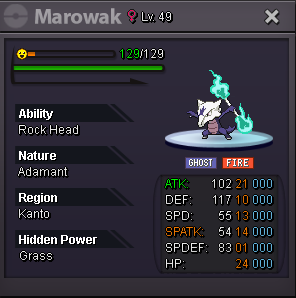
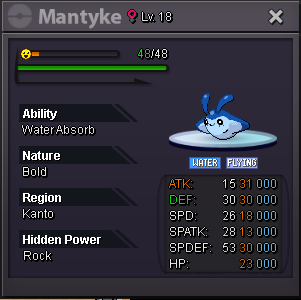
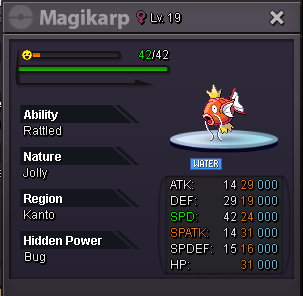
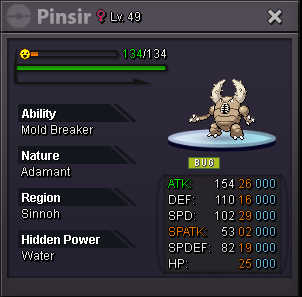
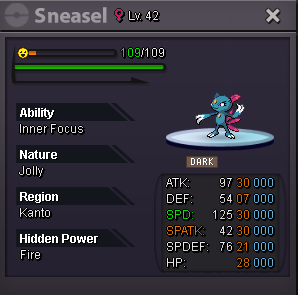
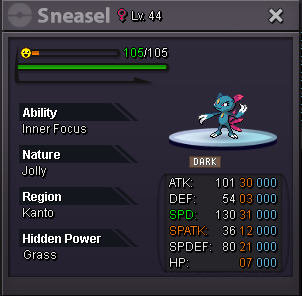
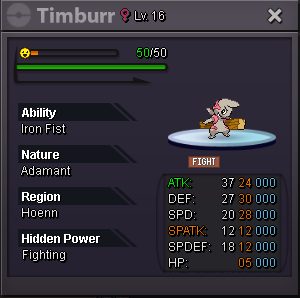
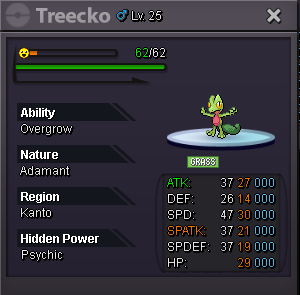

.gif.3e69561e135cc0914c3056a67268f84d.gif)



















Account
Navigation
Search
Configure browser push notifications
Chrome (Android)
- Tap the lock icon next to the address bar.
- Tap Permissions → Notifications.
- Adjust your preference.
Chrome (Desktop)
- Click the padlock icon in the address bar.
- Select Site settings.
- Find Notifications and adjust your preference.
Safari (iOS 16.4+)
- Ensure the site is installed via Add to Home Screen.
- Open Settings App → Notifications.
- Find your app name and adjust your preference.
Safari (macOS)
- Go to Safari → Preferences.
- Click the Websites tab.
- Select Notifications in the sidebar.
- Find this website and adjust your preference.
Edge (Android)
- Tap the lock icon next to the address bar.
- Tap Permissions.
- Find Notifications and adjust your preference.
Edge (Desktop)
- Click the padlock icon in the address bar.
- Click Permissions for this site.
- Find Notifications and adjust your preference.
Firefox (Android)
- Go to Settings → Site permissions.
- Tap Notifications.
- Find this site in the list and adjust your preference.
Firefox (Desktop)
- Open Firefox Settings.
- Search for Notifications.
- Find this site in the list and adjust your preference.