New Trade Zone
Trade Zone is now live
Use the new Trade Zone for auctions and instant-price trades so Pokemon and item offers are easy to find.

Prayforstefan
Registered User
-
Joined
-
Last visited
Everything posted by Prayforstefan
-
I had a tear.
-
150k
-
69k
-
-
-
Thanks!
-
B for no response
-
Have you found a new name for next months guild?
-
Hello. My little issue is that i started shaymin quest last year, but i really dont remember how far i went in the progress, so if you lovely staffer can enlighten me, that would be much appreciated. Greetings
-
Rattata and Raticate.
-
Start both
-
Could you atleast give a explanation Walrosskastanie?
-
Nighttime is between 20:00-04:00
-
1m gligar
-
+
-
https://gyazo.com/83671d83a2ba54a97adfa11f25e3eedf forgot to take screenshot before entering the gym, but iirc i only reached a total of 8 lvls, it feels semi slow compared to when i did it on my main and alt.
-
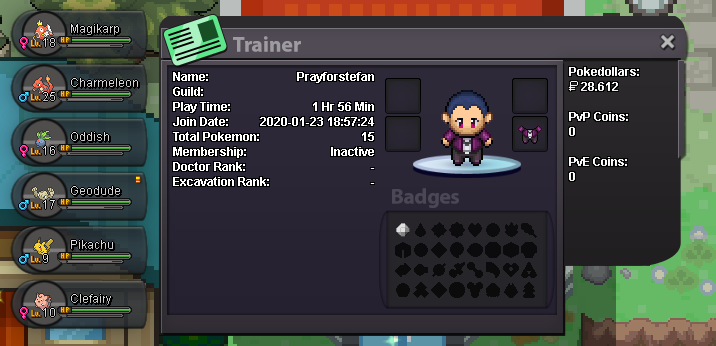
Hmm, i didnt feel any difference about char since it only reached 9 lvls before Cerulean gym as a charmeleon and i did take nugget bridge etc. Feels like it's abit harder to lvl up, cause iirc i remember that i was +30 on my main without ms/exp boost potion. But second gym done. Lets see if gyarados feels like it did with Charmeleon. (i did lose first gym battle against Misty, cause i suk)

-
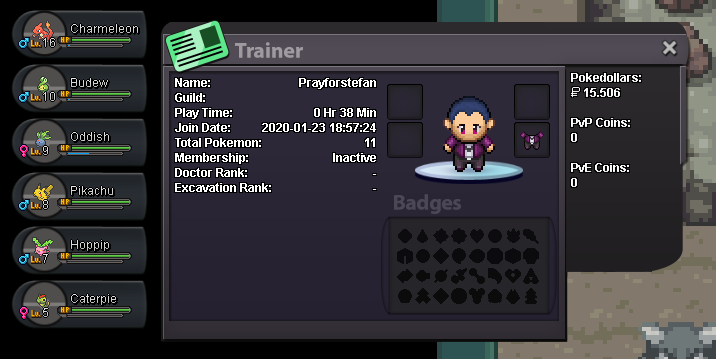
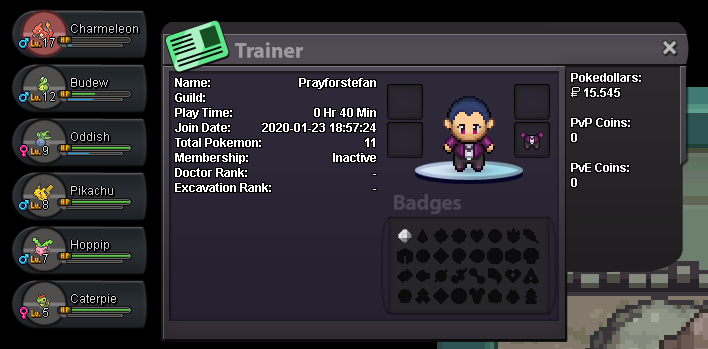
I really like the feature you added, that you get exp from catching pokes and it looks like it works with the low amount of exp with evolved pokes, but lets see.
-
i love you so much
-
cya there
-
I will get online in 30 min.
-
wrong place sory
-
-
Nice, good job getting your goal. -Duerenkran
-