




New Trade Zone
Trade Zone is now live
Use the new Trade Zone for auctions and instant-price trades so Pokemon and item offers are easy to find.
All Activity
Past hour
-
Hey guys, The friend ball (detailed) text falsly states that the caught pokemons friendship is set to 150, but its actually 200 instead. Also consider refering to happiness instead of friendship for consistency. Im not sure whether you want stuff like this reported as bug, if not feel free to let me know :) have a good night and thanks for the great game once again!
-
Guiroto joined the community
-
Sweetbreeze joined the community
-
Today
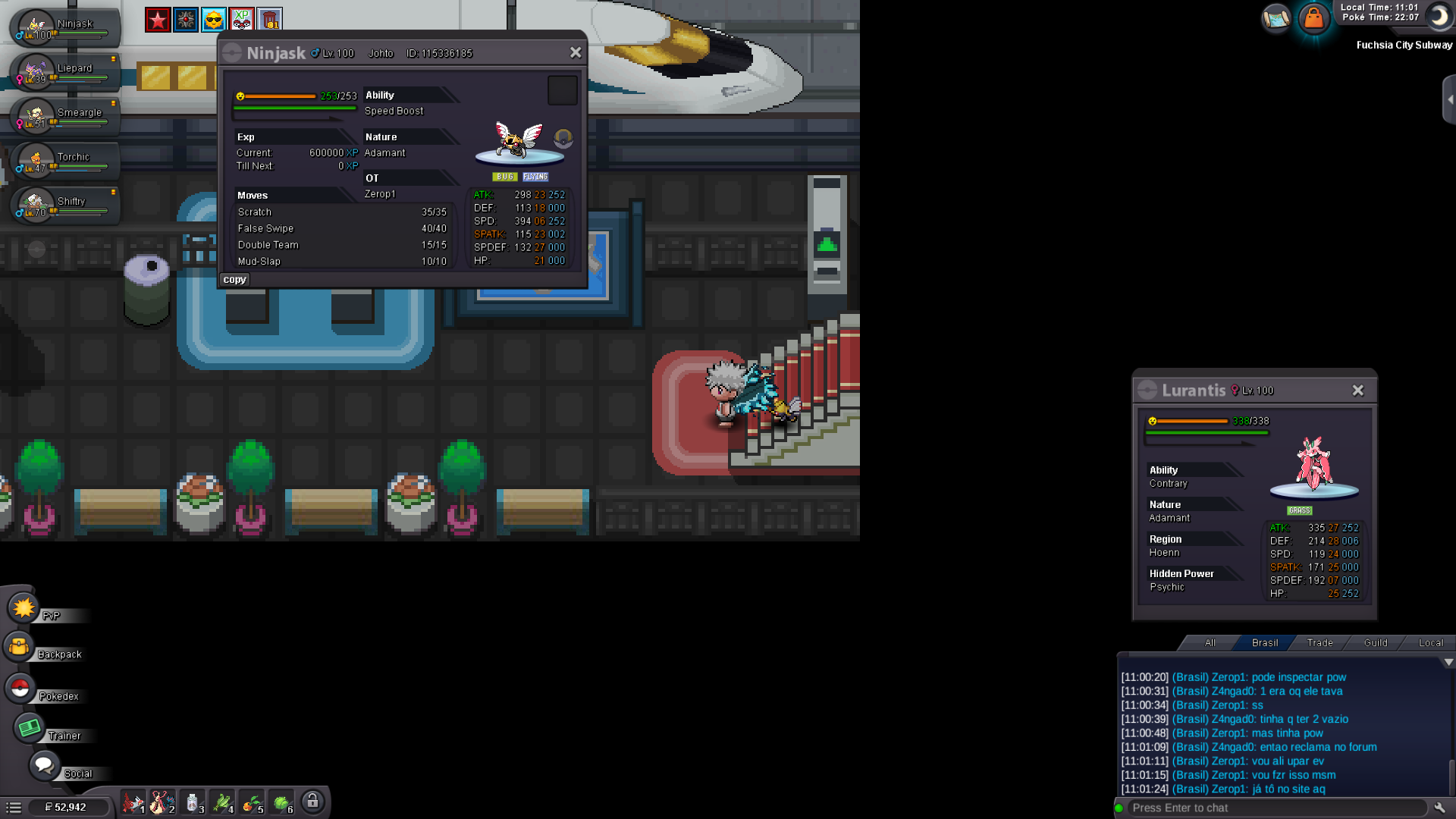
Fredimusg joined the communityCardinalgr joined the communityKpopstar joined the communityAnirudh59 joined the communityAnirudh50 joined the communityBrave1st joined the communityAlex1105 joined the communityHuangzz joined the communityHello! I'm sorry you're experiencing this inconvenience. To obtain Shedinja, you need to have at least one Poke Ball in your inventory, as well as one free space in your party. Please note that the type of Poké Ball does matter in this case. You specifically need a regular Poké Ball; Great Balls, Ultra Balls, Master Balls, or other types of Poké Balls will not work. Kind regards. Hallowglow.Hello! I'm glad to hear that the issue has been resolved! Since everything is sorted now, I'll proceed to close this thread. If you need any further assistance in the future, please don't hesitate to contact us again Kind regards. Hallowglow.Sold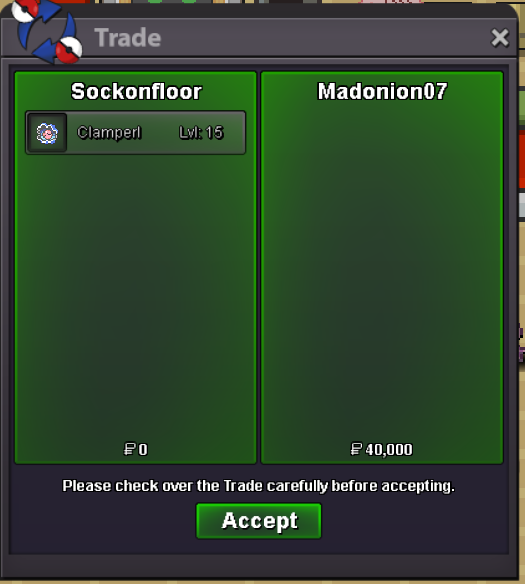 Yes it is. Message me in game I'm online for awhile. IGN - GoobasaurI just caught Suicune doing the legendary beasts quest, then got dialogue to talk to Scientist Rey. He said he dropped the bells, then people in town noted they saw people picking up the pieces. I think one person said they saw the "George family" picking up a piece, but I have no idea where they might be. I did find a thief who gave me a zap bell fragment in miltank farm, and after beating him he said his brother Jorge was around route 29, but I can't find another thief there. Can anyone help with either of these?Hello! I would like to purchase this Clampearl if it is available
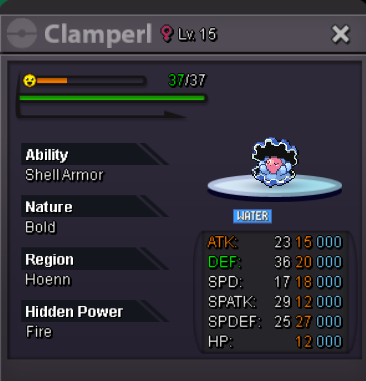 hii! i'm going to have to pass on the mount but thank you for offering though!Hello brother I have s koraidon mount do u want to exchange with your amidamaruthanks for shopping! <3
.png.91ec448342991705e91b971c4ebc97dd.png) Let me buy this 150k aurorus
Let me buy this 150k aurorus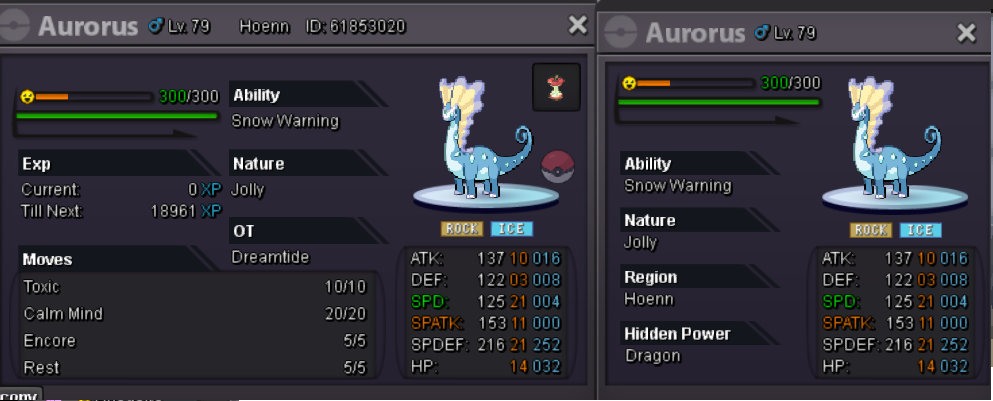 - Shiny Charizard (because reasons lol) - PvE (May consider PvP down the road) - USA - Over 30 lol. - @Jhor23
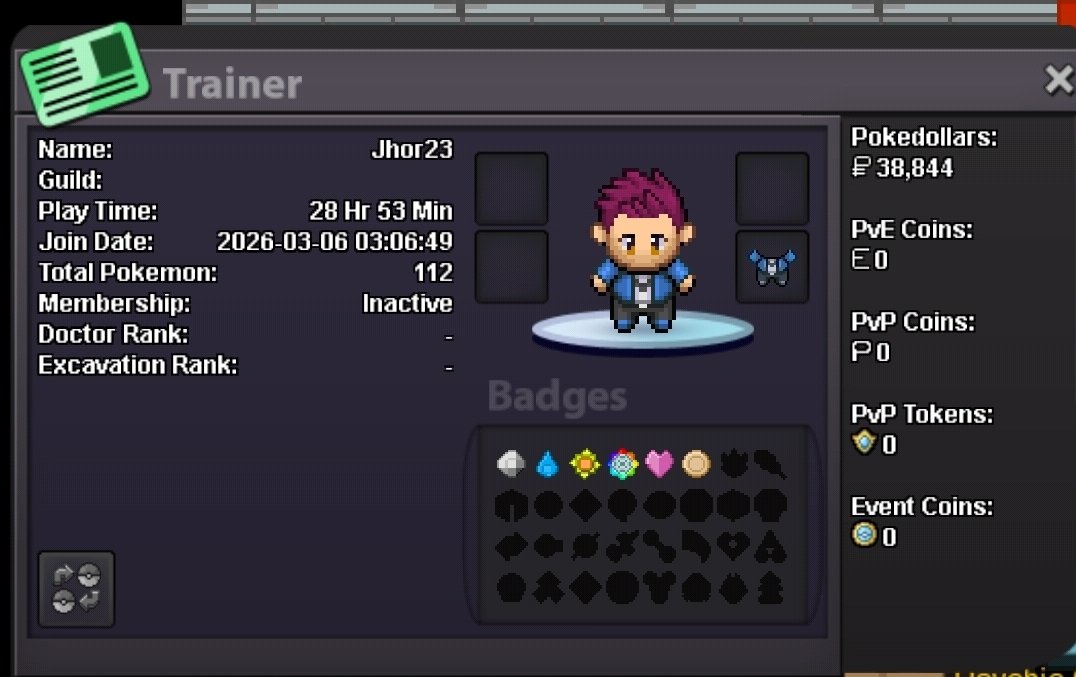 Cảm ơn bạn. Tôi đã nhớ ra là mình có 02 tài khoản. Vấn đề đã được giải quyếtNão recebi meu shedinja quando upei meu nincada. Estava com 1 espaço livre e mesmo assim ele não apareceu pra mim.
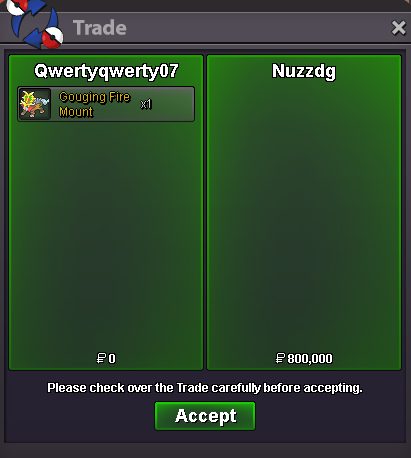
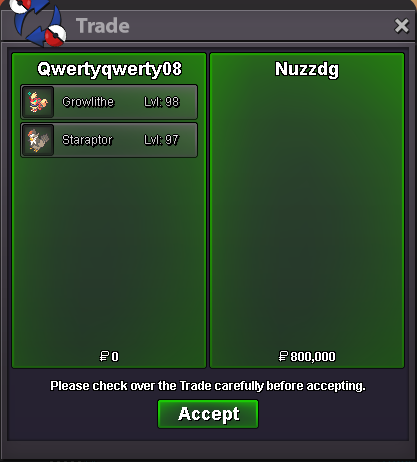
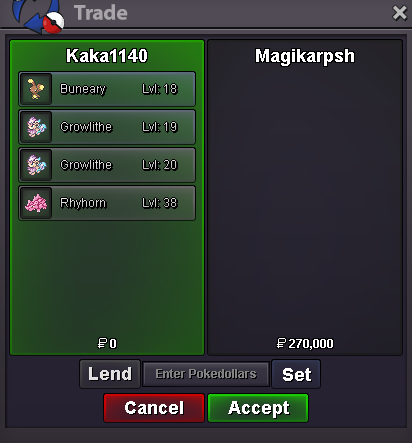
 bumpbumpbumpbumpHello, we had similar suggestions in the past and decided against them. That hasn’t changed to this day.BumpHello @Wyloria You can transfer your account to another server if you have 100 coins. If that option doesn’t work for you, contact the auction owner either through forum PMs or in‑game chat and explain your situation. Based on their response, you can then decide how to proceed. But according to Auction rules: Bidders must have the means to honor their offer at the time of bidding and remain available until the auction ends. You can refer the auction rules here: Auction Rulescan u service me all summer quest i didnt still done














Account
Navigation
Search
Configure browser push notifications
Chrome (Android)
- Tap the lock icon next to the address bar.
- Tap Permissions → Notifications.
- Adjust your preference.
Chrome (Desktop)
- Click the padlock icon in the address bar.
- Select Site settings.
- Find Notifications and adjust your preference.
Safari (iOS 16.4+)
- Ensure the site is installed via Add to Home Screen.
- Open Settings App → Notifications.
- Find your app name and adjust your preference.
Safari (macOS)
- Go to Safari → Preferences.
- Click the Websites tab.
- Select Notifications in the sidebar.
- Find this website and adjust your preference.
Edge (Android)
- Tap the lock icon next to the address bar.
- Tap Permissions.
- Find Notifications and adjust your preference.
Edge (Desktop)
- Click the padlock icon in the address bar.
- Click Permissions for this site.
- Find Notifications and adjust your preference.
Firefox (Android)
- Go to Settings → Site permissions.
- Tap Notifications.
- Find this site in the list and adjust your preference.
Firefox (Desktop)
- Open Firefox Settings.
- Search for Notifications.
- Find this site in the list and adjust your preference.