New Trade Zone
Trade Zone is now live
Use the new Trade Zone for auctions and instant-price trades so Pokemon and item offers are easy to find.
Leaderboard
-
Ashtonbaldo
Registered User15Points67Posts -

Vangogsan
Registered User5Points1935Posts -
Thefriend92
Registered User5Points324Posts -
Mavuika
Registered User4Points2244Posts




Popular Content
Showing content with the highest reputation on 07/10/23 in all areas
-
WTS: 22M11 points
-
3 points
-
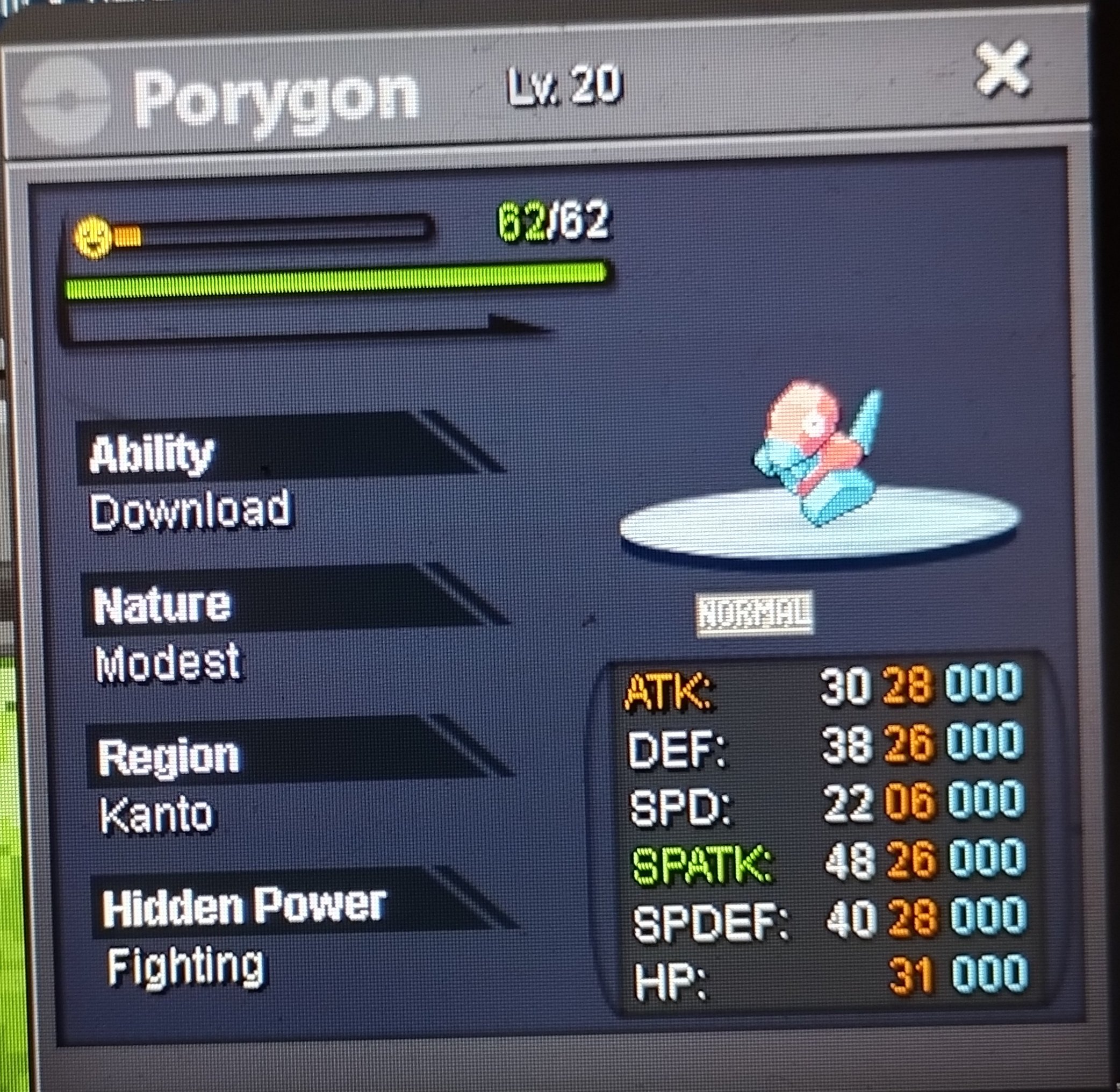
3 points2 pointsStart 50 k each pokemon Min raise 50 k each pokemon Insta larvesta 1.8 m Accept cc 360 k Rr 500 k 24 hours auctions after first bid for each pokemon gl
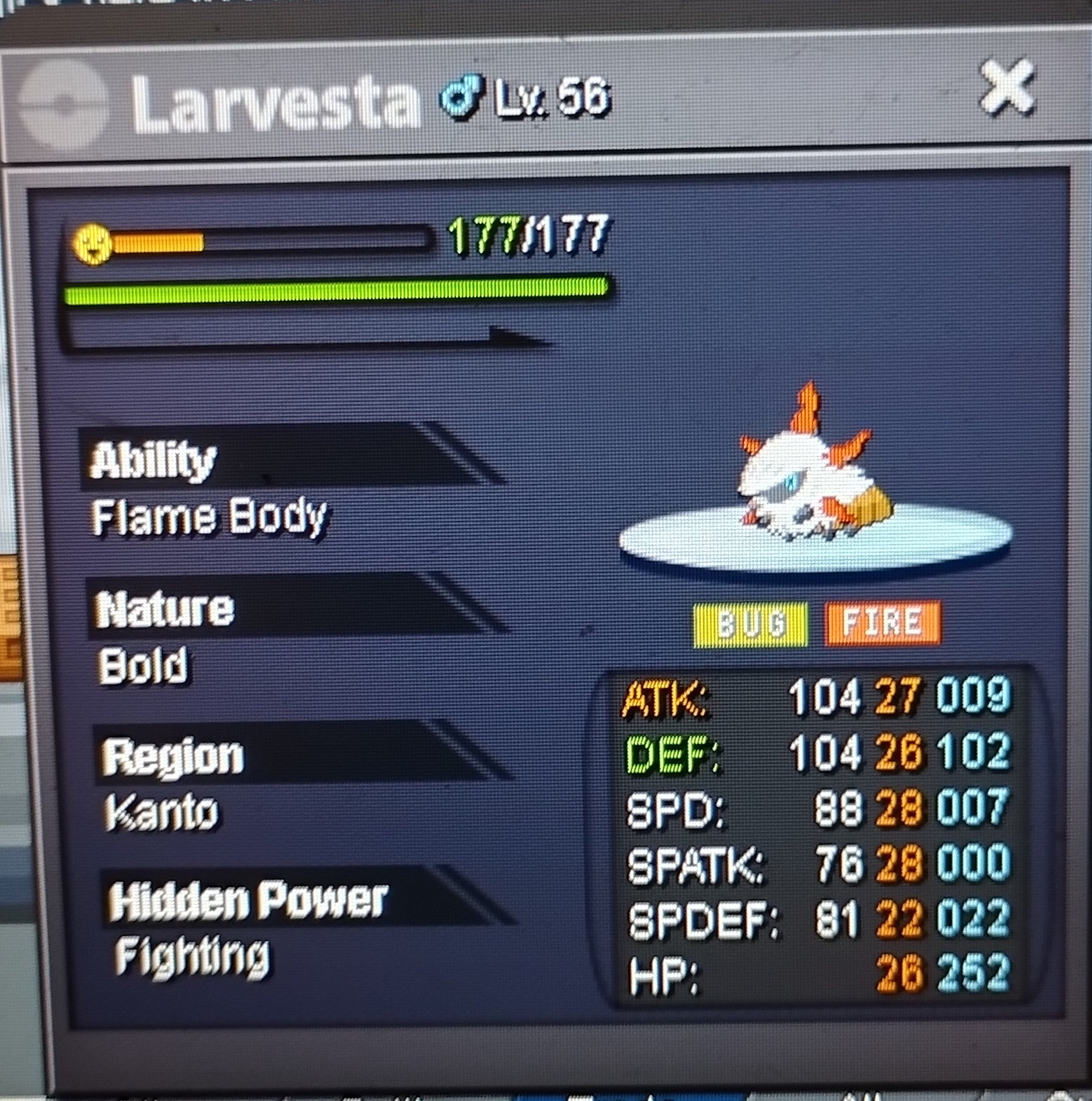 2 points2 points1 point1 pointc.o:240k no insta min bid:10k cc:350k reroll:500k ends 24hrs after first bid
 1 point1 pointStart: 1 Min bid: 1 Duration: 24 hours (after the first bid) Payment: Pokedollars Note: Silver Server. Pop Star Pika HP Ice, Rock Star Pika HP Ice, PHD Pika HP Grass, Belle Pika HP Flying, Libre Pika HP Steel. This is a bundle. No cancellations, no insta Countdown: https://www.tickcounter.com/countdown/4282367/pika-bundle - Extra time. If a bid is received in the final 15 minutes of the auction, the end point will be delayed by 15 minutes from that bid, and will be delayed by 15 minutes for each new bid thereafter, until the current offer has been held for a full 15 minutes. Must be accurate to the minute that the auction is set to end. › e.g. If the auction ends at 15:00, it will end at 15:00:00. If a late bid is received in the final 15 minutes, at 14:46, the auction will end at 15:01. If another user bids at 15:00, the auction will be extended again, and will end at 15:15, this will be repeated until the current offer has been held for a full 15 minutes. Closed: @Nezna 350k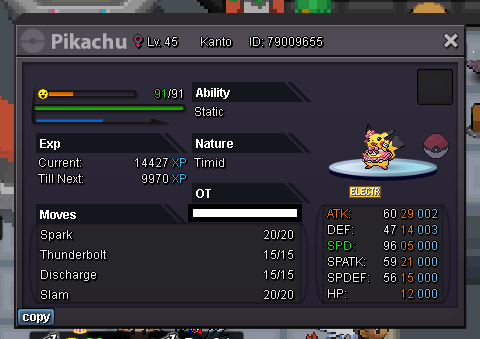
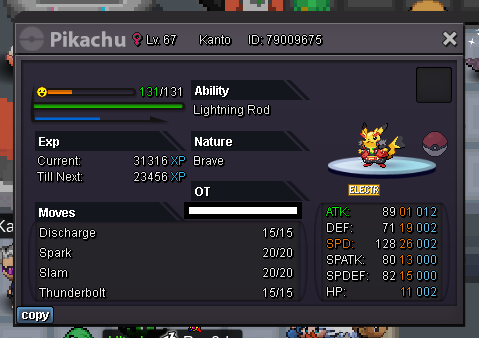
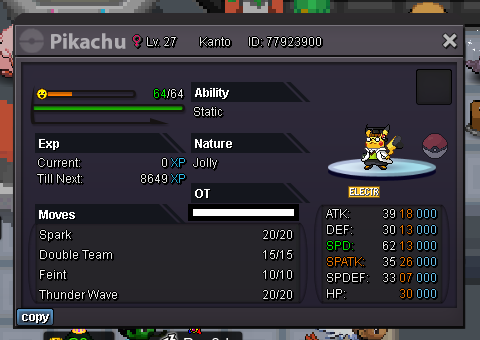
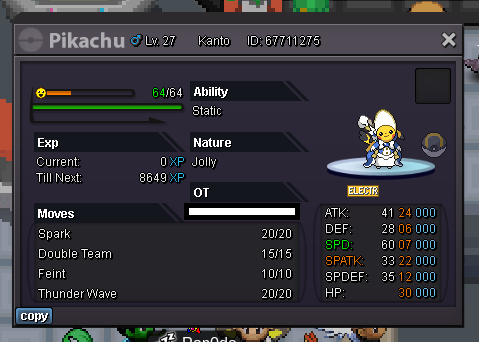
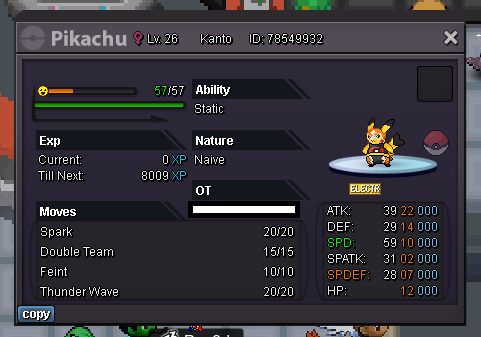 1 point1 point1 point1 point1 pointStart 50 k each pokemon Min raise 50 k each pokemon Accept cc 360 k Rr 500 k 24 hours after first bid for each pokemon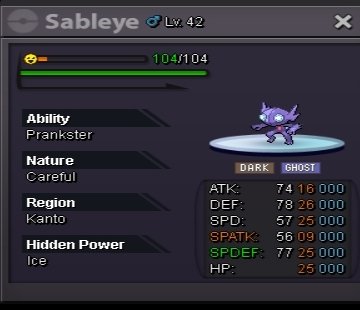
 1 point1 point1 point1 point1 point1 point1 point1 point1 point1 point1 point1 point1 point1 point1 point1 point1 point1 point1 point1 point1 point1 point1 point1 point1 point1 point1 point1 point1 point1 point1 point1 point1 pointHi @Taelfan Sorry for the delay. We don't offer to move Pokemon from one account to another unless we have to reverse a trade or the Pokemon was region locked. If you didn't know already, you can have 2 clients open with 2 separate accounts and trade between them. I hope that helped you. Please let me know if you need anything else.1 point1 point1 point1 point1 pointHi there @Prakharsingh21 Sorry for the inconvenience. There was an issue but now it's solved. You can speak to Wattson again at the first spot to initiate the quest. Please let me know if you have any more questions or doubts.1 point1 pointOne of the main reasons I loved this game is because you can't catch legendary pokemons, yeah it's "gotta catch 'em all" and I'm collector myself but who caught a legendary in the anime. plus if we all can catch how can that pokemon be legendary. I even don't like the idea of us all can catch mew, he's legendary, there is only 1 Mew so we are not supposed to catch it. ps: my second favorite pokemon is Lugia and I really want to have but it's better that way.1 point