




New Trade Zone
Trade Zone is now live
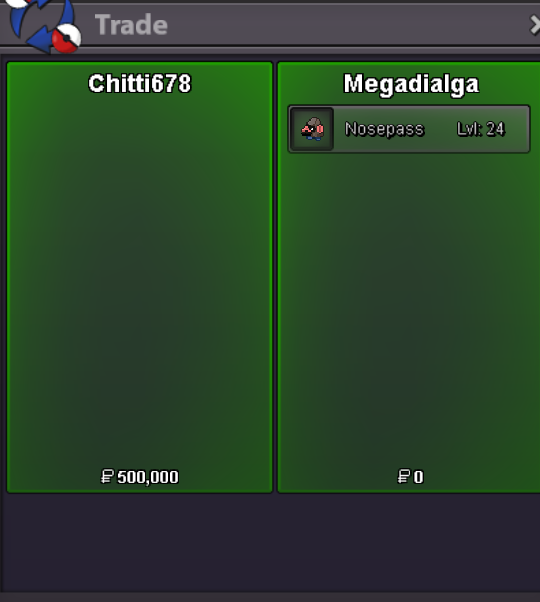
Use the new Trade Zone for auctions and instant-price trades so Pokemon and item offers are easy to find.
Leaderboard
-

Lacomus
Registered User11Points9601Posts -

Loe
Suspended6Points398Posts -

Vatevuoktliek
Registered User6Points817Posts -
Parth1001
Registered User5Points49Posts




Popular Content
Showing content with the highest reputation on 10/09/23 in all areas
-
Payment Methods Coin capsule = 380k | IV Reroll Ticket = 530k | Pokedollar HALLOWEN TREECKO 𝗦𝗧𝗔𝗥𝗧 : 10M MIN BID: 500K AUCTION TIME : 72 hours after first bid
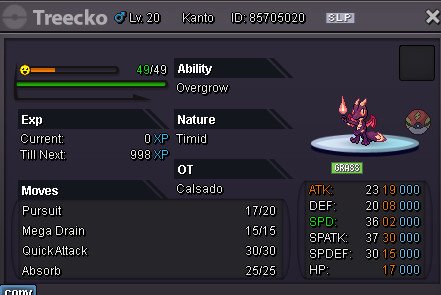
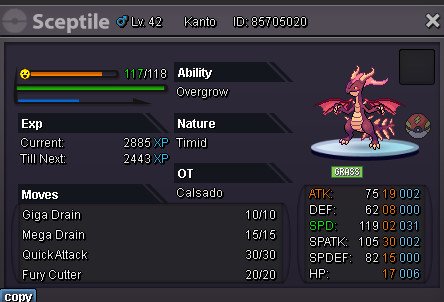 5 points
 -
4 points
-
3 pointsWait a minute, its a 50k min bid... I'll make it right at 200k3 points
-
2 points
-
2 pointsS.O. 500k Min bid 100k No insta Auction ends in 1 days after 1st bid I accept: pokedollars, CC (380k), IV rerolls (550k)
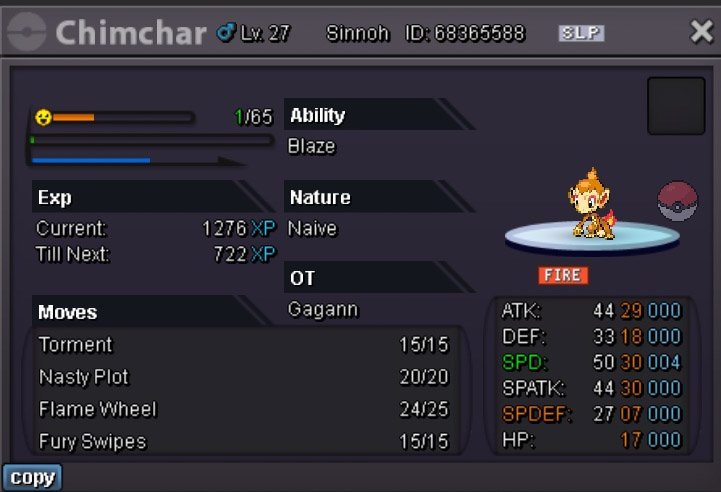 2 points
 -
2 points
-
2 pointsUsed up almost all my saving fot a weird looking ant... There is nothing i can do about it now
 2 points
 -
1 point
-
Monday Auction! Upgrade ur boss team to shiny :3 Start 1k Min bid 100k Insta 13m 3 day after 1st bid - [2:23:56:10] Purple Gurl Audino (tickcounter.com) Accept cc 400k/ rr 500k Sample audino boss team
 1 point
 -
1 pointDuration: 24h after first bid Start offer: 100k Min Bid: 50k Insta: None Accepted payments Coin Capsule = 350k Reroll Ticket = 550k Contact Ingame: Norex Discord: norex1234
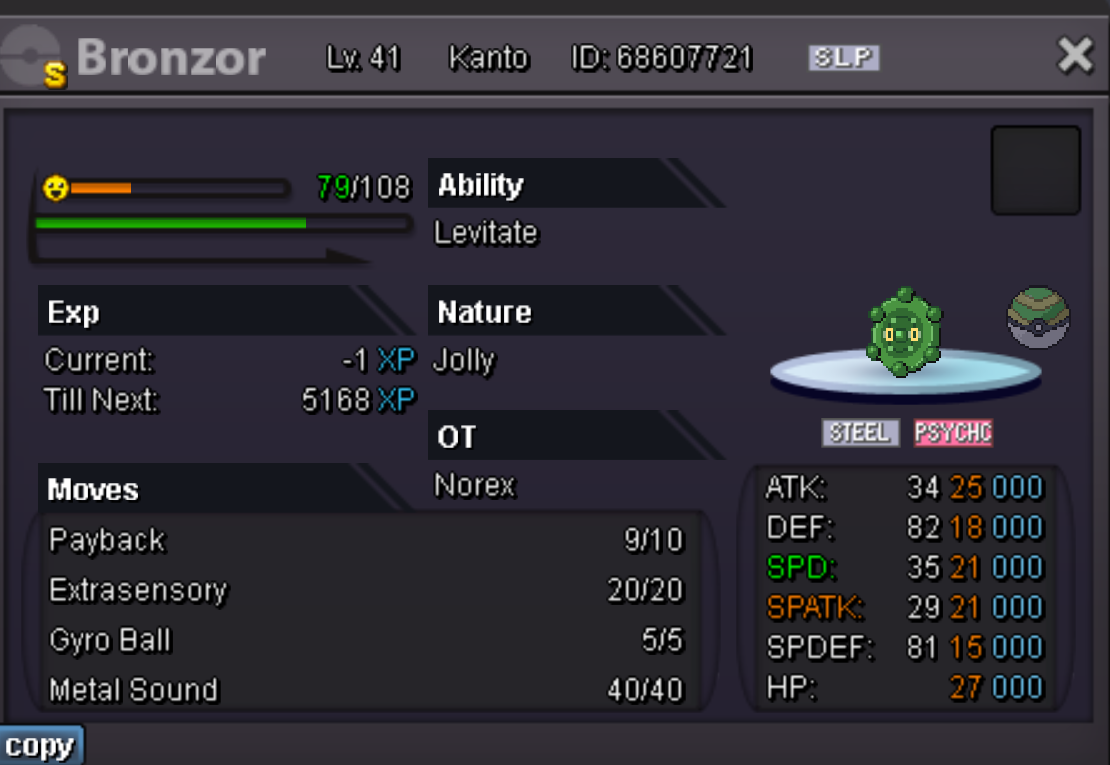 1 point
 -
s.o 1k min min bid 50k insta 1.5m accepted payments: cc: 400k reroll ticket: 500k nature reroll ticket: 250k 24h
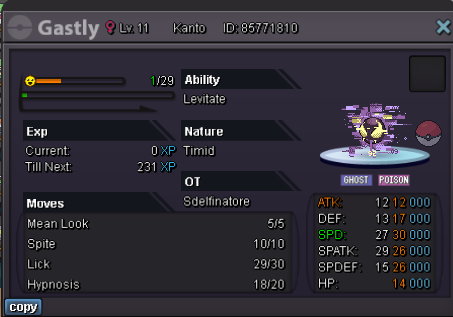 1 point
 -
1 pointS.o 50k each Min bid 10k Ends 6 hrs after each start Insta bunnelby:400k Insta beneary:sold Insta larvitar: 250k Insta meowth:sold C.o:60k Sold C.o:50k Sold
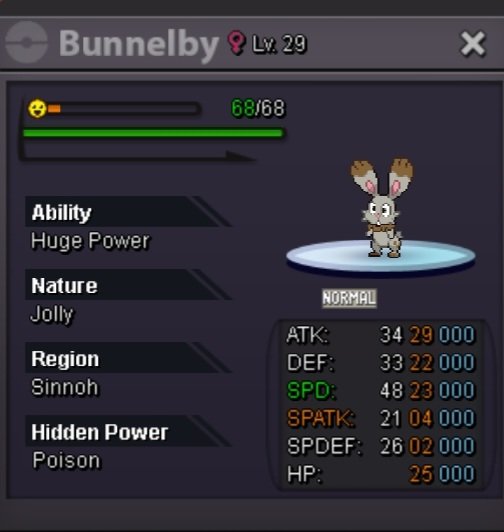
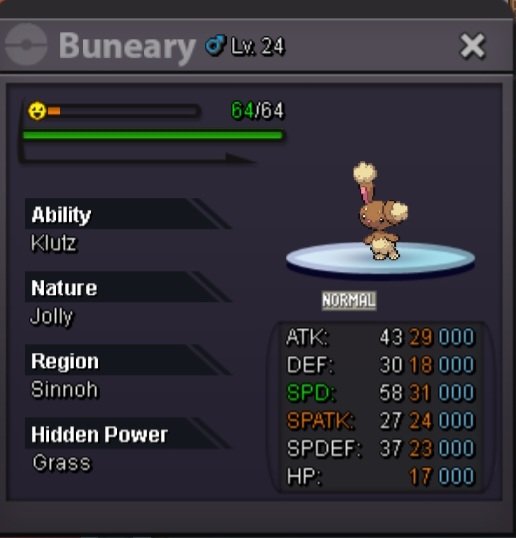
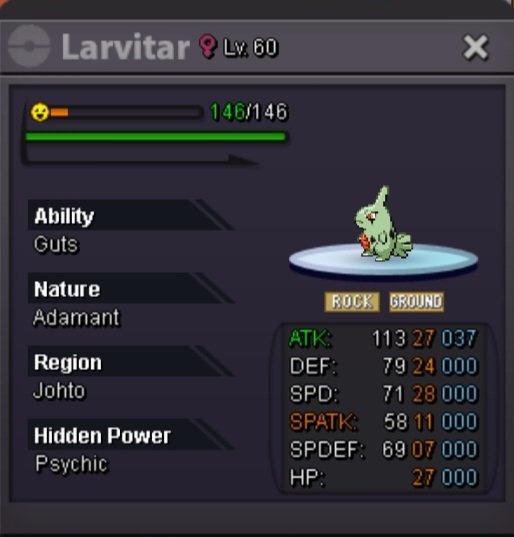
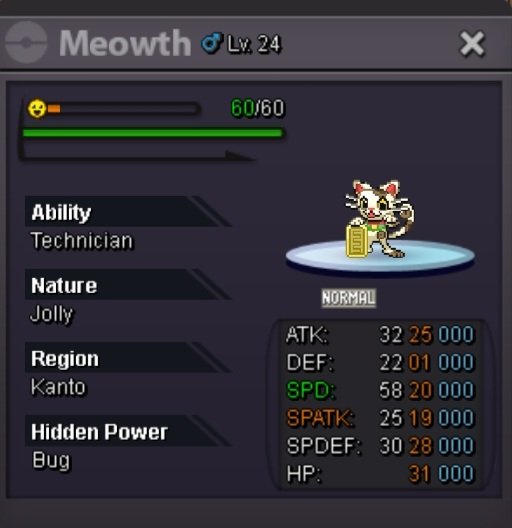 1 point
 -
1 pointStart: 100k Min Bid: 50k Instant Price: 1m End Time: 24hrs after start Accept payment: CC-380k. RR-520k
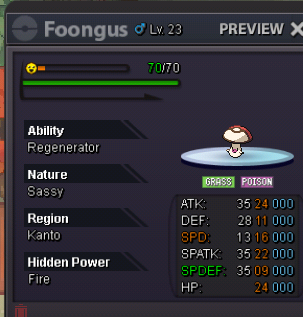 1 point
 -
1 pointStarting offer 1k Minimum offer 1k Instant payment 25m Auction ends 48 hours after first bid Payment exchange rate:. Rare candies @8k Coin Capsule @400k Nature Reroll Tickets @250k Reroll Tickets @500k
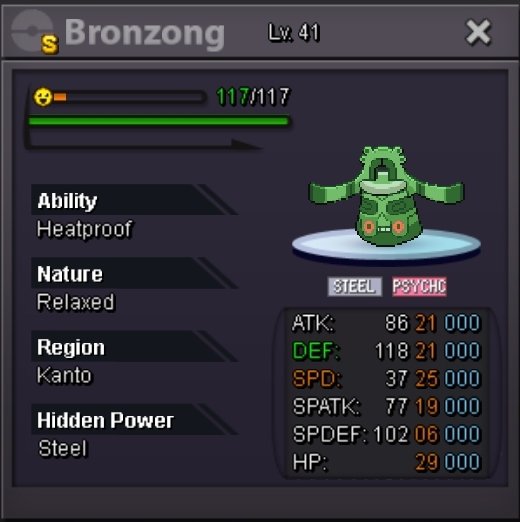 1 point
 -
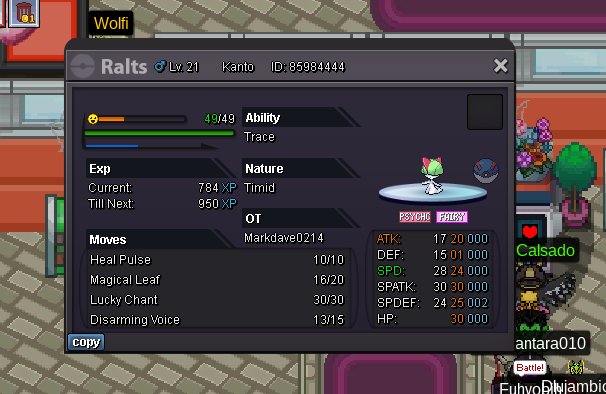
1 pointS.o = 150,000 Min bid = 50,000 Time = 7:33 Philippine time Ends = 24hrs ( after first bid )
 1 point
 -
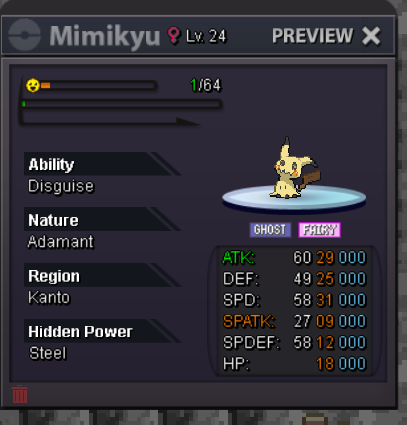
1 point1 point250 leppa berries 50 sitrus berries Total - 300 berries1 point1 point1 point1 point1 point1 point1 point1 point1 pointS.O 550k/ min mid 50k / insta 2m / end in 24h after first bid accept cc : 420k / reroll ticket 530k1 point1 point1 point1 point1 point1 point1 point1 point1 point1 pointS.o. 800K Insta= 3M Min bid= 50k Accept: Cc= 400K Reroll ticket= 500K The auction Will end 48hours After First bid
 1 point1 point1 point1 point1 point1 point1 point1 point1 pointIs that possible artist add form inspired by Kamen Rider? Because I saw petilil have form Perona (One Piece) and Shaltear (Overlord)
.jpeg.9c1703f6a61ca8c8715c858027208992.jpeg) 1 point1 point1 pointStart Alakazam1 point1 point1 point1 point1 point1 point1 pointHello everyone, and nice to meet you all. I wanted to make a friendly introduction as a sort-of debut now that I am officially in the staff team! Looking forward to making cool stuff for everyone to enjoy 🙂
1 point1 point1 pointStart Alakazam1 point1 point1 point1 point1 point1 point1 pointHello everyone, and nice to meet you all. I wanted to make a friendly introduction as a sort-of debut now that I am officially in the staff team! Looking forward to making cool stuff for everyone to enjoy 🙂 1 point





































Account
Navigation
Search
Configure browser push notifications
Chrome (Android)
- Tap the lock icon next to the address bar.
- Tap Permissions → Notifications.
- Adjust your preference.
Chrome (Desktop)
- Click the padlock icon in the address bar.
- Select Site settings.
- Find Notifications and adjust your preference.
Safari (iOS 16.4+)
- Ensure the site is installed via Add to Home Screen.
- Open Settings App → Notifications.
- Find your app name and adjust your preference.
Safari (macOS)
- Go to Safari → Preferences.
- Click the Websites tab.
- Select Notifications in the sidebar.
- Find this website and adjust your preference.
Edge (Android)
- Tap the lock icon next to the address bar.
- Tap Permissions.
- Find Notifications and adjust your preference.
Edge (Desktop)
- Click the padlock icon in the address bar.
- Click Permissions for this site.
- Find Notifications and adjust your preference.
Firefox (Android)
- Go to Settings → Site permissions.
- Tap Notifications.
- Find this site in the list and adjust your preference.
Firefox (Desktop)
- Open Firefox Settings.
- Search for Notifications.
- Find this site in the list and adjust your preference.