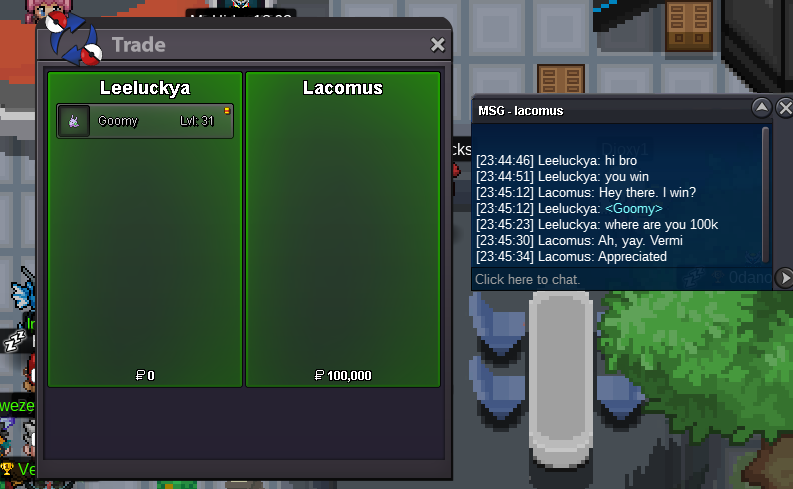
New Trade Zone
Trade Zone is now live
Use the new Trade Zone for auctions and instant-price trades so Pokemon and item offers are easy to find.
Leaderboard
-

Eon
Game Master12Points10175Posts -
Justbillionare
Registered User8Points1952Posts -

Kiyotakaa
Registered User5Points261Posts -

Mandaloriany
Registered User4Points227Posts




Popular Content
Showing content with the highest reputation on 03/06/23 in Posts
-
8 pointsHi friends after months of selling shinys finally we reach the main goal. Got some shinys left maybe i will sell in future for reach another billion in gold server.
 8 points
-
Want to sell the whole pack of 17 vday ralts (Not sell separately - Not auction, Trade in account bluerise66) LF 22m for all Accept: - Pokedollar - Coin capsule = 360k - Reroll ivs = 600k


 4 points
-
4 points
-
Hello, My larvesta is on sale Start bid = 1k No insta Only cash 3 days auction after first bid
 3 points
-
2 points
-
2 pointsWell done 🙂 (For future reference, you can use Windows key + Shift + S to take a snippet.)2 points
-
Auction is void due to the Pokemon being related to a bug. Apologies for the inconvenience. Take care.2 points
-
2 points
-
2 points
-
1 point1 pointThese are not auctions. Will accept cash, cc = 360k, rc = 7k, and might trade for other pokes if I like them.

 1 point1 pointEvery Clef is sold separately S.O: 150k Min Bid: 50k Insta: None Time 24hrs after auction start 1- 2- 3-


 1 point1 pointWelcome Methods of paiement : Pokedollars CC (350k) Autction last for 48h Minimum raise is 100k No insta C.O : 1M4 - Duanng7 End : 48h after the start (Tuesday End : 4:58pm Paris) To make an offer : - Xenox56 (in game) - Or just post a message here
 1 point1 point1 point1 point1 point@Ursleepkiller Hey, due to multiple concerns and your past behaviour you will not be invited to the guild neither now or in the future. @Esketitsavage Thank you for applying! Check your messages for an invite link.1 point1 point1 point1 point1 point1 point1 point1 pointAnd Sold Ambipom too. Topic can be closed. P.S.- Hid the name as per buyer's request.
 1 pointHi Saruron! Thanks for reaching out. Will send you a PM with some examples shortly.1 point1 pointLocked as resolved. Do not hesitate to create a new thread if you have another question or issue. Take care.1 point1 point1 point1 point1 point1 point1 point1 point1 point1 point1 point1 point1 point1 point1 point1 point1 pointHello @Pepemelenas Justbillionaire was not the winner of your auction, the 1.4m bid was made 1 minute too late. The rightful winner of the auction was @Zz0ggy with the 1.3m bid. As stated in the Auction Rules As Zz0ggy made the bid as 10:58 GMT+0 then 15 minute extention rule was triggered which meant the new end point was 11:13 GMT+0. This meant that bids could only be accepted up until 11:12:59 GMT+0. The outcome has been reversed and you have received 1.3m from @Zz0ggy @Zz0ggy you have received the Machamp. @Justbillionare 1.4m has been added to your account. Please read the Auction Rules. Take care, Manbat.1 point1 point1 pointS.o 15m Min Bid 100k No insta 72h after first bid Accepted Payments- PokeDollars and CC=370k
 1 pointEverstone helps yeah, but it would just be a qol update that won't hurt anyone. +11 pointnah giving it specs or band after like 70lvl so he can 1shot himself instead of chimecho lvling. otherwise it takes alot more longer1 point