New Trade Zone
Trade Zone is now live
Use the new Trade Zone for auctions and instant-price trades so Pokemon and item offers are easy to find.
Leaderboard






Popular Content
Showing content with the highest reputation on 10/08/23 in all areas
-
17 pointsSo I just read the announcement about the new battle server and about the 1-2 pvp coins drop per every win which is really an interesting thing to do. My suggestion is to add this 1-2 pvp coins drop feature every weekend (Saturday & Sunday), which will attract many player and not only pvp coins as drops if we can add some additional items as random drops.For example Common drops will be like no drop, ethers, repels, escape rope etc. Uncommon will be rare candy, mysterious candy, fossils etc. Rare drops such as rr shard, mysterious shard, small train ticket, safari pass etc. This will at least make people to participate in pvp not just plain hunting and pve stuff. Feel free to drop your opinion about this suggestion. Thanks & Regards -MassKiller17 points
-
7 points2m Start, No Insta Min Raise: 100k Auction Duration: 48 hrs from first bid
 7 points
 -
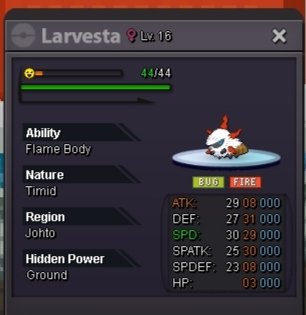
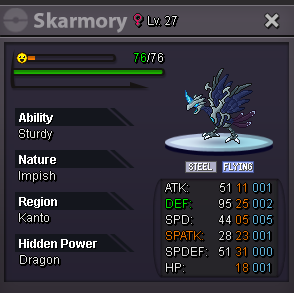
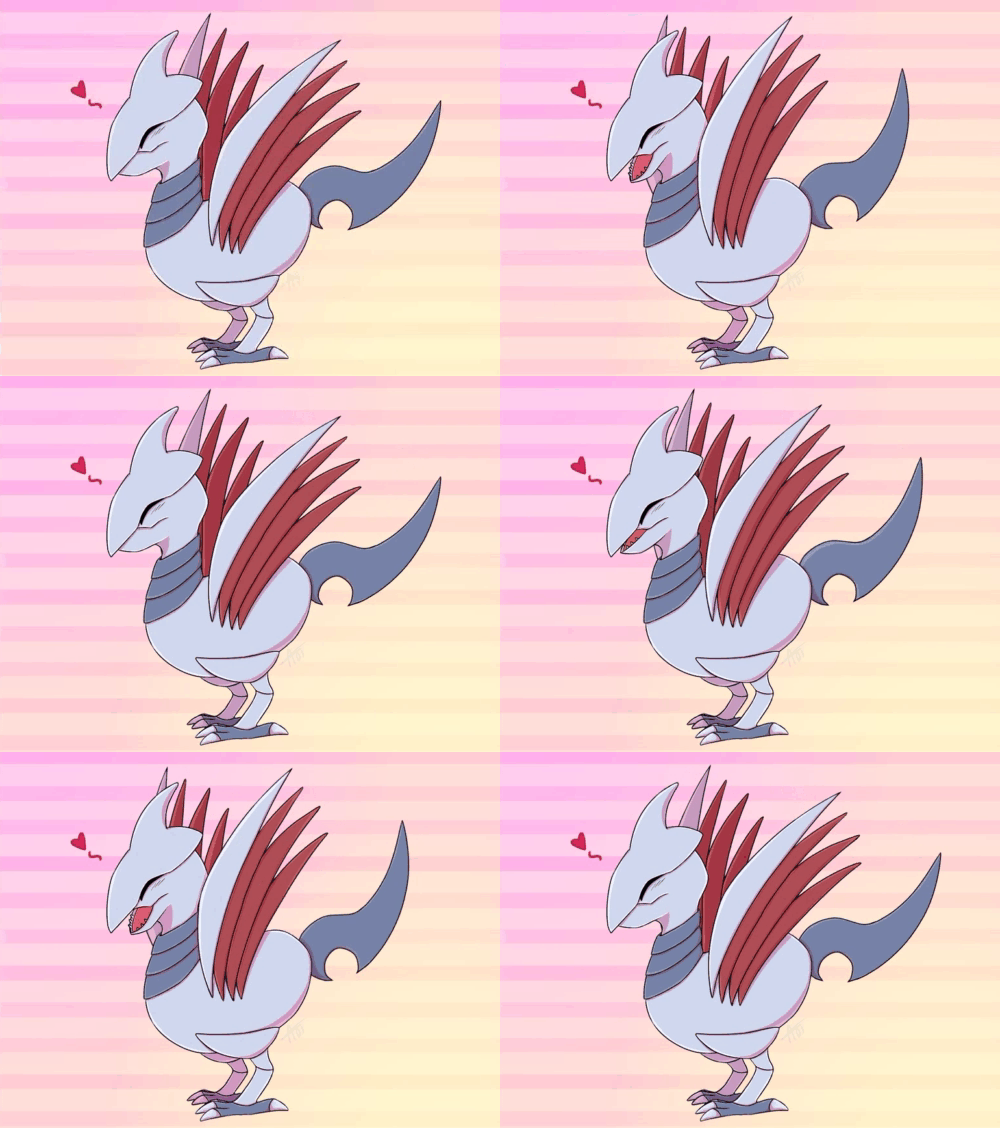
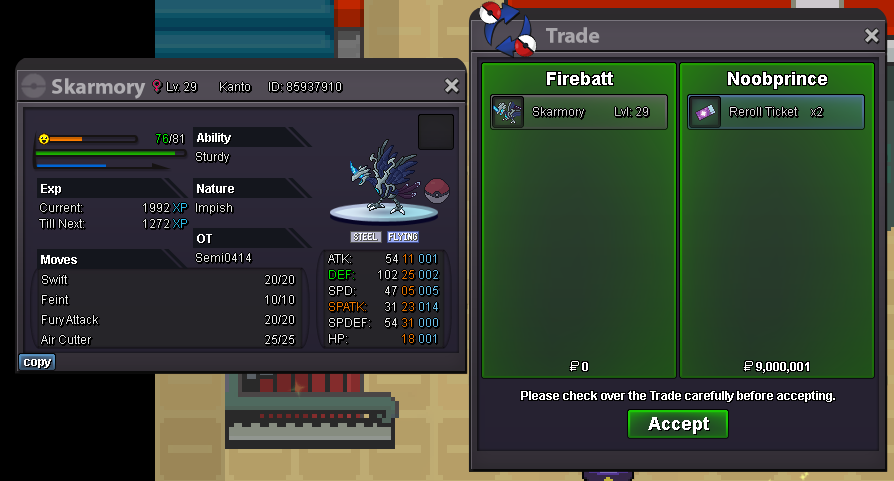
3 pointsHalloween Skarmory COUNTDOWN C.O- 4m Min- 500k Accepting CC- 400k Rerolls IV- 500k Nature- 200 Auction will end 48 hours after first bid Good luck and happy hunting!
 3 points
 -
3 points+1 to the idea. In addition, you can also add PvP berries to the reward list of the pvp NPC at saffron city.3 points
-
Starting price = 100k Min bid 1k auction end in 5 days (124 hrs) after first bid accept :- cc 360k iv rerol 500k neture rerol 300k
 2 points
 -
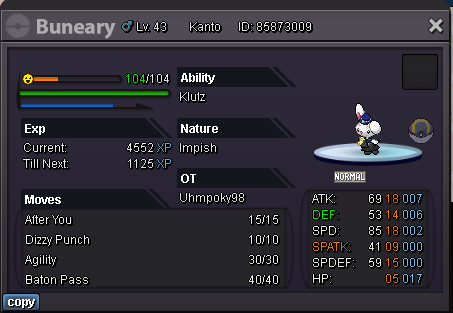
2 pointsS.o 500k Min bid 10k No Insta Auction Ends 3 hrs after s.o is met
 2 points
 -
2 points
-
2 points
-
2 points
-
2 points
-
2 points
-
1 point
-
1 pointS.O 400k Min raise 100k No insta 48h auction from 1st bid Item cc 400k iv rr 500k nature rr 250k
 1 point
 -
1 point
-
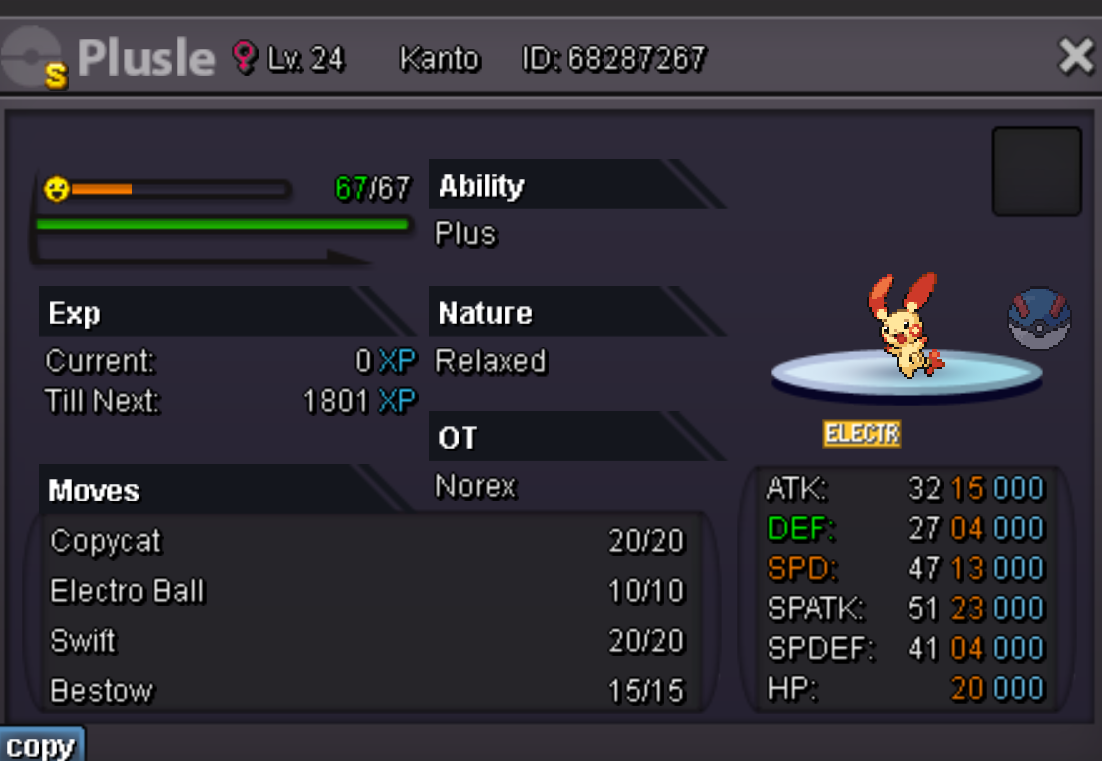
1 pointDuration: 24h after first bid Start offer: 100k Min Bid: 50k Insta: None Accepted payments Coin Capsule = 350k Reroll Ticket = 550k Contact Ingame: Norex Discord: norex1234
 1 point
 -
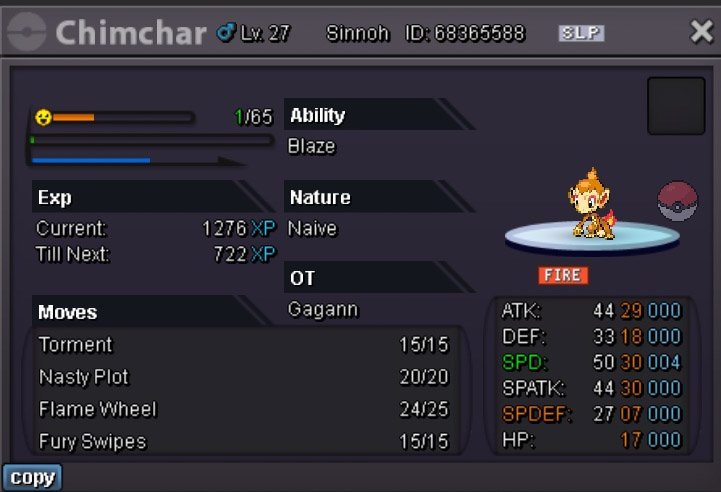
S.O. 500k Min bid 100k No insta Auction ends in 1 days after 1st bid I accept: pokedollars, CC (380k), IV rerolls (550k)
 1 point
 -
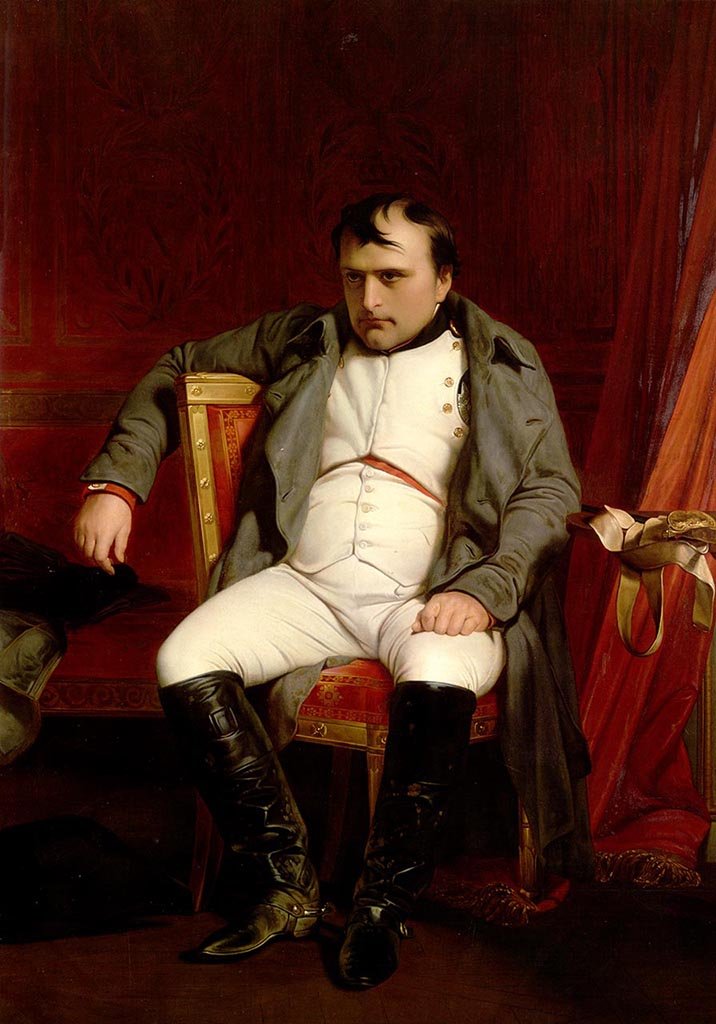
1 pointUsed up almost all my saving fot a weird looking ant... There is nothing i can do about it now
 1 point
 -
1 point
-
1 point
-
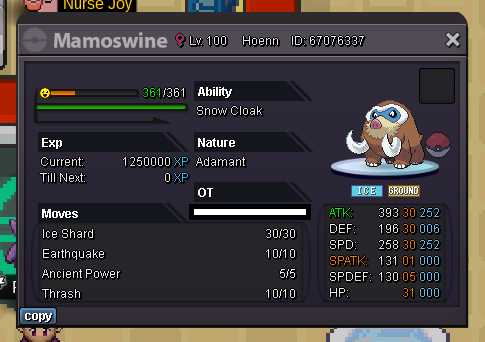
1 point⚡ Start: 1 Min bid: 1 Duration: 1 hour (after the first bid) Payment: Pokedollars Insta: N/A Note: Gold Server Closed: @Imtcracka 200k
 1 point
 -
1 point
-
1 point
-
1 point
-
1 point
-
1 point
-
1 point
-
1 point
-
1 point
-
1 point
-
1 point
-
1 point
-
1 point
-
1 point
-
1 point
-
1 point
-
1 point
-
1 point
-
1 point
-
1 point
-
1 point
-
1 point
-
@Ehkoe Please look into this auction, seller sold it to someone else it seems1 point
-
1 point
-
1 point
-
1 point
-
Glad to hear that you are back to the game and your problem was resolved. As such, I will be going to lock this thread as resolved too. Don't hesitate to create another topic if you encounter any issues or want to ask any questions in the future. Take Care!1 point
-
1 point
-
1 point
-
1 point
-
Once again, hello @Megaxusarts, I have correctly merged your account. Now you should be able to see all of your pokedollars, Pokemon, cosmetics, etc. Please take a moment to check it and let us know about it here. We will be waiting for your reply.1 point