New Trade Zone
Trade Zone is now live
Use the new Trade Zone for auctions and instant-price trades so Pokemon and item offers are easy to find.
Leaderboard
-

Incandescent
Former Staff5Points2272Posts -
Dragonava
Registered User4Points11Posts -
Kenniuuu
Registered User3Points15Posts -
Rasta93
Suspended3Points219Posts




Popular Content
Showing content with the highest reputation on 02/17/24 in all areas
-
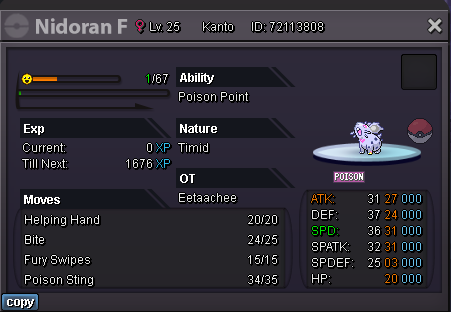
C.O. 300k by Ikakashi Min Bid 5k Ends in 24 hours from start point End Time - 7:11pm 18/2/24 IST GMT +5.30 Accepted payments - Coin Capsule (400k), IV Reroll (500k) and Pokedollars
 2 points
 -
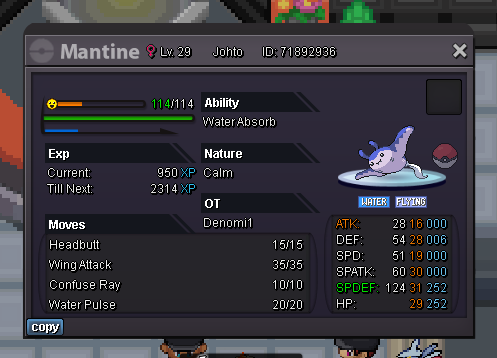
2 pointsAuction Details: Start Price: 1m End Point: 24 hours (after start price is met) Insta Price: N/A Minimum Raise: 100k Accepted Payments: Pokedollars, Coin Capsules (400k), IV Rerolls (500k) Important Reminders: The auction will conclude in 24 hours (after start price is met), and bids must adhere to the minimum raise. If a bid is received in the final 15 minutes of the auction, the end point will be delayed by 15 minutes from that bid, and will be delayed by 15 minutes for each new bid thereafter, until the current offer has been held for a full 15 minutes. Happy Bidding!
 2 points
 -
2 pointsStart 1.5m Min raise 100 k Insta 5m Accept cc 400 k rr 500 k 24 hours after first bid
 2 points
 -
Hello everyone @Hyerie You have been punished for False Offering due to not having enough funds to honor your bid. Thinking that you will obtain the necessary funds from your on going auction is not a correct approach. You must have the necessary amount when you place the bid and during the entire time of holding Best Offer. Please familiarize yourself with Auction Rules. You should already be aware of the rules as it is not your first mistake. Ignoring them will only worsen your situation. @Kekzzx If you desire, you have the opportunity to lower your bid to 1m. However, once a new offer arrives you will no longer be able to. In case auction ends with no adjustments to your post, the bid stays at 1.1m. @Exzxay Apologies for this inconvenience. Have a great day!2 points
-
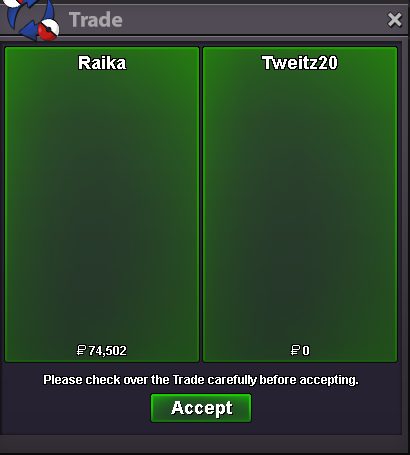
I give money away to random people until Astrella comes out. @Tweitz20
 2 points
 -
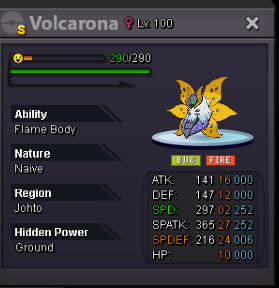
1 pointS.o: 10m Min raise: 1m C.o: 13m by Saykaa Ends 48h after first bid. Payment methods: - Cash - Ccs = 400k - Iv reroll = 500k Countdown: https://www.timeanddate.com/counters/fullscreen.html?mode=a&year=2024&month=2&day=18&hour=14&min=25&sec=0&p0=58&msg=Volcarona
 1 point
 -
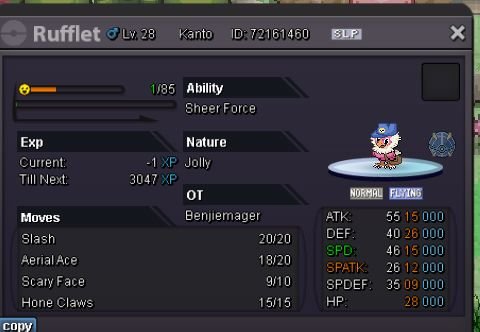
1 pointS.o = 1.5m Min bid = 100k No insta End in 48hrs after first bid Also accept Cc = 400k
 1 point
 -
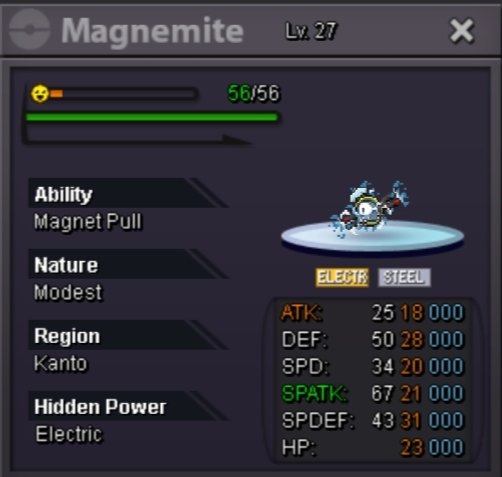
1 point• S.o 1k • Min bid 1k • No insta • Ends in 24 hours after first bid • Accepts payment in Pokedollars, rr 480k, cc 380k
 1 point
 -
1 point
-
1 point
-
Hello, I want to clarify that the list, to our knowledge, covers the entirety of Gen 1 to Gen 7. If something is not on the list, it means that it is coded according to its main characteristics. If you have any reason to believe, that the list is faulty in any way feel free to report it. The only issue we are aware of regarding Schooling is a minor wrong interaction in regards with Illusion.1 point
-
1 point
-
1 point
-
1 point
-
1 point
-
1 point
-
1 point
-
1 point
-
1 point
-
1 point
-
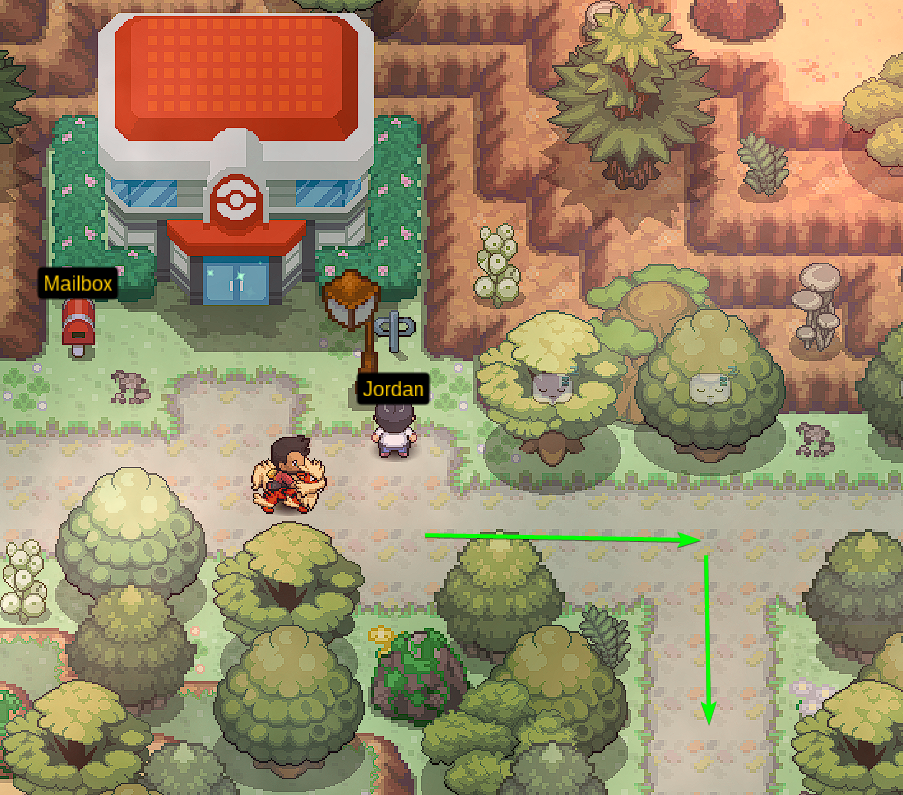
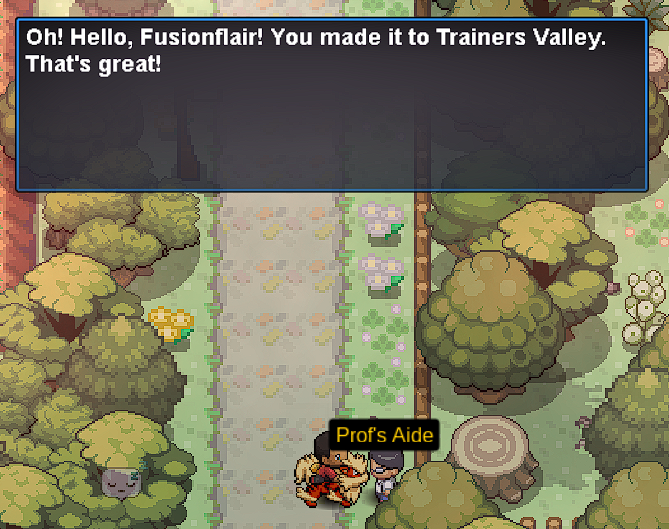
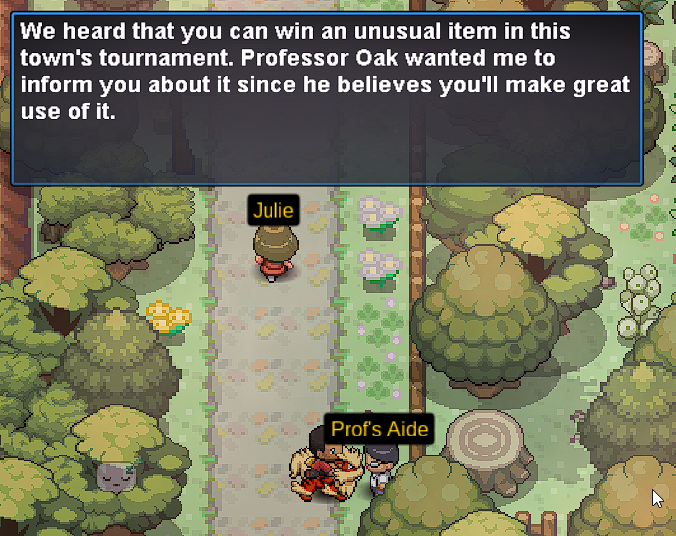
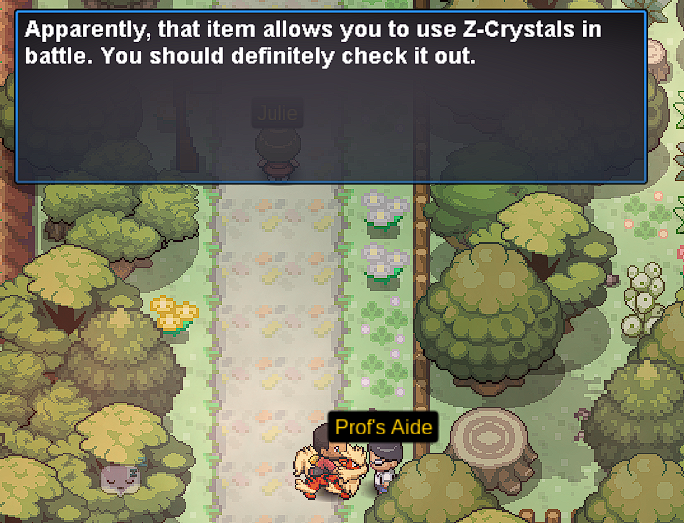
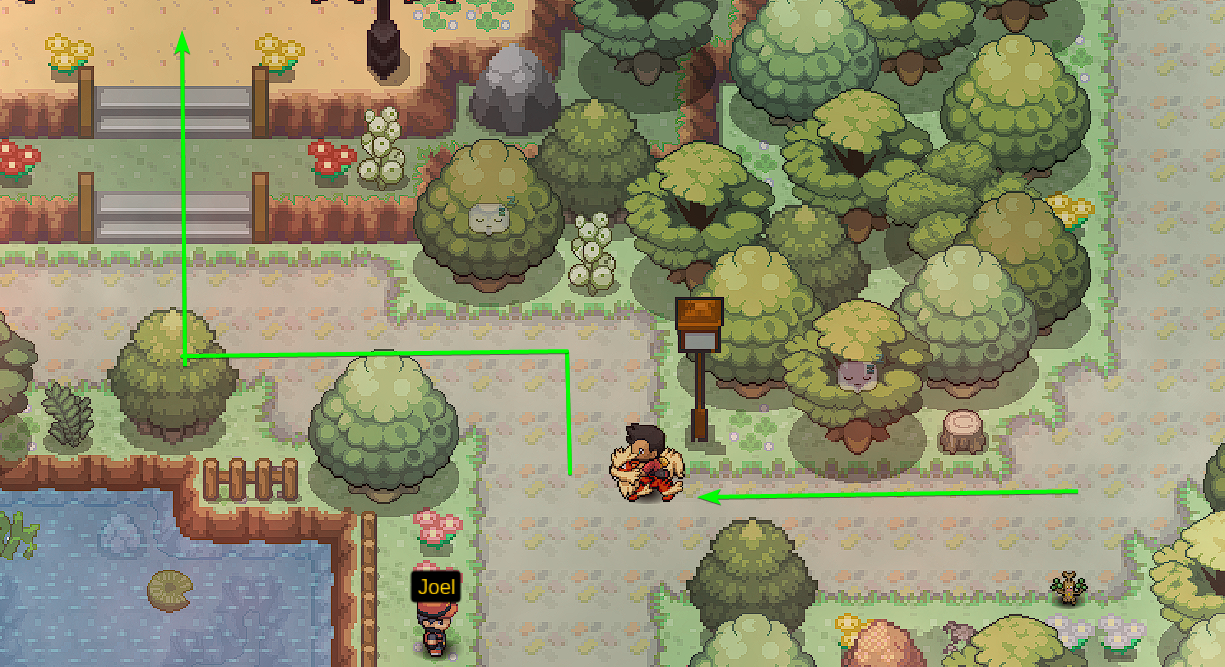
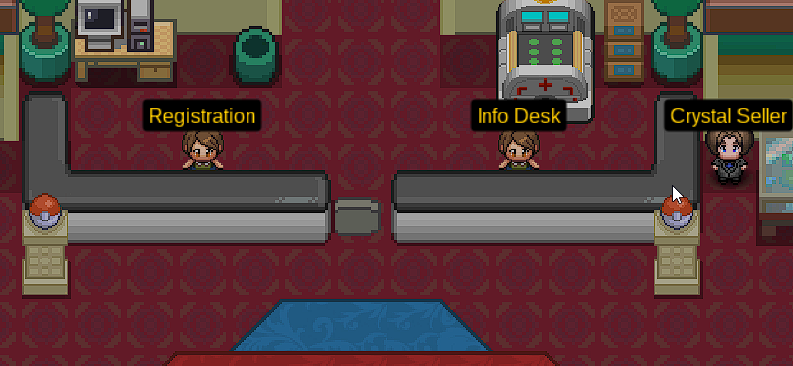
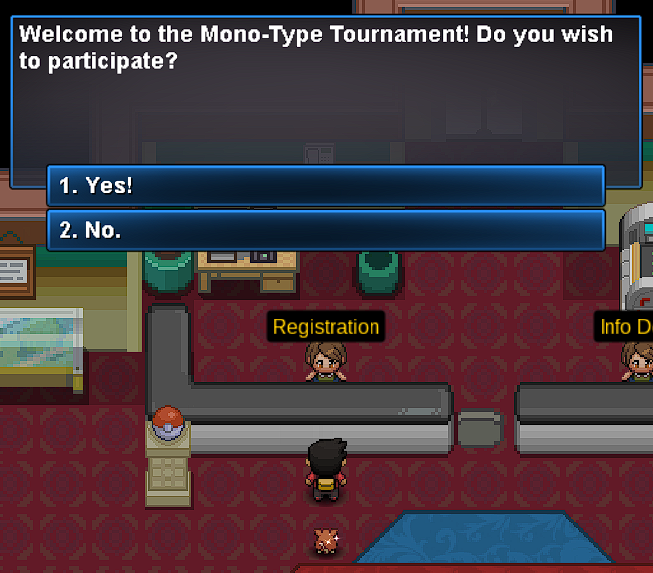
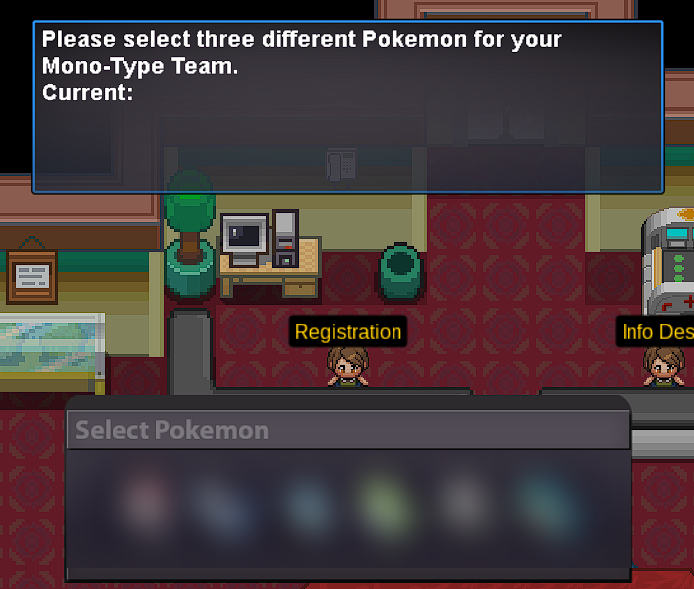
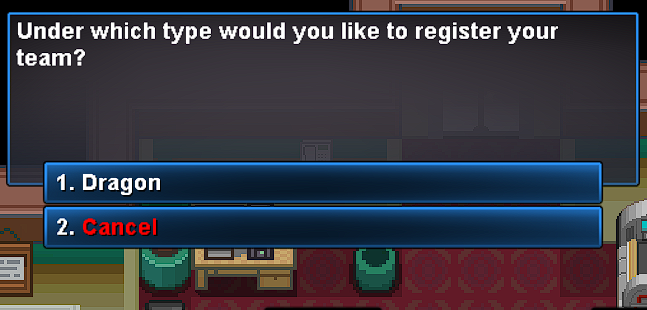
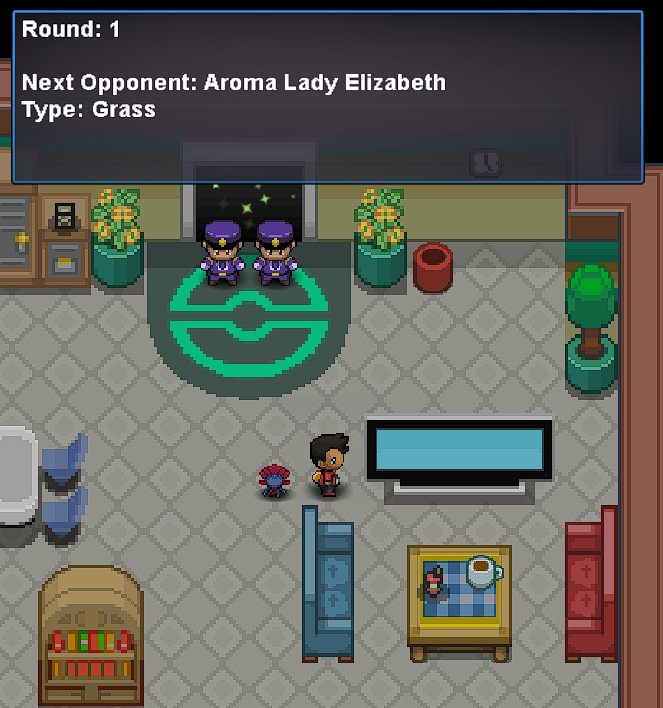
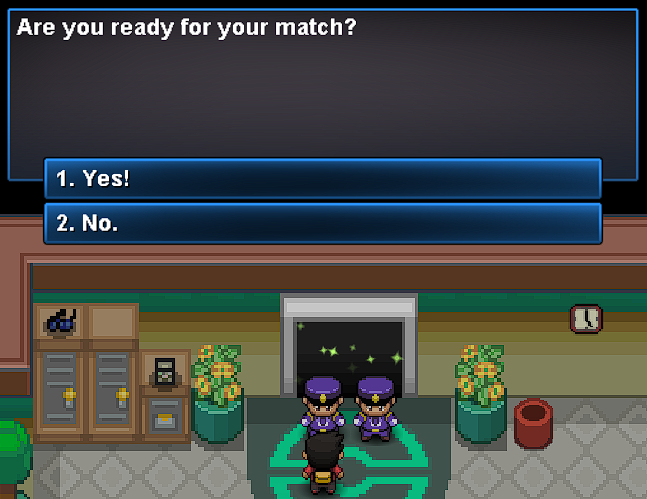
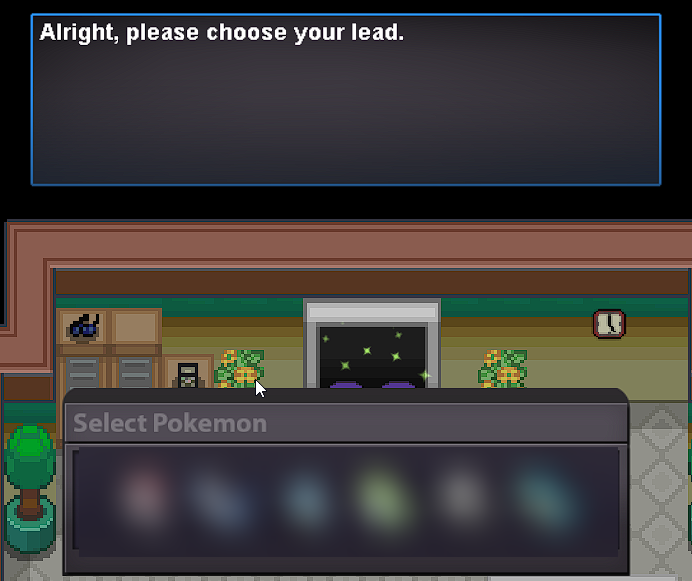
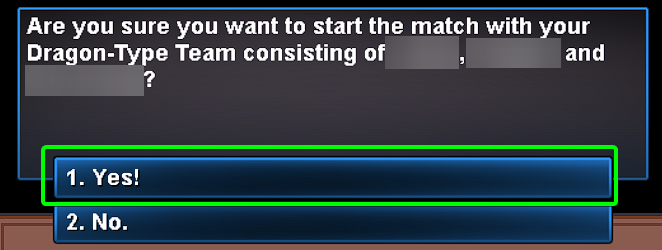
1 point1 point1 point1 point1 point1 point1 point1 point320k Shouldn't be long til the time is up right?1 point1 point1 point1 pointWelcome to the Mono-Type Tournament guide. It is a Tournament held in the Trainers Valley Stadium where you can obtain a Z-Ring and Type-Specific Z-Crystals. The building is at the center of Trainers Valley. ▹Access to Trainers Valley If you haven't already unlocked it you can find the guide around it in Trainers Valley(more info here). ▹It is a kind of team that has only one type of Pokemon, such as a team of Fire type Pokemon only. ▹Dual-Typing on Pokemon like Gyarados, a Water and Flying Type is something you can register for the Tournament with and use for both Mono-Flying and Mono-Water Teams. ▹Mega Evolution is allowed even the ones which gets a change in its Type upon Mega evolving. For example, you can also register Gyarados holding its Mega Stone, which would still count as Water and Flying type and you can register it with either of those Mono-Type Categories but you won't be able to register it in the Dark Type team(Gyarados in its Mega Evolution being Water and Dark type Pokemon), as you are registering it as a normal Gyarados. ▹Winning all rounds/Losing a round will end the Tournament for the day and you can register again after 00:00 hours GMT+0. There are two levels of tournaments you can enter... Your and the Trainers' Pokemon will have their levels reduced to level 50 for this tournament. ▹You need to have a Mono-Type Team of 3 Pokemon of Level 50+ for this tournament. ▹Z-Ring ▹EXP. Candies ▹PvE Coins Note that, the amount of EXP. Candies and PvE coins rewarded will vary. ▹This has 5 rounds in total, all of which are to be won to obtain the Z-Ring. This is necessary to obtain for getting Z-Crystals in the next part of this Tournament and other Z-Crystals' Quests. ▹You have obtained the Z-Ring. ▹You have to bring two Mono-Type Teams of 3 Pokemon each, all preferably Level 100 since the Trainers are also using Level 100 Pokemon. For example, three Psychic Types and Three Steel Types. ▹Pokedollars ▹PvE coins ▹Type specific Z-Crystals Note that, the amount of Pokedollars and PvE Coins will vary. ▹There are a total of 11 rounds. If you win all 11 rounds you will also win a Type-Specific Z Crystal at the end of the Tournament depending on the type of team you used the most. ▹The Crystal Seller NPC on the right side of the map will sell you some of the Z-Crystals associated to the Type of Pokemon used by the Trainer NPCs in the Tournament, given you have won at least 6 rounds in a row. You can buy them for 45 PvP coins each or for 75 PvE coins each. Here is a list of all 18 Type-specific Z-Crystals you can obtain from this Tournament: That concludes my quick guide around Mono-Type Tournaments. I wish you all a great time with the Tournament battles and obtaining and using all of the Type-Specific Z-Crystals.


















 1 point1 point1 point1 point1 point1 point1 point1 pointHey @Lacomus @Kimburu Thanks for applying to New Leaf, i'll send you a message soon. 🙂1 point1 point1 point3917 At a rate of 1000/year, it seems like we'll make it in only 1000 years 😄1 point1 point1 point1 point1 pointThe outcome of this auction has been forced due to the winner and auctioneer having difficulties in meeting. The Shiny Omanyte has been transferred to @007iqbal from whom 450k were removed and added to @Eetaachee. Locked as the thread has served its purpose. Take care.1 point1 pointHello everyone @Shaktimaan You are the winner of this auction with a 1.7m bid. @Bhimoso Please meet up with @Shaktimaan in-game to complete the trade and don't forget to attach a screenshot as proof that it happened. Kind regards1 pointThe game is constantly being updated and with it so are moves abilities and items. The list is just a showcase of the current circumstances in regards of uncoded or incorrectly coded moves, abilities and items. It will be updated together with the release and fixes of moves, abilities and items.1 point