New Trade Zone
Trade Zone is now live
Use the new Trade Zone for auctions and instant-price trades so Pokemon and item offers are easy to find.
Leaderboard
-
Lordleo100
Registered User12Points566Posts -

Swer4412
Registered User9Points659Posts -

Lacomus
Registered User5Points9601Posts -
Pasokoss
Registered User4Points4340Posts




Popular Content
Showing content with the highest reputation on 06/16/24 in all areas
-
3 points3 points2 pointsS.o 3m Min bid 200k auction end 72 hour after first bid accept : CC 400k ivs reroll 500k
 2 points2 points- 450k -650k -325k Spoiler Spoiler Spoiler Spoiler Pokemons with the lebel (NEW) next to them will not have their prices reduced!!! IGN: Grabarz23 Discord: Grabarz23#4704


















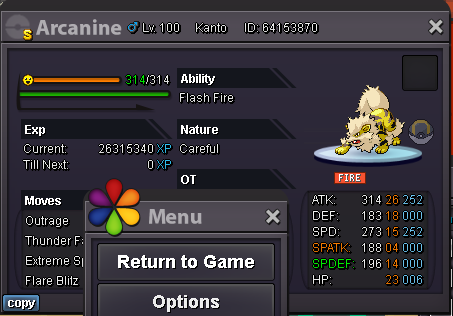
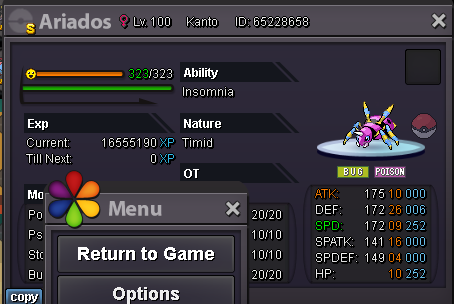












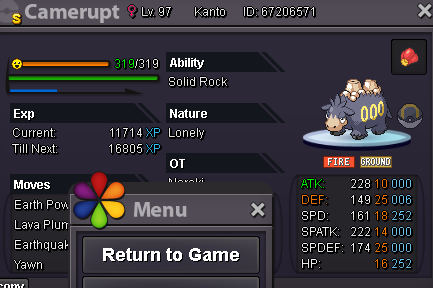




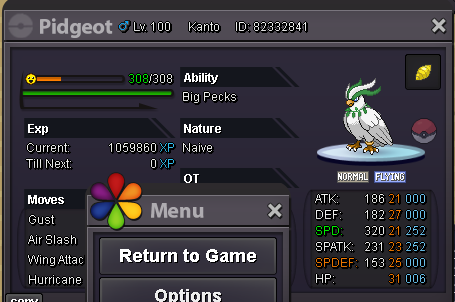









 1 point1 point1 point1 point1 point1 point1 point1 pointIt's not a problem for me, im on both servers. Current offer 11.2m by Leafstoned (just under 2 hours remaining)1 point1 point1 point1 point1 pointStart 8m Min raise 200 k Insta 18m Accept cc 400 k 48 hours after first bid
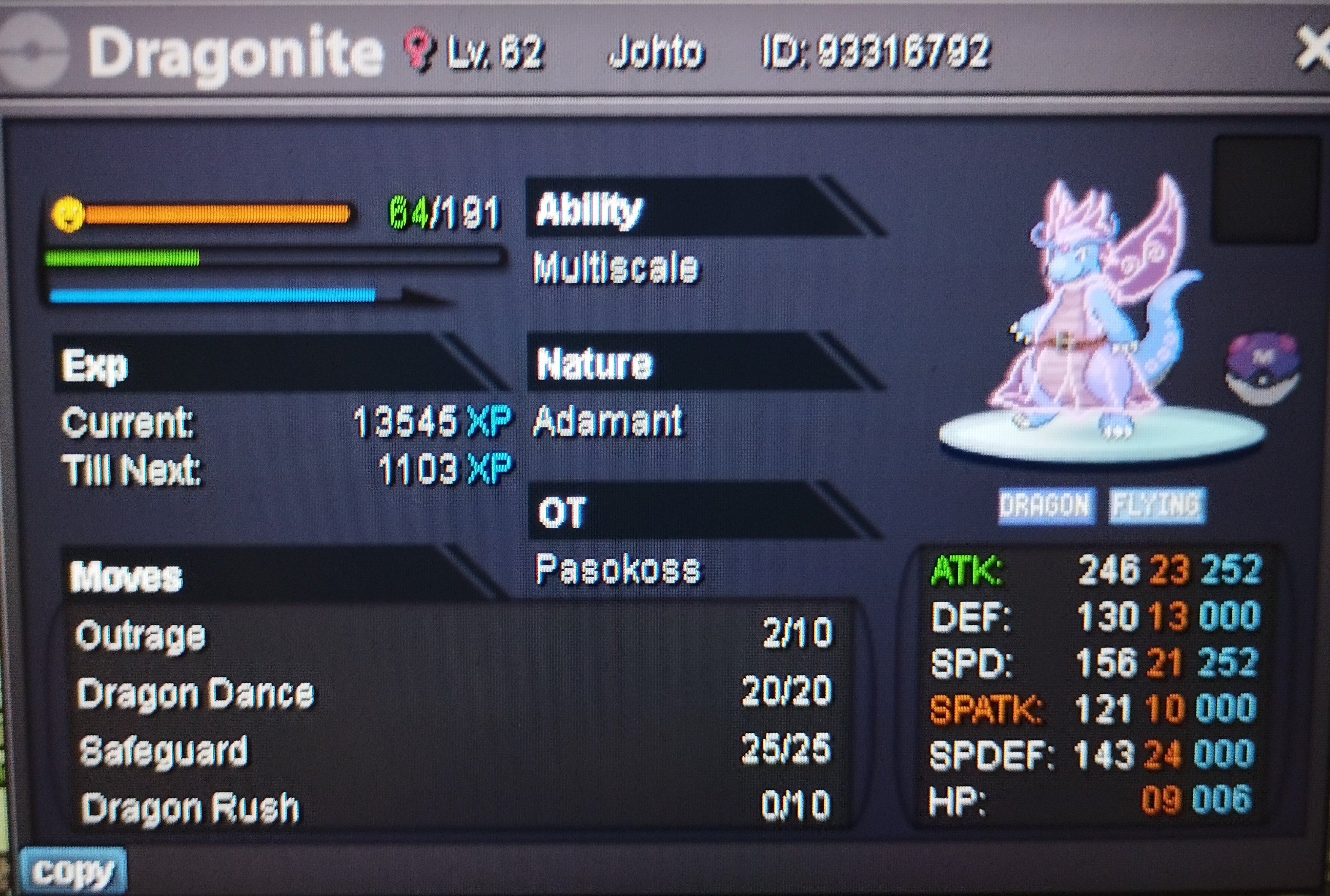 1 point1 point1 point1 point1 point1 point1 point1 point1 point1 point1 point1 point1 point1 point1 point1 point1 point1 point1 point1 pointpikachu 4 is no longer available since Manav861 was first to post however the rest is available for sale. ARe u available for trade right now ?1 point1 point1 point1 point1 pointPleasure doing business with you~ until next time1 point1 point1 pointA suggestion that we can send guild invite to someone who is offline and when they come online they can see it their social box guild page that there is a invite from certain guild that wants to recruit them and they can accept or decline the request1 point1 point1 point1 point1 point1 point